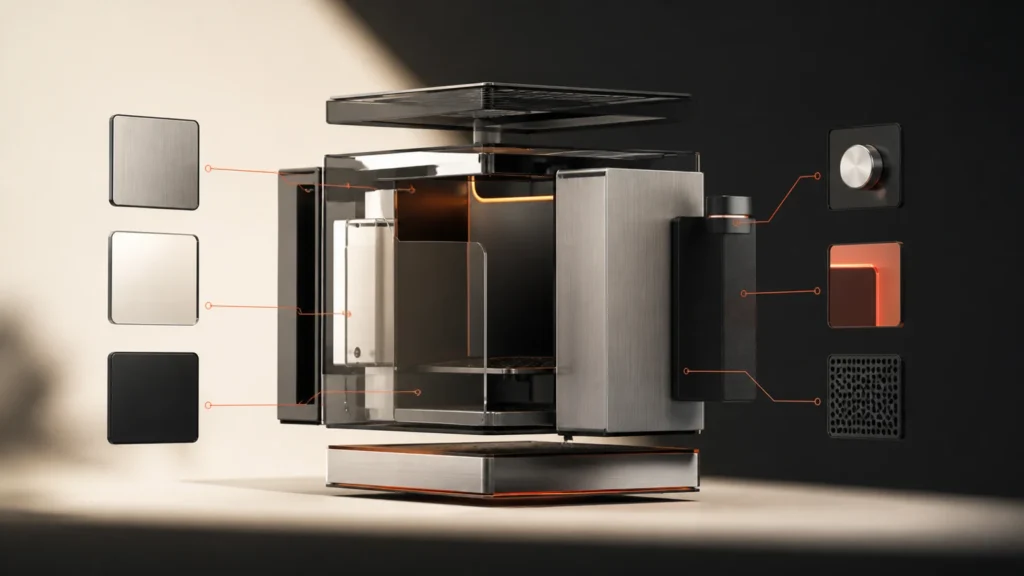
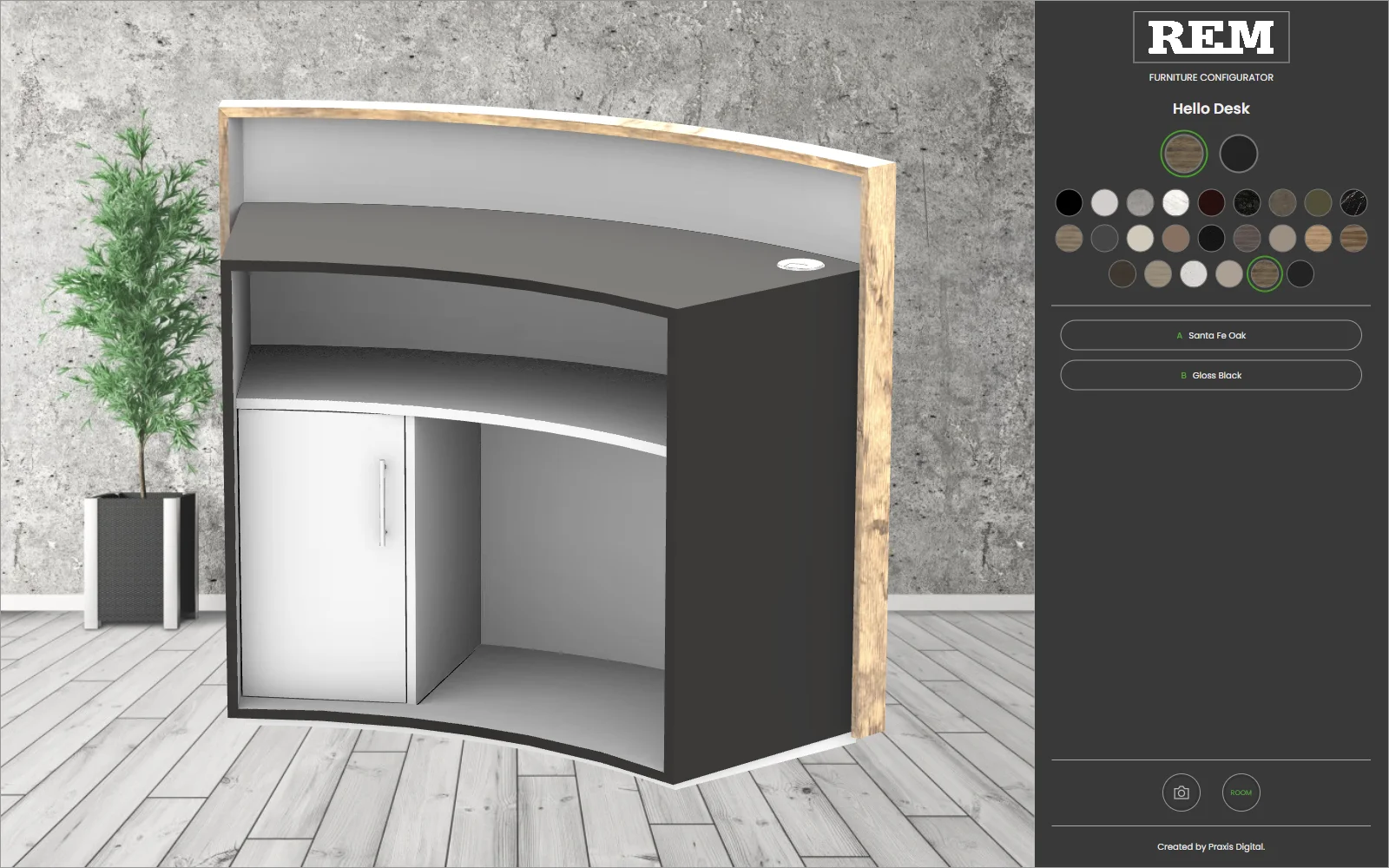
A product configurator is an online tool that lets a customer choose options for a product and see the result before they buy. The options might be colours, materials, sizes or features. The tool checks that the combination is valid, shows it visually and works out a price.
Discuss your product rangeTry the demos
I’m Niall Arnfield, an independent designer-developer based in Manchester, working across the UK. I build 3D product configurators for ecommerce. This guide explains what they are, the main types and how to start.
What a product configurator does
An online product configurator does four things:
- Offers choices in a sensible order.
- Applies rules so only valid combinations are possible.
- Shows the result, in 2D, 3D or augmented reality.
- Passes the finished specification to a basket, quote or order.
The last point is easy to overlook. A configurator that looks good but cannot send a clear specification to your team creates more work, not less.
2D vs 3D vs AR
The visual layer can take three forms.
- 2D. Layered images or illustrations swap as options change. It is quick to build and light to load, and suits products with few views.
- 3D. A real-time model the customer can rotate and zoom. It suits products where shape, angle or material matter. See my guide to how to build a 3D product configurator.
- AR. The configured product is placed in the customer’s own space through their phone. It is most useful for large items where fit is a worry.
More realism is not always better. A well-built 2D configurator can beat a poor 3D one, and I would choose the simplest layer that answers your customers’ questions.
Rules engines
The rules engine is the part customers never see and the part that matters most. It holds the logic that decides what is allowed. For example, which finishes suit which models, what size limits apply, and which options trigger others.
Good rules keep customers from ordering something that cannot be made. They also keep prices accurate and give your production team a clean specification. The rules come from your business, so I usually start by documenting them in plain language before any code is written.
Product configurator examples by industry
Configurators appear across many sectors. The table below is a generic illustration of what each typically configures. It does not describe any particular company.
| Industry | What is typically configured | Main challenge |
|---|---|---|
| Furniture | Shape, modules, fabric, legs | Fabric accuracy and option rules |
| Kitchens | Cabinets, worktops, doors, handles | Run rules and appliance fit |
| Wardrobes | Bays, interiors, doors, finishes | Made-to-measure sizing |
| Lighting | Fittings, finishes, lengths, bulbs | Realistic light and materials |
| Salon equipment | Chair, base, upholstery, colours | Commercial specifications |
| Bikes | Frame, size, components, colours | Compatibility between parts |
| Apparel | Style, fabric, colour, personalisation | Fit and print placement |
For a closer look at how made-to-order products are handled, see my guide to made-to-measure product configurators.
Common mistakes to avoid
A few problems come up repeatedly in configurator projects:
- Starting with the whole catalogue instead of one product line.
- Building the visuals before the rules are written down.
- Forgetting how the finished configuration reaches production.
- Skipping testing with real orders and real edge cases.
Each of these is avoidable with some planning. The guide to acceptance testing shows how to check a configurator before customers use it.
Live examples
Seeing a configurator work is the quickest way to understand one. My demos hub collects live examples, including seating, storage, table and lighting. They are illustrations of the approach, not client projects.
What makes a good configurator
In my experience, the good ones share some traits. They are fast, so changing an option updates the view immediately. They explain unavailable options instead of silently hiding them. They keep the price visible, and they work well on a phone.
Behind the scenes, they are built on clean product data and sensible rules, and they hand over a precise specification at the end. Visual polish matters, but it cannot make up for weak data or unclear rules.
Where they fit in ecommerce
A configurator rarely stands alone. It sits within a Shopify or WooCommerce store, a quote process or a dealer portal. The configured product might become a basket line, a request for quote or a saved design to be shared. My guides to Shopify and WooCommerce integration explain how that connection works, and the system integration guide covers production and ordering systems.
Product configurator software: SaaS vs bespoke
There are two broad routes to product configurator software.
- SaaS. You subscribe to an existing platform and configure it for your products. It is faster to start and cheaper up front, but you work within its limits.
- Bespoke. A configurator built around your products, rules and systems. It takes longer but fits exactly.
The right answer depends on how complex your rules are, how much you need to integrate and how long you will use it. I explain the trade-offs in the build or buy guide.
What it costs
Cost depends on the number of products and options, the complexity of the rules, the quality of your 3D assets and how many systems it connects to. I do not think a single figure on a page helps anyone. The product configurator cost guide explains what drives the price so you can estimate your own project sensibly.
How to start
A good first project is smaller than most people expect. I would suggest this order:
- Choose one product line, not the whole catalogue.
- Write down its options and rules in plain language.
- Check what product data and 3D assets you already have.
- Decide where the finished configuration should go: basket, quote or order system.
- Build, test and then expand.
The product configurator readiness scorecard helps you assess where you stand. The guides on product data and 3D models cover the preparation.
To see the ideas in practice, read product configurator examples.
Related reading: bike configurator guide, door and window configurators, table and desk configurators and garden building configurators.
Next step
My background includes a Knowledge Transfer Partnership with Manchester Metropolitan University, and leading development of the Praxis Digital 3D configurator platform, used by 20+ UK businesses between 2021 and 2025. You can read the case study for more.
You can try five working examples: a desk lamp, a salon backwash unit, a modular sofa, a retro countertop fridge and a watch.
If you are thinking about a configurator, get in touch and tell me about your products. You can also read about my product configurator service. You will work with me directly.
A configurator builds one product. A product finder helps a buyer choose between many. The product finder and filter design guide covers the second.