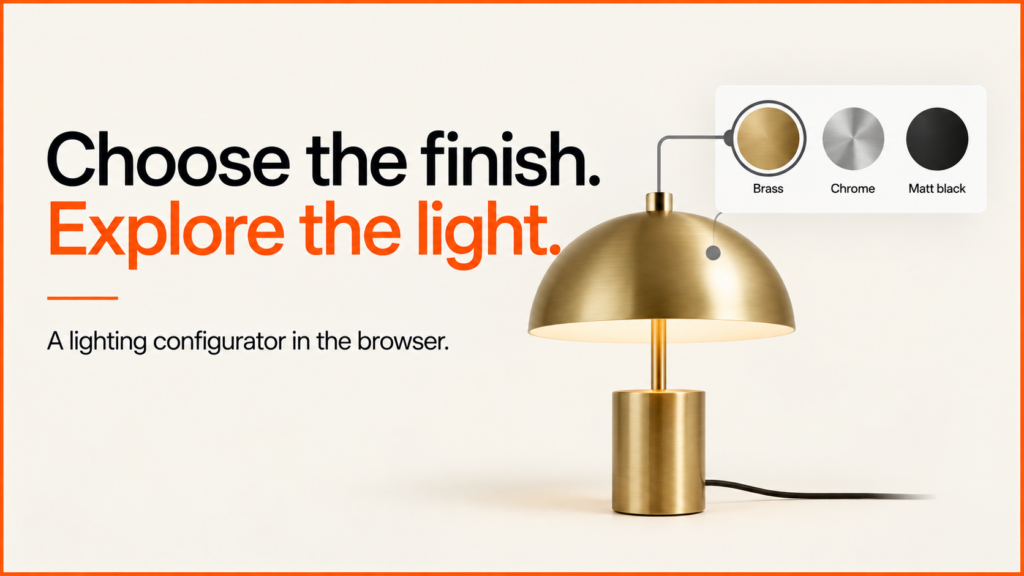
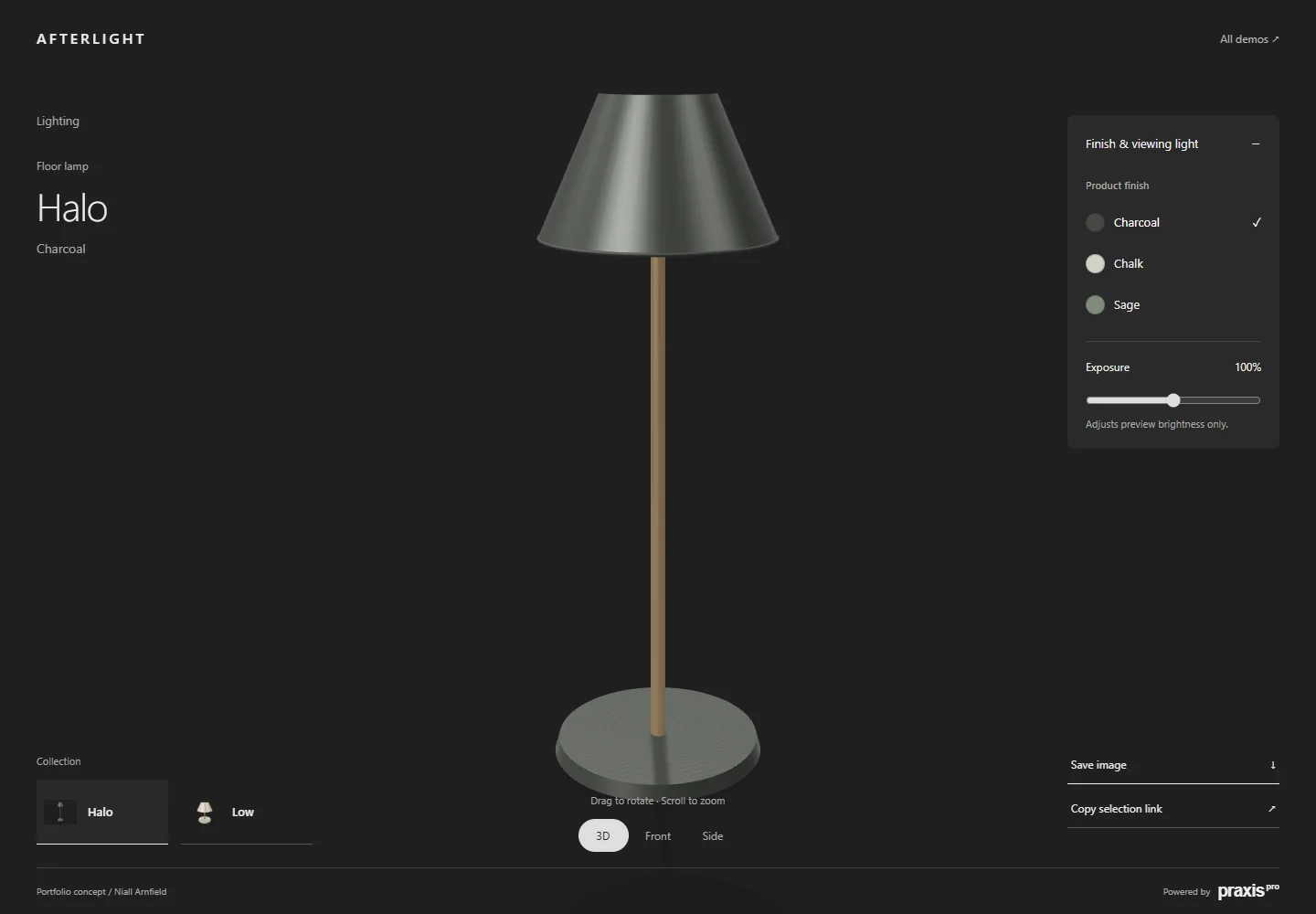
People judge lighting products as whole objects. The shade, stem, base and proportions all help a buyer decide. Afterlight gives the product most of the screen. Small controls set the finish and preview brightness.
Discuss your product rangeTry the demos
Working portfolio concept by Niall Arnfield, powered by Praxis Pro. These are original demo models. They are not a client catalogue or a live ordering service.
Interactive 3D loads when you choose Explore. Choose products without 3D. Open the demo in a full window.
Try this in the demo
- Select the Halo floor lamp or Low table lamp.
- Compare the Halo finishes. Low has one demo finish.
- Rotate the model or select a preset camera view.
- Adjust Exposure. Then save an image or copy the selection link.
Separate the product specification from the viewing conditions
A finish changes the product variant. The exposure slider changes preview brightness. These are different actions. The interface labels them apart. Moving Exposure does not change the product. It does not change light output or electrical specs.
This matters for a real lamp range. A finish preview cannot prove illuminance, colour temperature or fit for a room. Technical choices like wattage, fitting or colour temperature need verified data. They need clear controls of their own. Claims about light need proper testing or validated simulation.
| Visible here | A floor lamp with three finishes and a table lamp with one finish. |
|---|---|
| Viewing control | Exposure changes the preview brightness only. |
| Not included | Photometric simulation, a room lighting calculation, electrical certification or stock and pricing. |
Why lighting suits a full-screen layout
A lamp is bought for how it looks in a room as much as for what it does. Buyers want to see the whole shape: how tall the stem is, how wide the shade is, and how the base sits on the floor. Small product photos make that hard. A full-screen view lets the lamp fill the page, so the shape is clear before any detail.
The controls stay small and out of the way. There are only two jobs to do here: pick a finish, and set how bright the preview looks. Fewer controls mean less to read and more room for the product. Try it on a phone as well as a desktop, and see which feels easier to judge.
Finishes are where a 3D view earns its place. A metal finish and a matt painted finish can look very different under the same light, even in the same colour. Turning the lamp shows how each finish catches the light from different sides. That is much harder to judge from one flat photo per finish.
A real range would need more care. Some finishes may only come on some models. Some sizes may need a different base. Those rules should live in the product data, not in the screen, so the same rules apply in the configurator, the basket and the order.
Applying this to a real product range
A lighting brief should split visible options from technical specs. Supply approved material references and geometry. Add reliable data for the options customers can buy. Keep preview controls out of the saved order. Keep a control there only if it has a real business use.
The demo runs in a supported web browser. Customers do not need to install desktop CAD software. The project agrees and tests production-ready accuracy, integrations and supported devices. This demo does not replace engineering checks.
A different interface for a different buying decision
The other demos use the same configurator approach. Their layouts and controls differ: Gather · Index · Outline. Pick a layout that suits the product and the buyer. Keep the order details the same underneath.
The configurator analytics guide shows how the demos tell apart opening, loading, selection and sharing. It respects analytics consent.
Discuss a configurator for your products
Bring one typical product. Bring its available options and the point where a buyer should ask or buy. I can help define a practical first release. I can also help define the assets and data it needs.
For a second lamp example built directly in Three.js, with a product rule and a price, try the Three.js desk lamp demo.
For how saved selections should behave, see the guide to saving and sharing configurations.