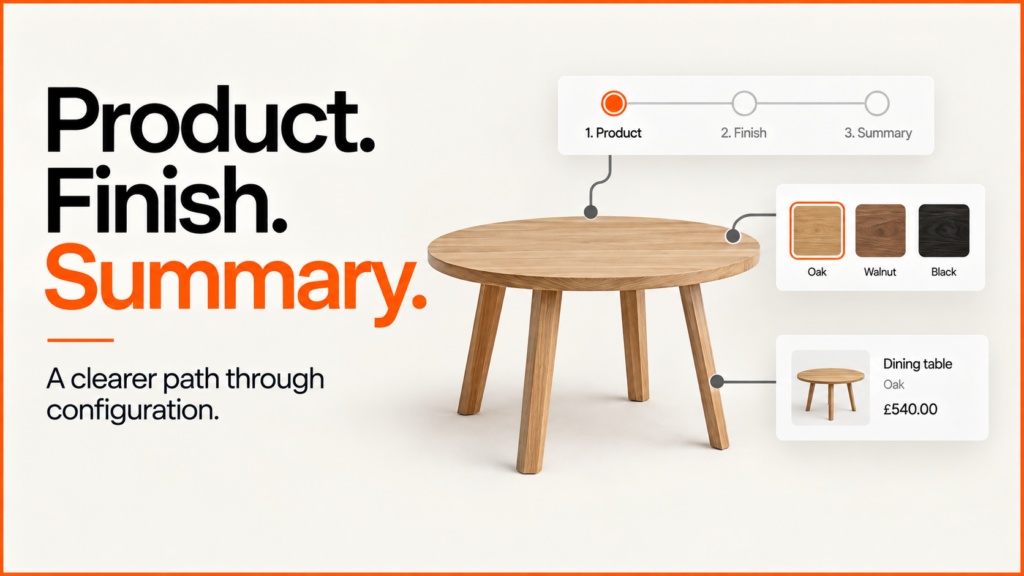
Not every configurator needs all of its controls on screen at once. Outline divides the task into three steps: Product, Finish and Summary. The product preview remains visible while the controls change, giving the visitor a clear sequence without hiding the effect of a choice.
Discuss your product rangeTry the demos
Working portfolio concept by Niall Arnfield, powered by Praxis Pro. These are original demonstration models, not a client catalogue or a live ordering service.
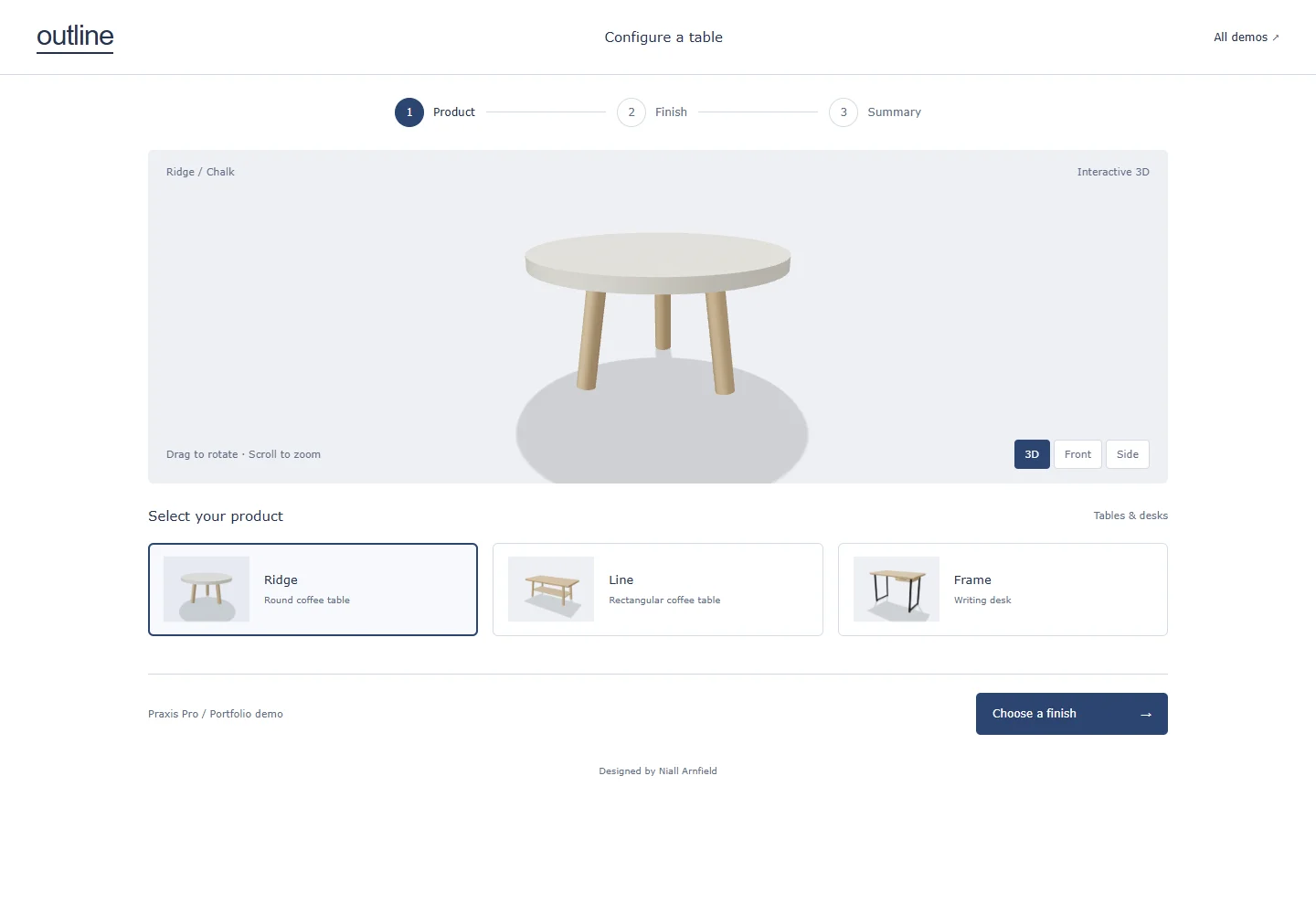
Interactive 3D loads when you choose Explore. Choose products without 3D. Open the demo in a full window.
Try this in the demo
- Choose Ridge, Line or Frame in the Product step.
- Continue to Finish and choose an available option.
- Open Summary to review the product and finish together.
- Save an image or copy the selection link; use Back to change a choice.
A guided journey with an explicit review step
A round coffee table, a rectangular table and a writing desk share the same underlying viewer, but each supplies its own options. The step navigation communicates where the visitor is and provides a way to revisit an earlier decision. The summary is a deliberate checkpoint before any future commercial handover.
For products with dependencies, the sequence should follow the rules. A size decision might determine which tops or legs remain available. This demonstration contains simple predefined finish variants; it does not implement that more complex rule system. In a production build, changing an earlier choice should explain any effect on later selections instead of silently replacing them.
| Visible here | Three table or desk models, with two finishes per product. |
|---|---|
| Journey | Product → Finish → Summary, with reversible step navigation. |
| Not included | A basket, dynamic price calculation, dimensional constraints or an order submission. |
Why steps help buyers
A table is a big purchase, and most people are not sure what they want at the start. Showing every option at once can feel like a form. Steps break the choice into small parts. First the shape, then the finish, then a last look at the whole thing.
The picture stays on screen the whole time. When you pick a new finish, you see it on the table straight away. That makes each choice feel safe, because you can see what you are getting before you move on.
The last step matters most. It is a short, clear summary of what you chose. You can go back and change one thing without starting again. You can also save a picture or copy a link to send to someone else, such as a partner, a client or a sales team.
If your range has more choices, such as sizes or leg styles, the same idea still works. You just add a step, and you make sure each step only shows options that fit what came before.
Applying this to a real product range
Define what the final summary must contain before designing the screens. Product and option identifiers, dimensions, price assumptions and any unresolved questions should travel together. For a quote-led business, that can become an enquiry specification; for ecommerce, the same decisions must resolve to a valid purchasable configuration.
The demo runs in a compatible web browser. A customer does not need to install a desktop CAD application to use it. Production-ready accuracy, integrations and supported devices are agreed and tested as part of the project; this portfolio concept does not replace engineering validation.
A different interface for a different buying decision
- The other demonstrations use the same broad configurator approach with different layouts and control structures: Gather · Index · Afterlight. Choose the interaction pattern around the product and the customer, then keep the commercial specification consistent underneath.
- The mobile configurator design guide follows this product-to-summary journey at a small viewport, including returning to an earlier step with the selection retained.
- For the rules behind a range like this, read the table configurator guide on sizes, bases, finishes and the commercial hand-off.
Discuss a configurator for your products
Bring a representative product, its available options and the point where a customer should enquire or buy. I can help define a practical first release and the assets and data it needs.
Explore product configurator development or send a project enquiry.
For what a shareable selection link should keep, see the guide to saving and sharing configurations.