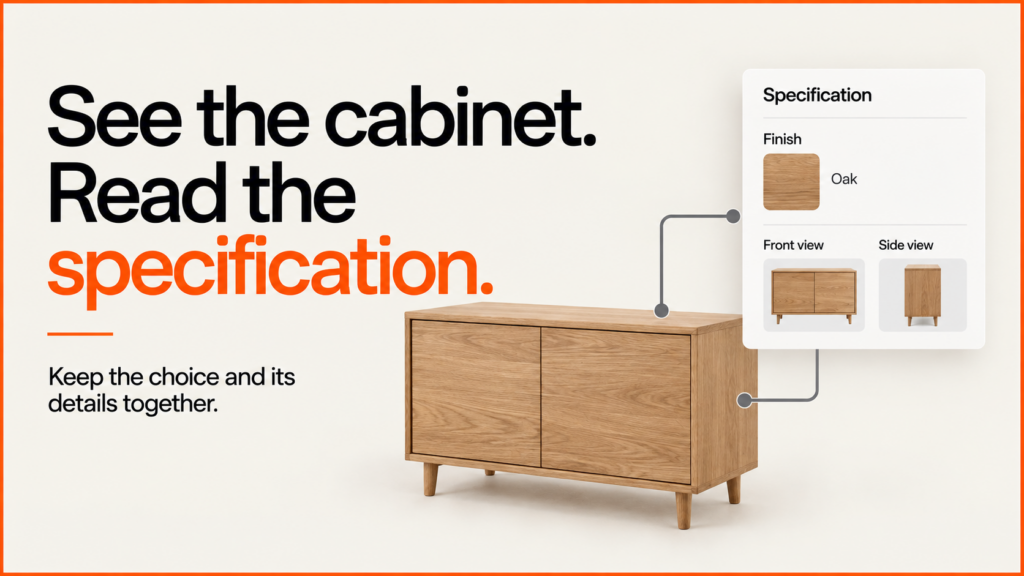
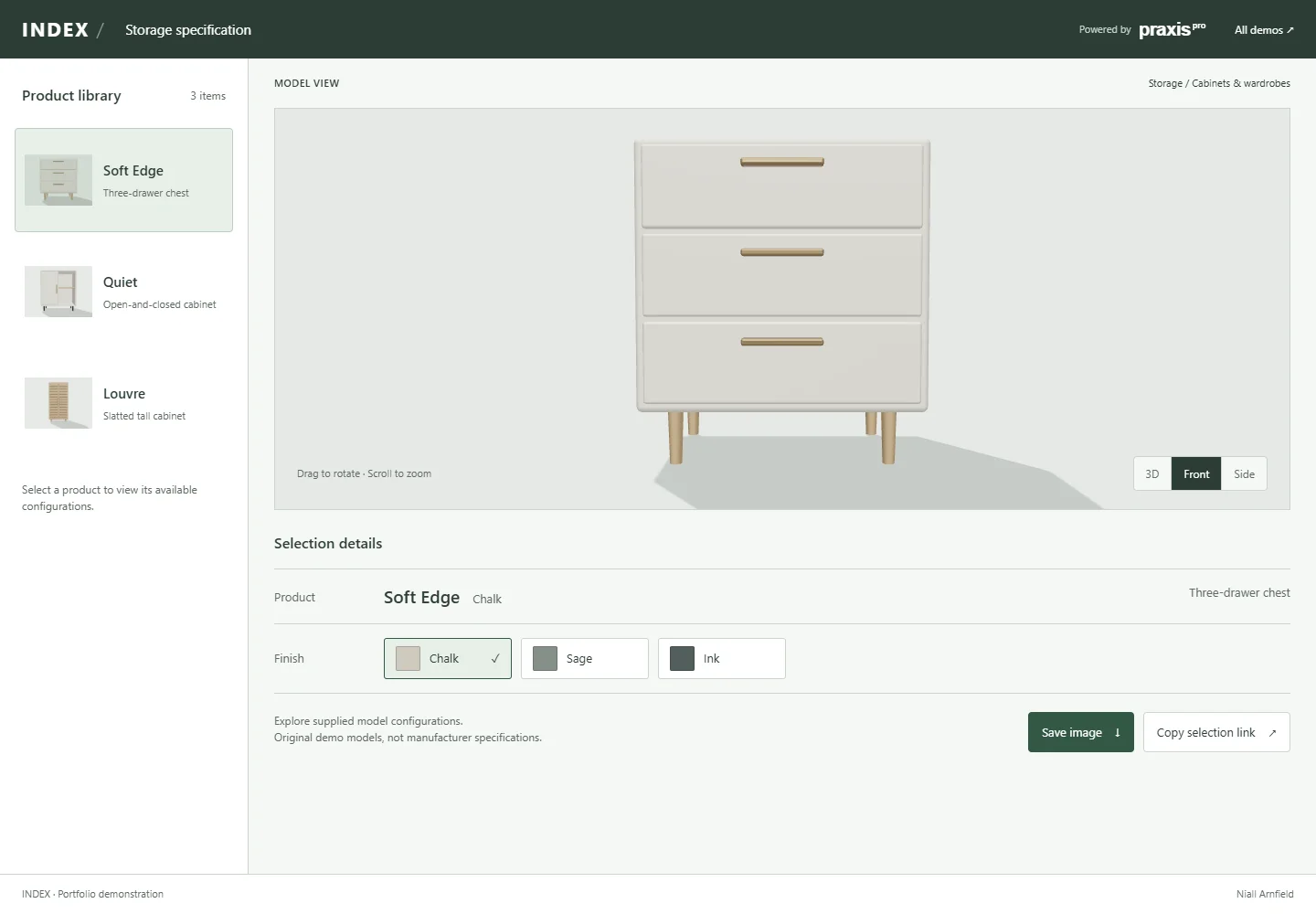
A storage product configurator has to make the selected specification easy to follow. Index places a product library beside the model and keeps the current product and finish in a compact selection table. It demonstrates a specification-led interface for cabinets and wardrobes, rather than a conventional retail product page.
Discuss your product rangeTry the demos
Working portfolio concept by Niall Arnfield, powered by Praxis Pro. These are original demonstration models, not a client catalogue or a live ordering service.
Interactive 3D loads when you choose Explore. Choose products without 3D. Open the demo in a full window.
Try this in the demo
- Select Soft Edge, Quiet or Louvre from the product library.
- Choose a finish, or use Quiet to compare its illustrative 800 and 1000 width variants.
- Switch between Front, Side and 3D views to examine the selected model.
- Copy the selection link and reopen it to restore the same configuration.
Put the specification beside the decision
The front view is the starting camera for this interface. It makes the outline of a cabinet easy to compare before a visitor rotates it. The product library remains separate from the selection table: one chooses the item, while the other confirms the item and its active option.
The Quiet cabinet changes its actual model geometry between the two labelled width variants. That demonstrates a discrete size selection, not a made-to-measure calculator. A production system with arbitrary dimensions would need validated limits, construction rules and an explicit connection between the displayed geometry and the specification sent to the business.
| Visible here | Three storage products and seven available configurations. |
|---|---|
| Size example | Two predefined Quiet cabinet widths, labelled 800 and 1000. |
| Not included | Certified dimensions, assembly drawings, manufacturing output or production pricing. |
Why storage needs a different layout
People buy storage to fit a space. They want to know how wide it is, how it opens and what it looks like from the front. A pretty photo matters less than a clear spec. That is why this demo puts a small table beside the model. It always shows which cabinet you picked and which option is on.
The front view comes first for the same reason. Cabinets are mostly seen from the front, against a wall. From there it is easy to compare one outline with another. You can still turn the model in 3D when you want to check depth or the side panel.
Try the Quiet cabinet at both widths. The model itself changes, not just a label. That is the honest way to show sizes. If the picture stayed the same while the number changed, a buyer could order the wrong one.
Then copy the link and open it again. The same cabinet, width and finish should come back. A buyer can save that link while they measure the room, or send it on to someone else.
Applying this to a real product range
Start a real cabinet brief with the valid size ranges, fixed increments, door and drawer constraints, material combinations and stable option identifiers. Decide which fields a sales team needs in an enquiry and which require a manufacturer to confirm feasibility. The handover should carry structured choices, with an image as supporting context.
The demo runs in a compatible web browser. A customer does not need to install a desktop CAD application to use it. Production-ready accuracy, integrations and supported devices are agreed and tested as part of the project; this portfolio concept does not replace engineering validation.
A different interface for a different buying decision
The other demonstrations use the same broad configurator approach with different layouts and control structures: Gather · Outline · Afterlight. Choose the interaction pattern around the product and the customer, then keep the commercial specification consistent underneath.
Discuss a configurator for your products
Bring a representative product, its available options and the point where a customer should enquire or buy. I can help define a practical first release and the assets and data it needs.
Explore product configurator development or send a project enquiry.
Related guides
- The same specification logic underpins a fitted wardrobe configurator.
- Cabinet modules and run rules are also the core of a kitchen configurator.
- For how a selection link should work in a real build, see the guide to saving and sharing configurations.