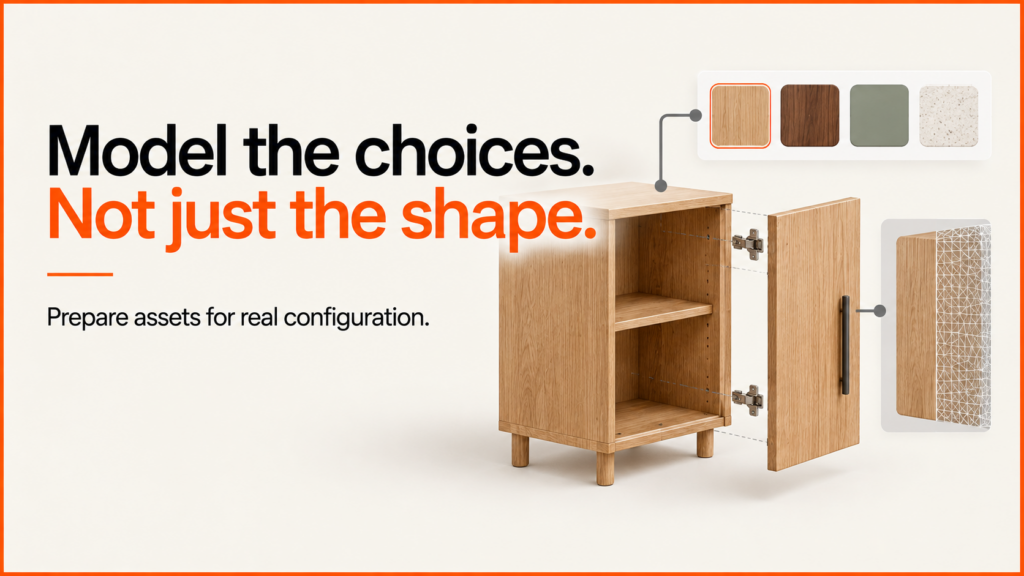
A kitchen configurator helps a customer or a designer build a kitchen from cabinet modules, then see the layout, the finishes and a price. Kitchens combine a lot of products that must fit together, so the tool needs strong rules behind it.
Discuss your product rangeTry the demos
I’m Niall Arnfield, an independent designer-developer based in Manchester, working across the UK. I build 3D product configurators and connect them to ecommerce and ordering systems. This page looks at what kitchen design configurators involve, and when a full planner is more than you need.
The building blocks of a kitchen
A kitchen is a set of modules arranged along walls. The configurator needs to understand each part:
- Base units. Cupboards, drawer packs, corner units and sink bases.
- Wall units. Standard, tall and corner wall cabinets.
- Tall units. Larder, oven housing and integrated fridge units.
- Worktops. Material, thickness, length and edge profile.
- Doors and fronts. Style, colour, finish and handles.
- Fillers, end panels and plinths that finish the runs neatly.
Most of the complexity sits between these parts, rather than in any one of them.
Cabinet modules and run rules
Cabinets come in set widths, and a run along a wall must add up to the available length. The configurator has to place modules, calculate what space remains and suggest fillers or alternative unit widths to close the gap.
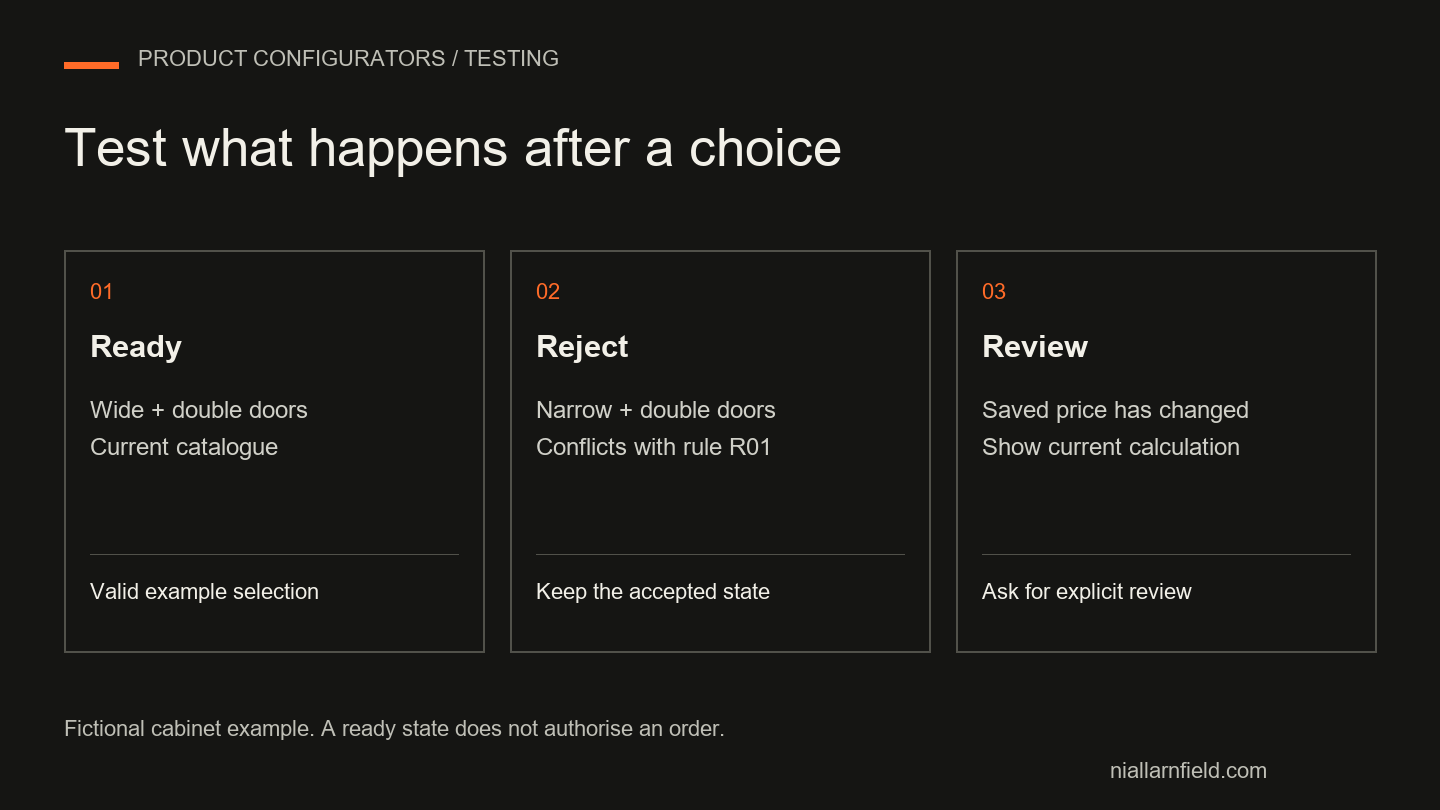
Corner units follow their own rules. A blind corner needs a certain amount of clearance, and the neighbouring unit may need a different door or handle position. Wall units need to align with base units where the design calls for it, and tall units interrupt both runs. I model each cabinet with its width, connection rules and any items it blocks. The tool can then reject invalid layouts instead of discovering the problem on site.
Worktops and edge profiles
Worktops are priced and made differently from cabinets. They are often cut to length, may need joints at corners, and have cut-outs for sinks and hobs. Edge profiles add cost and sometimes limit the thickness you can offer.
A good configurator calculates worktop length from the cabinet layout, applies joint rules and records the cut-outs needed. If worktops are supplied separately, the tool should still output a clear worktop specification for whoever orders it.
Appliance housings
Appliances bring hard constraints. Integrated ovens, hobs, dishwashers and fridges all need housings of particular sizes. A hob needs a worktop cut-out and clearance below. A sink needs a suitable base unit. An extractor may affect the wall units above.
You can handle this in two ways. Either the customer picks an appliance and the tool selects a matching housing, or the housing is chosen first and appliances are filtered to fit. Both rely on good product data, which I discuss in my guide to product configurator product data.
Door and handle finishes
Finishes are the visual selling point, and they carry their own rules. A door range may only come in certain colours. Some handles may not suit certain door styles or drawer widths. Matching end panels and plinths need to follow the chosen door.
Here, accurate materials in 3D make a real difference. The same door looks different in matt, gloss or textured finishes, and customers judge a kitchen on that look. The guide to 3D models for product configurators explains how assets are prepared so the preview stays fast and faithful.
Data and 3D assets for kitchens
A kitchen range can contain hundreds of cabinet variants, but they share a lot of geometry. A base unit in three widths and four door styles is not twelve separate models. It is one carcass with parametric width and a swappable front.
Building assets that way keeps downloads small and makes updating a range manageable. Manufacturers often hold this data already in their ordering or design software, so it is worth asking what exports exist before modelling anything from scratch. The key is a clean mapping between a part in 3D and a part code in your price list, so every unit on screen is something you can actually order.
Room planning vs single-product configuration
These are two different problems, and it helps to name them separately.
- Single-product configuration deals with one item and its options, such as a cabinet or a run of units.
- Room planning deals with the whole space: walls, windows, doors, services and how everything is arranged within them.
A room planner adds a lot. It needs a way to draw or enter the room, handle obstacles and move modules around freely. That is a larger build, and it needs testing against real rooms.
When a full room planner is overkill
Many kitchen businesses do not need a full planner on day one. If your designers do the room layout in specialist software, a lighter tool may do more good. For example:
- A guided configurator for a standard layout, such as a straight run or an L-shape.
- A finish and style selector that shows doors, worktops and handles in 3D.
- A request form that captures preferences and passes them to a designer.
If most sales still include a design appointment, a tool that qualifies enquiries and shows finishes may be more valuable than a complete planner. I would suggest working that out before choosing the scope. The build or buy guide and the readiness scorecard can help you decide.
Quote and survey workflow
Kitchens are rarely bought straight from a basket. A more typical journey is:
- The customer or designer builds a layout or selects a style.
- The configurator produces a priced quote with the specification.
- A site survey confirms measurements and services.
- The design is adjusted and the final order is placed.
The configuration needs to survive that whole process. Saved designs, revisions and a clear history help sales staff and customers refer back to the same version. My guide to saving and sharing product configurations covers this. Once approved, the specification should flow into your ordering or production systems, which is the subject of the system integration guide.
Designing for the people using it
Kitchen tools have two kinds of user. Homeowners want inspiration and reassurance. Designers and fitters want accuracy and speed. Trying to serve both with one interface often fails, so I tend to separate the views.
A homeowner might see a guided path: pick a layout, choose a style and view the kitchen in 3D. A trade or showroom user might get an editor with module lists, exact dimensions and the ability to export a specification. Both can use the same rules and data underneath.
Related reading: door and window configurators, table and desk configurators and garden building configurators.
See an example
The storage product configurator demo shows cabinets and product specifications in a live example. It is a demonstration of the approach rather than a kitchen client project, but the module and specification logic is similar.
If you are considering a kitchen configurator, get in touch and describe how your kitchens are designed and sold today. You can also read about my product configurator service. You will work with me directly.