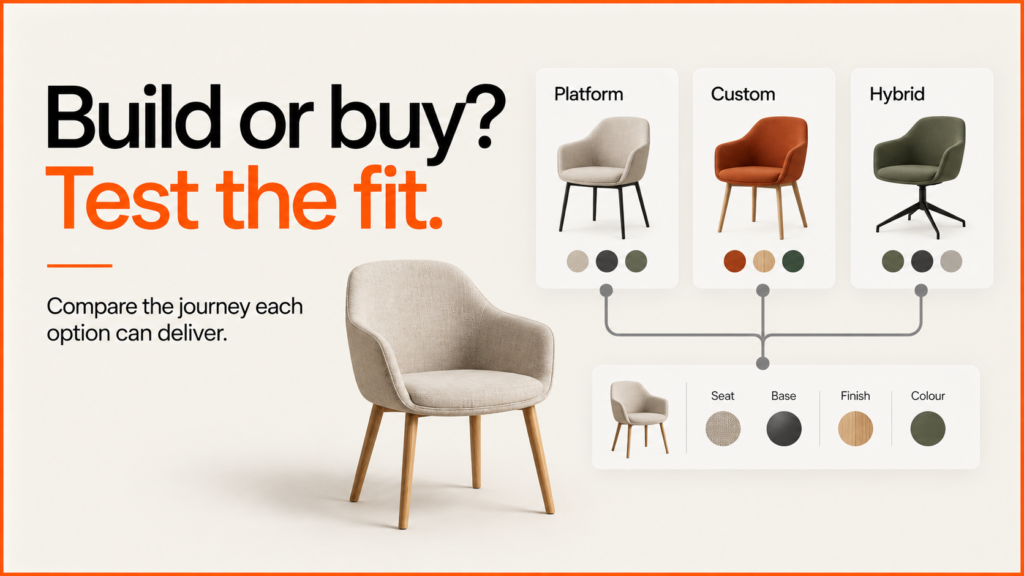
Should you build or buy a product configurator? Start with the buying journey you need to support, then ask each supplier to demonstrate it with a representative product. A convincing render is useful evidence of visual presentation. It does not establish that product rules, saved selections, quotations and future catalogue changes will work.
Discuss your product rangeTry the demos
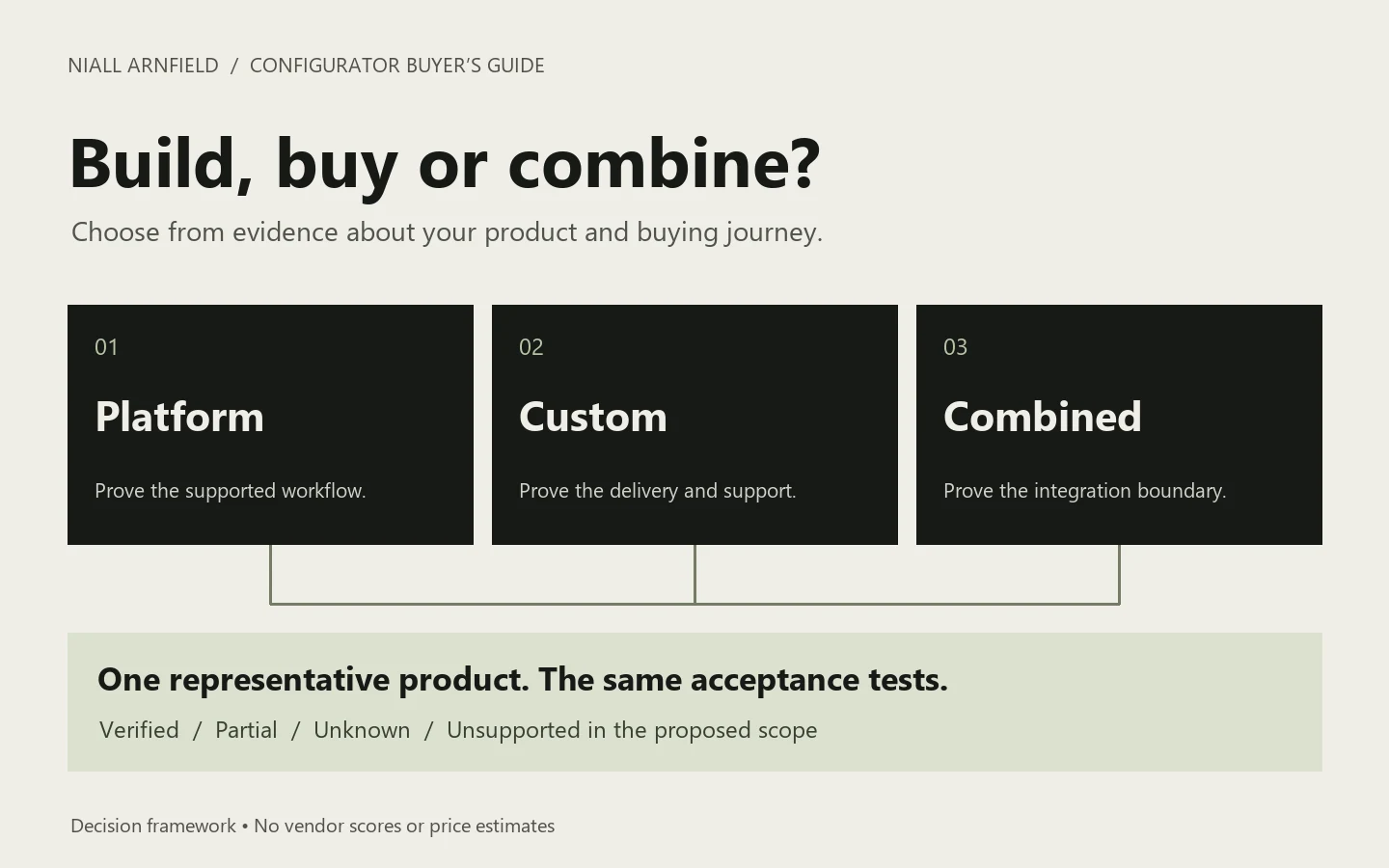
A configurable platform can be a good fit when its supported workflows match your business. A custom build can make sense when what you need is specific enough to be worth building and maintaining. A third option uses a platform’s viewer or editing tools with your own interface and links to your systems.
Compare three delivery models
| Approach | What to establish |
|---|---|
| Platform subscription | Can the supported editor, rules and integrations deliver your required journey? Confirm which plan and services are included. |
| Custom development | Who will build, host, test and maintain the application? Agree source access, product-data ownership and the ongoing support boundary. |
| Platform plus custom work | Which behaviour belongs to the platform and which to your integration? Identify who fixes a failure that crosses that boundary. |
These are delivery choices, not quality rankings. A platform may support a sophisticated application; a custom project may still have a deliberately small scope. Compare the exact proposed implementation rather than assuming either label guarantees flexibility or speed.
Use the configurator cost guide for budget drivers and the readiness scorecard to assess your starting position. The worksheet below addresses a different question: what has a proposed solution actually demonstrated?
Use a representative product and a written test
Choose a product that exercises a real constraint, rather than the simplest item in the catalogue. For a cabinet, that might mean two widths, several finishes, a component that fits only one width, and a quotation requiring the final specification. Supply approved product data and assets; mark assumptions explicitly.
The following example is fictional. Replace it with your own rules before sending it to a supplier. Give every candidate the same brief, expected outcome and test environment.
| Test | Evidence to request |
|---|---|
| Choose a valid combination | Select the wider cabinet, finish and compatible drawer insert. Verify that the visible specification matches all three choices. |
| Change to an incompatible width | Show the agreed response: explain the conflict, remove the incompatible insert with notice, or prevent that choice. Do not silently retain an invalid specification. |
| Reopen a saved selection | Open it in a fresh session, then test a removed finish. Establish how the customer reviews an unavailable choice. |
| Hand the specification to sales | Inspect the received product and option identifiers. Confirm whether the output is a quote request, priced offer or validated order. |
| Change the catalogue | Have the intended operator add a finish and withdraw an option. Record the steps, permissions and development work required. |
Download the editable supplier-evaluation worksheet. It includes test cases, an evidence register and a responsibility checklist. Blank results are intentional: the pack contains no vendor scores or measured supplier outcomes.
Understand what a public demo proves
Vectary’s standing-desk example shows height, size and material choices working together. Its write-up mentions pricing and cart links as things an API makes possible. That difference matters. Seeing a 3D choice change does not prove the sale side works for your business. The example is worth a look, but it is no substitute for testing your own needs.
The same standard applies to my Praxis portfolio demonstrations. Their demo products show different layouts and ways of choosing. They do not take orders. The saved-configuration guide shows one behaviour you can check, including what happens when a choice is no longer available. Historical client work is described separately in the Praxis case study.
Record evidence rather than impressions
For every requirement, record the tested version, date, result and remaining work. Use four simple statuses: verified, partial, unknown and unsupported in the proposed scope. Unknown means you do not yet have evidence; it should not become an assumed feature or an accusation that the supplier cannot deliver it.
List your must-haves before you compare proposals. A high overall score can hide one failed must-have that makes the tool useless to you. Treat each must-have as pass or fail. If you accept something different, ask for the change in writing.
Test keyboard use, phone controls and loading at the same time. Agree the devices and network speeds, then record the results. The performance-budget guide provides an asset worksheet; configuration-rule testing covers valid and invalid combinations. A supplier’s Lighthouse screenshot from another site says nothing about how your own models and links will perform.
Room planner or product configurator?
Some suppliers sell a room planner as if it were a configurator, or the reverse. They answer different questions, so decide which one the customer is stuck on before comparing products.
| Task | Product configurator | Room planner |
|---|---|---|
| Customer decides | Product options | Room arrangement |
| Needs from you | Valid combinations | Space and dimensions |
| Saves | A specification | Placed items and layout |
| Checks | What can be ordered | Where items sit |
If the recurring question is whether a chair comes in a particular finish, start with configuration. If it is how six workstations could be arranged, start with planning. A room backdrop alone does not make a planner: it needs a representation of the space and a way to place and save several objects. A furniture footprint is also not an installation envelope, because doors, reclining chairs and access requirements all change the layout.
If customers need both, share one product catalogue instead of making them re-enter choices. Store the product identifier, chosen options and catalogue version once, then give each placed instance its own identifier, position and rotation. Changing one cabinet’s finish should not silently change another unless the interface offers a shared change. Test a representative layout with many objects rather than extrapolating from one product on an empty stage. A small example pack with fictional JSON data and a scoping worksheet shows the difference between a configuration and its placed instances.
Comparing specific platforms? Use the test method in configurator platform alternatives.
See also: bikes, Magento and BigCommerce.
Agree what happens after launch
Compare the full cost over the same period: setup, model preparation, subscription or hosting, links to your systems, catalogue updates, support and the cost of leaving. Ask for usage limits and renewal terms in writing. Do not compare a platform licence alone with a custom proposal that also includes modelling and integration.
Clarify who owns and can export the original models, textures, product data, configuration records and any custom code. Ask the supplier to demonstrate the required export or handover. A downloadable model file is not automatically a portable copy of the interface, rules and sales workflow.
Finally, assign a named owner for catalogue changes, failed integrations and unavailable saved selections. Set an acceptance test for each. This gives you a practical basis for choosing a delivery model and a clear boundary for the first release.
If you would like help evaluating a platform or defining a custom implementation, send a representative product and your required customer journey. I can help turn them into a testable project brief and scope the configurator development it needs.
Related guides
- If building is the right answer, the guide on how to build a 3D product configurator covers product rules, assets, rendering and commerce integration step by step.
- To see what a custom build can look like before you commit, try the Babylon.js appliance demo and the React Three Fiber sofa demo.
- The PlayCanvas salon demo shows a custom rule you might not get from an off-the-shelf tool.
- For the basics first, read what is a product configurator.
- For an example of one platform adapted to a single trade, read about salon furniture websites and configurators.
- If your store runs on Shopify, the same choice has its own guide: product option apps compared with a custom build on Shopify.