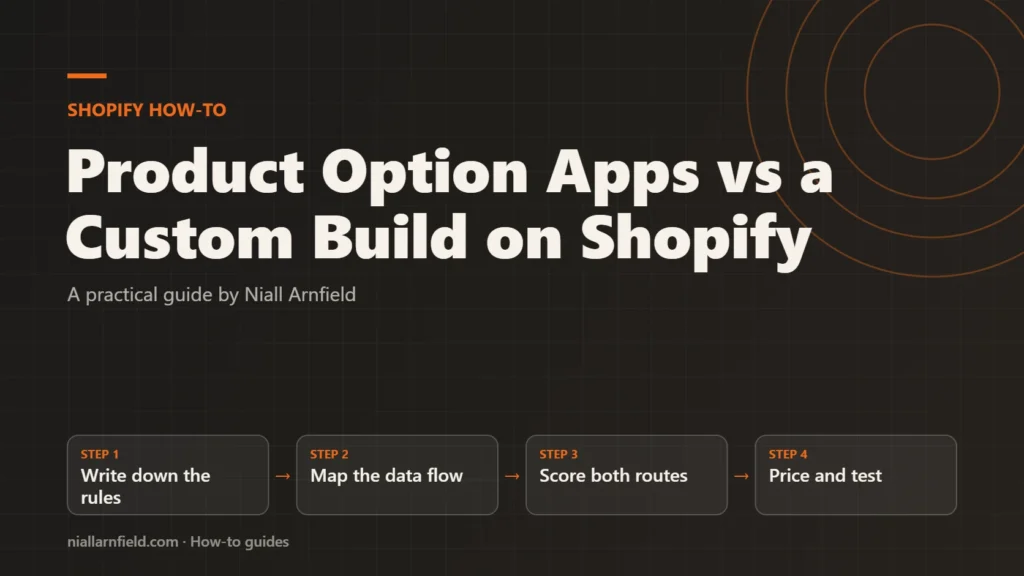
Shopify apps can add product options quickly, but a custom build gives you full control over data and cost. This guide compares the two routes on five points, then gives you a checklist to make the decision.
Discuss your Shopify storeSee selected work
Why this decision matters
A product option is any choice a shopper makes before buying, such as a finish, a size or an add-on. Shopify handles simple choices with built-in variants. Once a store needs pricing rules, live previews or custom fields, those built-in options often fall short. That is when a store owner looks at an option app or a custom build.
The choice has long-term effects. An app is quick to install, but it carries a recurring fee and its own data model. A custom build costs more at the start, but you own the code and the data. The wrong choice shows up later, in invoices, reports and any future migration.
Many stores mix the two approaches, using built-in options for simple choices and a custom build for complex ones. The decision is rarely all or nothing. The built-in limits matter too. Shopify’s help centre lists up to 2,048 variants and up to three options per product. A configurator that needs more rules than that usually needs one of the two routes.
- Write down the rules
- Map the data flow
- Score both routes
- Price and test
What to compare before you choose
I compare both routes on the same five points. Score each route for your store, not for a generic one.
- Cost of ownership: set-up fees, recurring fees, developer time and the cost of later changes.
- Speed: how long a launch takes, and how quickly you can change a rule.
- Order data: whether each choice reaches the order, the packing slip and the accounting export.
- Pricing add-ons: whether the price logic can handle surcharges, bundles and tiered pricing.
- Lock-in: whether you can export your configurations, and what breaks if you leave.
Give each point a plain yes, partly or no. The overall pattern matters more than any single score, because one weak point can outweigh several strong ones.
Weight the points to suit your store. A store with simple options often values speed most. A store with complex pricing usually values pricing add-ons and lock-in more highly. Think about who will run the configurator after launch, too. Someone who changes prices every week needs a tool built for that kind of change.
Step by step
-
Write down every option and rule
List each choice, its values and any rule that links them. For example, one fabric might change the price, or one finish might exclude a size. Rules are where apps and custom builds differ most, so write them exactly.
-
Map where each choice must end up
Trace each choice from the product page to the order, the packing slip and your accounting system. Note any system that needs the data in a fixed format. Include defaults and dependencies too, because they often cause the most rework. A choice that never leaves the storefront is easy to store. A choice that feeds fulfilment needs more care. If your warehouse team needs a field, agree its format before you build, not after.
-
Score both routes on five points
Use the five points above and rate each route for your store. Ask a developer to price a custom build from your written rules. Ask each app provider for a full list of fees and the data fields it stores. Then compare the figures on the same basis, with the same weighting for both routes. Ask every provider for the same list, because a missing cost is a common source of surprise.
-
Price the full term, not the launch
Add up set-up, recurring fees and change costs over the period you plan to run the store. Then add the cost of leaving, including export work, data clean-up and any rebuild. For example, a monthly fee that looks small can outweigh a one-off build within a few years.
-
Check pricing against real products
Take three real products, including your most complex one. Work out each price by hand. Check that the app or build returns the same result. Price-logic errors are costly and easy to miss after launch, so test them before you commit. Include the product with the most options, and the one with the fewest.
-
Test a live order end to end
Place a test order with each route. Check the cart, the checkout, the order confirmation, the admin order and any export. Confirm that the choices appear where your team needs them, in the format they need.
-
Plan your exit before you sign
Ask how you export configurations, and whether the data follows a standard format. Write down the steps to leave. Teams often skip this check, yet it matters most when a provider changes its pricing or its features.
Decision checklist
- Do your rules fit the option set without workarounds?
- Can every choice reach orders, packing slips and accounting exports?
- Can you price three years, including fees and changes?
- Can you export your configurations in a usable format?
- Can your team make routine changes without a developer?
- Does the chosen route keep key product facts in the page HTML for search?
Common mistakes and when to get help
The most common mistake is choosing on the launch price alone. Other errors include writing rules loosely, so each route reads them differently, and skipping the exit plan until you need it. Avoid trusting a demo alone, because demos often skip real stock and real delivery rules.
Get help when the rules are complex, when the data feeds your accounts, or when the build touches the cart. A Shopify developer can price a custom build from your rules and review any app’s data model. My Shopify developer service covers both. For the build side, read the configurator integration guide.
Related how-to guides
- Shopify Markets and Hreflang: A Practical Guide: Shopify Markets can give each country or language its own URL.
- How to Get Past Shopify's Product Variant Limit: Shopify caps how many variants and options one product can have, so a highly configurable item can run out of room.
- Shopify App Bloat Audit: Find and Remove Leftovers: Uninstalled apps can leave scripts, snippets and embeds behind, and these slow your store.
- Canonical Tags on Shopify Collection Product URLs: Shopify products can be reached through a collection URL, which creates a second address for the same content.
- Faceted Navigation SEO on Shopify: A Practical Guide: Shopify filters can create many near-duplicate URLs, and search engines waste time crawling them.
- WooCommerce Faceted Search: Speed and SEO Guide: Faceted search lets shoppers narrow products by size, colour, price and more.
- How to Migrate WooCommerce to HPOS Safely: Older WooCommerce stores save orders in the WordPress posts tables, and that slows down large stores.
See all the Shopify, WooCommerce and 3D how-to guides.
Common questions
Is a custom build always more expensive?
Not always. A custom build costs more at the start, but it can cost less over several years if fees and changes add up. Run the full-term comparison with real figures before you decide. The answer depends on how many products you configure and how often the rules change.
Can I start with an app and move to a custom build later?
Yes, but plan for it. Ask for a full export of your configurations and order data before you start. Map the old data to the new structure, then test a few orders on both before you switch. Planning early costs far less than an emergency move later.
Will a custom configurator hurt my search visibility?
It can, if key content only appears after a script runs. Google indexes rendered content, but rendering can lag behind crawling. Keep product names, descriptions and key options in the page HTML, and check the rendered output with the URL Inspection tool in Search Console.