How-to guides
Shopify, WooCommerce and 3D How-To Guides
Practical how-to guides for Shopify, WooCommerce and 3D product models: variant limits, faceted SEO, redirects, HPOS, structured data and glTF.
Read articleProject stories and practical notes on design and development, with the decisions, examples and evidence behind the work.
Practical how-to guides for Shopify, WooCommerce and 3D product models: variant limits, faceted SEO, redirects, HPOS, structured data and glTF.
Read article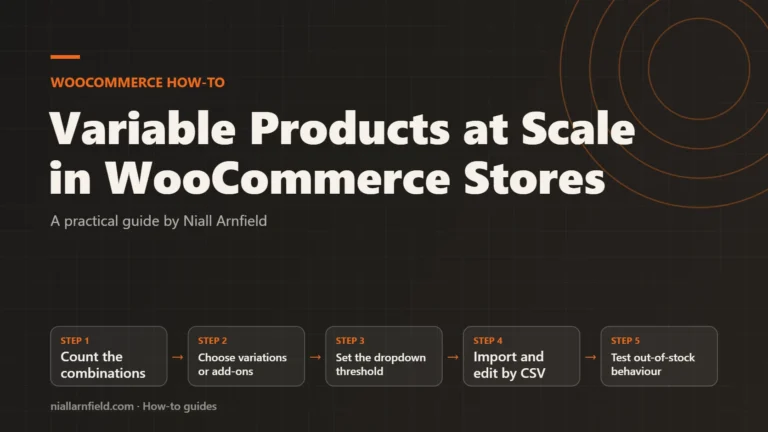
Handle hundreds of WooCommerce variations without slow product pages. Learn the variation threshold, bulk editing, CSV import and when to avoid variations.
Read article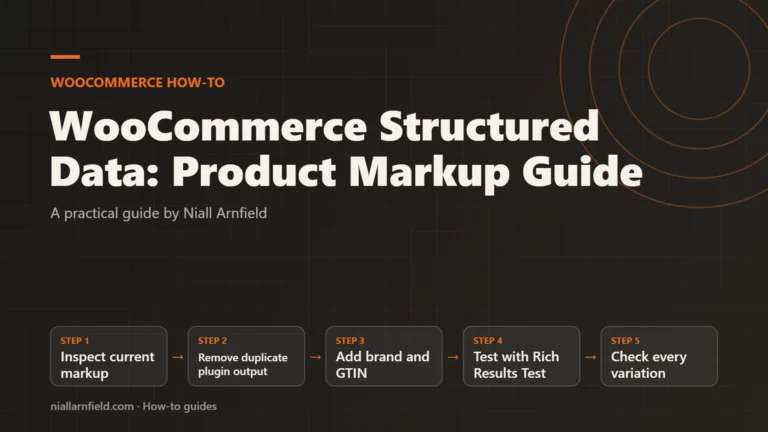
Learn what WooCommerce outputs by default, which fields Google wants for merchant listings, and how to add brand and GTIN safely with a filter.
Read article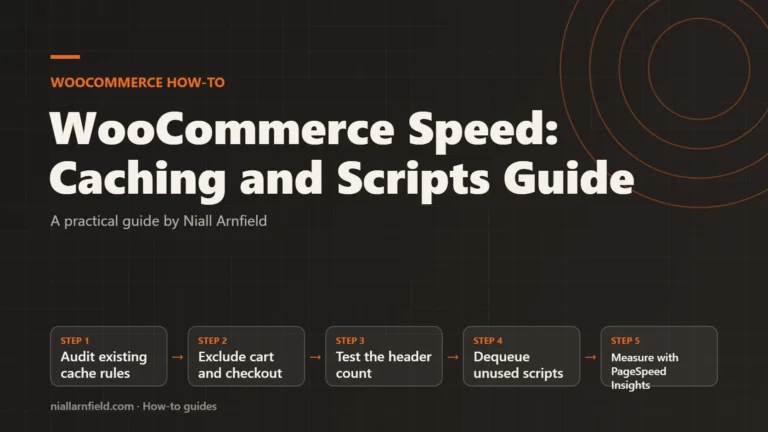
Learn how to exclude WooCommerce cart pages from cache, check cart fragments, and unload scripts safely, then measure the result in PageSpeed Insights.
Read article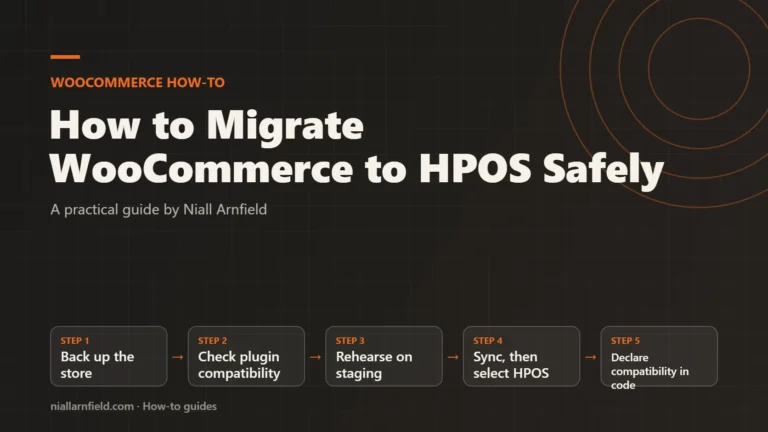
Move your WooCommerce orders to High-Performance Order Storage without losing data. Learn compatibility mode, plugin checks, staging tests and the switch.
Read article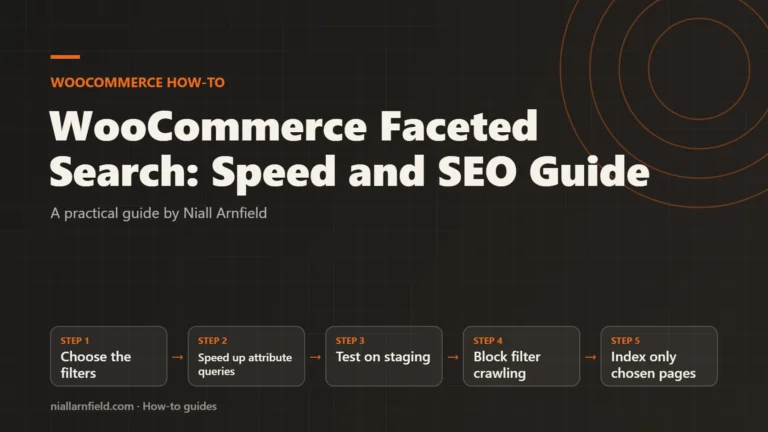
Set up WooCommerce filters that stay fast and crawlable. Learn filter blocks, the attribute lookup table, robots.txt rules and when a search service helps.
Read article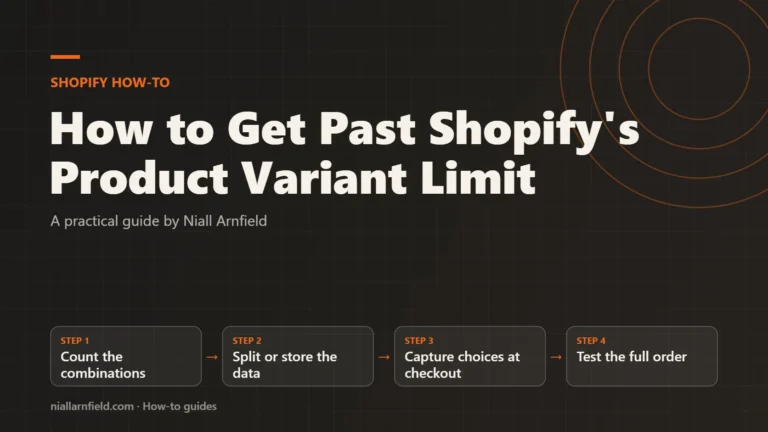
Learn Shopify's current variant and option limits, then choose between separate products, line-item properties, metafields, option apps and Cart Transform.
Read article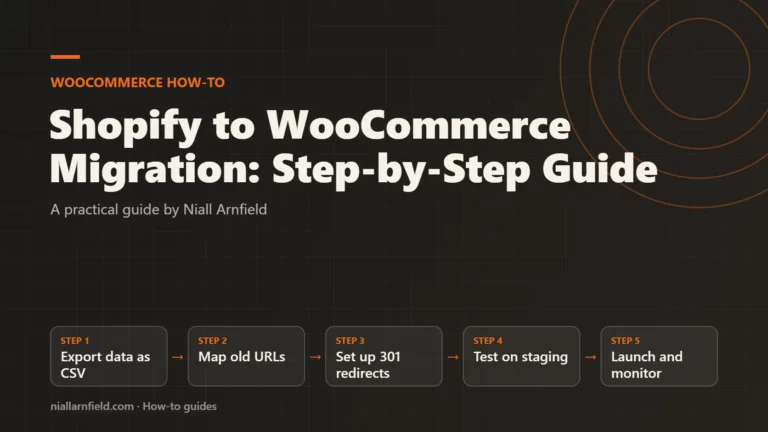
Learn how to export Shopify data, map old URLs, set up 301 redirects, handle customer passwords and test a launch before you switch to WooCommerce.
Read article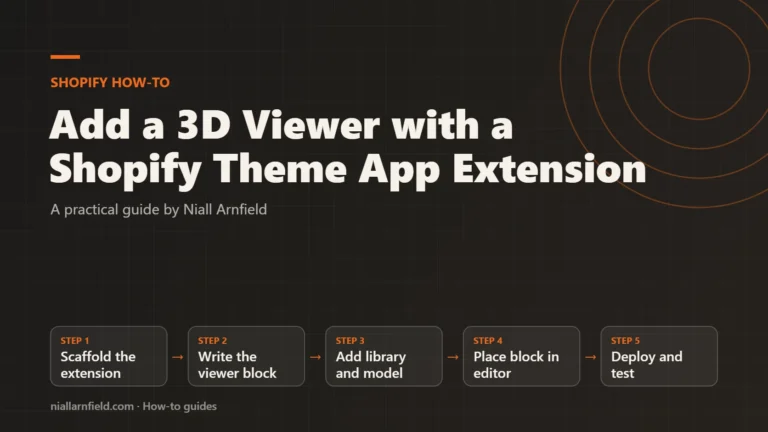
Build a 3D product viewer as a Shopify theme app extension, load it only on product pages, and see when native 3D media is the simpler choice.
Read article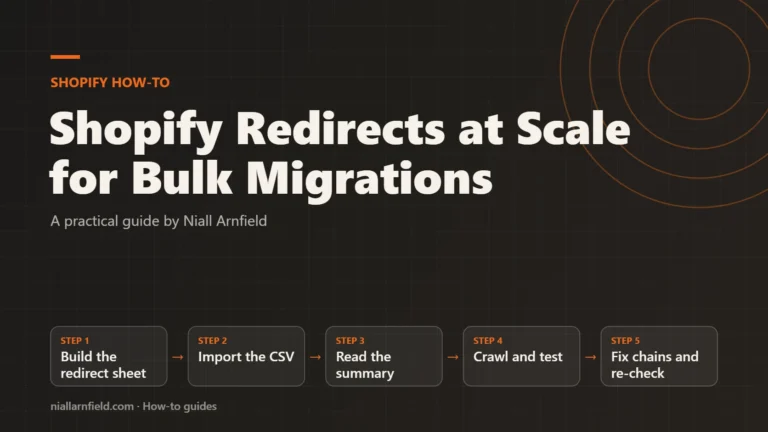
Learn how to map old URLs, import redirects by CSV in Shopify, read the import summary, test with a crawler and remove chains before launch.
Read articleThis journal is where I write up what I learn from building online shops, 3D product tools and search work. Each article tries to answer one real question. How much will this cost? Which platform fits? What should we test before launch? Where a guide uses an example, it says so. Where something is uncertain, it says that too.
Most articles fall into three groups. The first is about product configurators: tools that let a buyer pick sizes, colours and parts, then see the result in 3D. These guides cover briefs, costs, data, testing and the choice between building and buying. The second group is about ecommerce sites on Shopify, WooCommerce and WordPress, including trade sales, speed and site moves. The third is about search: how to get the right pages found, and how to keep them found when a site changes.
If you are new to a topic, start with the guide list above. Pick the area that fits your project and open the first link. Each guide ends with links to the next useful step, so you can follow a path rather than read everything.
If you are planning a project, look for the downloads. Some guides include a checklist, a worksheet or a small set of test files. They are free to use and do not need an account. You can take them into your own planning meetings and change them to suit your team.
If you want to see the ideas in action, try the working 3D demos. They show how options, rules and summaries can work in a real browser, on a phone as well as a desktop.
I do not publish made-up results. Where a guide uses a sample shop or a fictional product, it is labelled. Prices are given as ranges or methods, not promises. If something here is out of date or wrong, please tell me and I will fix it.
The newest articles are listed above, and older ones are on the next pages.