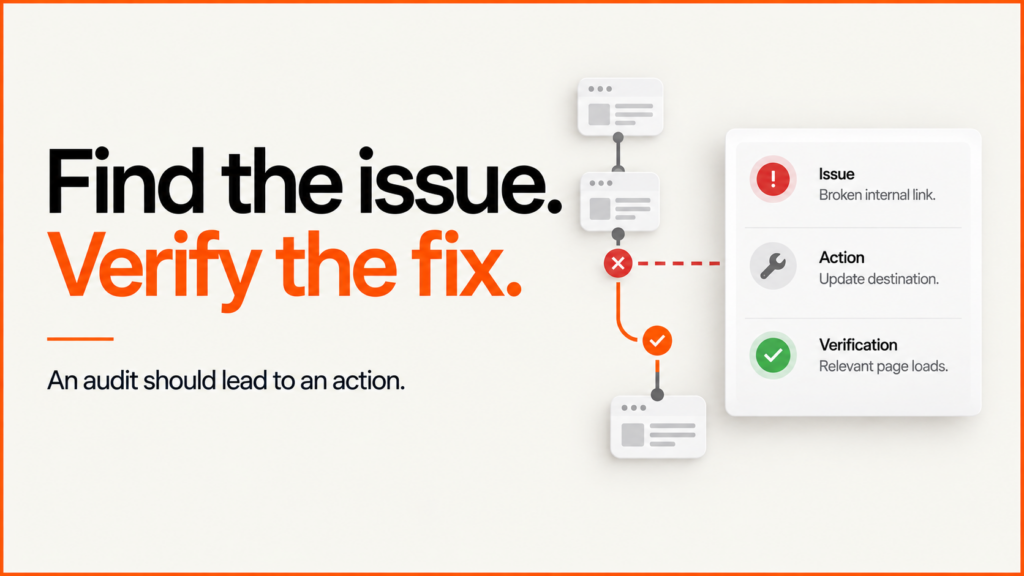
Technical SEO audits with prioritised findings and optional implementation of agreed development fixes. I investigate crawl, indexing and site structure problems, identify the affected pages and set out what needs to change and how the fix will be verified.
Discuss your projectSee selected work
I audit websites and can implement agreed development changes as part of my SEO consulting work. The engagement can be a bounded diagnosis, an audit followed by fixes or support for an existing development team. The scope and handover format are agreed before work starts. My terms of business set out how scope, payment and deliverables work. If you are comparing auditors, see how to choose an SEO consultant.
Discuss a technical SEO audit. Include your website URL, the pages affected and the problem you want investigated. Account access can be agreed after the scope is clear.
What a technical website audit covers
Start with the site’s purpose, its important page types and its current Search Console evidence. Review crawl access, HTTP responses, indexability, canonical URLs, redirects, internal links, rendered content, structured data and performance. For ecommerce, sample different catalogue states rather than assuming one product represents the whole store.
The audit should distinguish a technical defect from an editorial or commercial decision. A product that is intentionally discontinued does not need the same treatment as an active product accidentally returning an error. A thin page does not become useful merely because its canonical is correct.
Google’s Search Essentials describes the foundations for appearing in search. Meeting technical requirements does not guarantee indexing, positions or traffic. Content usefulness, relevance and competition remain part of the diagnosis.
What an actionable finding looks like
This sample register is illustrative. It describes the information an audit should contain, not faults claimed to exist on your website.
| Observation | Consequence to investigate | Proposed action | Acceptance evidence |
|---|---|---|---|
| An important old URL redirects twice | Unnecessary routing and a fragile migration path | Map the source directly to the appropriate final page | One intended redirect and a relevant final 200 response |
| A useful service page has no incoming content links | Weak discovery and unclear relationship to the site | Add relevant links from the service hub and supporting guides | Public crawlable anchors and confirmed destination |
| A product template declares the wrong canonical | Search engines may consolidate signals elsewhere | Correct the template after checking variants and parameters | Rendered canonical on representative products |
| A mobile interaction becomes unresponsive | The buying task may be interrupted | Profile the interaction and test the suspected workload | Comparable before/after trace and working task |
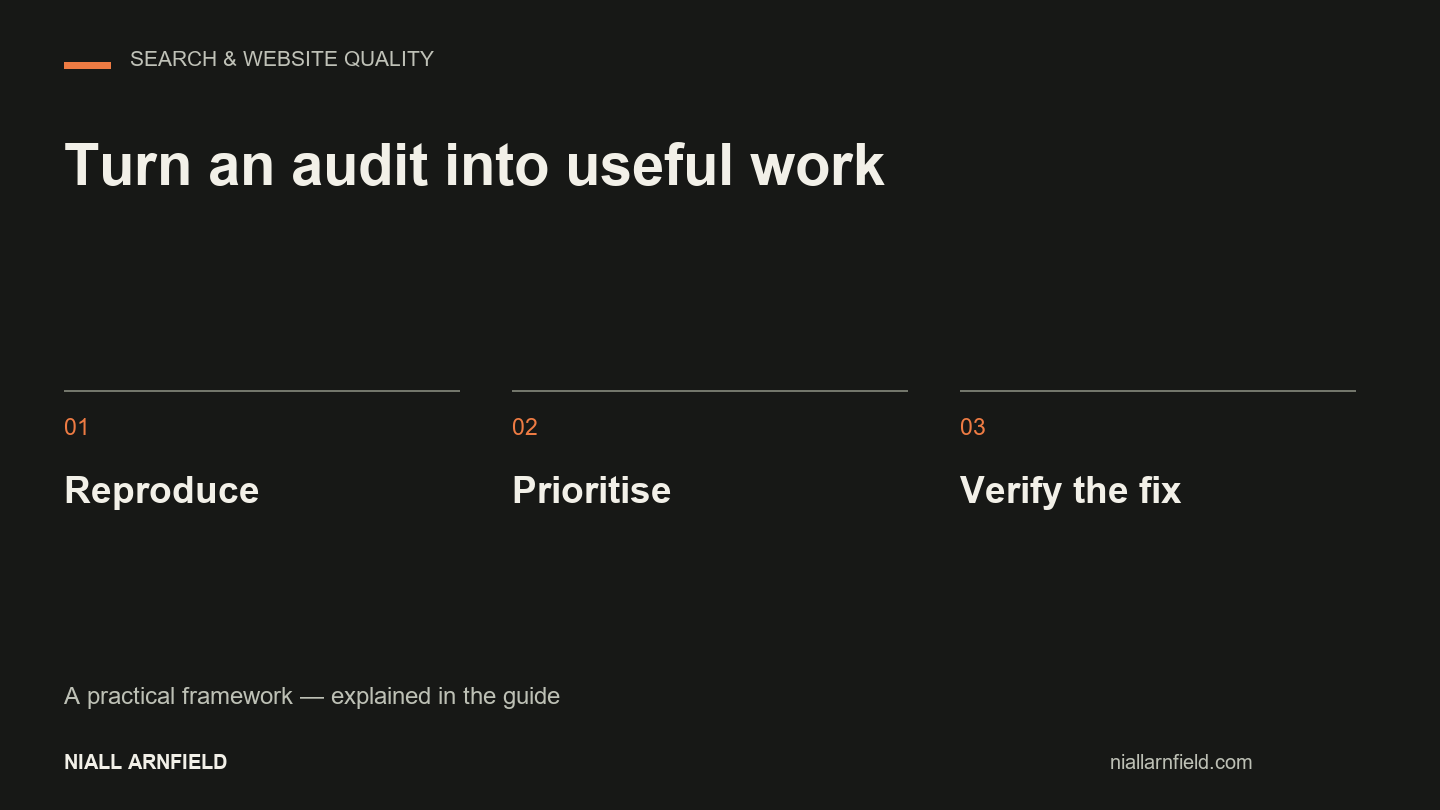
Add the affected URLs, reproduction steps, priority, implementation owner and rollback approach to each finding. “Improve SEO” is not a task a developer can verify. “Correct the canonical on these product templates and check these cases” is.
Prioritise the consequence, not the warning colour
Tools assign severity using general rules. The business impact depends on the affected pages, their eligibility and the user journey. An accidental noindex on an important service page can deserve immediate attention. A minor formatting warning on an obsolete archive may not.
Separate confirmed defects, opportunities and questions. Record confidence in the diagnosis independently from the effort to fix it. A one-line change can have broad consequences; a large image task can be straightforward once the correct source assets are available.
Combine the crawl with first-party evidence
Use Search Console for observed search queries, pages and indexing signals, and analytics for visitor behaviour. Keep clicks, sessions, users and page views separate. A third-party estimate is useful context but should not be substituted for the site’s own measurements.
The dated indexing example from this website shows how I compare two observations of the same page without treating a status change as proof of a particular fix or traffic increase.
For a dated example of this distinction, the public resources on this site include a tested configurator example and an ecommerce migration checklist. Publication and successful tests are verifiable delivery outcomes; neither alone proves a search-ranking increase.
Working with an agency or internal team
A freelance or white-label SEO audit needs a clear division of responsibility. Agree who gathers access, who communicates with the end client, who approves changes and who owns the final report. The report should remain understandable without a private dashboard or unexplained score.
Ask whether implementation is included. If a separate developer will make the changes, the handover should include examples and acceptance checks. If I implement them, the release still needs backups, testing and public verification. An audit recommendation is not automatic permission to change every connected account.
How a page is discovered, fetched, rendered and indexed
Most technical problems can be located by following one page through four stages, because each stage has its own evidence and its own failure modes.
- Discovery: important pages need real internal links from related pages, not only a sitemap entry. A page can be published and still be poorly connected.
- Fetching: check the actual status code and final destination. Blocking a crawler in robots.txt is not the same as asking for a page to stay out of the index, and a removed URL should redirect to the closest relevant page, not the homepage.
- Rendering: if JavaScript produces the main content, links or metadata, inspect the rendered result. An interactive viewer still needs a plain explanation and a useful fallback.
- Indexing and ownership: canonical signals and internal links should agree on which URL represents the content. They should not be used to hide differences between pages that serve different purposes.
Start with a representative sample of templates, then widen the review when a finding suggests a pattern. Keep the exact affected URLs and conditions so a fix can be tested against empty, unavailable and unusual states as well as the typical one.
Audit tools and what each one can tell you
No single tool answers every question. I choose a small set by the question being asked, and record the settings with the result: start URL, crawl scope, rendering mode, date, and whether the site was public or behind a login.
- Google Search Console: queries, landing pages and Google’s indexing reports for a verified property. Reports lag and do not expose every query.
- A crawler such as Screaming Frog SEO Spider: an inventory of URLs, links and page-level signals. Scope and rendering settings change what it finds, and the free version has a URL limit, so check the vendor’s current terms.
- Bing Webmaster Tools Site Scan: an on-demand check for common issues that still needs verification.
- PageSpeed Insights: field data where available alongside a lab assessment. Field data may be aggregated beyond the individual page.
- Google Rich Results Test: checks structured-data eligibility. A valid result does not guarantee a rich appearance.
Treat each warning as a lead, not a finding. Open a sample of each issue type, confirm the status code and rendered output, identify the template responsible and group repeated symptoms by cause. Fixing one shared image component is worth more than logging the same fault on fifty pages.
Why is my page not indexed?
Start with the exact URL in the correct Search Console property, including protocol and hostname. Record the inspection date, indexing verdict, last crawl, fetch result and the declared and Google-selected canonicals. The recorded version and the live test can legitimately differ if the page changed after the last crawl, and a passing live test does not guarantee inclusion.
- Fetch fails: check the real status, redirects, login requirements and server errors. A signed-in browser can hide a public-access failure.
- Blocked from indexing: decide whether it is intentional. Correct an accidental noindex on a public service page and leave deliberate exclusions alone.
- Discovered, currently not indexed: review internal links and the sitemap. Resubmitting does not explain the cause.
- Crawled, currently not indexed: the crawl has happened, so review the page’s distinct purpose, content, rendering and overlap with other pages.
- Another page chosen as canonical: compare it with the intended owner and check that links, redirects and canonical tags agree.
A dated example from this website: on 16 September 2026 an audit recorded a successful fetch and a 15 September crawl for the salon furniture technology article, with the page not indexed and two indexing requests returning submission errors. On 23 September URL Inspection showed it indexed after a 17 September crawl, with the selected canonical matching the inspected URL. That establishes the statuses on those dates. It does not show when indexing began, which edit caused it, or any traffic effect.
Verify each change at the layer you changed, then keep a short record: affected URL, observed problem, evidence date, change made, public check and next review. Repeating a recrawl request for the same URL will not speed things up.
Build a repeatable technical toolkit
Search results now give more space to answer boxes, carousels and other features that do not send a click to an organic result, so a retailer’s audit time is best spent on a small set of checks that can be repeated after every release. Three are worth running routinely:
- Structured data: check each product, category and editorial template against the schema types that suit its content, and list the gaps. Complete, accurate Product markup helps search systems understand a page, but it does not guarantee a rich result or a citation.
- Technical performance: compare Core Web Vitals against the current thresholds and identify the specific files, scripts and styles causing the regression, using field data where you have it.
- Content depth: review editorial pages for expert authorship, depth relative to the query the page targets, and freshness relative to how quickly the topic changes. Thin pages written for one long-tail keyword each are the first candidates to merge or improve.
When you commission SEO work, ask each supplier to say which interventions they expect to produce measurable improvement and which are included for completeness. Keyword-density targets and bulk link networks are examples of work that is still sold but rarely earns its cost. Because organic search is a smaller share of traffic for many retailers than it once was, use the audit data to inform a wider acquisition plan rather than treating it as the whole strategy.
Running an online shop? The ecommerce SEO audit adds catalogue-specific checks: categories, variants, faceted navigation, product structured data and buying journeys.
Related reading: B2B ecommerce SEO.
Choosing an audit service
When comparing UK SEO audit services, request a redacted sample finding, the page types included, the evidence sources and how questions are resolved. A “best audit” claim is less informative than a demonstration of how the provider diagnoses and verifies a specific problem.
Read the audit-tool guide for the limits of automated checks, or technical SEO fundamentals for the systems behind the report. Send the site and the problem you need investigated to discuss a proportionate audit scope. How I handle your details is set out in my privacy policy.
Related guides
- For Shopify stores, the audit extends to theme, app and collection behaviour; see Shopify SEO services.
- To see how redirect checks can be tested before launch, read the website migration case study. It uses a small sample catalogue and includes the test files.
- If your site runs on WordPress, the WordPress SEO checklist lists the platform-specific checks I start with.
- On WordPress, slow pages are often the first fix. See WordPress speed optimisation.
- An audit should use real-user speed data where it exists. See Lighthouse vs Core Web Vitals.