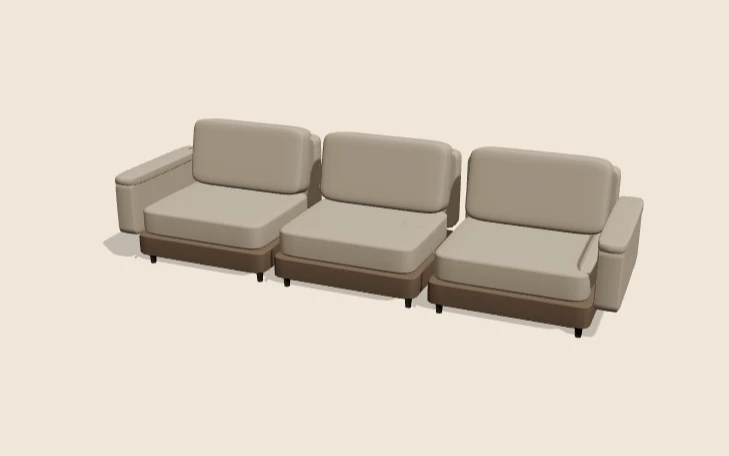
A furniture configurator lets a customer choose a piece, change the options that matter and see the result before they order. For sofas and upholstered seating that usually means shape, fabric, legs and size. It sounds simple. In practice, furniture has some of the most awkward option rules of any product category. The glossary entry on material swatches covers how on-screen finishes relate to physical samples.
Discuss your product rangeTry the demos
I’m Niall Arnfield, a designer-developer based in Manchester, working across the UK. I build 3D product configurators and connect them to ecommerce and ordering systems. This page covers what a good furniture configurator needs to handle, and where projects tend to go wrong.
What a furniture configurator must handle
A furniture product configurator is more than a colour picker. It has to hold the same rules your factory, sales team and price list already use. The main option groups are:
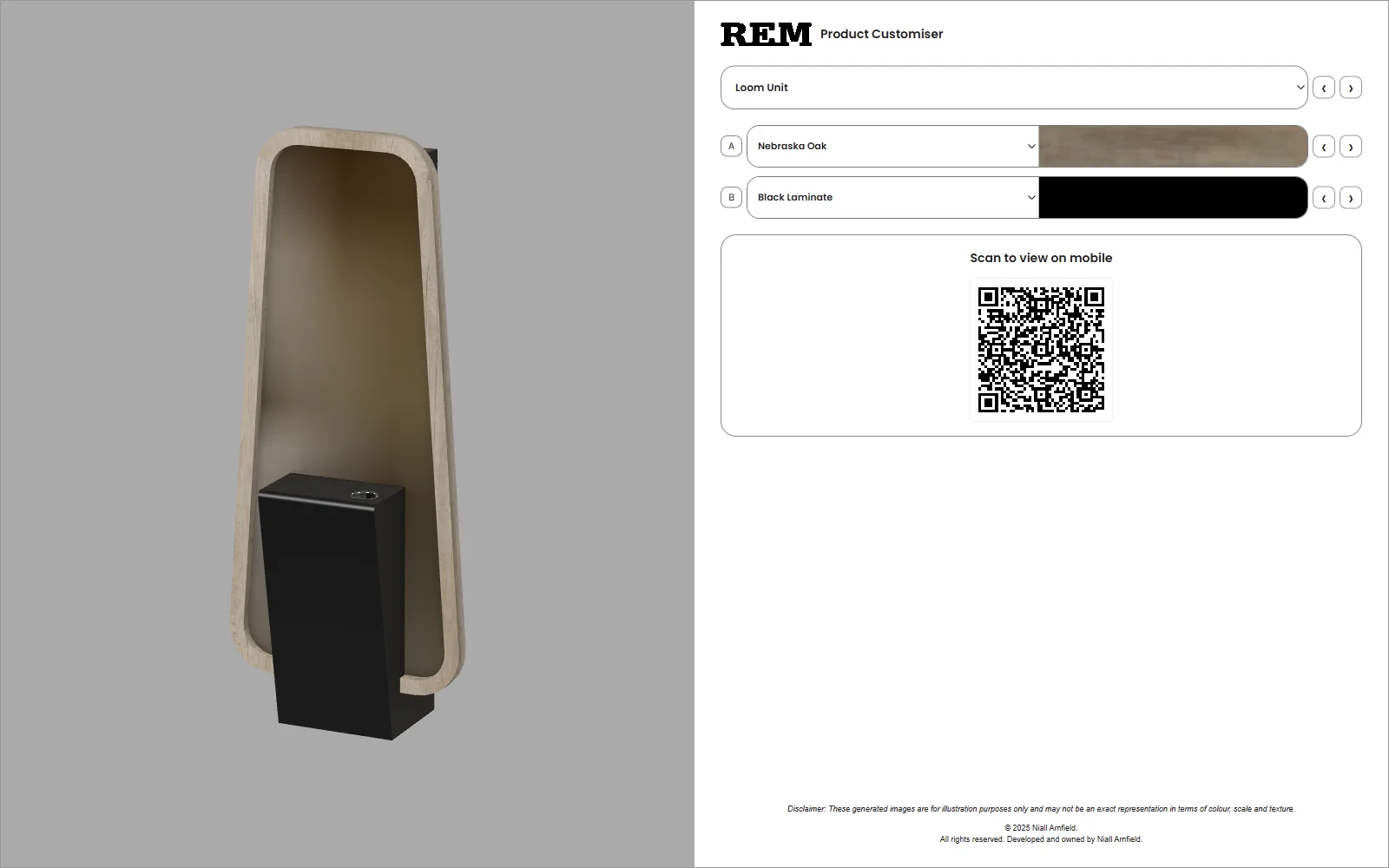
- Shape and modules. Corner units, chaise ends, armless seats and footstools that combine into a modular sofa.
- Upholstery. Fabrics and leathers, usually split into price grades or bands.
- Legs, feet and finishes. Timber, metal or plinth bases, each with their own colours.
- Comfort and fill. Seat firmness or cushion fill, where you offer it.
- Dimensions. Overall width, depth and height, which change as modules are added or removed.
Each group needs rules. A particular leg may not suit a particular base. A chaise may only be allowed on one end. A fabric may not be available on a certain range. The configurator should only show valid choices, rather than letting someone build a sofa you cannot make.
Modular sofa rules and dimensions
A sofa configurator needs a clear model of how modules connect. Each module has a width, a depth and connection points. The tool checks that a run of modules is valid, then adds up the overall size.
That dimension total matters twice. The customer needs it to check the sofa will fit. Your team needs it to price and build the right thing. I treat dimensions as calculated data, never as typed-in text, so the figure on screen always matches the order.
Prices tend to follow the same structure. A base price per module, a fabric grade uplift and any extras for legs or fill. If your pricing is more complicated than that, it is worth writing the logic down before any design work begins. My guide to product configurator product data covers how to structure it.
Fabric swatch accuracy and lighting
Fabric is where customers lose trust fastest. If the fabric on screen looks nothing like the swatch that arrives, you get returns and complaints.
Photographing or scanning each fabric flat, then applying it as a texture, is the usual approach. A few things decide whether it looks right:
- Texture scale, so the weave looks the right size against the sofa.
- Roughness and sheen, so velvet, bouclé and leather catch light differently.
- Consistent, neutral lighting in the 3D scene, so every fabric is judged fairly.
- A note that screens vary, with an offer to order a physical swatch.
I would not claim a configurator shows colour perfectly. It gets close enough to narrow the choice, and a swatch confirms it. The guide to 3D models for product configurators explains how assets and materials are prepared.
Lead times by option
Lead time often depends on the choices made. A fabric held in stock ships sooner than a made-to-order one. A special leg finish may add a stage. If your configurator shows one delivery estimate for everything, it will be wrong for some orders.
The better approach is to attach a lead-time value to each option, then take the longest one in the configuration. The customer sees an honest estimate, and sales staff do not have to chase corrections. The figures themselves have to come from you. I would build the logic and keep the numbers editable.
Room fit, dimensions and AR
The question behind most furniture purchases is whether it will fit. There are three levels of answer:
- Show the dimensions clearly, including doorway and depth considerations where relevant.
- Offer a simple room view in 3D, with a scale reference.
- Use augmented reality to place the configured piece in the customer’s own room from their phone.
AR works through standards-based file formats and browser features. Google’s write-up on augmented reality with model-viewer and Apple’s AR Quick Look pages show how the two main routes work. AR is useful, but it adds file preparation and testing, so I treat it as an optional extra rather than a starting point.
Trade vs retail
A retail configurator and a trade configurator are different tools. A retail customer wants confidence and a simple route to checkout. A trade buyer, such as a designer or a dealer, wants speed, trade pricing, repeat specifications and a quote they can send on.
Often the same configurator can serve both, with different views. Trade users sign in, see their own prices and save specifications. Retail users see public prices and go straight to the basket. The guide on saving and sharing product configurations goes into the quote and share side.
From configuration to basket or quote
The end of the journey needs as much care as the start. For made-to-order furniture, a configuration usually becomes one of two things:
- A basket line on a Shopify or WooCommerce store, carrying the full specification.
- A quote or order sent to your sales or production system.
Either way, the order must include a clear specification and a reference to the configuration, so your factory builds what the customer saw. I cover the options in my guides to Shopify and WooCommerce integration.
Data and 3D assets for furniture
Furniture is awkward to model because every module appears in many combinations. Building a separate model for each sofa shape does not scale. A better approach is to model each module once, with consistent origin points and clean geometry, then assemble them in the browser.
Fabrics are then applied as materials, not baked into the models. That keeps file sizes down and lets you add a new fabric by supplying a texture and its details, without touching the 3D models. Open formats such as glTF are widely used for this, and Khronos has published the standard as an ISO/IEC international standard.
The data matters as much as the models. Each module, fabric and leg needs a code, a name, a price, a dimension and its rules. If that lives in a spreadsheet today, it can usually be imported and kept up to date from there.
Designing the experience
Furniture shoppers are often on a phone, so the layout needs to work on a small screen. I keep the 3D view large, put the choices below or beside it, and keep the price and dimensions visible throughout.
The order of steps matters. Most people think shape first, then fabric, then details. A tool that starts with a 200-fabric picker overwhelms them. Grouping fabrics by colour, grade or collection, and offering a short list of popular choices, keeps the journey manageable. Clear language helps too: describe a grade by what it means to the customer, not just by its internal name.
My furniture background
I will be straightforward about where my experience comes from. From the start of 2017 to July 2019 I worked on a Knowledge Transfer Partnership with Manchester Metropolitan University, building a product configurator for a furniture manufacturer. It used a 2D configurator backed by 3D assets. You can read more on the KTP page.
From 2021 to 2025 I led development of the Praxis Digital 3D configurator platform, used by 20+ UK businesses. Its sectors included furniture and salon furniture. The Praxis Digital case study has the details. I also hold an MRes in Web Innovation and 3D E-commerce, awarded with first class honours.
Related reading: bike configurator guide, door and window configurators, table and desk configurators and garden building configurators.
See it working
The seating product configurator demo shows upholstery and furniture selection in a live example. It is an illustration of the approach, not a client project. If you want to understand the build and its cost, these guides are a good next step:
- How to build a 3D product configurator
- Product configurator cost
- 3D product visualisation
- Product configurator readiness scorecard
If you are planning a furniture configurator, get in touch and tell me about your range. You can also read about my product configurator service first. You will work with me directly.
Try the modular sofa configurator demo to see seat counts and a chaise rule working in 3D.
Related: what is a product configurator, plus sector guides for wardrobes and kitchens.