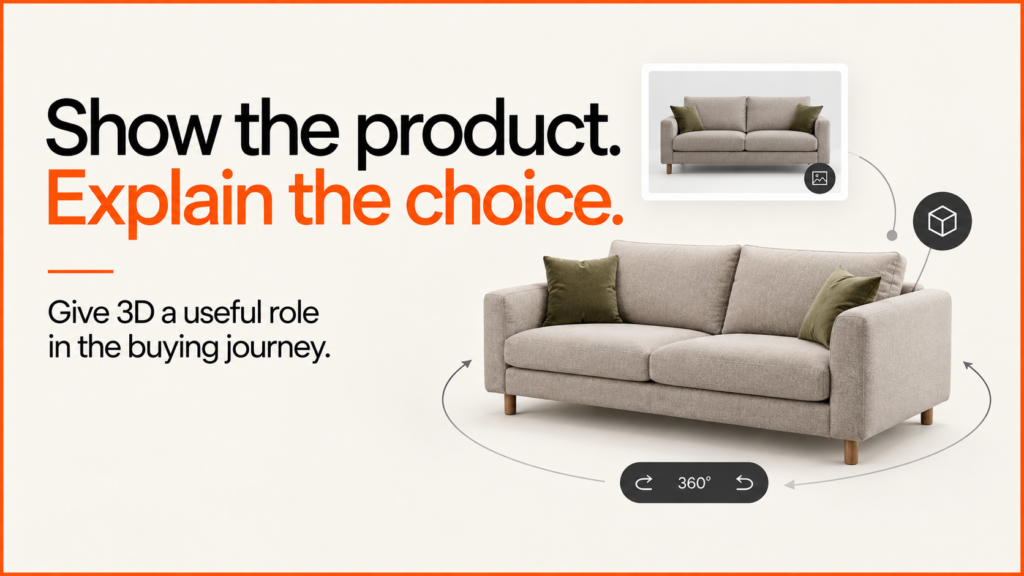
3D product visualisation turns an approved digital model into something customers can understand. It might be a still image for a catalogue. It might be an interactive view on a product page. It might be a configurator that shows the result of their choices.
Discuss your product rangeTry the demos
I build browser-based product experiences. That includes the rules, interfaces and integrations around 3D assets. Start with the product information and the customer’s decision. A striking model helps only when the business can actually supply what it shows.
Choose the output before you commission assets
| Output | Useful when | Production consideration |
|---|---|---|
| Still product render | You need a controlled view for a product page, brochure or comparison | Approve camera, material appearance, scale and export sizes |
| Interactive 3D viewer | Customers benefit from inspecting shape and detail from several angles | Prepare efficient geometry and textures, controls and a static fallback |
| Product configurator | Customers choose valid combinations of materials, components or dimensions | Separate changeable parts and connect choices to product rules |
| Room or spatial presentation | Context and arrangement help explain suitability | Use trustworthy dimensions and distinguish visual planning from technical sign-off |
2D or 3D: the same sofa, two ways to choose
A finish choice does not always need a live 3D renderer. The three stills and the interactive demo below use the same original Haven sofa model. The stills keep the camera fixed. The 3D version lets you view the sofa from other angles. This is a portfolio example. It is not a manufacturer’s catalogue or a claim about a client’s results.

Compare the Moss finish

Compare the Ink finish

A 2D configurator can switch between approved images like these when a customer picks a finish. It can also combine compatible image layers. Product rules, quotes and checkout checks are still needed. This is true whichever visual format you choose.
Try the matching 3D product
Choose Explore in 3D. Keep Haven selected and switch between Stone, Moss and Ink. Drag the product to see its sides and back. Choosing your own viewpoint is what the interactive model adds.
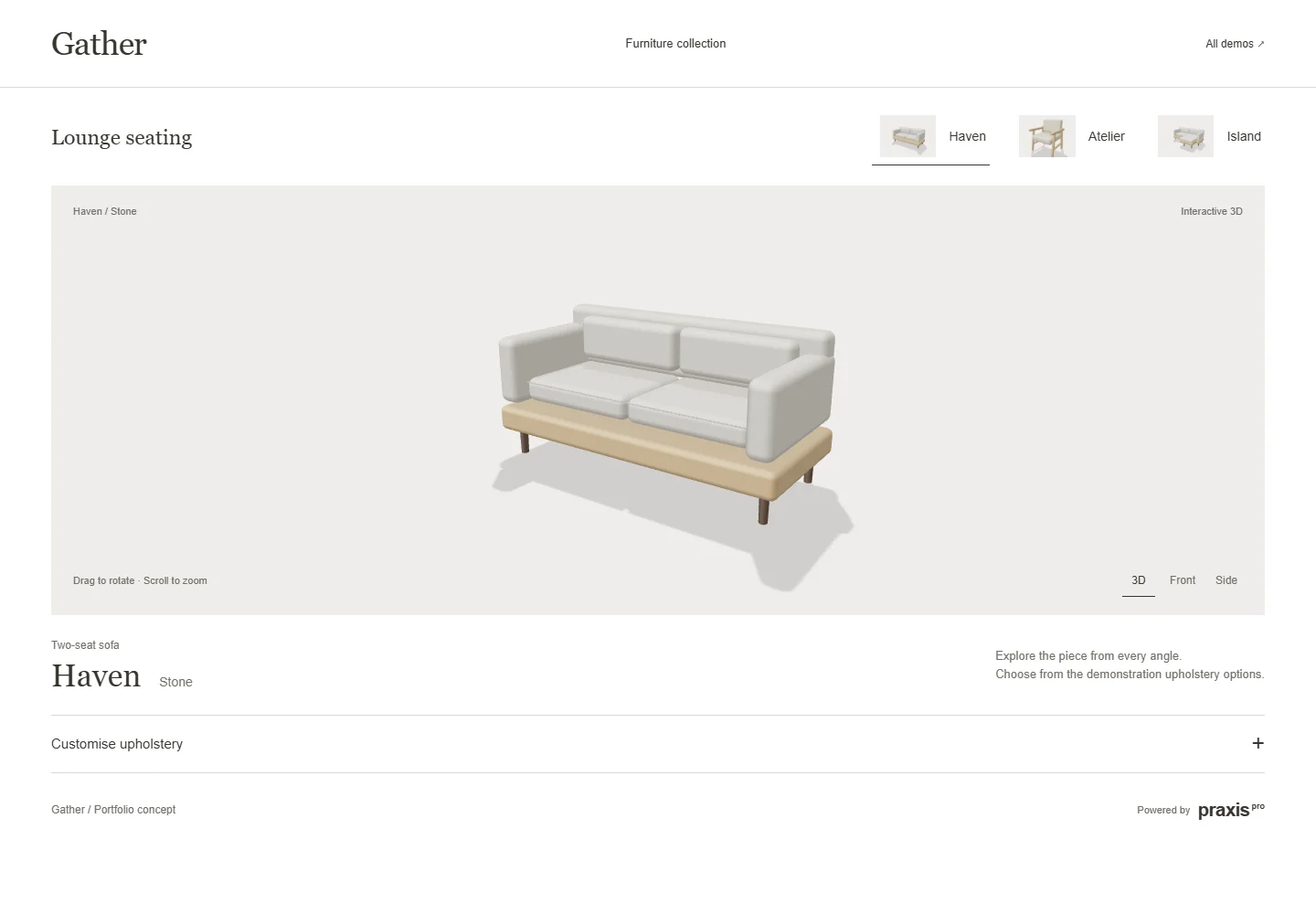
Interactive 3D loads when you choose Explore. Choose products without 3D. Open the demo in a full window.
What the example files weigh
| Asset | Bytes on disk | What it provides |
|---|---|---|
| One Stone still, 1328 × 470 | 7,096 | One approved view and finish |
| All three finish stills | 23,596 | Three finishes at the same camera angle |
| One Haven GLB | 592,032 | Geometry and materials for an interactive finish variant |
| Shared studio JavaScript | 606,510 | Viewer code and the bundled 3D engine, reused across the demonstrations |
These are source-file sizes. They are not a full page-weight comparison or a speed test. The 3D page also loads interface files, thumbnails and a product manifest. Compression, caching and device capability all affect real transfer and speed. So does the number of variants a visitor opens. The three GLB files in this demo repeat geometry. A production build could reuse the geometry and change only the materials.
Choose based on the customer’s decision
Use stills when one fixed angle shows the finishes clearly. Use interactive 3D when shape, assembly or viewing angle matters. A large option set needs a plan for making assets. Exporting every combination can get expensive. Layered 2D images or reusable 3D parts can cut the duplication.
A useful hybrid is the one shown here. Show an image first. Load 3D when the visitor asks for it. My MMU and REM research case study explains an earlier image-based configurator. The seating demonstration shows the current browser-based interface in more detail.
Build from product evidence
Supply dimensions, reference photos, material specifications and the list of variants. Identify which details are fixed. Identify which can change. If you have CAD files, check whether they suit the intended output. Manufacturing geometry is not automatically ready for a responsive web viewer.
Approve one representative product before you expand the range. Check proportions, component boundaries and finish appearance against the source evidence. Screen appearance depends on lighting, display and material treatment. So the viewer should not make promises of exact physical colour matching that the evidence cannot support.
Design for reuse, but not one file for everything
One detailed source model can support several outputs. Each delivery format may still need its own preparation. A still render can use detail that would be costly to download and draw on a phone. An interactive model needs chosen texture sizes, useful levels of detail and a structure that matches its controls.
The 3D model preparation guide explains component naming, material boundaries and web delivery. Version your source assets and exported files. That way, you can trace a product change through the catalogue.
Add interaction when it answers a question
Rotation can show shape. A material selector makes finishes easier to compare. A configurator can prevent invalid combinations. It can also produce a specification for a sales team. These are different levels of functionality. Each needs different data and testing.
My Praxis work includes product configurator examples for several applications. Salon furniture is one long-running application of that wider technology. The same principles can apply to other configurable product categories.
Try the lighting demonstration. It separates finish choices from preview exposure. Or try the table demonstration for a guided selection and review sequence. Both use original portfolio models, not live manufacturer catalogues.
Approve the experience as well as the image
Test the asset on the devices customers use. Check loading, controls, text alternatives and the move to a quote or product page. A static preview can show the product before the interactive viewer loads. That keeps a good first impression on a slower connection.
Keep visual approval separate from commercial approval. The application still needs a definitive check of price, availability and valid options. Do this before it accepts an order or quote. The glossary entries on HDRI lighting and digital twins cover two terms that often come up in visualisation briefs.
Related reading: Three.js ecommerce examples.
Scope one representative product
Bring the product, its source assets, the outputs you need and any configurable options. The configurator brief and cost guide help you see the work involved.
For live examples of finish changes on a 3D model, try the retro appliance configurator or the watch configurator.
Discuss 3D product visualisation for your range, or explore the full product configurator service.