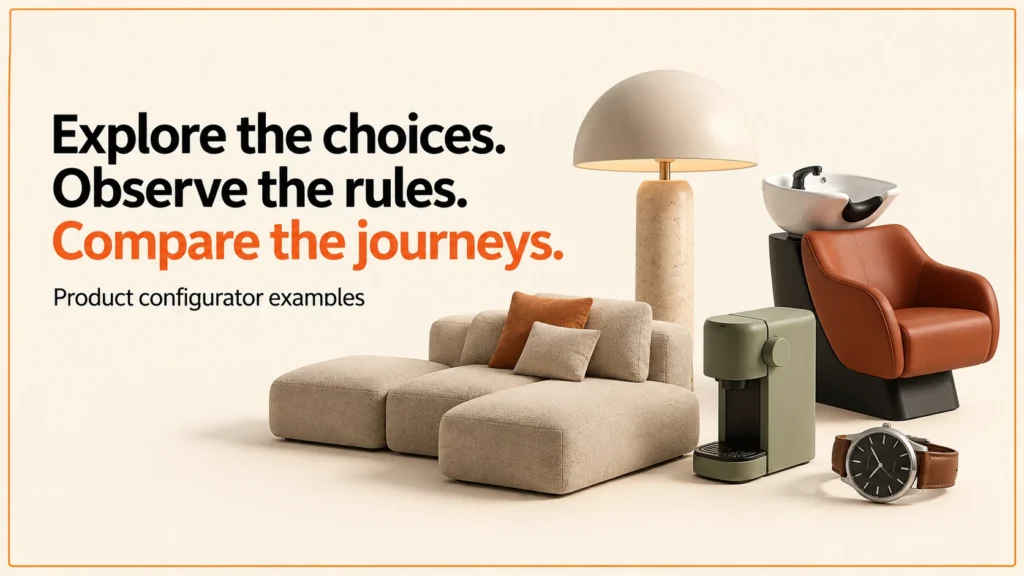
Product configurator examples are most useful when you can examine the choices, rules and final specification. A polished image shows only part of the work. The five live engine demonstrations below expose different configuration problems on this site.
Try the demosDiscuss your product range
They use fictional products and demonstration prices. They are not named client catalogues, offers for sale or evidence of measured commercial improvement. This comparison is based on recorded interface checks from 13 October 2026.
I wrote this guide for two groups. Buyers want to judge a configurator before they commission one. Builders want a simple way to test their own work.
Each example is a teaching tool. It is not a promise about your own project. Treat it as a question you can ask of any configurator, including your own.
Five product journeys to try
| Example | Choices | Question it helps answer |
|---|---|---|
| Three.js desk lamp | Arm, shade and accessory | How does a small specification stay readable? |
| PlayCanvas salon wash unit | Basin, upholstery and base | How is a dependent component choice explained? |
| React Three Fiber modular sofa | Seat count, fabric and chaise | What happens when an attempted choice is rejected? |
| Babylon.js appliance | Body, handle and hinge side | How are material and component choices separated? |
| Watch with a WebGPU route | Case, strap and size | How does product state remain clear across rendering support? |
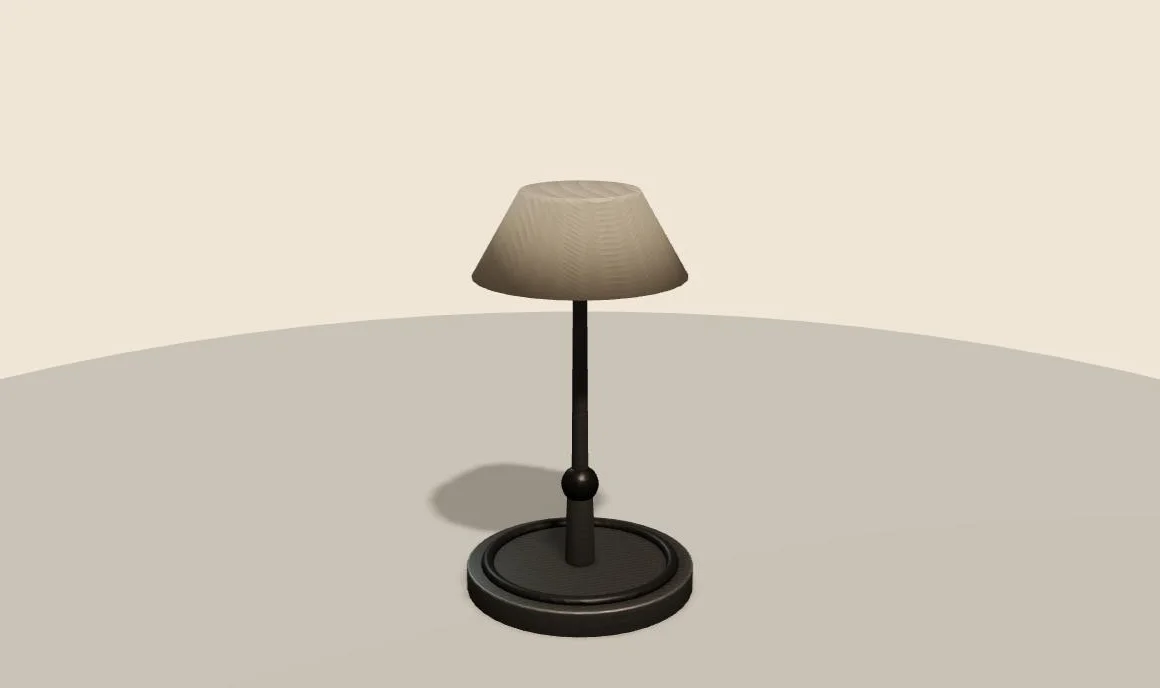 Three.js desk lamp
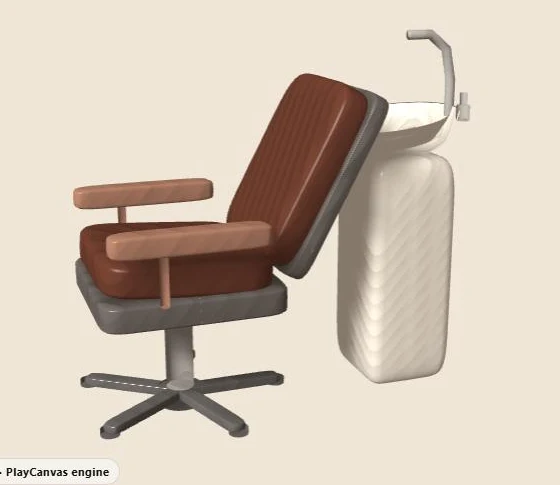 PlayCanvas salon backwash
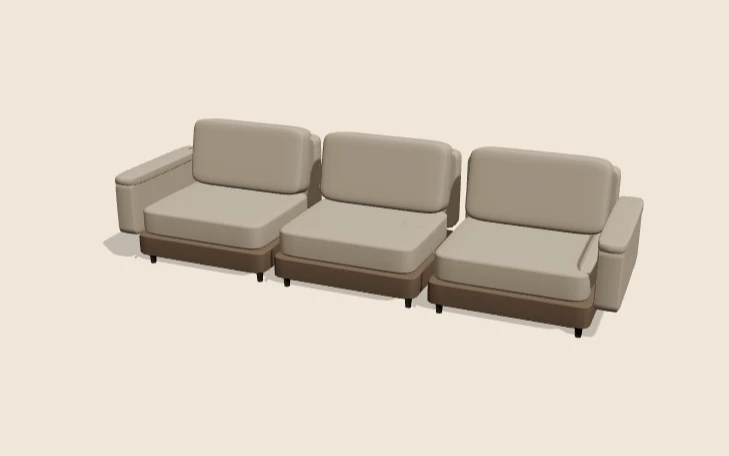 React Three Fiber modular sofa
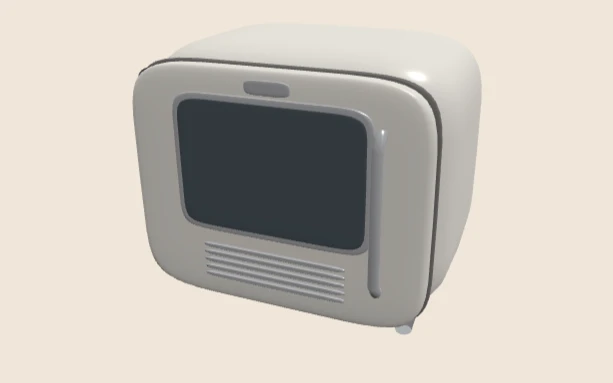 Babylon.js retro appliance
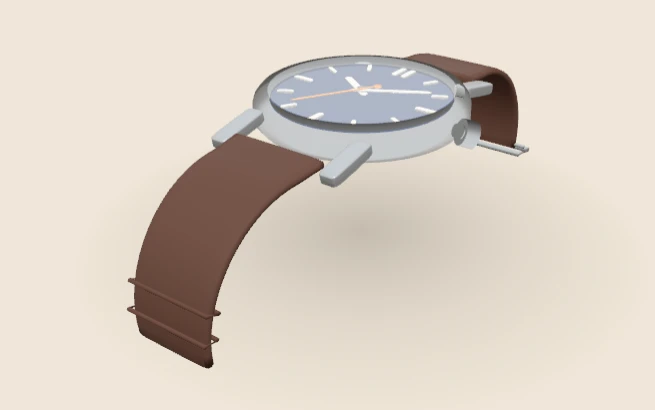 WebGPU watch
Open each demo in a desktop browser first. Then try it on a phone. Note what changes between the two.
Inspect a simple choice sequence
In the desk lamp demo, start with Medium arm, Linen shade and no accessory. Selecting Long and then USB charging port updates both labels in the summary. The demonstration amount changes from £185.00 initially to £233.00 for that combination.
Watch the summary as you go. If a label lags behind the model, that is a problem worth noting. The useful observation is state consistency. The accepted choices stay visible while the customer views the model. For a real project, document which choices change geometry, materials, price and fulfilment data.
Compare two conflict policies
The salon demo retains a Vessel bowl choice with the Star pump base. It explains that the demonstration’s vessel basin requires Square plinth. Choosing that base resolves the conflict. The sofa behaves differently. Attempting a chaise with two seats produces an explanation, while No chaise remains the accepted state.
Both patterns can be discussed as interface decisions. A real range needs an approved rule and a defined confirmation policy. Decide whether to keep an invalid requested state for explanation, reject the attempted choice or offer a replacement. Do not let that behaviour happen by accident, based on whichever control was clicked last. If a conflict appears with no explanation, treat it as a gap. The customer deserves to know why a choice is missing.
Distinguish visual and commercial evidence
The appliance demo separates body finish, handle style and hinge side. The watch separates metal, strap and size. These are useful examples for an asset and data contract. Each option needs a stable identity and a declared effect.
The demos expose quote and share controls. Their presence is not evidence of a production cart integration or verified fulfilment record. This review checks option behaviour and visible summaries, with a WebGPU-labelled watch route observed in the test browser. It does not report a controlled engine benchmark or a fallback test.
When I review a demo, I ask one question. Could someone in the workshop read the record without seeing the screen? If not, the example stops at the picture. That test tells me more than visual polish does.
What makes a good configurator example
Not every demo teaches much. When I look at one, I check five things.
- A clear summary. The chosen options appear in plain words. A customer can read them without guessing.
- Visible rules. When a choice is not allowed, the page says why. It does not just grey out a button.
- A fallback. If a rule blocks a choice, the page offers a clear next step. That might be a replacement, or a message that stays on screen.
- A usable phone layout. The model, the options and the summary must all work on a narrow screen. Test on a real phone, not only a resized window.
- A specification that leaves the page. The final choices should become a record that another system can read. A picture alone is not a specification.
I led development of the Praxis Digital 3D configurator platform. It was used by 20+ UK businesses from 2021 to 2025. Use these checks as a test, not as a score. No single demo will pass every check. Most demos meet some of these checks and miss others. That is normal.
An original example review worksheet
- Record the initial accepted state and its readable summary.
- Change one option and identify every affected part of the interface.
- Attempt a conflicting choice and record what remains accepted.
- Review the model at an extreme or unusual allowed state.
- Trace the confirmed specification into the intended commercial process.
- Repeat the journey with keyboard controls and a narrow screen.
Keep your notes short and specific. Note anything that surprises you. Then compare your notes across the demos. A problem that repeats in several places is worth acting on. A single odd result may just be a bad test run.
For asset inspection, use the original GLB viewer. For surface behaviour, use the material lab. These smaller tools help isolate questions that a complete configurator combines.
Examples by industry
Configurators suit different products in different ways. The notes below are general. They describe common patterns, not real projects or results.
Furniture. Customers often pick a size, a fabric and a set of modules. Rules stop combinations that do not fit together. See the furniture configurator page for the approach.
Kitchens. Choices often include door finishes, worktops, handles and unit widths. Layout rules often matter here. Read the kitchen configurator page for more.
Wardrobes. Fitted wardrobes depend on a measured space. The configurator must keep sizes inside what the room allows. See the wardrobe configurator page.
Made-to-measure products. Some items need dimensions and options that a fixed catalogue cannot list in full. A quote route may suit those better than a fixed price. Read the made-to-measure product configurators page.
Salon furniture. Basins, upholstery and bases often depend on each other. Rules here may affect fit as well as looks. See salon furniture design technology.
Whatever the sector, start with the rules. List which combinations are allowed and who decides them. Then design the screen around that list. A clear screen built on unclear rules tends to cause problems at the point of order.
Which engine?
The five demos use different 3D engines. The engine can affect load time, tooling and how easy the code is to maintain. For a side-by-side view, read Three.js vs Babylon.js vs PlayCanvas. The engine matters less than the rules and the specification. Choose the engine after you know those.
Explore the other demonstration journeys, start with the project brief, or discuss a real range through configurator development. The comparison matrix and review worksheet are original examples for this site.
Related guides
- For the Three.js tools on their own, read Three.js ecommerce examples.
- To compare platforms with a custom build, read configurator platform alternatives.
- Sector guide: bike configurator rules, options and order checks.
- Sector guide: garden room configurators for sheds, summer houses and log cabins.
- If you sell tables or desks, see the table configurator guide, which includes a small size-and-base rules demonstration.
- For glazing products, see the door and window configurator guide, which includes a small family-and-size rules demonstration.
Related reading: build or buy a product configurator.
Configurator example FAQ
Are the demos real products?
No. They use fictional products and demonstration prices. They are not client catalogues or offers for sale. Each demo shows a different question. Use them to learn from the behaviour, not to copy a price.
Do the demos prove a sales result?
No. The review checks option behaviour and visible summaries. It does not report a controlled engine benchmark or a fallback test. The quote and share controls are not evidence of cart integration. A demo can look clear and still not connect to your cart or fulfilment process. Test those links separately.
What should I check first in an example?
Start with the summary and the rules. Then try a conflicting choice. Check what stays accepted, and whether the page explains why. Last, check the phone layout and the final summary. Those checks cover most of what this page examines.
For a plain definition, see what a product configurator is.