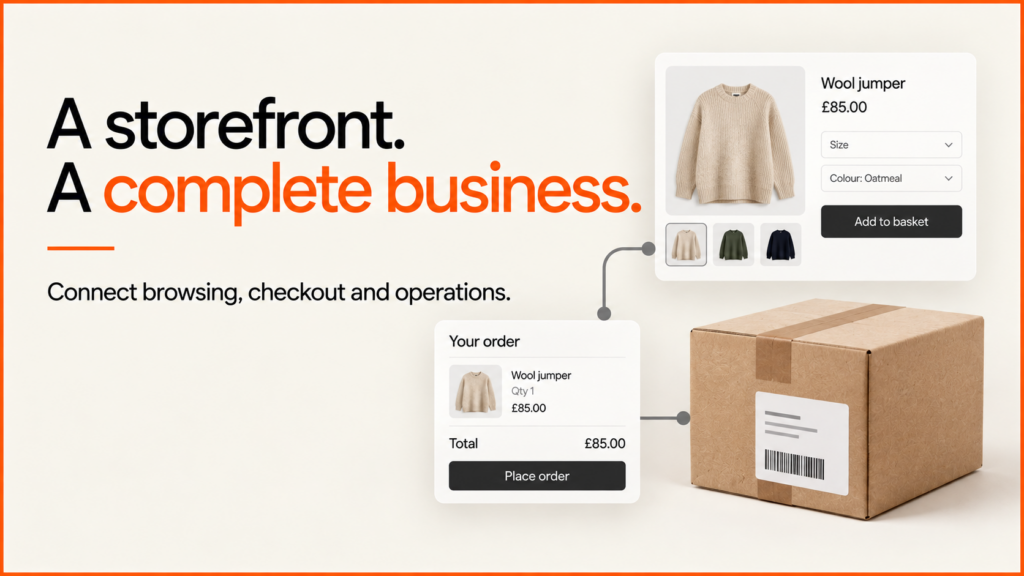
I design and build Shopify and WordPress online shops. My clients are retailers, manufacturers and growing brands. I link the shop your customers see with the products, checkout and systems your team uses every day.
You might bring me a brief for a new shop. You might have a shop that needs fixing. Or you might need to move to a new platform and want a careful plan. Either way, we start with the work that matters most. Then we agree how to test it. My terms of business explain how that agreement works.
Discuss your store and prioritiesSee selected work
See the Soinvogue WordPress ecommerce redesign: a six-week solo build with eleven before-and-after page comparisons. For the wider mix of clients, look at my ecommerce portfolio and industry experience.
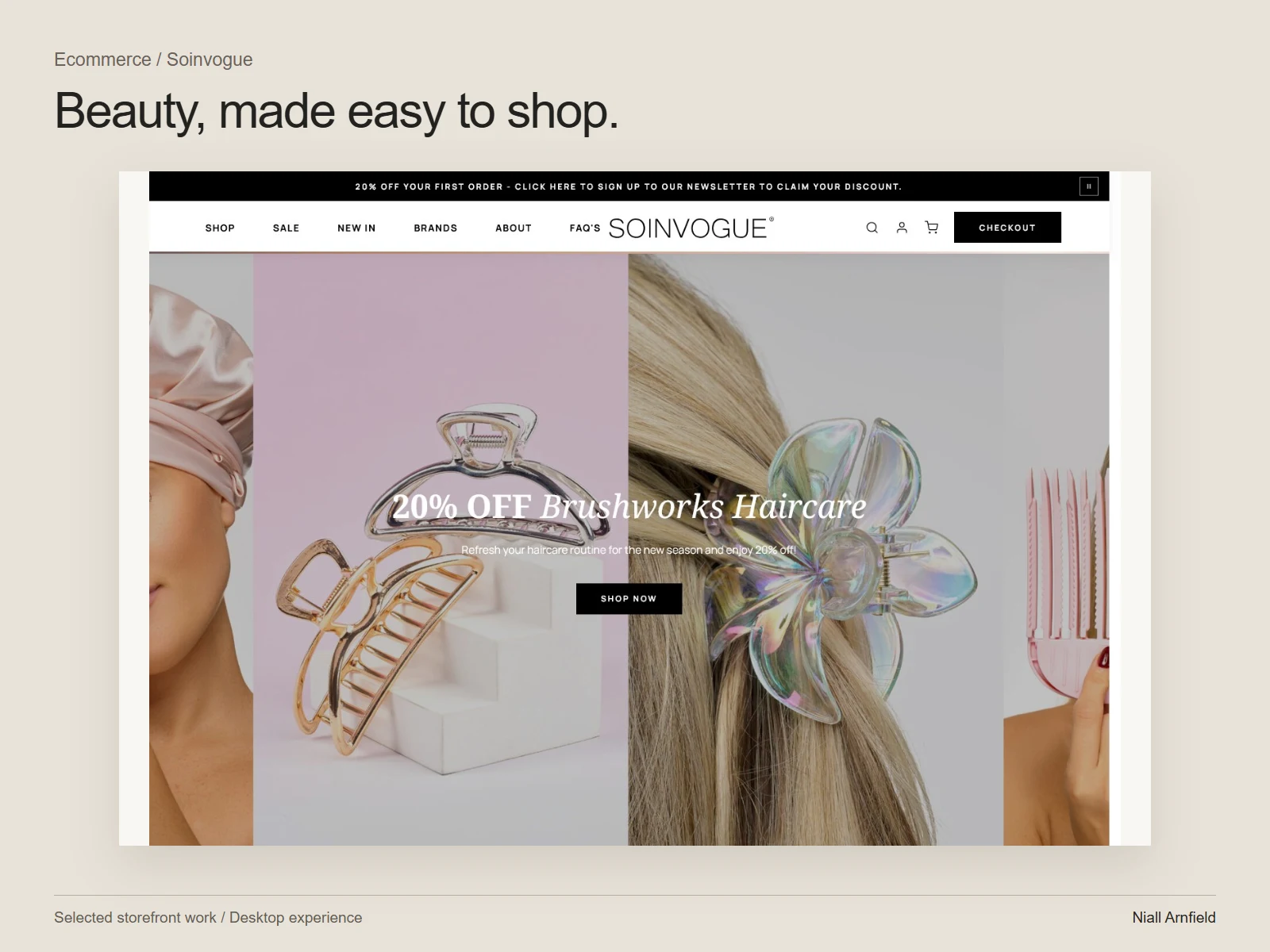 Case studySoinvogue: a WordPress ecommerce redesign
What does your store need next?
| Your starting point | Where I can help |
|---|---|
| A new store | I turn your products, customer journeys and business needs into a practical Shopify or WordPress build. |
| A store that needs improvement | I fix one clear problem, such as finding products, page templates, speed or the buying journey. |
| A platform move or big rebuild | I plan the product move, integrations, web addresses, testing and launch together. |
You do not always need a rebuild. If your platform still suits you, a small change can be easier to look after and carry less risk. I start with the problem your customers or staff face today.
Ecommerce development from catalogue to checkout
Product data and discovery
A good shop starts with tidy data. Categories, attributes, options and stock levels need to be consistent. I help you decide which system owns each field. We also agree how a change reaches the website.
Try the worked product-data checklist and the filter design example. They help you think these choices through before you pay for a data import or a new interface.
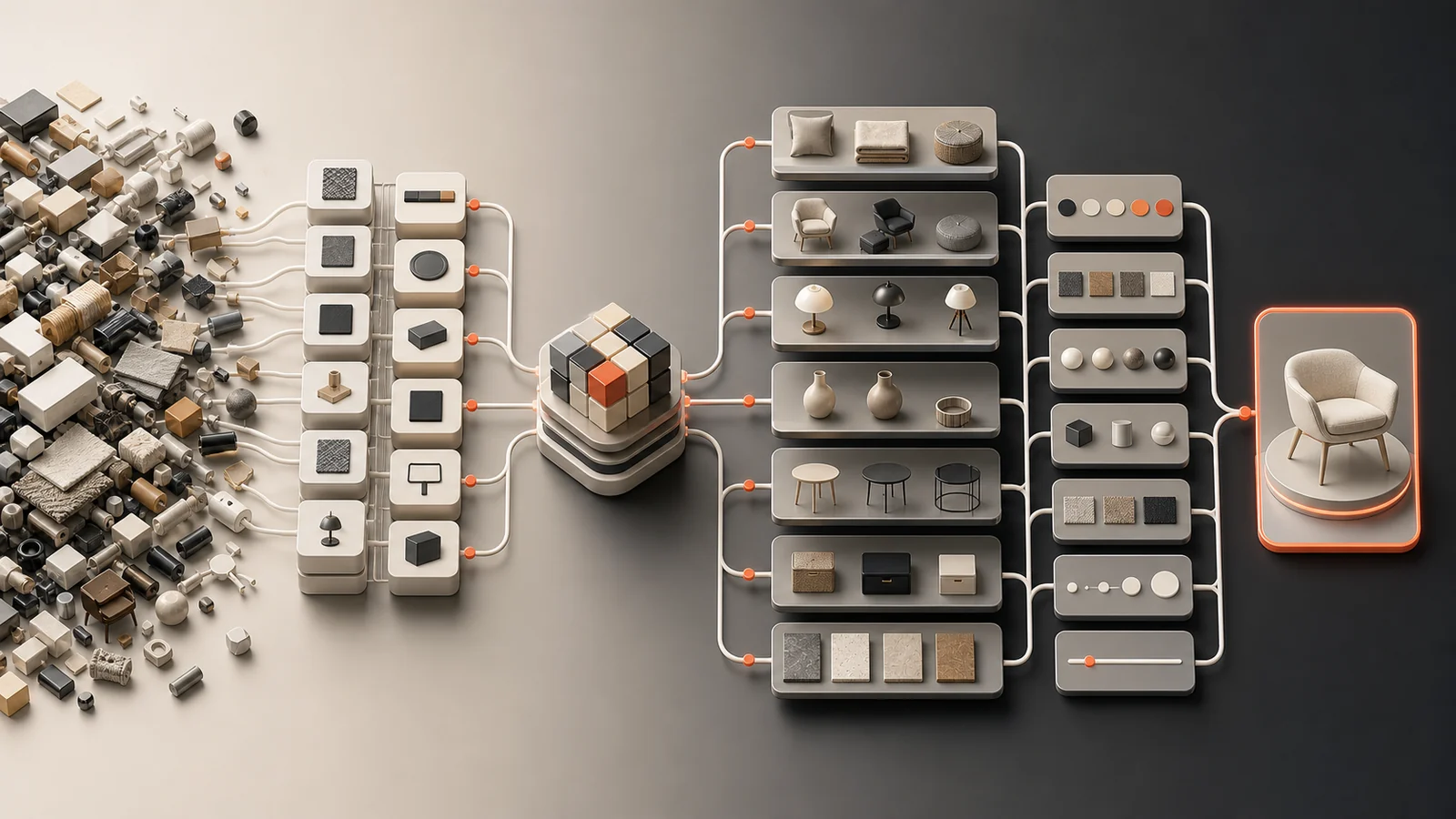
Sometimes customers know the job but not the right product. The working product-finder example shows how a few questions can lead to a short list with reasons.
Product pages and buying decisions
Customers should see at once how products differ. Options, price, stock, size and delivery details must all be easy to read. I also test the awkward cases. One is an option that is out of stock. Another is a customer who changes their choice. A third is someone who comes back through a link a friend shared.
With basket and checkout, I keep the platform’s supported behaviour wherever I can. I only change it to meet a real business need. For trade customers, the B2B checkout guide keeps account access, approval, order acceptance and payment apart.
Integrations your team can run
Stock, fulfilment, CRM, PIM and ERP links need more than a transfer that works once. We agree how fields match up and how often data updates. We decide how to handle duplicates and who gets an alert when something fails. We also name who fixes the problem. When two systems disagree, one of them must be the source of truth.
Speed, accessibility and measurement
I test typical pages with real products, real images and the third-party apps you use. I check key journeys with a keyboard and a screen reader as well as for speed. We also set up tracking carefully. That covers analytics events and cookie consent. We check each one, so a button click is never mistaken for a sale.

A clear process, with agreed acceptance
- Understand the store. I review your products, customer tasks, current data and business limits.
- Agree the scope. We set priorities, say who does what and define what counts as done.
- Settle the risky decisions. I prototype the menus, product choices or account steps before I polish every page.
- Build in a safe place. I write templates and integrations that you can maintain, and I test them on typical data.
- Test the whole journey. I cover normal orders, failed payments, changed stock and interrupted requests.
- Launch and hand over. I check the live shop and write down the routine tasks. We also agree who watches it and who can roll it back.
Here is an example. A technical distributor has messy compatibility data. It may need a data clean-up and a guided selection prototype before any redesign. That is only an illustration of a delivery decision. Any gain in sales would have to be measured after launch.
Shopify theme development
Shopify theme work should make buying clearer. It should also give your team real control of the shop. A custom design earns its place when it helps customers understand your range, compare products and choose with confidence. It must also survive your next catalogue update. The first question is how much of your current theme is worth keeping.
- Targeted theme improvement: one task or template is failing. The test is whether a customer can now finish that task.
- Custom theme sections: your team needs content blocks it can reuse and edit. Can staff build the next page without starting again?
- Storefront redesign: your range and buying journey need a joined-up change. Do the catalogue, design and daily operations work together?
I design against real product cases, not one perfect product. That means a long title, many options, an unavailable option and mixed photos. It also means long specifications and a product with almost no content. I check collection cards and search results as well as the product page. We agree which text, images and layouts your team can edit. I avoid settings that expose fragile code. For example, a reusable evidence section should let staff pick a heading, an approved image and a link without touching CSS.
I decide what belongs in an app by comparing built-in features, theme code and third-party options against your real need. I record who owns the data and what loads on the public page. I also note what happens if the app is removed. I build in an unpublished theme and keep your current theme and its settings safe. I release against a written acceptance list. It covers mobile layout, keyboard access, product choice, search, cart and key integrations. For Shopify Plus, I confirm your plan, checkout needs and supported extension points before I promise a change. If product choices depend on each other, first check whether ordinary variants are enough. Only then scope a product configurator. The Shopify configurator integration guide shows how choices map to variants.
Shopify or WordPress and WooCommerce
I work on both. The right one depends on your catalogue, your team and the systems you already use. Shopify suits many shops that want a managed platform. WordPress with WooCommerce can suit shops that need more control over content and custom logic. If you want the detail, read about my Shopify development work and my WooCommerce development work. If you run WooCommerce and want to be found in search, see my WooCommerce SEO guide.
What affects cost and timing?
Several things change the cost and the timing. These are how complex your catalogue is, any custom product rules and your integrations. They also include how much data must move, how ready your content is and how deep the testing goes. Delivery also depends on quick access, approved content and fast decisions from the people who own your business rules.
Avoid three common mistakes. Do not pick a platform before you write down your needs. Do not add apps without knowing what they cost. Do not leave catalogue clean-up until the last-minute import. A short discovery phase can clear up the unknowns before you commit to a bigger build.
A good proposal says what is included and who supplies each input. It shows how you will check the work, and it lists what is left out. Compare those points with the website development cost guide.
Prepare the part of the project you need
- Shopify vs WooCommerce — compare how well each fits, your checkout needs and who looks after what.
- Website cost guide — budget the build and compare proposals on the same terms.
- Ecommerce launch checklist — test the purchase journey, the saved order and the hand-off to your team.
- Shopify theme development — plan shop components and the controls your team can edit.
- Migrating to Shopify and the migration SEO checklist — protect your data, web addresses and launch.
- Conversion optimisation and ecommerce SEO — look for buying friction and ways to be found in search.
- Contextual content recommendations — try a working example for shops with useful buying guides.
Common project questions
What can the development scope include?
It can include discovery, catalogue design, page design, templates, product journeys, integrations, tracking, testing, launch and handover. The proposal should say exactly which of these I am responsible for.
Shopify, WooCommerce or another platform?
Start with your catalogue, your workflows, your integrations and the people who will run the shop. Choose the platform that meets those needs with the least complexity.
If you are thinking about a separate storefront, use the headless ecommerce decision guide. It compares a theme improvement, a focused application and a full custom front end.
How will I assess the work?
Look for prototypes built on typical products and agreed acceptance cases. Look for written decisions and checks on the live shop. The Soinvogue case study shows the actual page comparisons. It also separates changes you can see from outcomes the client reported.
What happens after launch?
Agree documentation, access ownership, monitoring and support before release. The project is finished when the handover and the agreed checks are done. It is not finished when the new design simply goes live.
Do you work with existing developers or agencies?
Yes. I can take on a defined part, such as theme work, integrations or a migration plan.
Storefront redesigns with before-and-after comparisons: Velune (footwear), ProSalonFurniture (salon furniture) and Second Core (gaming hardware).
Related reading: Magento and Adobe Commerce configurators, BigCommerce and WordPress configurators, B2B ecommerce SEO and web design and development agency.
Talk through your ecommerce project
Send me your current website and a few typical products. Tell me the problem you want to solve and any dates you must meet. I can help you define a focused improvement or a practical build scope. I led development of the Praxis Digital 3D configurator platform, used by 20+ UK businesses from 2021 to 2025, so I know how product data and the sale fit together.
Discuss your ecommerce projectSee selected work
How I handle your details is set out in my privacy policy.
Related guides
- For platform-specific detail, see Shopify developer UK and WooCommerce developer UK.
- If you already have a shop that needs a refresh rather than a rebuild, see website redesign.
- For practical fixes you can run yourself, see the Shopify, WooCommerce and 3D how-to guides, including WooCommerce caching and scripts.