Compatibility comes first for PC builders, with looks a close second. A case is chosen on motherboard form factor, graphics card clearance, radiator support, airflow and glass panels. Keyboards bring layout, switch type, keycap profile and case material into play. Mice come down to weight, shape, sensor and grip style, while displays turn on panel type, refresh rate and stand adjustment. Controllers and handhelds add shell colour, sticks, paddles, storage and memory. Colour and lighting tie the setup together.
Fit is the builder's main worry. Will a triple-fan graphics card clear the front radiator in this case, and does the keyboard come in a UK layout? Those checks are usually left to forums and spec sheets, and wrong guesses come back as returns. On the peripheral side, a keyboard with three switch options, two layouts and four colours outruns any photo budget, so most stores show one hero image and a dropdown.
A PC hardware configurator lives on structured data: dimensions, clearances, form factors, switch types and layouts. That information exists in manufacturer spec sheets but rarely in a shape a website can query, so plan time to clean up the product data. Imagery can be one image per colour for cases and layered for keyboards. Integration needs accurate stock, since components sell out quickly. The examples below run from cases and mice to displays, a graphics card, a controller and a handheld PC.
PC and gaming hardware demos to try
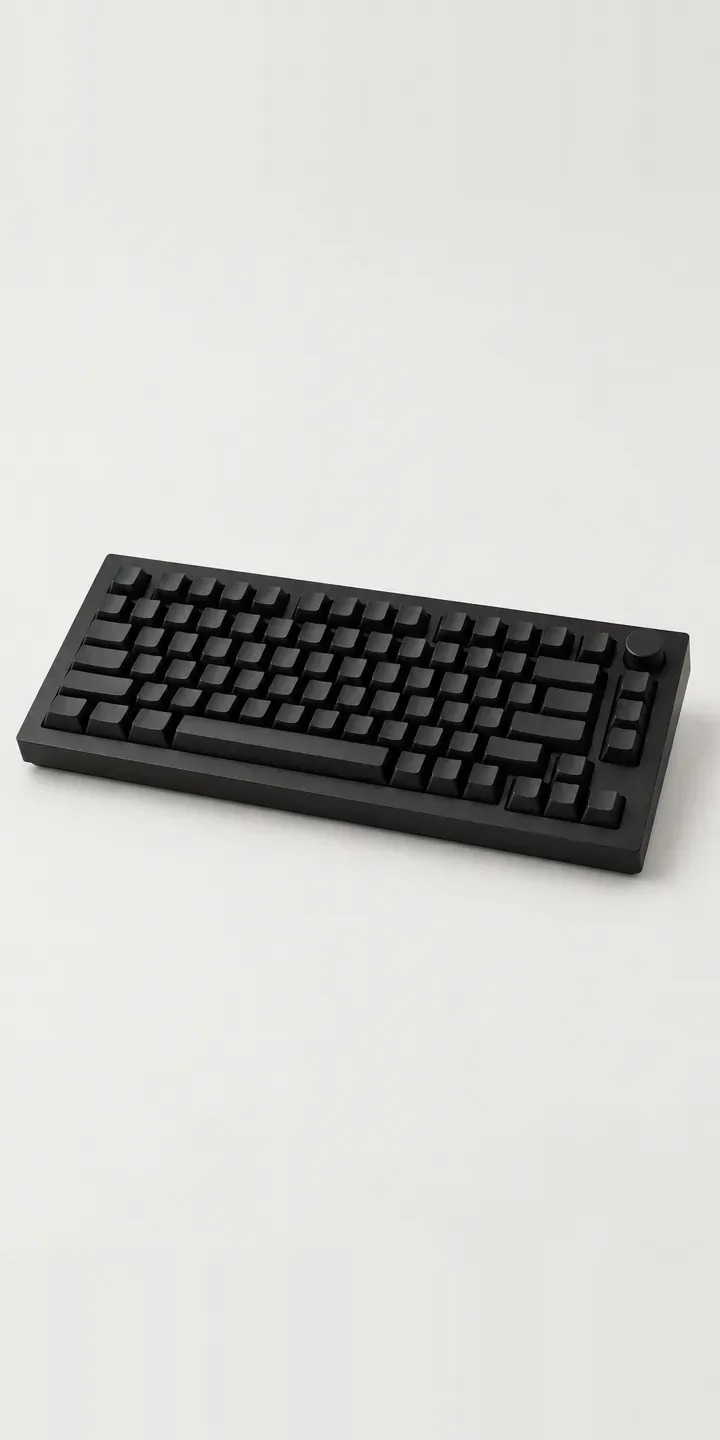
Aluminium Keyboard
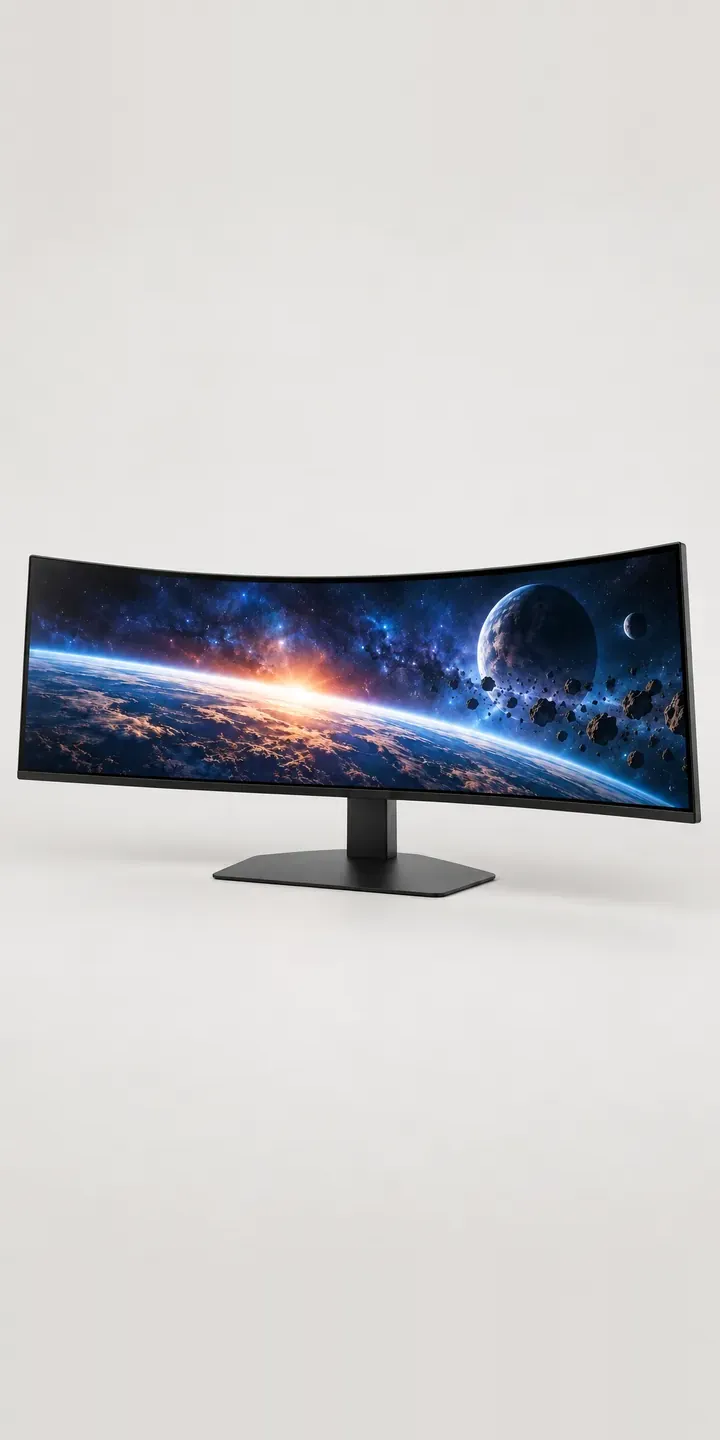
Curved Ultrawide
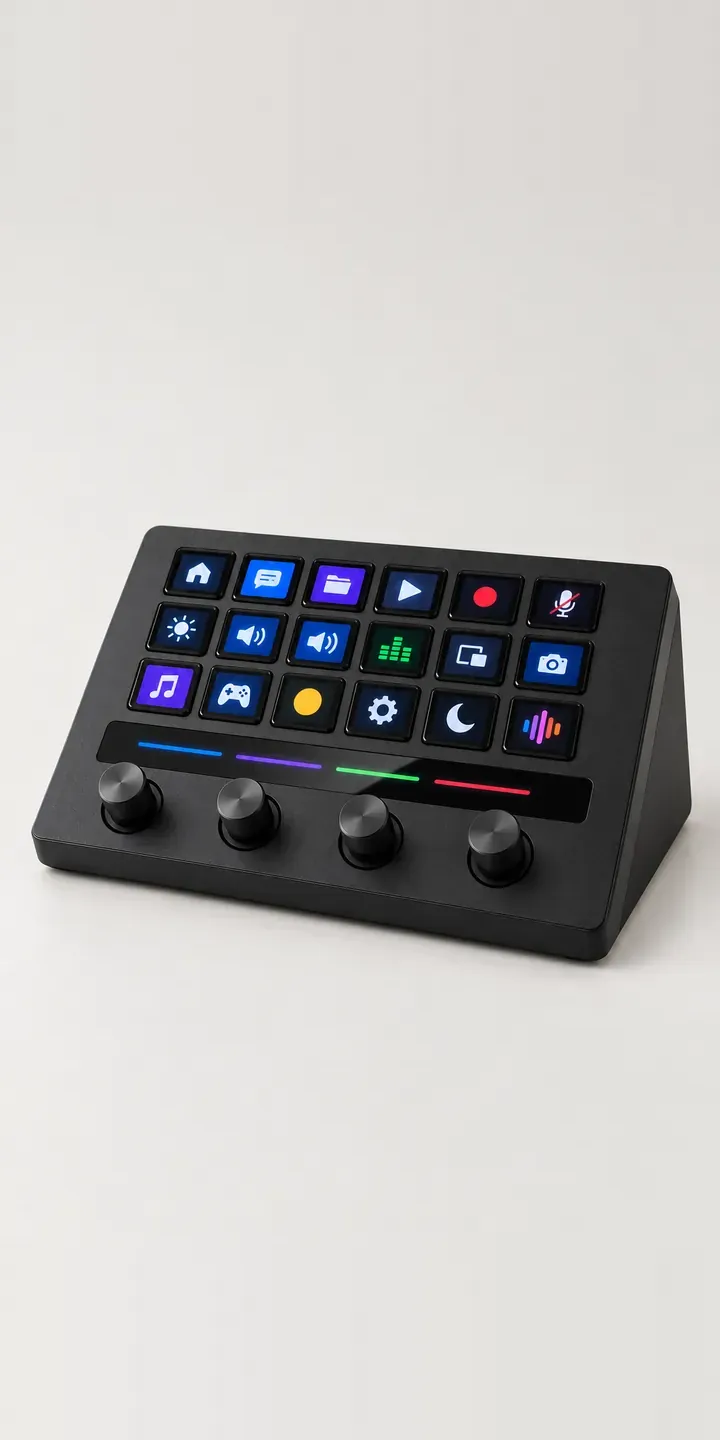
Dial Macro Console
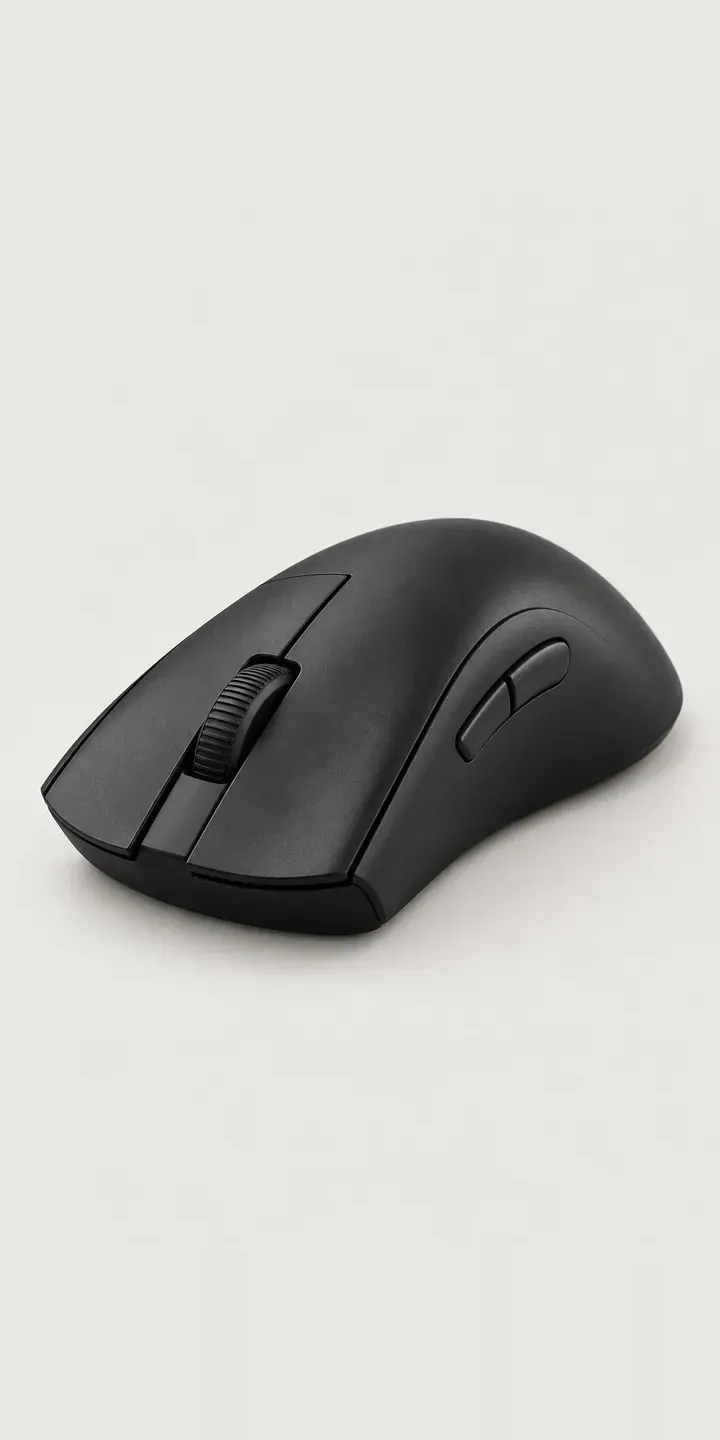
Ergonomic Mouse

Featherweight Mouse
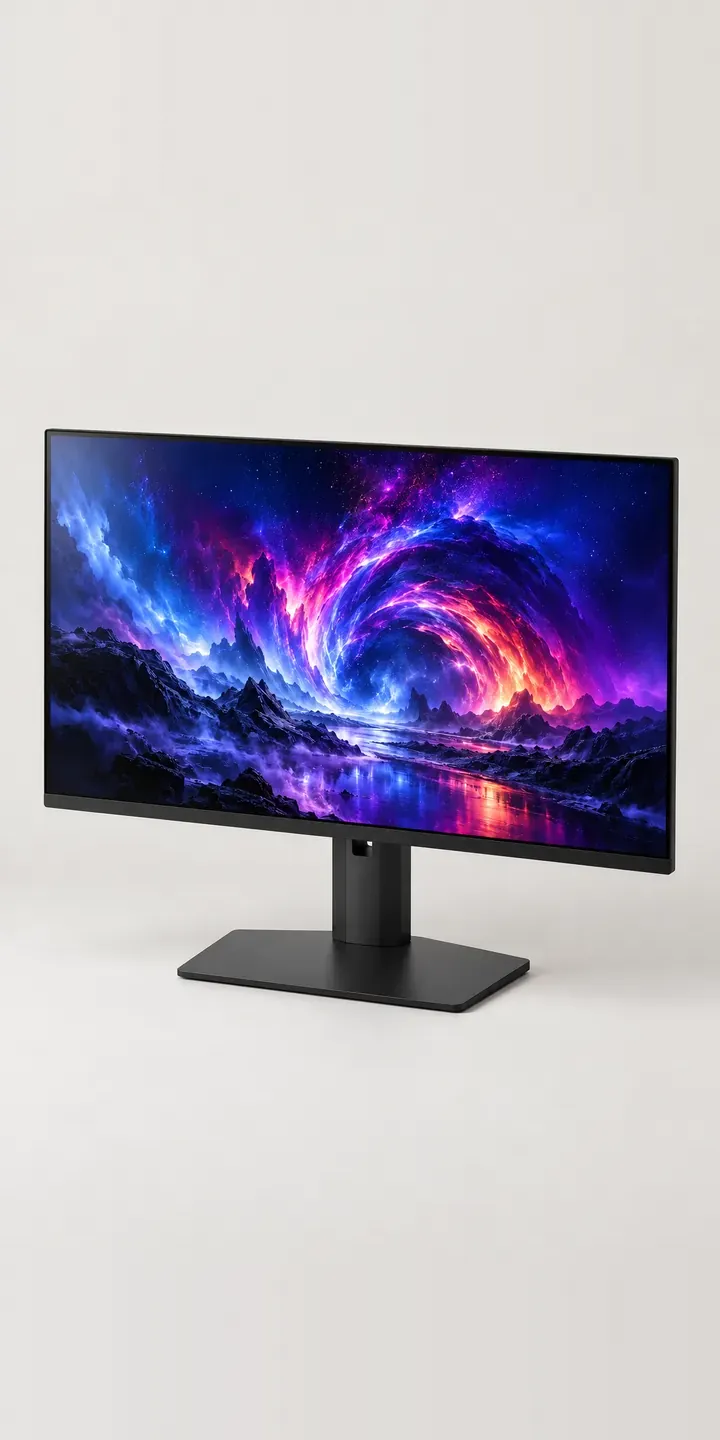
Flat Panel Display
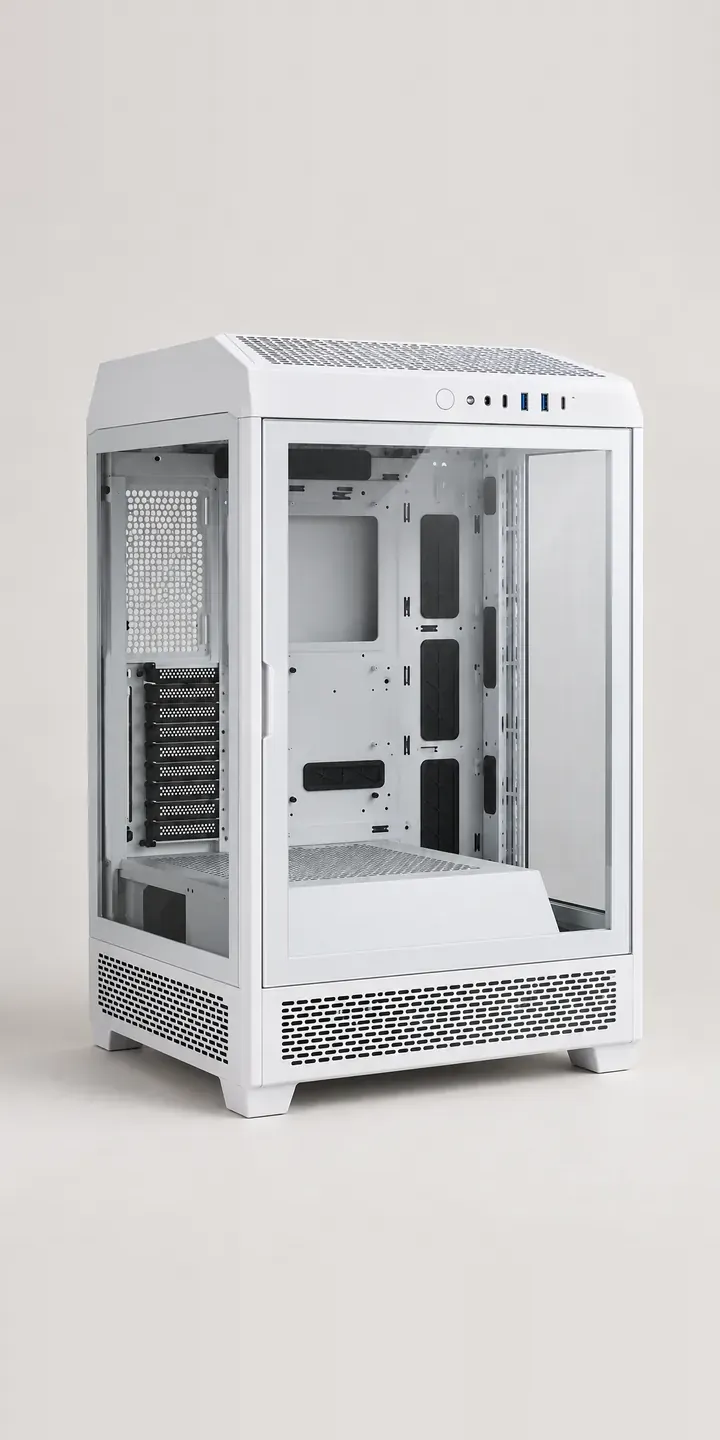
Glass Display Case
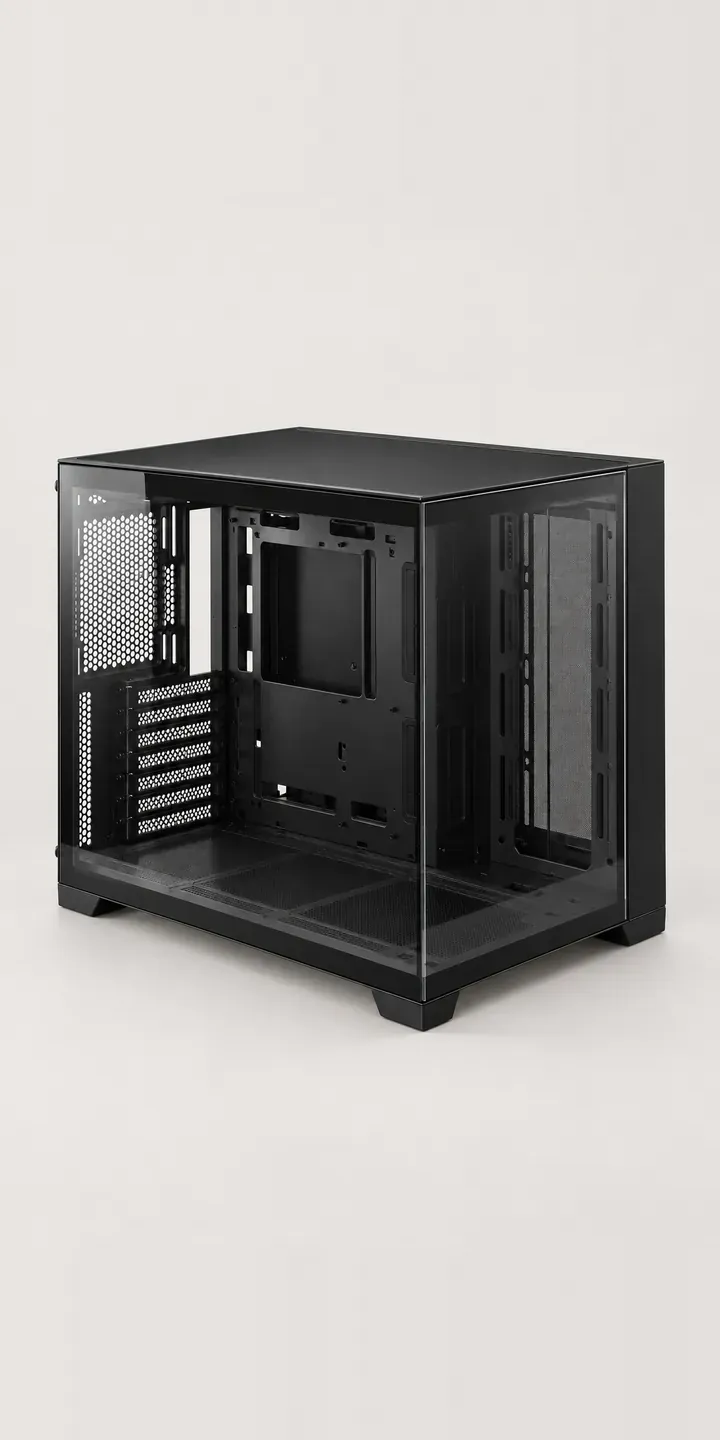
Glass Showcase Tower
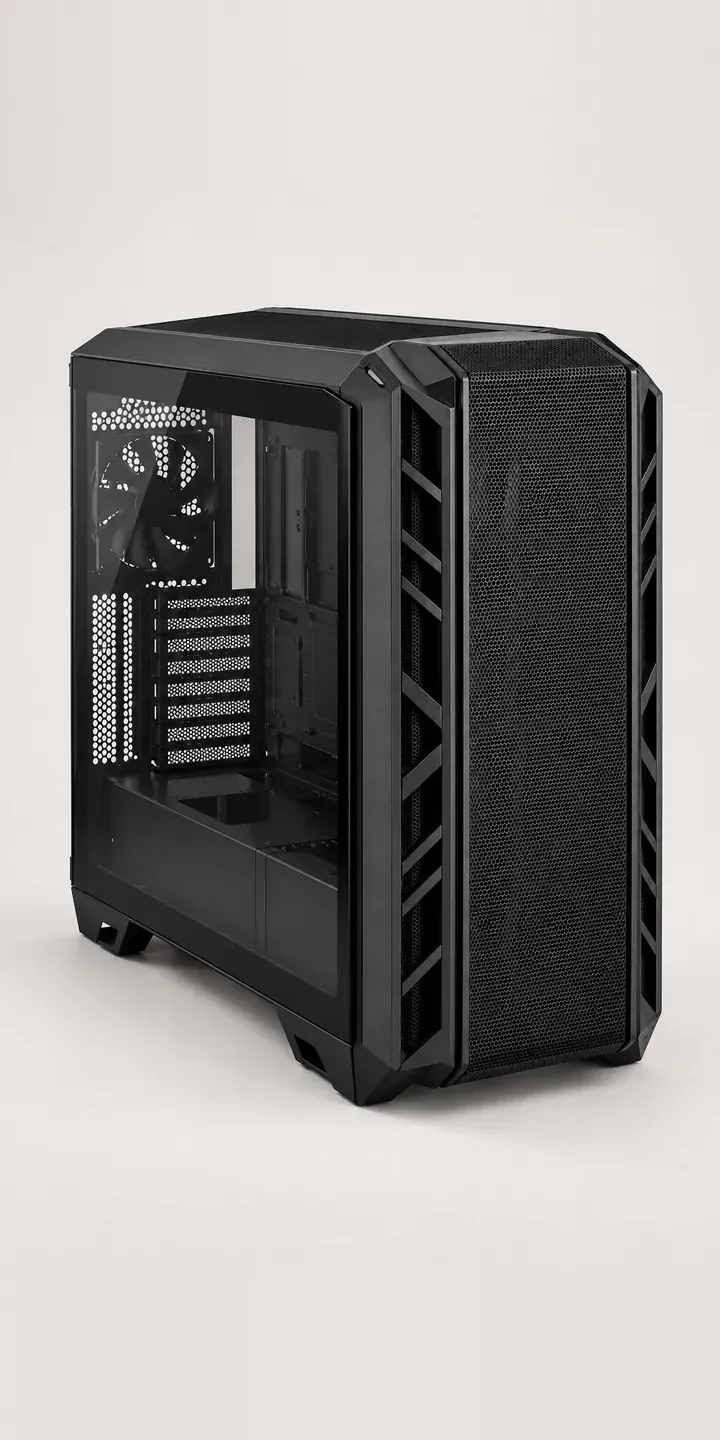
High-Airflow Chassis

Low-Profile Mouse
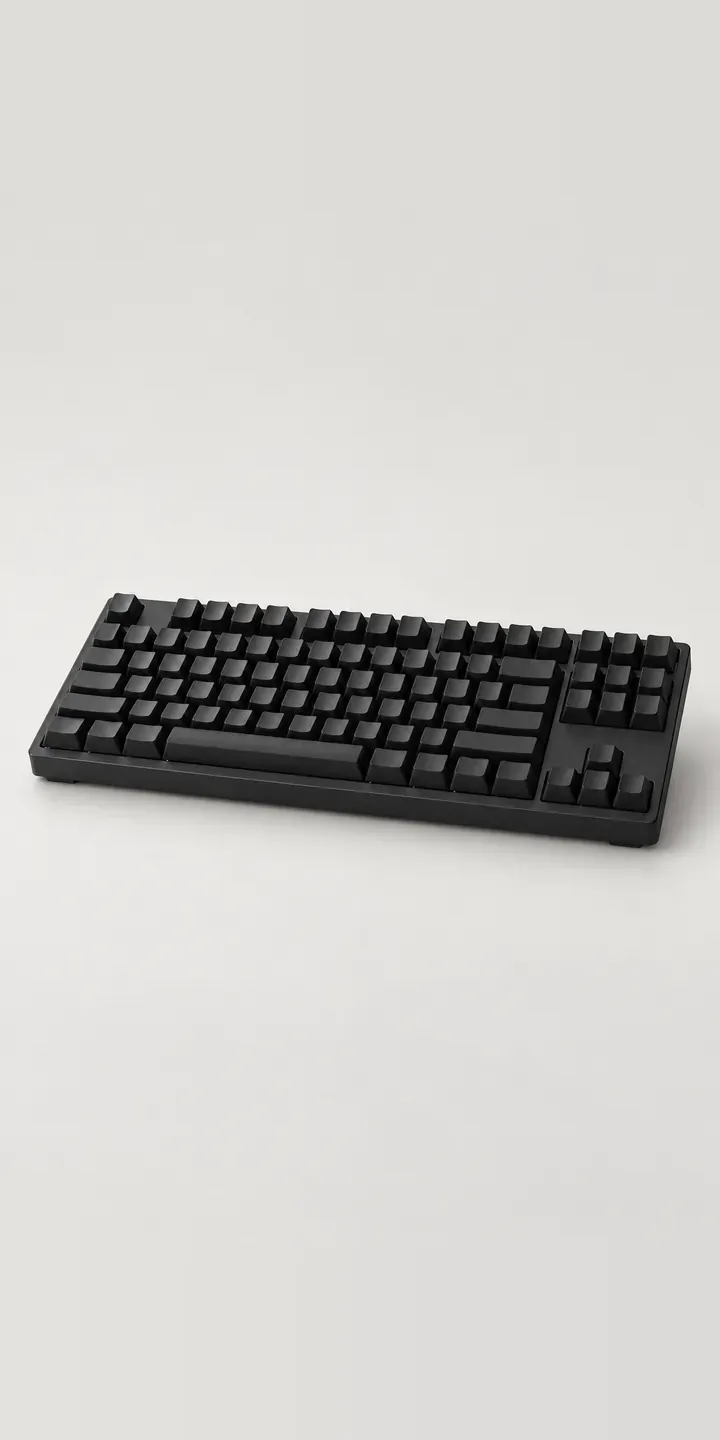
Magnetic Keyboard
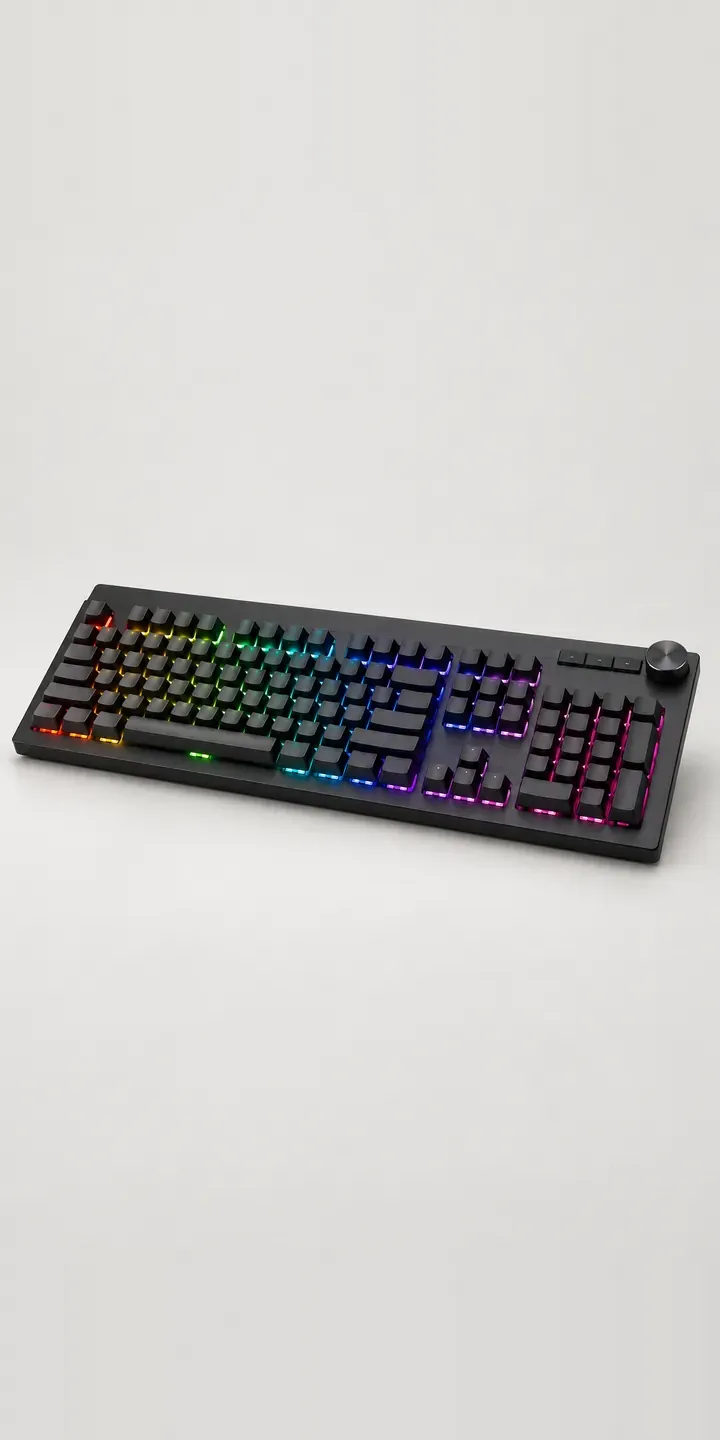
Media Keyboard
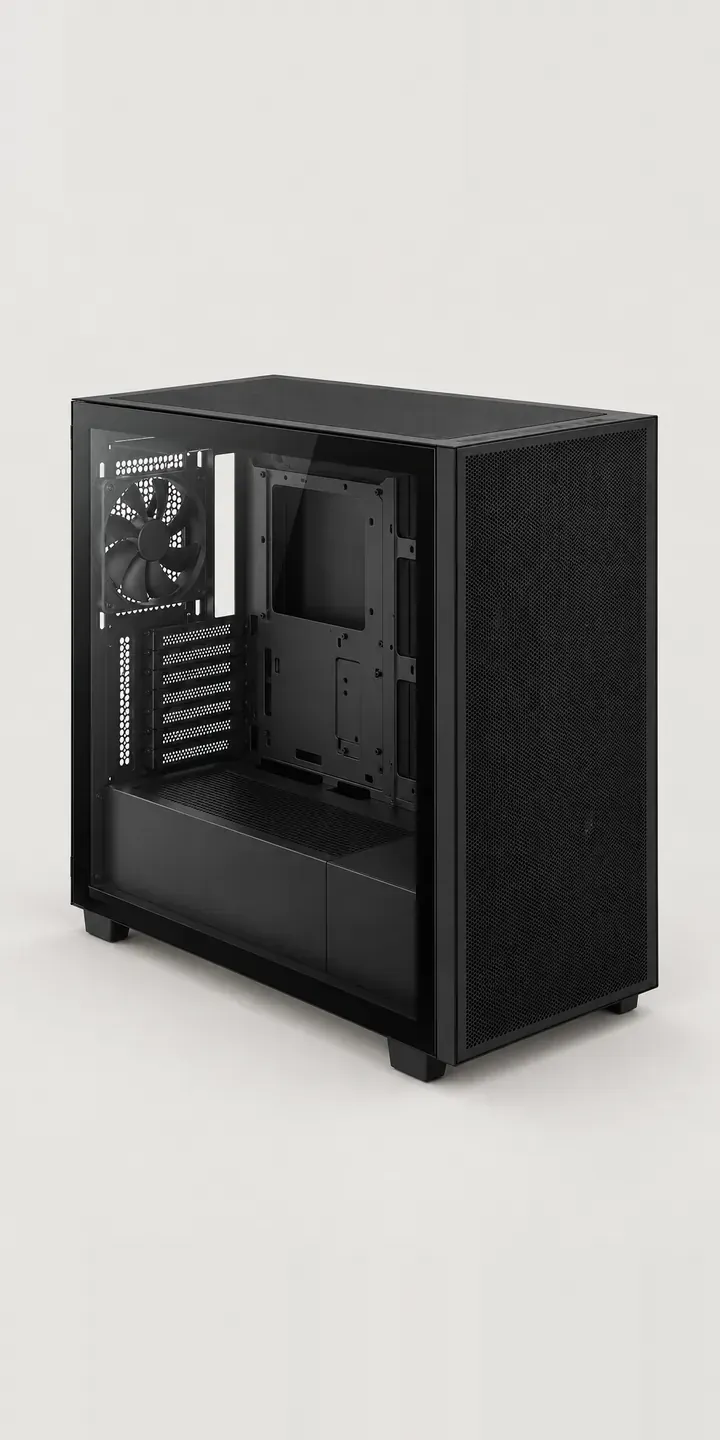
Mesh Airflow Chassis
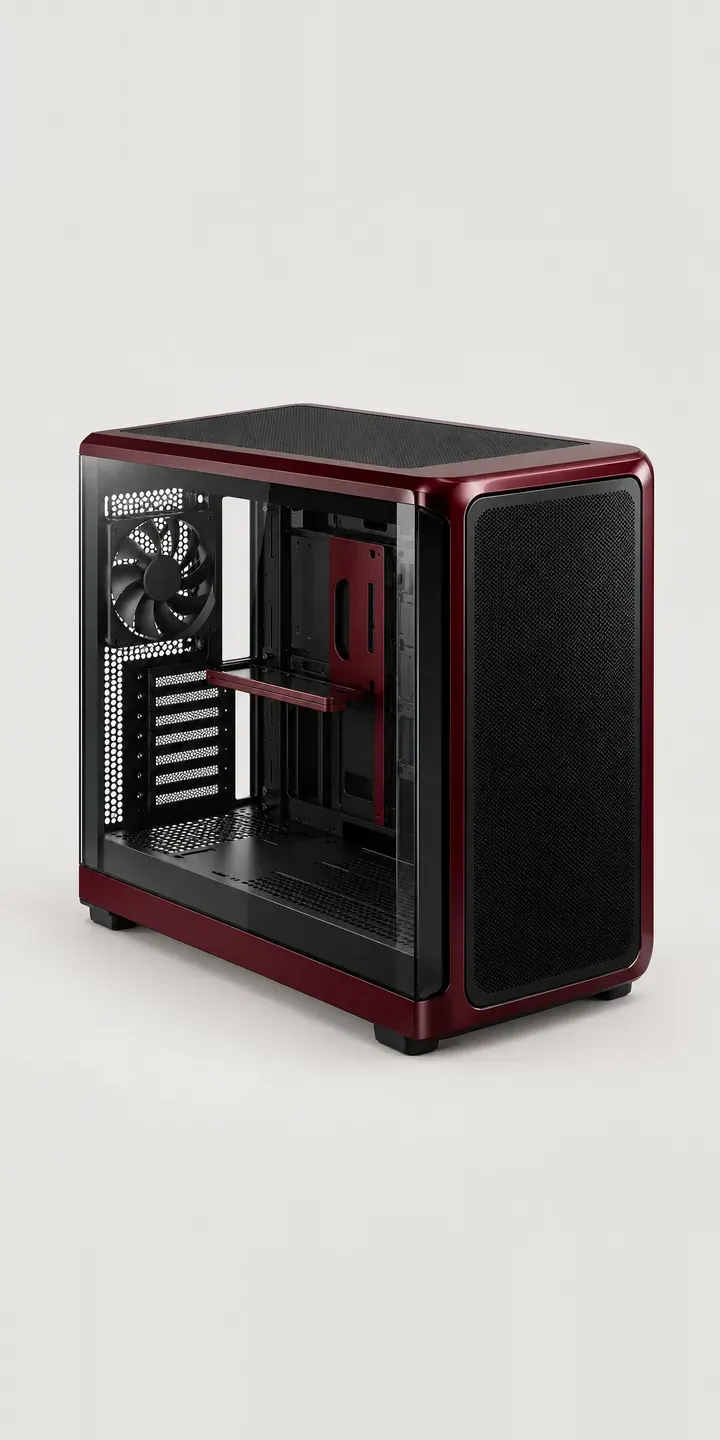
Panoramic Glass Tower
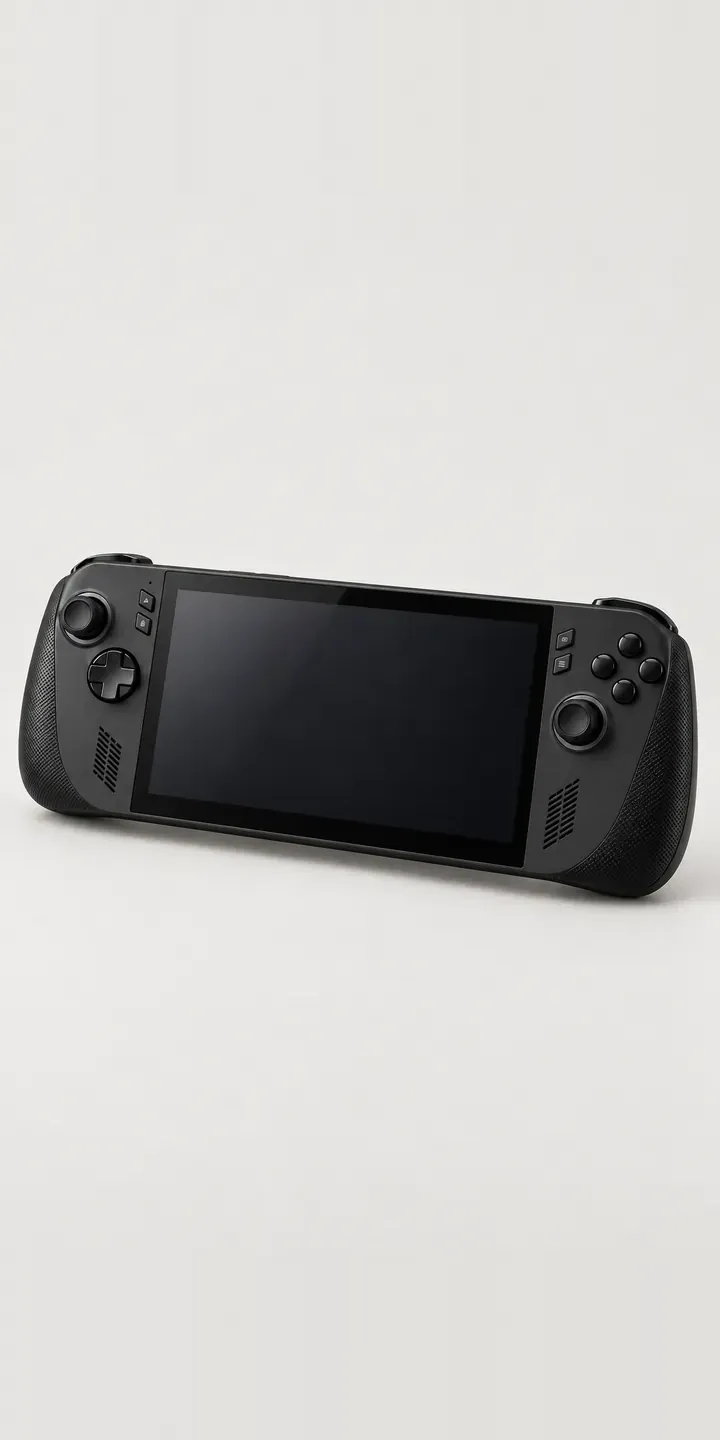
Portable Games PC
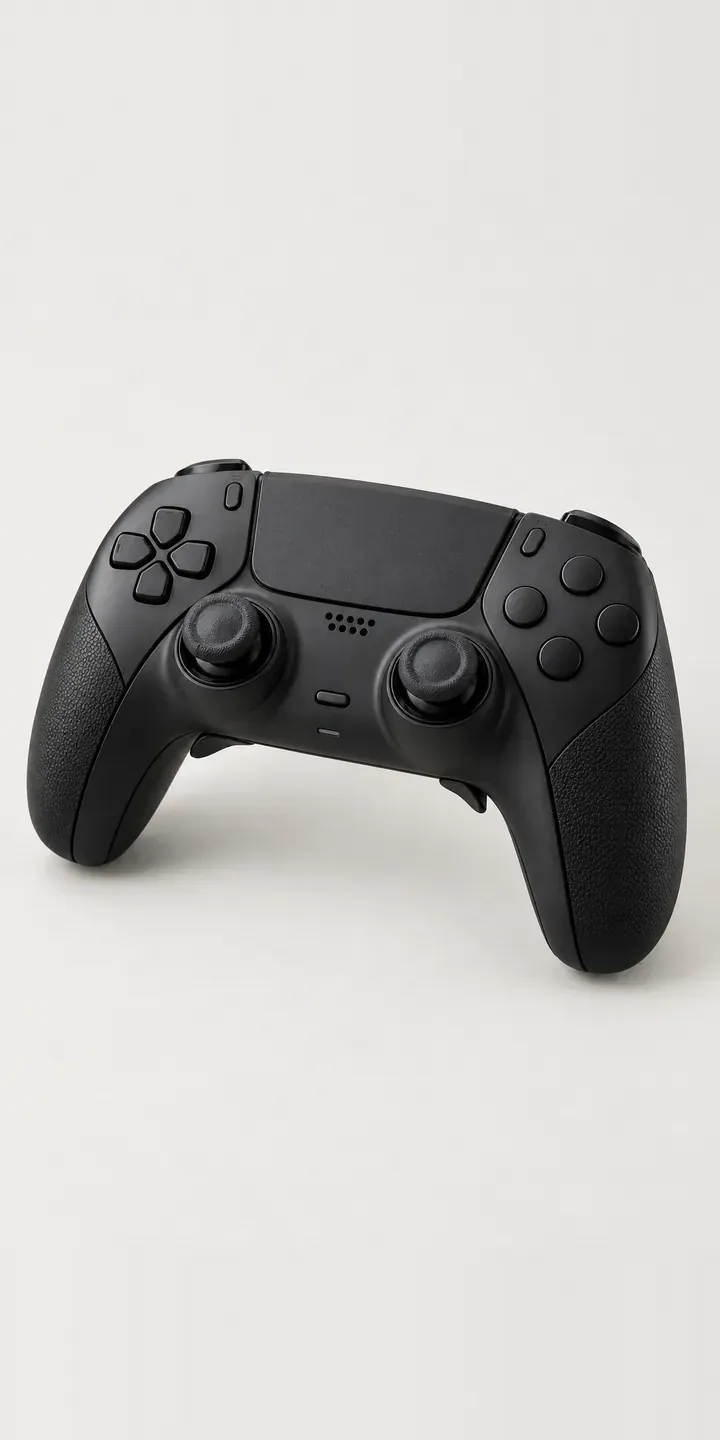
Pro Gamepad
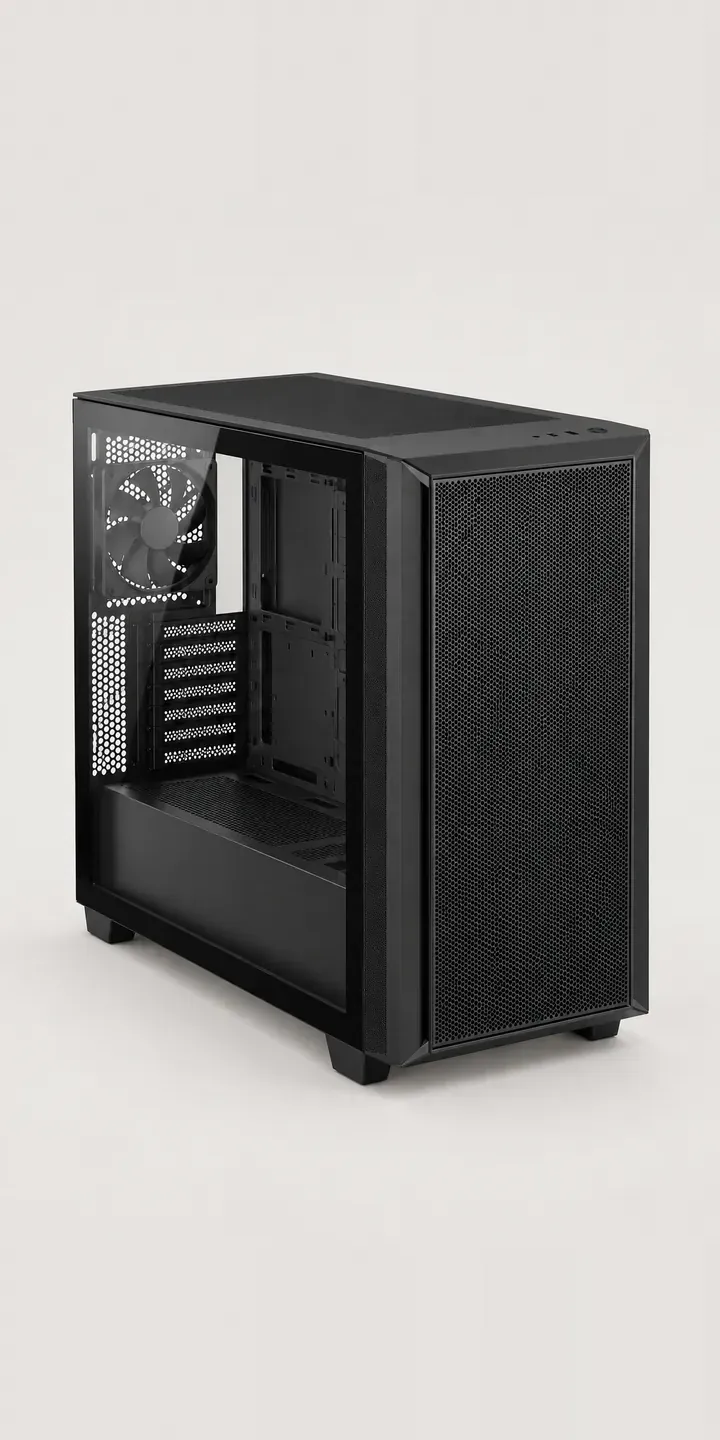
Silent Mesh Chassis
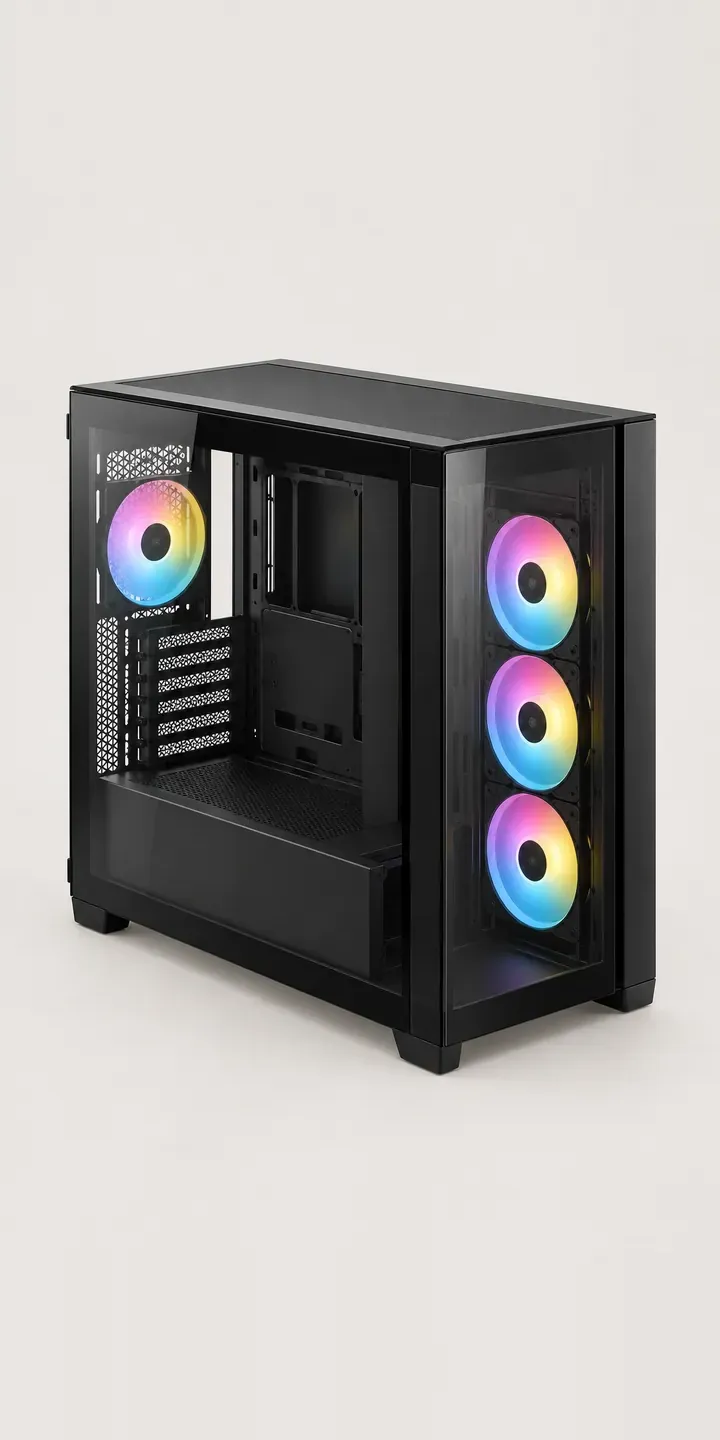
Split-Level Chassis
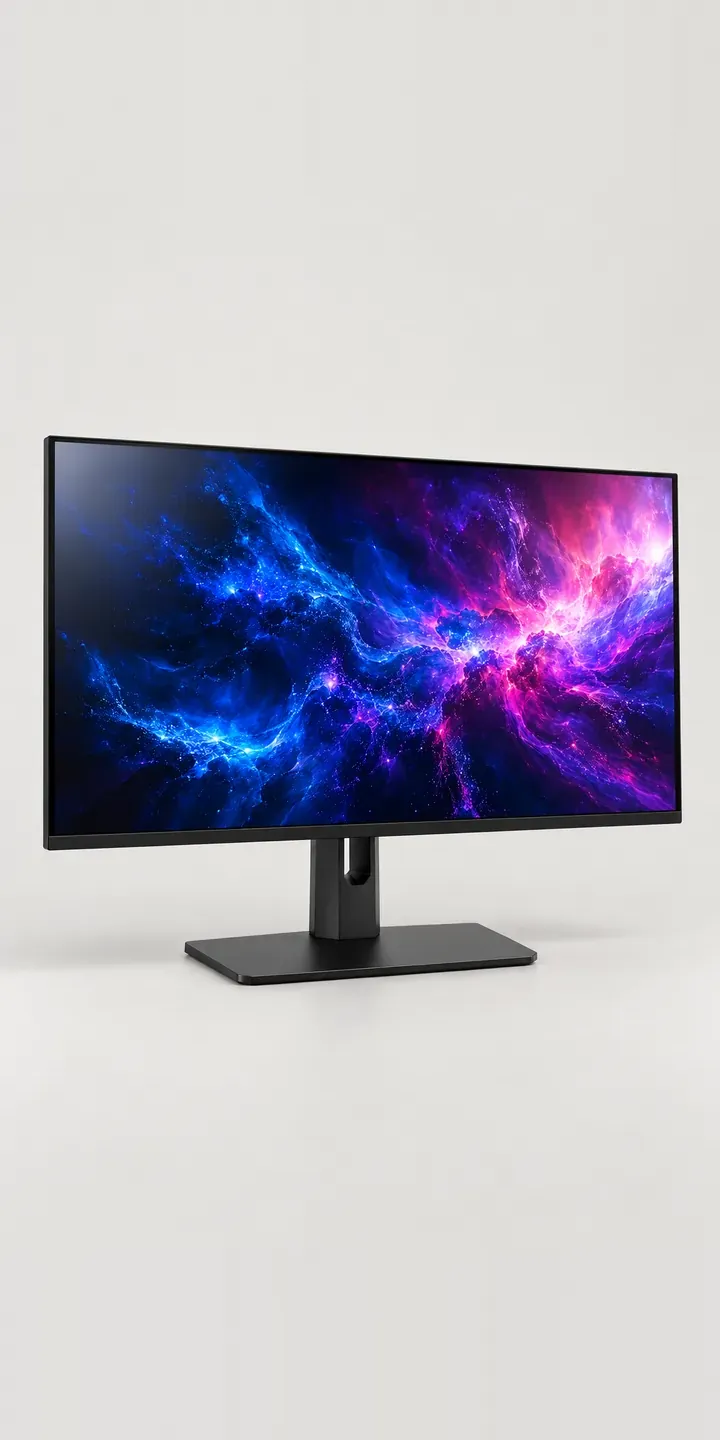
Studio Grade Display
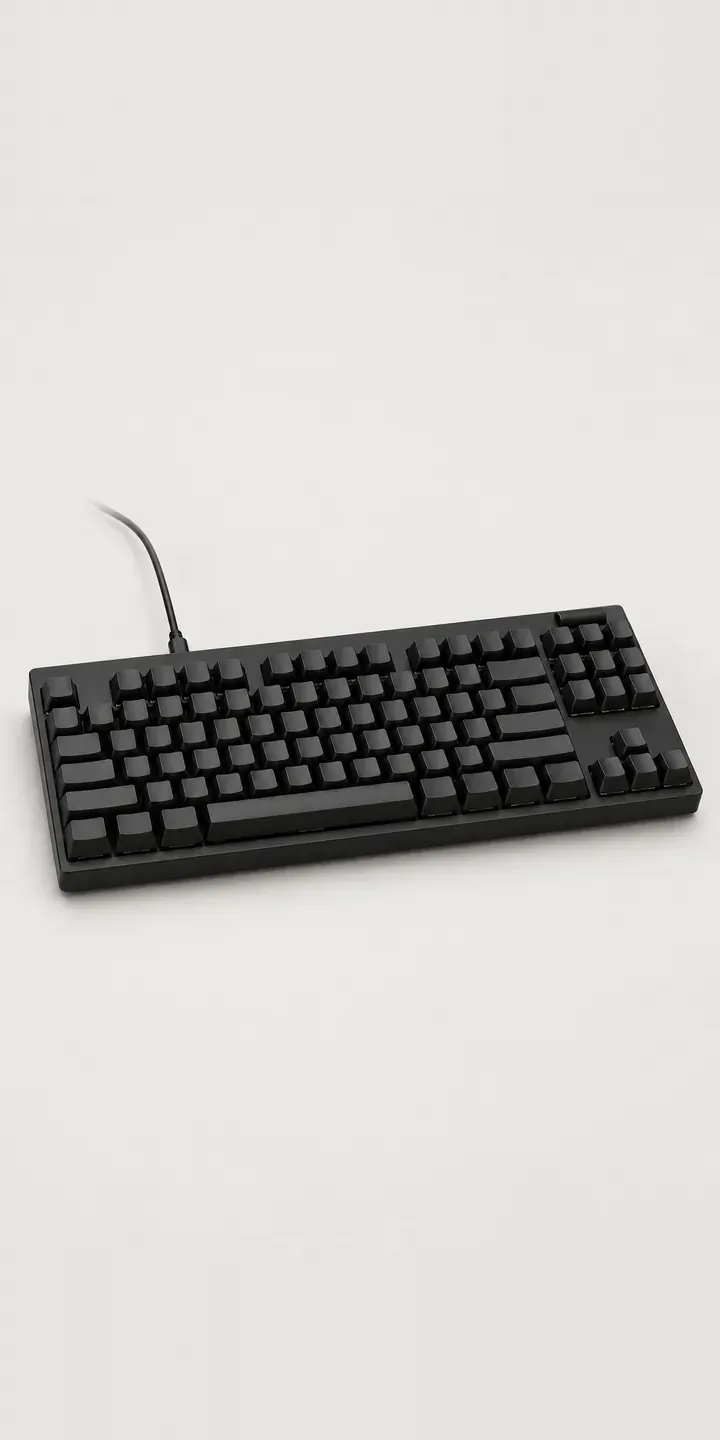
Tenkeyless Keyboard
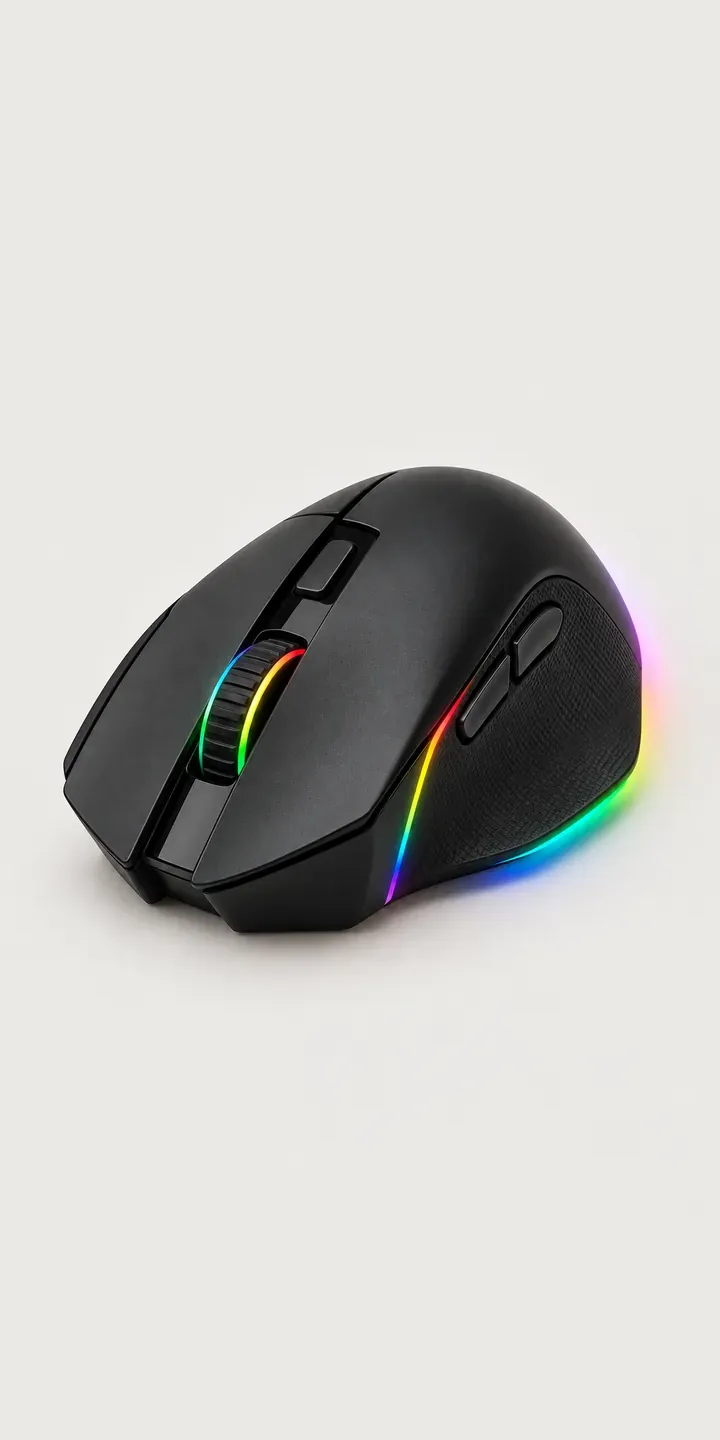
Thumb-Rest Mouse
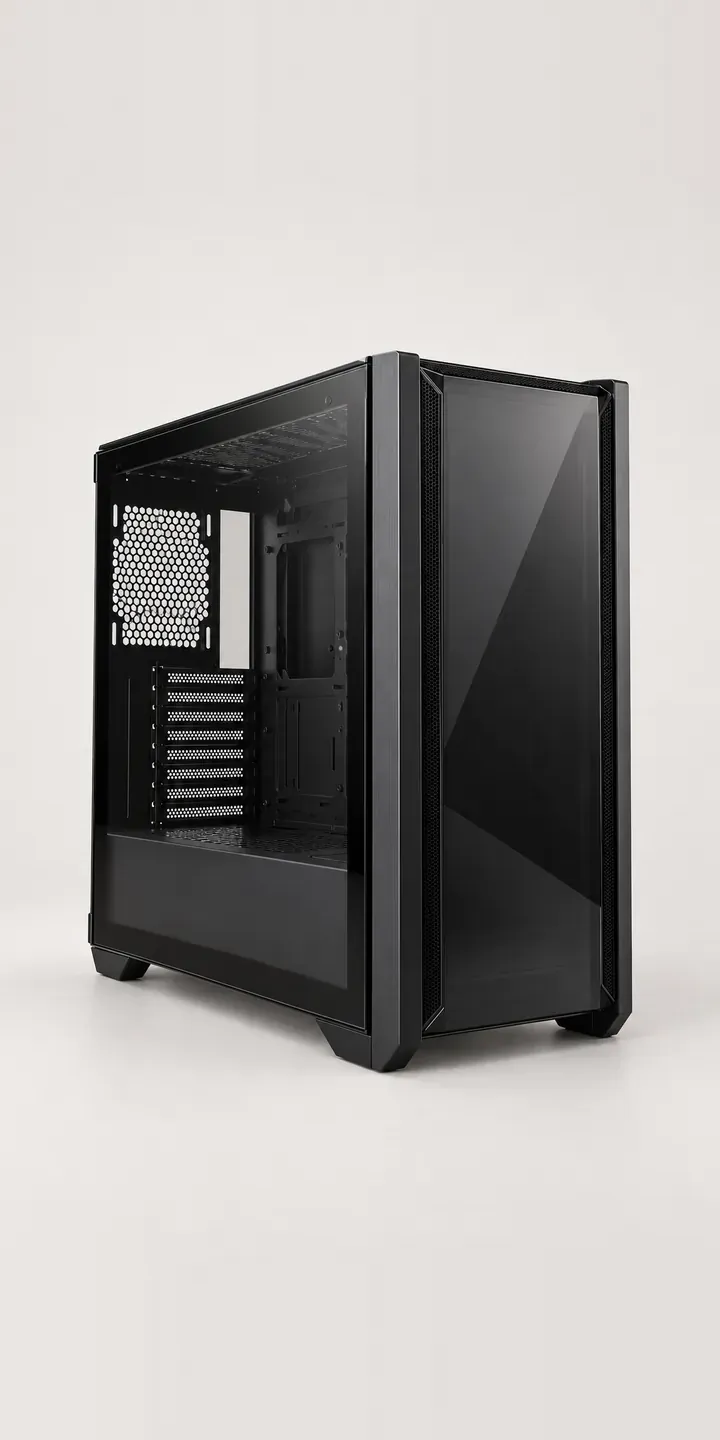
Tinted Glass Chassis
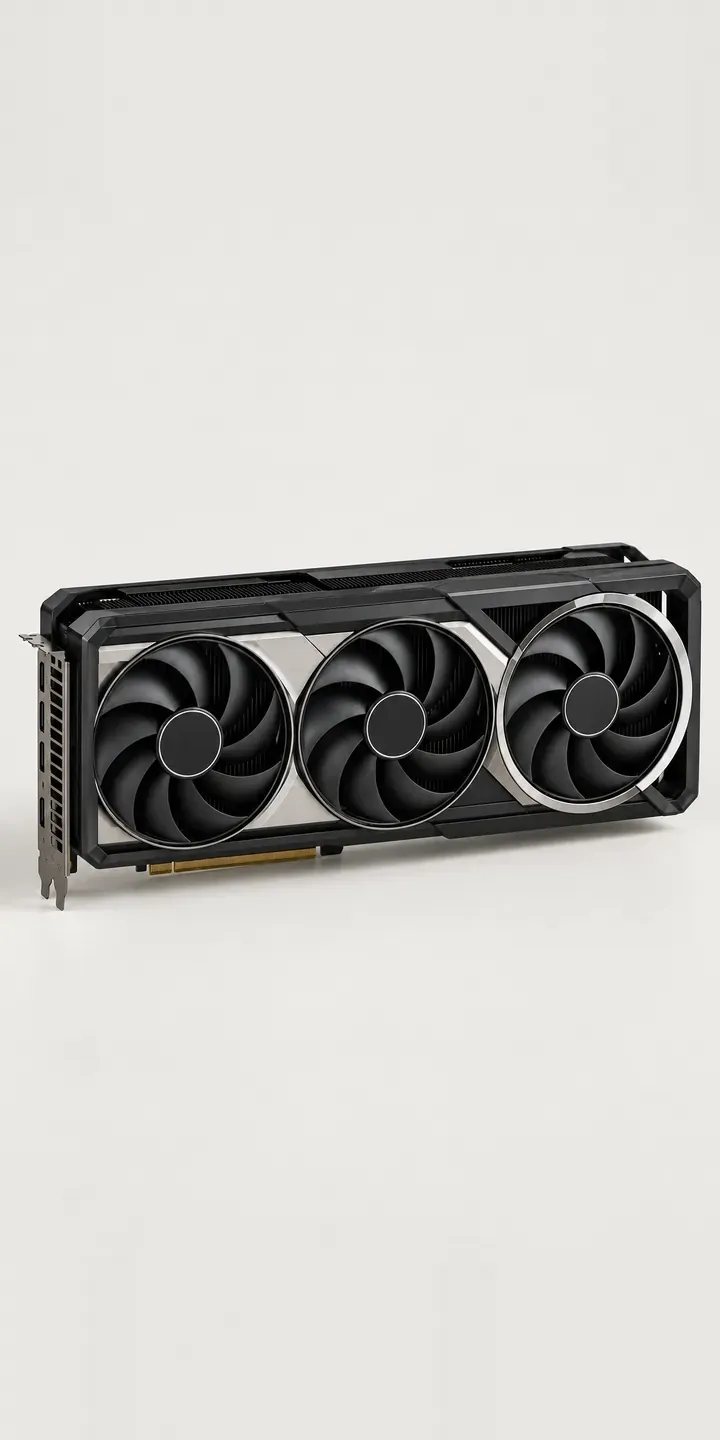
Triple-Fan Graphics
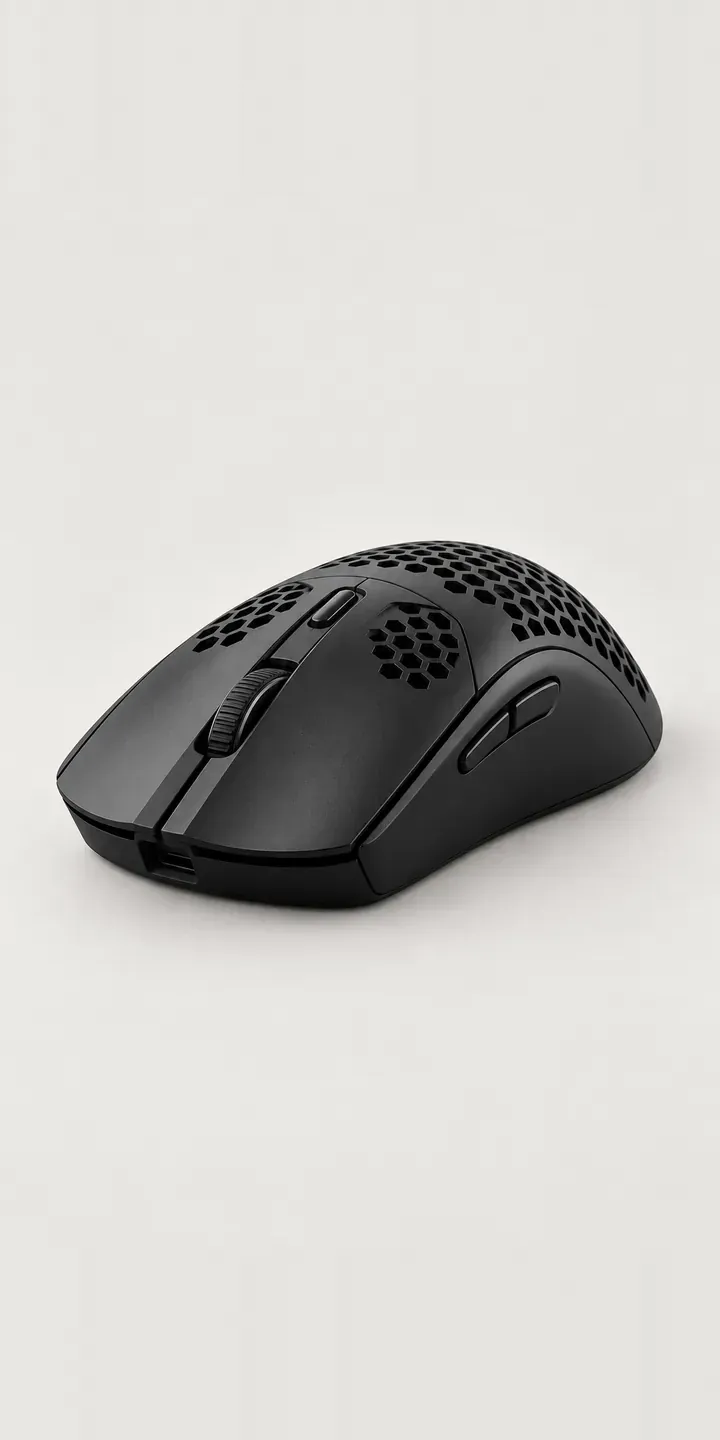
Vented Mouse
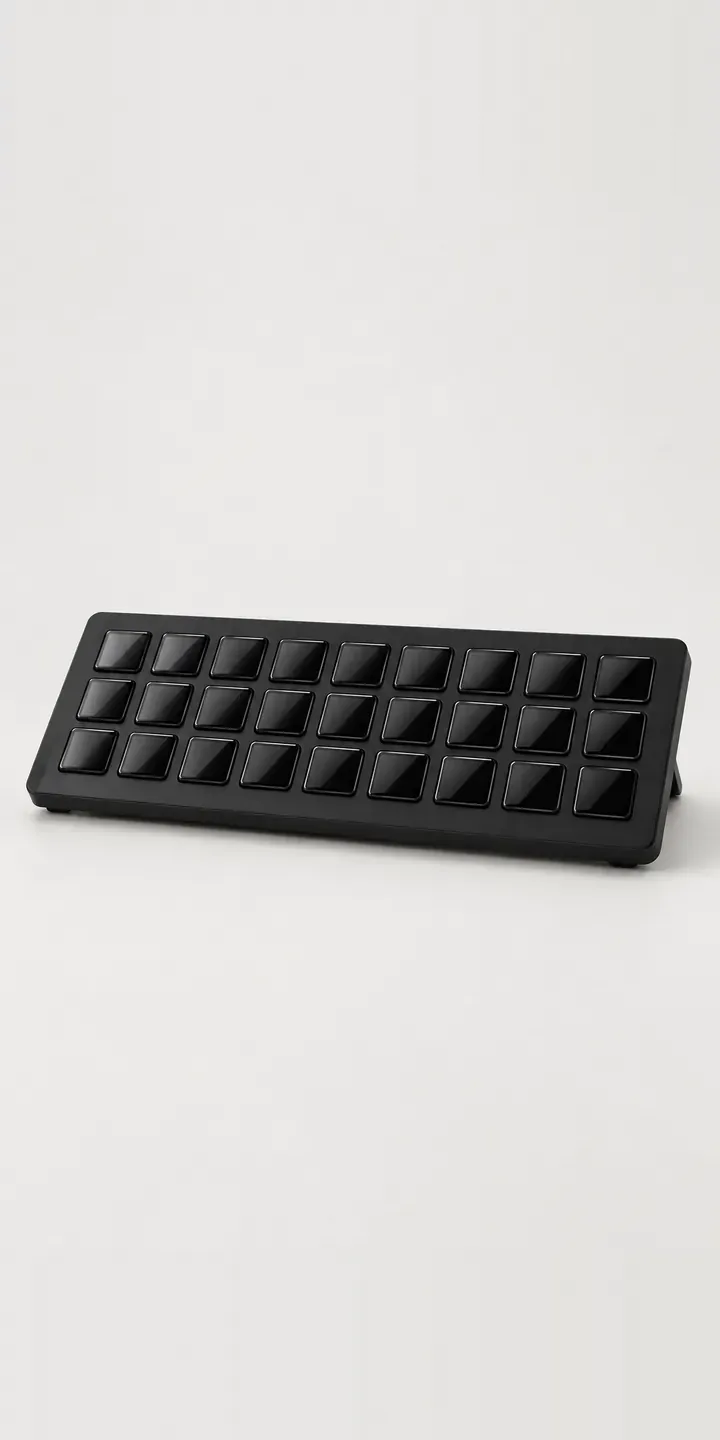
Wide Macro Keypad
Questions about PC and gaming hardware configurators
Can a configurator check graphics card clearance in a PC case?
Yes, if both products carry their dimensions. The configurator compares card length against case clearance, taking front radiators or fans into account, and flags conflicts before checkout. The same check can cover cooler height and power supply length. It saves builders cross-checking spec sheets and saves your support team the returns.
Can a keyboard configurator handle switches, layouts and keycaps?
It can. Layout and case colour change the image, while switch type sits in the spec with a short note on feel and sound. Keycap sets can be layered on the case so buyers see the combination. Regional layouts such as UK ISO and US ANSI become a clear option, which cuts wrong-layout orders.
Can a configurator show custom shells, sticks and buttons together?
Yes. Each part is a separate image layer on the same view, so the buyer sees the exact combination update with every click. A second view of the back can show paddles and triggers. Adding a new shell colour means one new layer rather than a fresh photo of every combination.
Planning a PC and gaming hardware configurator?
Tell me about your range, how products are photographed today and where orders need to go. I will suggest the smallest useful first step, whether that is one image-based product or a full 3D catalogue.