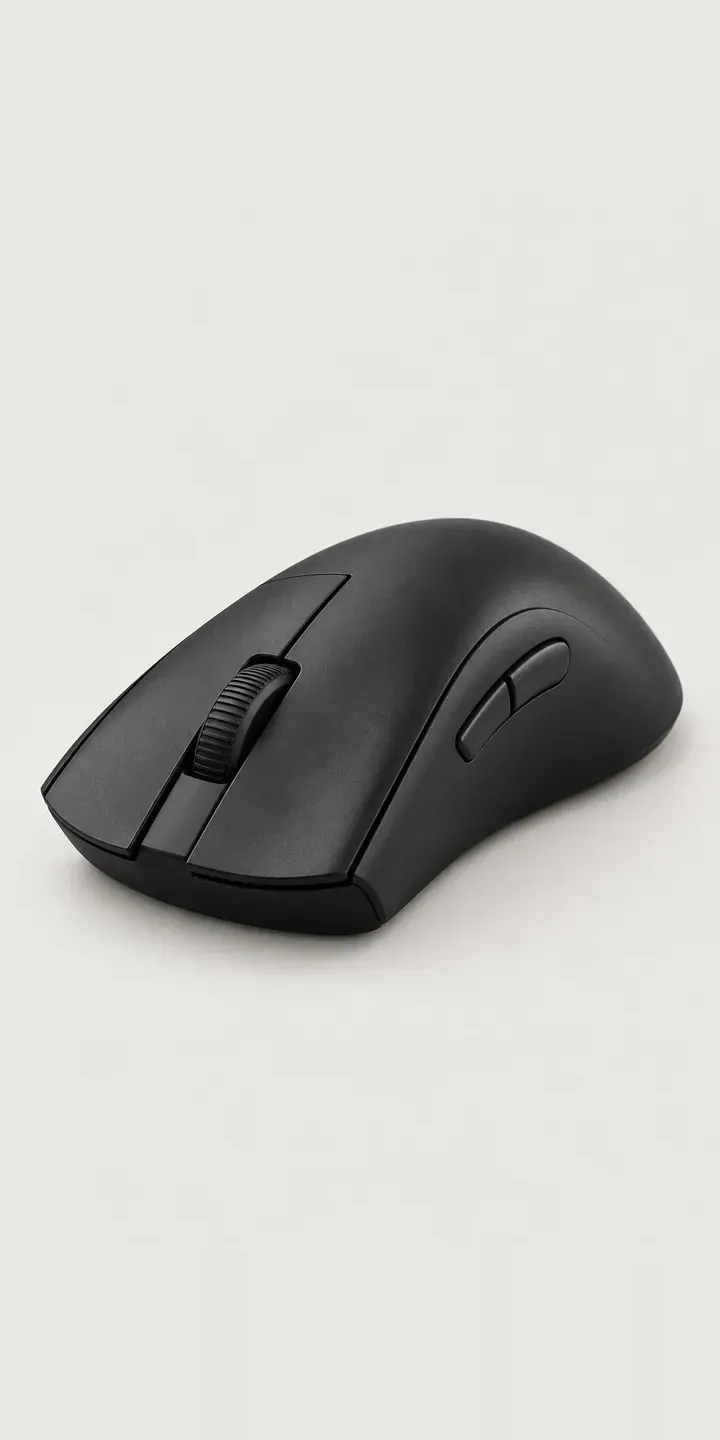
This illustrative ergonomic mouse has a sculpted right flank that cradles the fingers and a slotted scroll wheel at the centre. It is a right-handed shape, made for players who rest their whole palm on the mouse. Colour and charging method are the two options, and the result is sent as a quote.
Palm-grip buyers are looking for comfort over long sessions. They are deciding whether the shape suits their hand size, and whether the hump sits where their palm wants it. Charging is the quieter decision. A cable is simple, while a dock keeps the mouse topped up between sessions and gives it a fixed home on the desk.
PC and gaming hardware Configurator demo
Ergonomic Mouse
- Product
- Ergonomic Mouse
- Colour
- Matte Black
- Charger
- Cable
Illustrative product. The design and images are generated examples, not a real model for sale.
What you can configure
Matte black, white, forest and faded grey are the four colours shown; dusk blue and sand are the other two. Charger is cable or dock. It is stored in the summary without changing the image here. For a wireless ergonomic mouse used for hours at a time, the dock is less an accessory than a habit: set it down at night and it is charged by morning.
- Colour: Matte Black, White, Forest, Faded Grey
- Charger: Cable, Dock
Why a configurator suits gaming mouses
Ergonomic mice draw a narrow, loyal buyer. They tend to replace like with like, and they research hard before switching shapes. What they want from a product page is a clear view of the contour from behind and from the side, plus dimensions and a hand-size guide. A configurator keeps that information beside every colour, not only on the default listing.
Right-handed shapes carry a specific risk: left-handed buyers who do not notice. A configurator can state handedness plainly near the add button and suggest an alternative for left-handed players, if the retailer has one. That small piece of copy avoids a return that is entirely predictable.
The dock is where the margin sits. A dock in the matching colour is a natural upgrade for someone who has just chosen forest or faded grey. Shown on the same image, in the same finish, it reads as part of the product rather than an add-on. Buyers who decide later can reopen a saved configuration and add only the dock.
How a production version would be built
A production build would use images per colour from behind and from the right side, the two angles that show the ergonomic contour. The dock is a separate layer in the matching colour, positioned under the mouse in a third view. Six colours need six mouse images per angle and six dock layers. I would ask for SKUs, colour names, dimensions, a hand-size guide and whether the dock ships in the box or separately. Orders go to a Shopify or WooCommerce basket, and saved configurations let a buyer come back for the dock later.
Build sheet for this range
- Colours in the full range: 6 (4 shown in this demo)
- Charger choices: 2
- Combinations to support: 6 × 2 = 12
- Images for one photograph per combination at 3 angles: 36
- Images if chargers can be shown as separate layers, at 3 angles: 24
- Data each of the 12 combinations needs: a SKU or variant ID, price, stock or lead time, and any dimensions or specification that change
Questions about gaming mouse configurators
How can a configurator help buyers check an ergonomic shape fits their hand?
With the right angles and a size guide. A rear view shows the hump and tilt; a side view shows length and where the palm sits. A simple guide matching hand length to grip style, from your own fitting advice, adds confidence. Together they reduce returns from buyers who expected a different shape.
Should the charging dock match the mouse colour?
Usually, yes. A matching dock looks like part of a set and is easier to sell inside the configurator. If the dock only comes in black, say so beside the option and show it with each colour. Buyers accept a contrast; what they dislike is being surprised by one.
How do you stop left-handed buyers ordering a right-handed mouse?
State handedness plainly beside the image and again near the basket button. If you sell a left-handed or symmetrical alternative, the configurator can link to it. It sounds obvious, but on a page focused on colour, handedness is easy to miss, and the return is avoidable.
Can the configurator run on an existing Shopify store?
Yes. It sits on the product page and maps each colour and charger choice to a Shopify variant, so stock, price and checkout work as normal. Usually only the product template needs changing. WooCommerce works the same way, and I reply to enquiries within two UK working days with a short plan.
More PC and gaming hardware configurator demos
Featherweight Mouse
Flat Panel Display
Glass Display Case
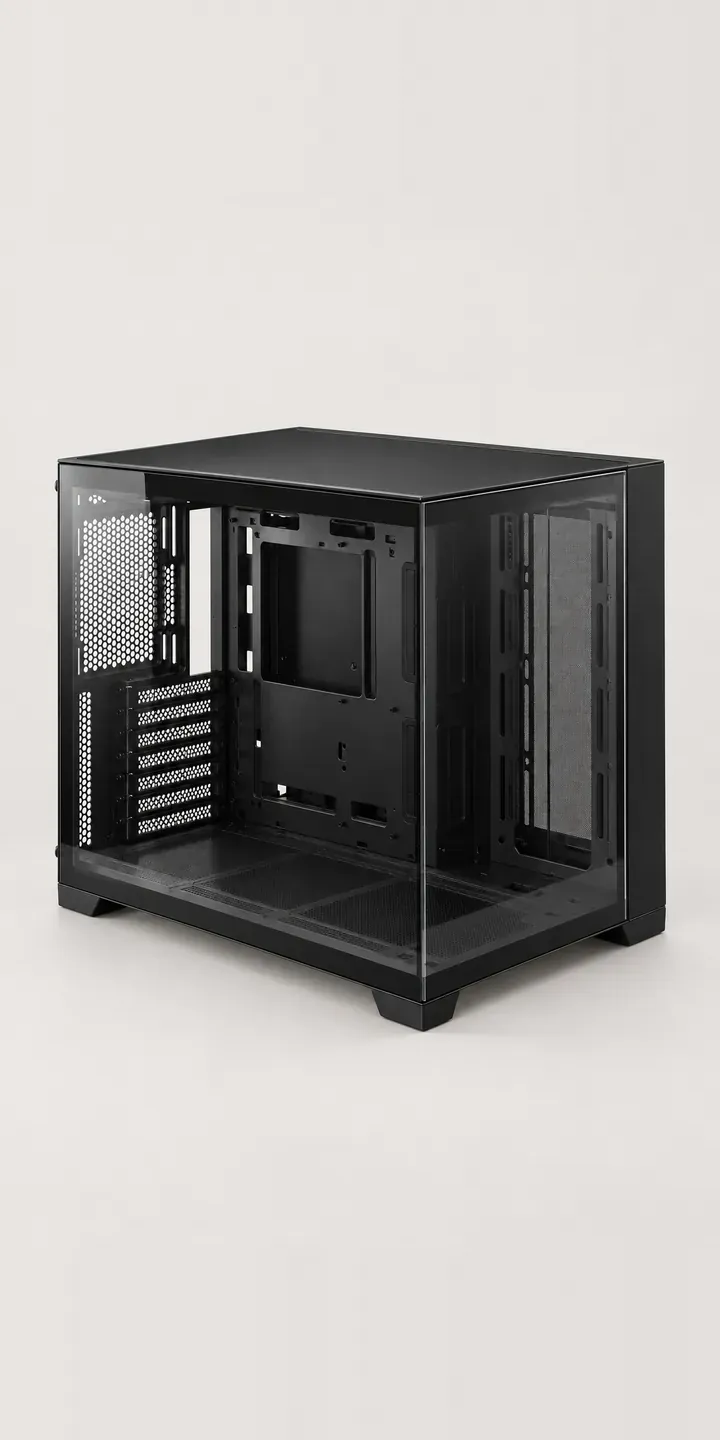
Glass Showcase Tower
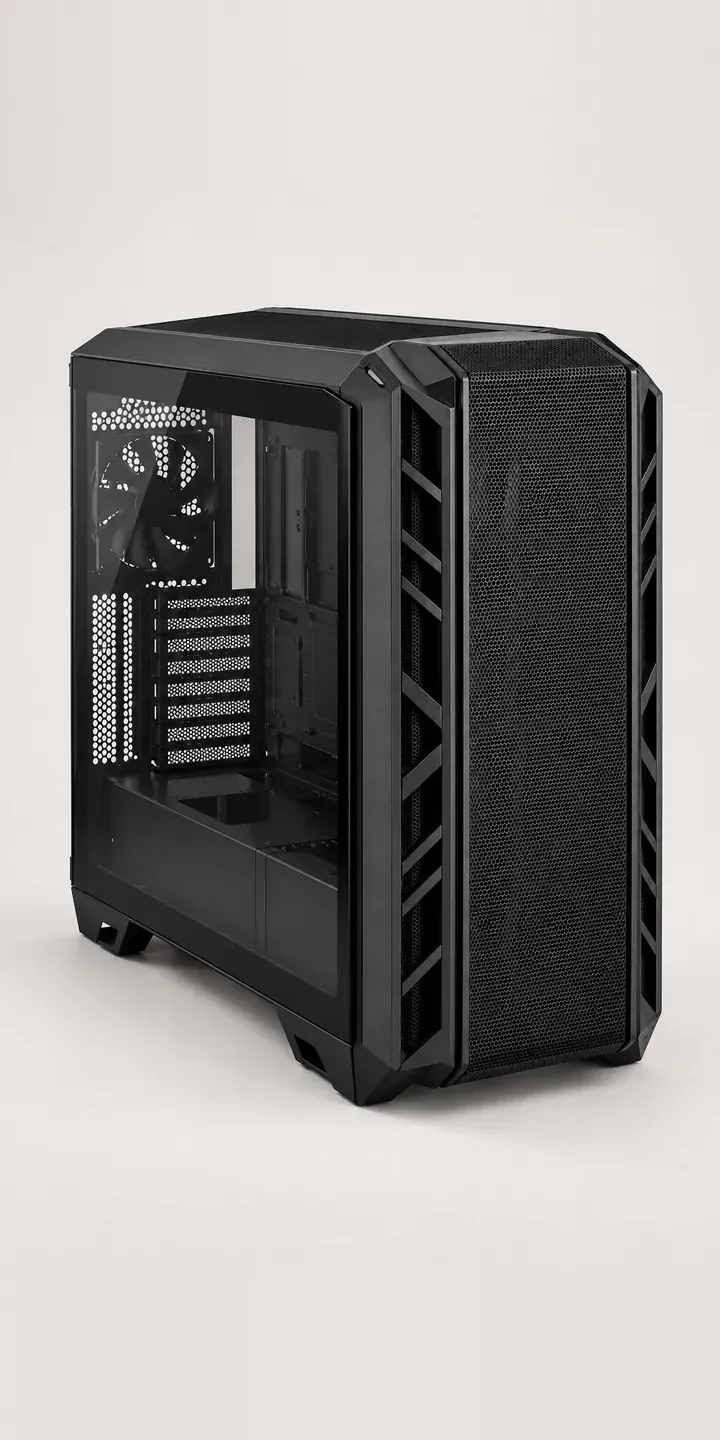
High-Airflow Chassis
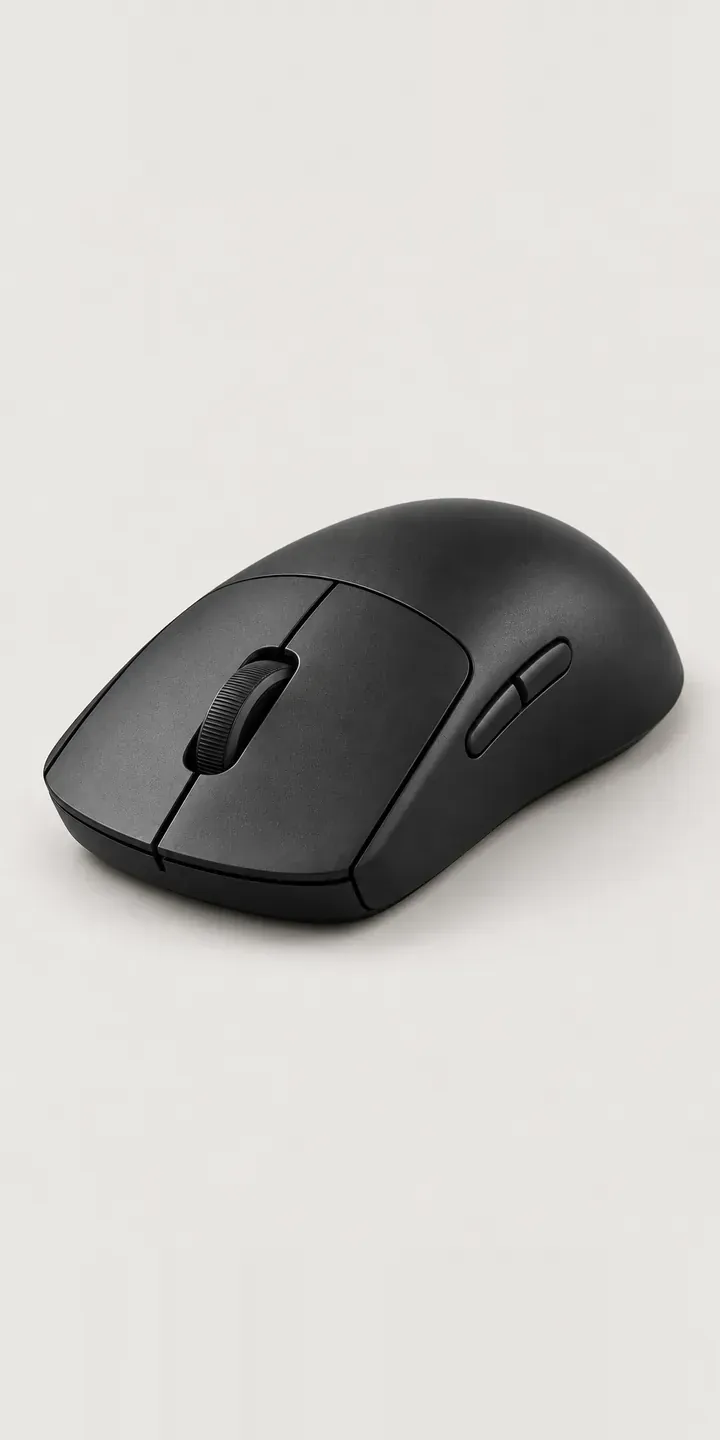
Low-Profile Mouse
All PC and gaming hardware configurator demos
A configurator for your gaming mouses
This demo uses an illustrative product. If you sell gaming mouses, I can build the same experience around your own range, photography and ordering process, connected to Shopify, WooCommerce or a quote workflow. I reply to enquiries within two UK working days.