Some PCs are built to be looked at as much as used. This illustrative display case has 4 mm glass meeting a steel frame at the corners, with the power button on the top front. You set the finish and decide between floor standing and a pedestal, and the demo ends with a quote request.
Its buyer thinks like someone choosing a display cabinet, starting with placement and viewing height. On the floor beside a desk, a glass case is seen from above and mostly shows its top. Raised on a pedestal, the components sit nearer eye level. Finish follows from the build inside: white and light grey suit all-white parts, while lavender signals a deliberately soft colour scheme.
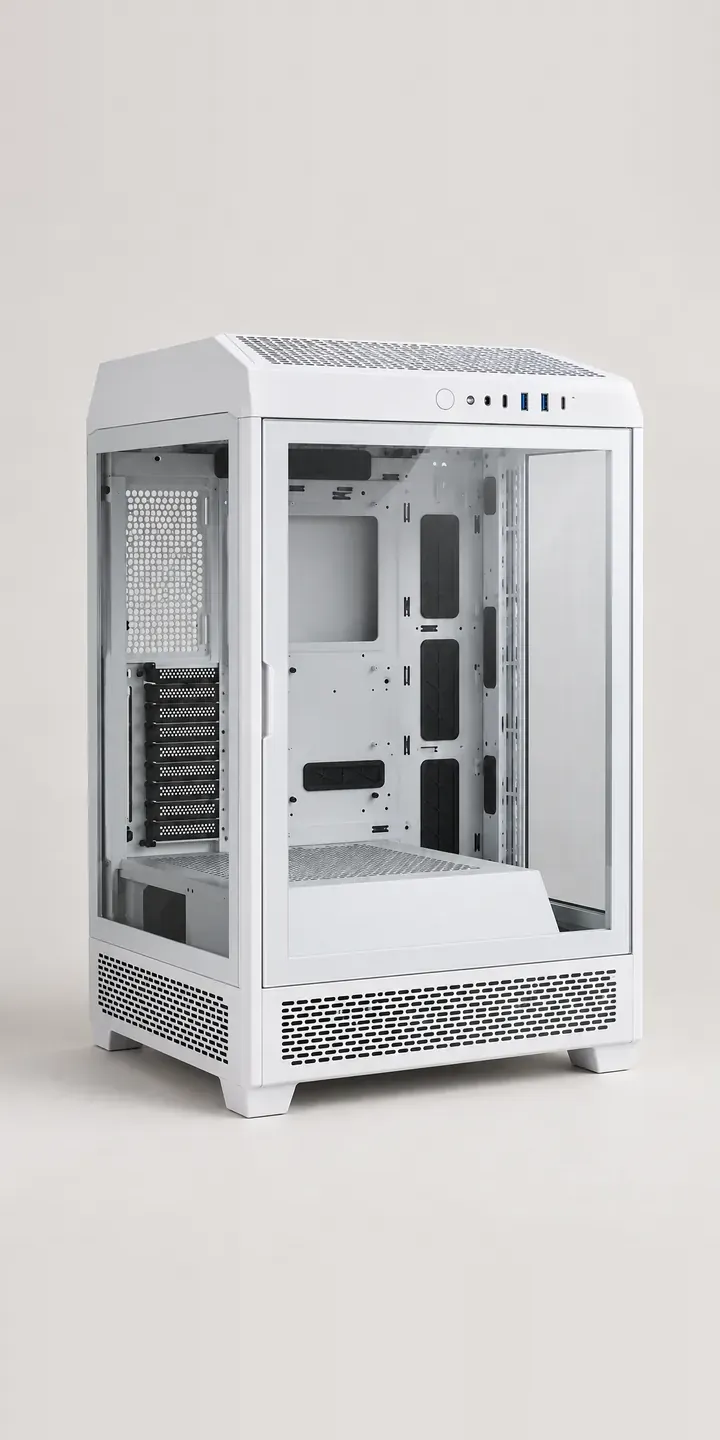
PC and gaming hardware Configurator demo
Glass Display Case
- Product
- Glass Display Case
- Colour
- White
- Mount
- Floor
Illustrative product. The design and images are generated examples, not a real model for sale.
What you can configure
White, black, light grey and lavender are on show here; racing green and navy are the remaining finishes. The mount option is floor or pedestal. It is recorded in the summary but does not alter the image in this demo. In production the pedestal would be its own layer, because it changes the silhouette and the viewing height, which is the whole reason someone adds it.
- Colour: White, Black, Light Grey, Lavender
- Mount: Floor, Pedestal
Why a configurator suits PC cases
A display case is a high-consideration purchase. Buyers often plan the full build around it, from fan blades to cable sleeving, and want to see the case in its exact colour before ordering anything else. With a pedestal available for every finish, a buyer may cycle through a dozen combinations more than once before deciding.
The pedestal is a good example of an accessory that sells better inside a configurator than on its own page. Listed separately, it is easy to miss, and buyers struggle to judge whether it matches. Offered as an option on the same image, in the same finish, it becomes part of the product. Order value tends to rise without any hard sell.
Retailers specialising in white and pastel components have a further reason to care. Their customers buy by colour across every category: case, cooler, memory and graphics card. A configurator that starts with the case finish can carry that colour into the next choices and filter out parts that clash. That is how a colour-led shop presents its range as a coherent set.
How a production version would be built
For a glass display case I would composite rather than shoot every combination. The case is rendered per finish with a light reference build inside, and the pedestal is rendered as a separate layer in each matching finish, sitting beneath the case. Six finishes then need six case images and six pedestal layers rather than twelve full scenes. Case and pedestal each need their own SKU, and the data should say whether the pedestal ships separately. Orders reach the basket as two lines or one bundle. The renders come from my 3D product visualisation workflow.
Build sheet for this range
- Colours in the full range: 6 (4 shown in this demo)
- Mount choices: 2
- Combinations to support: 6 × 2 = 12
- Images for one photograph per combination at 3 angles: 36
- Images if mounts can be shown as separate layers, at 3 angles: 24
- Data each of the 12 combinations needs: a SKU or variant ID, price, stock or lead time, and any dimensions or specification that change
Questions about PC case configurators
Can the pedestal be shown as a layer instead of a separate photograph?
That is the efficient way to do it. Rendered from the same camera with the same lighting, the pedestal slots under the case image in each finish, and the configurator stacks the two. When a new finish arrives, you add one case image and one pedestal layer, and every combination is covered.
Should the pedestal always match the case finish?
Not necessarily, but the default should be obvious. Most buyers expect a matching pedestal, so I would preselect it. If you offer mixed pairings, such as a black pedestal under a white case, the configurator can allow them and show the result clearly before the order is placed.
How do you show a display case without a distracting build inside?
Use a sparse, tidy reference build in a neutral colour, identical in every finish. It should show scale and layout without competing with the case itself. An empty view behind a toggle helps self-builders who want to see the bare mounting points and cable cut-outs.
Can a colour-led retailer link case finish to other components?
Yes. The case finish can act as a filter on later steps, so a buyer who picks white sees white coolers, fans and memory first. This depends on colour being recorded consistently across your catalogue. I usually start by checking that data, because supplier colour names rarely agree.
More PC and gaming hardware configurator demos
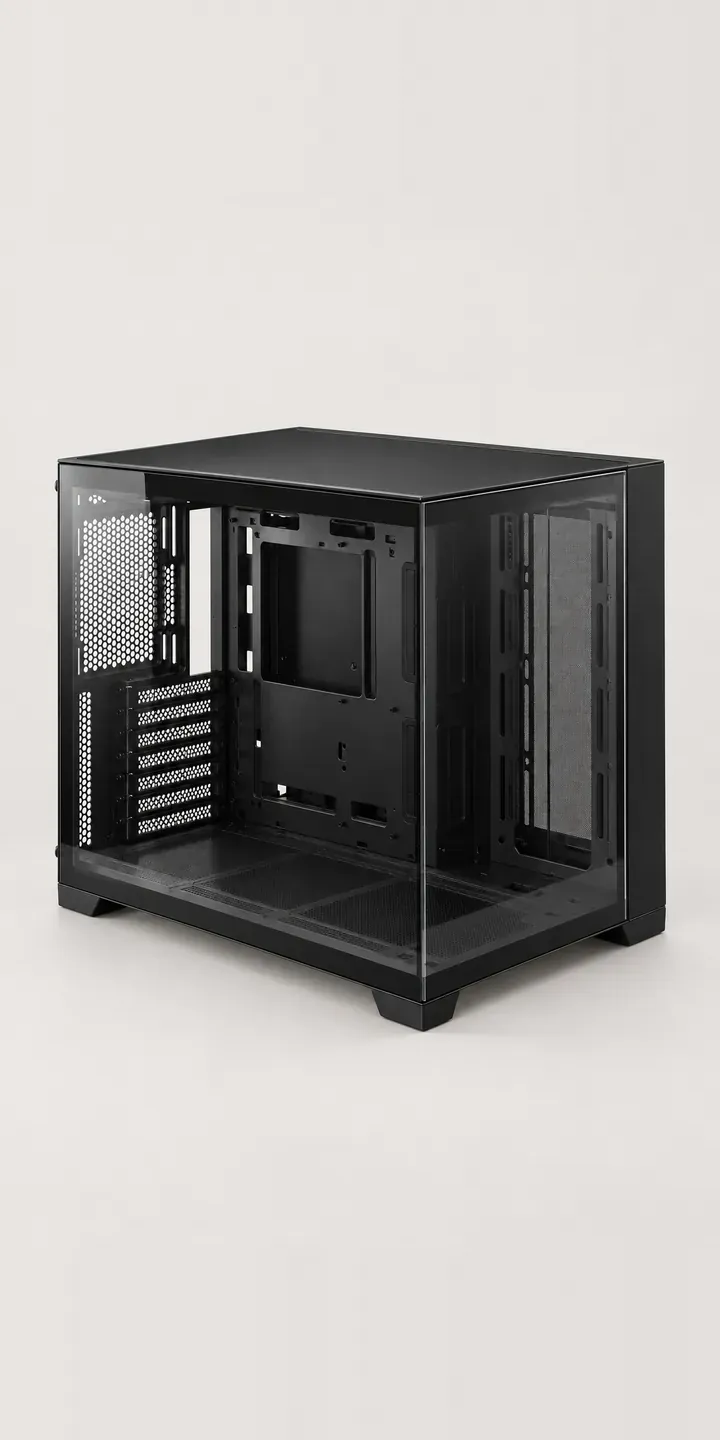
Glass Showcase Tower
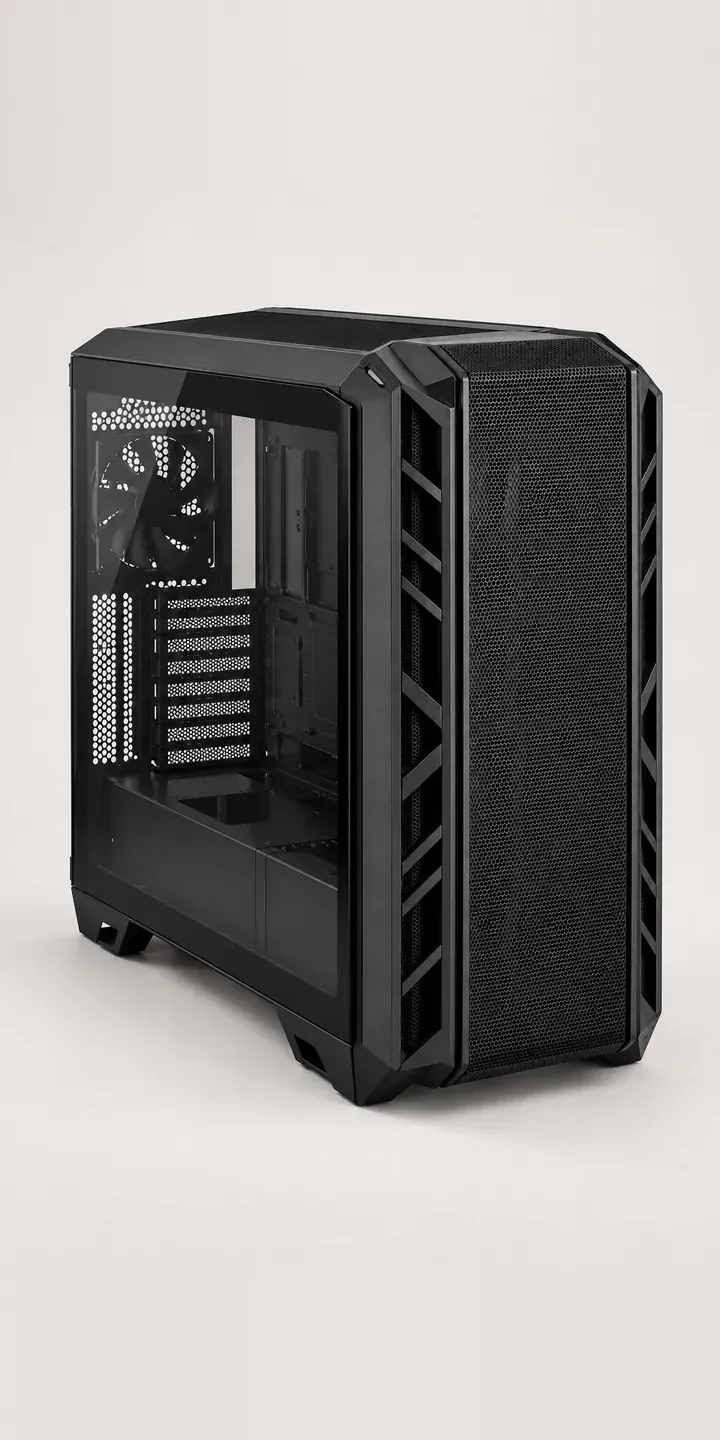
High-Airflow Chassis

Low-Profile Mouse
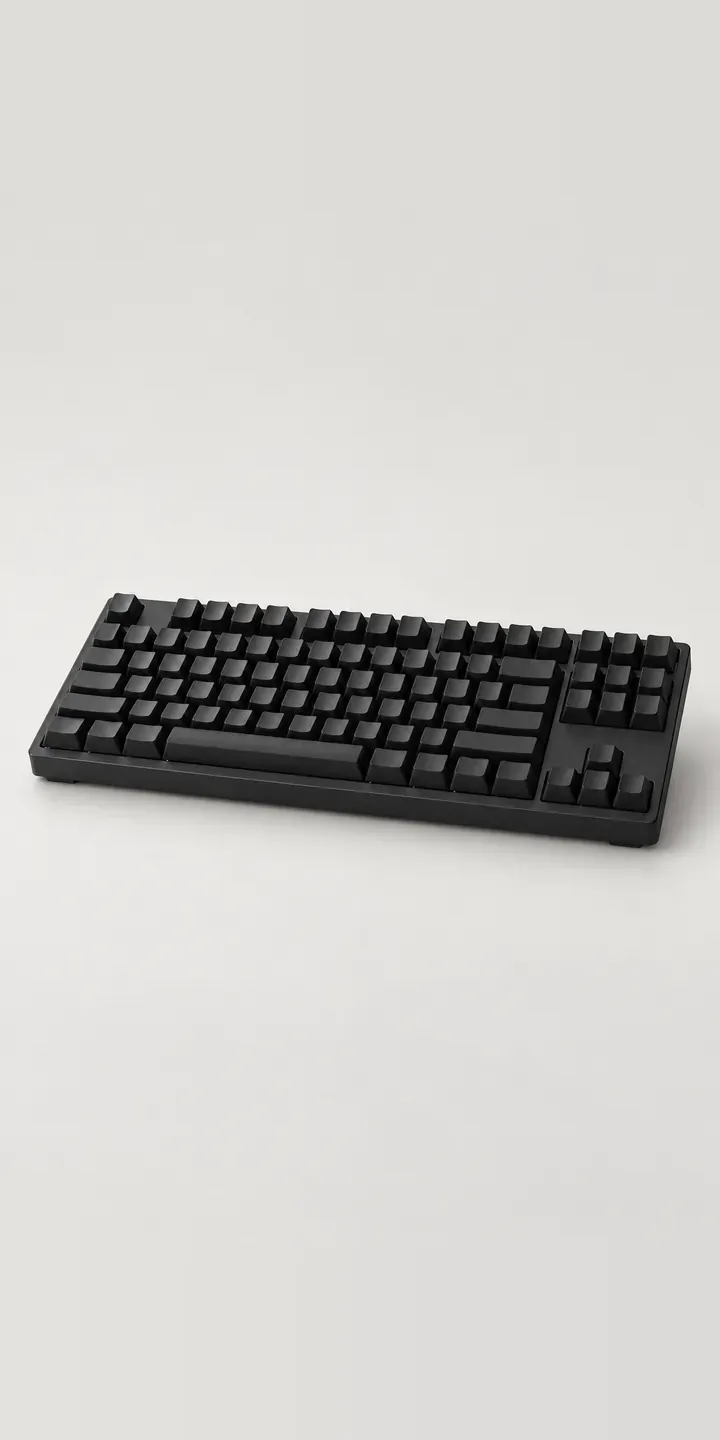
Magnetic Keyboard
Media Keyboard
Mesh Airflow Chassis
All PC and gaming hardware configurator demos
A configurator for your PC cases
This demo uses an illustrative product. If you sell PC cases, I can build the same experience around your own range, photography and ordering process, connected to Shopify, WooCommerce or a quote workflow. I reply to enquiries within two UK working days.