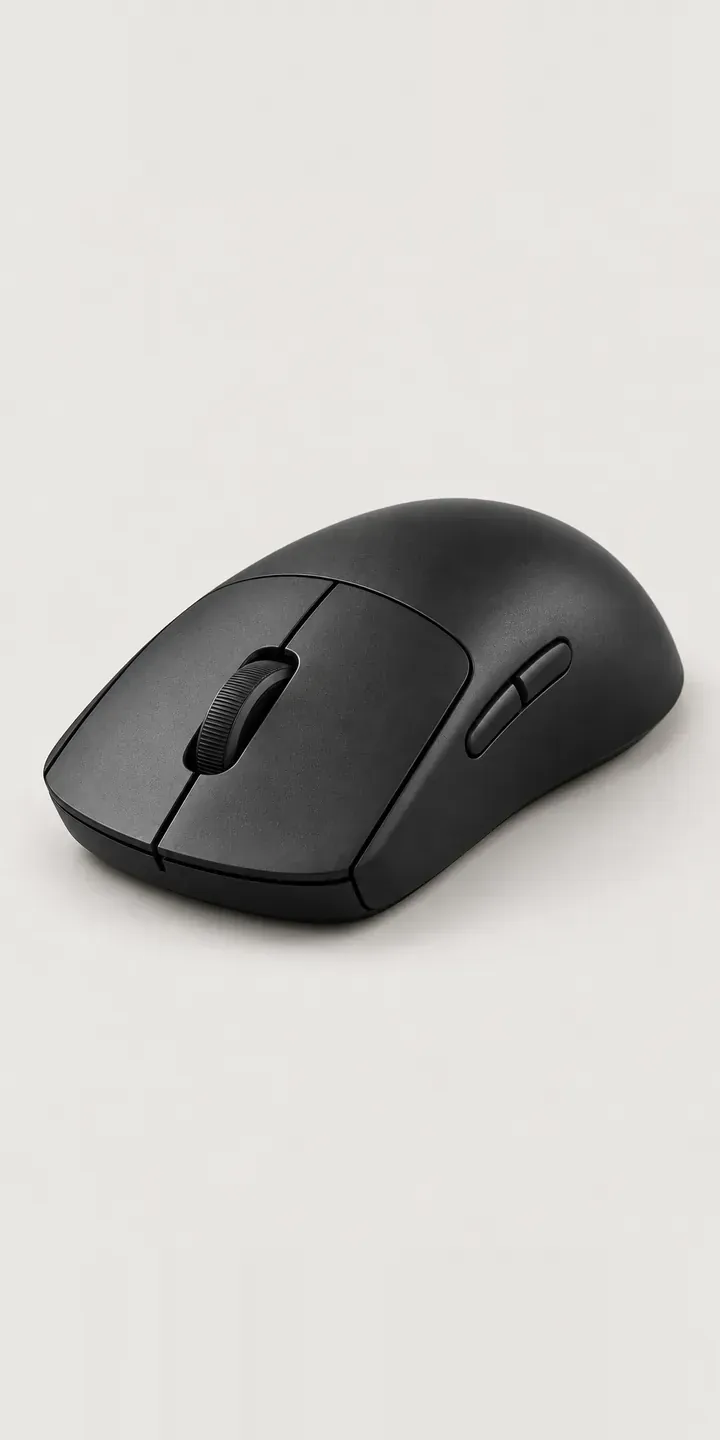
A low-profile shell, a notched scroll wheel and two side buttons on the left flank: this illustrative gaming mouse is built for players who hold it with their fingertips rather than their palm. Pick a colour, add grip tape if you want it, and the build is ready to send as a quote.
Competitive players choose a mouse by shape before anything else. A low hump suits claw and fingertip grips, where the palm barely touches the shell, and it lets the wrist make small, fast corrections. Colour is secondary, but not trivial. Teams want kit that matches, and players who spend hours a day with one mouse care how it looks on the desk.
PC and gaming hardware Configurator demo
Low-Profile Mouse
- Product
- Low-Profile Mouse
- Colour
- Matte Black
- Grip
- None
Illustrative product. The design and images are generated examples, not a real model for sale.
What you can configure
Matte black, white, cool grey and slate blue are in the demo; mint and coral complete the six colours. Grip is none or tape. It appears in the summary but not the image here. Grip tape matters more on a low mouse than a tall one, because the fingers hold the sides with less surface, so a slip under pressure is harder to recover from.
- Colour: Matte Black, White, Cool Grey, Slate Blue
- Grip: None, Tape
Why a configurator suits gaming mouses
A gaming mouse lives or dies on its shape, and buyers cannot hold one through a screen. The configurator cannot fix that, but it can show the profile clearly from the side and front, beside the length, width and height the manufacturer publishes. Players compare those figures against the mouse they already use, so they belong next to the image.
Esports teams and organisations are a real trade channel. They order batches of the same mouse in team colours, often with grip tape fitted, and they need it before a season starts. A single team order may mix several colours, some taped and some not. A quote-based configurator collects that order cleanly, with quantities per variant.
Grip tape is also a simple attachment sale. Sold separately, it competes with third-party tape cut to approximate shapes. Offered inside the configurator, pre-cut for this shell, it becomes the obvious choice. The retailer keeps a sale that would otherwise go elsewhere, and the player gets tape that actually fits.
How a production version would be built
An image-based build fits a mouse well. Each colour is shot or rendered from three angles, top, left side and front, with identical lighting. Grip tape is a transparent layer over the side and button areas, so it can be added to any colour without new full images. Dimensions, weight and the tape's coverage area go into the product data with SKUs and colour names. For team orders the configurator collects quantities and team details, then sends a quote to your inbox or CRM. Retail orders map to variants in WooCommerce or Shopify.
Build sheet for this range
- Colours in the full range: 6 (4 shown in this demo)
- Grip choices: 2
- Combinations to support: 6 × 2 = 12
- Images for one photograph per combination at 3 angles: 36
- Images if grip kits can be shown as separate layers, at 3 angles: 24
- Data each of the 12 combinations needs: a SKU or variant ID, price, stock or lead time, and any dimensions or specification that change
Questions about gaming mouse configurators
Can a configurator help players judge mouse shape without holding it?
Partly. Clear side and front views, with length, width and height beside them, let players compare against a mouse they own. Some retailers add a hand-size guide or a simple grip-style chooser. Nothing replaces holding it, but good views and figures prevent the obvious mismatches that lead to returns.
How should grip tape be shown in product images?
As a layer over the base colour, in exactly the positions it covers. Players want to see where the tape sits and whether it reaches the buttons. A close-up of the texture helps as well, because tape finishes range from smooth to coarse. One tape layer per angle covers every colour.
Can an esports team order mice in mixed colours and quantities?
Easily. The configurator can build a list of lines, each with colour, grip option and quantity, then send them together as one quote request. It can capture the team name and a required delivery date too. You receive a complete order to price rather than a message asking what is in stock.
Is a 3D mouse configurator worth it?
For most mice, images are enough. A shell has few configurable parts, and three angles cover the decision. 3D becomes useful if you offer swappable side panels, many grip textures or custom printing, where buyers need to rotate the mouse to check placement. Start with images and add 3D if the range grows.
More PC and gaming hardware configurator demos
Magnetic Keyboard
Media Keyboard
Mesh Airflow Chassis
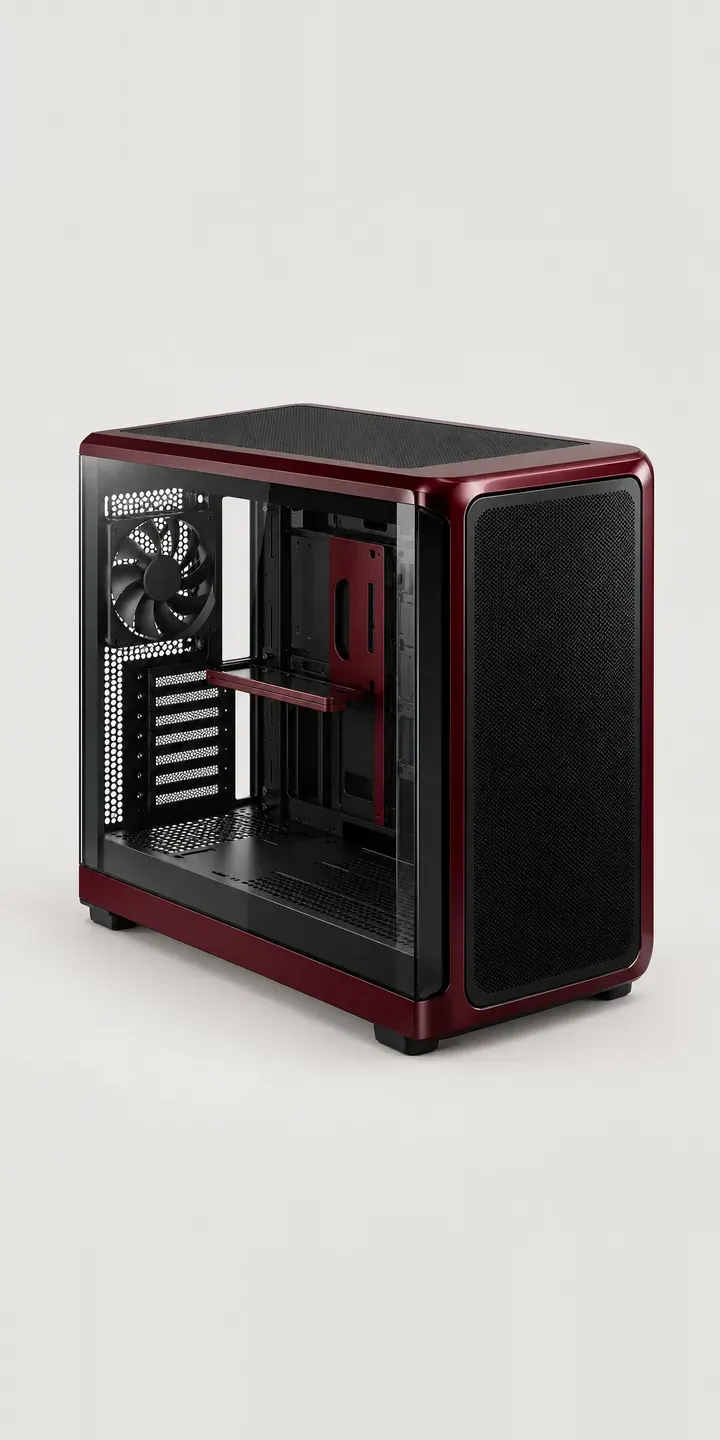
Panoramic Glass Tower
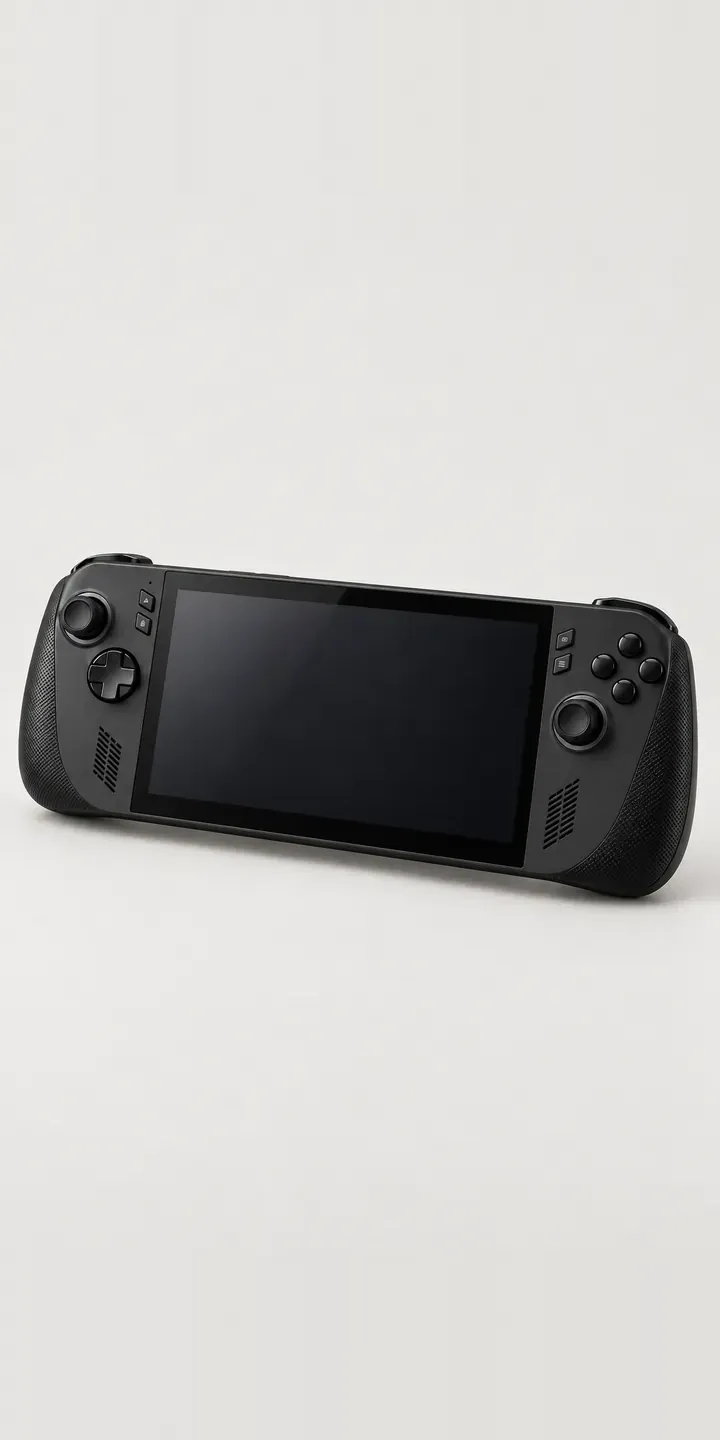
Portable Games PC
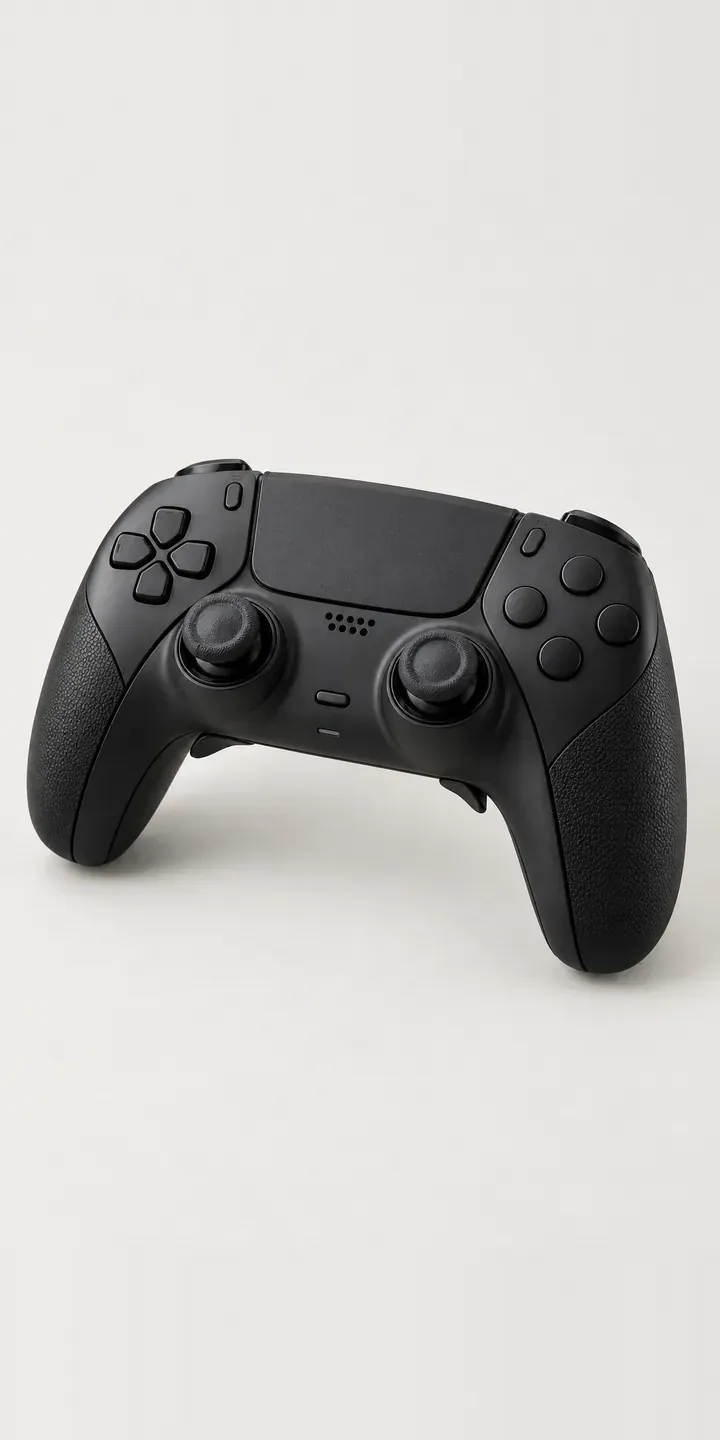
Pro Gamepad
All PC and gaming hardware configurator demos
A configurator for your gaming mouses
This demo uses an illustrative product. If you sell gaming mouses, I can build the same experience around your own range, photography and ordering process, connected to Shopify, WooCommerce or a quote workflow. I reply to enquiries within two UK working days.