Monitors have mostly come in black. This illustrative flat panel display is offered in several housing finishes, on a stand with a central adjustable column and ports set into the rear. On this page you can match a housing to a screen size and send the pairing as a quote request.
Size is the decision buyers agonise over. A 32 inch panel gives more room for timelines and spreadsheets, but on a shallow desk it can mean turning your head to read the corners. A 27 inch panel suits closer seating. Finish is newer territory. People building a white or silver desk set-up have often had to settle for a black screen, so a matching housing can decide the sale.
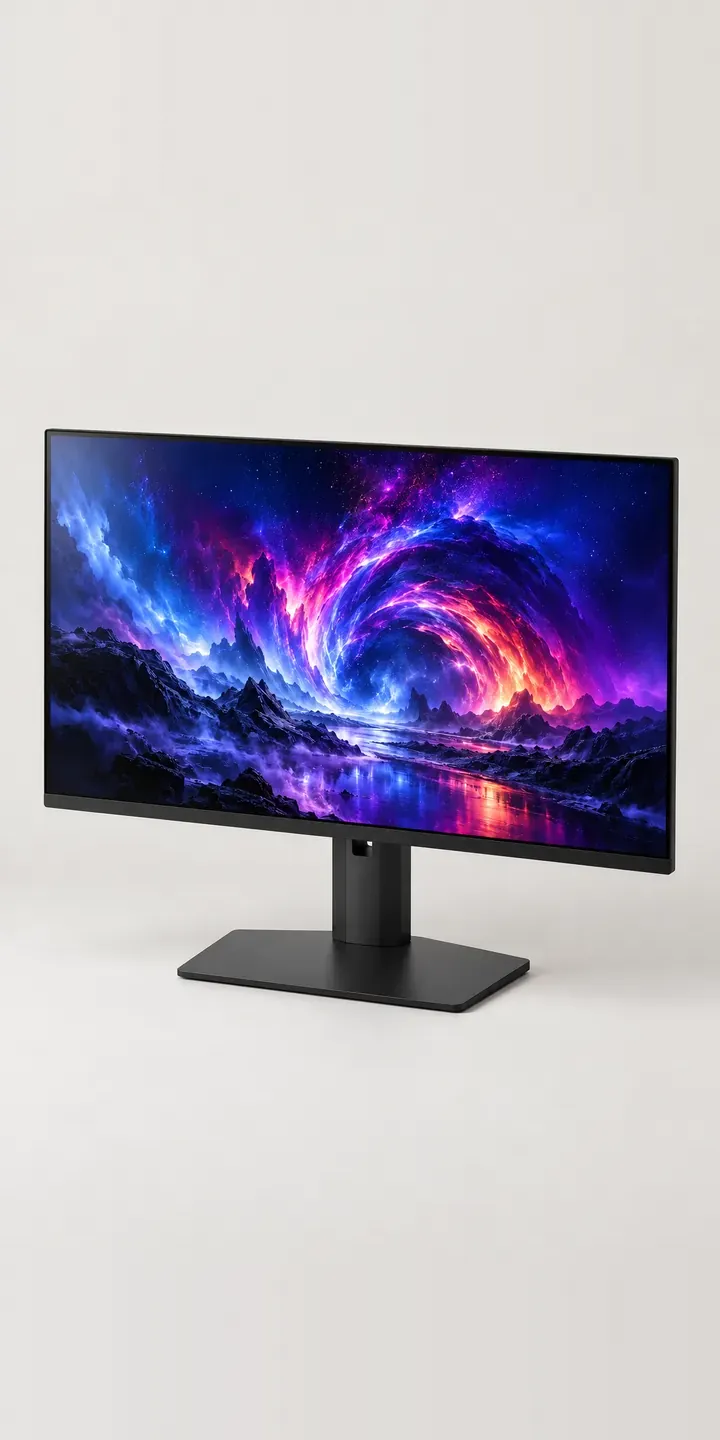
PC and gaming hardware Configurator demo
Flat Panel Display
- Product
- Flat Panel Display
- Colour
- Matte Black
- Size
- 27 in
Illustrative product. The design and images are generated examples, not a real model for sale.
What you can configure
The four housings in the demo are matte black, white, silver and graphite; sand and navy complete the range. Screen size is 27 or 32 inches. The choice appears in the summary while the image stays the same here. A production version would show each size against a fixed desk reference, because the difference is easy to underestimate on a phone screen.
- Colour: Matte Black, White, Silver, Graphite
- Size: 27 in, 32 in
Why a configurator suits displays
Monitor listings already carry a lot of technical detail, and size variants often live on separate pages with separate reviews. Buyers bounce between them, comparing near-identical images. A configurator puts both sizes in one place, with the specification differences stated beside the selector, so the comparison happens without three tabs open.
Coloured housings change the merchandising. Every finish exists in both sizes, so the range runs to twelve SKUs, and they will not sell evenly. Retailers need to see demand early, before committing to a second batch of sand or navy. Pre-orders and saved configurations give that signal, and they let a shop list every finish without holding all of them in stock.
For colour-critical buyers such as photographers and video editors, the configurator can also hold the details that decide the sale: panel type, calibration options and connections for each size. Those figures come from the manufacturer, but presenting them beside the visual choice keeps a professional buyer on the page rather than in a spec database.
How a production version would be built
For a display, image swaps by finish work well. Size is best handled with a separate image per size against the same desk reference, rather than by scaling one picture, because the stand usually stays the same while the panel grows. That gives twelve images. A rear view showing the ports and stand column is worth adding once per finish. Beyond SKUs and finish names, the useful data is the set of specification fields that differ between sizes. Each combination maps to a Shopify product variant or WooCommerce equivalent, so stock and pricing behave as normal.
Build sheet for this range
- Colours in the full range: 6 (4 shown in this demo)
- Size choices: 2
- Combinations to support: 6 × 2 = 12
- Images for one photograph per combination at 3 angles: 36
- Images if sizes can be shown as separate layers, at 3 angles: 24
- Data each of the 12 combinations needs: a SKU or variant ID, price, stock or lead time, and any dimensions or specification that change
Questions about display configurators
How can a configurator show the real difference between 27 and 32 inch screens?
Put both sizes against the same fixed reference, such as a keyboard and desk edge, from the same camera position. Scaling one image does not work, because the stand often stays the same size while the panel grows. Viewing distance guidance beside the selector helps buyers match size to their desk.
Is it worth offering monitors in colours other than black?
It can be, if your customers are building matching desk set-ups. A configurator lowers the risk, because every finish can be listed while stock is held selectively. Pre-orders and saved configurations show which finishes people actually want before you reorder, so the second batch is based on demand.
Can the configurator show the ports and stand adjustment?
Yes, as extra views. A rear image showing the port layout answers compatibility questions quickly. A side view at the lowest and highest stand positions shows the height range without a paragraph of text. Each needs only one image per finish, so the cost is small.
Can technical specifications sit inside the configurator?
Yes. Fields such as panel type, refresh rate and connections can be stored per size and shown beside the selection. Keeping them as structured configurator product data means the configurator, the product page and any comparison table all draw from one source.
More PC and gaming hardware configurator demos
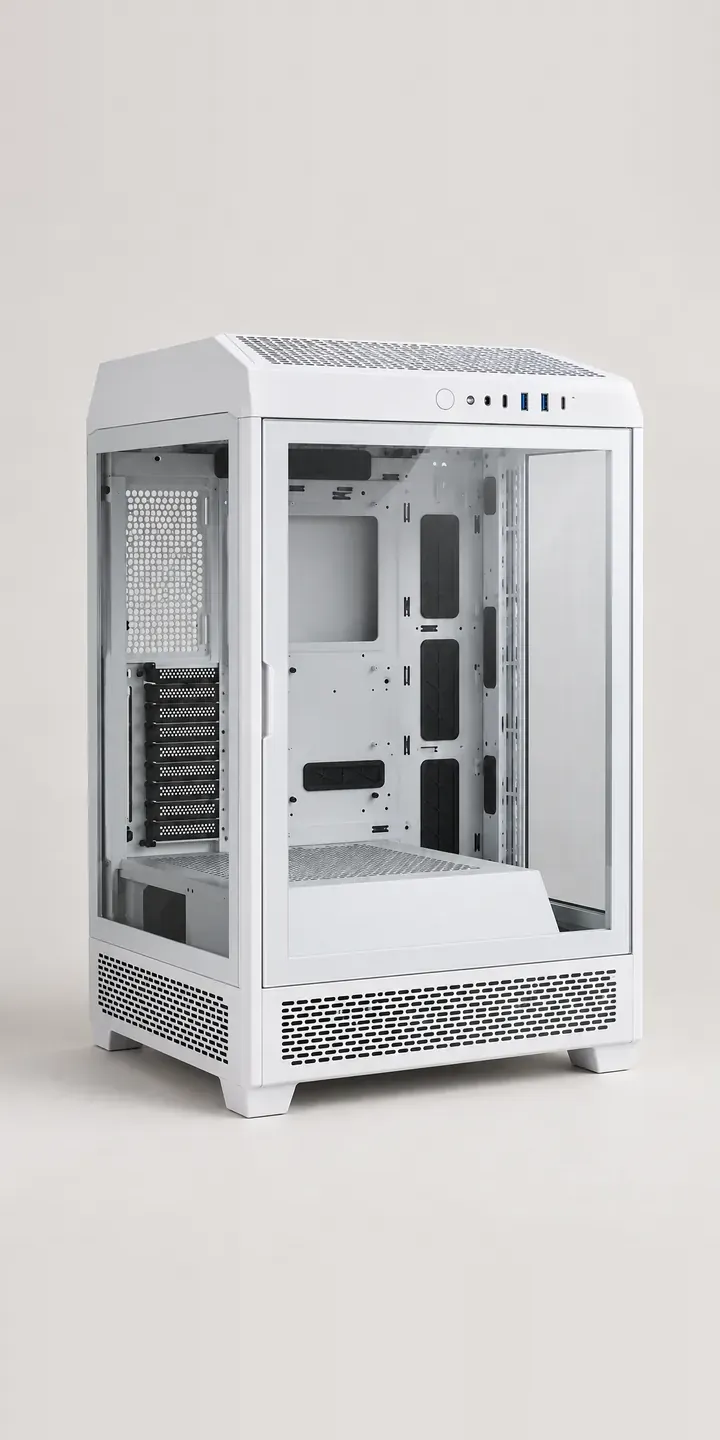
Glass Display Case
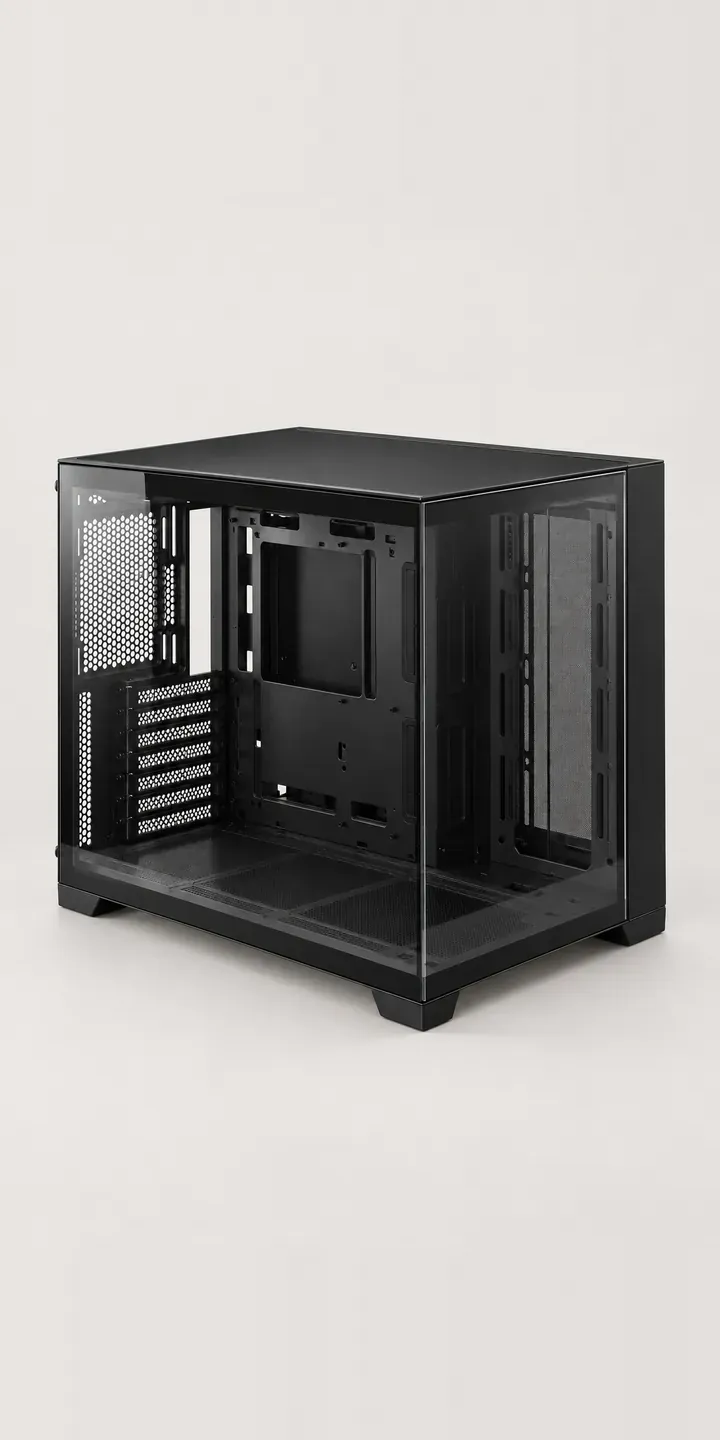
Glass Showcase Tower
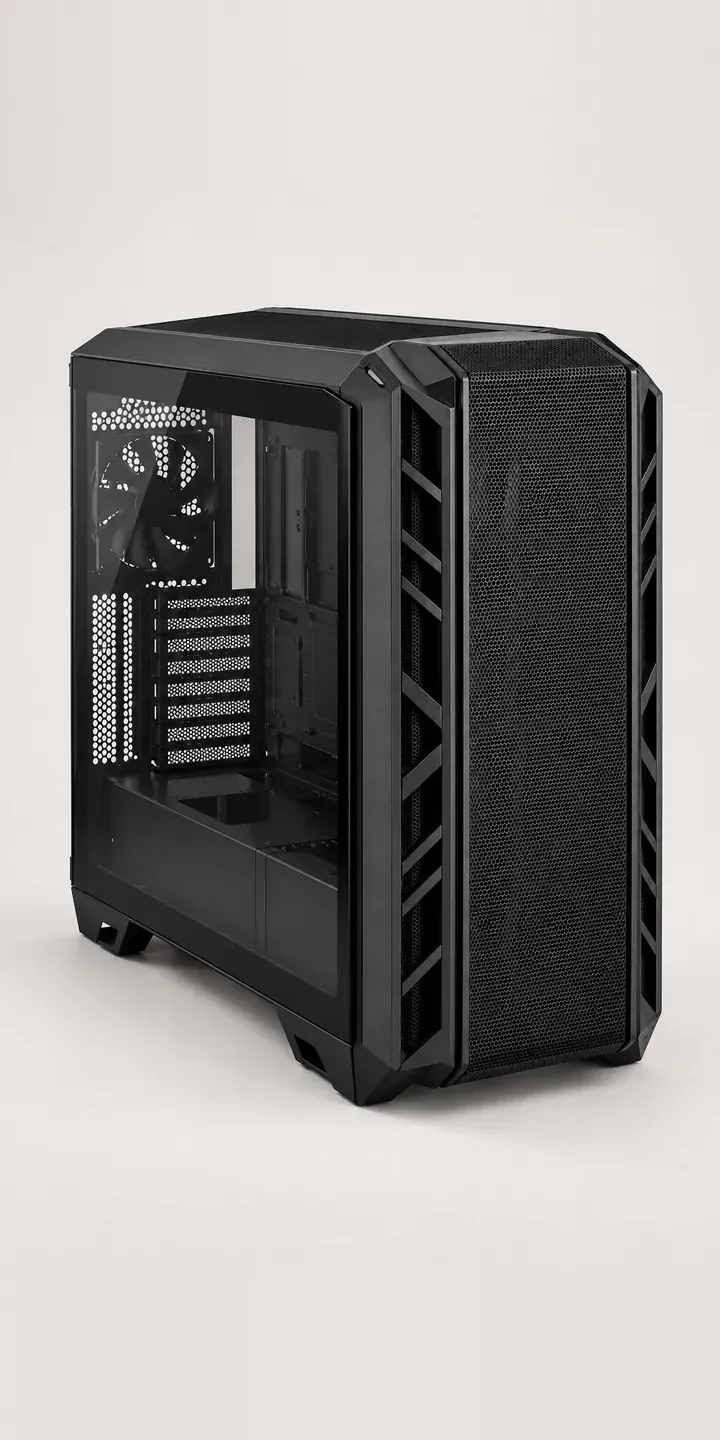
High-Airflow Chassis

Low-Profile Mouse
Magnetic Keyboard
Media Keyboard
All PC and gaming hardware configurator demos
A configurator for your displays
This demo uses an illustrative product. If you sell displays, I can build the same experience around your own range, photography and ordering process, connected to Shopify, WooCommerce or a quote workflow. I reply to enquiries within two UK working days.