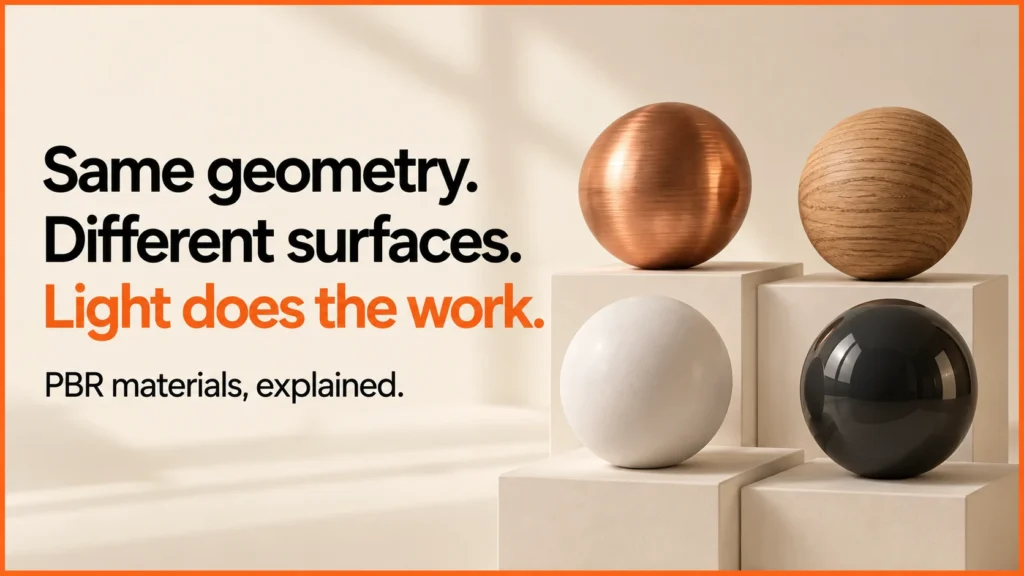
PBR stands for physically based rendering. In a product viewer, it describes a way of modelling how materials respond to light. The aim is consistent behaviour under different lighting conditions, rather than a painted highlight that only looks right from one angle.
Discuss your product rangeTry the demos
PBR is useful for ecommerce because customers need to understand the difference between finishes. It does not make a model automatically accurate: the geometry, material inputs, lighting, display and reference photography still matter.
Try roughness and metalness on the same geometry
This original Three.js material lab keeps one sphere and the same studio environment while you change two material inputs. The presets are demonstrations, not calibrated samples of a supplier’s finishes. The viewer loads its rendering library from a public CDN.
Loading material lab…
A repeatable observation exercise
- Start with the painted-surface preset and leave metalness at zero.
- Reduce roughness and watch the reflected lighting become more defined.
- Increase roughness and compare the broader, softer response.
- Select the copper-like preset. Keep the sphere and camera unchanged.
- Reset, then repeat the comparison on another screen.
The exercise isolates two controls. A real timber, fabric or leather material needs more than one flat colour and these two numbers. Grain, weave, surface detail and the physical sample all affect the final result.
What each input is trying to describe
In a metallic-roughness workflow, base colour, roughness and metalness describe different aspects of a surface. Roughness affects the spread of reflections. Metalness separates metallic behaviour from non-metallic behaviour; it is not a general “make it shiny” control. Polished plastic can be shiny without being metal.
Texture maps let these properties vary over a surface. A normal map changes the apparent surface direction for lighting without adding the same detail to the silhouette. If the product’s outline must change, a texture trick cannot replace the necessary geometry.
Why a painted metal product can behave like a non-metal
The light sees the coating on a painted cabinet or lamp, rather than bare metal beneath it. Treating every metal object as fully metallic can give the wrong appearance. Start from the visible surface and use reference images or measured material data where available.
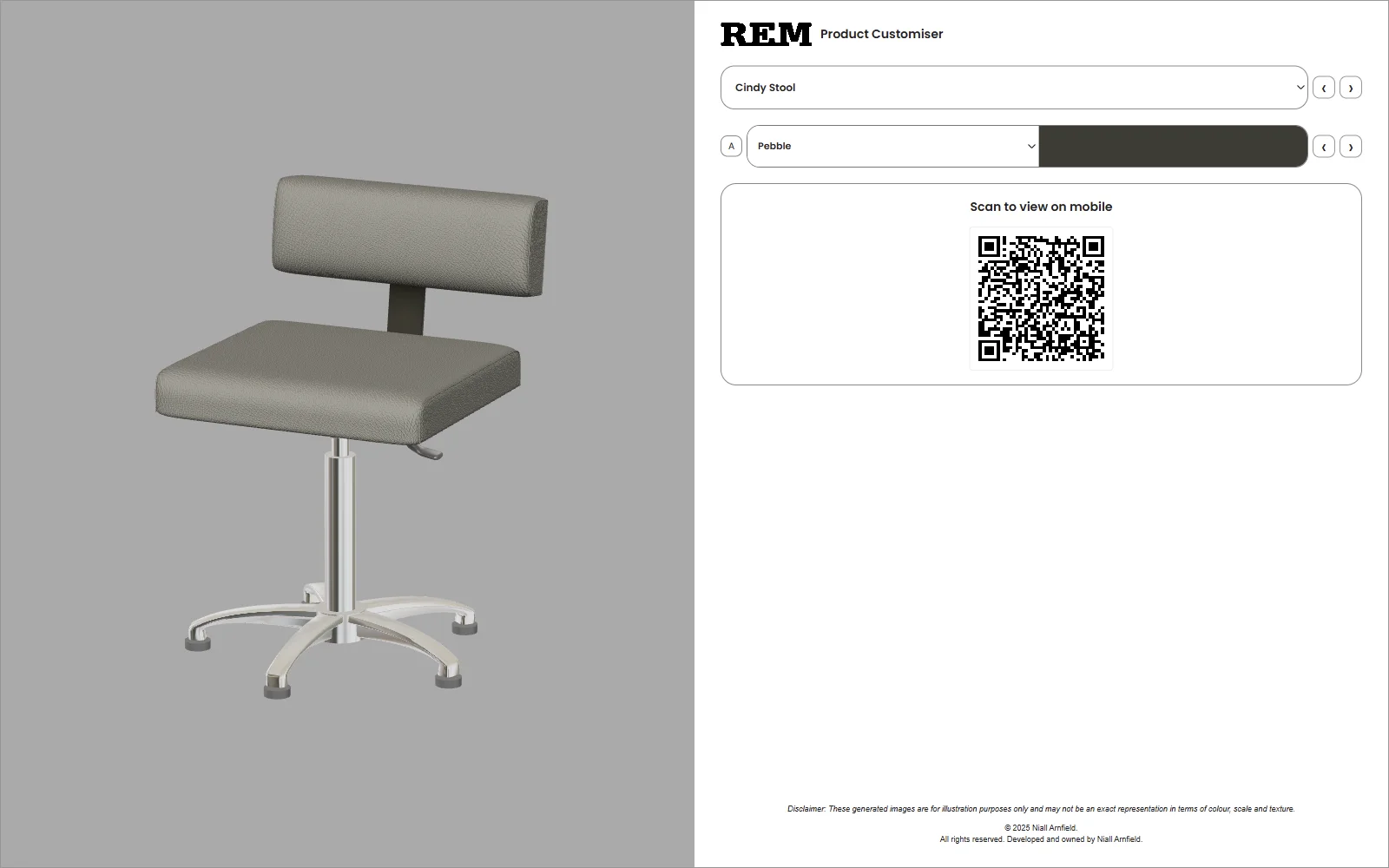
For mixed surfaces, identify the actual material boundaries. A chrome leg, fabric seat and painted frame should not share one material merely because they belong to the same product. That separation also helps a configurator change the right part when a customer selects a finish.
A material review sheet for a product team
| Check | Evidence to keep |
|---|---|
| Identity | Supplier finish code, approved name and physical reference. |
| Scale | A known dimension and the texture’s repeat size. |
| Lighting | A fixed camera and environment for side-by-side review. |
| Colour | Reference photography and the limitations of the viewing display. |
| Surface response | Notes on gloss, grain, weave, coating and visible material boundaries. |
| Approval | Who reviewed the render, which version and when. |
Use the same review conditions across a range. Changing lighting between swatches makes it harder to tell whether the finish or presentation caused the difference. Keep the approved material version with the model export.
Each map has its own glossary entry: normal maps, roughness maps, metalness and ambient occlusion. Lighting is covered under environment maps and tone mapping, and the 3D commerce glossary lists the rest.
How a GLB file stores these maps
Most configurators load products as GLB files, which use the glTF 2.0 material model. It is worth knowing how that model packs the maps, because a wrong channel is a common cause of odd-looking materials.
- Base colour is a normal colour image. It is stored in sRGB, like a photo.
- Roughness and metalness share one image. Roughness lives in the green channel and metalness in the blue channel.
- Ambient occlusion is read from the red channel. Many teams pack it into that same image, which is often called an ORM texture.
- Normal maps follow the OpenGL convention, with green pointing up. A map made for DirectX needs its green channel flipped first.
Only base colour is treated as colour. The other maps are data, so they must not be colour-converted when you export them.
Related reading: 3D product visualisation.
Where PBR fits in a configurator
PBR helps show the surface. The application still needs a clear swatch label, valid product combinations and an unambiguous summary. A good render should support the decision, with accessible text for the selected material.
Related guides
- Try the GLB viewer with your own asset, read what a GLB file contains, or explore the working configurator demos. For an implementation project, see 3D product configurator development.
- The watch demo and retro appliance demo show metal and painted finishes changing on real product shapes.
- Reference: Three.js MeshStandardMaterial documentation. The material lab and review sheet are original demonstrations. Published 13 October 2026.
- To see finishes change on a working product model, try the Three.js desk lamp demo.