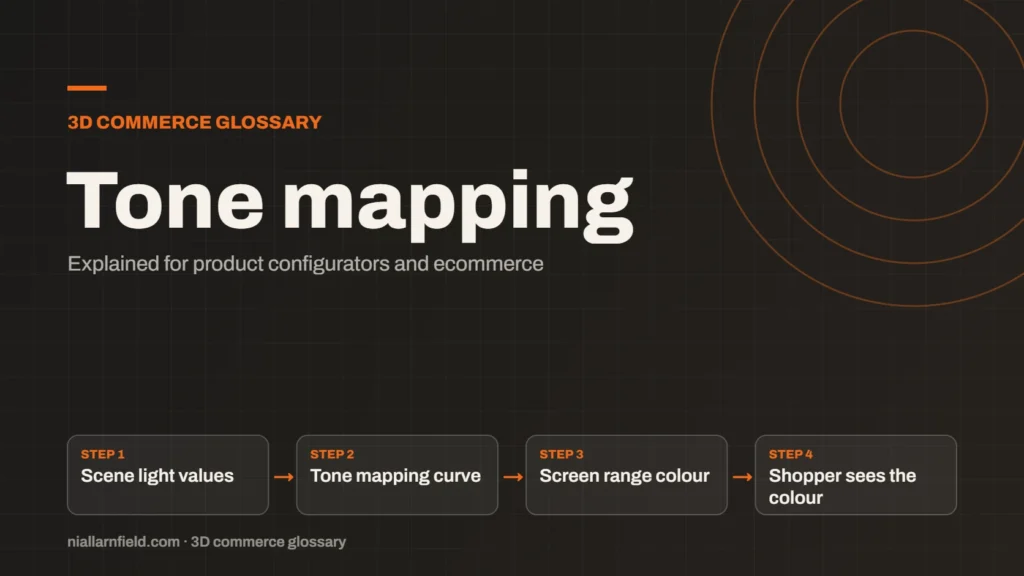
Tone mapping converts the wide range of light values in a 3D scene into the narrower range a screen can show. It decides how bright areas roll off and how colours look. For configurators, it strongly affects whether a product colour looks accurate.
Discuss your product rangeTry the demos
Why 3D light values do not fit a screen
A 3D scene can hold light values that are far brighter than a screen can show. A screen tops out at full white, which is the brightest value it can display. A lit metal edge or a bright window can be many times brighter than that, so the numbers do not match.
Tone mapping is the step that squeezes those large values into the displayable range. Without it, bright areas turn flat white and shadows lose their detail. The product then looks harsh, and small surface changes disappear completely from view. The effect is most obvious on glossy and metal finishes.
Physically based materials react to real light values in a predictable way. The Khronos glTF PBR guide describes how base colour, metalness and roughness respond to light. Because those materials respond so directly to light, the final squeeze step matters. In plain terms, the wide range of 3D light is a source of numbers, while a screen is a fixed output. Tone mapping is the translator between them, and a poor translator distorts the message. Product teams often raise this when they plan a product configurator.
- Scene light values
- Tone mapping curve
- Screen range colour
- Shopper sees the colour
How tone mapping changes product colour
Tone mapping does more than change brightness. Different curves also shift hue and saturation, which changes the colour a shopper sees. A red chair can look orange or dull after the wrong curve is applied. For a shopper choosing a colour, that is a real problem.
Khronos designed its PBR Neutral tone mapper for exactly this reason. The Khronos guide says it “enables faithful reproduction of a product’s base color, hue and saturation”. That makes it a sensible starting point for product work, and it is worth testing before you commit.
Three.js exposes tone mapping through its renderer settings and its node system. The ToneMappingNode documentation shows an exposure value as one of its inputs. Exposure scales the colour before the tone mapping curve is applied, so the two controls work together. The effect also depends on the material. Matt fabric shows small shifts, while a glossy lacquer shows them strongly. Highly saturated colours are the hardest to hold, because a curve that compresses brightness can also dull them. A fabric swatch and a lacquer swatch may therefore need different checks.
What I check when I set up lighting
When I set up lighting for a configurator, I follow the same short checklist each time. It keeps the colours consistent across every option that the shopper can choose. Consistency matters more than a dramatic single image.
- Choose one tone mapping setting for the whole viewer, and keep it fixed.
- Compare the rendered colour with a physical swatch under daylight, not under a warm office lamp.
- Test the lightest and darkest finishes, such as white and black, in the same scene.
- Keep exposure as one control, so brightness changes are deliberate and easy to undo.
The PBR guide explains the material values that this step works with. Tone mapping only shapes the light you already have, so the material and lighting setup should come first.
I also keep a short written record of the chosen setting and the reason for it. When the product team changes a finish later, the record tells the next developer what was tested. It saves a lot of guesswork and prevents accidental changes to the whole viewer.
Common mistakes and limits
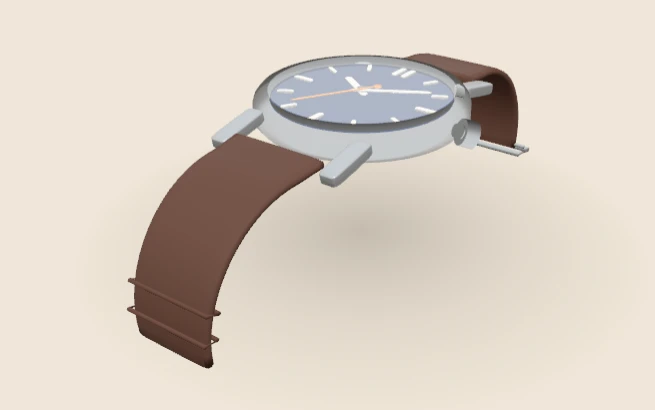
The first mistake is changing tone mapping for each option. A shopper then sees the same fabric shift colour when they switch to a different option. That undermines trust in the colour shown on the page.
- Judging colour on an uncalibrated monitor only.
- Raising exposure to hide poor lighting, which crushes shadow detail.
- Assuming one setting suits every product family, from soft textiles to polished metal.
Tone mapping cannot rescue a badly lit model. It shapes the light you already have, and no curve can add detail that was never there. For the wider picture on rendering quality, the 3D product visualisation page covers the whole chain.
Tone mapping also interacts with the rest of the viewer. A bright background can make a product look dim by contrast, and a dark background can make the same product look richer. Check the product against the page background it will sit on, not against a plain grey box.
Related terms
- HDRI lighting: HDRI lighting uses a high dynamic range image of an environment to light a 3D scene.
- Baked lighting: Baked lighting calculates light ahead of time and stores the result in a texture, called a lightmap.
- Environment map: An environment map is an image of the surroundings that a 3D scene uses for lighting and reflections.
- Material swatch: A material swatch is a sample of a finish, such as fabric, leather or metal, shown as a choice in a configurator.
- glTF: glTF is an open standard for 3D models, maintained by the Khronos Group.
- KTX2 textures: KTX2 is a container format for textures, the images that give 3D surfaces their colour and detail.
- Draco compression: Draco is an open-source compression library from Google for 3D mesh data.
- Meshopt compression: Meshopt compression shrinks glTF geometry, morph targets and animation data.
- Scene Viewer: Scene Viewer is Google's viewer for 3D and augmented reality (AR) models on Android.
- WebXR: WebXR is a web standard for augmented reality (AR) and virtual reality (VR) in the browser, published by the W3C.
Browse all the definitions in the 3D commerce glossary.
Common questions
Is tone mapping the same as exposure?
No. Exposure is a brightness multiplier applied to the scene. Tone mapping is the curve that compresses the result into the screen range. Exposure is one control that feeds into the tone mapping step, so the two work together.
Which tone mapping should a product configurator use?
Choose one that keeps colour accurate. Khronos PBR Neutral is designed for faithful product colour. Test it against physical swatches under daylight before you commit to it for a whole catalogue.
Does tone mapping change the file size?
No. Tone mapping is a viewer setting applied at render time. It does not change the GLB file. The model stays the same, and only the way it is shown on screen changes.