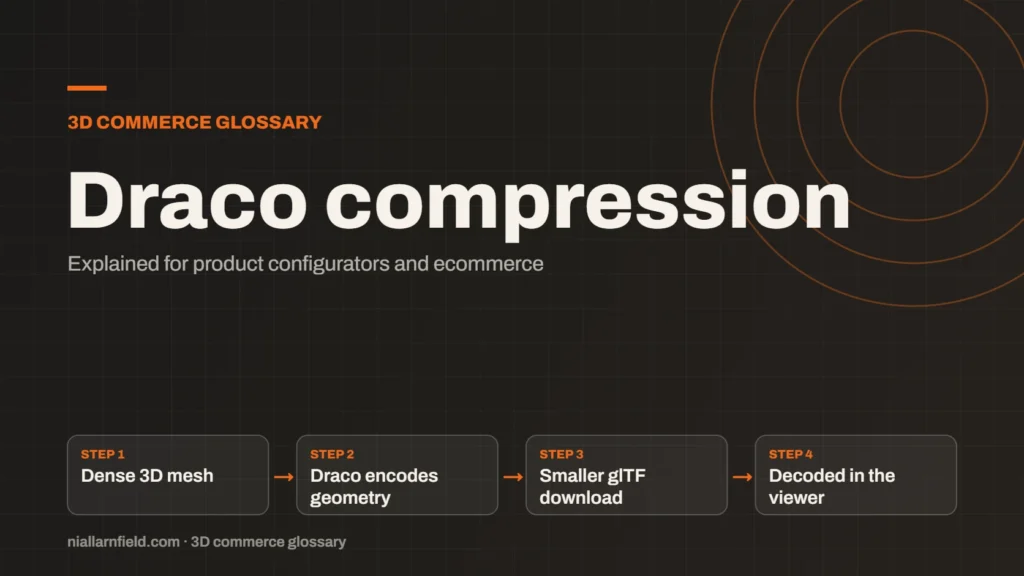
Draco is an open-source compression library from Google for 3D mesh data. In glTF files, the KHR_draco_mesh_compression extension makes the geometry much smaller to download.
Discuss your product rangeTry the demos
What Draco compresses
Draco works on the geometry of a model. Geometry is the set of points, connections and faces that make up its shape. It also covers attributes such as normals, colours and texture coordinates. Normals tell a surface how to catch light. Texture coordinates tell it where to place an image.
Draco comes from Google’s Chrome Media team, and it is open source. It includes a JavaScript decoder that web viewers can run. In glTF, the extension is named KHR_draco_mesh_compression. Its specification is published by Khronos alongside the rest of the format.
Draco handles meshes and point clouds. In a glTF file it compresses the mesh data, while textures and materials stay as they were. If images make up most of the weight, pair it with texture compression. Check the file breakdown first to see which part dominates.
- Dense 3D mesh
- Draco encodes geometry
- Smaller glTF download
- Decoded in the viewer
How the decoder works in the browser
A Draco-compressed mesh is smaller on the server and across the network. The viewer must decode it before it can draw the model. That decoding runs on the shopper’s device, so it takes some processing time when the page loads.
Once decoded, the mesh behaves like any other mesh. Materials, animation and interaction all work in the same way. The saving is therefore in the download, not in the way the model is drawn on each frame. This distinction matters when you explain results to a client.
The wider file structure is set out in the GLB guide, which explains where compressed geometry sits inside the file.
Why it matters for configurators
A product configurator loads a model before a shopper can see anything useful. Smaller geometry means the first view appears sooner. That matters most on mobile networks, where every megabyte is slower to arrive.
Draco is useful when a model has many dense parts. For example, a chair with fine stitching or a watch with many small links can produce a heavy file. A lower file size can keep the first load within a reasonable time. Always test that load on a phone, not only on a desk computer.
A configurator also needs the compressed file to decode quickly on a mid-range phone. I judge a setting by how the first view feels on that device, not by the file size alone.
Precision and quantisation
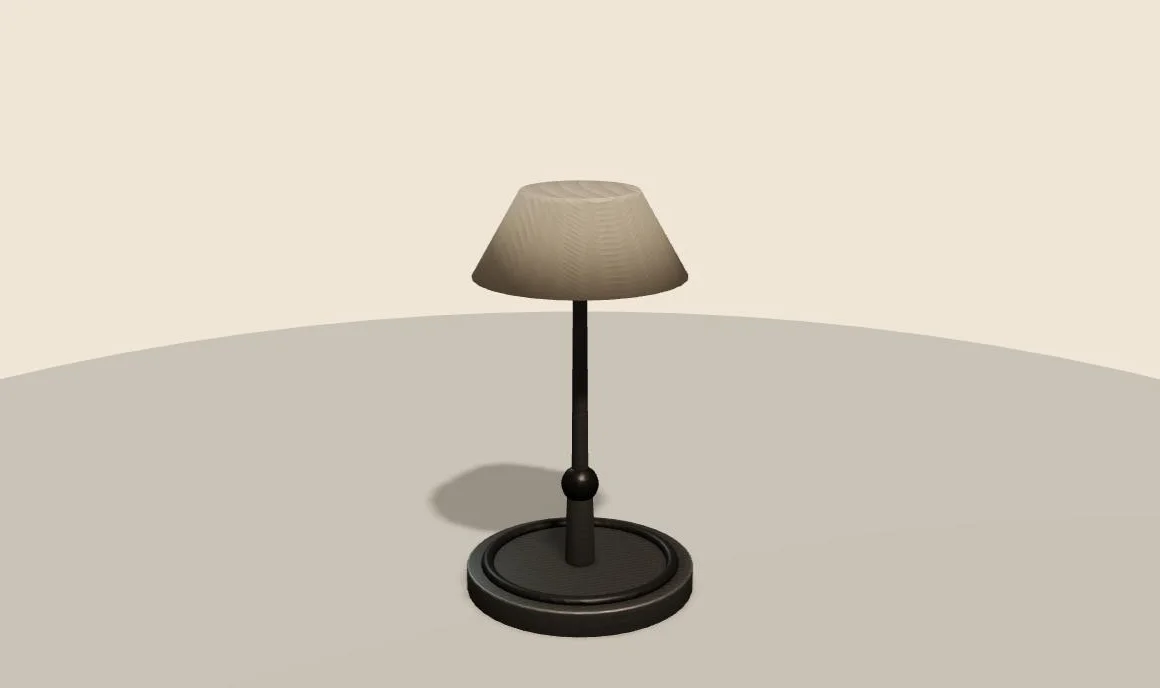
Draco often uses quantisation. Quantisation stores numbers with fewer bits, which is a common way to make geometry data smaller. The trade-off is precision. Positions and normals can lose a little accuracy during the process, and the amount of loss depends on the settings you choose.
Compare the two versions side by side before you choose a setting. Look closely at sharp edges, small text printed on a surface and curved panels. These areas usually show any loss first, so they make a good test case for each product.
Draco is not the only route to a smaller file. Meshopt and simple mesh cleanup can also reduce weight. Test each route against the same master file so that the comparison stays fair.
How I check a Draco file
I treat Draco as a release step, not an editing step. I keep the uncompressed model in the project at all times. When a model is ready, I export the compressed copy and check it against the master in the same viewer. The comparison should use the same camera angle, lighting and material set.
Next I load the compressed file on a phone and watch the first view appear. The download should be smaller and the first frame should arrive sooner. If either result fails to appear, I review the encoder settings before I move on to the next model.
Quantisation also interacts with other data. Texture coordinates stored at lower precision can shift an image slightly. I check any label or logo that sits close to a seam on the model.
Common mistakes
- Compressing the only copy of a model. Keep the original file.
- Assuming Draco always helps. Check the saving on each model, because a small file may gain little.
- Forgetting to test the decoder path in every viewer you support.
Draco is one step in a wider model preparation process. It cannot fix a badly built mesh, so clean the geometry first and compress it last.
Related terms
- glTF: glTF is an open standard for 3D models, maintained by the Khronos Group.
- KTX2 textures: KTX2 is a container format for textures, the images that give 3D surfaces their colour and detail.
- Meshopt compression: Meshopt compression shrinks glTF geometry, morph targets and animation data.
- UV mapping: UV mapping is the process of unwrapping a 3D model's surface onto a flat 2D plane.
- Texture atlas: A texture atlas is one image that holds several smaller textures.
- Level of detail (LOD): Level of detail, or LOD, means keeping several versions of the same model at different polygon counts.
- Draw calls: A draw call is a request from the CPU to the GPU to draw one mesh with one material.
- Instancing: GPU instancing draws many copies of one mesh in a single draw call.
- Baked lighting: Baked lighting calculates light ahead of time and stores the result in a texture, called a lightmap.
- Tone mapping: Tone mapping converts the wide range of light values in a 3D scene into the narrower range a screen can show.
Browse all the definitions in the 3D commerce glossary.
Common questions
Is Draco lossy?
Draco can be lossy. Its quantisation step stores positions and normals with fewer bits, which lowers precision. The amount of loss depends on the encoder settings you choose. Compare the result with the original before you publish the model to a shop.
Does Draco make a model render faster?
Not directly. Draco reduces the download size, but the viewer must still decode the mesh before it can draw it. The main gain is a faster first load, especially on slow connections. Frame rate depends on other factors, such as draw calls and materials.
Can I use Draco with KTX2 textures?
Yes. Draco compresses geometry, while KTX2 compresses textures, so they solve different parts of the file. Check that your viewer loads both extensions before you rely on them together. Test the combined file on a real phone as well as a desktop.
Discuss your product rangeTry the demos
For the full compression workflow, see how to optimise glTF for the web.