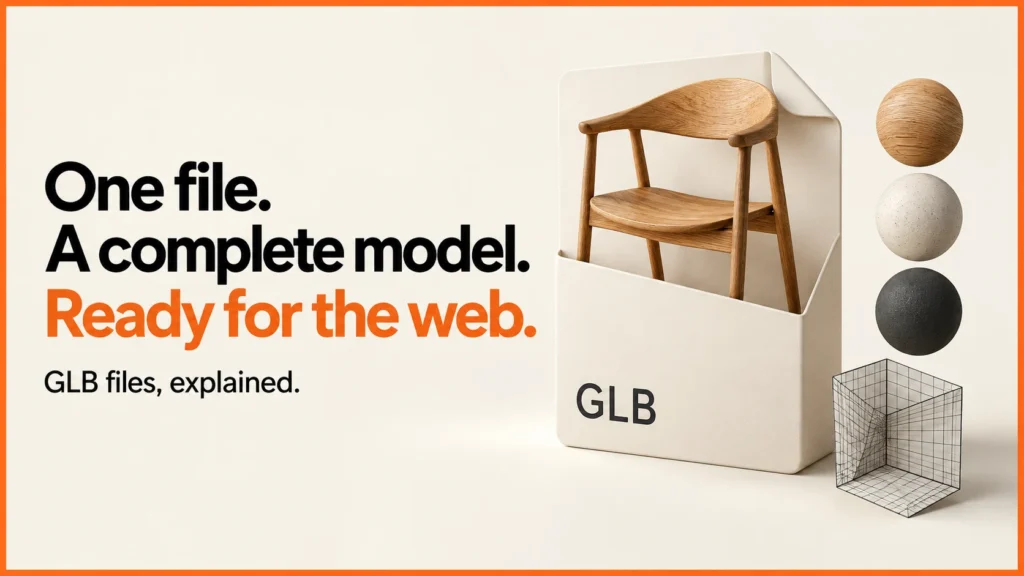
A GLB file is the binary container for a glTF 3D asset. It can package the model description, geometry and textures into one file for use in a browser, product viewer or other compatible application. It is a delivery format, rather than the editable scene you keep in your modelling software.
Discuss your product rangeTry the demos
For a product team, the useful question is not just “can this file open?” It is whether the exported asset contains the right surfaces, materials and scale for the customer experience you intend to build.
GLB and glTF: the practical difference
A .gltf file is a JSON description. It can refer to separate binary buffers and image files, or embed resources as data URIs. A .glb uses a binary container with a header and chunks. It often makes delivery simpler because the resources can travel together. A GLB can still contain references to external resources, so the extension alone does not prove that it is self-contained.

Keep your source model, textures and export settings separately. The web file is the result of your asset pipeline, not a replacement for the original editable work.
Inspect a real example
The free GLB viewer on this site includes an original procedural chair and lets you choose your own local file. Try the demo, inspect the wireframe, then open a GLB exported from your modelling tool. It is a static viewer with deliberately limited extension support; the page explains its limits.
For a simple test of that viewer, I built an original octahedron asset with six vertex positions, eight triangles and one material. Its position buffer takes 72 bytes: six positions multiplied by three coordinates multiplied by four bytes per float. Its 24 triangle indices take another 48 bytes when stored as 16-bit integers. The geometry data is therefore 120 bytes before JSON, chunk headers or any other resources.
| Part of the test asset | Calculation | Bytes |
|---|---|---|
| Positions | 6 × 3 × 4 | 72 |
| Indices | 8 × 3 × 2 | 48 |
| Geometry payload | 72 + 48 | 120 |
That is a controlled example, not a typical product budget. A chair or washing machine may need far more geometry, several textures, material extensions and additional metadata. This calculation explains why “eight triangles” and “file size” describe different things.
Read a GLB header locally
This small inspector reads the file header and chunk sizes in your browser. It does not upload the selected file and does not attempt full glTF validation.
No file selected.
What can make a GLB large?
Detailed geometry, high-resolution images and embedded animation data can all add weight. Textures deserve particular attention: a small compressed download can expand into a large allocation when decoded. Reducing polygon count alone will not fix an oversized texture set. Textures are often the largest part; the KTX2 texture compression guide shows how to shrink them.
Work from the intended view. If customers only see a product at a modest screen size, microscopic surface details may belong in texture maps rather than dense geometry. If they inspect a close-up join, the silhouette and visible construction may justify more detail. Test the exported result rather than making that decision from the modelling viewport alone.
A useful export handover
- The GLB and its editable source, with permission to use the models and textures.
- The real product dimensions, expected orientation and unit convention.
- A list of selectable parts and the stable names used to identify them.
- The intended material variants, texture sources and colour references.
- Required extensions and the target viewers or devices.
- A dated visual check and a size report for the actual export.
For configurable products, also describe what changes when a customer chooses an option. Swapping a fabric is different from changing the geometry or restricting a valid combination.
Need an Apple AR version too? See USDZ and AR Quick Look for ecommerce.
For the format itself, read what glTF is. Smaller files usually come from Draco or meshopt compression and KTX2 textures. The 3D commerce glossary covers the wider vocabulary.
Related reading: Three.js ecommerce examples and 3D product visualisation.
GLB does not define the buying journey
A GLB can describe a scene and its resources. Your application still needs to decide how choices affect the model, validate the configuration and pass a reliable result to a quote or cart. See how a 3D configurator is built and configurator development for that wider scope. To show a GLB on a WordPress page, see how to embed a 3D viewer in WordPress.
Each of the live demos loads its product as a single GLB file. Try the Babylon.js retro appliance or the WebGPU watch to see one in use.
Reference: the Khronos glTF 2.0 specification defines the format. The byte calculation and inspector on this page are original examples. Published 13 October 2026.