Each demo on this page is a working configurator for one illustrative product. Pick a colour, choose the main option and the image, summary and quote request update together, the same way they would on a live product page.
The products are deliberately varied: furniture and lighting, bathroom and kitchen fittings, bikes, watches, cameras, instruments, footwear and workshop tools. The point is not any single product. It is that the same approach works wherever a customer has to choose between versions of something before they buy.
Browse demos by industry
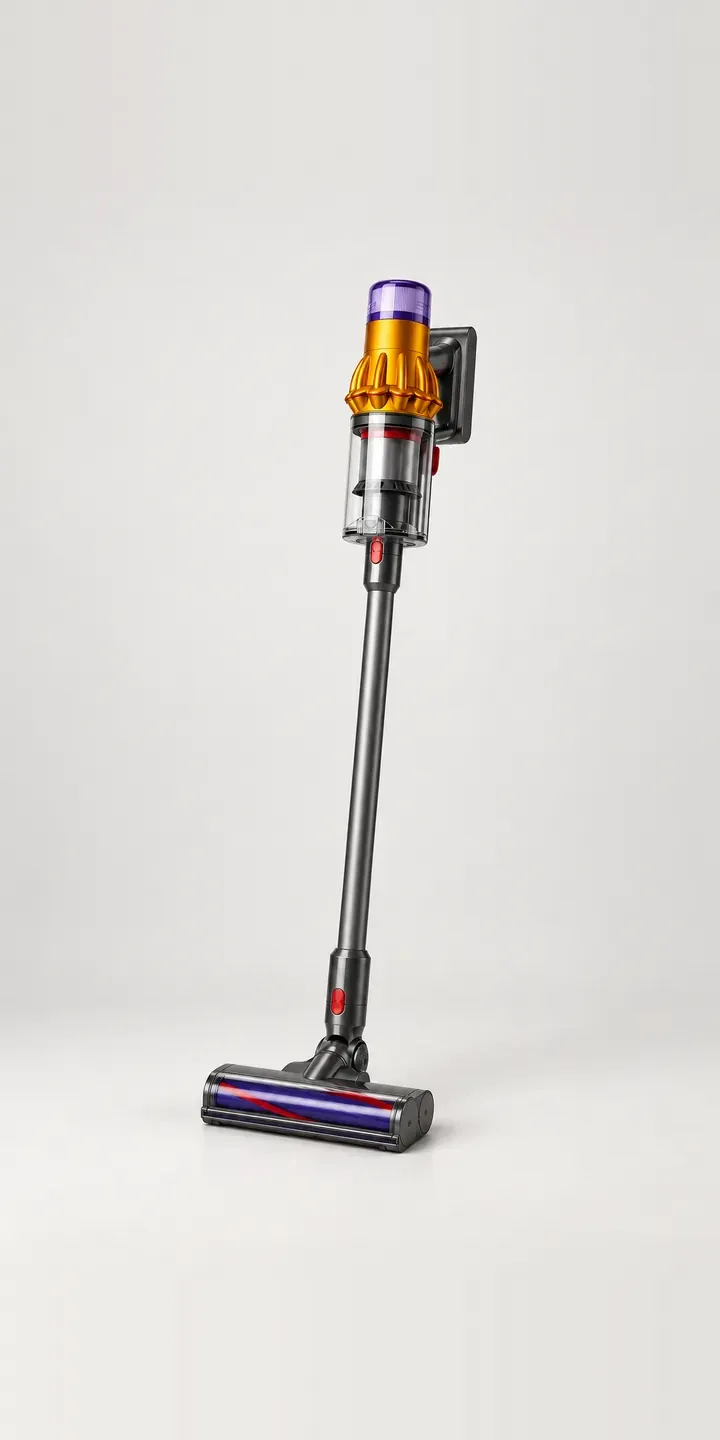
Appliances
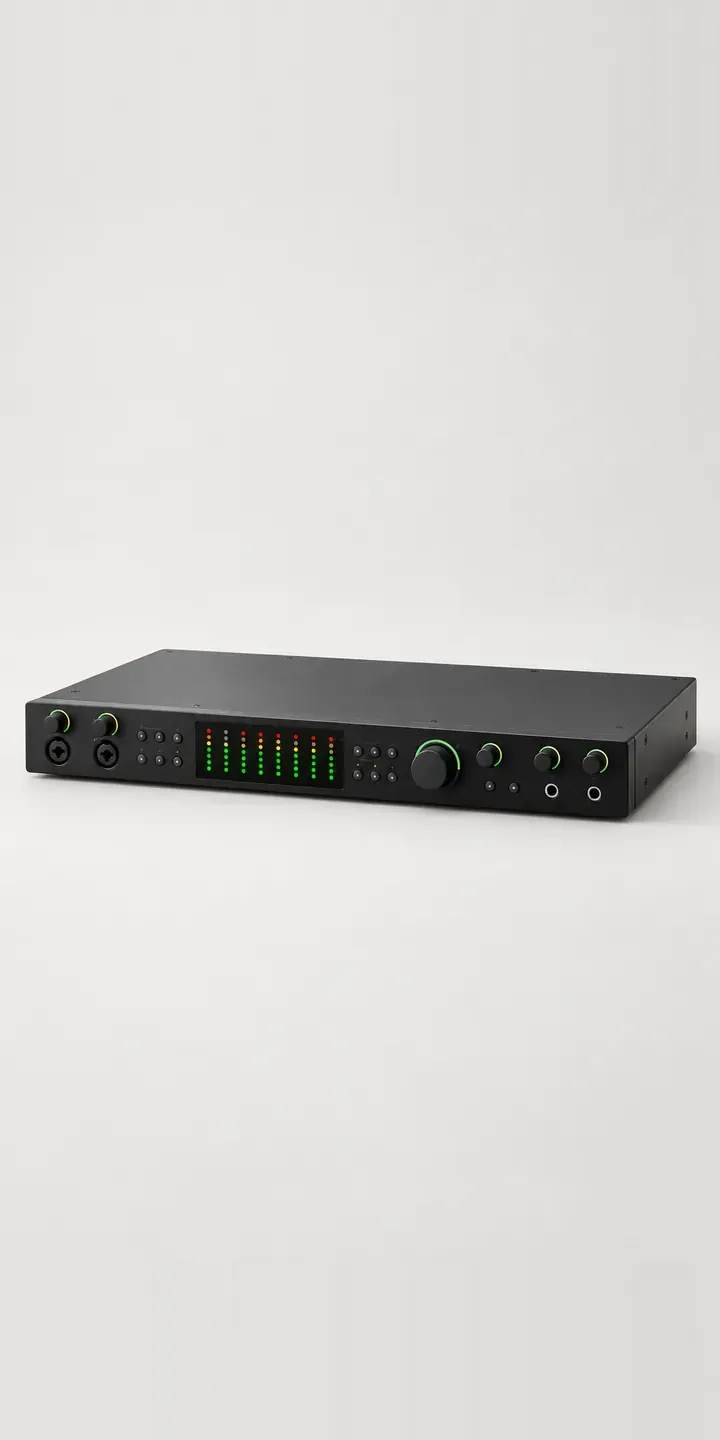
Audio
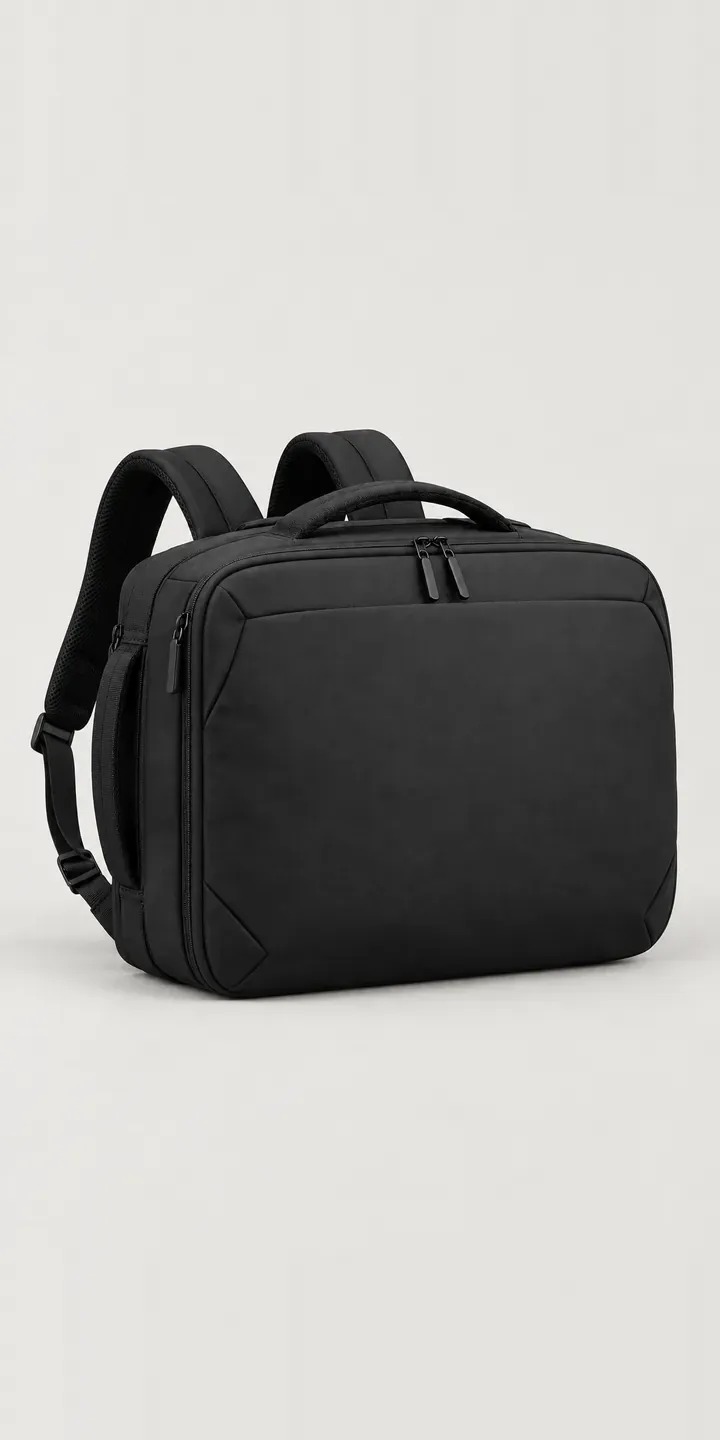
Bags and luggage
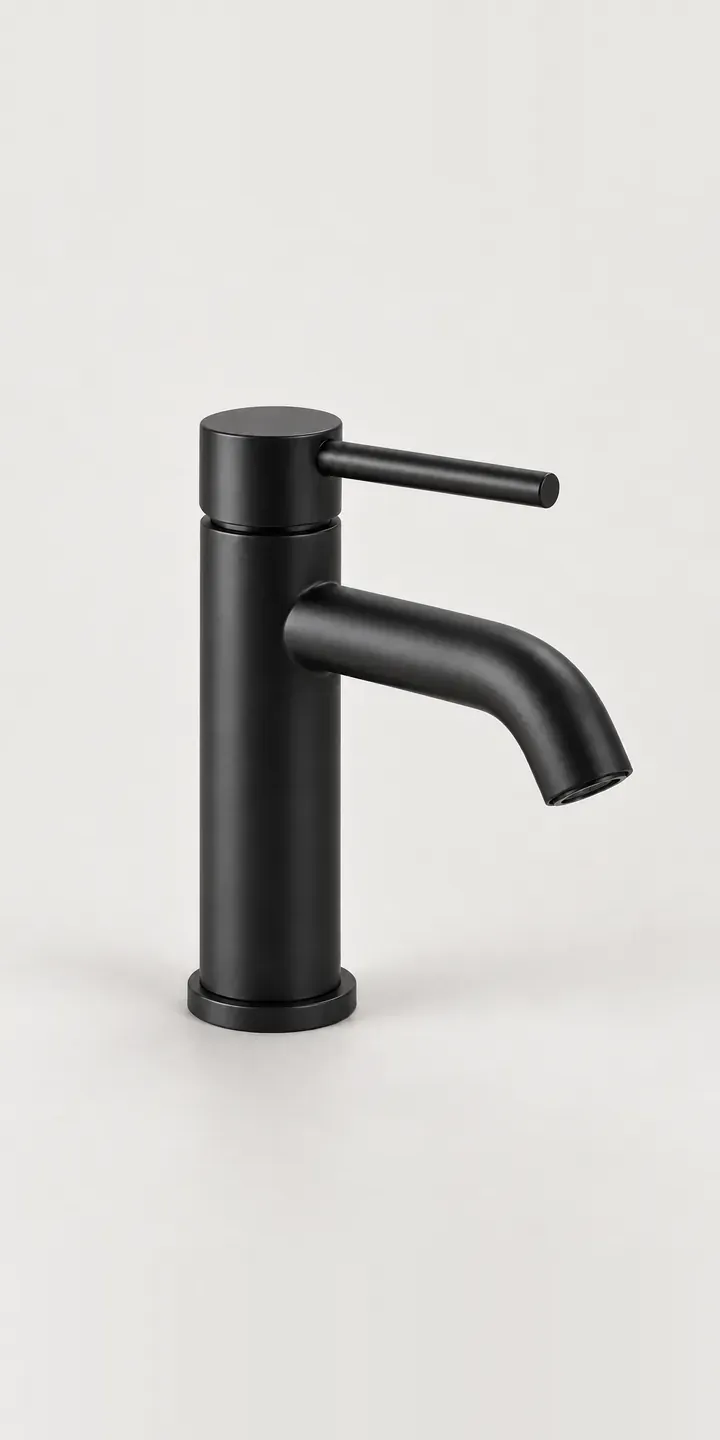
Bathroom
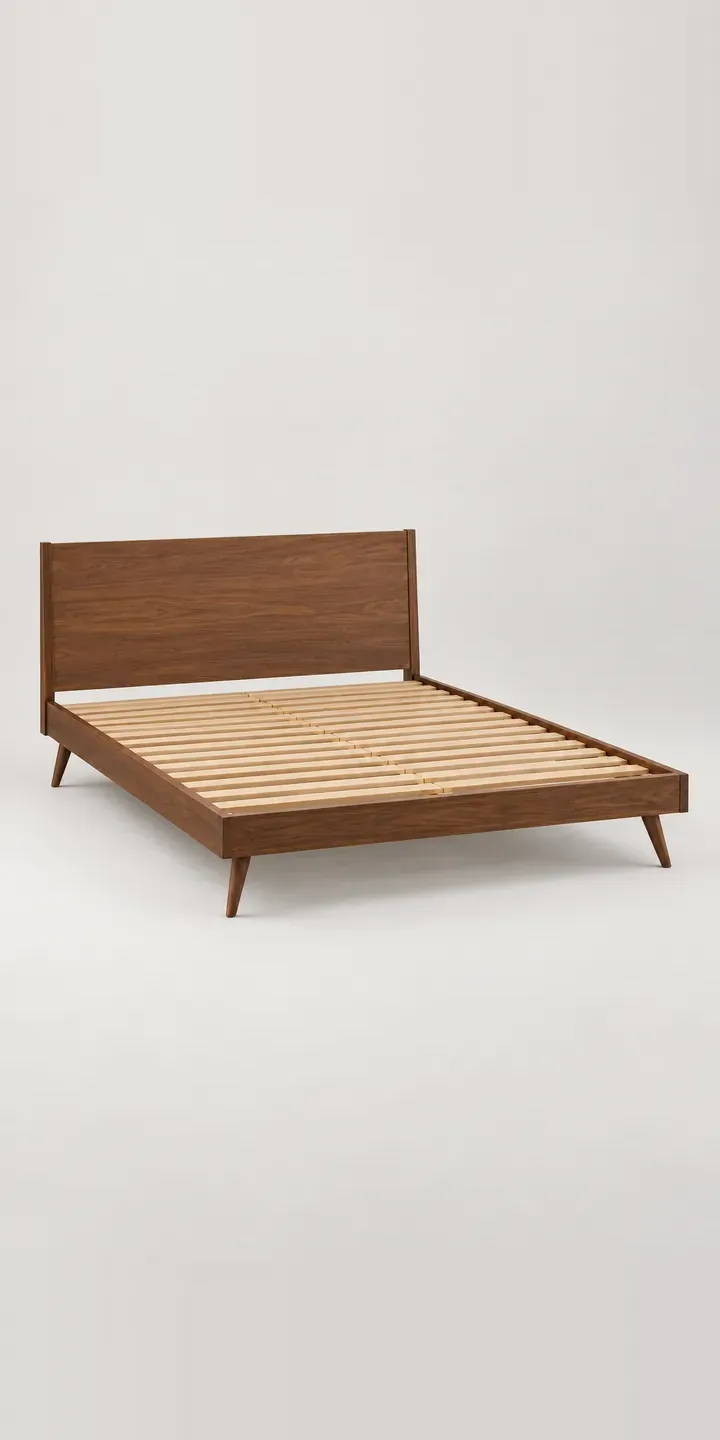
Bedroom
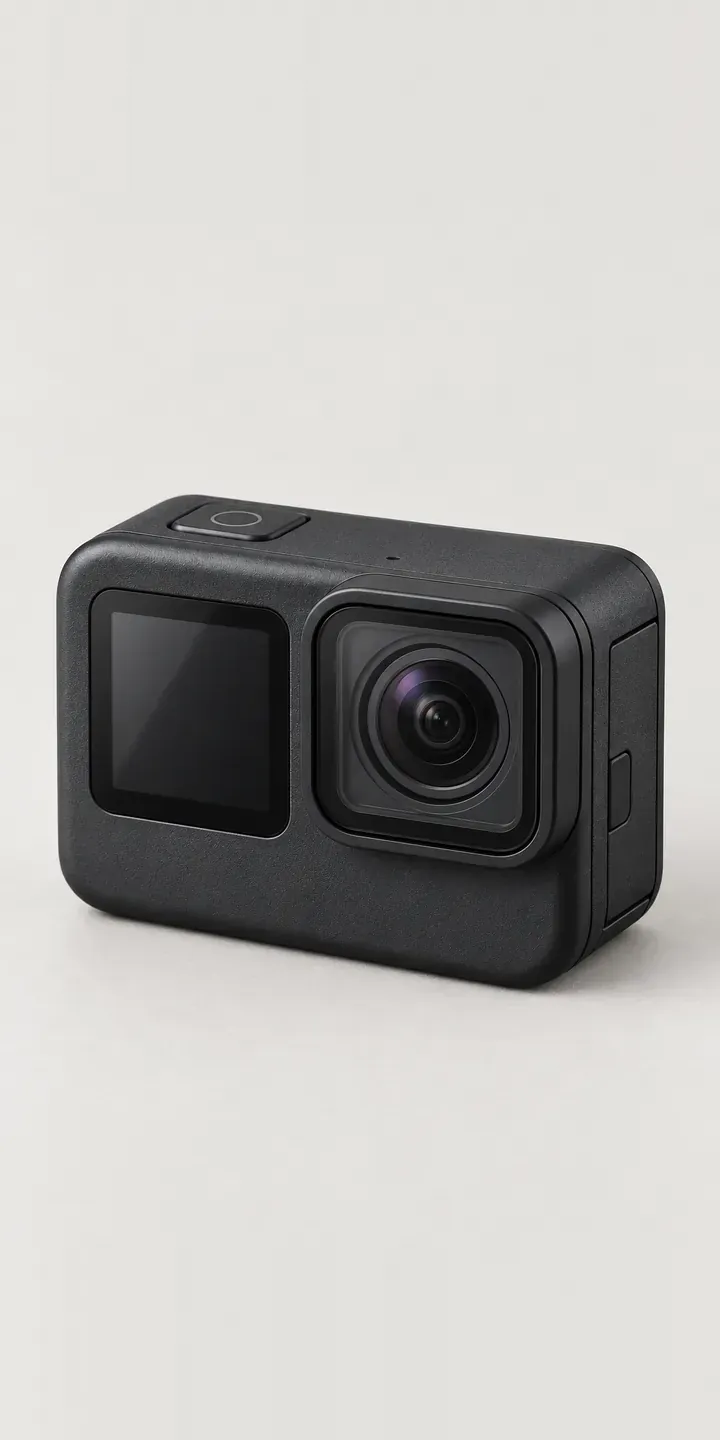
Cameras
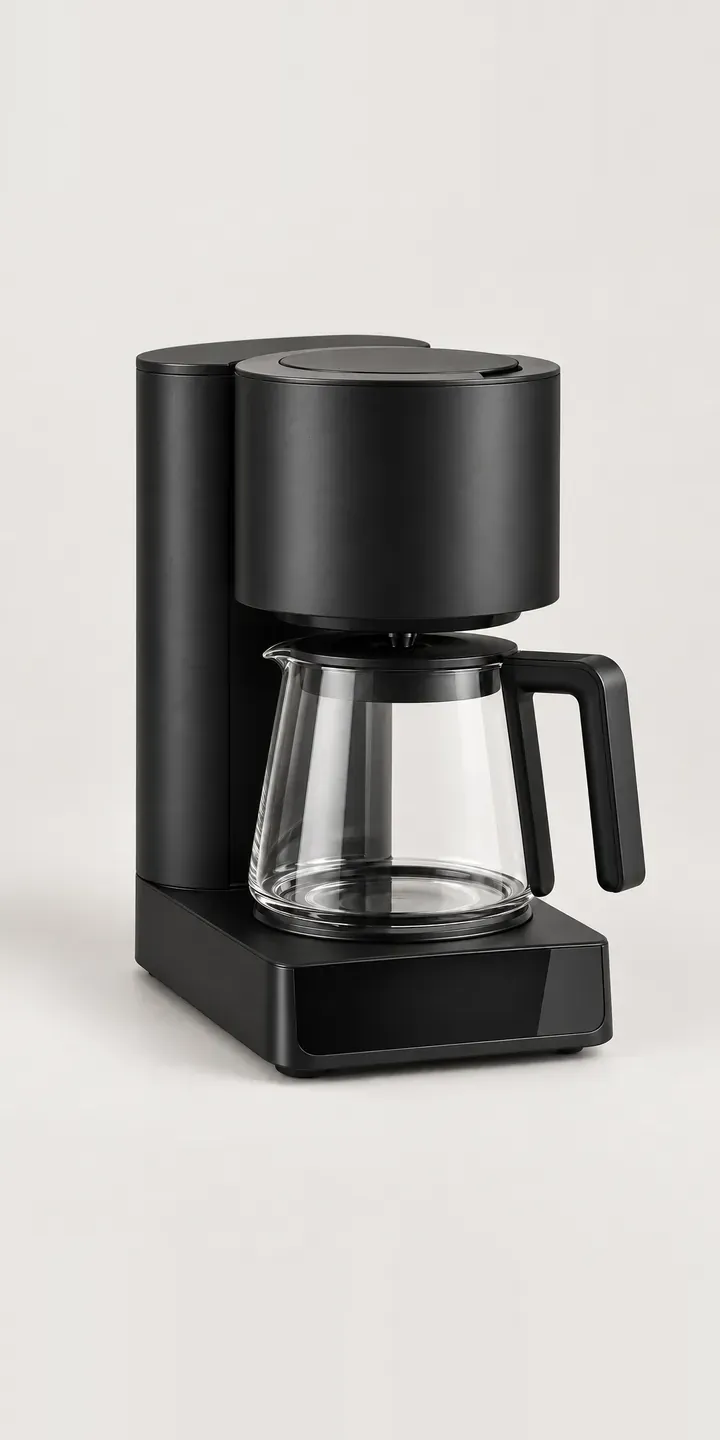
Coffee
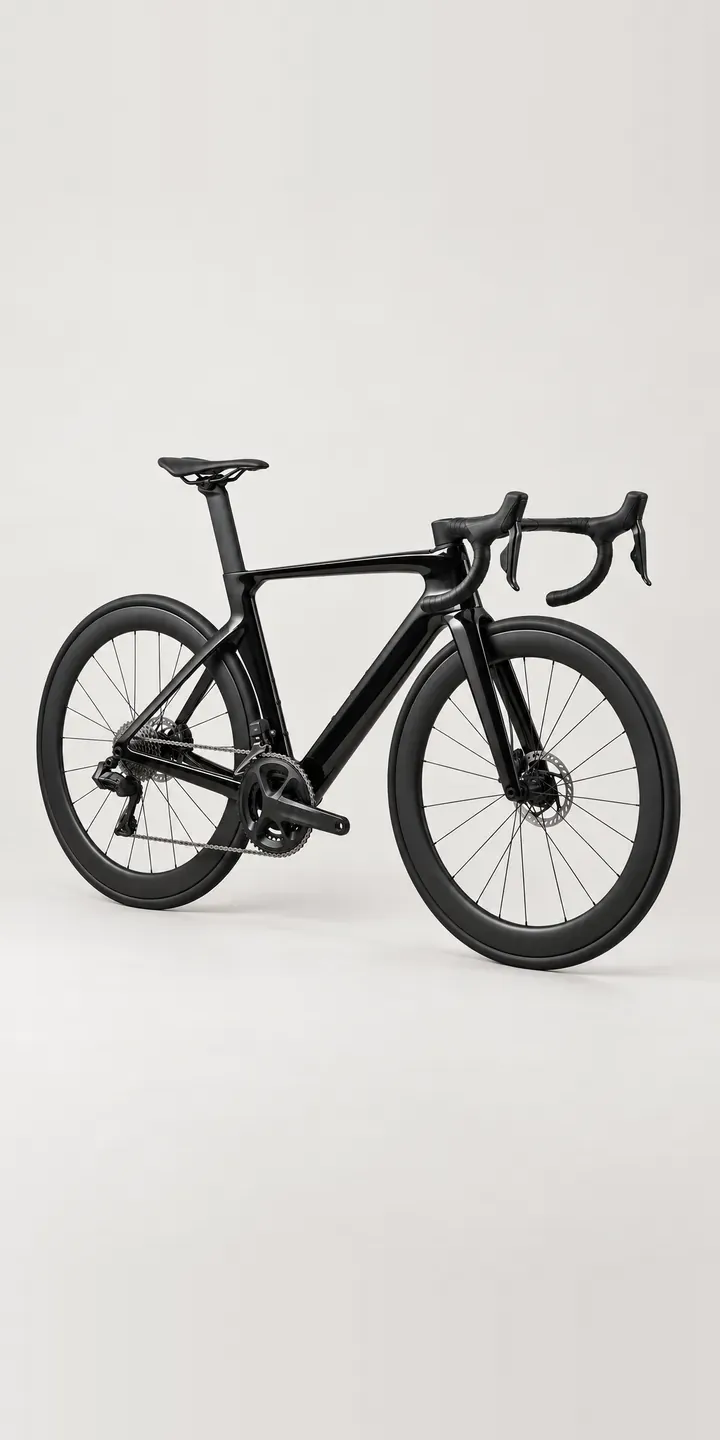
Cycling
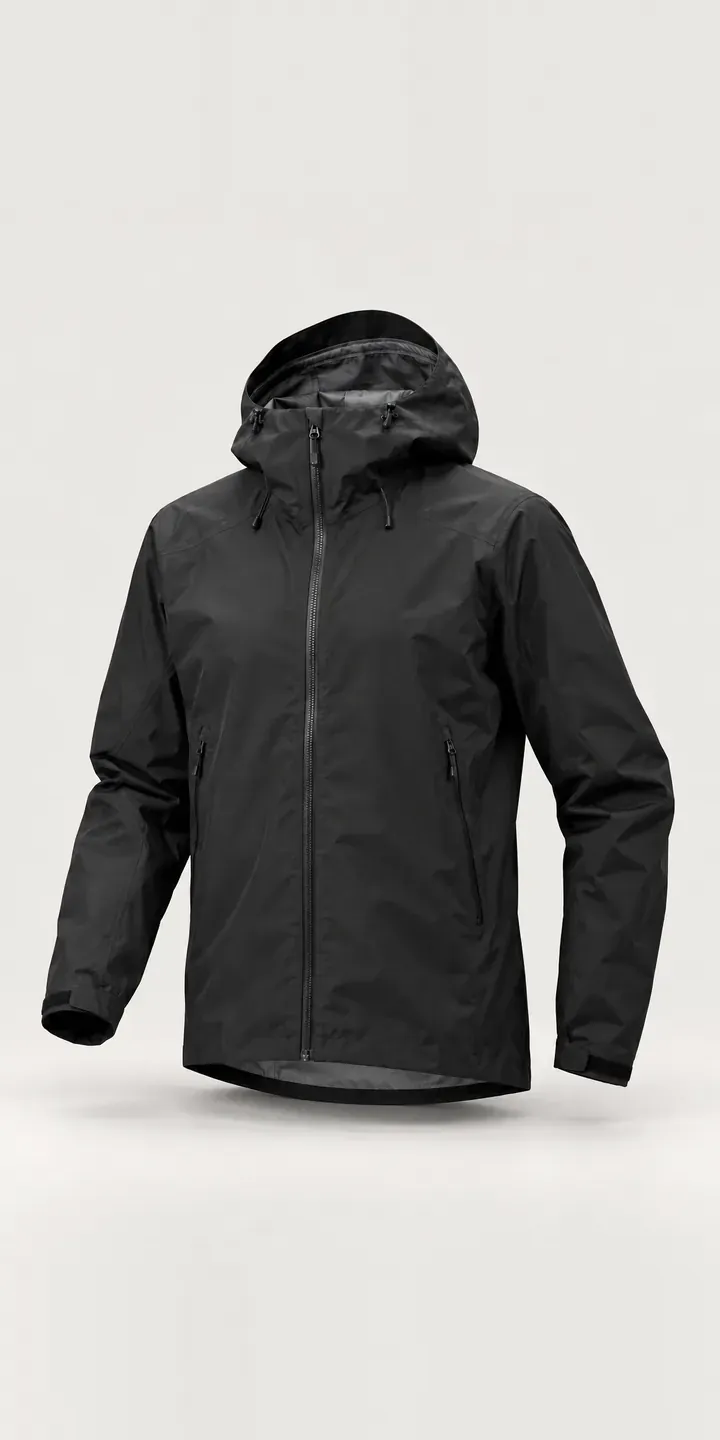
Fashion
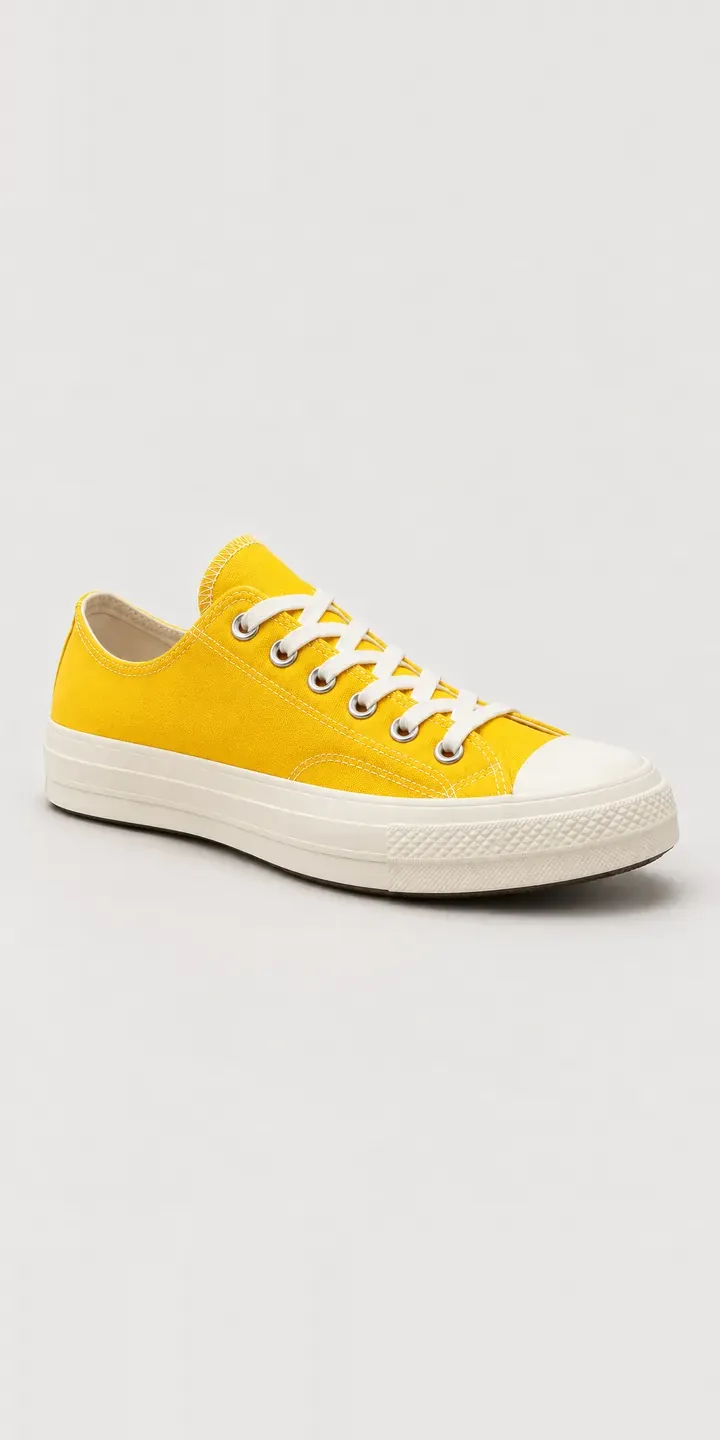
Footwear
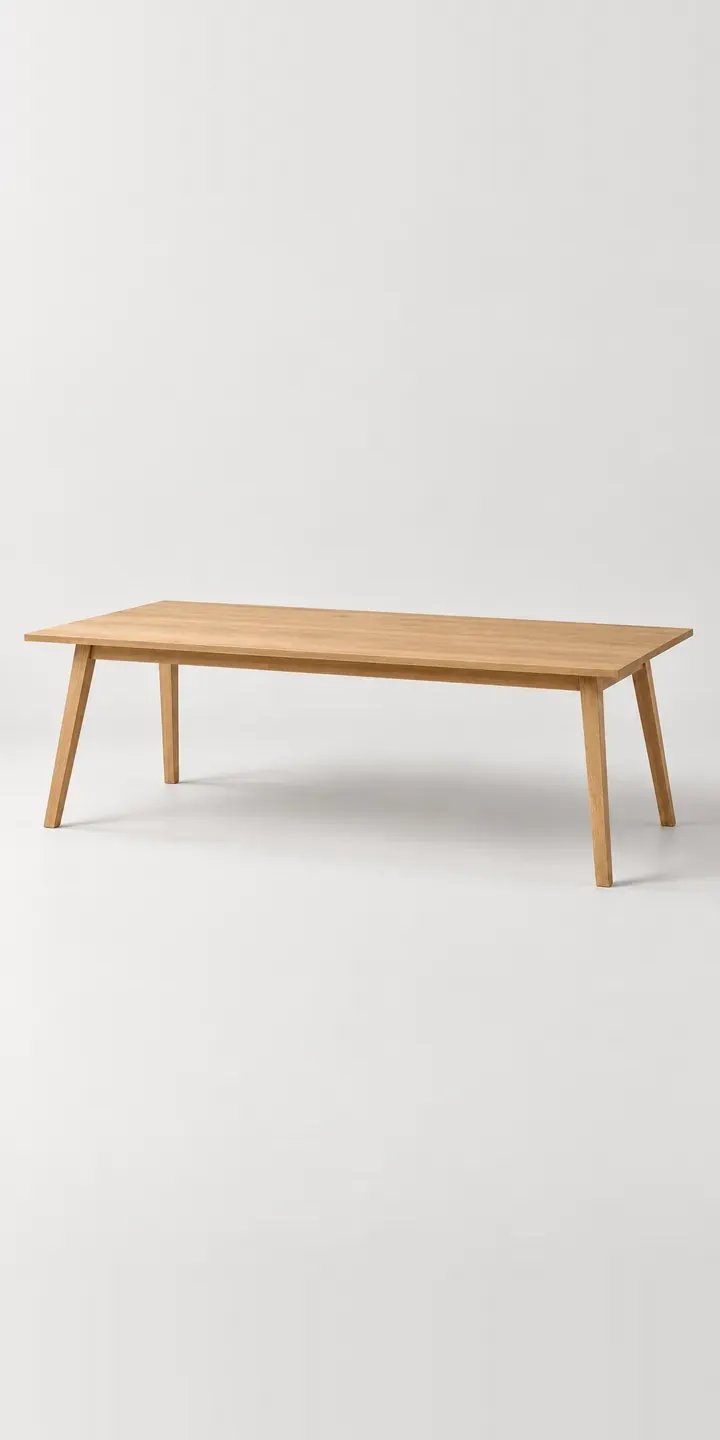
Furniture
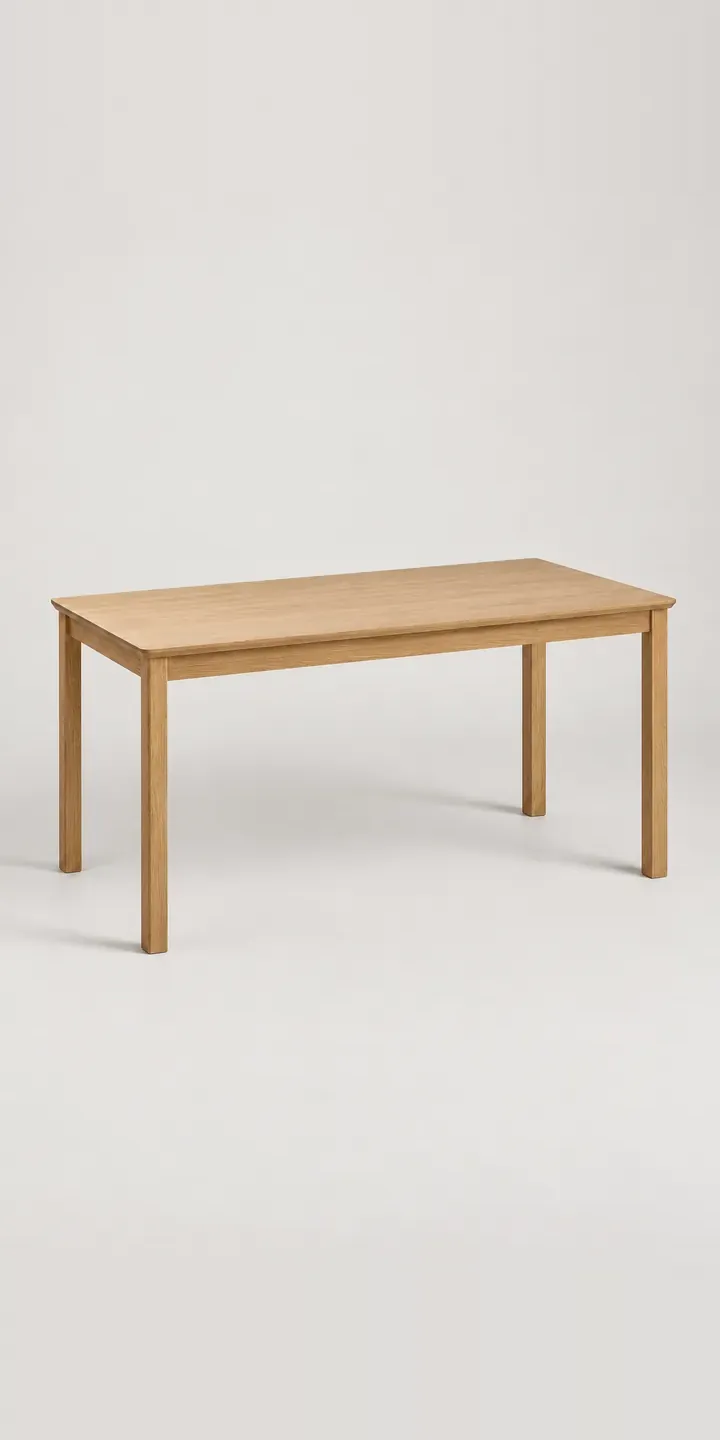
Home office
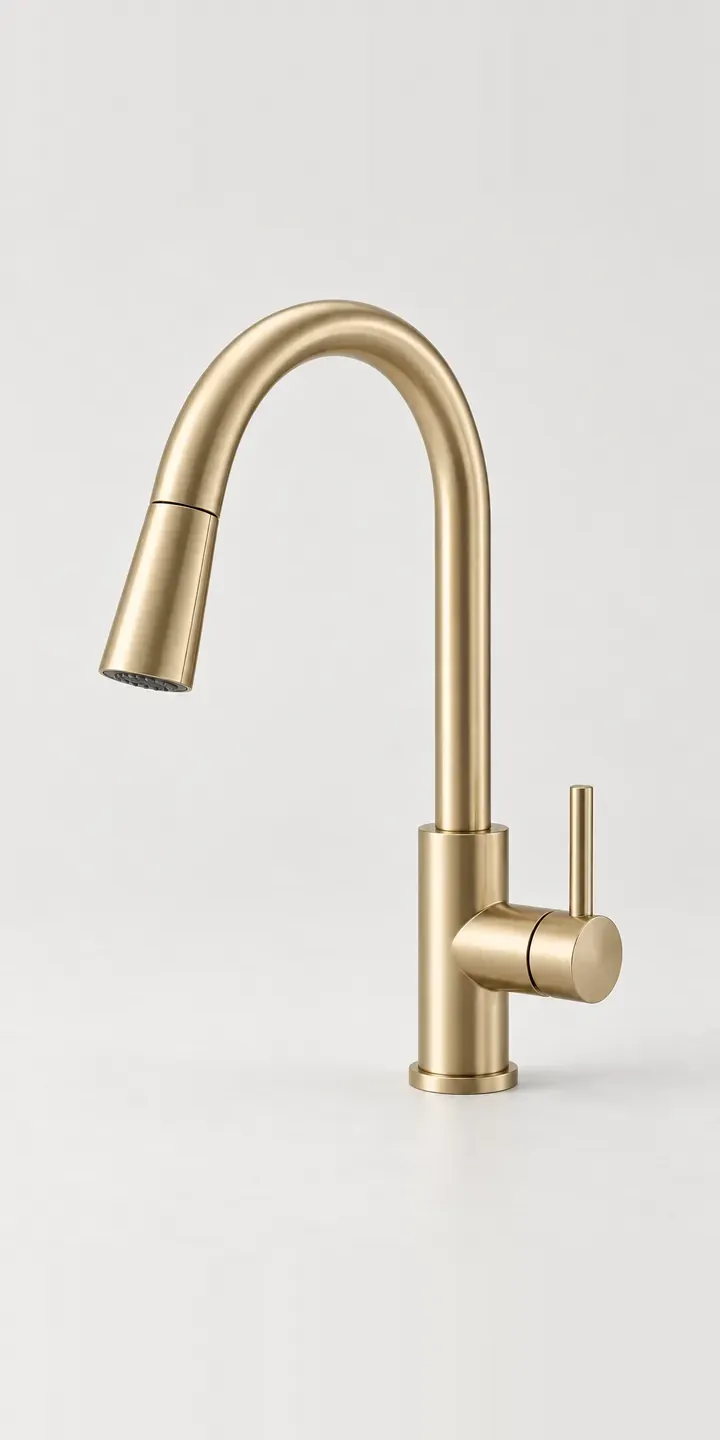
Kitchen
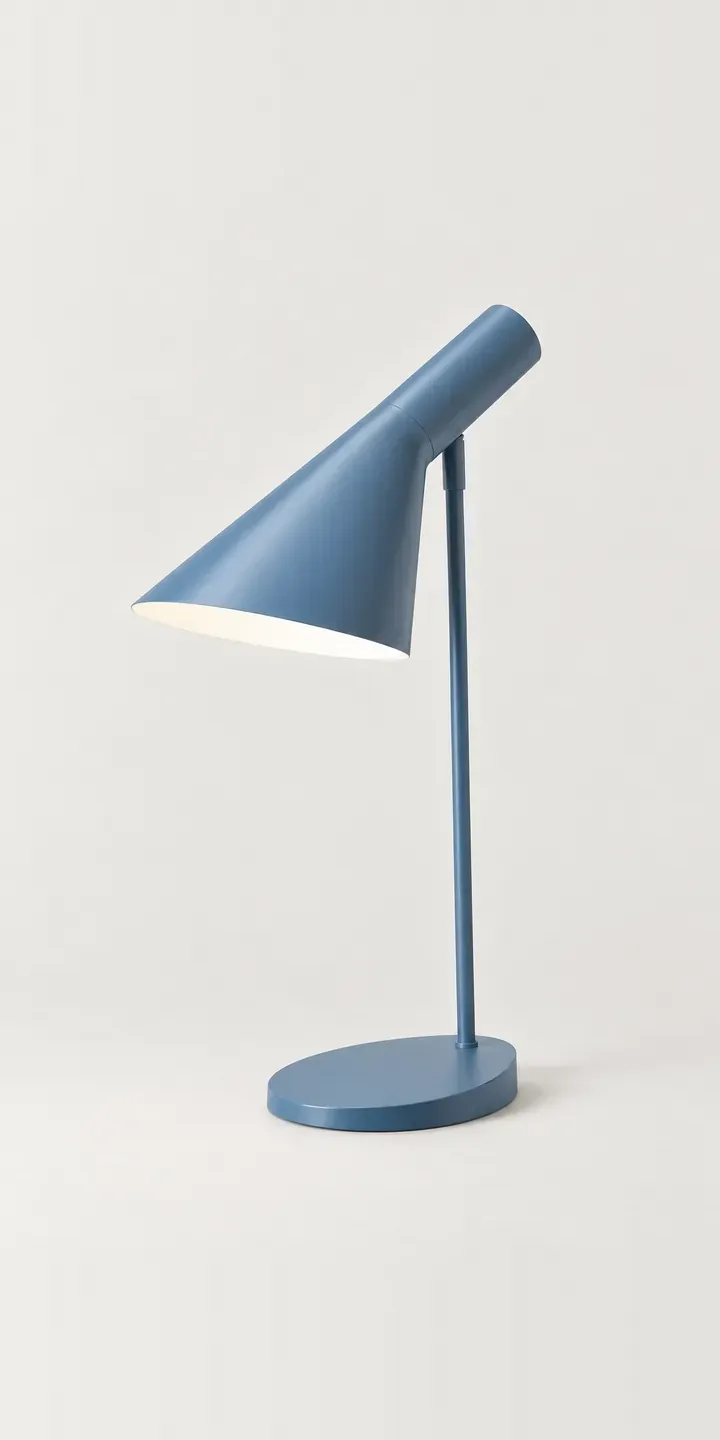
Lighting
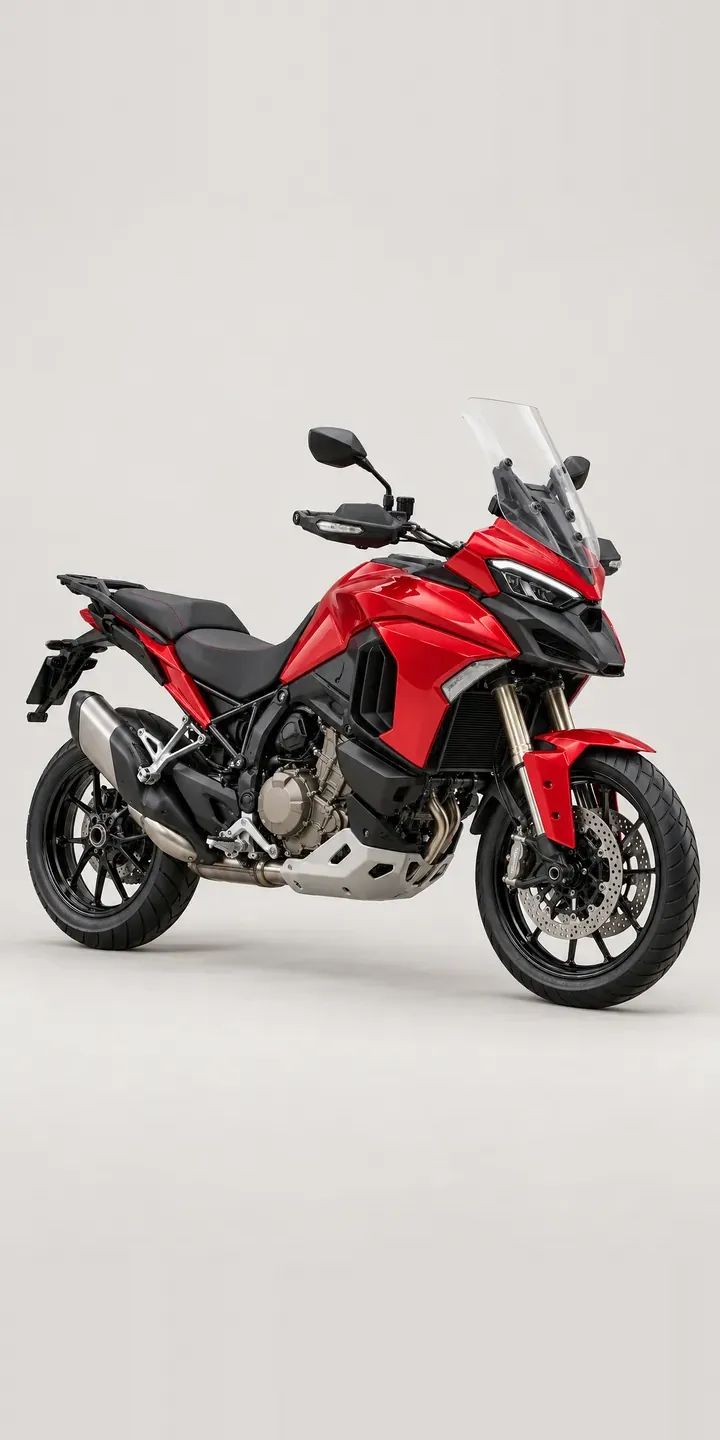
Motorcycles
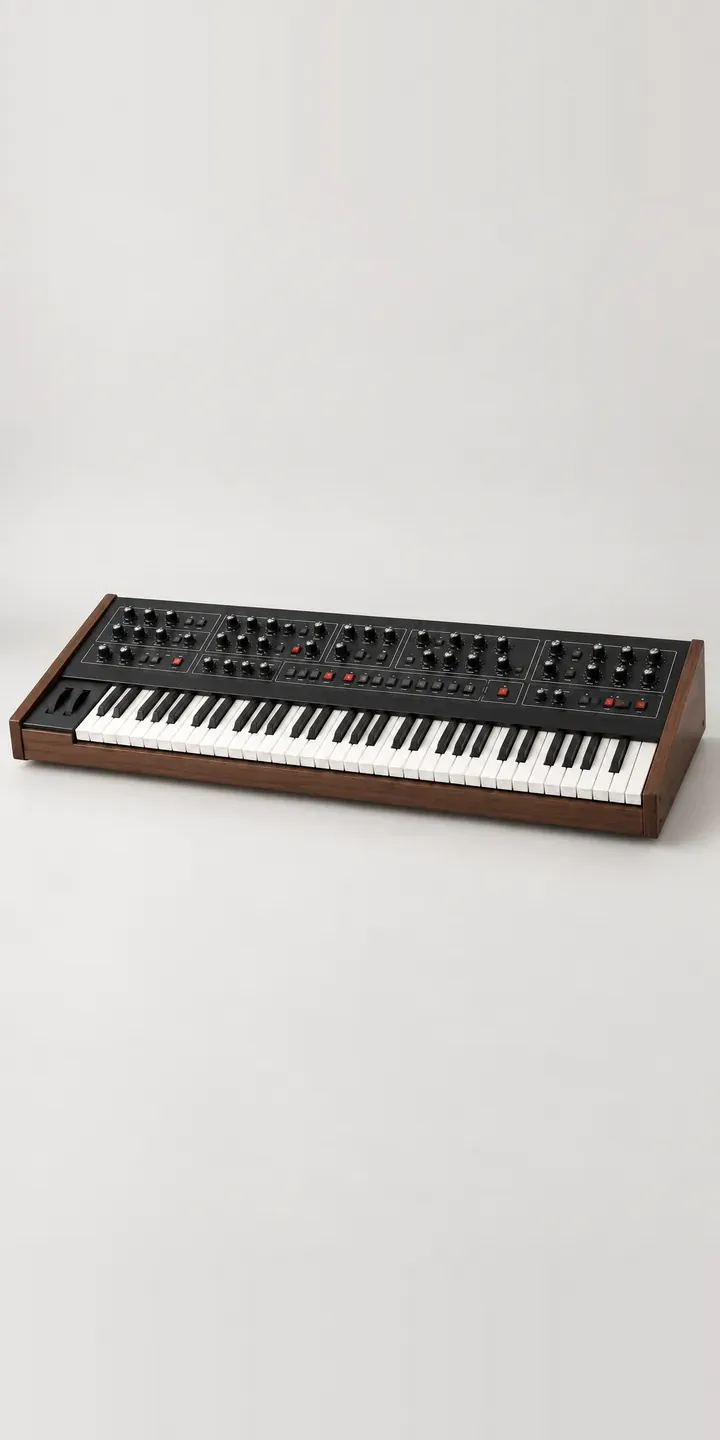
Music
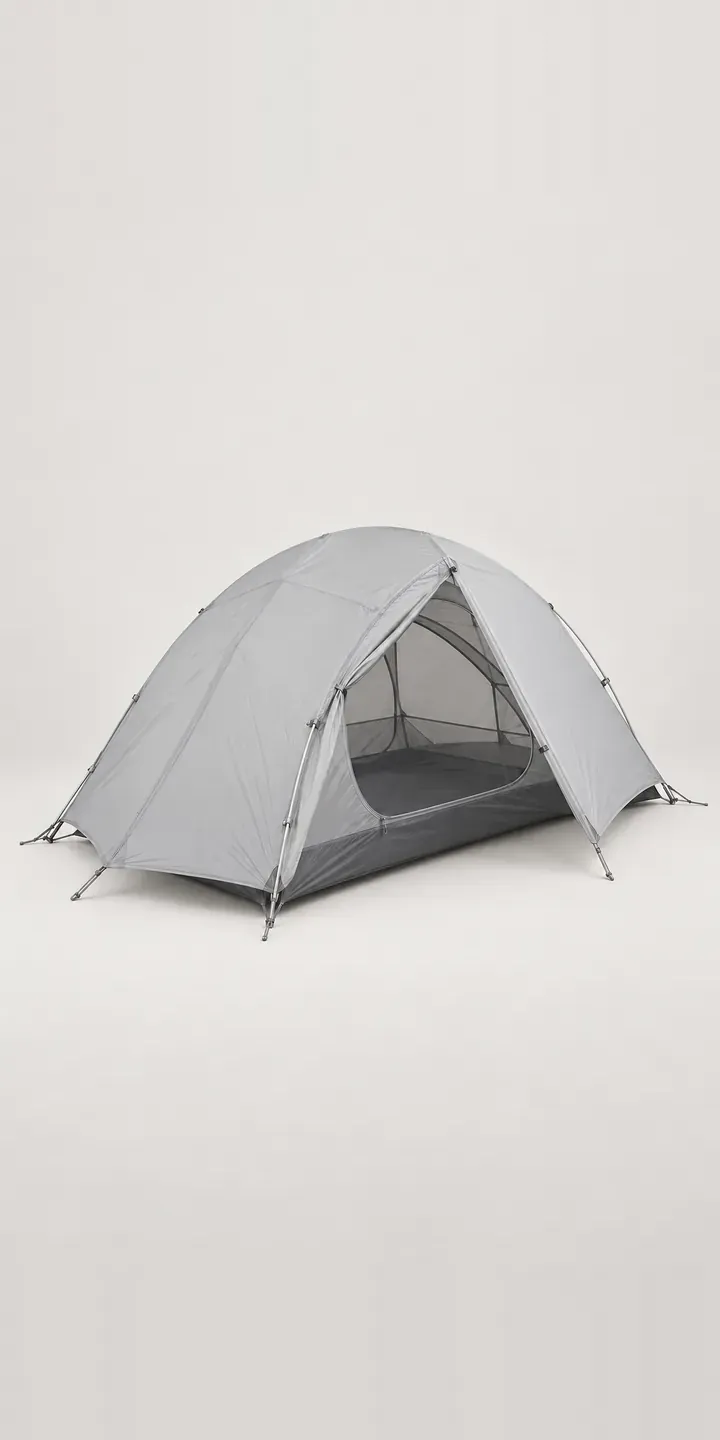
Outdoor
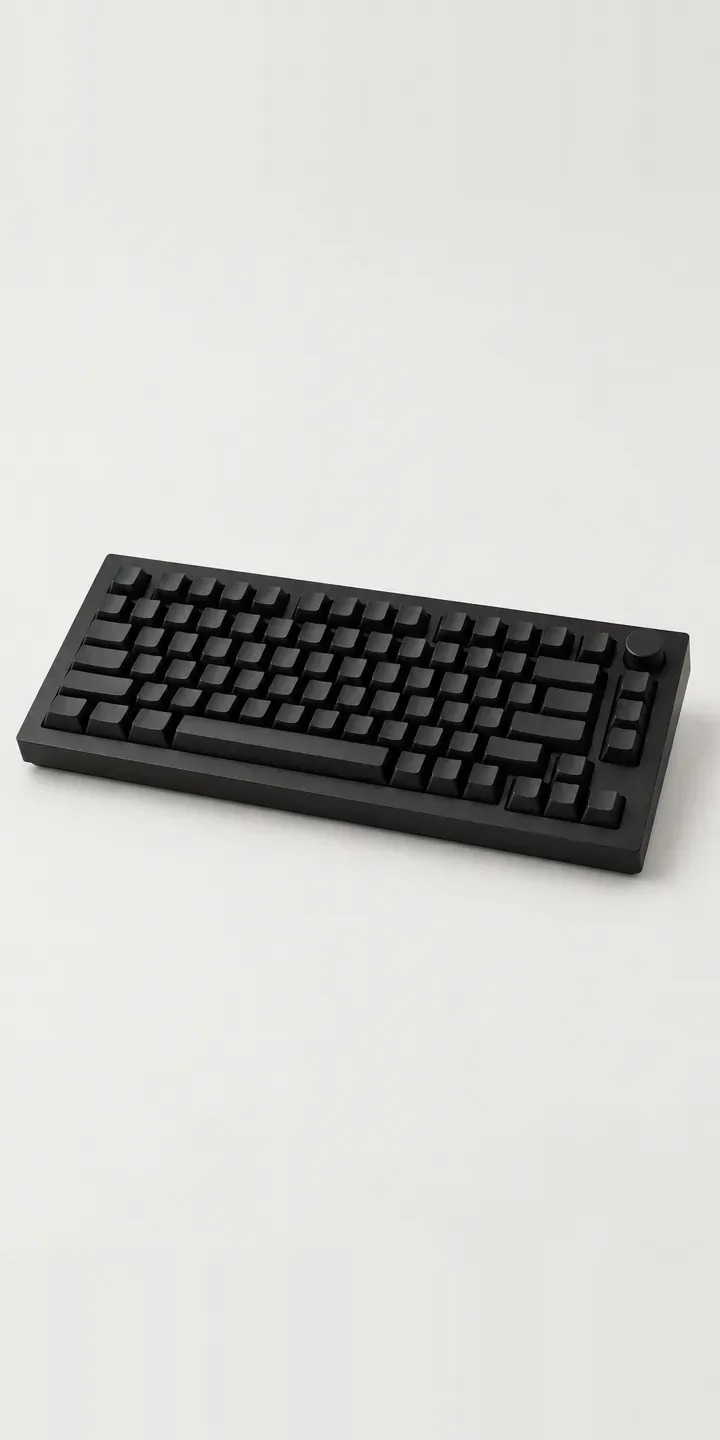
PC and gaming hardware
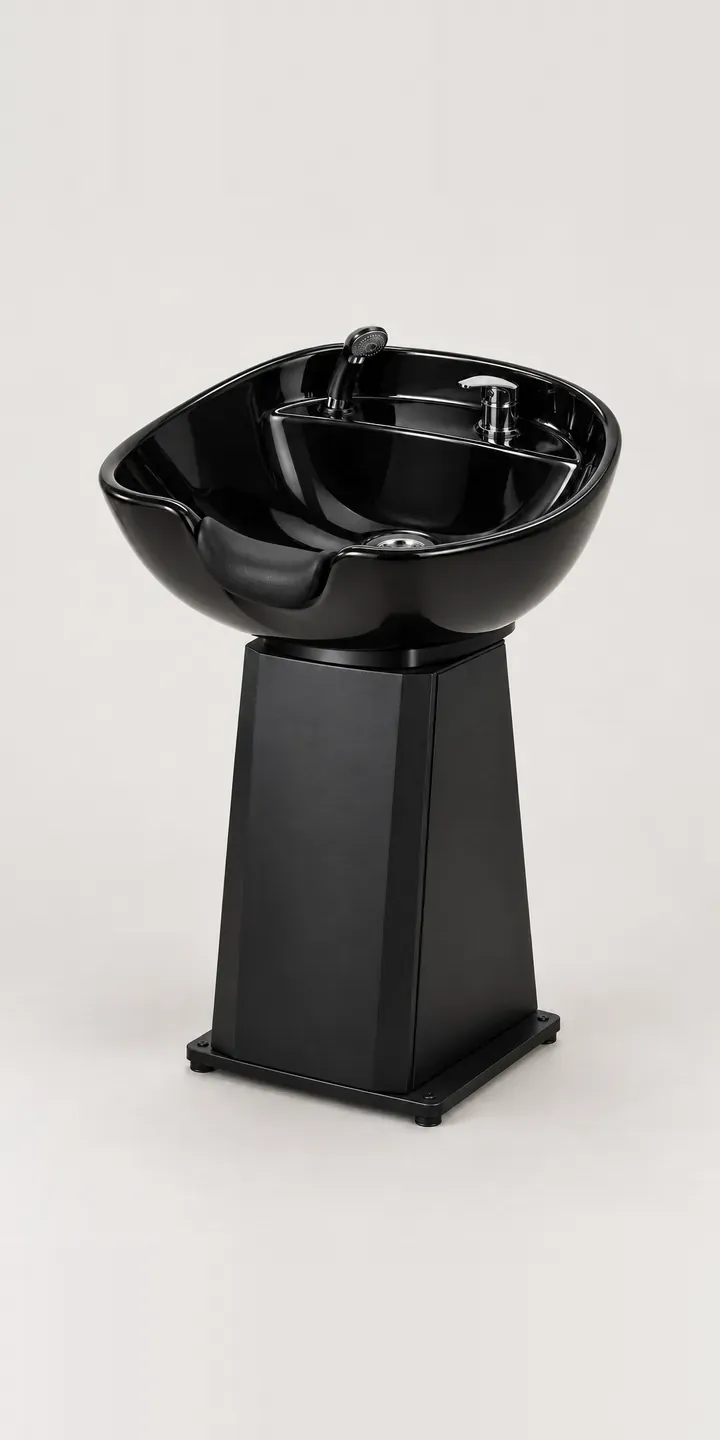
Salon and barbering
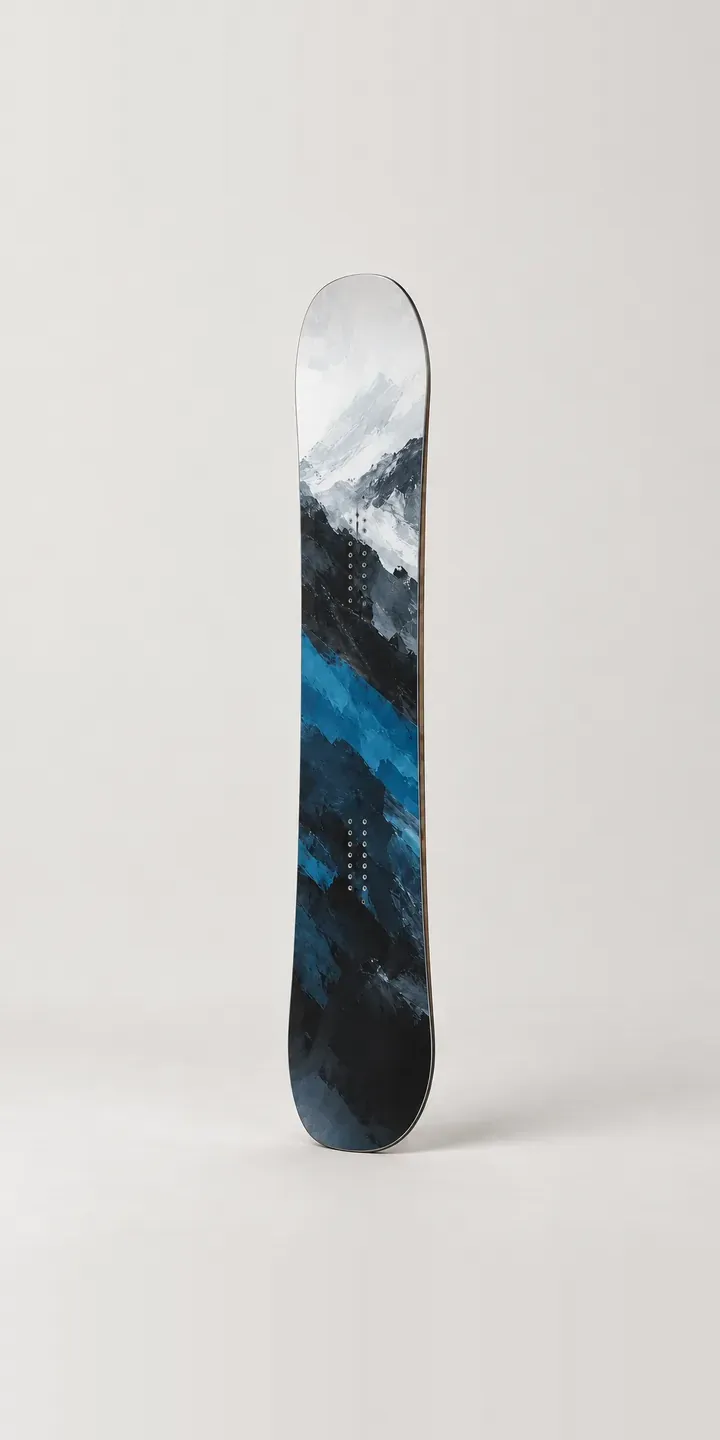
Snow sports
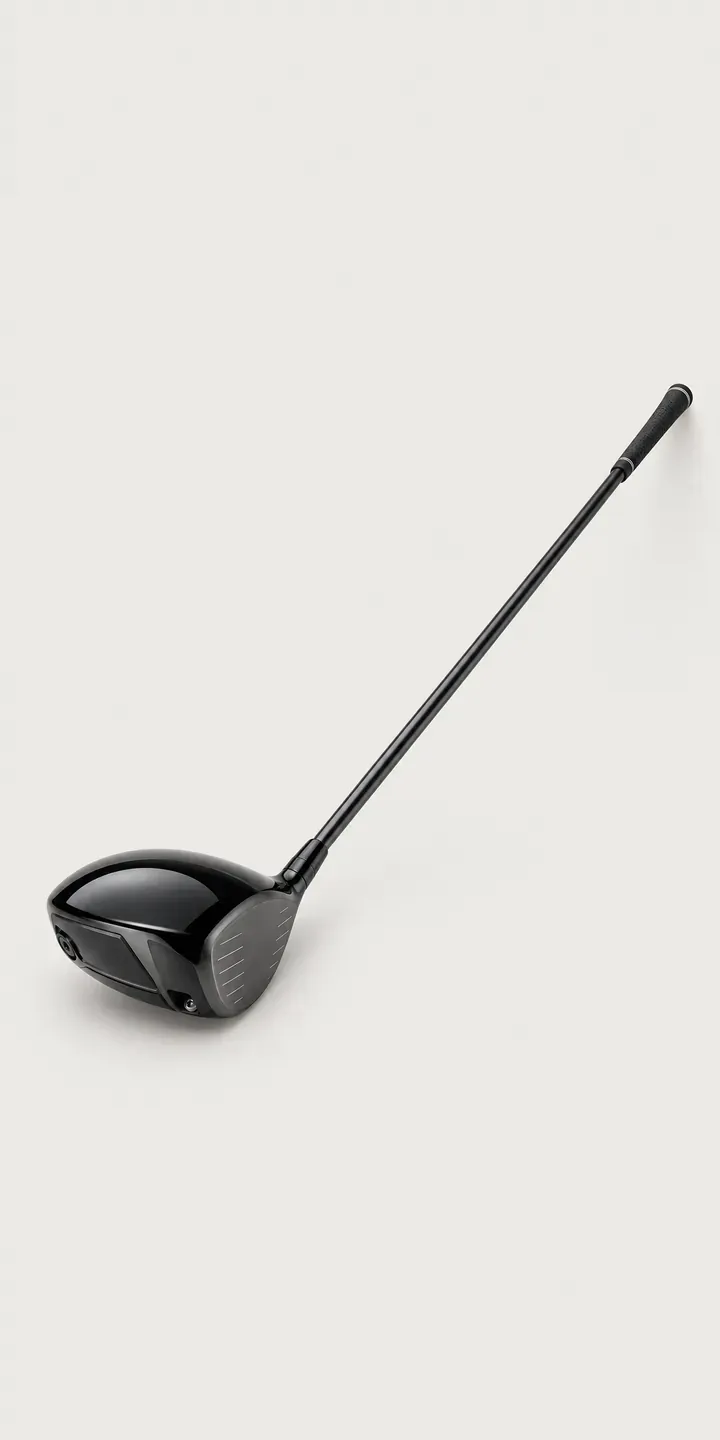
Sports equipment
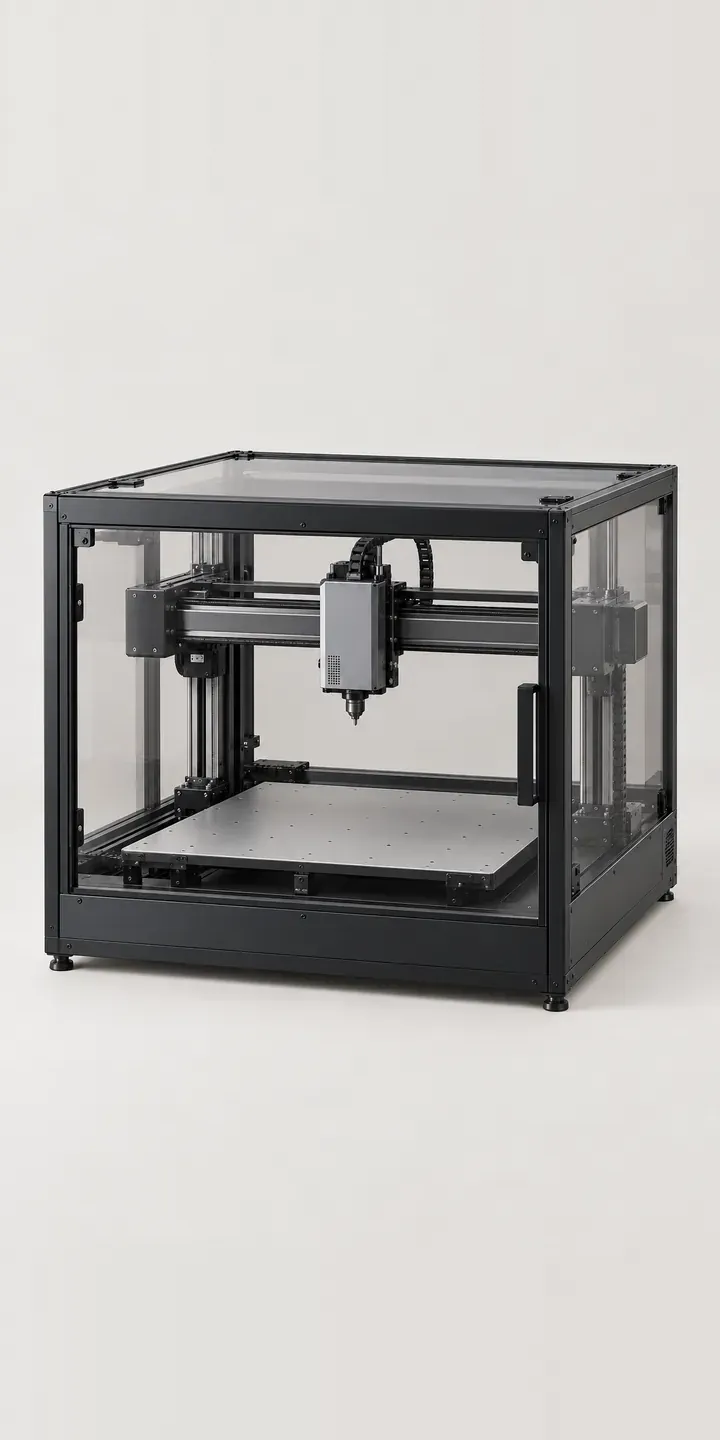
Tools and workshop
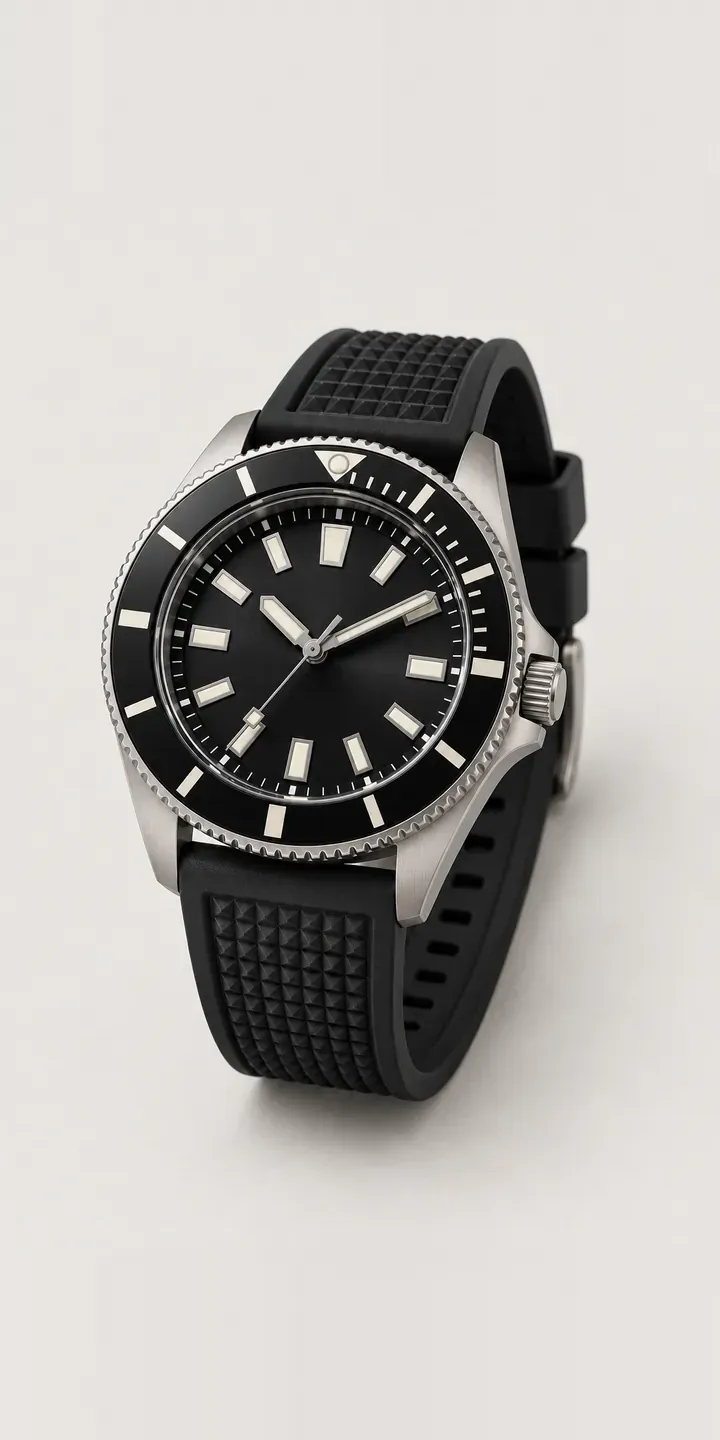
Watches
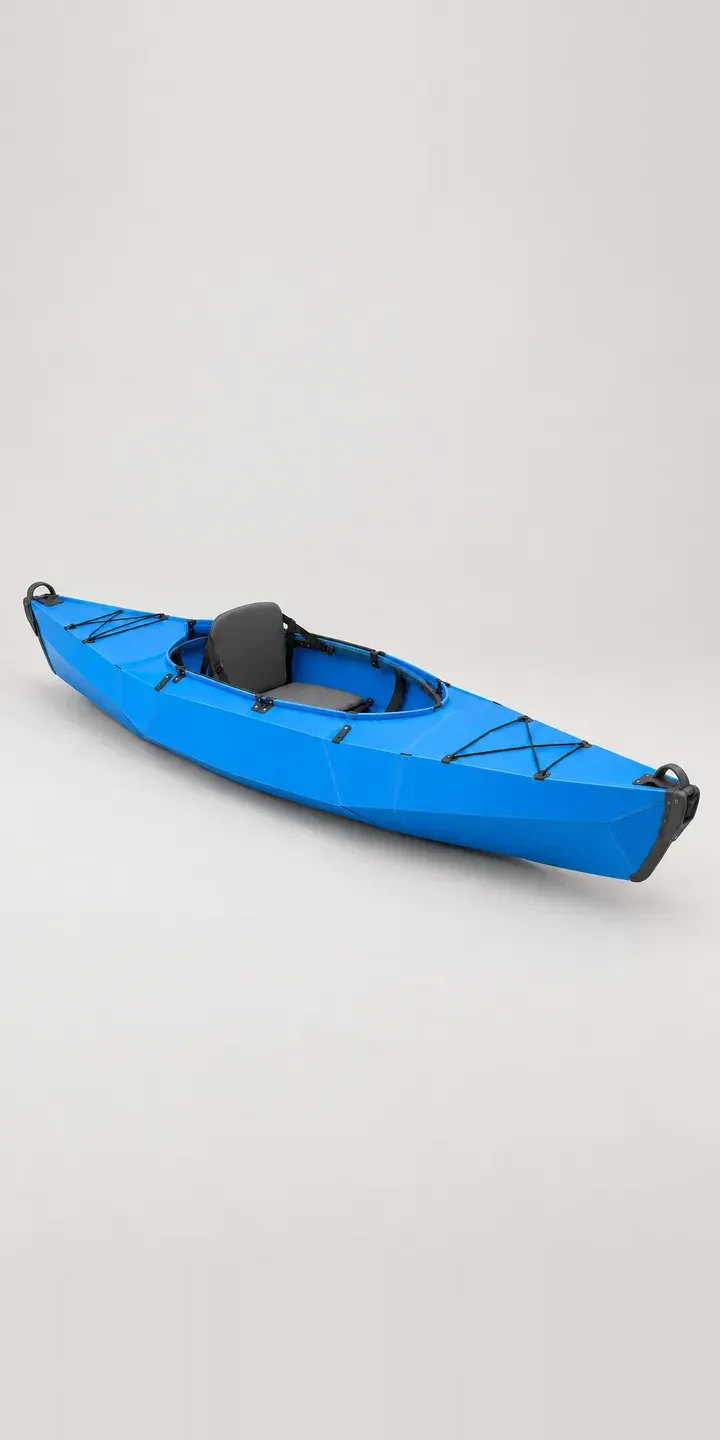
Water sports
How these demos are built
These are image-based configurators. Every colour is a photoreal product image taken from the same viewpoint, so switching between them reads as one product changing rather than a gallery of separate photos. The option alongside it, such as strap type, seat height or number of heads, is captured in the summary and the quote request.
Image-based configurators are often the fastest way to start. They need consistent imagery and clean product data, not 3D models, and they run quickly on any phone. When a range has too many combinations to photograph, or buyers need to rotate and inspect the product, a 3D product configurator becomes the better fit.
What a production configurator adds
A live configurator connects to the rest of the business. Choices map to real variants, prices and stock in Shopify or WooCommerce, or arrive as a structured quote request for made-to-order products. Rules stop impossible combinations, saved builds let customers come back or share with a partner, and the product data lives somewhere the team can update without a developer.
My configurator work includes Praxis Digital 3D, a browser-based platform used by more than 20 UK businesses, and an image-based configurator developed through a Knowledge Transfer Partnership with Manchester Metropolitan University.
Questions about product configurators
Are the products in these demos real?
No. Each one is an illustrative design created to show how a configurator works for that type of product. They are not copies of any brand's model and are not for sale. Your own configurator would use your products, your photography or renders, and your option names.
What is the difference between an image-based and a 3D configurator?
An image-based configurator swaps prepared images as options change, which is quick to build and light on phones. A 3D configurator renders a model in the browser, so buyers can rotate it and any combination can be shown without photographing it. The right choice depends on how many combinations you have and how buyers decide.
Can a configurator like this work on Shopify or WooCommerce?
Yes. Selections can map to product variants so price, stock and the basket behave normally, or to line-item properties for made-to-order items. Products that need a quote rather than a checkout can send the configured build to a form, email or CRM instead.
How much does a product configurator cost?
There is no fixed price, because cost depends on the number of product families, how complex the options and rules are, the state of your imagery or 3D assets, and where orders need to go. The product configurator cost guide breaks down what drives the budget.
Want one of these for your products?
Every demo here started from a product brief, a set of options and a few images. Send me yours and I will tell you honestly whether an image-based or 3D configurator fits, and what the first release should include.