Lighting is configured on finish, size and electrics. Pendants are chosen by shade material, metal finish, drop length, ceiling rose and cable colour. Floor and table lamps add base finish, shade fabric and switch type. Wall lights bring a practical question: hardwired or plug-in. Specifiers also ask about colour temperature, dimmer compatibility and, for bathrooms or outdoor spaces, the IP rating.
Lighting stalls online when the buyer cannot see the combination they need. A brass pendant with an opal shade on a black fabric cable is a perfectly normal request. Yet most sites show one photo per product and list the other finishes as text. Interior designers then email for images, and trade orders wait on manual quotes. Lead times on made-to-order finishes add another layer of doubt.
Lighting data is more detailed than it first appears: finishes, shade options, drop lengths and electrical variants, plus the combinations the factory does not make. Most ranges work well as layers, with shade, body and cable as separate images. Trade and specifier buyers usually need a quote and a downloadable spec sheet, while retail buyers can go to a basket. The lighting configurator demo walks through one range in detail, and the example fittings below run across pendants and floor, table, desk and wall lights.
Lighting demos to try
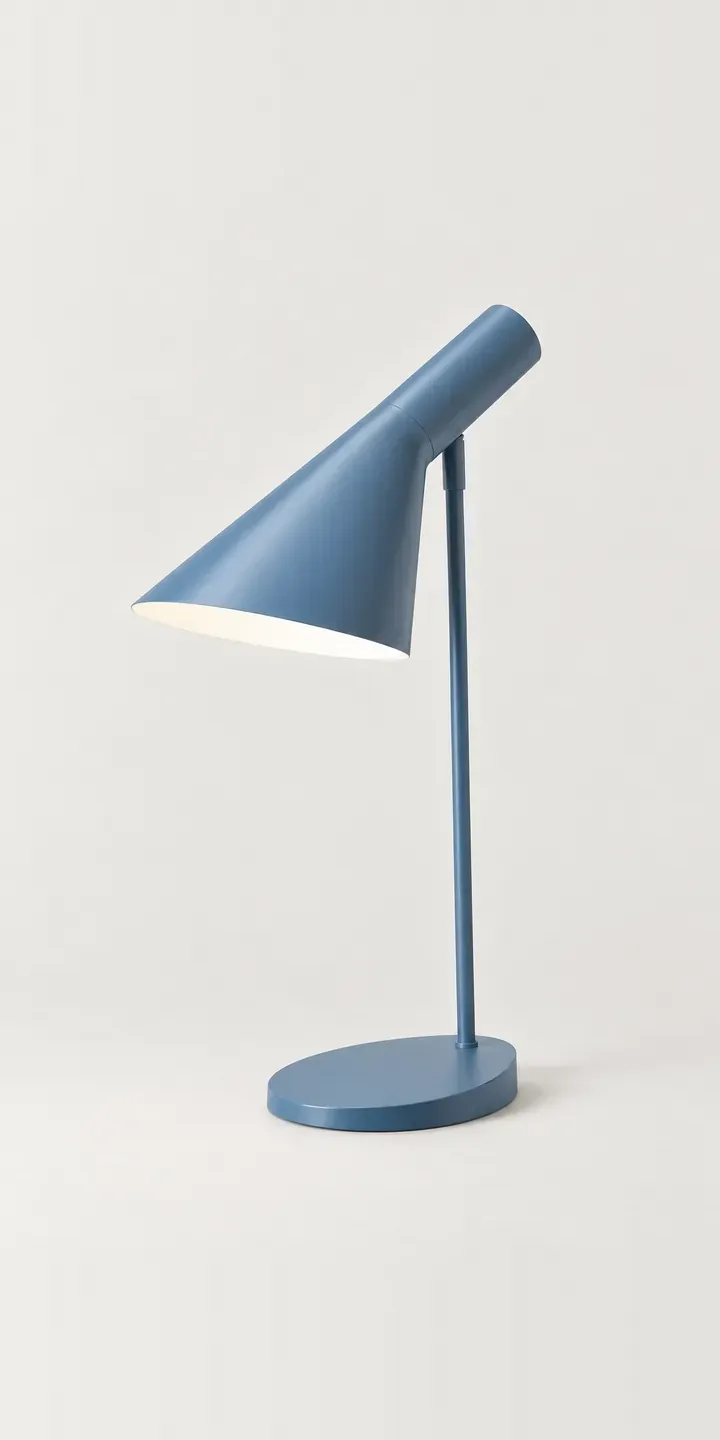
Angled Table Lamp
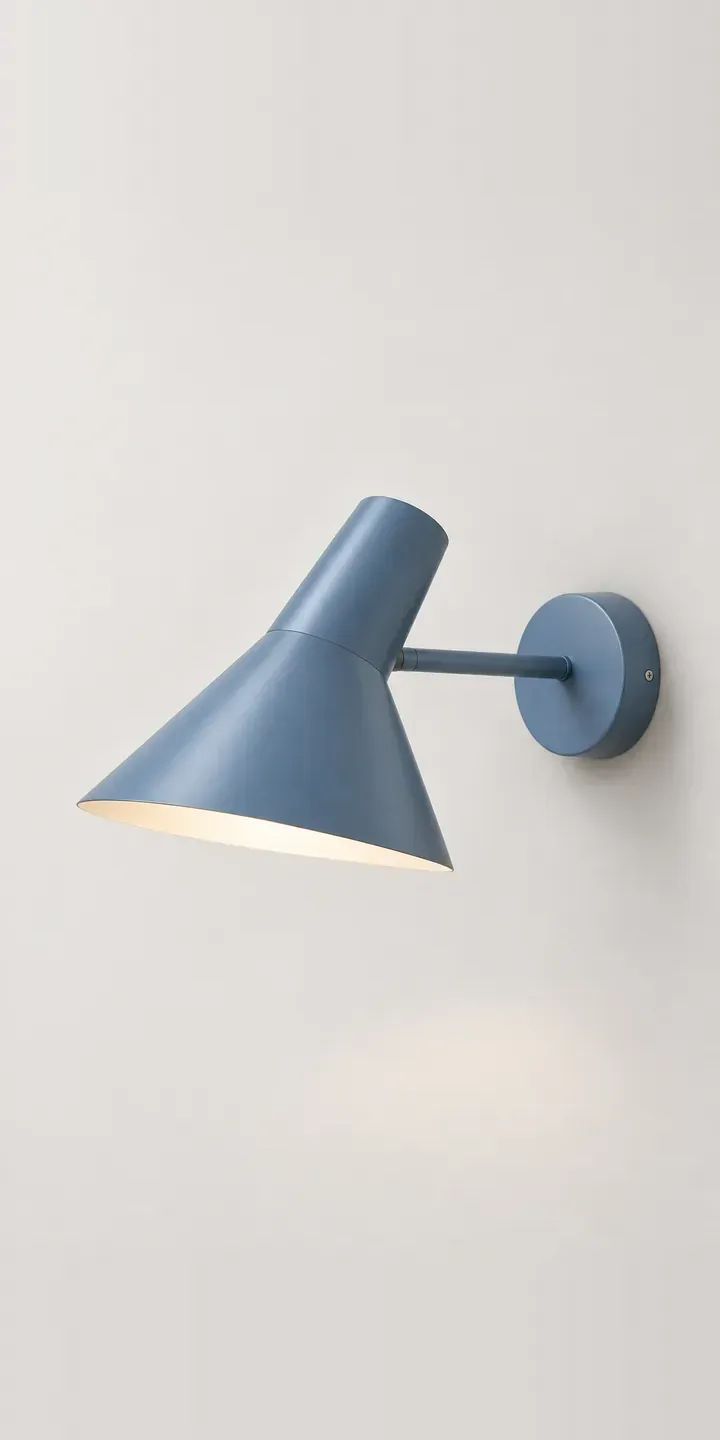
Angled Wall Lamp
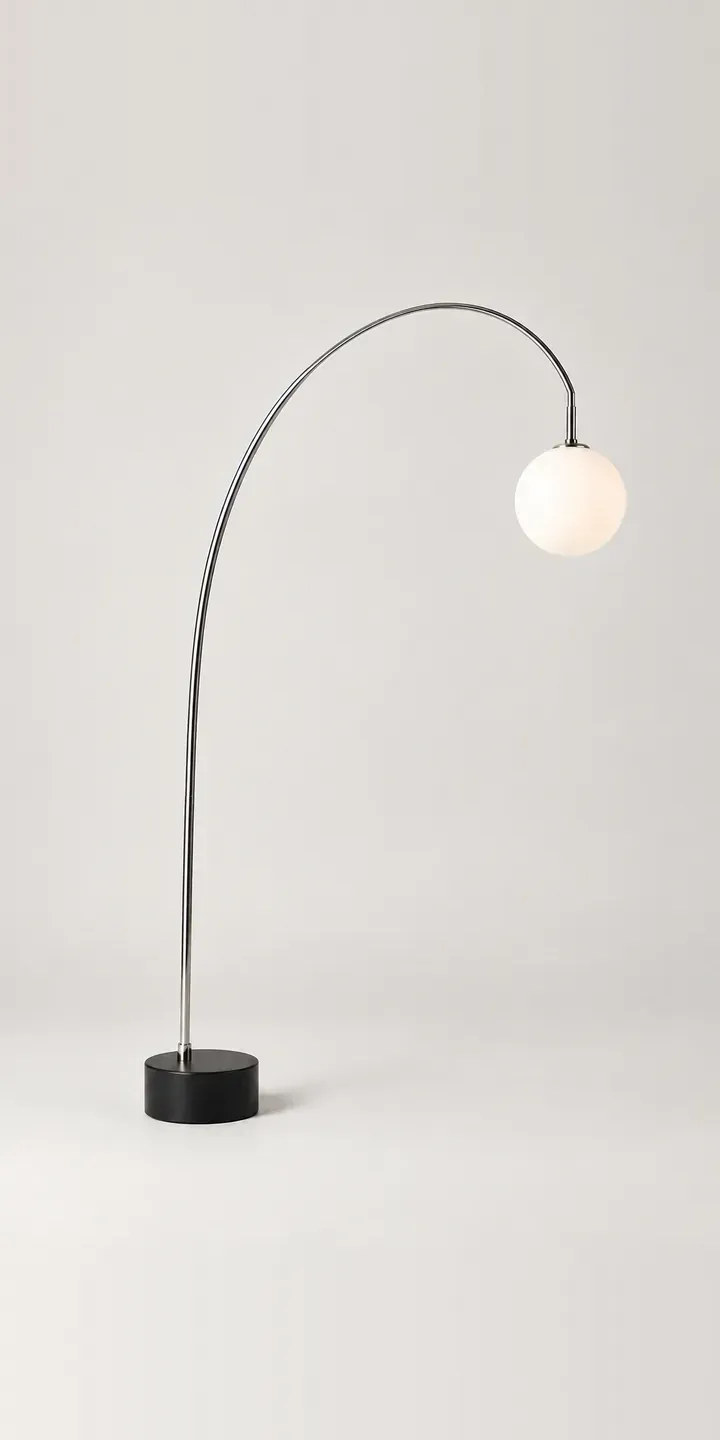
Arc Floor Lamp
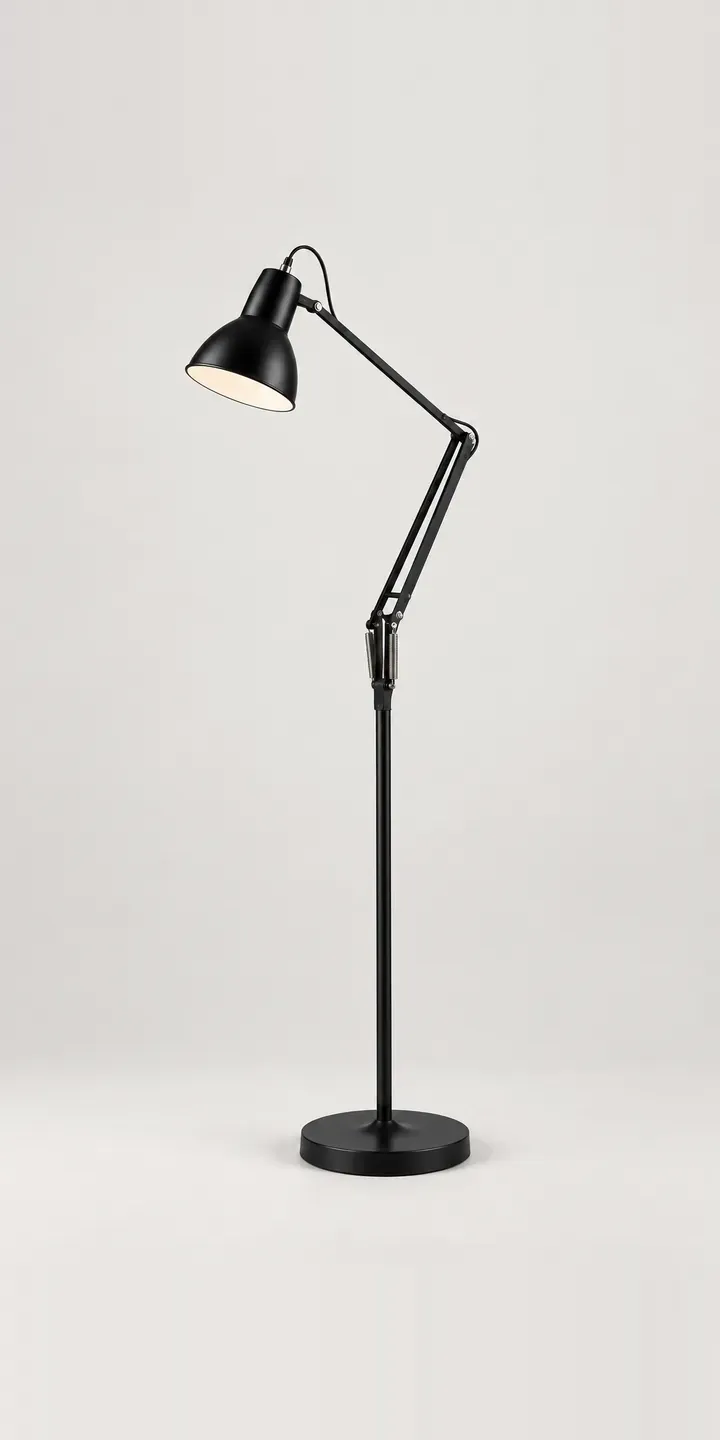
Balanced Floor Lamp
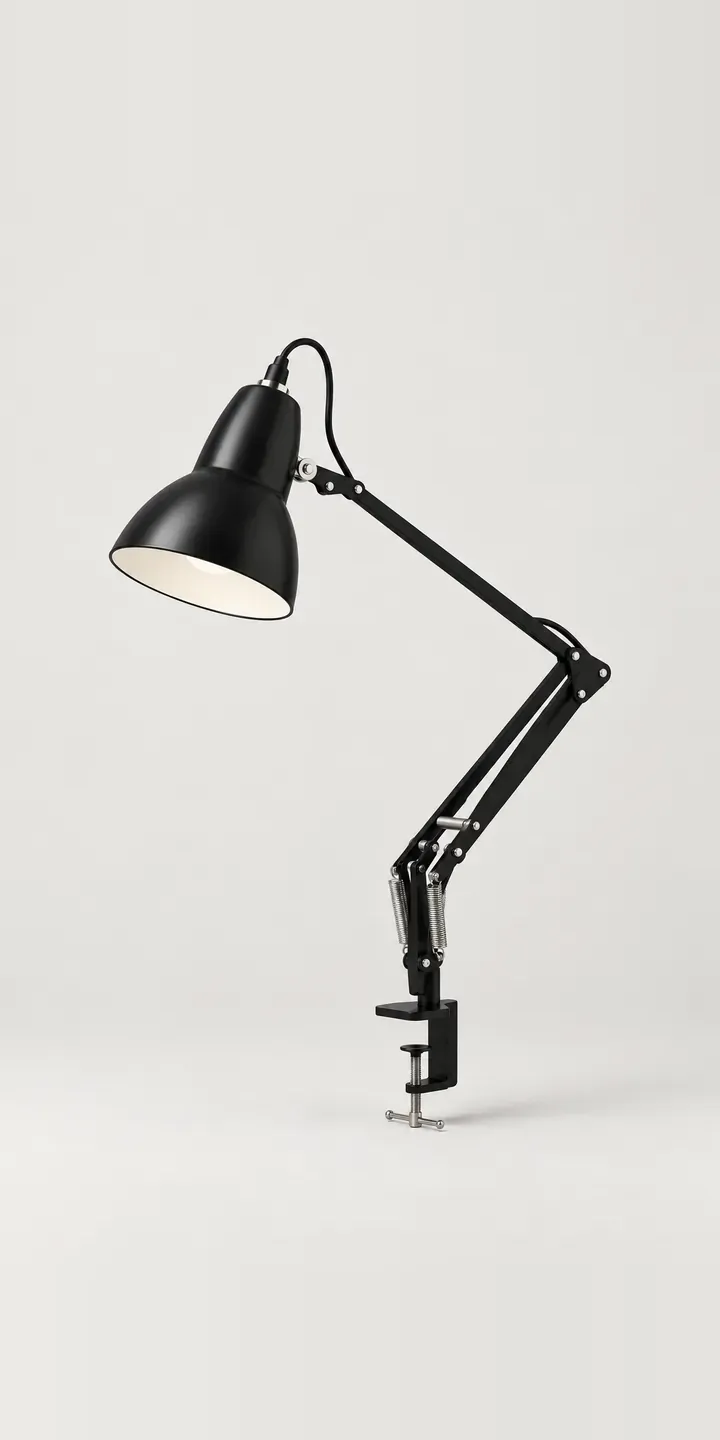
Clamp Desk Lamp
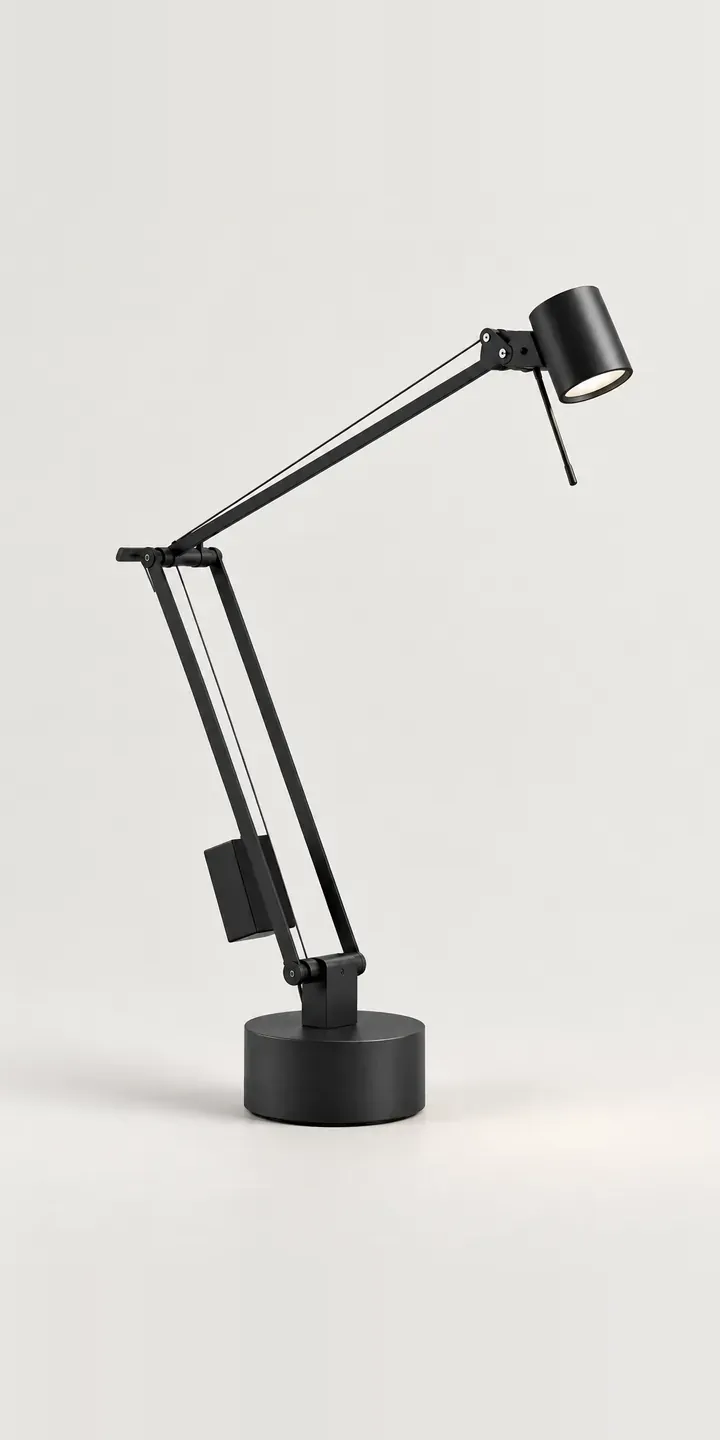
Counterweight Lamp
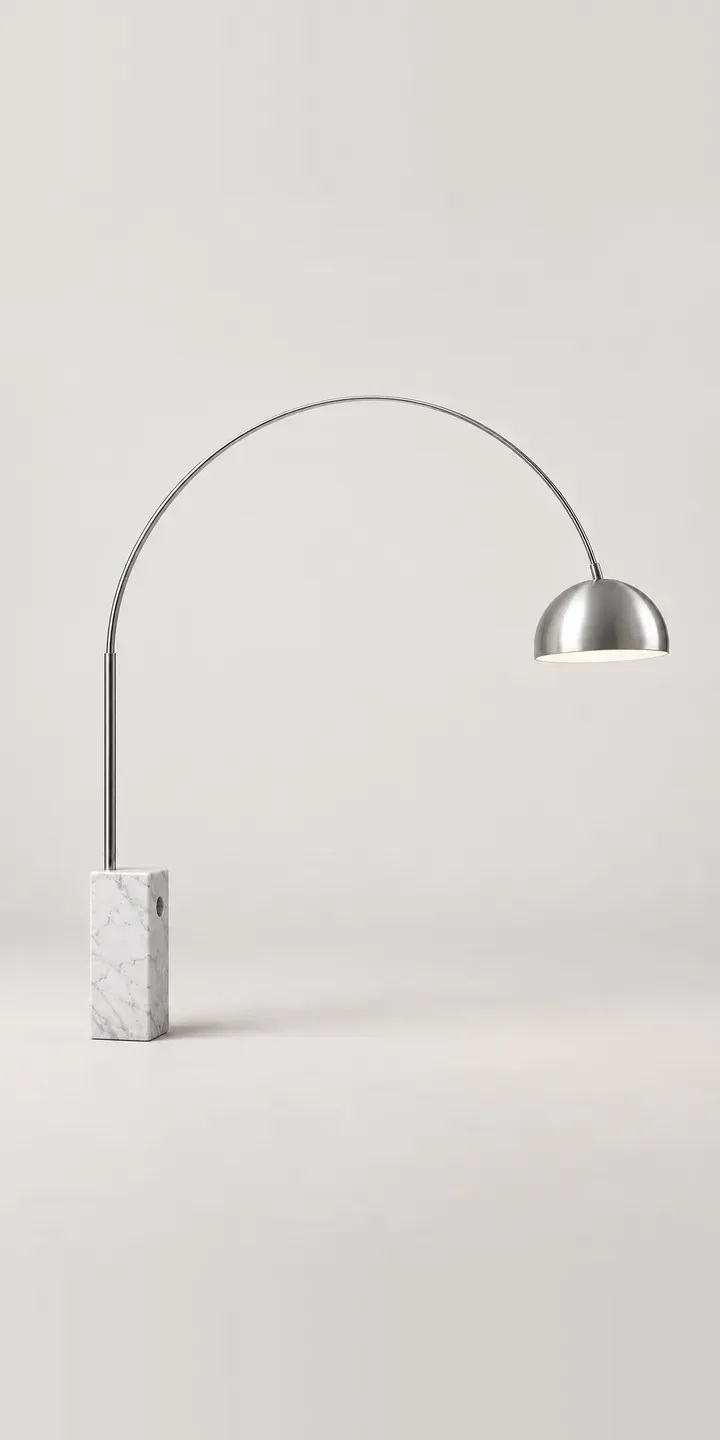
Curved Floor Lamp
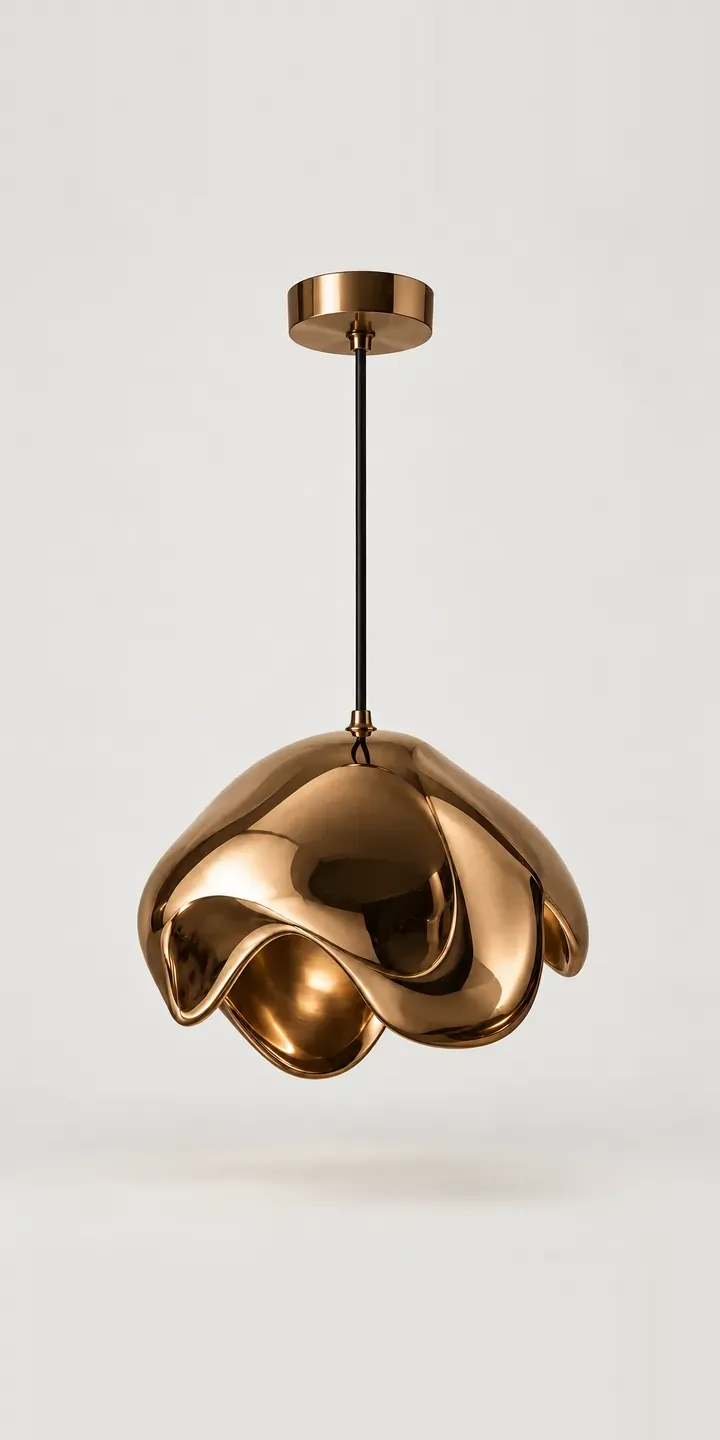
Drip Pendant
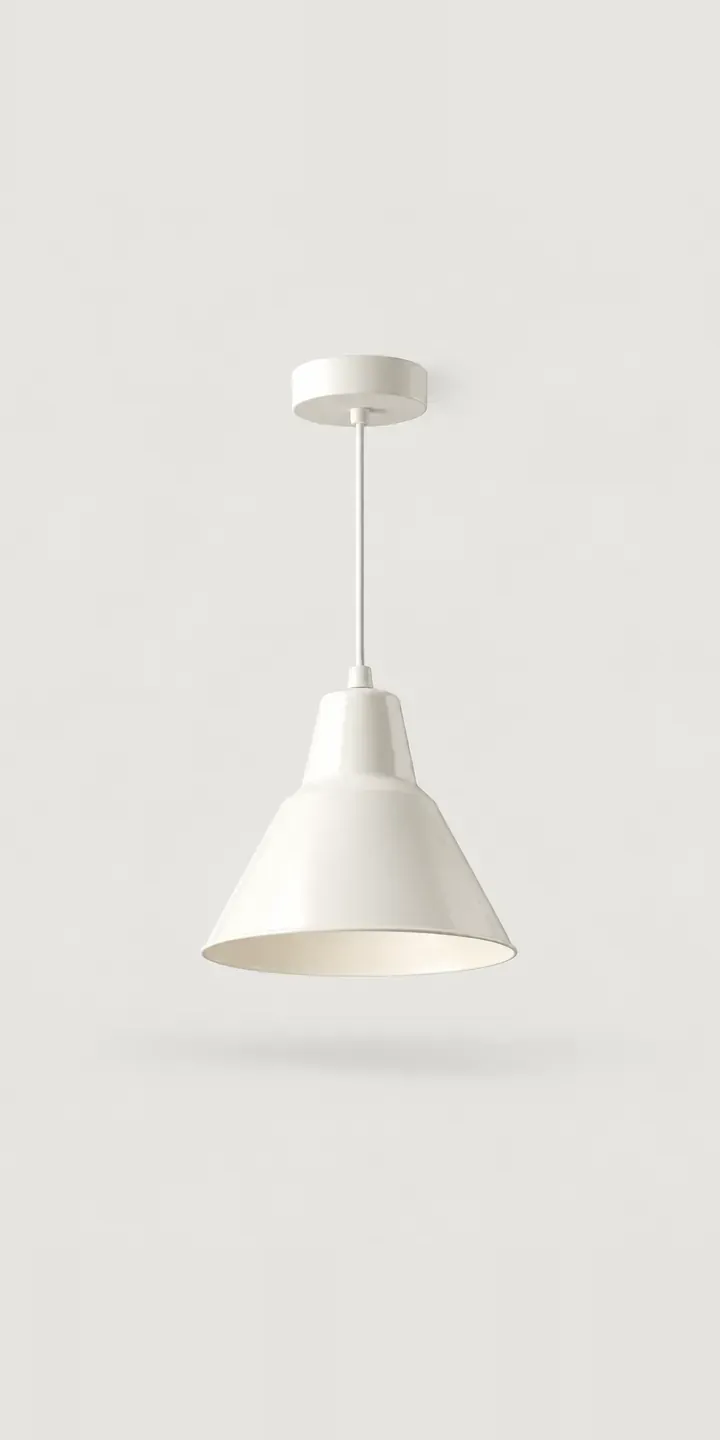
Enamel Cone Pendant
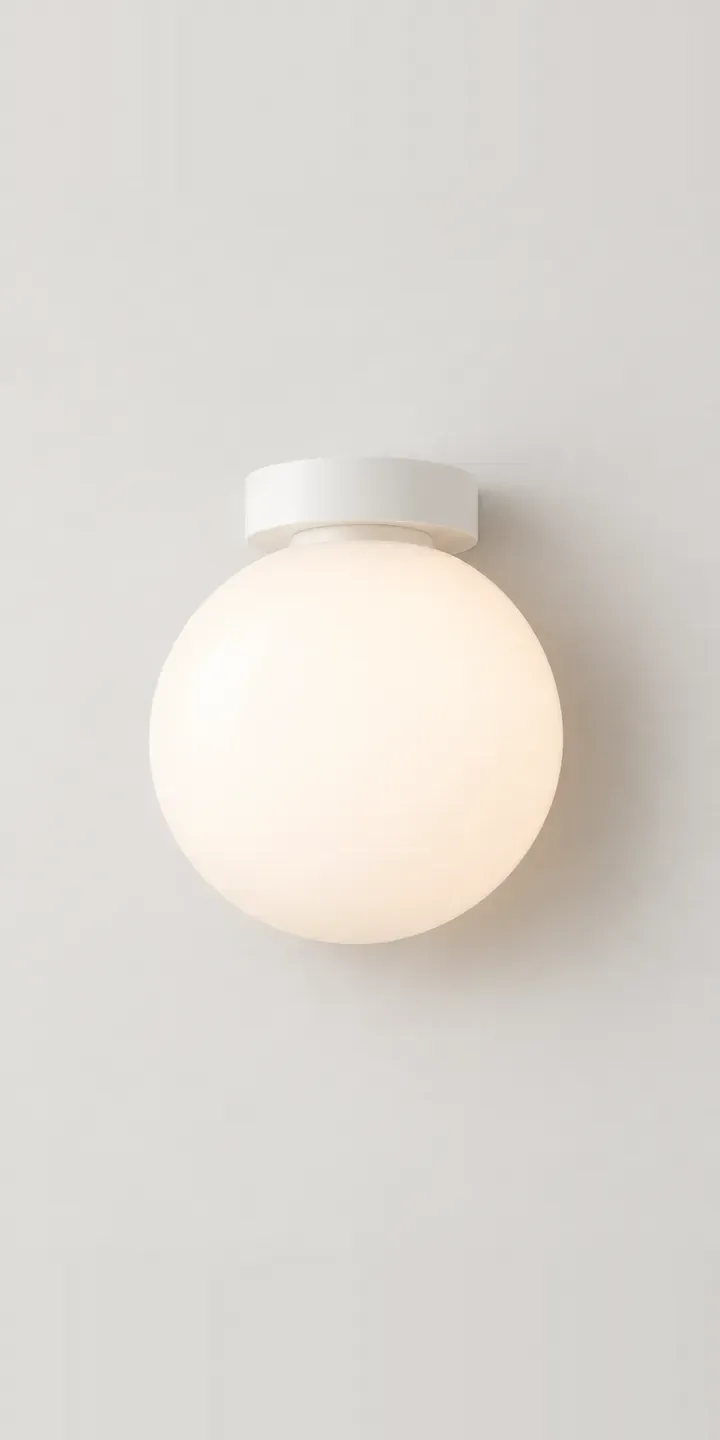
Flush Wall Globe
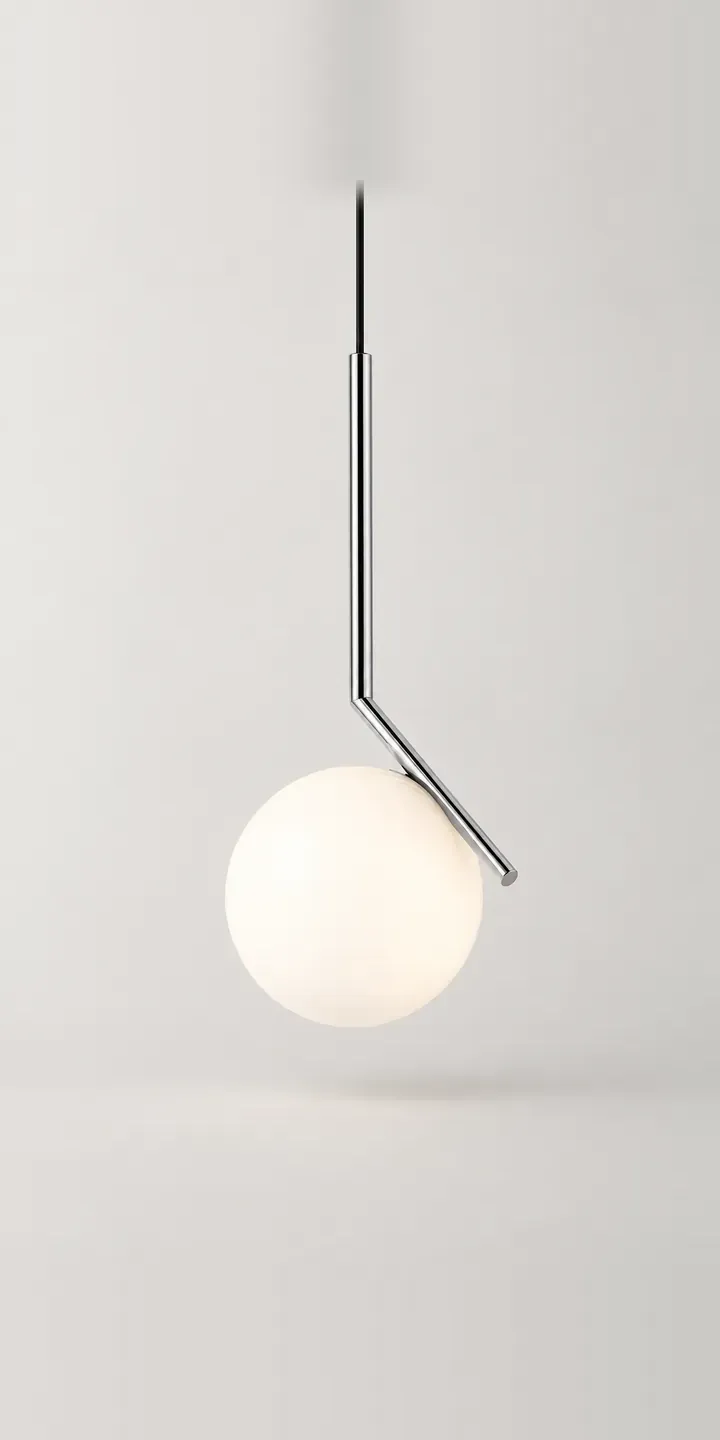
Framed Globe Pendant
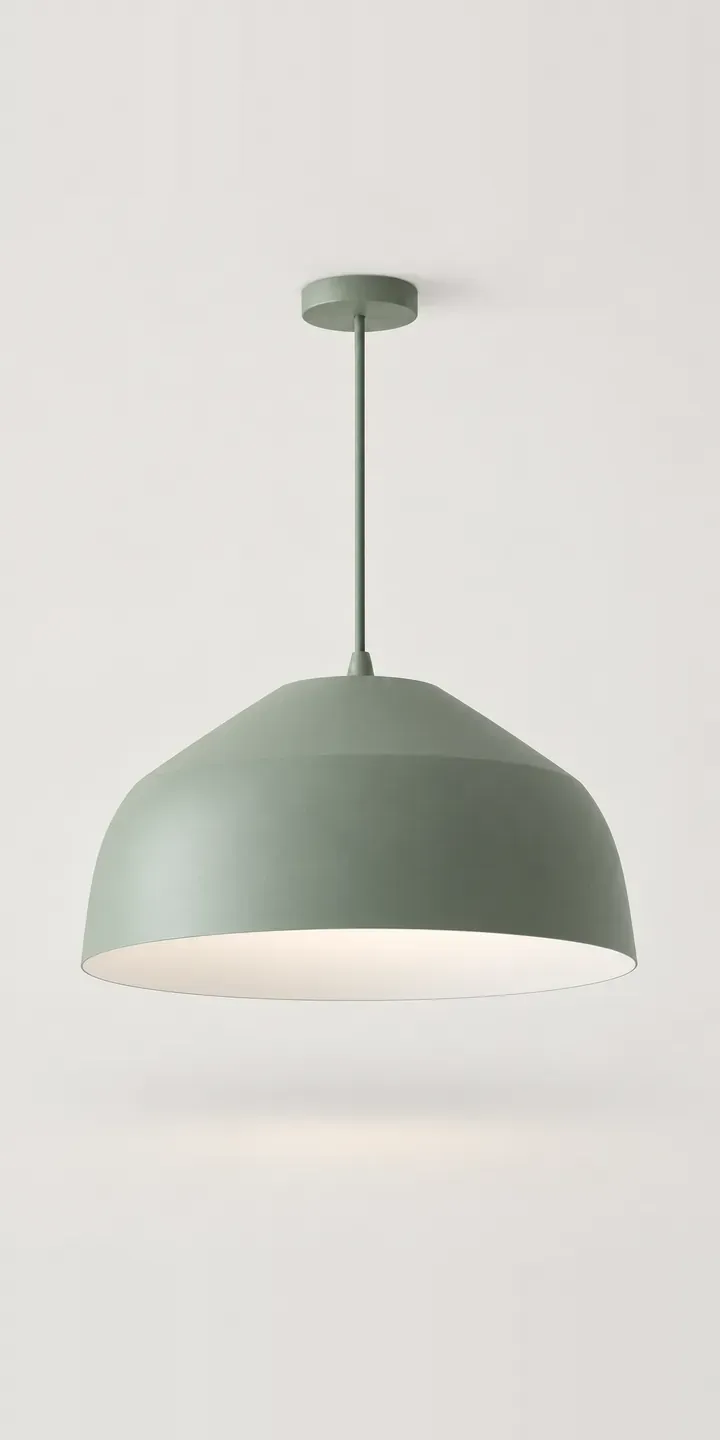
Geometric Pendant
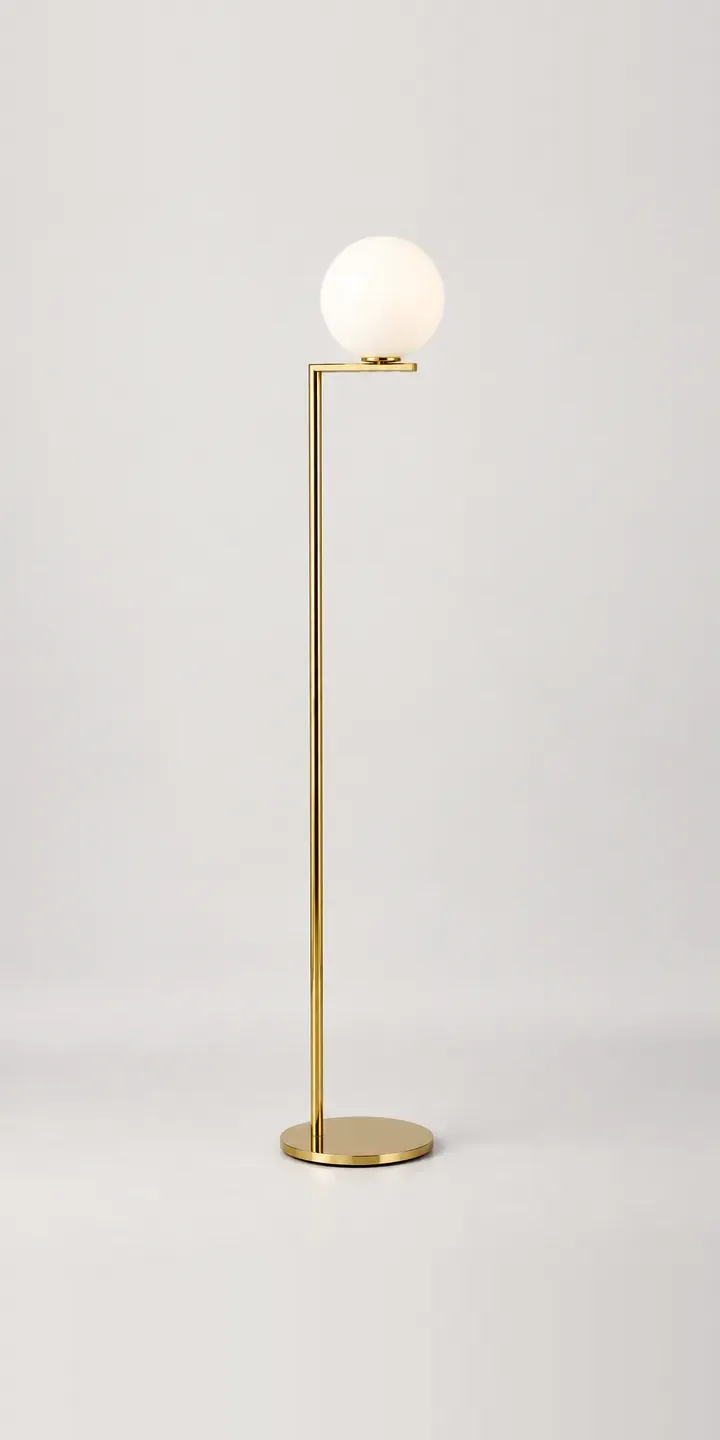
Globe Floor Lamp
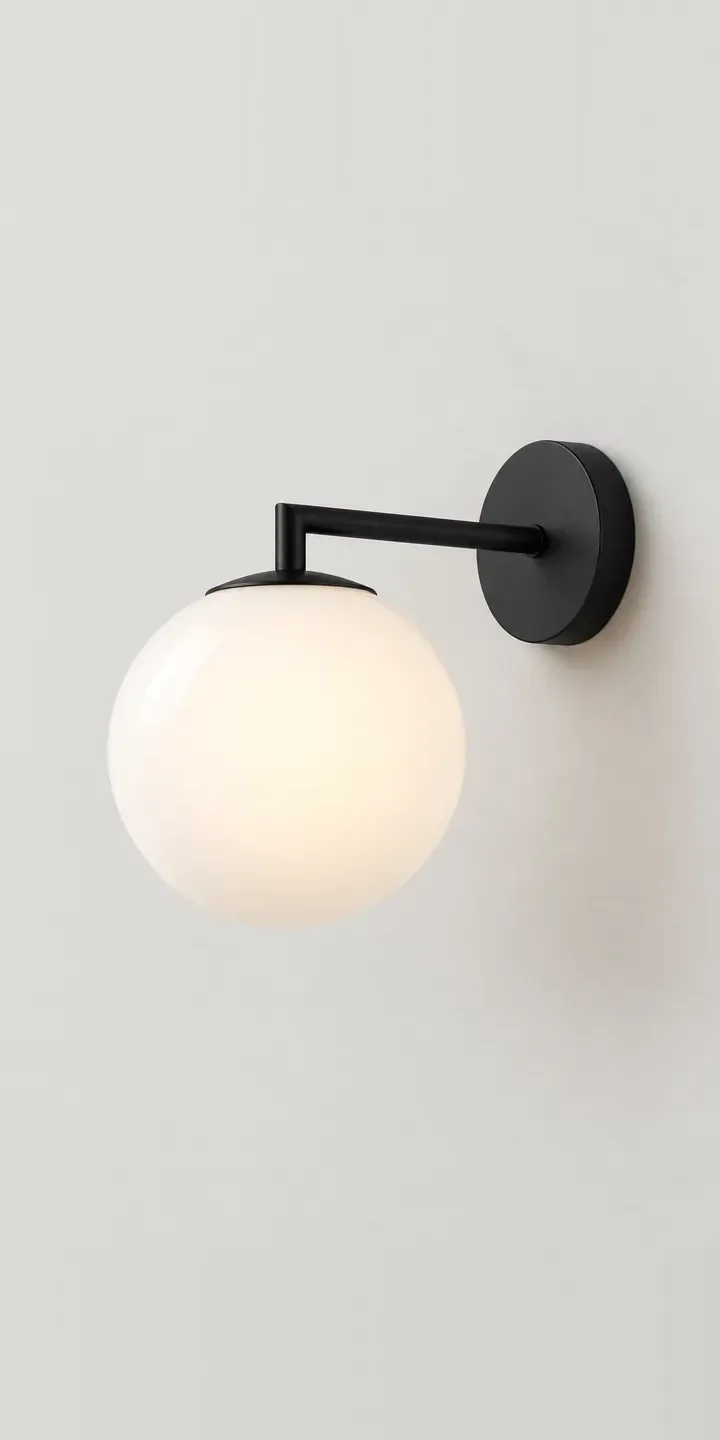
Globe Wall Light
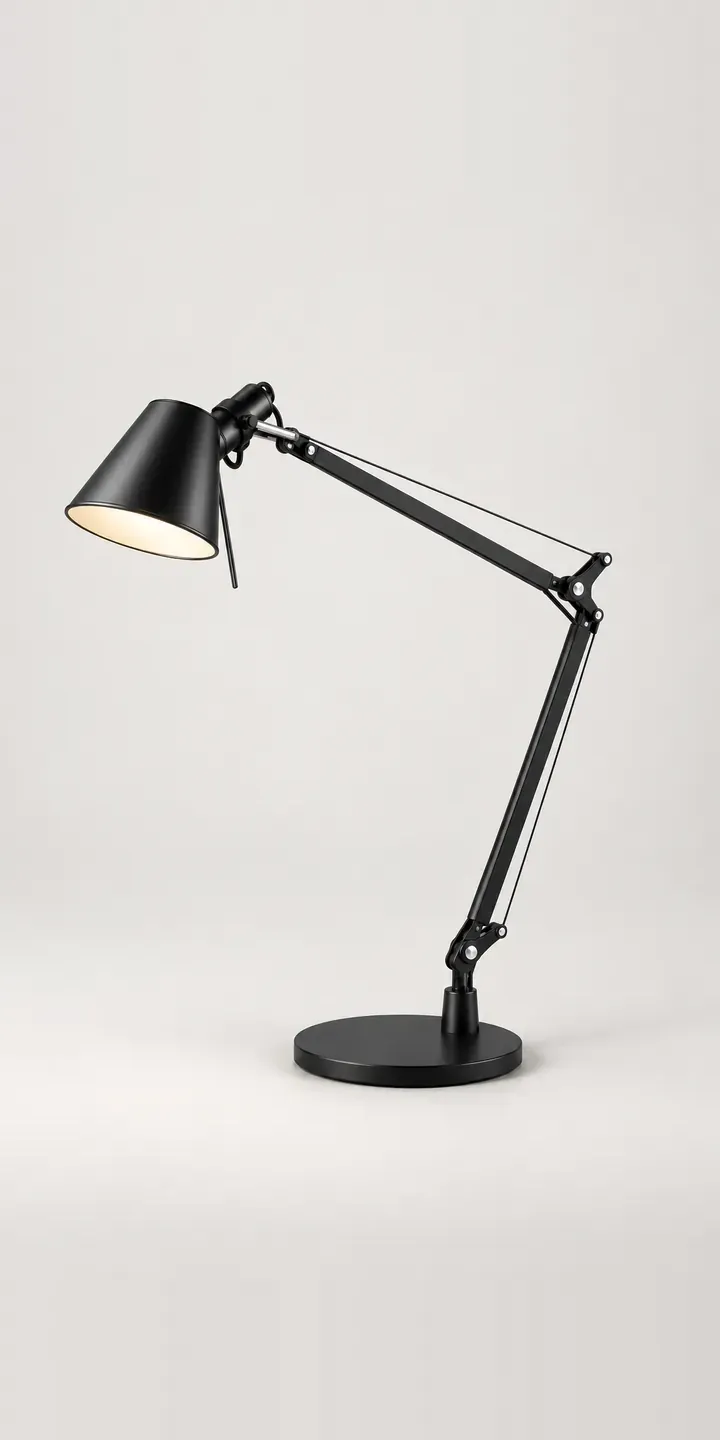
Hinged Desk Lamp
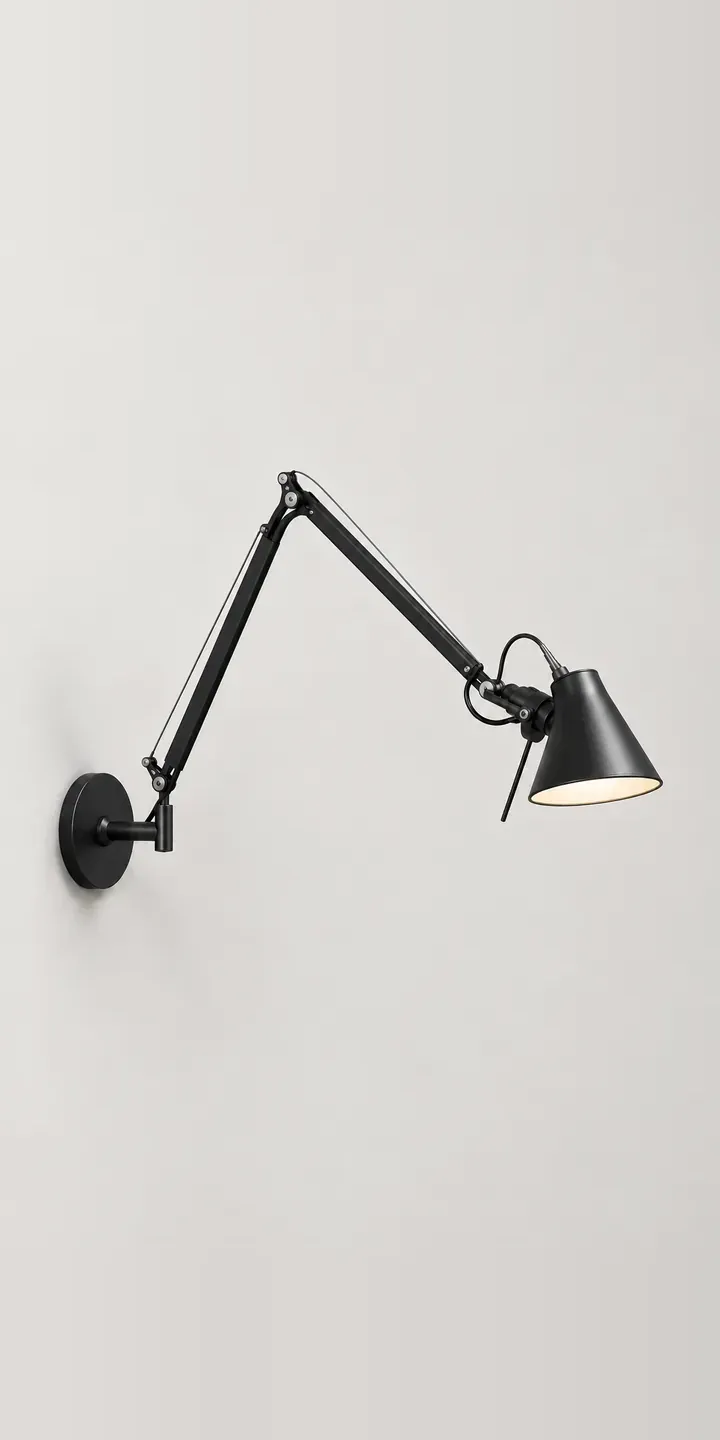
Hinged Wall Lamp
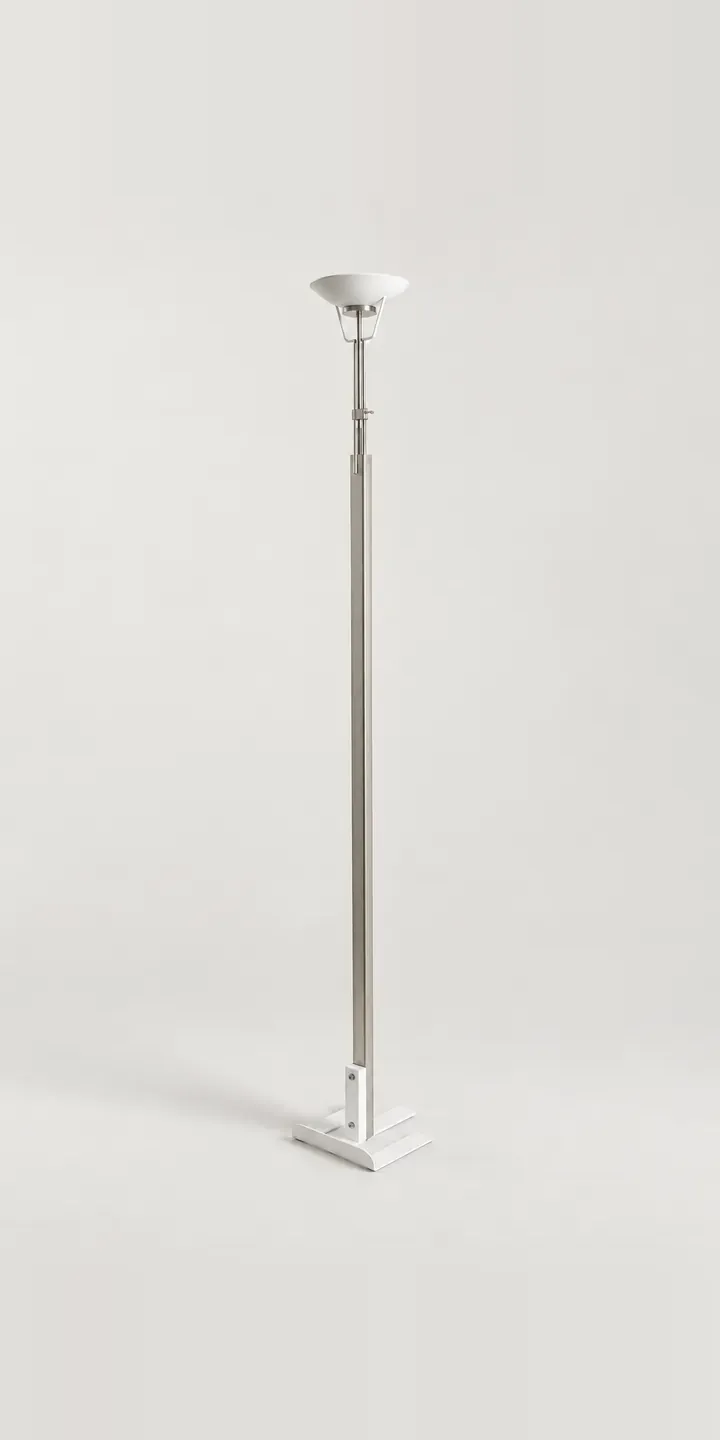
Industrial Floor Lamp
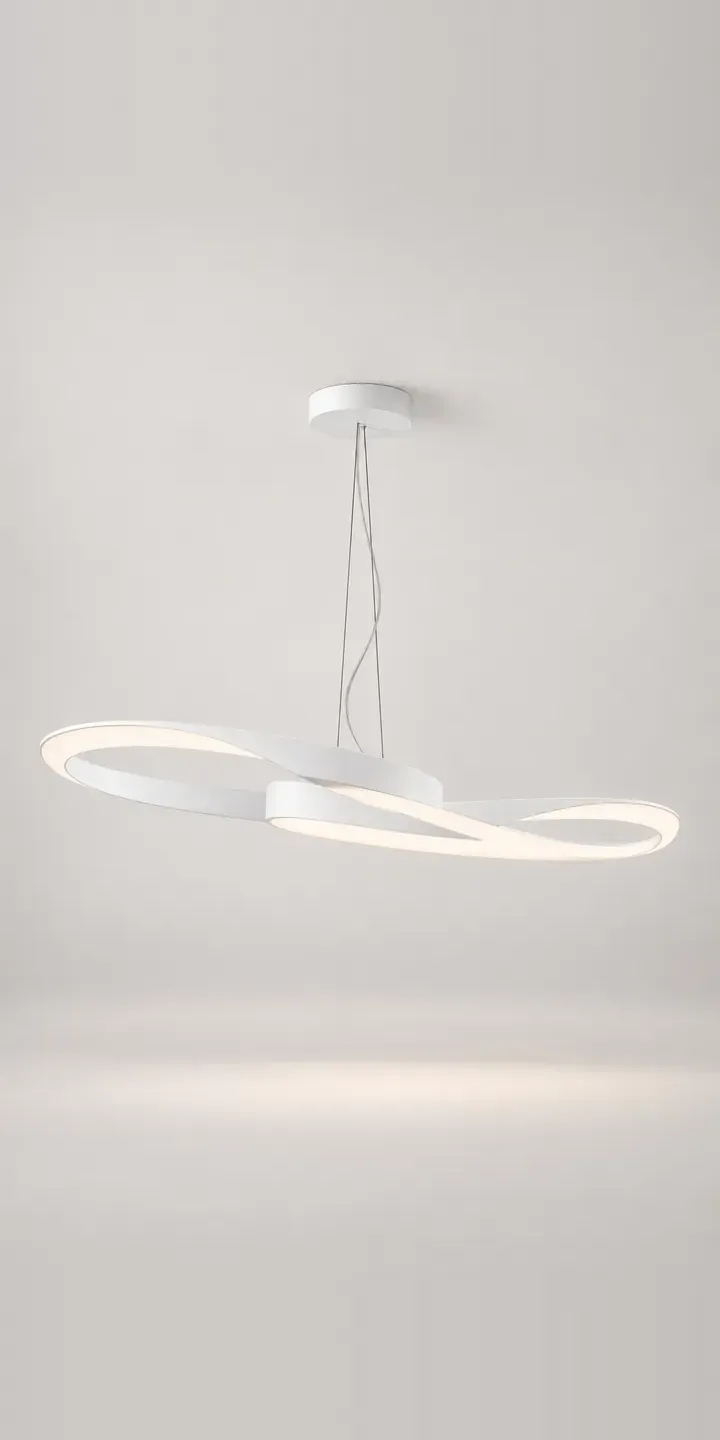
Linear Pendant
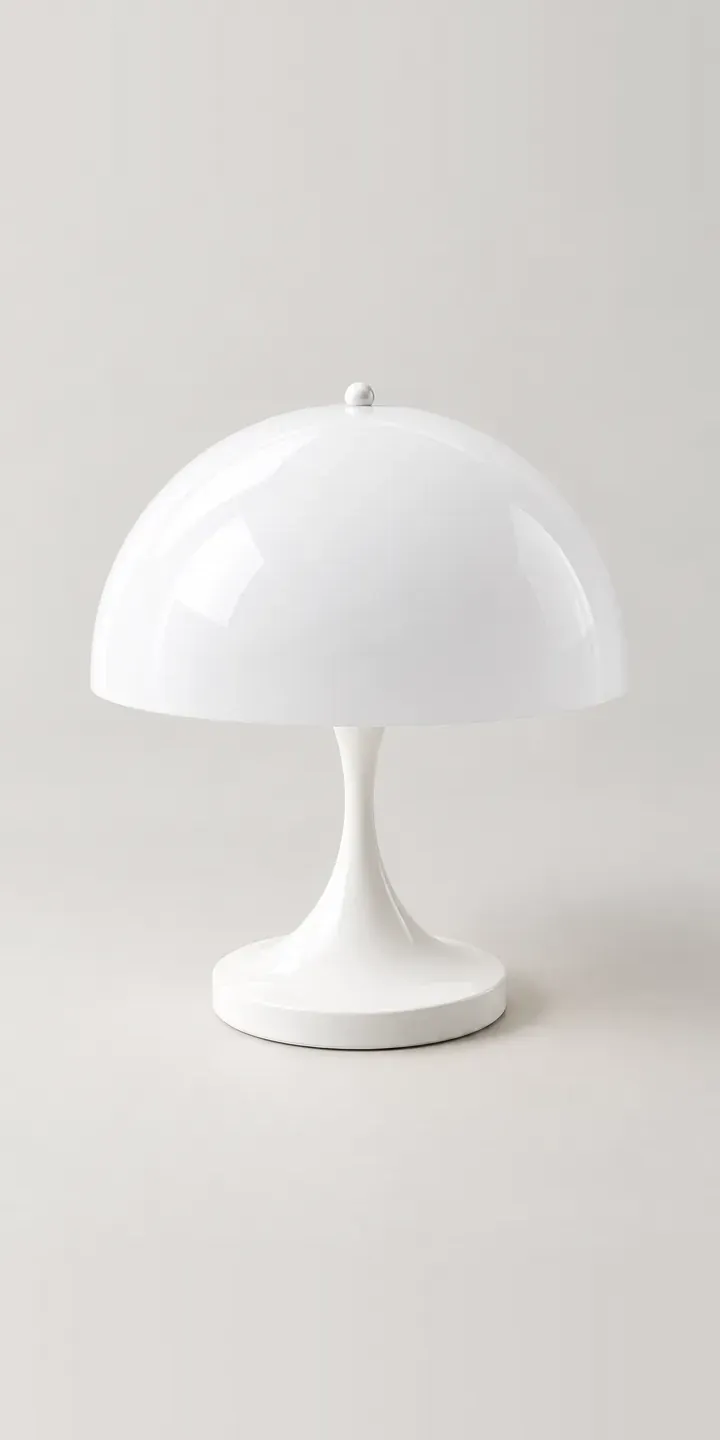
Mushroom Lamp
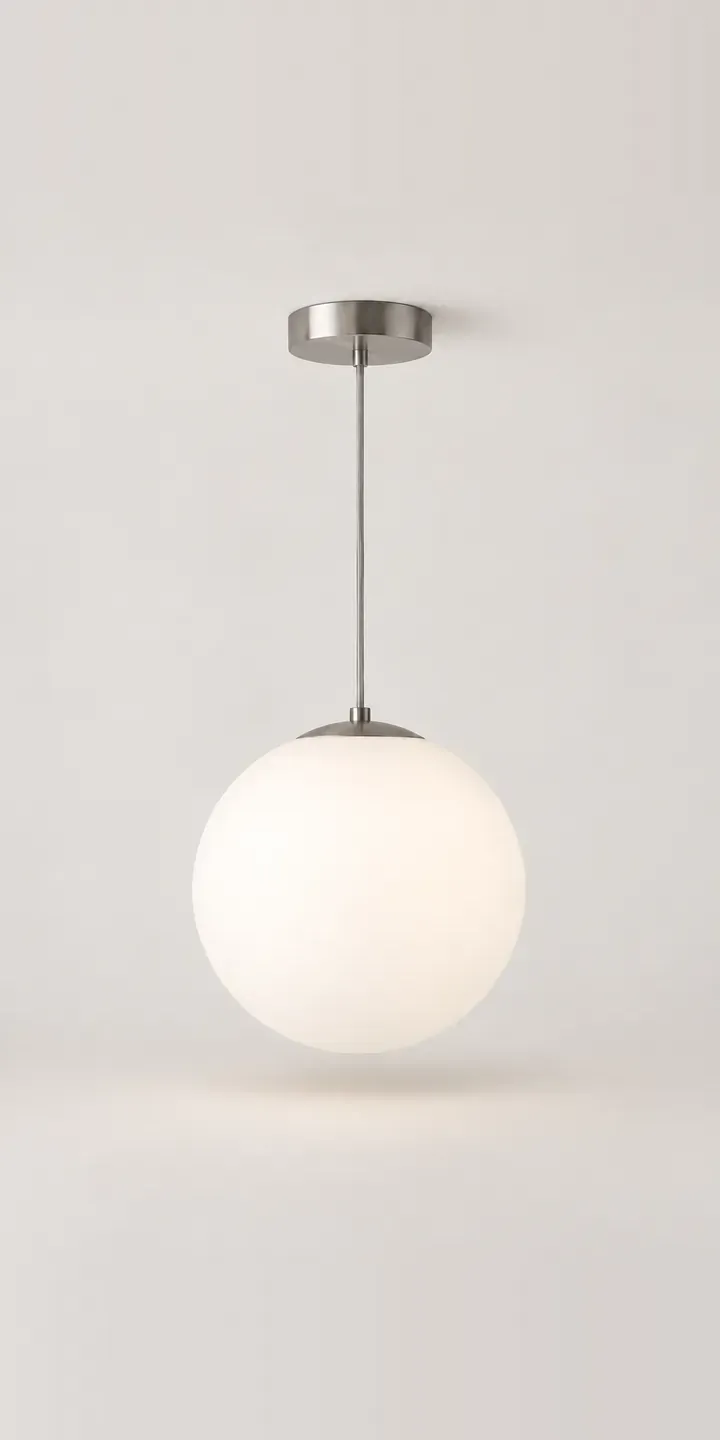
Opal Sphere Pendant
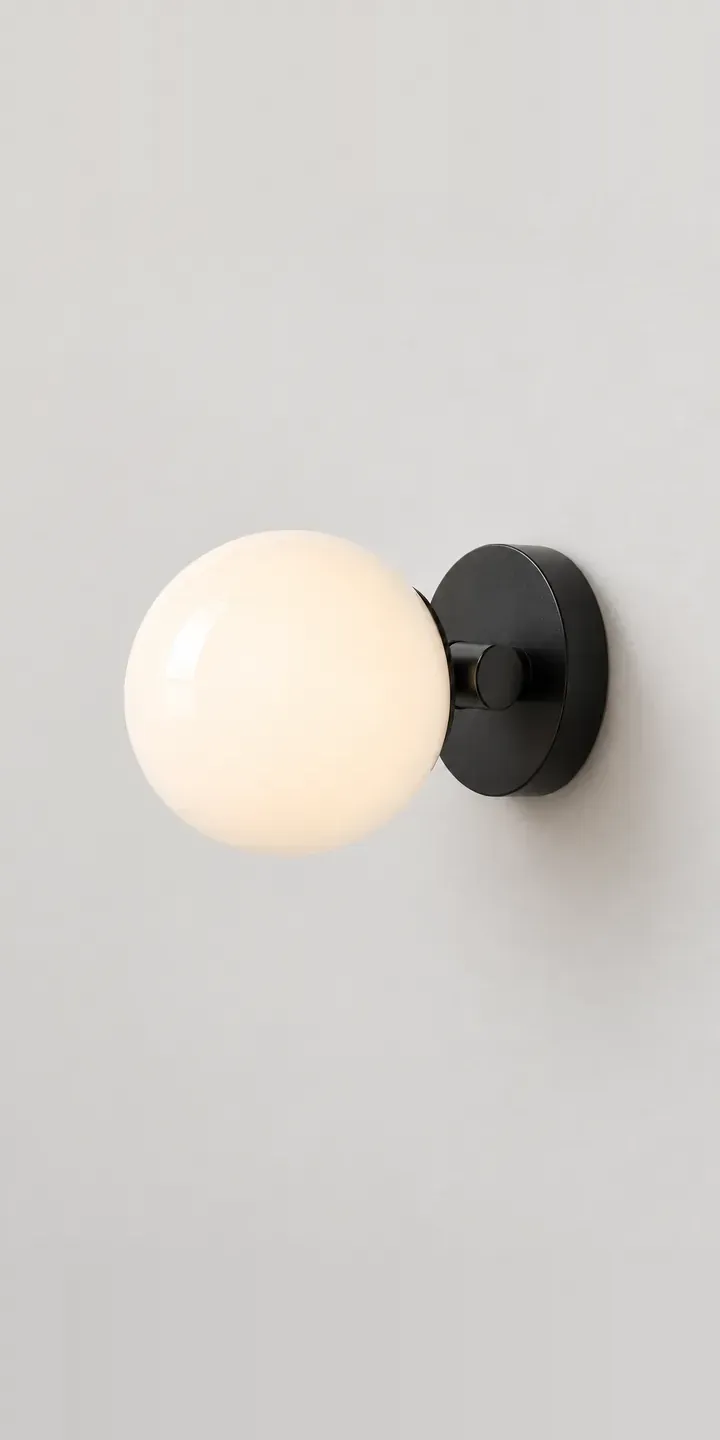
Opal Wall Sconce
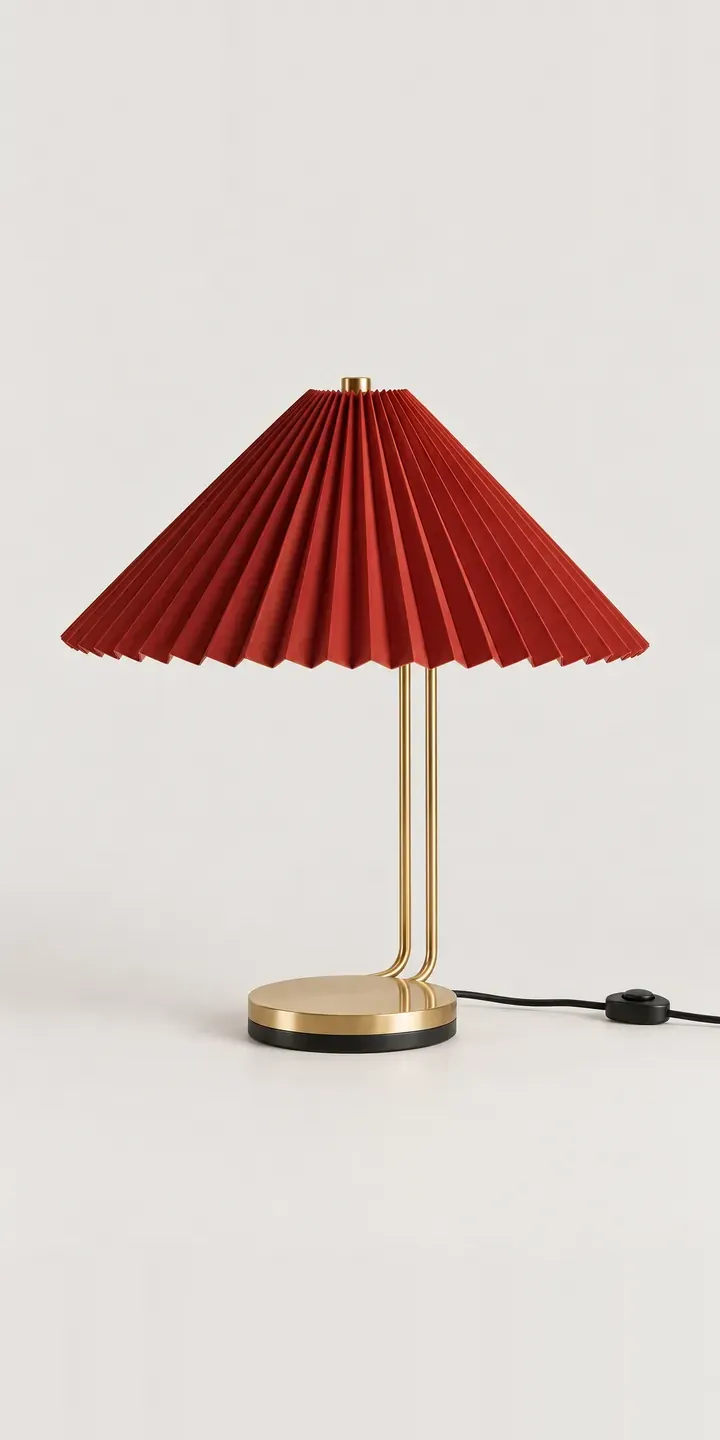
Pleated Table Lamp
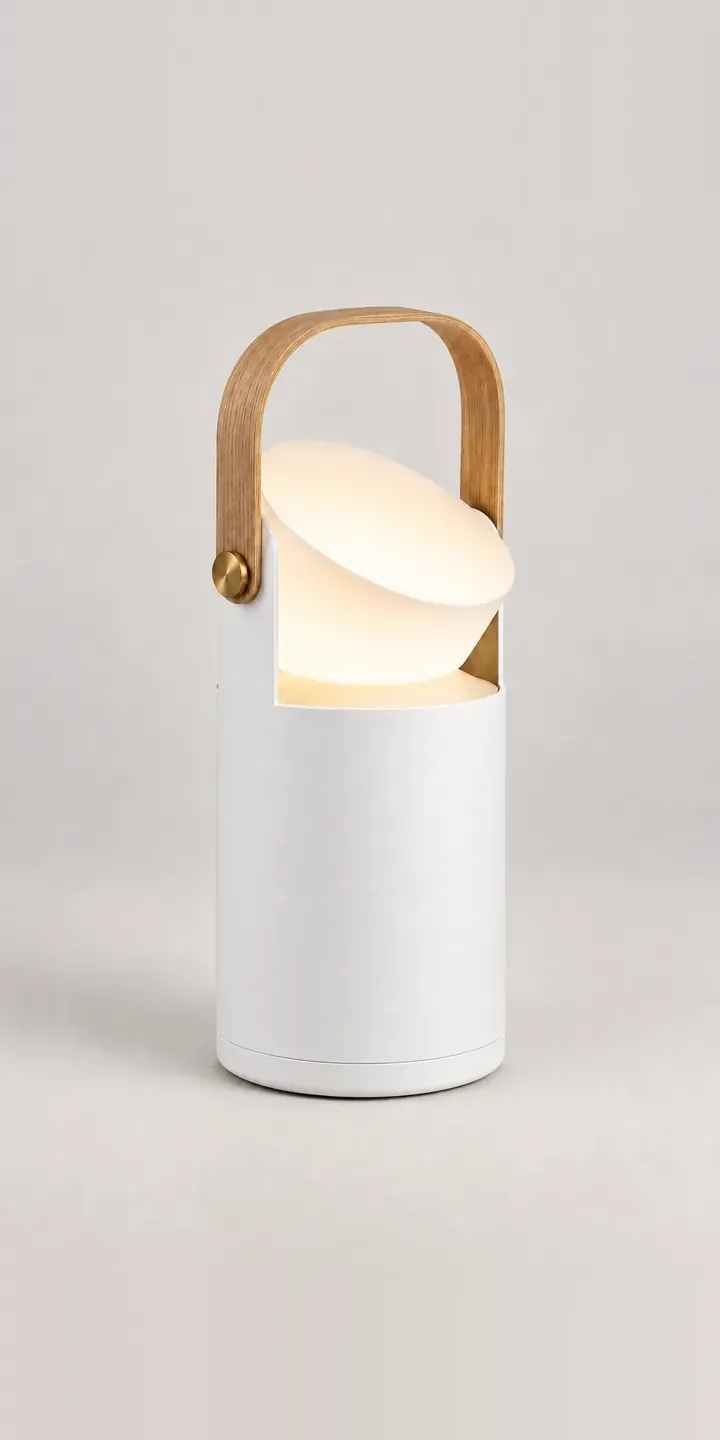
Portable Table Lamp
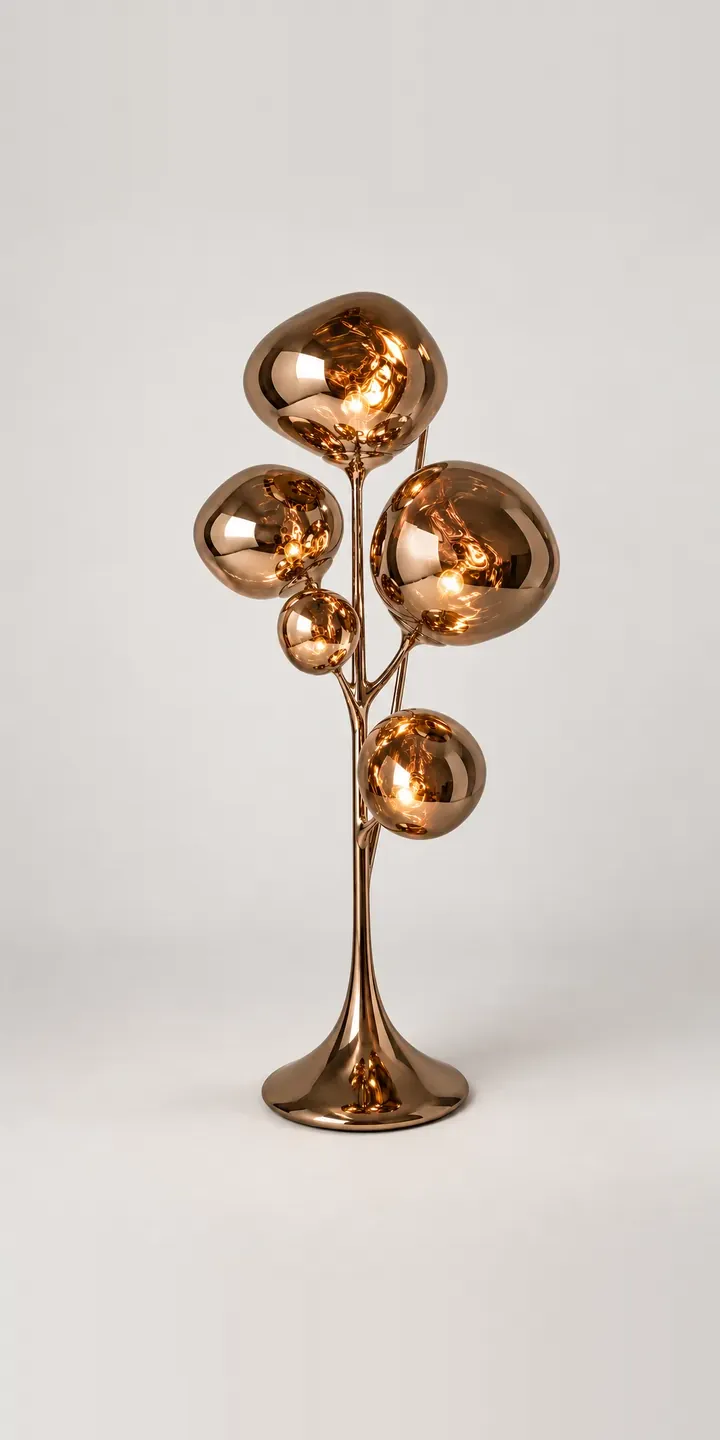
Ribbon Floor Lamp
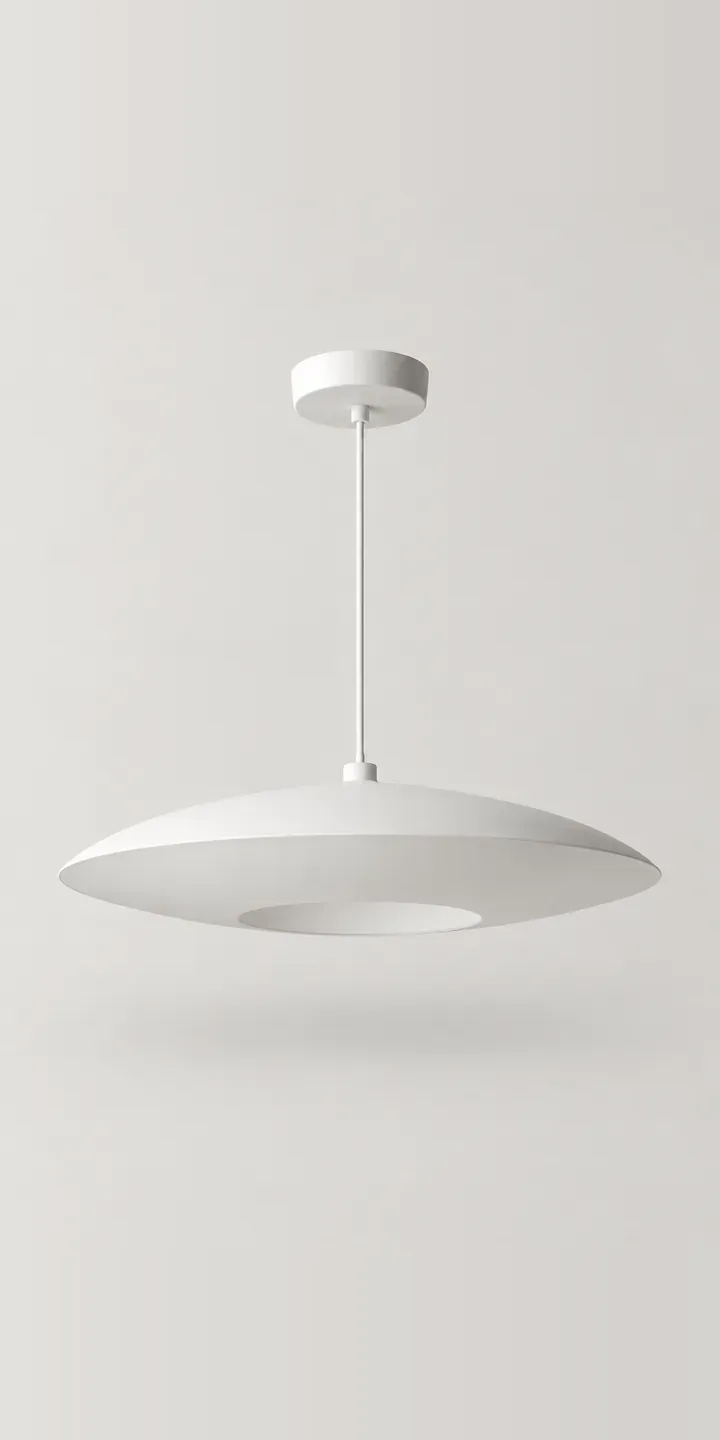
Saucer Pendant
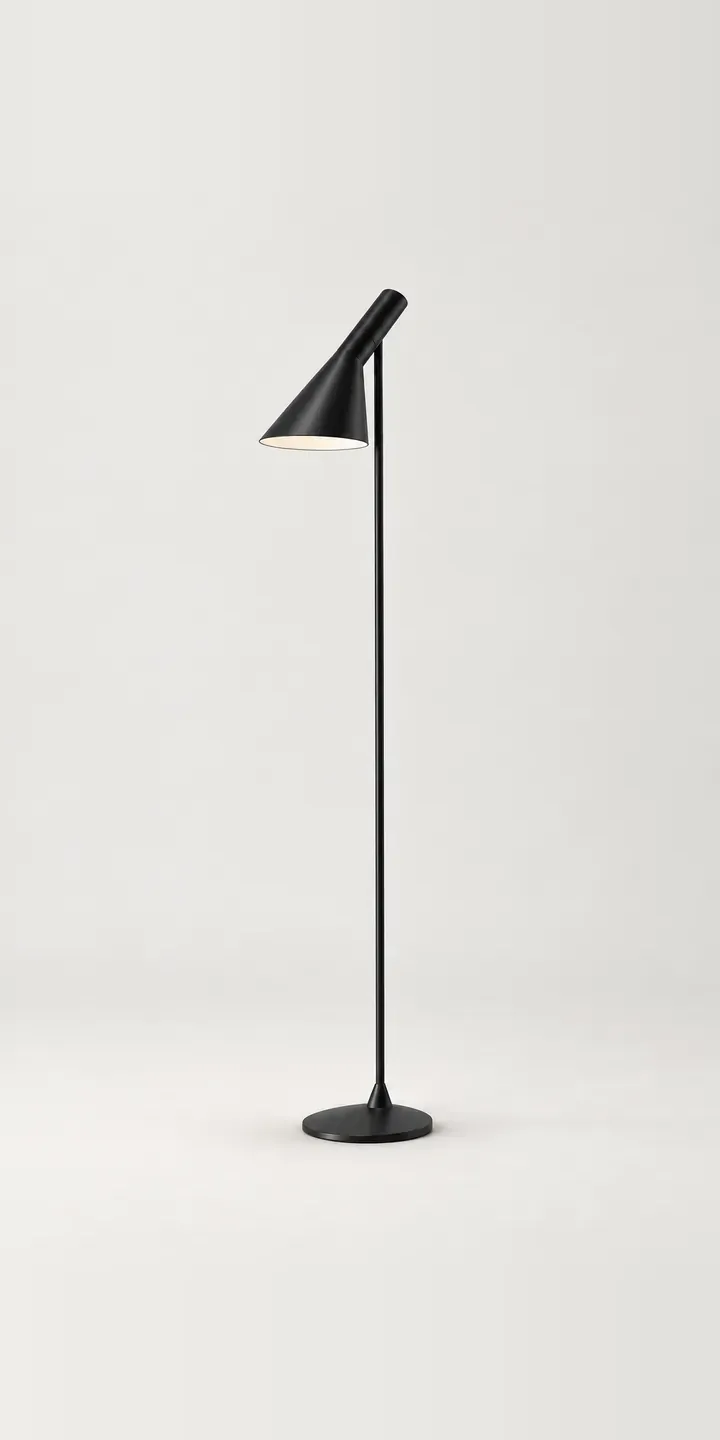
Slim Floor Lamp
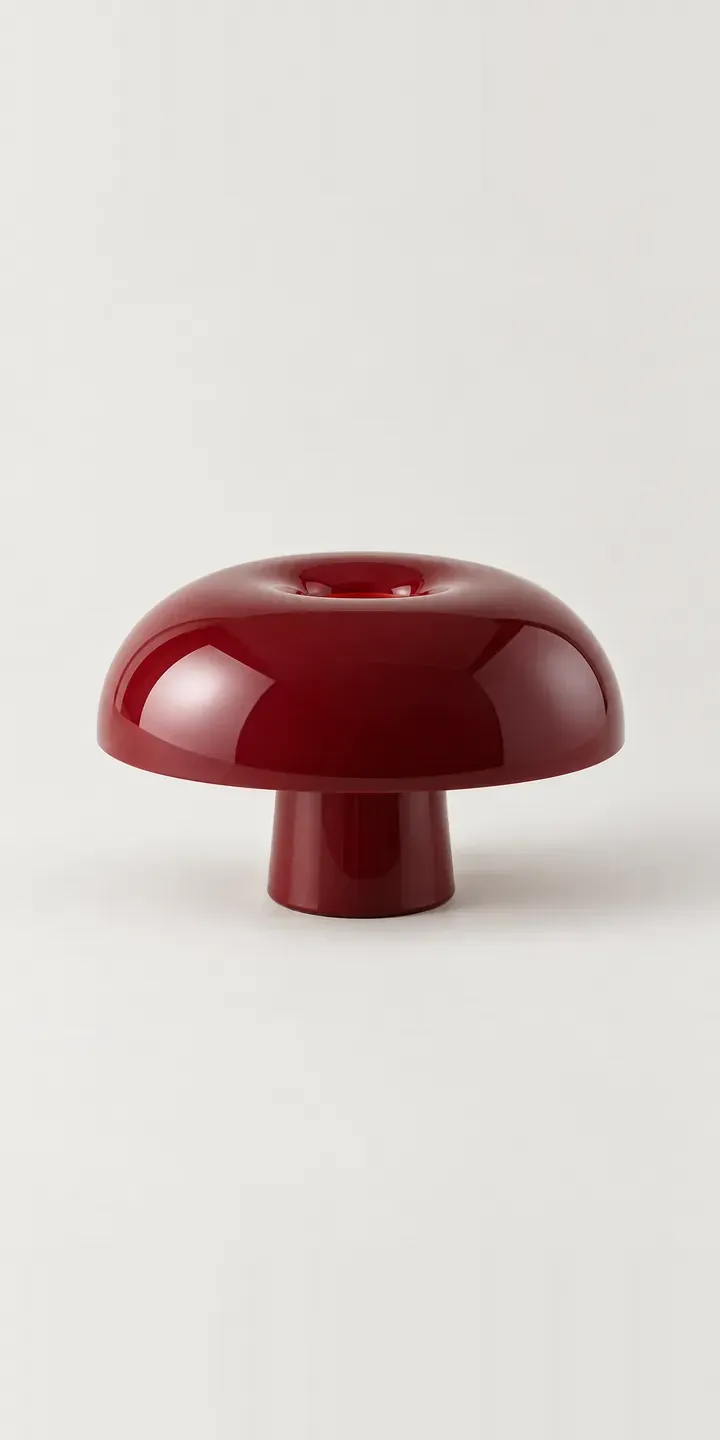
Small Dome Lamp
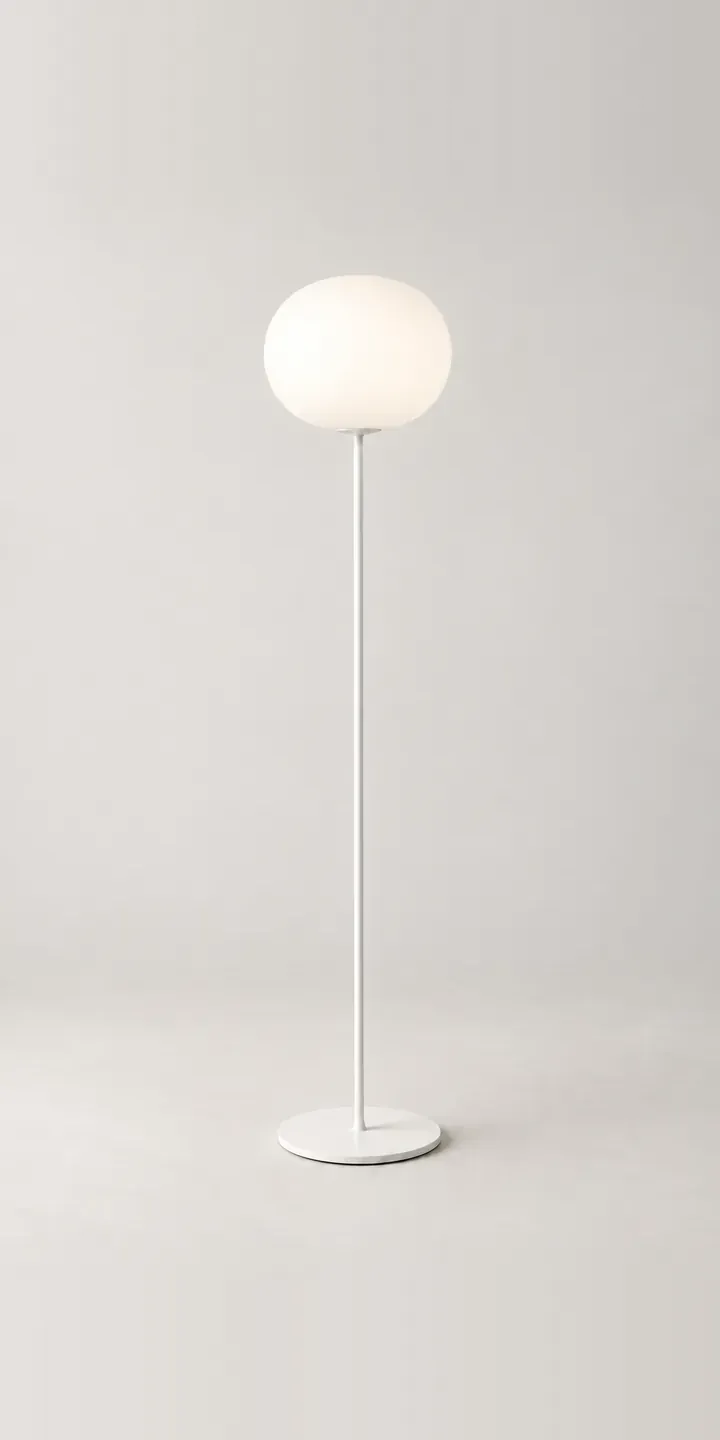
Sphere Floor Lamp
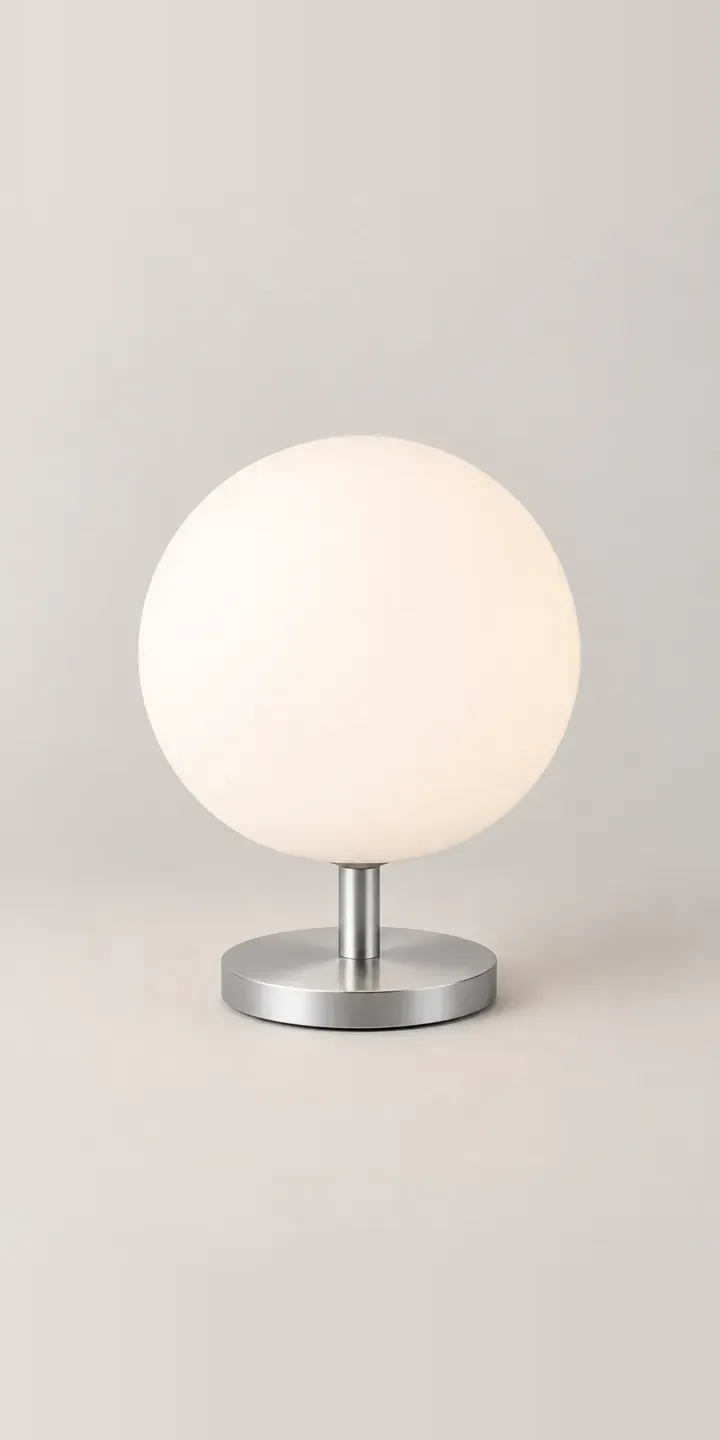
Sphere Table Lamp
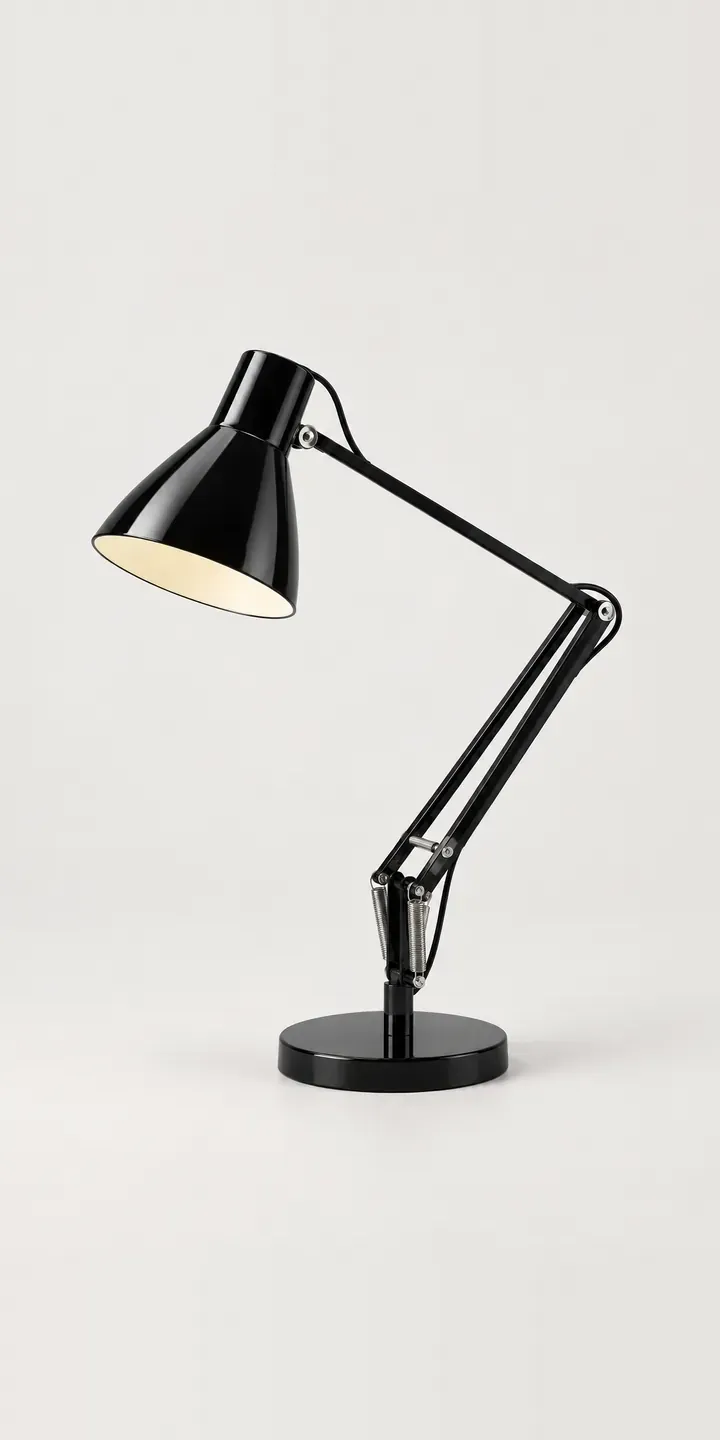
Spring Desk Lamp
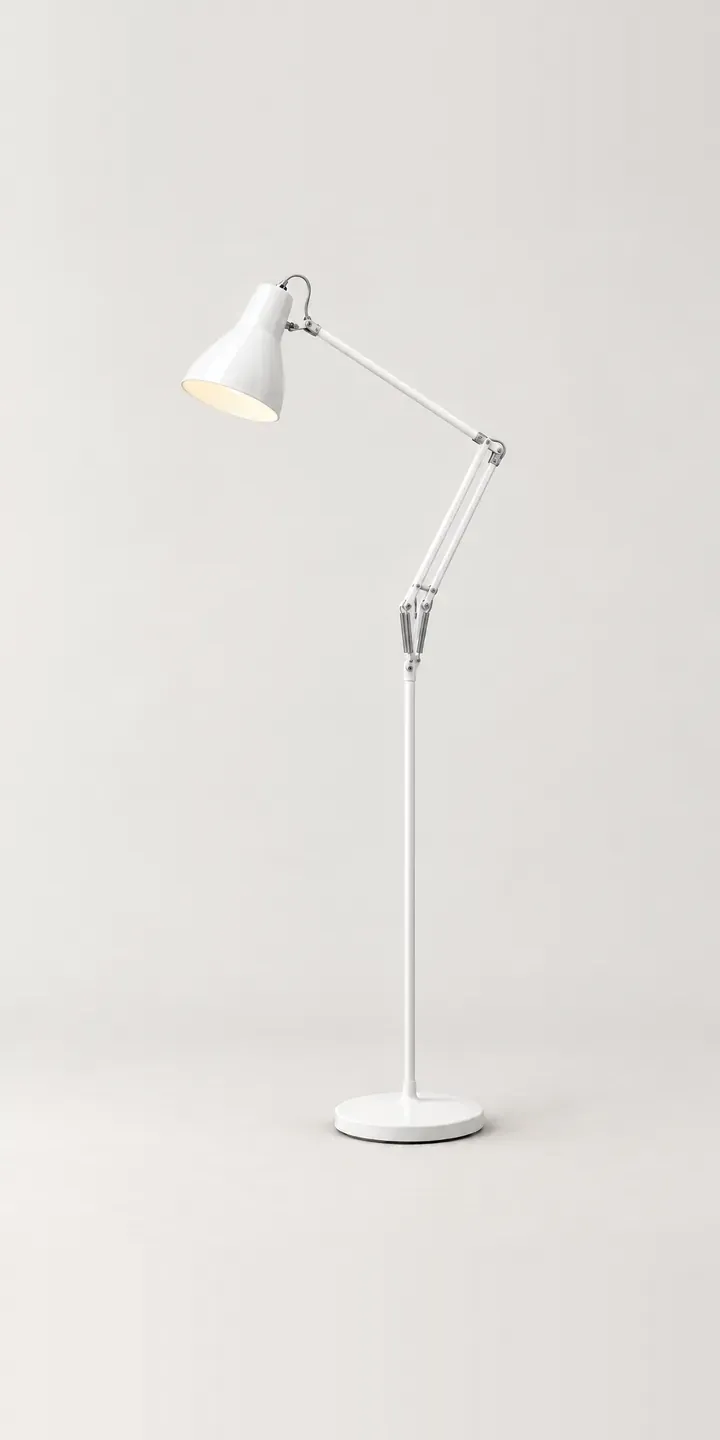
Spring Floor Lamp
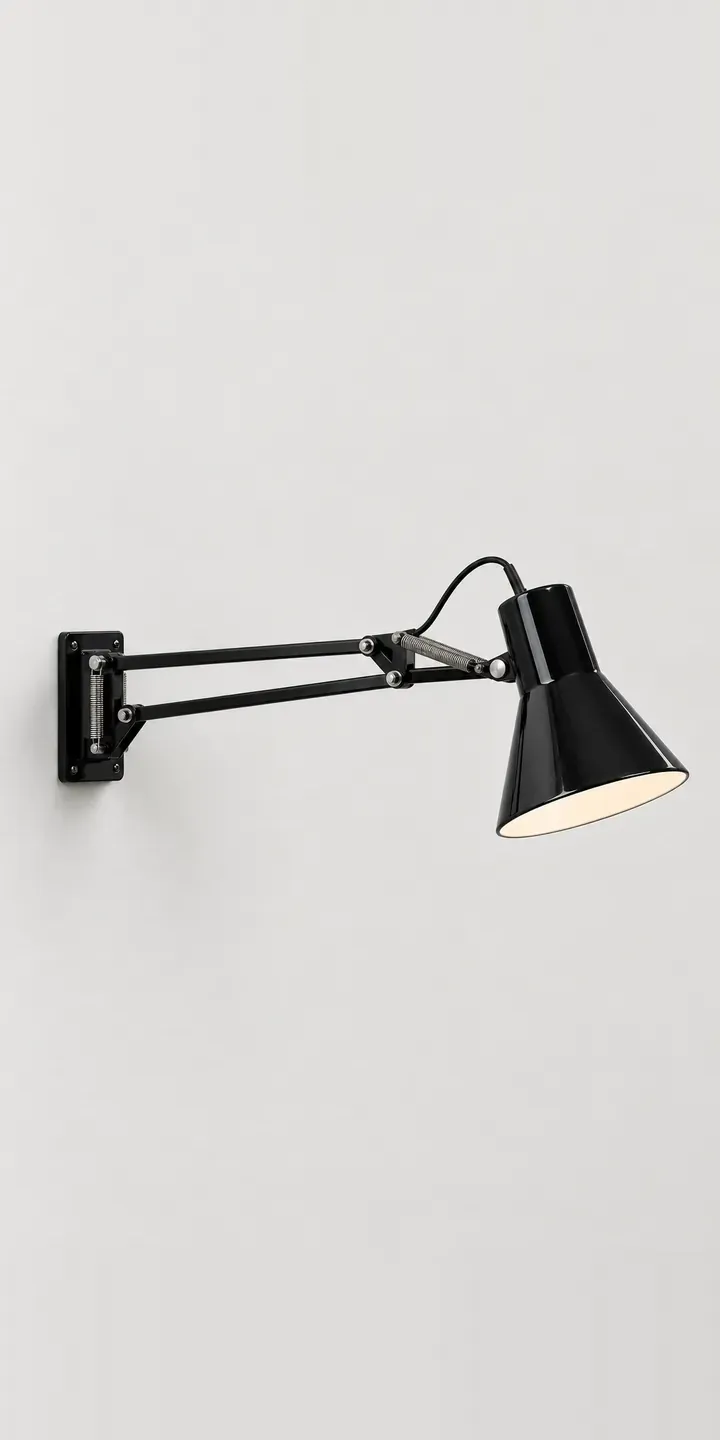
Spring Wall Lamp
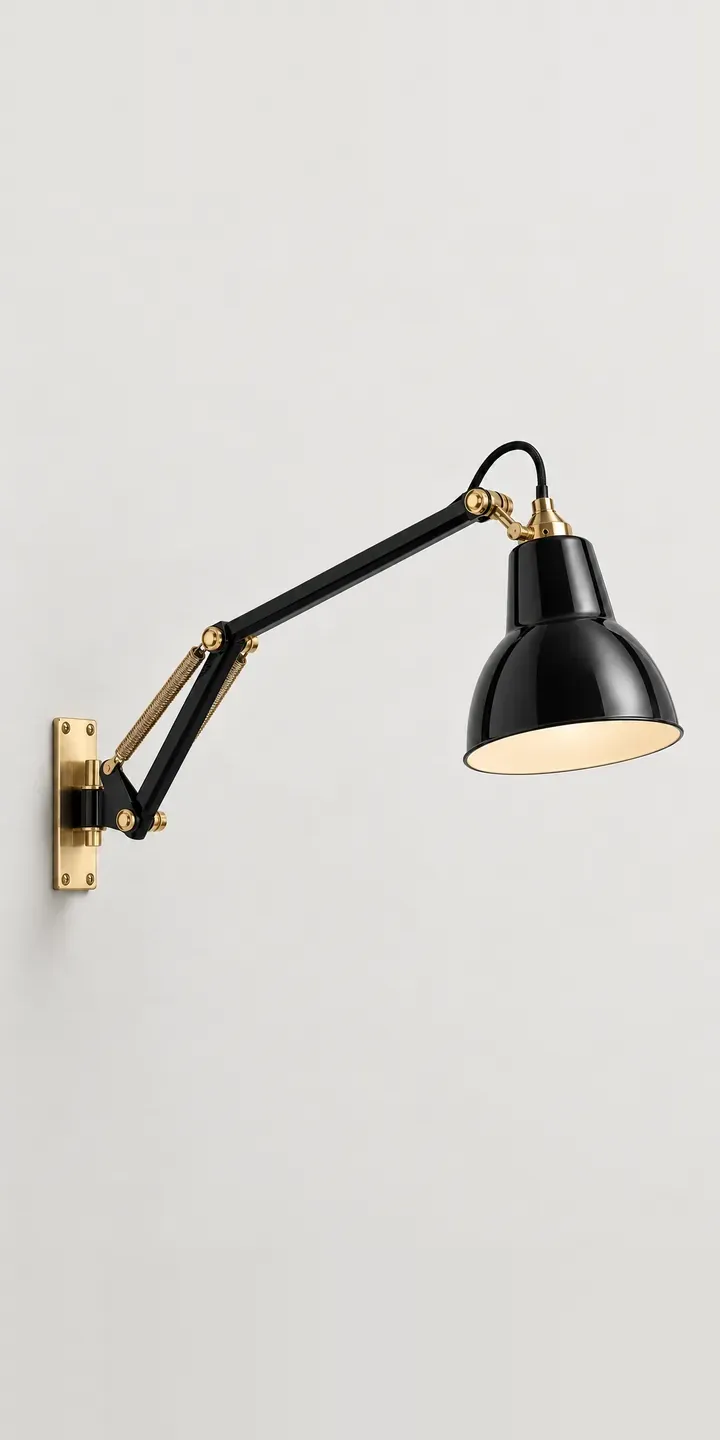
Swing Arm Sconce
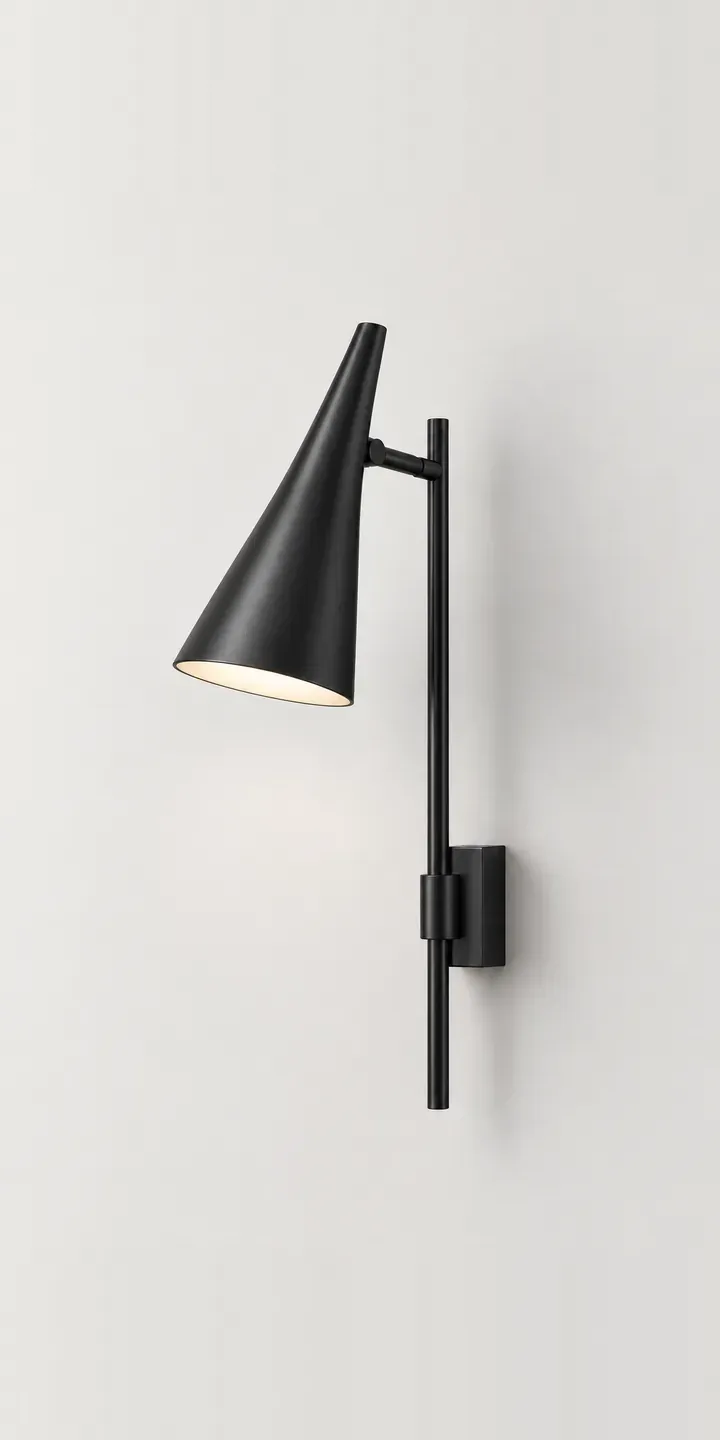
Tapered Wall Lamp
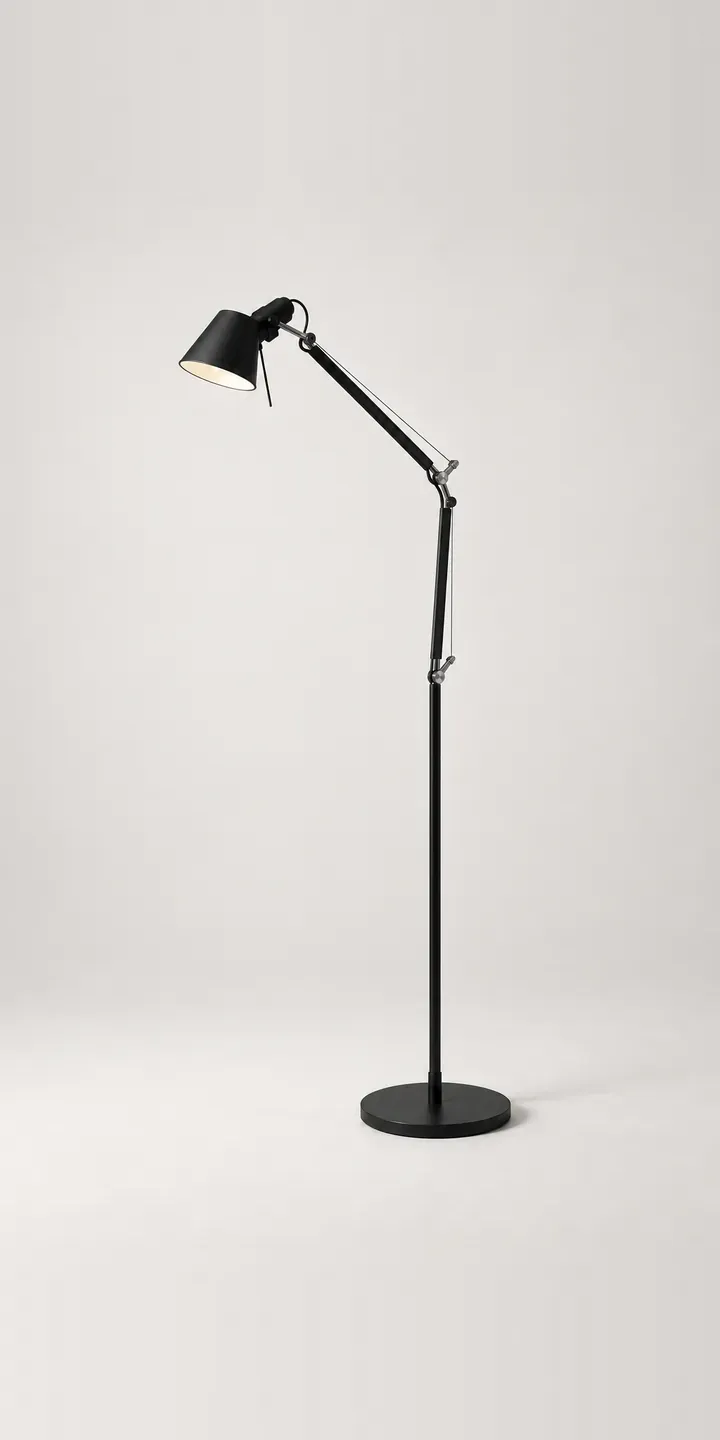
Task Floor Lamp
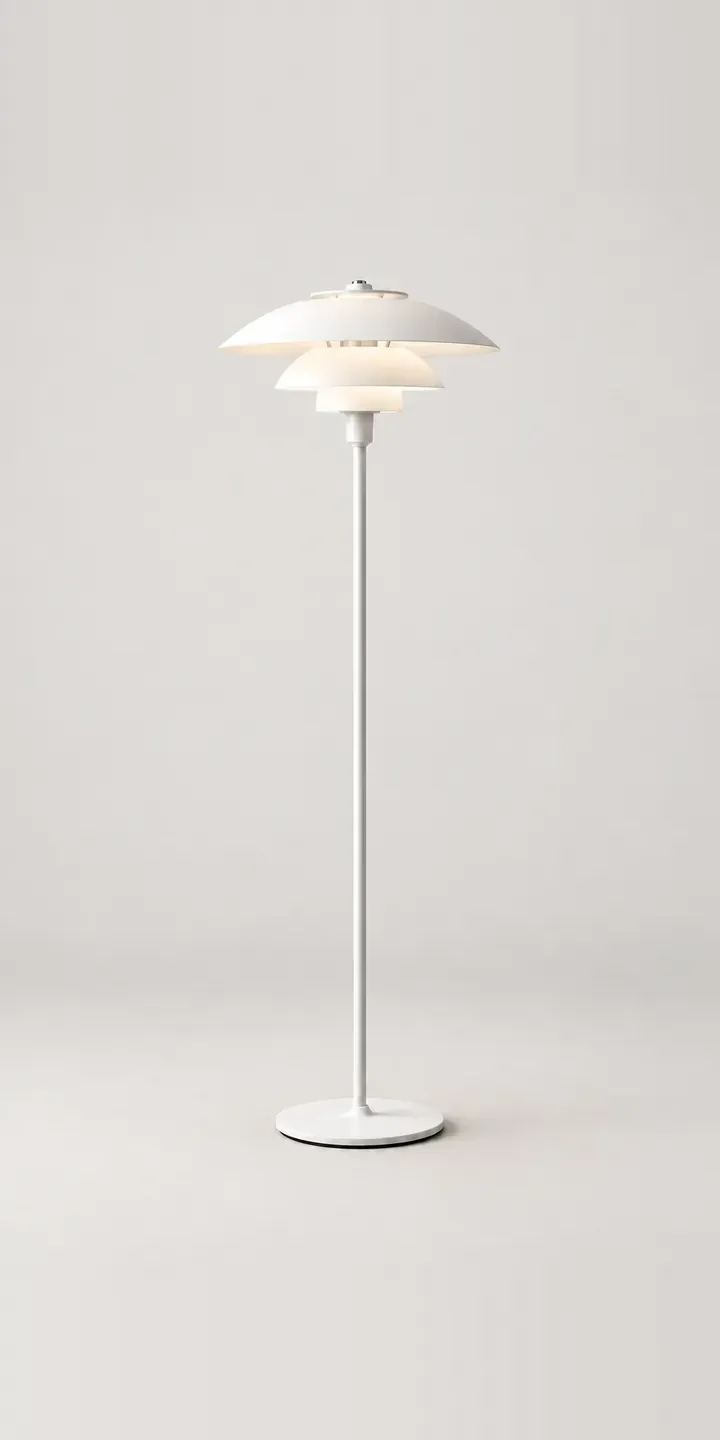
Tiered Floor Lamp
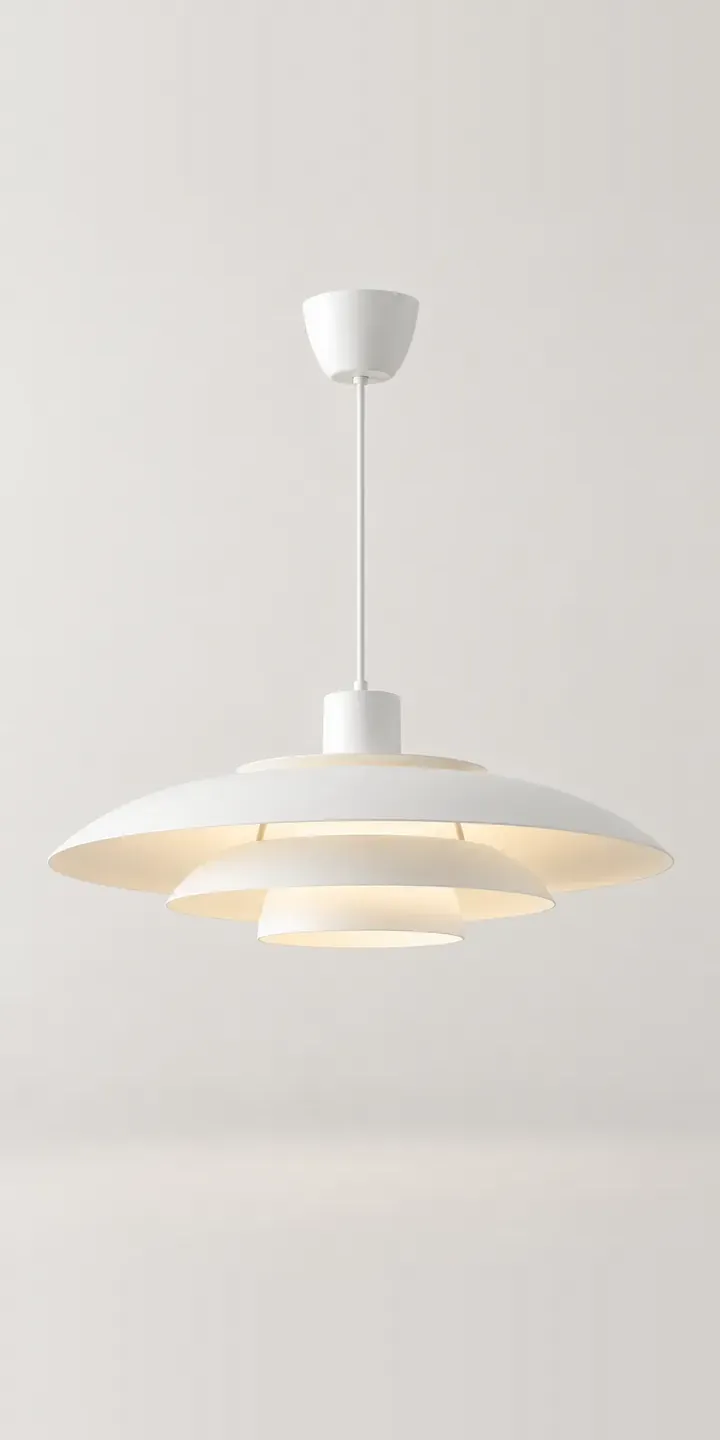
Tiered Pendant
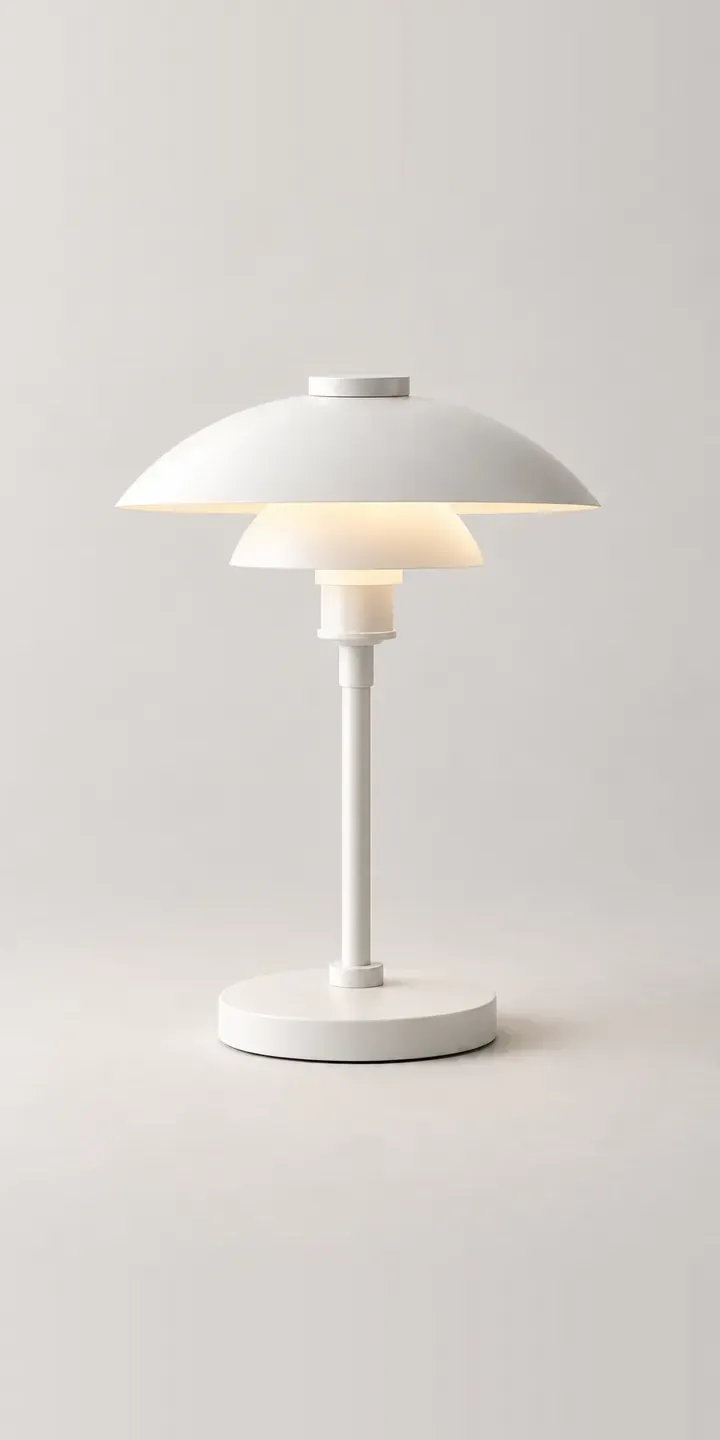
Tiered Table Lamp
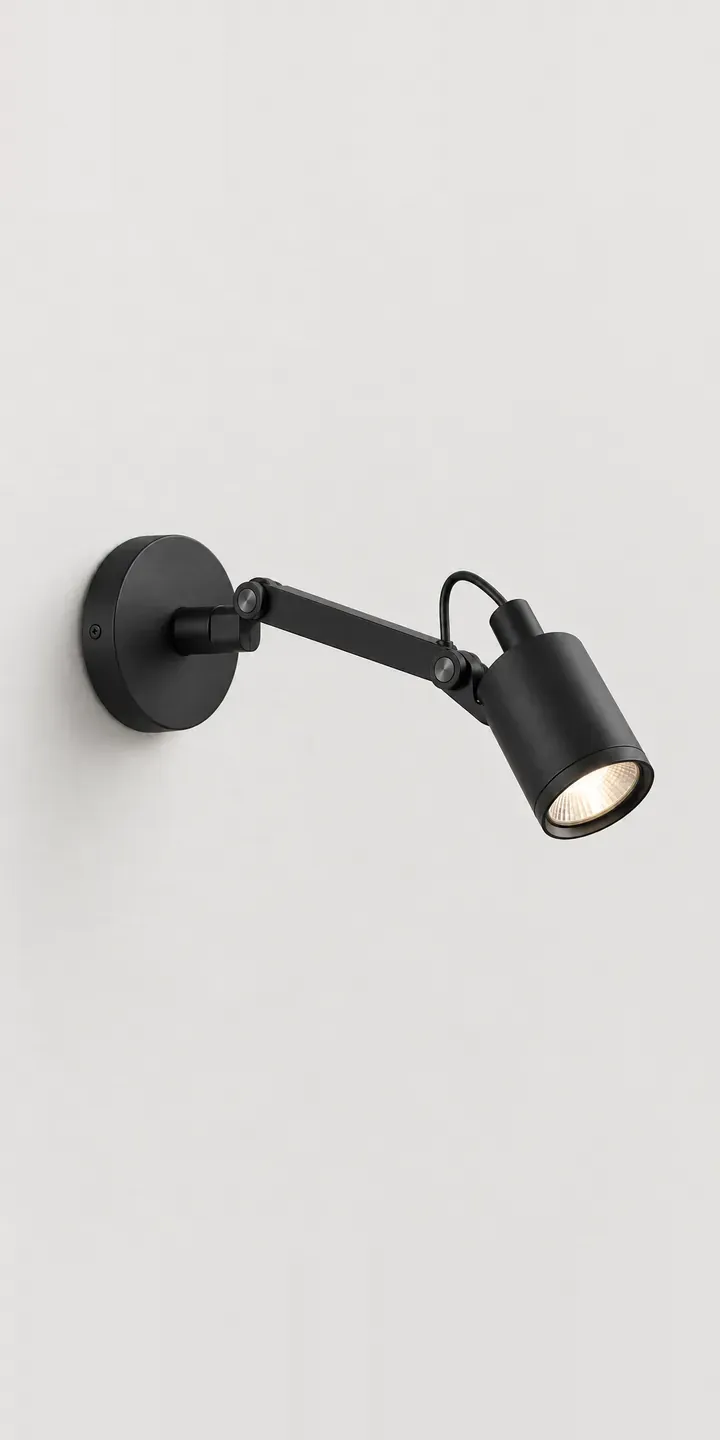
Wall Spotlight
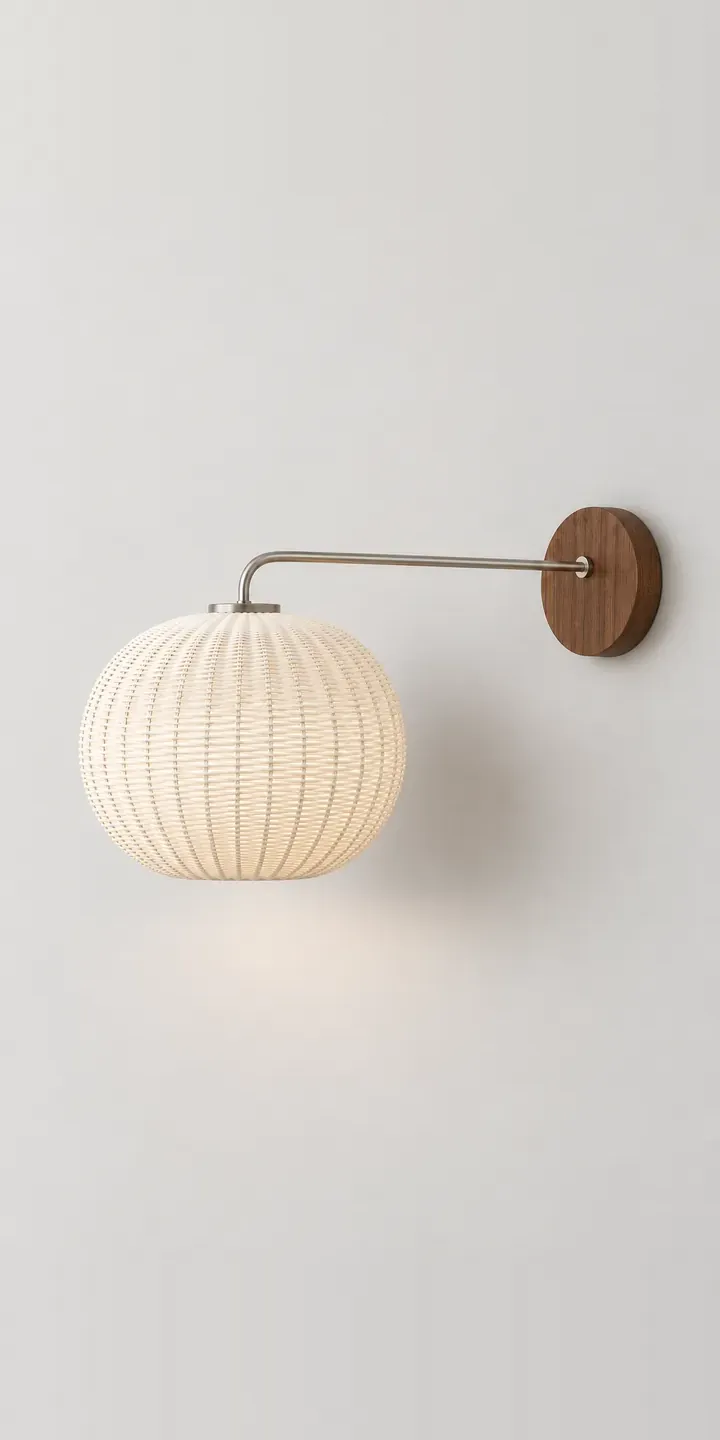
Woven Wall Lamp
Questions about lighting configurators
Can a configurator handle pendant drop lengths and cable colours?
Yes. Drop length becomes a measured option with set increments, and cable colour a swatch. The image can show the pendant at a representative drop, while the spec records the exact length. Rules can keep certain finishes to certain cables if your factory only pairs them that way.
Can it produce a spec sheet for interior designers?
It can generate a summary of the configured light with finish codes, dimensions, lamp type and electrical details, ready to download or attach to a quote. Designers can collect several fittings into one schedule for a project. That saves your sales team building documents by hand for every enquiry.
How do we show hardwired and plug-in versions of a wall light?
As an option with its own image or layer, since a visible cable and plug change the look on the wall. The spec can then include the right fixing and switch details for each version. If plug-in versions come with a different cable colour, the rules can apply that automatically.
Planning a lighting configurator?
Tell me about your range, how products are photographed today and where orders need to go. I will suggest the smallest useful first step, whether that is one image-based product or a full 3D catalogue.