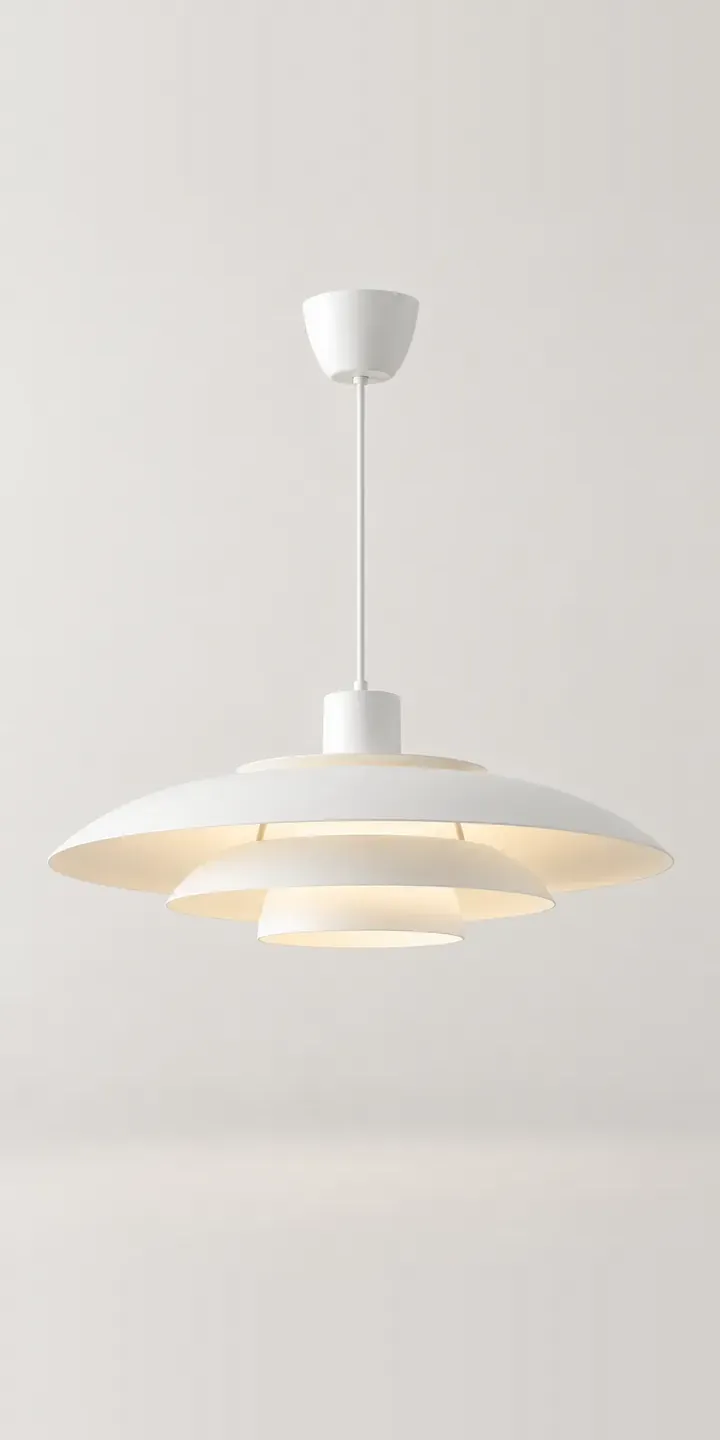
Three stacked shades with gaps between them give this illustrative pendant its shape, letting light slip out sideways as well as down. Pick a colour and a diameter to see the build summary fill in.
Over a dining table, a pendant has two jobs: light the table without glare, and hold the room together visually. Buyers worry most about scale. A shade that looked generous online can look lost above a large table, while an oversized one dominates a small room. The tiered form changes the light itself too, sending a soft band outward as well as a pool downward, which suits a table where people linger.
Lighting Configurator demo
Tiered Pendant
- Product
- Tiered Pendant
- Colour
- Matte White
- Diameter
- 400 mm
Illustrative product. The design and images are generated examples, not a real model for sale.
What you can configure
Matte white, charcoal, sage and terracotta are shown in the demo, with sand and brushed brass completing the range. Diameters of 400, 500 and 600 mm can be selected and are listed in the summary, though the shade is pictured at a single size. Diameter should follow the table: a round table for four and a long table for eight call for very different shades.
- Colour: Matte White, Charcoal, Sage, Terracotta
- Diameter: 400 mm, 500 mm, 600 mm
Why a configurator suits pendants
Lighting is one of the hardest categories to buy online because scale is so difficult to judge. A product image on a plain background gives no sense of size at all. A configurator can show each diameter above a table of known width, at a sensible drop, so buyers compare what they will actually see from their chair.
A single pendant in six colours and three diameters is already 18 products, and many lighting brands add cable colour, ceiling rose finish and drop length on top. Those options multiply quickly, and a row of dropdowns does not help anyone picture the result. Configured visually, with the build saved, the order arrives exactly as specified.
Interior designers buy a lot of decorative lighting. They specify pendants for clients' dining rooms and need to send options for approval, often several at once. Being able to share a configured pendant with its dimensions and codes speeds up that loop and keeps the designer ordering from the same supplier next time.
How a production version would be built
For a pendant, I would render each colour and diameter from a 3D model so the three sizes keep their true proportions. A second view lit from inside shows how the tiers release light, which a switched-off image cannot. The brand supplies codes, dimensions, cable and drop lengths, lamp holder type and any compliance details. Rules then block combinations that cannot be made, such as a cable colour not offered with a particular shade. There is also a separate lighting configurator demo on this site that covers a different fitting.
Build sheet for this range
- Colours in the full range: 6 (4 shown in this demo)
- Diameter choices: 3
- Combinations to support: 6 × 3 = 18
- Images for one photograph per combination at 3 angles: 54
- Images if diameters can be shown as separate layers, at 3 angles: 27
- Data each of the 18 combinations needs: a SKU or variant ID, price, stock or lead time, and any dimensions or specification that change
Questions about pendant configurators
How can a configurator help buyers choose the right pendant diameter?
Show each size against a table of known width, from the same viewpoint, so the difference is obvious. A short guide beside the option, matching diameters to common table sizes, does the rest. Buyers who are still unsure can enter their table size and see which diameter is suggested.
Can we show the pendant switched on as well as off?
Yes, and for a tiered shade it matters. A lit render shows how light escapes between the tiers and how the shade colour warms or cools it. That second view is usually what convinces buyers, because it answers how the room will feel in the evening, not just how the shade looks.
Can cable colour and drop length be added as options?
They can. Cable colour is usually a layer on the image, and drop length can be shown with a simple height marker above the table. Both appear in the summary with their own codes. If certain cable colours only pair with certain shades, those rules sit in the product data.
Can interior designers share a configured pendant with clients?
That is one of the best reasons to build one. A configured pendant can be saved as a link or PDF with the image, dimensions and codes. Designers send it for approval, and clients see exactly what will arrive. If the client prefers sage to terracotta, the designer changes the colour and resends the link without rebuilding anything.
More lighting configurator demos
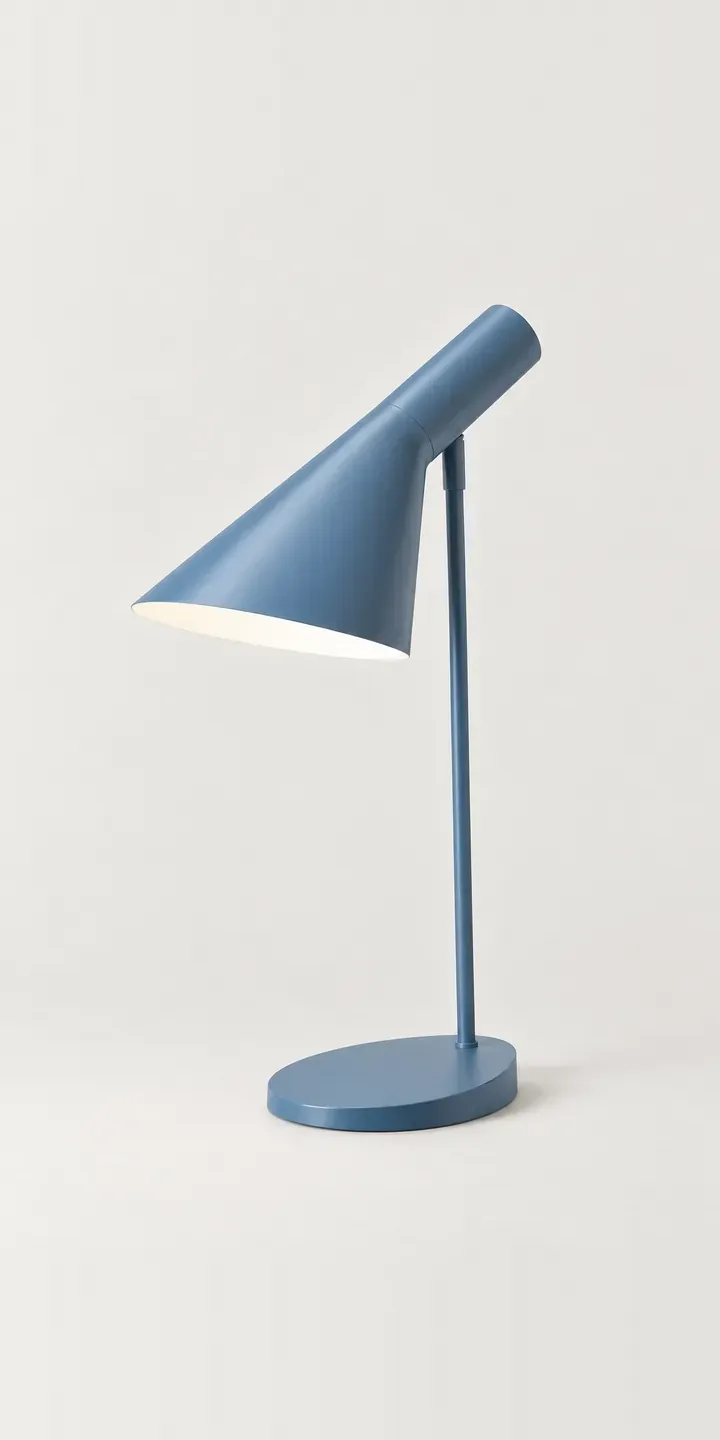
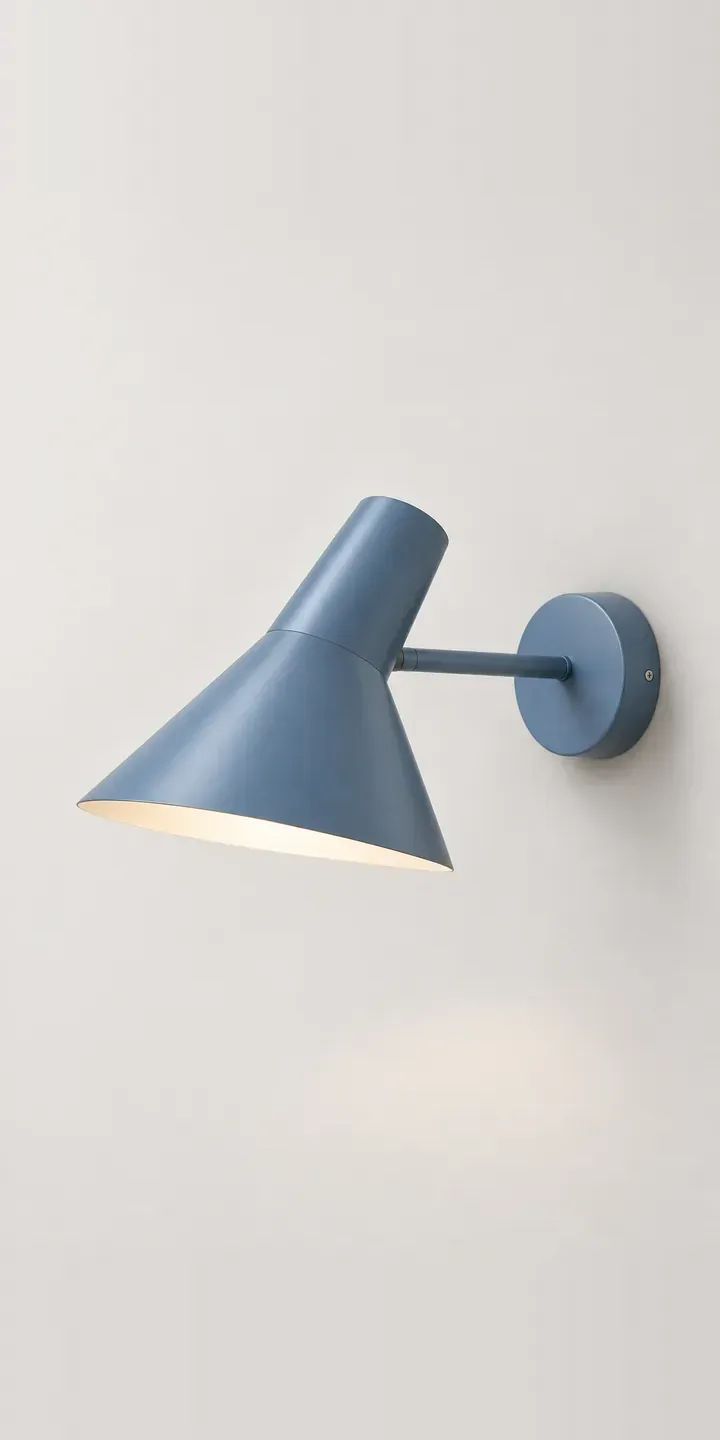
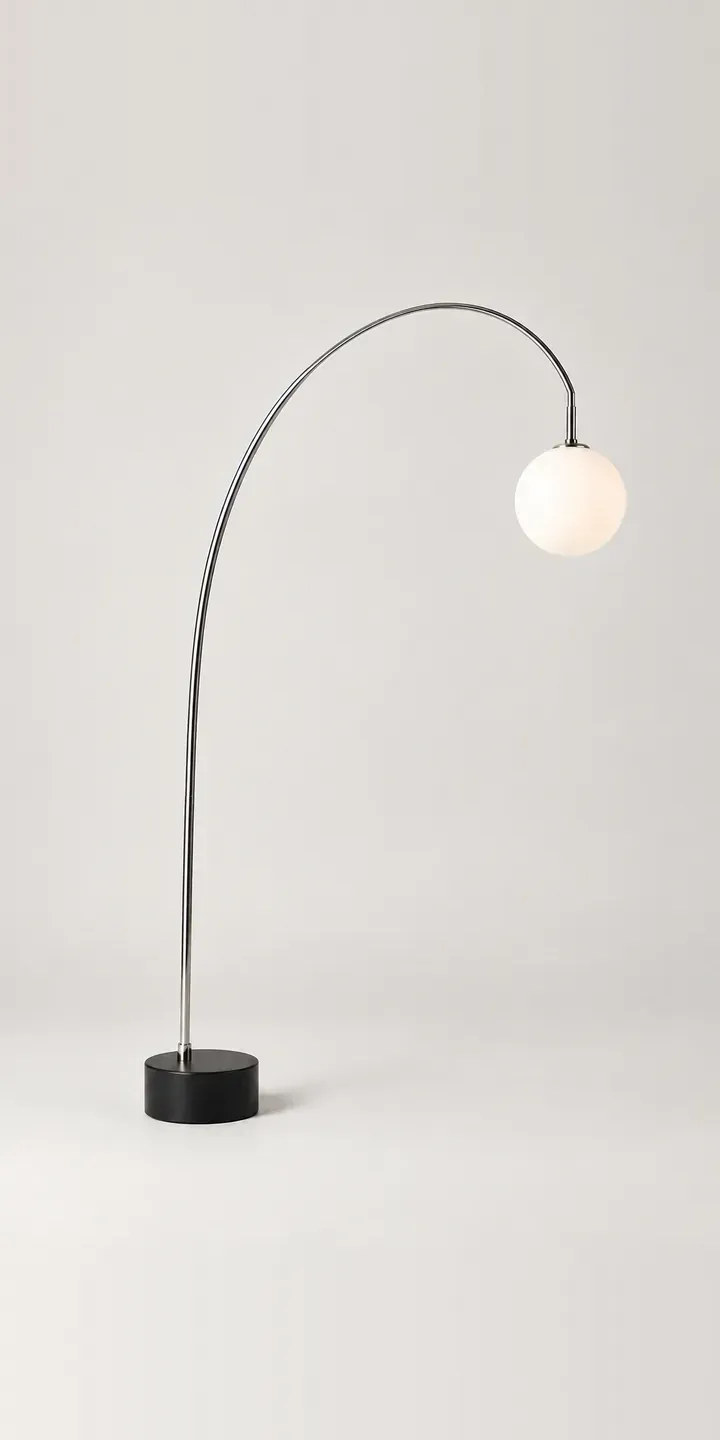
All lighting configurator demos
A configurator for your pendants
This demo uses an illustrative product. If you sell pendants, I can build the same experience around your own range, photography and ordering process, connected to Shopify, WooCommerce or a quote workflow. I reply to enquiries within two UK working days.