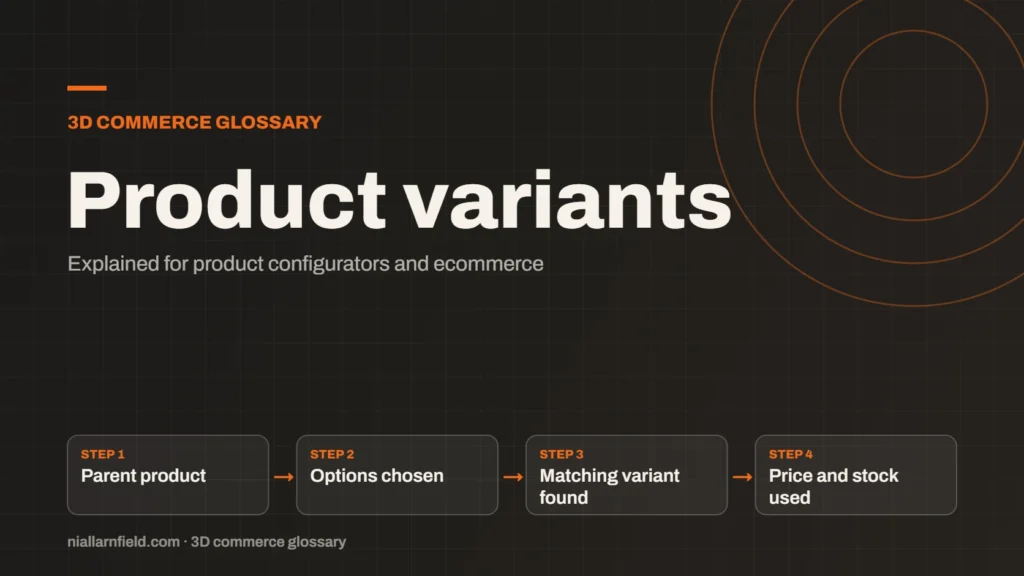
Product variants are versions of one product, such as a size or a colour. Each variant has its own SKU, price and stock count. Shopify and WooCommerce both support them, but they set them up in different ways.
Discuss your storeConfigurator development
What a product variant is
A variant is one version of a product. A desk lamp might come in three arm lengths and three shades. Each combination can have its own code, price and stock level, while sharing one product page.
Variants keep related items together. Customers compare options on one page, and the page stays tidy. Staff manage one product, but still track each version separately for stock and orders.
Variants suit items that are close relatives. A different range or a very different product usually needs its own page. The line between the two is a judgement call, so make it early. A good test is whether a customer would expect to compare the items side by side.
- Parent product
- Options chosen
- Matching variant found
- Price and stock used
How Shopify variants work
In Shopify, a product has options, such as Size and Colour. Each combination of option values becomes a variant. Shopify’s variants help page says each product can have up to three options and up to 2,048 variants.
Each variant has its own SKU, price, inventory and image. Shopify holds this data on the product, which keeps the admin in one place. A product with many combinations grows large quickly, so plan the option list before you enter the data. Check for duplicate rows, since they cause confusion later.
Metafields can hold extra details that do not fit the option structure. They suit specification sheets, care notes or build rules. The Shopify metafields guide explains how to use them for configurable products.
How WooCommerce variations work
WooCommerce calls them variable products. A variable product has attributes, such as size or colour. Each combination of attribute values is a variation, with its own SKU, price and stock settings.
Each variation is stored as its own record. That keeps the data clear, but large catalogues can become slow to manage. Plan the structure before you enter the data, not after. Changing attributes later can mean editing many variations by hand.
The idea is close to Shopify. The product holds the choices, and each combination holds the stock and price. The details differ, so test your store with real product data before you commit to a structure. Use a sample of real products for the test, not a single dummy item.

Why variants matter for configurators
A configurator must end on one variant. Each set of chosen options maps to one variant ID. The configurator then reads that variant’s price and stock. A clean map keeps the 3D view and the cart in step. Keep the mapping in one table, so you can review it in a spreadsheet. The 3D product configurator page covers the front end of this.
The limits shape the design. If a Shopify product needs more than three options, you need another route for the extra choices, such as metafields or line-item properties. Plan this split before you build the front end.
When I map variants to a configurator, I use stable option codes as the key. Names can change, but codes should not. A renamed option then does not break the map to the 3D view. I also check the mapping against every combination you sell, because a missing one gives the customer a dead end.
Common mistakes
- Making variants for options that only change the image.
- Renaming option values, which breaks the map to the 3D view.
- Creating variants you do not stock or make.
- Forgetting that each variant needs its own stock count.
Plan the variant list from your product data, not by hand. A generated list is easier to check and easier to update. It also avoids typos that create phantom variants. A change to the source data then flows through cleanly.
Catalogue structure is part of any ecommerce build, so agree it early.
Checking the variant list
Before launch, I run a short check on the variant list. It takes little time and catches the most common faults.
- Every sellable combination has exactly one variant.
- Every variant has a price, a stock count and a unique code.
- Every configurator choice resolves to a real variant.
- No variant exists for a combination you do not make.
Related terms
- Rules engine: A rules engine is the logic inside a product configurator that decides which option combinations are allowed.
- CPQ: CPQ stands for configure, price and quote.
- SKU explosion: SKU explosion happens when every combination of options becomes its own stock item.
- Line-item properties: Line-item properties are custom key and value pairs attached to one item in a Shopify cart or order.
- Meshopt compression: Meshopt compression shrinks glTF geometry, morph targets and animation data.
- Scene Viewer: Scene Viewer is Google's viewer for 3D and augmented reality (AR) models on Android.
- WebXR: WebXR is a web standard for augmented reality (AR) and virtual reality (VR) in the browser, published by the W3C.
- WebGL: WebGL is a web standard that lets a browser draw 3D graphics on a canvas, using the device's graphics chip.
- WebGPU: WebGPU is the newer web standard for using a device's graphics processor from a browser.
- Three.js: Three.js is a JavaScript library that makes 3D graphics on the web easier to build.
Browse all the definitions in the 3D commerce glossary.
Common questions
How many variants can a Shopify product have?
Shopify’s help centre says a product can have up to 2,048 variants. Each product can also have up to three options. Plan your structure within those limits. For extra detail, use metafields or line-item properties instead of adding more options, which keeps the admin manageable.
Is a variant the same as a separate product?
Not quite. A variant is a version of one product, with its own SKU, price and stock. A separate product suits items that differ too much to share a page. Use variants when the items are close relatives, and separate products when they are not, even if they look alike.
Can a configurator use variants?
Yes. Each set of chosen options maps to one variant. The configurator reads that variant’s price and stock. This works well until the combinations pass the variant limit, and then you need a different approach for the rest of the range. Test the mapping with the most complex product first.