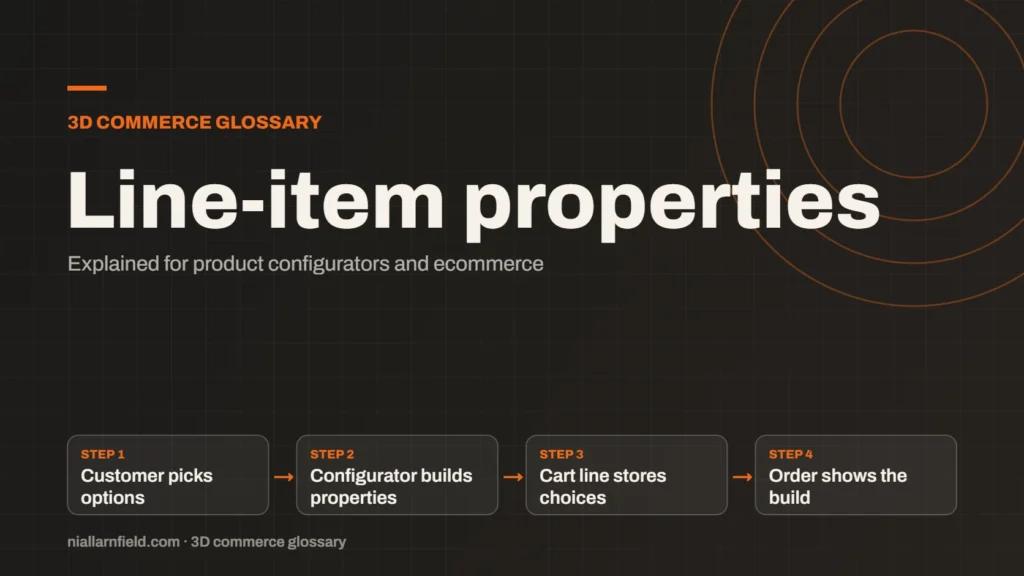
Line-item properties are custom key and value pairs attached to one item in a Shopify cart or order. A configurator uses them to record the customer’s choices, such as fabric or arm length, against that exact line.
Discuss your Shopify buildConfigurator development
What line item properties are
Shopify’s Cart API lets you send a properties object with each item you add to the cart. Each property is a simple key and value pair, such as Fabric and Linen. The properties then stay with that line through checkout and appear on the order.
A key that starts with an underscore is private. Shopify hides it at checkout, but it still shows in the admin order. Whether a visible property shows in the cart depends on your theme, so check your cart template before you rely on it.
Properties are text values. They record details about a line, and on their own they do not change stock or price. That suits custom details, and it is also a limit you must plan for from the start.
- Customer picks options
- Configurator builds properties
- Cart line stores choices
- Order shows the build
How a configurator uses them
When the customer clicks add to cart, the configurator reads its current choices. It turns each choice into a property. A lamp build might send Shade: Coral, Arm: Medium and Accessory: USB charging port. The configurator should send only the choices the customer actually made, not every option it knows about.
My Three.js desk lamp demo uses the same set of choices. The USB charging port needs the medium or long arm. A rule like that should run before the properties are sent, so the cart never holds an invalid build.
The order should read like the spec sheet. If a customer sees Arm: Short with USB charging: Yes, something has gone wrong. Test that case before you launch, and test a few other odd combinations too.
Why properties matter for ecommerce
Properties record what was built, not just what was bought. The warehouse, the packing team and customer support can all read the same details on the order. That saves back and forth when a question comes in. Packing staff can check the build against the spec without opening a second system.
Properties also avoid a new variant for every detail. A new shade or accessory does not need a new stock code, if you do not stock it as a separate item. This keeps the catalogue smaller and easier to manage.
One warning. A property does not change the price by itself. The price comes from the variant, so any extra cost needs another mechanism, and you should test the total at checkout.

The WooCommerce equivalent
WooCommerce uses order item meta for the same job. A plugin or custom code adds the choices to the cart item, then saves them to the order line. The data sits on the order item, so it travels with the purchase.
WooCommerce’s WC_Order_Item class lets developers add and read this metadata. The WooCommerce integration guide covers the store side.
The idea matches Shopify. Each order line carries its own choices. The exact hooks depend on your plugin and WooCommerce version, so check the current developer docs before you write code. Write down your field names before you build, because each plugin names them differently.
How I name and send properties
When I set up properties, I keep the names short and plain. I use Arm, not arm_option_v2. Staff read these names in the admin, so clear labels save time for everyone.
I also add one build code. It links the order to a full specification sheet. This small step saves time when a customer asks about a part, or when a repair is needed later.
Keep values short. Long text makes the cart harder to read on a phone, and many shoppers use one. Short values also make the order easier to scan.
Common mistakes
- Sending too many properties, so the cart becomes cluttered.
- Using property names that staff cannot read.
- Forgetting that property values are text, not numbers for pricing.
- Assuming a property changes the price or the stock.
The wider integration steps sit in the Shopify product configurator guide. The Shopify developer service covers the build side. Check the properties in each place they appear, including the cart, checkout and admin order. Each place can behave differently.
Related terms
- Rules engine: A rules engine is the logic inside a product configurator that decides which option combinations are allowed.
- CPQ: CPQ stands for configure, price and quote.
- SKU explosion: SKU explosion happens when every combination of options becomes its own stock item.
- Product variants: Product variants are versions of one product, such as a size or a colour.
- 3D asset pipeline: A 3D asset pipeline is the set of steps that turns source files into models a web viewer can load.
- Digital twin: In a product configurator, a digital twin usually means a 3D model that matches a real product's shape, materials and options.
- Material swatch: A material swatch is a sample of a finish, such as fabric, leather or metal, shown as a choice in a configurator.
- glTF: glTF is an open standard for 3D models, maintained by the Khronos Group.
- KTX2 textures: KTX2 is a container format for textures, the images that give 3D surfaces their colour and detail.
- Draco compression: Draco is an open-source compression library from Google for 3D mesh data.
Browse all the definitions in the 3D commerce glossary.
Common questions
Are line-item properties the same as variants?
No. A variant is a stock item with its own SKU, price and inventory. A line-item property is a note attached to one cart line. Use variants for things you stock. Use properties for details that describe one custom build, such as a finish or an accessory.
Can customers see line-item properties?
Some can. Keys that start with an underscore are hidden at checkout. Other keys may show in the cart, depending on your theme and apps. Check your cart template, then test the full flow on a phone, because the layout there is tighter.
Do properties affect the price?
Not by themselves. Shopify takes the price from the variant, so any extra cost needs another mechanism. Decide how the price changes before launch, and test the total at checkout with several different builds, including the most expensive one. Also check discounts, because they change the line total.