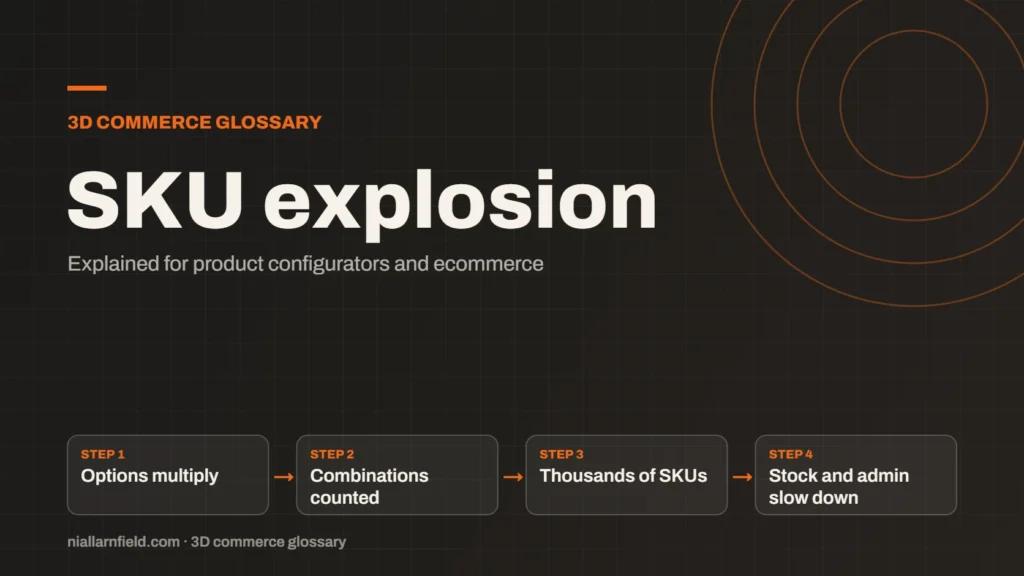
SKU explosion happens when every combination of options becomes its own stock item. A few option types can quickly create hundreds or thousands of SKUs. That slows the catalogue and makes stock hard to manage.
Discuss your storeConfigurator development
What a SKU is
A SKU, or stock keeping unit, is a code for one item you can sell and track. Each SKU has its own stock count and often its own price, barcode and photo. Shops, warehouses and accounting systems rely on SKUs to find and ship the right item. A clear code also makes returns and stock counts far easier to handle.
A simple product may need only one SKU. A plain mug in one size and one colour needs one code. The trouble starts when a product has several options, and each option multiplies the total.
Some businesses also use SKUs for parts. A sofa maker may stock frames, cushions and legs separately. Each part then has its own code, which adds to the count.
- Options multiply
- Combinations counted
- Thousands of SKUs
- Stock and admin slow down
How the explosion happens
Every new option multiplies the total. Take a sofa with four sizes, three fabrics and two arm styles. That gives 24 combinations. Add two leg finishes and the total doubles to 48. These figures are illustrative, not taken from a real project.
The maths grows fast. For example, five options with five choices each give 3,125 combinations. A configurator can offer those choices with ease. A stock system often cannot manage them as separate items without a lot of admin.
Each new colour or finish can add a whole set of new codes. Teams often feel the cost only after the catalogue is live. By then, the codes are already on orders, websites and labels, and changing them is costly.
Why it matters for configurators
Each SKU needs stock levels, prices, images and admin work. The more SKUs you have, the more time that work takes. Errors also grow, such as a missing photo or a price that does not match the product.
Platform limits can also apply. Shopify’s help centre says each product can have up to 2,048 variants, with up to three options. A variant is a sellable version, so those limits shape the catalogue before you build a configurator.
A configurator makes the explosion more visible. It lets the customer reach any valid combination, so every one of them needs correct stock and price data. The product configurator page covers how I approach this kind of build.

How a configurator avoids it
Store the option values and the rules, not every combination. Build the combination when the customer asks for it. Create a stock code only for a finished product or part that you really make or sell.
When I plan a catalogue, I ask which combinations are real products. Only those need a fixed SKU. The rest can be recorded as one build with its own reference. The product data guide explains how to structure this.
A build code helps staff match an order to a specification. It also keeps the order record short, because one line carries the whole set of choices. This approach needs a plan, so check that your stock system accepts build codes before launch.
Common mistakes
- Creating SKUs for every colour before checking demand.
- Mixing option values and product types in one list.
- Using no naming rule, so codes become hard to read.
- Forgetting that each SKU needs its own stock count.
Cutting the count is not always the answer. Some ranges truly need separate SKUs. Check which combinations sell, and which you make to order. Then decide where each one belongs. Involve the people who pack and ship, because they see the real cost of each code.
Planning the data structure before the build saves rework. An ecommerce website build goes better when the catalogue rules are agreed early.
Working out the real SKU count
Use this short method before you commit to a catalogue structure. It gives you a number you can plan around.
- List every option and count its choices.
- Multiply those counts to get the total combinations.
- Remove combinations you never sell or make to order.
- Count what is left, and treat that as the real catalogue size.
Related terms
- Rules engine: A rules engine is the logic inside a product configurator that decides which option combinations are allowed.
- CPQ: CPQ stands for configure, price and quote.
- Line-item properties: Line-item properties are custom key and value pairs attached to one item in a Shopify cart or order.
- Product variants: Product variants are versions of one product, such as a size or a colour.
- model-viewer: model-viewer is Google's open-source web component for showing 3D models on a web page.
- UV mapping: UV mapping is the process of unwrapping a 3D model's surface onto a flat 2D plane.
- Level of detail (LOD): Level of detail, or LOD, means keeping several versions of the same model at different polygon counts.
- Draw calls: A draw call is a request from the CPU to the GPU to draw one mesh with one material.
- Instancing: GPU instancing draws many copies of one mesh in a single draw call.
- Parametric models: A parametric model is a 3D model defined by dimensions and rules rather than fixed geometry.
Browse all the definitions in the 3D commerce glossary.
Common questions
How do I count the SKUs for my product?
Multiply the number of choices in each option. For example, four sizes, three fabrics and two finishes give 24 combinations. Then remove the combinations you never sell or make. The remaining number is the real catalogue size, and the figure you should plan for. Keep a copy of the count.
Is SKU explosion a problem for every shop?
No. A shop with a few fixed variants can manage well with standard tools. It becomes a problem when options multiply and each combination needs its own stock, price or photo. Check the count early, before you commit to a catalogue structure that is hard to undo later.
Can a configurator avoid creating SKUs?
Often, yes. The configurator can save the chosen options as one order line, with a build reference. You then create stock codes only for the finished products or parts you make. Confirm this with your order and stock systems first, because they must accept the build data. Ask them early, since changing a stock system later can be slow.