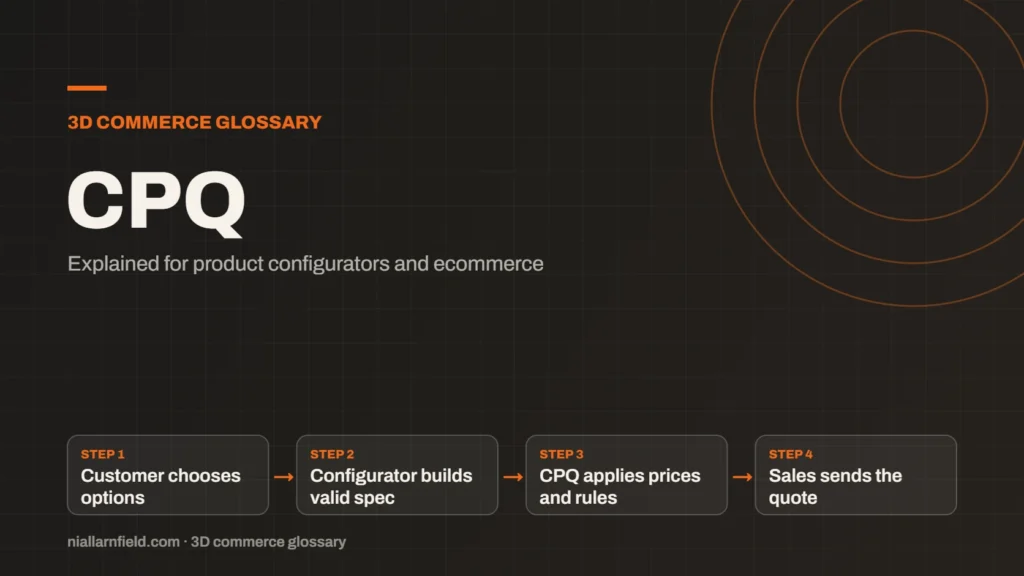
CPQ stands for configure, price and quote. It is sales software that helps teams build valid product bundles, apply the right prices and produce a formal quote for the customer.
Discuss your product rangeTry the demos
What CPQ stands for
CPQ stands for configure, price and quote. CPQ software helps sales teams configure products, apply pricing rules and produce accurate quotes. Analysts such as Gartner list it in their glossary of CPQ application suites as a software category. The term covers a whole sales process, not a single screen.
Configure means choosing valid products, bundles and add-ons. The system stops a salesperson picking a combination that cannot be made or supplied. Price means applying list prices, discounts and any margin limits. Quote means the document that sets out what the customer buys and what they pay.
Many businesses use CPQ for complex products, such as machinery, furniture or industrial kit. Each quote can hold many options. Manual pricing becomes slow and error prone at that scale, so teams look for software to do the checking.
- Customer chooses options
- Configurator builds valid spec
- CPQ applies prices and rules
- Sales sends the quote
How CPQ relates to a 3D configurator
A 3D product configurator is usually customer facing. CPQ is usually sales facing. Both need the same answers to the same questions. Which options work together? What does this combination cost? Those answers must match, or the buyer sees one price and the sales team quotes another.
In many setups, the configurator collects the choices and passes a finished specification to a CPQ system. The sales team then adds discounts, approvals and terms, and sends the quote. This follows the pattern in the product configurator guide. I treat the configurator as the front door and CPQ as the back office.
Some businesses skip CPQ and send the configuration straight to an order or enquiry form. That works for simple ranges. It breaks down when prices depend on the customer, the region or the order size.
Why CPQ matters for B2B selling
Many manufacturers sell through dealers, agents or account managers. Prices can vary by customer, region or order size. CPQ keeps those prices consistent across every quote, which protects margin and trust.
CPQ also records approvals. A large discount might need a manager’s sign-off before the quote goes out. This keeps margins safe without slowing every sale. The approval trail also helps when a quote is questioned later.
For a product manager, the main gain is fewer pricing errors. For a developer, the gain is a clear data contract between two systems. Both sides can then change with less risk.

Practical advice before you connect the two
When I plan an integration, I agree the option codes first. Both systems must use the same names for the same parts. A mismatch at this stage causes most of the problems I see later in testing.
- Agree one source of truth for list prices.
- Map each 3D option to a product or option code in the CPQ system.
- Decide which system owns discounts and approvals.
- Test a full quote, from configuration to the final document, before launch.
I also suggest a short test list. Include a simple build, a complex build and a build where a rule blocks an option. Each one should produce the same result in both systems. The system integration guide explains this process in more detail.
Common mistakes and limits
- Two sources of price, so the configurator and the quote disagree.
- Option codes that change without warning.
- Add-ons that the configurator sends but the quote drops.
- Rules that live only in the configurator, not in the sales system.
CPQ is not a shortcut for a poor product model. Clean data comes first. If your options are named differently in every system, no connector will fix that on its own.
Start with the sales process. Decide who builds quotes, who approves them and where the final document lives. Then choose tools that fit that process, not the other way round. If you need help with the 3D side, my product configurator service covers the front end and the data it sends.
Questions to ask before you start
Before any integration work, I ask the sales team a few plain questions. The answers shape the whole design.
- Who builds a quote today, and what do they check by hand?
- Which prices change by customer, region or volume?
- Who signs off a discount, and how fast do they need to answer?
- What must the final quote show, and in what format?
Related terms
- Rules engine: A rules engine is the logic inside a product configurator that decides which option combinations are allowed.
- SKU explosion: SKU explosion happens when every combination of options becomes its own stock item.
- Line-item properties: Line-item properties are custom key and value pairs attached to one item in a Shopify cart or order.
- Product variants: Product variants are versions of one product, such as a size or a colour.
- Draco compression: Draco is an open-source compression library from Google for 3D mesh data.
- Meshopt compression: Meshopt compression shrinks glTF geometry, morph targets and animation data.
- Scene Viewer: Scene Viewer is Google's viewer for 3D and augmented reality (AR) models on Android.
- WebXR: WebXR is a web standard for augmented reality (AR) and virtual reality (VR) in the browser, published by the W3C.
- PlayCanvas: PlayCanvas is an open-source 3D engine written in JavaScript, with its own visual editor.
- React Three Fiber: React Three Fiber is a React renderer for Three.js.
Browse all the definitions in the 3D commerce glossary.
Common questions
Is CPQ the same as a product configurator?
No. A product configurator helps a buyer choose options and see the result. CPQ covers the wider sales process, including quotes, discounts and approvals. Many teams use a configurator at the front and CPQ behind it, so the two work together rather than compete for the same job.
Do ecommerce stores need CPQ?
Not always. A shop with fixed prices may only need a cart and a checkout. CPQ becomes useful when prices depend on discounts, approvals or custom quotes. That often applies to B2B selling and made-to-order products, where each order may need a fresh price and a formal document.
Which CPQ system should I choose?
That depends on your sales process and the systems you already run. Before you choose, check how each option receives data from a configurator, and how it handles option codes, discounts and approvals.