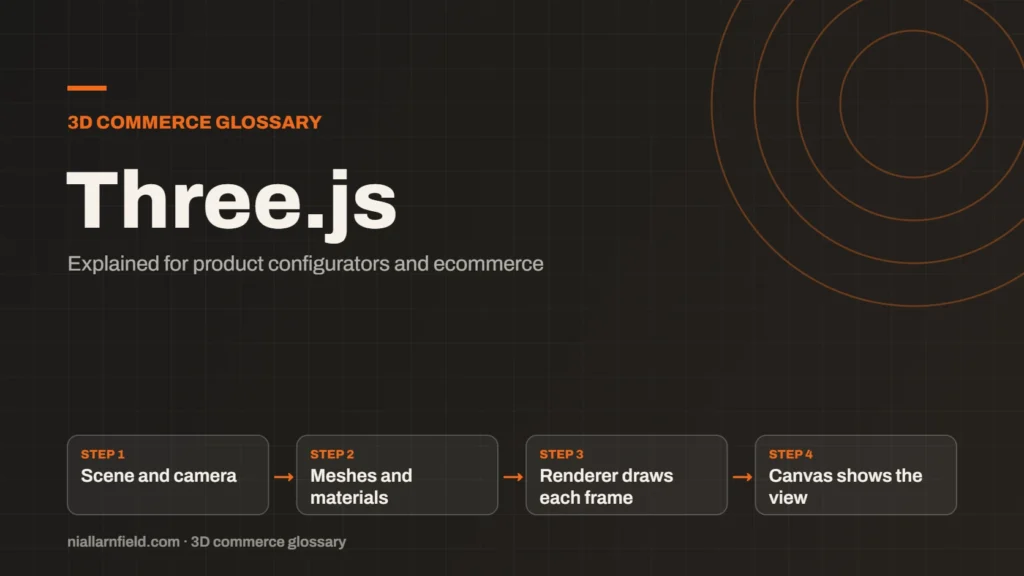
Three.js is a JavaScript library that makes 3D graphics on the web easier to build. It sits on top of WebGL, and it can also use WebGPU through its WebGPURenderer.
Discuss your product rangeTry the demos
What Three.js does for you
Three.js gives you scenes, cameras, lights, meshes and materials as ready-made objects. A mesh is a shape made of triangles. A material sets how its surface looks. You describe what you want, and the library sends the right calls to the browser’s graphics layer. Without it, you would write the low-level WebGL code yourself. A model that arrives as one clean file is far easier to handle than a collection of loose parts.
The library loads common model formats, including glTF. glTF is the usual format for product models on the web. Three.js also handles textures, shadows and animation, so a developer can focus on the product rather than the plumbing.
Three.js also has a large body of examples and documentation. That makes it a practical starting point for a team that is new to 3D on the web. A developer can copy a working example, then change one thing at a time. This is usually quicker than reading the whole API first.
- Scene and camera
- Meshes and materials
- Renderer draws each frame
- Canvas shows the view
How a Three.js scene is built
A Three.js app creates a scene and a camera, then adds objects to the scene. A renderer draws the scene to a canvas on each frame. The loop repeats many times a second, so every change shows up straight away.
The renderer is the most important choice. The default WebGLRenderer uses WebGL. The WebGPURenderer can use WebGPU when the browser supports it, and it falls back to a WebGL 2 backend when it does not. You can also force the WebGL 2 backend with an option, which helps when you need stable behaviour across devices.
Every object in the scene has a position, a rotation and a scale. Those three values control where an object sits and how it appears. Groups let you move several parts together, which suits a product made of many pieces. A sofa frame, its cushions and its legs can each sit inside one group.
Why Three.js suits ecommerce configurators
Three.js is a common choice for product configurators because it is flexible. You can load a model, swap materials, change lights and react to clicks with plain JavaScript. For a lamp, a sofa or a watch, a shopper can change an option and see the result at once. Each option can be a simple change to one object, which keeps the code short and easy to test.
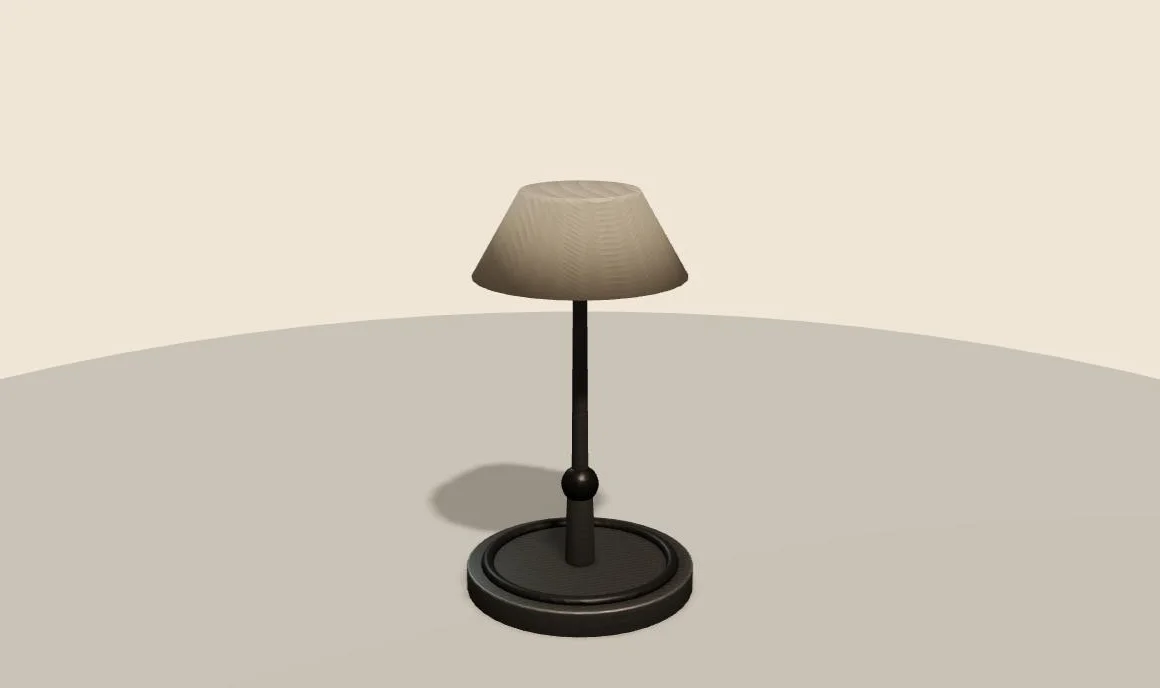
The site’s Three.js desk lamp demo shows this. A shopper can pick the arm length, shade colour and accessory. USB charging needs the medium or long arm, so the demo applies that rule. The same approach works for any product with linked options.
Three.js also fits the rest of a site. You can use it in plain JavaScript, or inside React through React Three Fiber. The product data can come from Shopify or another platform. For the wider setup, see my product configurator page.
Practical advice from building with Three.js
Start with the smallest setup that works. Load one model, one light and one camera before you add the rest. Then add options one at a time, and test each change on a phone. This keeps problems easy to find.
- Give each part of the model a clear name in the source file.
- Dispose of unused textures and geometries when a view is no longer needed.
- Limit how often you rebuild materials when an option changes.
- Pin the Three.js version in your project, and upgrade on purpose.
Test the viewer on slow connections as well as fast ones. Many shoppers browse on mobile data, where a large model can take seconds to arrive. Compressed glTF files and a clear loading state help a great deal. Check the file size of each option before you publish it.
For examples of how stores use this library, see my Three.js ecommerce examples guide.
Common mistakes and limits
Three.js does not do everything out of the box. It gives you the 3D layer, but you still need a model pipeline, interface controls and a loading plan. Many teams underestimate the work needed for mobile performance and accurate colour.
Another common mistake is loading the full model before showing anything. Show a placeholder first, then the detail. Also, a library update can change behaviour, so read the release notes before you upgrade a live shop. Set a date for dependency reviews, so updates never arrive as a surprise.
Related terms
- WebGL: WebGL is a web standard that lets a browser draw 3D graphics on a canvas, using the device's graphics chip.
- WebGPU: WebGPU is the newer web standard for using a device's graphics processor from a browser.
- Babylon.js: Babylon.js is a JavaScript engine for building 3D experiences in the browser.
- PlayCanvas: PlayCanvas is an open-source 3D engine written in JavaScript, with its own visual editor.
- Ambient occlusion: Ambient occlusion is a shading effect that darkens creases, corners and contact points where light struggles to reach.
- UV mapping: UV mapping is the process of unwrapping a 3D model's surface onto a flat 2D plane.
- Texture atlas: A texture atlas is one image that holds several smaller textures.
- Level of detail (LOD): Level of detail, or LOD, means keeping several versions of the same model at different polygon counts.
- Draw calls: A draw call is a request from the CPU to the GPU to draw one mesh with one material.
- Instancing: GPU instancing draws many copies of one mesh in a single draw call.
Browse all the definitions in the 3D commerce glossary.
Common questions
Is Three.js a game engine?
Not really. Three.js is a 3D library, so it gives you rendering and scene tools but no built-in editor. Engines such as PlayCanvas include an editor and more tooling. For a configurator, a library is often enough, because you only need to show one object well.
Does Three.js need React?
No. Three.js works in plain JavaScript and in any framework. React Three Fiber is an option if your site already uses React, because it lets you describe scenes as React components. Choose based on your front-end stack and your team’s skills.
Is Three.js the same as WebGL?
No. WebGL is the browser standard for drawing 3D. Three.js is a library that uses WebGL, or WebGPU through its renderer, so you do not write low-level calls. Think of it as a layer above the standard.