Working 3D product configurators you can try in your browser: real buying journeys, product rules and pricing, built the way I build them for clients.
Four products. Four ways to choose.
These Praxis Pro concepts use original portfolio models. Choose a product category to see its interface, configurable options and implementation scope. The interactive viewer loads when you ask for it.
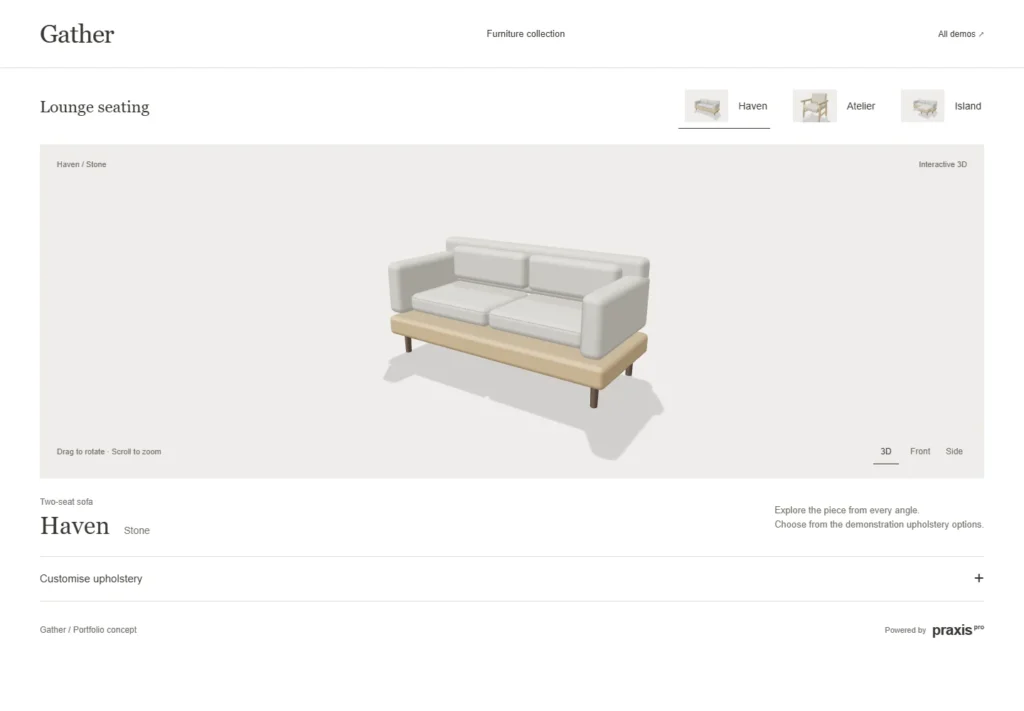
Seating
A catalogue-led upholstery and furniture selection.
Explore demonstration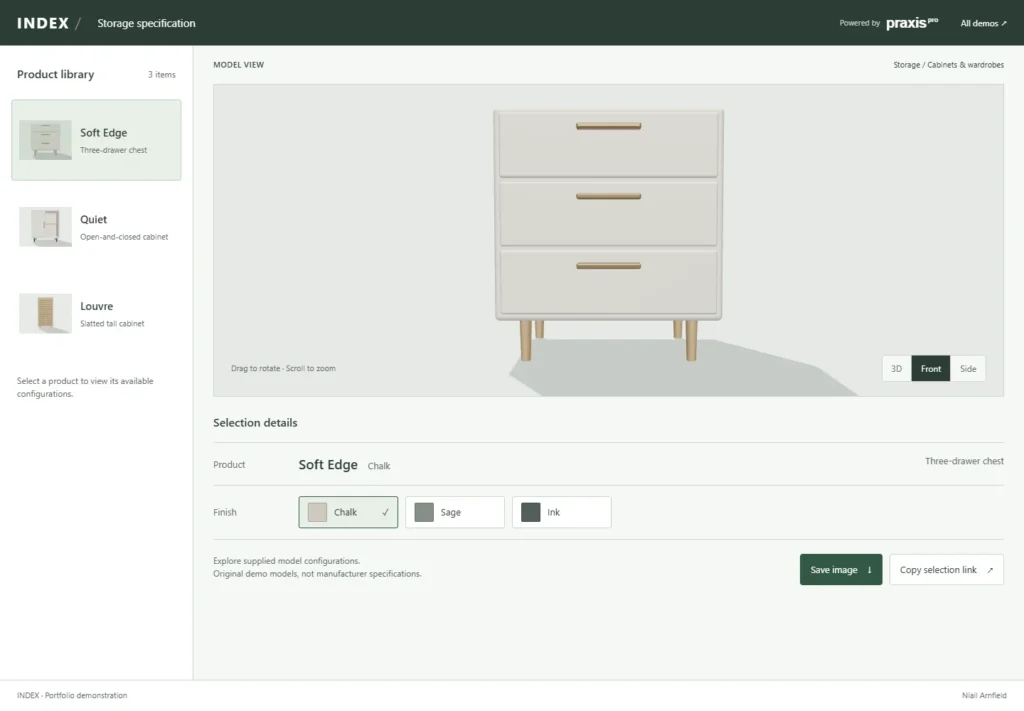
Storage
Product choices beside a clear specification.
Explore demonstration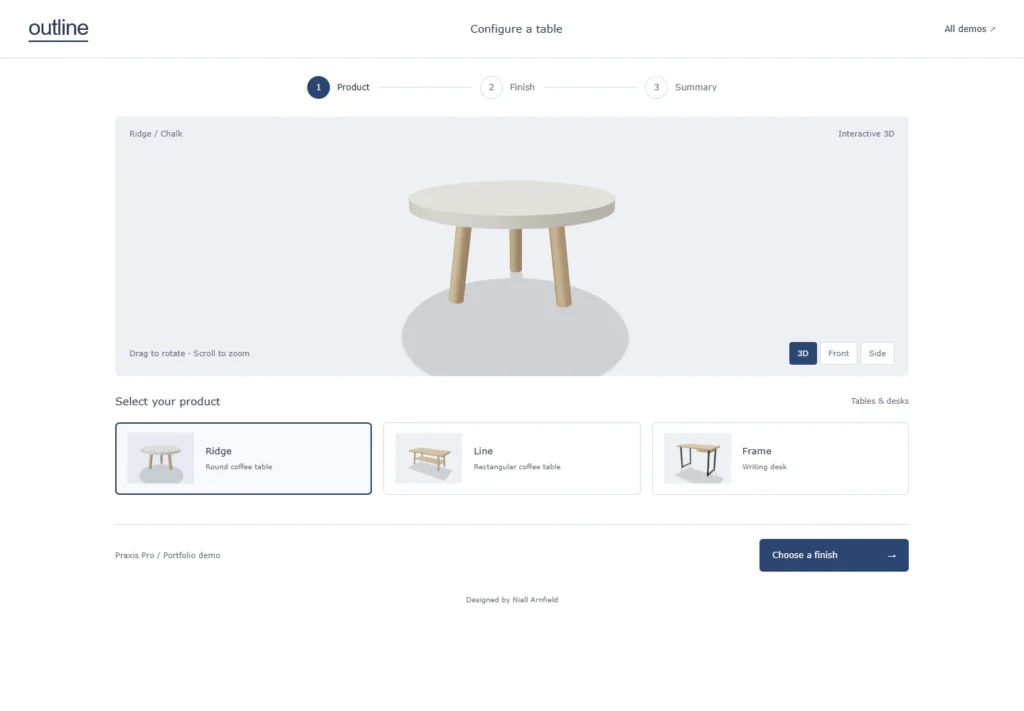
Tables and desks
A guided product, finish and summary sequence.
Explore demonstration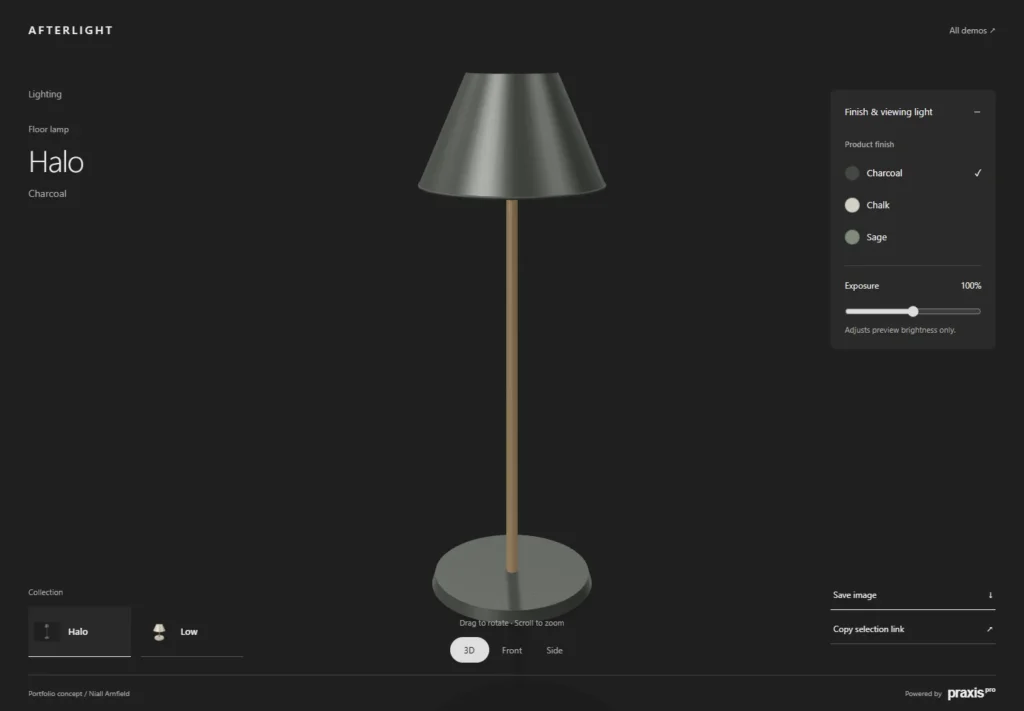
Lighting
An immersive viewer with separate finish and exposure controls.
Explore demonstrationSame furniture, three engines
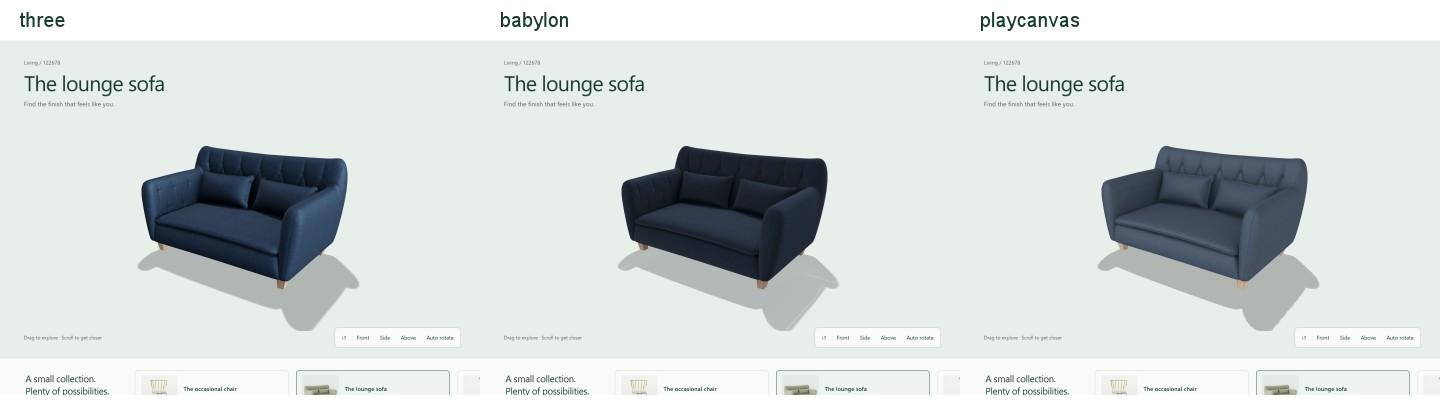
Three.js, Babylon.js and PlayCanvas, side by side
The same chair, sofa and lamp with the same finishes, rendered live in three engines so you can compare quality, weight and feel for yourself.
Open the comparisonFive engines, one brief
Product options, illustrative pricing and configuration sharing built on five different 3D engines.
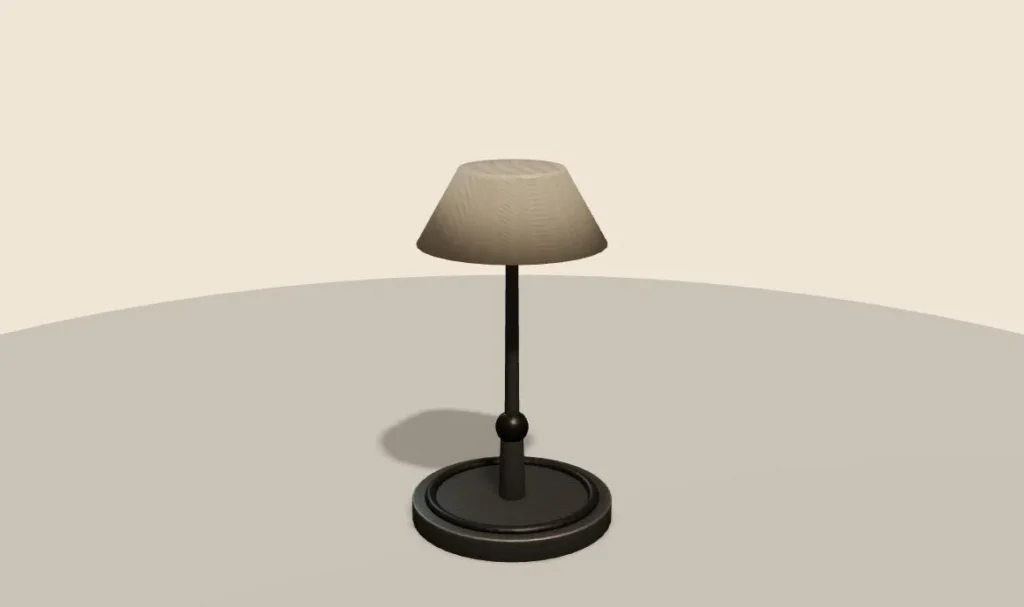 Three.jsDesk lampA desk lamp you can configure in the browser.
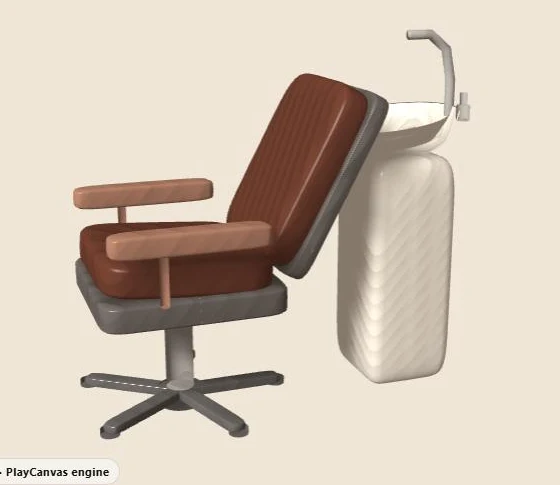 PlayCanvasSalon wash unitBasin, upholstery and a plumbing rule.
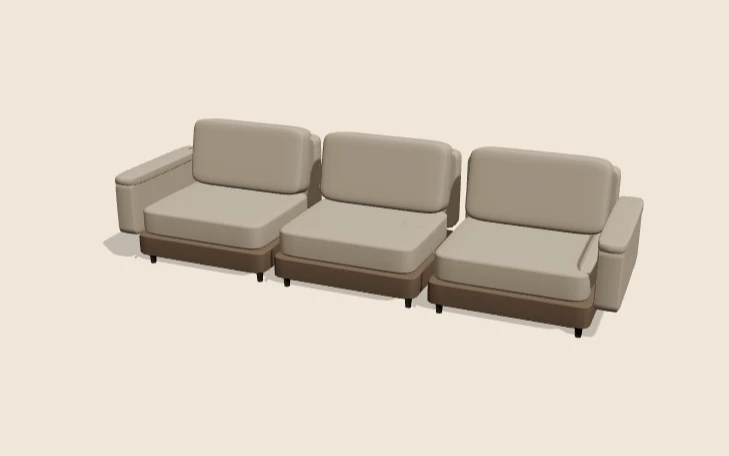 React Three FiberModular sofaAdd seats, change fabric, add a chaise.
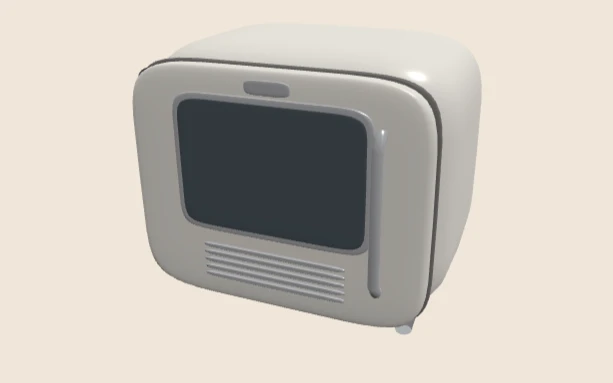 Babylon.jsRetro fridgeFinish, handle and which way the door hangs.
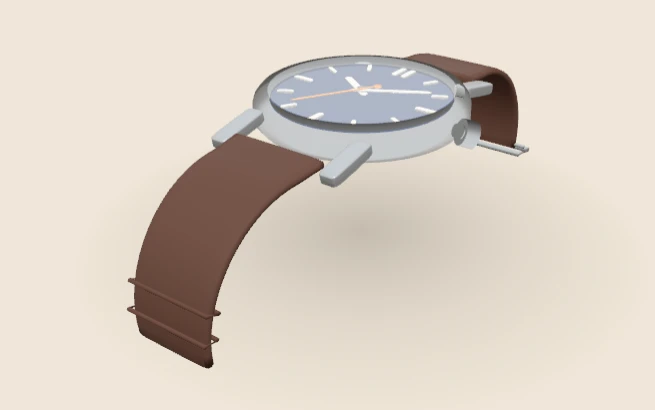 WebGPUWatchCase, strap and size — with a fallback if needed.
Plan a configurator for your range
Start with the project brief and worked example, check your range with the readiness scorecard, see what a configurator costs, or explore product configurator development.
These are demonstration products, not client catalogues or offers for sale. If you have a real range to configure, tell me about it.
What these demos are for
Each demo is a small, working product configurator. You pick options, the 3D model changes, and a summary and price update as you go. Some choices depend on others, just as they do in a real catalogue. For example, the sofa only takes a chaise with three or more seats, and the watch is not sold in gold with a rubber strap.
The products are made up. They are not client catalogues, and the prices are only there to show how pricing works. What is real is the method: clear options, rules that explain themselves, and a summary you could send to a sales team.
How to try them
Open a demo and choose Explore in 3D. Nothing heavy loads until you ask, so the page stays fast on a phone. Drag to turn the product, change a few options, then try a choice that clashes with another. A good configurator keeps your work and tells you what to change.
Each demo page also explains how it was built, what it checks and what it does not prove. That makes them useful if you are writing a brief, comparing suppliers or deciding which 3D engine to use.
Which engine should you pick?
There is no single best engine. Three.js suits most web projects. Babylon.js brings a large toolkit. PlayCanvas adds an editor and strong tools for teams. React Three Fiber fits sites already built in React. WebGPU is newer and needs a fallback for older browsers. The engine comparison covers the trade-offs in more detail.
If you have a range that is hard to explain with photos alone, start with the project brief or talk to me about your products.