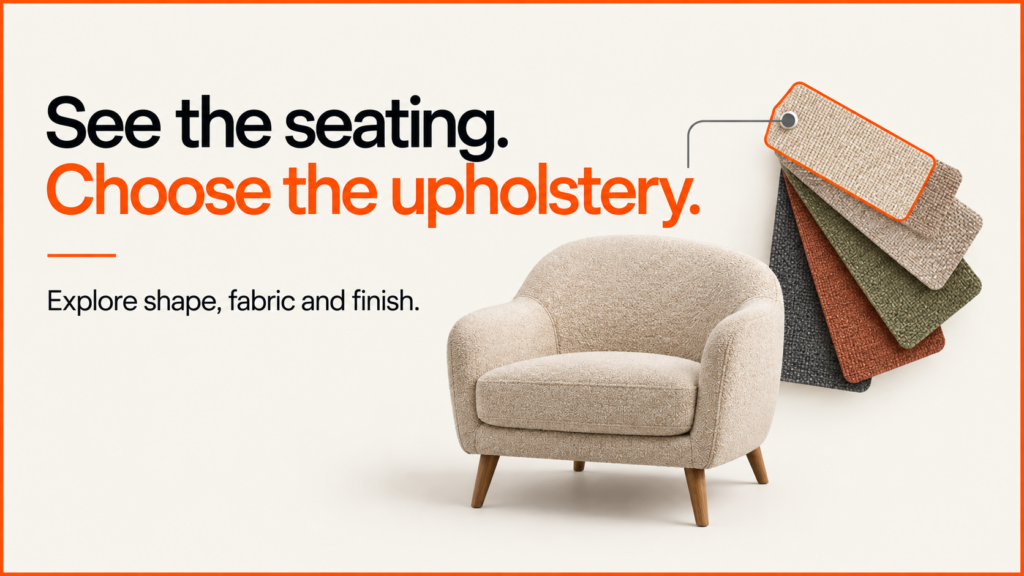
Furniture customers need to understand a piece before they commit to it. A static photograph can show one finish well; a browser-based configurator lets them explore the same product, compare available options and return to a specific selection. Gather demonstrates that journey with an intentionally quiet catalogue interface.
Discuss your product rangeTry the demos
Working portfolio concept by Niall Arnfield, powered by Praxis Pro. These are original demonstration models, not a client catalogue or a live ordering service.
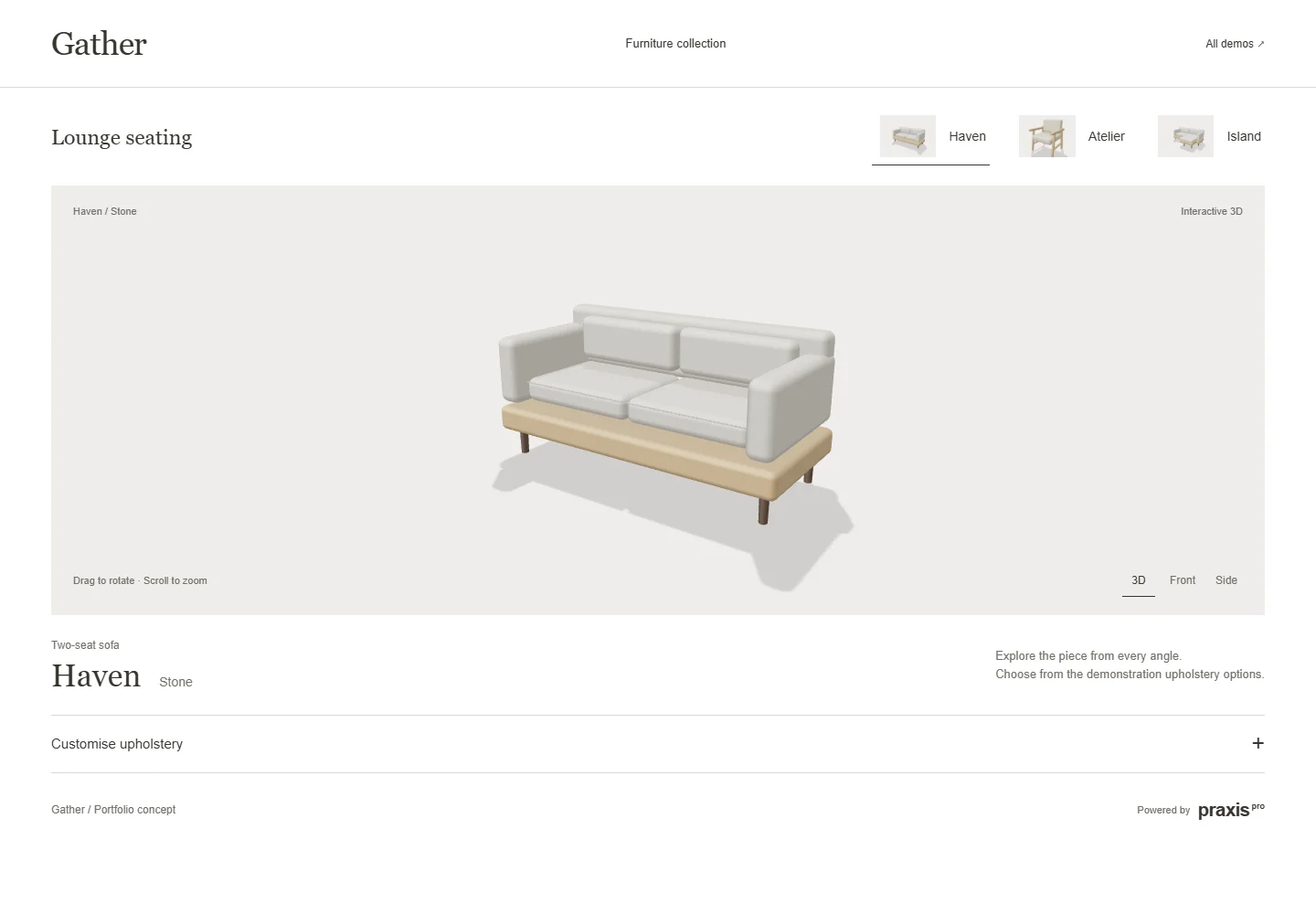
Interactive 3D loads when you choose Explore. Choose products without 3D. Open the demo in a full window.
Try this in the demo
- Choose Haven, Atelier or Island from the seating collection.
- Open Customise upholstery and select a demonstration finish.
- Rotate the furniture, or use Front and Side to inspect its silhouette.
- Save a product image or copy the selection link to reopen the same product and finish.
Keep browsing simple; reveal choices when they are needed
The collection stays above the product preview. Upholstery choices sit in an expandable section below it, so a visitor can first understand the shape and then make a decision. Selecting another product also replaces its available finishes. The interface does not suggest that every option belongs to every item.
This pattern suits a small furniture range where the principal decision is product plus finish. A larger catalogue would need search, filtering and a clear way to retain selections across products. A sofa with independently configurable arms, legs and modules would also need compatibility rules and a more detailed configuration model.
| Visible here | Three original seating models and nine model/finish combinations. |
|---|---|
| Saved selection | The product and finish are encoded in the shareable URL. |
| Not included | Real upholstery swatches, stock, pricing, basket or an order connection. |
The save-and-share guide uses this demo to show valid selection links and the review notice for unavailable choices. It also explains which details the link retains.
Why show the shape first
Most people choose a chair by its shape before its fabric. If every option is on screen at once, the shape gets lost behind a wall of swatches. So this demo shows the chair first and keeps the fabric choices folded away until you ask for them.
Front and Side views help too. A chair can look very different from the side, where you see the depth of the seat and the angle of the back. One click shows that view, without having to drag the model into place.
The share link is the last step. It saves the chair and the finish in the web address. Send it to someone, and they see the same chair in the same finish. In a real shop, that link could go to a sales team with a quote request.
Applying this to a real product range
For a real upholstery range, supply product identifiers, the finishes allowed for each product and approved material references. Include seam direction, texture scale and photography guidance where those affect how a fabric should appear. Physical samples remain useful when colour accuracy is important.
The demo runs in a compatible web browser. A customer does not need to install a desktop CAD application to use it. Production-ready accuracy, integrations and supported devices are agreed and tested as part of the project; this portfolio concept does not replace engineering validation.
A different interface for a different buying decision
- The other demonstrations use the same broad configurator approach with different layouts and control structures: Index · Outline · Afterlight. Choose the interaction pattern around the product and the customer, then keep the commercial specification consistent underneath.
- The performance-budget guide uses this demonstration to explain preview-first loading and records the actual application and model sizes.
- See how the upholstery panel works on a small screen in the mobile configurator design guide, alongside specification, stepped and viewer-led layouts from the other demonstrations.
Discuss a configurator for your products
Bring a representative product, its available options and the point where a customer should enquire or buy. I can help define a practical first release and the assets and data it needs.
Explore product configurator development or send a project enquiry.
Related guides
- For the full picture of modular sofas, fabric grades and lead times, read the furniture configurator guide.
- For seating built for salons rather than homes, see salon furniture websites and configurators.
- For a modular sofa where the number of seats changes the model, try the React Three Fiber sofa demo.