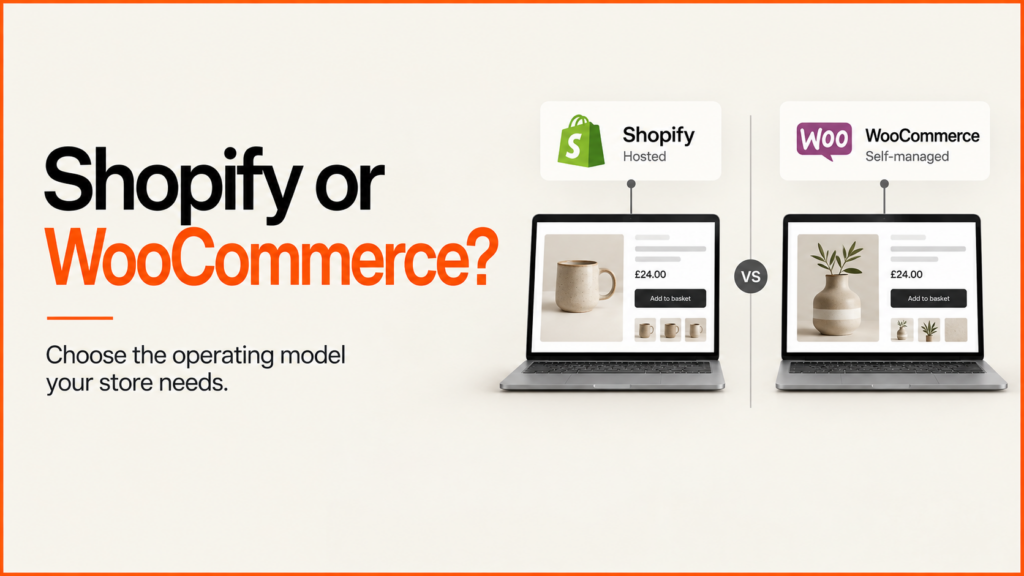
Shopify suits most merchants. It is a good fit if you want a hosted store and your needs match its features and apps. WooCommerce suits teams already on WordPress who need custom behaviour and can own hosting and maintenance.
Discuss your projectSee selected work
I build ecommerce sites on both. My advice depends on how you sell, how you ship and who will look after the store. This guide sets out the differences in plain terms, so you can see which side you fall on.
Choosing a platform is a separate decision from choosing how to build the storefront. If you are wondering about a custom frontend, the headless ecommerce guide covers that.
Quick verdict
| Area | Shopify | WooCommerce |
|---|---|---|
| Hosting and maintenance | Shopify hosts the store and handles the platform updates. You still manage apps, theme and settings. | You arrange hosting, backups and updates, or pay someone to do it. |
| Ease of setup | Quicker to launch. Most of the basics work out of the box. | More to set up. You choose the host, theme and extensions yourself. |
| Customisation | Flexible within the theme, apps and supported extension points. | Very flexible. You can change almost anything, but you then maintain it. |
| Content and blogging | Has a blog and pages. It is simpler than a full publishing system. | Built on WordPress, so content tools are strong. |
| Checkout control | Tightly managed. Deeper changes to the checkout depend on your plan. | More open. You can change the checkout with extensions or code. |
| Product options and variants | Variants cover common cases such as size and colour. Complex options often need an app. | Variable products cover the basics. Complex options usually need an extension. |
| Apps and extensions | A large app store, with apps vetted by Shopify. | A very large plugin market, with mixed quality. |
| SEO control | Good defaults. Some URL paths are fixed. | More control, plus more to get wrong. |
| Total cost of ownership | A monthly plan, plus apps, payment fees and development. | The plugin is free. Hosting, extensions and upkeep cost money. |
| Best for | Merchants who want a hosted store that works and is easy to run. | Teams with WordPress skills or content, and unusual requirements. |
Shopify has paid monthly plans, and Shopify Plus for larger merchants. The WooCommerce plugin is free, but hosting, extensions and maintenance are not. Compare the current Shopify plan features with your real needs, not only the headline price. WooCommerce is the shop software that runs on WordPress. Its official documentation explains how the two fit together.
No table can settle this for you. Treat it as a first pass. The sections below show how to test each point against your own products and orders.
Choose Shopify if…
- You want someone else to run the hosting and platform updates.
- Your products, shipping and checkout fit standard features and well-known apps.
- You have no in-house developer and want a simpler admin.
- You want to launch quickly and add features later.
- You are happy to pay a monthly plan and for apps.
Choose WooCommerce if…
- Your site already runs on WordPress and content drives your sales.
- You need custom product, pricing or order behaviour that apps struggle to deliver.
- You want full control over the code and the data.
- Someone is named to own hosting, backups, updates and security.
- You accept more maintenance in return for more freedom.
Compare who runs what
The biggest difference is not features. It is who looks after the platform day to day.
With Shopify, the platform is hosted for you. You still own the store settings, content, apps and any custom integrations. Somebody must still watch for app changes and theme problems.
With WooCommerce, you run an application on WordPress. You need to agree who handles hosting, backups, updates and every installed extension. A managed host or support agreement can carry some of that work. The scope must be written down.
WooCommerce’s update guidance asks for backups, staging checks and tests of your key workflows. Put that duty in the plan. Do not assume it happens by itself.
Ask one more question: who will make changes in a year? A store that depends on one developer is a risk on either platform. Pick the setup your team can actually run.
Take three real products into the comparison
Do not judge a platform by product count alone. Pick three real products: a simple one, one with many options, and one with an exception. The exception might be a discontinued finish, a made-to-order size or restricted delivery.
For each product, check the name, price, stock, images and the order it produces. See what the team would need to do by hand.
Shopify variants cover combinations such as size and colour. WooCommerce variable products do the same job, with their own details for each variation. On either platform, decide which choices identify something you can sell. Then decide which are extra instructions. A typed measurement or personal note is not proof that an item is available or priced.
My Shopify integration example tests variant mapping with 33 offline checks. The WooCommerce example checks cart-to-order data in an isolated install, with 23 checks under each of two order-storage modes. They show different integration boundaries. They do not show which platform is faster, and they do not prove a full live-store integration.
Prove the checkout requirement before you commit
Write down the real requirement. For example: an approved trade buyer picks a permitted delivery method, sees the right terms and gets an order record that your warehouse can use. Then find the feature, plan or extension that delivers each part.
Shopify’s checkout customisation documentation separates two things. Some checkout capabilities are available on Basic or higher. App customisation of the information, shipping and payment pages needs Plus. Check the exact extension type, your country and your eligibility. “Custom checkout” is too vague to price or approve.
On WooCommerce, test your chosen checkout, payment, shipping and account extensions together. You get more control. You also take on the job of keeping them working together. For account-specific needs, see my B2B ecommerce development page, which goes beyond this two-platform comparison.
Compare the full cost over the same period
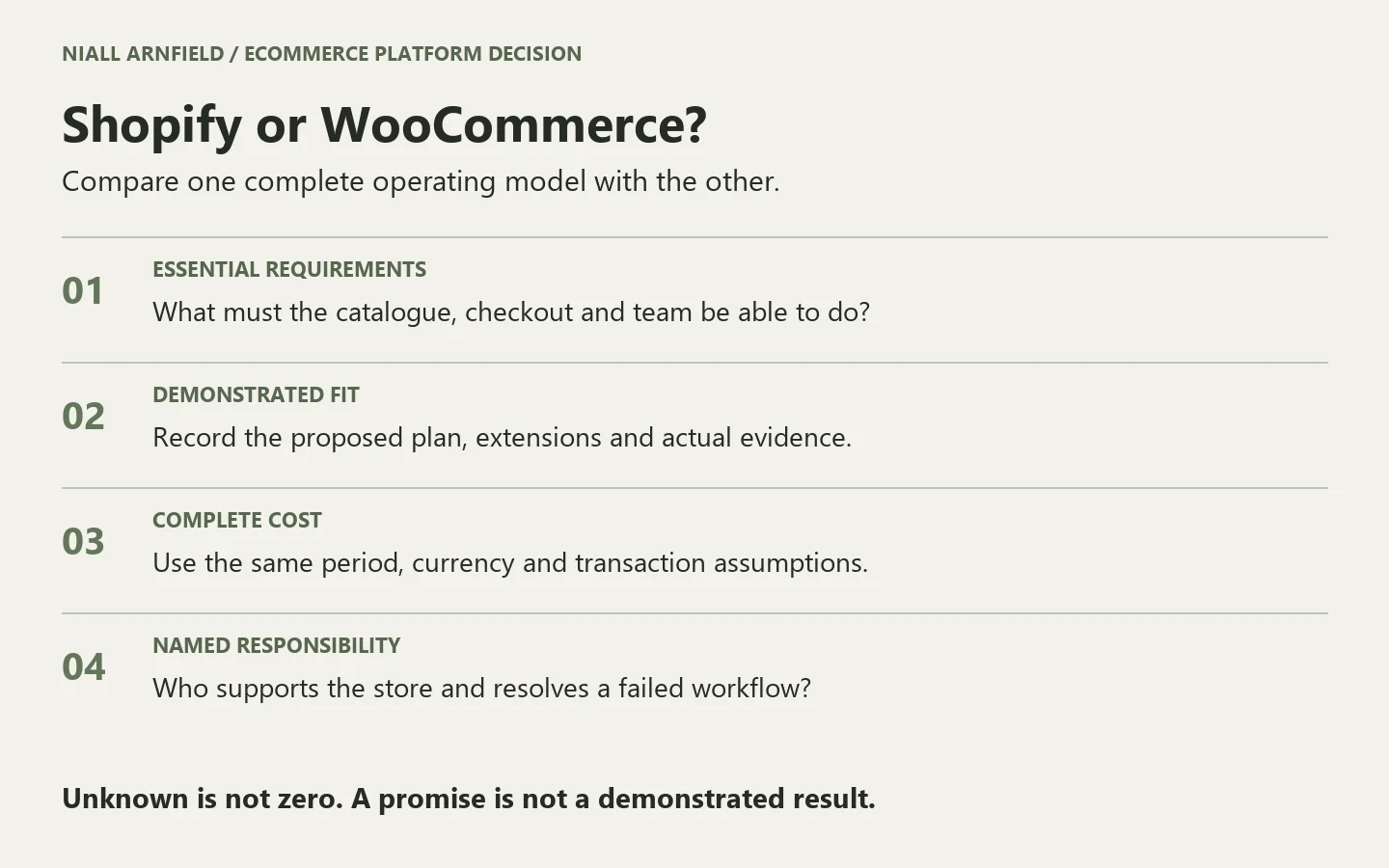
Ask every quote to use the same currency, tax basis and review period. Include setup, data cleanup, migration, subscriptions, extensions, payment costs, support and staff time. List transaction costs separately. Otherwise a low fixed cost can hide a higher running cost.
WooCommerce is free to install, but a live store needs hosting, extensions and upkeep. Shopify charges a monthly plan, and most stores add apps and payment fees. Neither route makes future change free. A hosted Shopify store still needs someone to manage theme changes, apps, integrations and merchant support.
If a price is unknown, mark it as unknown. Do not enter zero. For help with budgeting the build itself, see my website cost guide.
SEO differences
Both platforms can rank well. The quality of the build matters more than the platform name.
Shopify uses fixed URL paths. Products live under /products/ and collections under /collections/. A product in a collection can also be reached on a second, longer URL. Shopify points search engines to the main product URL, but it is something to check and keep tidy.
WooCommerce gives you more control over URLs, templates and markup. That control brings responsibility. Your SEO plugin, theme and other extensions can clash, and nobody warns you. Someone must check them after every change.
Content is where WooCommerce can pull ahead. If articles, guides and landing pages drive your sales, WordPress is a mature place to publish them. Shopify can host a blog, but its editorial tools are simpler. That gap matters more for content-led brands than for stores that mostly sell from product pages.
If you want a review of an existing store, see my ecommerce SEO audit.
Before you sign off, ask each supplier what happens when something breaks. Who is called, how fast and at what cost? A clear answer is worth more than a long feature list.
Make the recommendation easy to review
Download the platform decision worksheets. The pack holds a requirement register, a cost worksheet, a demonstration checklist and source notes. Mark each essential requirement as demonstrated, unsupported or unresolved. Add an evidence link and a named owner. An unresolved essential requirement is still a gap, even if everything else looks good.
Here are two illustrative decision paths. They are examples, not client results or universal verdicts. A retailer might choose Shopify after proving its standard catalogue, its fulfilment link and its editing tasks. Another might choose WooCommerce because its WordPress publishing flow and custom product rules justify the upkeep.
Moving between platforms
You can move either way. Moving needs a plan for products, customers, orders and URLs. If you decide to switch, see my Shopify migration service. If search traffic matters, read about my SEO migration service too. Redirects and page checks protect the rankings you already have.
Frequently asked questions
Is Shopify better for SEO than WooCommerce?
Not by default. Shopify has solid basics and fixed URL paths. WooCommerce offers more control but needs more care. A well-built store on either can rank well.
Is WooCommerce cheaper?
Not always. The plugin is free, but hosting, extensions, development and maintenance all cost money. Shopify charges a monthly plan, plus apps and fees. Compare the total over the same period.
Can I move from WooCommerce to Shopify later?
Yes. Products, customers and content can be moved. It is easier if you plan the redirects and data clean-up first. See the migration page for the steps.
Which is better for product configurators?
Both can work. It depends on how the configurator passes choices into the cart and order. My two examples above show how each platform handles that. For more, see my product configurator page.
Related reading: Magento and Adobe Commerce configurators, BigCommerce and WordPress configurators and Second Core redesign concepts.
Next steps
If your current platform already meets your key needs, improving it may beat migrating. Start with a focused fix. Read the website cost guide to plan the work, then discuss the development scope. Bring your website, three typical products and the order that is hardest to handle today.
Once you have chosen, see how I work as a Shopify developer or a WooCommerce developer. Or get in touch directly.
Related guides
- Switching platforms usually changes your URLs. The website migration case study shows how to plan and test those redirects so search value is not lost.
- Moving between them? The website migration SEO checklist covers what to test before and after the switch.
- Both platforms handle filters differently. The product finder and filter design guide covers what to design for either way.