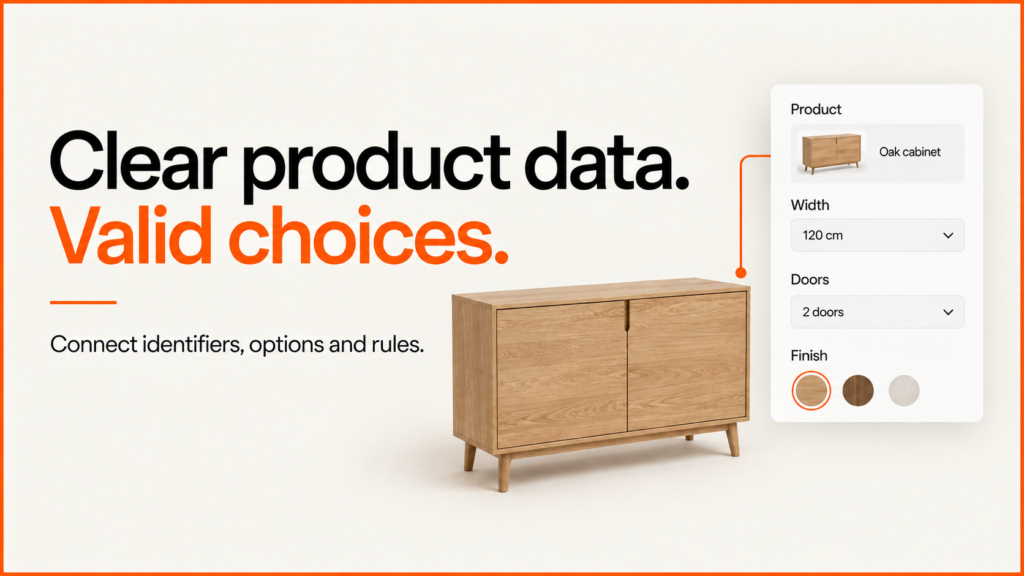
Before modelling every product or designing the controls, agree what a valid configuration means in your catalogue. A product configurator needs stable product and option identifiers, compatibility rules, asset references and a clear source for the commercial information sent into a quote or order.
Discuss your product rangeTry the demos
This checklist includes a small downloadable catalogue and validator. The fictional cabinet data makes the relationships visible without exposing a client catalogue. It is a teaching format, not a universal import specification or a production pricing system.
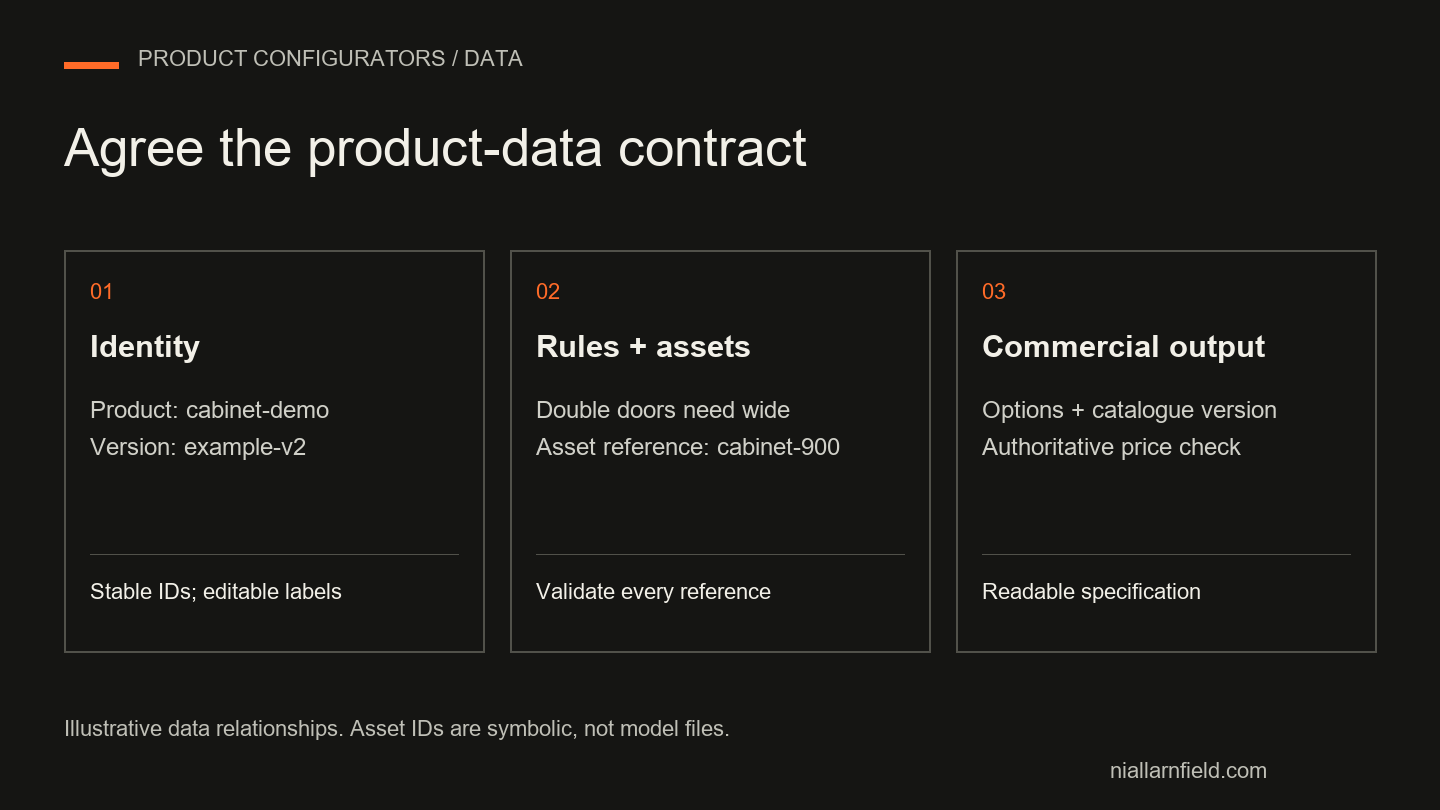
Assign a source and an owner to each field
A spreadsheet, PIM, ERP or ecommerce platform may hold your starting data. The important question is which system is authoritative when values disagree. A material name in a model file should not quietly become the identifier used by your order system.
| Information | Example | Approval responsibility |
|---|---|---|
| Stable product ID | cabinet-demo |
Catalogue owner; keep identity separate from marketing copy. |
| Option IDs and labels | wide, displayed as a 900 mm width. |
Product specialist; confirm what each option changes. |
| Compatibility | Double doors require the wide cabinet. | Product or engineering owner; approve a written rule. |
| Visual reference | cabinet-900 in the example asset registry. |
Asset producer and product reviewer. |
| Commercial values | Currency and integer minor-unit amounts. | Commercial system owner; never trust browser totals. |
| Catalogue version | example-2026-09-v2 |
Release owner; decide how old saved selections are reviewed. |
Write the update direction too. If stock comes from an ERP, specify when it reaches the shop and what the configurator should show during a delay. If staff amend a label in the shop, decide whether that change is retained or overwritten at the next import.
Keep identity, presentation and geometry separate
Stable identifiers let you rename “White” to “Warm white” without turning every saved selection into an unknown product. Labels can change or be translated; the underlying identity needs a deliberate lifecycle. Do not reuse a discontinued option’s ID for a different finish.
Dimensions also need units and meaning. “900” is incomplete until you know whether it means millimetres, overall width or an internal opening. The example declares millimetres and uses approved discrete widths. Made-to-measure products additionally need limits, increments and dependent dimensions.
An asset reference connects that product decision to a model or component. It does not prove that the asset exists, has the right dimensions or looks correct. The example registry contains symbolic names only. Use the separate 3D-model preparation guide for geometry, materials and export checks.
Try the working made-to-measure cabinet example to see declared units, dimension limits and dependent rules together. It calculates panel sizes from accepted dimensions and exports a versioned illustrative specification.
Validate the catalogue before accepting selections
A configurator cannot reliably validate a selection against broken source data. Check the catalogue first, then check customer choices against that approved version. Structural validation and business validation are different jobs: a number can be well formed while describing an impossible dimension.
JSON Schema’s object rules can describe required fields and allowed structure. Cross-record references and product compatibility still need explicit checks appropriate to your system. The downloadable example uses small JavaScript functions so those checks can be read alongside the data.
| Bad record | Detected problem | Correction |
|---|---|---|
| Two widths with the same ID | Duplicate identity. | Resolve the source records before publishing. |
| Width refers to an unlisted asset | Reference cannot be resolved in the registry. | Correct the mapping or add the approved asset reference. |
| Rule requires an unknown width | Compatibility rule refers to a missing choice. | Correct the rule and rerun affected combinations. |
| Negative or fractional minor-unit amount | Money does not meet this example’s contract. | Use an approved integer amount or explicitly design a different pricing rule. |
| Missing version or invalid dimension | Catalogue cannot be released under this contract. | Supply the version and a positive dimension in the agreed unit. |
Define the output before filling the catalogue
A showroom quote, a standard cart item and a manufacturing instruction need different outputs. Agree which identifiers, selected options and version are retained. Include a readable summary for people, but keep machine identifiers alongside it so staff do not have to reconstruct a specification from a screenshot.
For a room-planning integration, keep product specifications separate from placed instances. The linked configuration-and-layout example shows how two placed items can refer to one specification.
A platform’s import format is not necessarily your configurator’s format. For example, WooCommerce documents its own product CSV schema. Map your agreed contract into the destination rather than assume a generic JSON example can be uploaded unchanged. Keep credentials and customer records out of sample catalogues.
Use this representative data when evaluating a platform or custom build. Ask each supplier to demonstrate a routine catalogue change and show which team owns the resulting rules and integration updates.
Once the catalogue is live, follow the staged release process below to manage new options, withdrawals and recoverable updates.
Use the integration contract and working receiver example to agree how this data crosses into another application, including repeated requests and uncertain outcomes.
Validate and reconcile a catalogue by identity, not row count
A catalogue can pass an import with missing variants, altered identifiers or prices mapped to the wrong field. Even an unchanged product count can hide a replaced SKU. Agree what each field means before preparing the import, then compare the destination with the approved source.
| Data | What to confirm |
|---|---|
| Identifiers | Which value identifies a product and which a sellable variant. Preserve significant leading zeros and map destination IDs separately. |
| Attributes | Consistent colour, size and option values, and which belong to variants, filters or descriptive content. |
| Price | Currency, decimal precision, tax basis, sale dates and any account-specific pricing. |
| Availability | Stock quantity, stock status, back-order policy and publication visibility answer different questions. |
| Images | The correct asset for each product or variant, with access, rights and crop checked. |
| Ownership | The authoritative source, who approves changes, and what a blank value or later update should do. |
Treat a supplier spreadsheet as an input, not as the store’s import specification. Keep an untouched copy and document the transformation into the destination schema, including fields you excluded on purpose. A missing value might mean leave unchanged in one workflow and clear the field in another.
Reconcile by SKU after a test import. In a fictional example with four rows on each side, both files passed structural validation, yet comparison by SKU found a missing identity, an unexpected identity, a changed price and a changed availability. Export the destination, normalise it into the agreed comparison format, and investigate every unexplained difference. A replacement identifier may be intentional, but it needs an approved mapping rather than a guess from similar product names. Then check the result in the store: open representative products, choose variants, confirm which price and stock state reaches the basket, and rehearse the import on staging with a backup and a named person who can call a stop. The catalogue validation and reconciliation pack contains the fictional CSVs, a read-only validator and a blank field-ownership worksheet. It teaches the method and does not prove a platform import will succeed.
Release catalogue changes in stages
A new finish, a discontinued component or a corrected dimension can affect more than the model. Customers may have saved a design, sales may have issued a quotation, and another system may expect a particular identifier. Classify the change first.
| Change | What to establish |
|---|---|
| Rename a finish | Keep a stable identifier if it is the same option. Check labels in the viewer, specification and saved selection. |
| Add a product or option | Approve its data, assets and allowed combinations, and confirm the receiving system recognises it. |
| Withdraw an option | Define what happens to new selections, saved designs, existing quotes and accepted orders. |
| Change dimensions or rules | Retest dependent components and decide whether older designs stay valid or need review. |
- Record and snapshot. Describe the change, its data owner and the products that depend on it. Keep the previous compatible catalogue, rules, assets and application version.
- Prepare in a test environment. Apply the smallest change. Keep option IDs stable where the meaning is unchanged and give genuinely different options new identifiers.
- Test the affected journeys. Check current and saved selections, specifications, mobile controls, keyboard use and the quote hand-off, including a deliberately unsupported selection.
- Release compatible parts together. The application, catalogue and receiving system must agree, so that an older browser tab cannot turn an unsupported configuration into a valid order.
- Verify and keep recovery evidence. Check the public result and the receiving payload, and record the released version and the conditions for rolling back.
When I withdrew a finish in an isolated copy of a demonstration catalogue, the original selection reported the finish as unavailable, retained finishes still restored exactly, and renaming a finish under the same ID kept the saved selection working. Explain an unavailable choice to the customer and require a review. Do not silently substitute a different finish in an order. Rolling back a catalogue recovers a broken release but does not resolve orders placed since, so preserve what was actually accepted. The catalogue change pack has a ten-check release worksheet, a change register and reduced fixtures. Empty results mean untested, not passed.
On Shopify, the same data contract can be stored in typed fields. See Shopify metafields for configurable products. Three glossary entries go deeper on this: SKU explosion, product variants and the rules engine.
Prepare one complete product first
Choose a representative product with a dependency, a changed component and a finish. Populate its identifiers, rules, labels, visual references and commercial output. Have the owning teams review it together. Record missing information as an unresolved dependency, not a guessed value that later becomes production data.
Run node test-example.mjs in the downloaded pack to inspect the sample’s data and rule checks. The rules-testing guide explains its 32 checks and the additional interface and receiving-system tests a real release needs.
Use the project brief to organise the remaining decisions. For implementation, send a representative product and a non-sensitive sample of your current data. I can help define the contract before the catalogue is expanded.