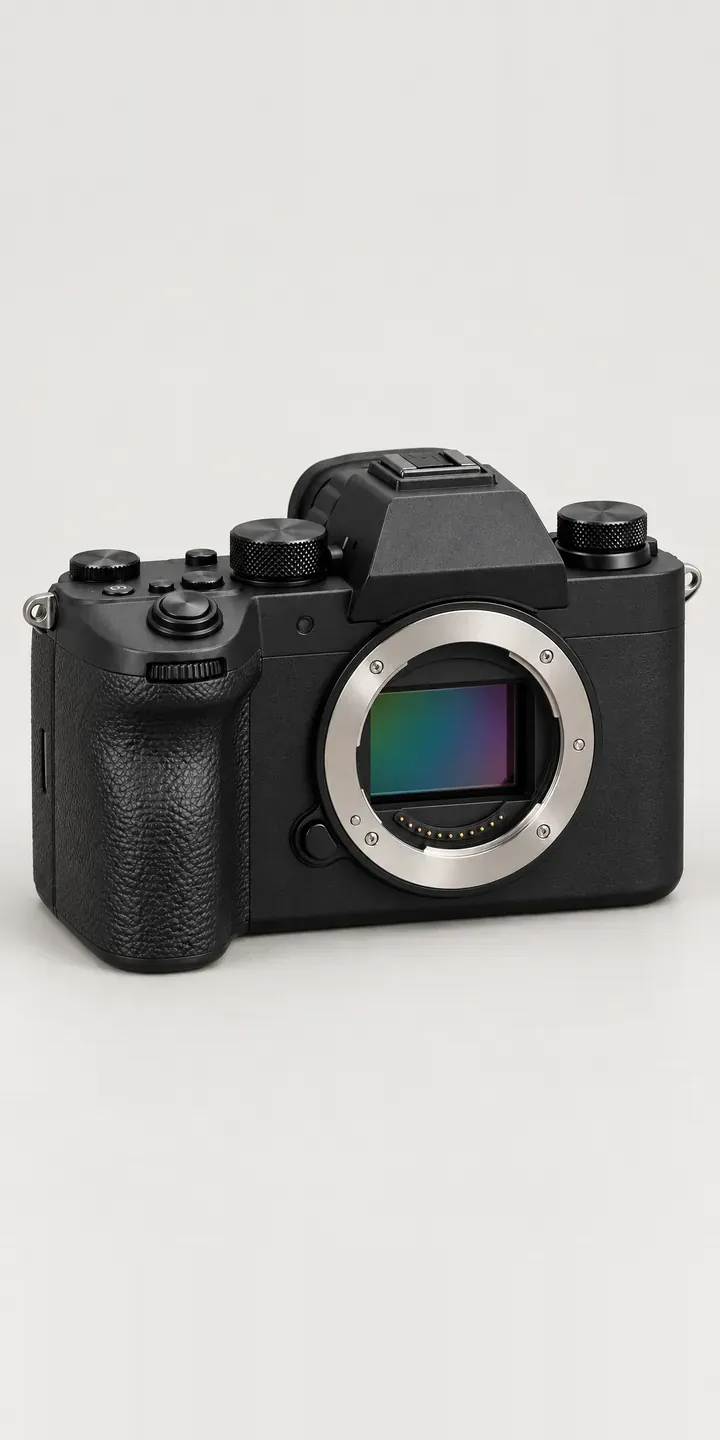
Try the configurator for this illustrative hybrid camera, a body for photos and video with an articulating screen. Four finishes and three kits are on offer, and the summary shows what you picked.
Most people buying a camera like this are stepping up from a phone. They want better photos of family, holidays and occasions, and decent video with the screen flipped round. Their biggest risk is confusion. Terms like body only and kit lens mean little to a first-time buyer, and the wrong choice ends with a camera and no lens. Finish feels easier, and olive or charcoal blue makes the camera feel less technical.
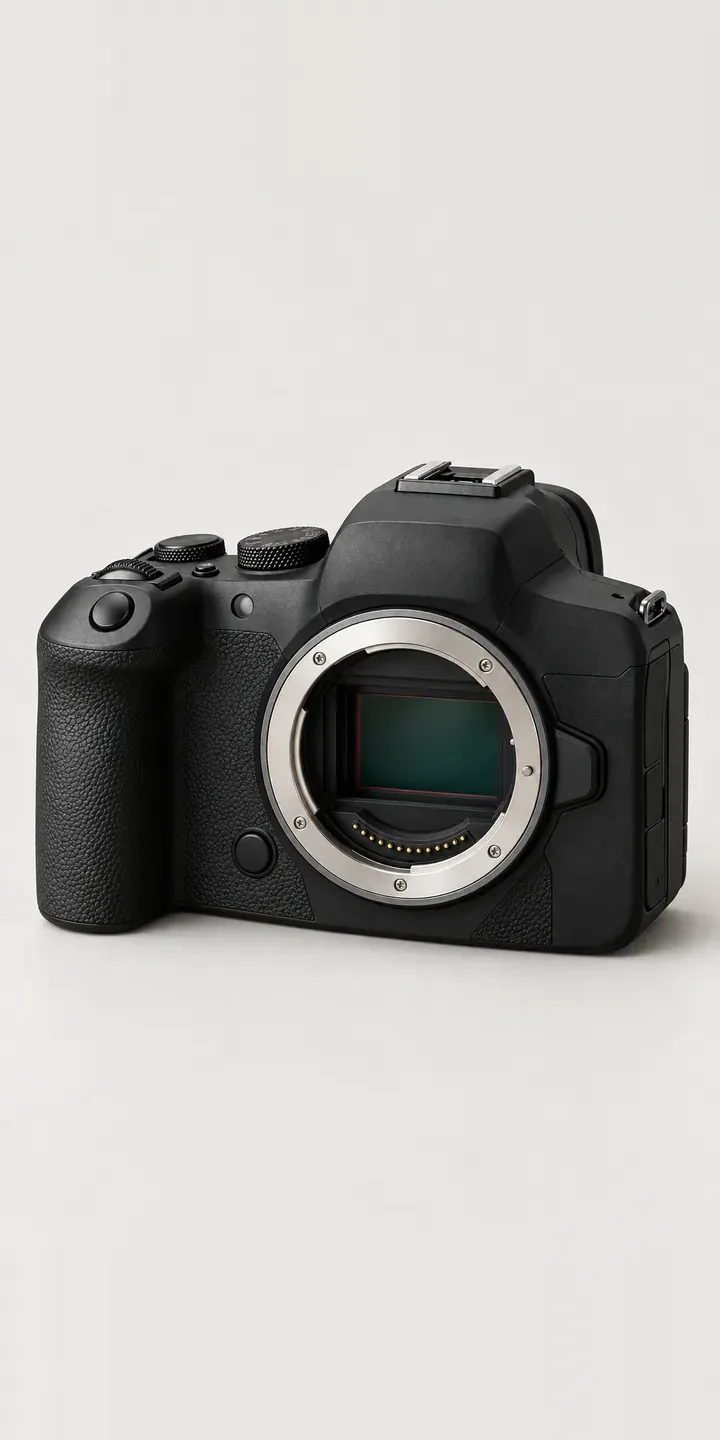
Cameras Configurator demo
Hybrid Camera
- Product
- Hybrid Camera
- Colour
- Matte Black
- Kit
- Body Only
Illustrative product. The design and images are generated examples, not a real model for sale.
What you can configure
The swatches change the body between matte black, silver, olive and charcoal blue, keeping the articulating screen and textured grip the same. The kit choice is body only, 24-70 mm or 24-105 mm. For a first camera, body only is usually the wrong pick, so the configurator should state plainly that it arrives without a lens. The kit is recorded in the summary; the image stays on the body in this demo.
- Colour: Matte Black, Silver, Olive, Charcoal Blue
- Kit: Body Only, 24-70 mm, 24-105 mm
Why a configurator suits cameras
Retailers selling to newcomers spend a lot of time answering the same questions by phone, chat and in store. Which kit is right, whether body only includes a lens, whether it will fit in a day bag. A configurator that puts the answer next to each choice cuts those conversations short and keeps the buyer on the page.
Returns follow the same pattern. A buyer who orders body only by mistake either sends it back or buys a lens elsewhere, and the retailer loses either way. Making the lens status clear in the image and the summary prevents that. Every one of the eighteen builds should show exactly what is in the box.
Family buyers also respond to occasions. A camera bought for a wedding, a new baby or a long holiday needs to arrive on time with a memory card and a spare battery. A configurator can offer a short, relevant set of extras after the kit, and show delivery dates per finish so the buyer can plan around the date that matters to them.
How a production version would be built
A layered build works for this camera: each finish is captured once, with the two kit zooms as separate layers and a body cap for body only. I would add a second view with the screen flipped forward, since this buyer often films themselves or their family. Plain-language kit descriptions matter more than anything else in the data, followed by SKUs, delivery dates and any starter bundles. Builds go into the Shopify or WooCommerce basket as variants. Retailers new to the idea can start with what a product configurator does and how it differs from a variant dropdown.
Build sheet for this range
- Colours in the full range: 6 (4 shown in this demo)
- Kit choices: 3
- Combinations to support: 6 × 3 = 18
- Images for one photograph per combination at 3 angles: 54
- Images if kits can be shown as separate layers, at 3 angles: 27
- Data each of the 18 combinations needs: a SKU or variant ID, price, stock or lead time, and any dimensions or specification that change
Questions about camera configurators
How do we stop beginners ordering body only by mistake?
Make it visible. When body only is chosen, the image shows a body cap instead of a lens, and the summary says in plain words that no lens is included. A short prompt can ask whether the buyer already owns a compatible lens. That one question prevents a lot of avoidable returns.
Can kit descriptions be written for beginners rather than enthusiasts?
Yes, and they should be. Each kit can carry a one-line description in everyday language, such as which suits holidays, family events or low light. Technical details can sit behind a toggle for buyers who want them. The retailer writes these descriptions and can change them without a developer.
Is it possible to show the screen flipped forward?
Yes. A second image per finish with the screen articulated forward helps buyers who plan to film themselves. It can sit as a toggle or a second thumbnail. Because only the body finish changes, those images are cheap to produce once the main finishes are done.
Can buyers compare two kits side by side?
Yes. A compare view can show two builds with their differences highlighted, such as reach, weight and what is in the box. For first-time buyers this is often easier to follow than a specification table. Builds can also be saved and shared for a second opinion before buying.
More camera configurator demos
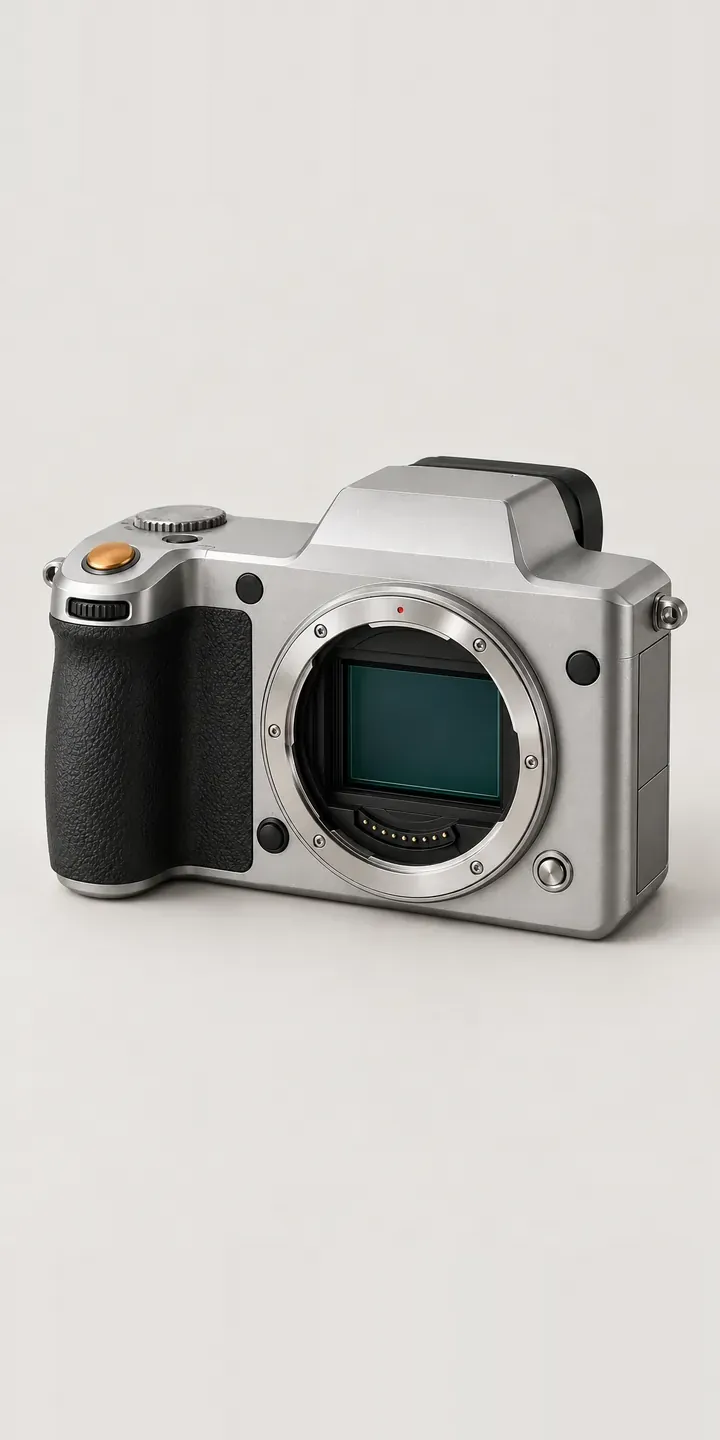
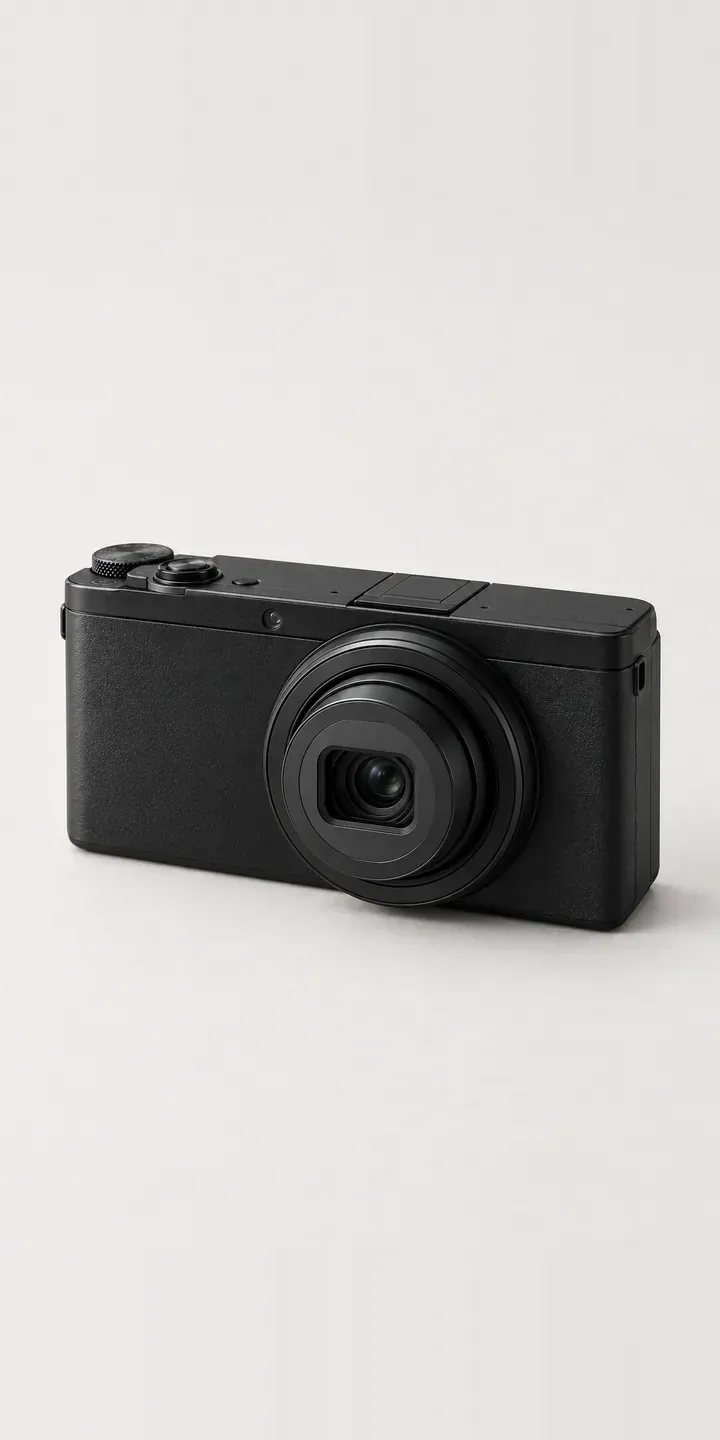
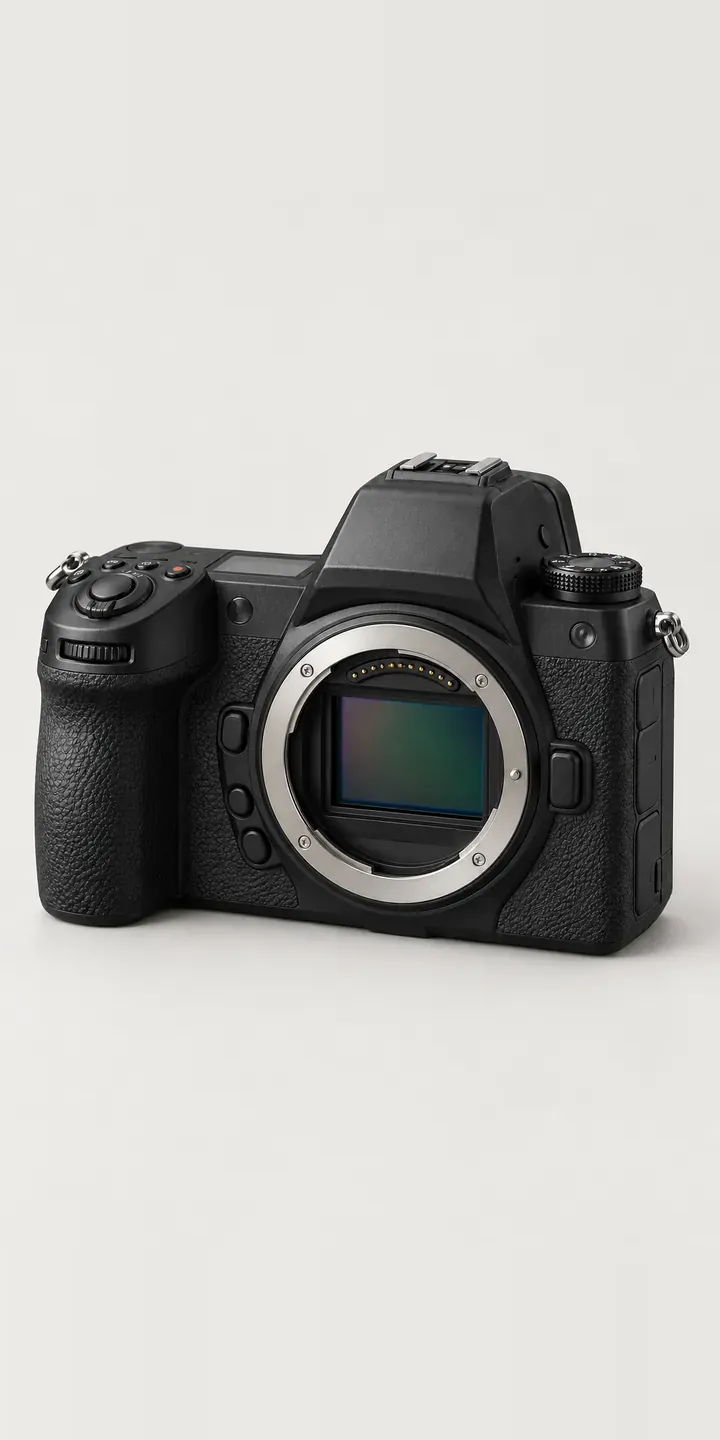
A configurator for your cameras
This demo uses an illustrative product. If you sell cameras, I can build the same experience around your own range, photography and ordering process, connected to Shopify, WooCommerce or a quote workflow. I reply to enquiries within two UK working days.