Choose a finish and a strap for an illustrative retro compact with a fixed lens. With no lens to choose, the finish and the strap are the whole decision, and the configurator puts both side by side.
Retro compacts are bought with the eyes as much as the spec sheet. The buyer already likes the dials and the shape. What they are deciding is whether the camera looks like them: silver for the classic look, all black to disappear, tan leather for warmth, olive for something less expected. Many of these cameras are also bought as gifts, often by someone who is not a photographer at all.
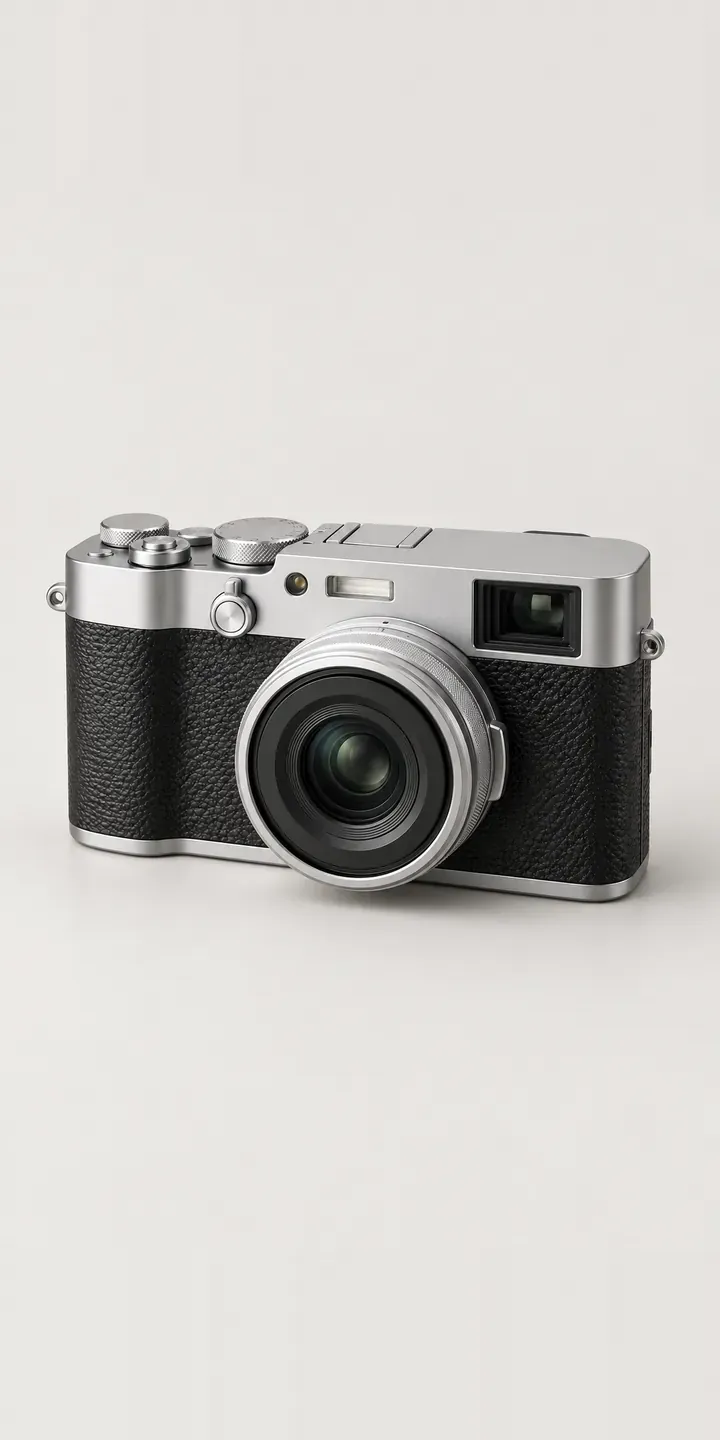
Cameras Configurator demo
Retro Compact
- Product
- Retro Compact
- Colour
- Silver
- Strap
- Wrist
Illustrative product. The design and images are generated examples, not a real model for sale.
What you can configure
The finish swatches show silver, all black, tan leather and olive, with the shutter speed dial and knurled exposure compensation dial unchanged across all four. The strap option is wrist or neck. That small choice says a lot about use: a wrist strap suits a camera kept in a coat pocket, a neck strap suits travel and long days out. The demo records the strap in the summary; a full build would show it on the camera.
- Colour: Silver, All Black, Tan Leather, Olive
- Strap: Wrist, Neck
Why a configurator suits cameras
Six finishes and two straps make twelve combinations, small enough to photograph but rarely shot well. Retailers tend to show the silver version and list the others as text swatches, which undersells a camera that sells on its looks. Buyers who want olive or tan leather end up hunting for owner photos elsewhere.
Gift buyers need extra help. They want to see the exact item that will be unwrapped, confirm the strap is included and add a message. A configurator can flag the order as a gift so the packing slip leaves out prices. It also lets the buyer share the build with someone else before paying. That cuts down the cautious gift purchase that comes back in January.
Straps are also an easy accessory sale, and a strap chosen inside the configurator feels like part of the camera rather than an add-on. The same pattern extends to cases and lens caps in matching leather, which can be offered as extra layers once the core finishes are photographed.
How a production version would be built
This is a good fit for layered images. Each body finish is shot once from the front three-quarter angle. Each strap is shot separately under the same lighting, then composited so the strap lugs line up. That gives eight images for twelve builds and makes a new strap colour a single extra shot. Inputs from the retailer are finish names, strap SKUs and whether certain straps are only sold with certain finishes. On Shopify the camera stays one product with variants, and the strap can be either a variant or a linked add-on.
Build sheet for this range
- Colours in the full range: 6 (4 shown in this demo)
- Strap choices: 2
- Combinations to support: 6 × 2 = 12
- Images for one photograph per combination at 3 angles: 36
- Images if straps can be shown as separate layers, at 3 angles: 24
- Data each of the 12 combinations needs: a SKU or variant ID, price, stock or lead time, and any dimensions or specification that change
Questions about camera configurators
Can we photograph each strap once and reuse it across all six finishes?
Yes. Each strap is shot on its own, against the same lighting and camera position as the bodies, and placed as a layer. The configurator lines it up with the lugs on whichever finish is selected. A new strap colour then means one new photograph rather than six.
Will the tan leather finish photograph accurately?
Leather is one of the trickier finishes, because the grain catches light and tan can shift between orange and brown on different screens. I shoot it against a physical sample under the same lighting as the other finishes. A close-up of the grain is included so the buyer sees the texture as well as the colour.
Can we sell matching straps and cases separately later?
Yes. Because straps are separate layers, they can also appear as standalone accessories, pictured on the buyer's chosen finish. Someone who bought an olive camera last year can see a new strap on olive before buying it. That needs the strap and case images, plus SKU links to each accessory product.
Which platforms does this kind of configurator work with?
I build configurators that connect to Shopify, WooCommerce or a quote form, and can pass orders on to CRM or ERP systems. For a single compact camera with straps, Shopify variants or a WooCommerce variable product usually handle it well. The configurator sits on the product page and adds the chosen build to the basket.
More camera configurator demos
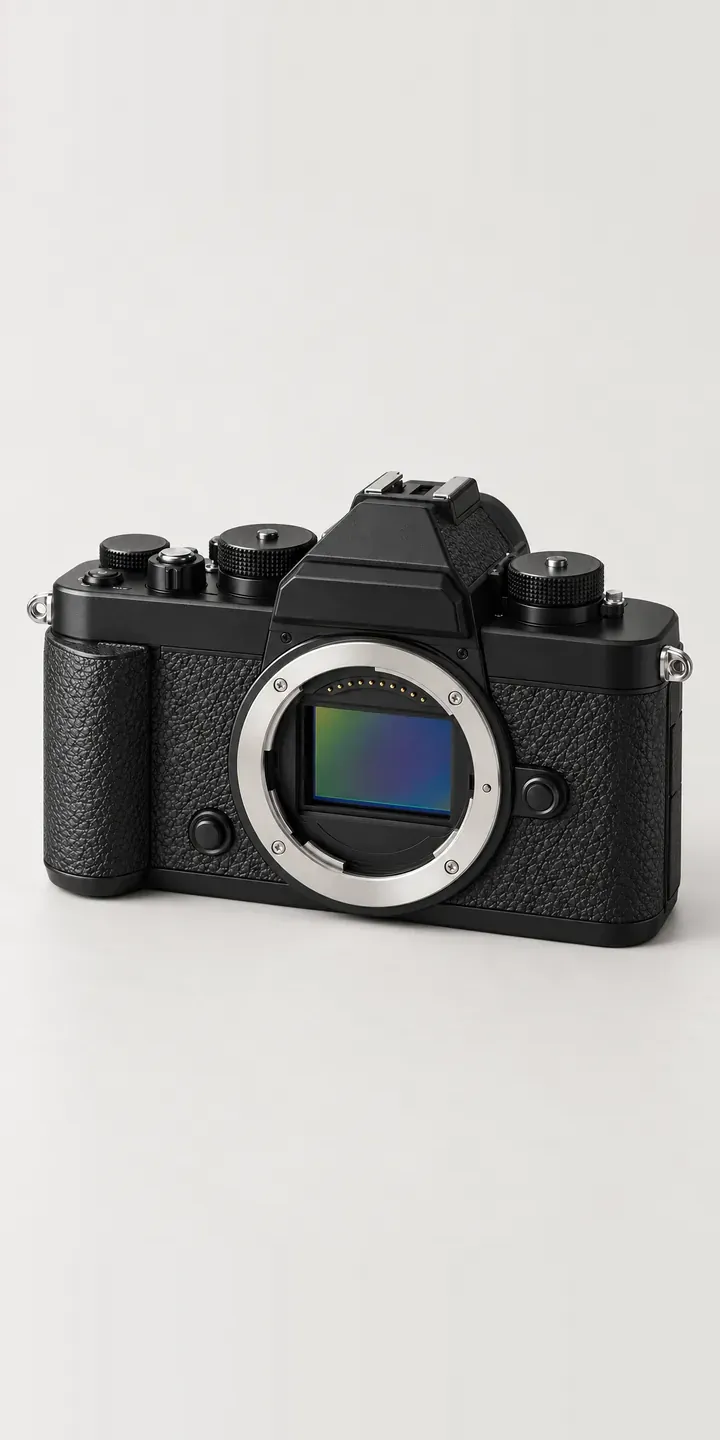
Retro Mirrorless
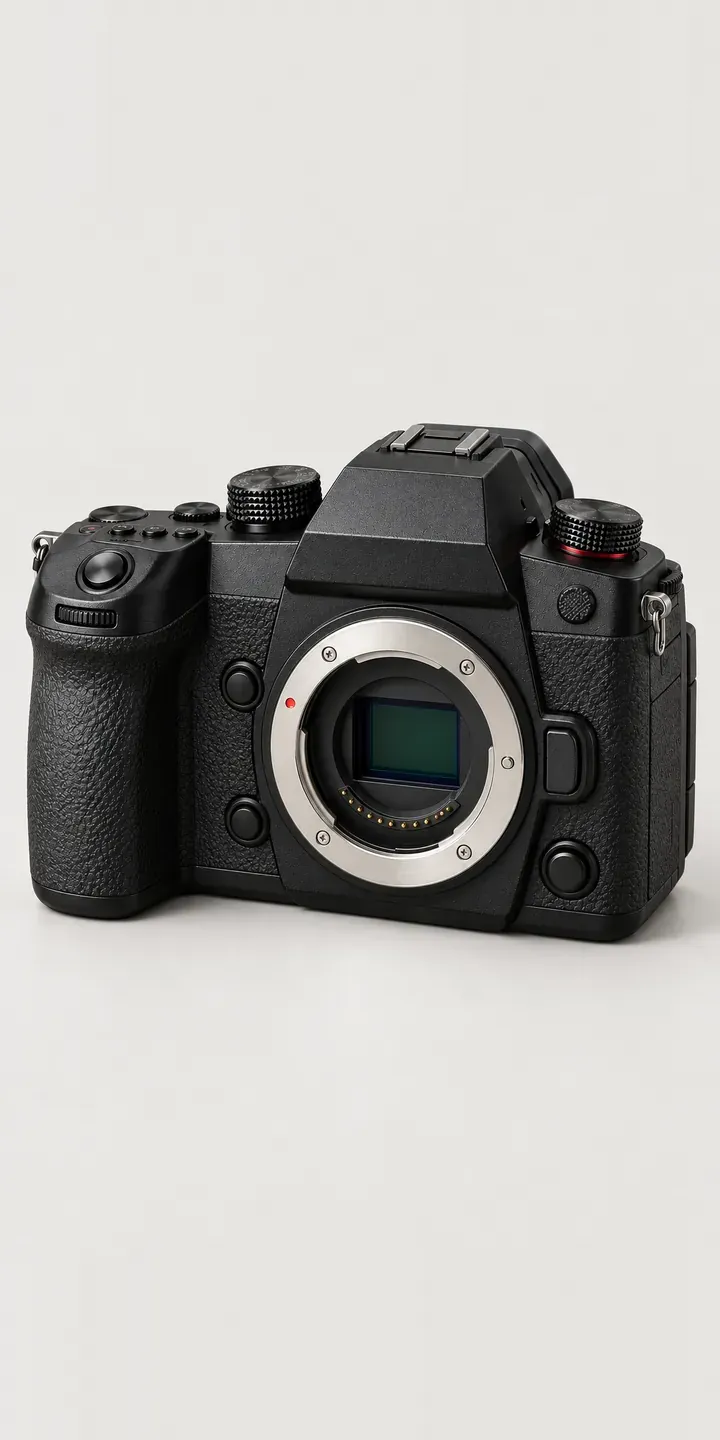
Video Hybrid Camera
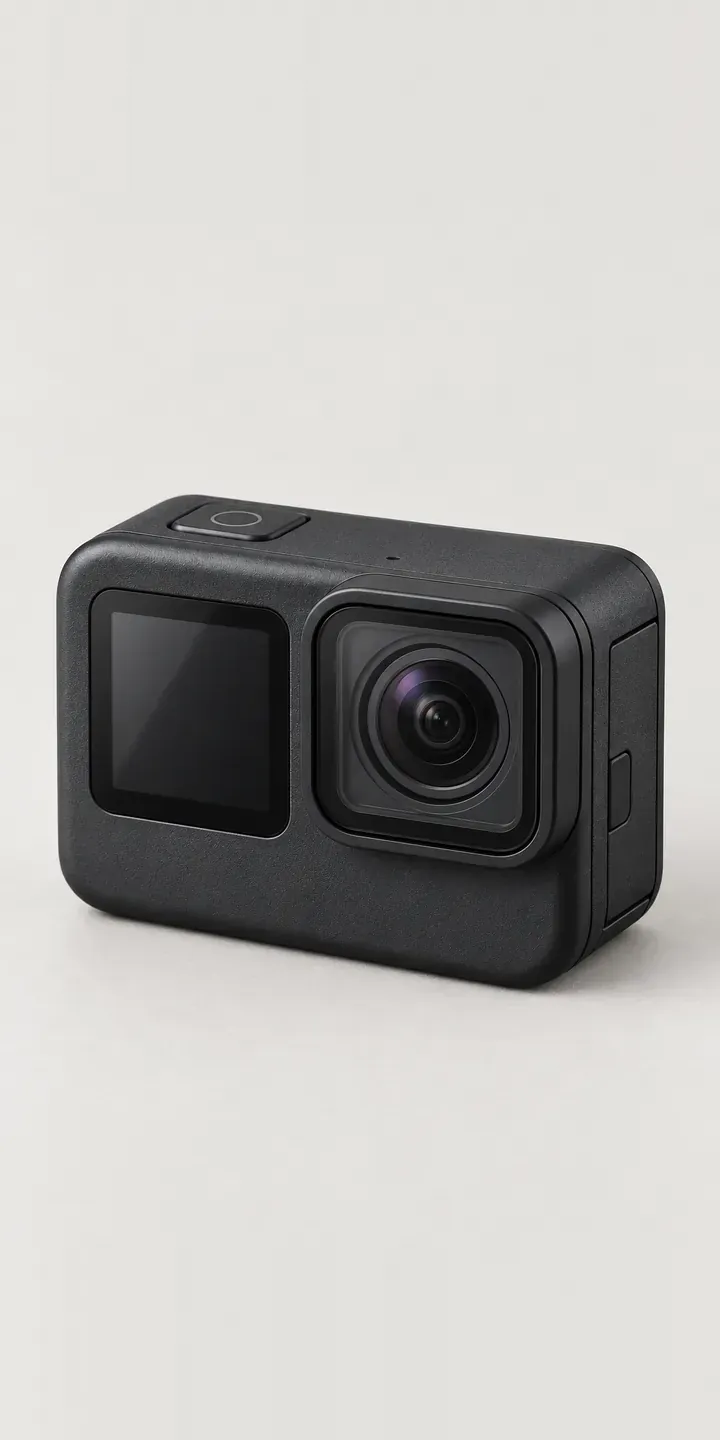
Action Camera
Compact Cine Camera
Enthusiast Camera
Full-Frame Camera
A configurator for your cameras
This demo uses an illustrative product. If you sell cameras, I can build the same experience around your own range, photography and ordering process, connected to Shopify, WooCommerce or a quote workflow. I reply to enquiries within two UK working days.