Rig choice comes first on this illustrative compact cinema camera, with four body finishes alongside it. The summary lists body and rig together as a kit, ready for a quote.
Compact cine cameras are bought by solo filmmakers, small production teams and creators moving up from a hybrid stills camera. Most of them work alone, so every choice is about speed of setup. A cage gives mounting points for a monitor, microphone and handle. A gimbal build gives movement but adds balancing and weight limits. The finish is secondary, yet olive or silver is one way to stand out in a category that is almost entirely black.
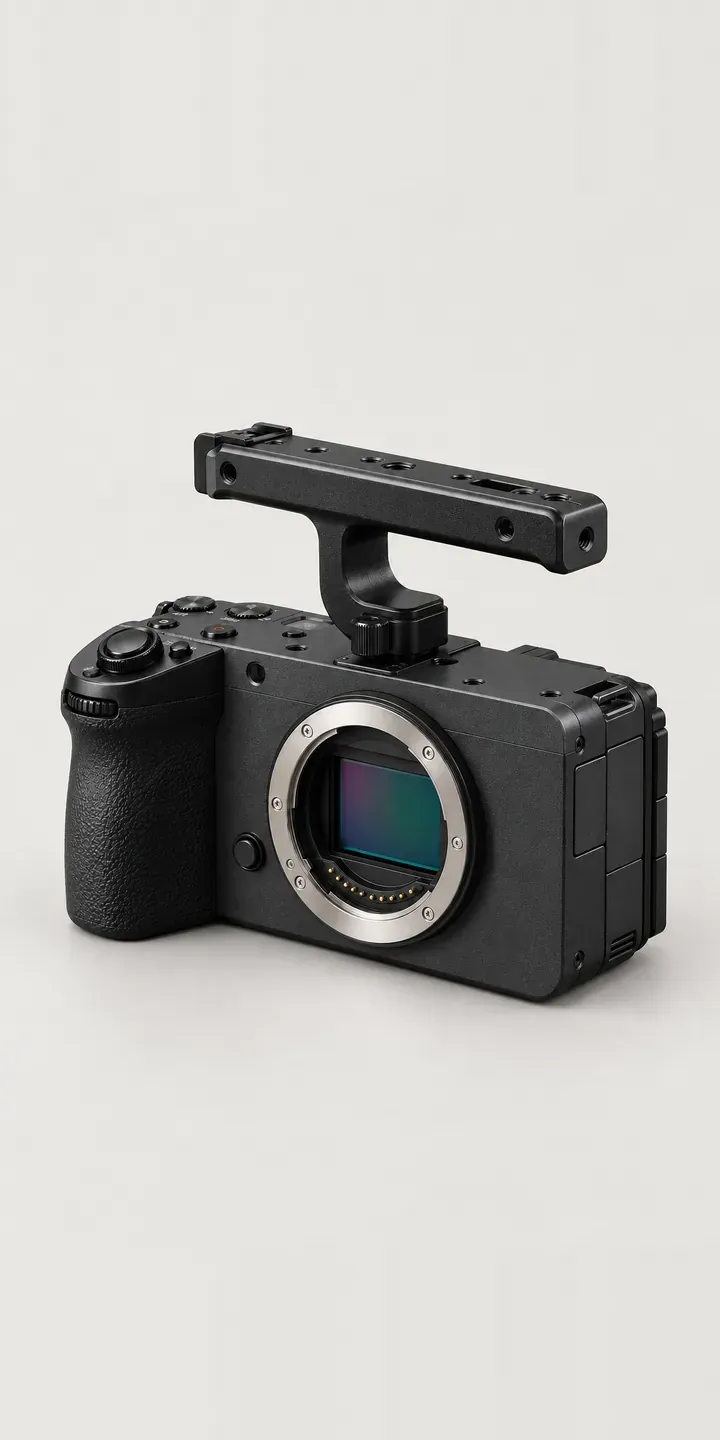
Cameras Configurator demo
Compact Cine Camera
- Product
- Compact Cine Camera
- Colour
- Matte Black
- Rig
- Body Only
Illustrative product. The design and images are generated examples, not a real model for sale.
What you can configure
The swatches change the body between matte black, graphite, silver and olive, with the side ventilation grille and removable top handle unchanged. The rig option offers body only, cage or gimbal. Each defines a different way of working: body only for those with existing gear, a cage for modular builds, a gimbal for moving shots. The demo records the rig in the summary; the picture stays on the body.
- Colour: Matte Black, Graphite, Silver, Olive
- Rig: Body Only, Cage, Gimbal
Why a configurator suits cine cameras
For this buyer, the rig is the purchase they research hardest and most often get wrong. Cages are model-specific, gimbals have payload limits, and accessories have to clear the ports and vents. Selling the body and rig as one configured kit removes the compatibility guesswork that otherwise ends in a forum thread or a return.
Retailers selling to creators also face a content problem. Buyers want to see the rig built, not read a list of parts. A cage or gimbal on each of six bodies, plus body only, is eighteen kits. Showing each on the chosen body, with the cage or gimbal in place, is usually more persuasive than a bundle title and a set of separate product shots.
Creators often buy in stages: body first, cage next month, gimbal later. A configurator that saves the build lets the retailer follow up with the next piece when the buyer is ready, rather than sending generic promotions. It also shows which rigs people plan to buy, which helps stock planning for accessories that sell in smaller numbers.
How a production version would be built
For this camera I would use a layered image build with explicit fit rules. Each finish gets one capture of the body, with the cage and gimbal layered around it from the same angle. Ports and vents should stay visible in the cage view, because buyers check them. What I need from the retailer is SKUs, a fit list for each rig and a note of which accessories clear the handle and grille. Kits can go into a Shopify or WooCommerce basket as bundles. Alternatively, a saved build can be shared as a link for a buyer planning a staged purchase.
Build sheet for this range
- Colours in the full range: 6 (4 shown in this demo)
- Rig choices: 3
- Combinations to support: 6 × 3 = 18
- Images for one photograph per combination at 3 angles: 54
- Images if rigs can be shown as separate layers, at 3 angles: 27
- Data each of the 18 combinations needs: a SKU or variant ID, price, stock or lead time, and any dimensions or specification that change
Questions about cine camera configurators
Can the configurator check that a cage will not block ports or vents?
It can enforce the rules you give it. Each cage is listed with the body it fits, and accessories are tagged with what they cover. If a handle or plate would block the ventilation grille, the configurator removes that option or explains the clash. The data comes from your fitting notes or the manufacturer.
How do we handle gimbal payload limits?
Treat payload as data. Each lens, monitor and accessory carries a weight, and the gimbal carries a limit. As the buyer adds items, the configurator totals the weight and warns when the build approaches the rated payload. The buyer sees the problem before ordering, not on set with the light fading.
Can a creator save a kit and buy it in stages?
Yes. The build is saved with a link, and items can be marked as bought or planned. When the buyer returns, the remaining items are ready to add. With the buyer's consent, retailers can follow up on saved builds, which is more useful to both sides than a generic discount email.
Do we need 3D for a cine camera configurator?
Not to start. Layered images handle finishes and rigs well, and they load quickly on product pages. 3D becomes worthwhile when buyers need to rotate the build to check ports, or when the rig list grows large enough that photographing every layer gets expensive. Starting with images and adding 3D later is a common path.
More camera configurator demos
Enthusiast Camera
Full-Frame Camera
Full-Frame Cine Camera
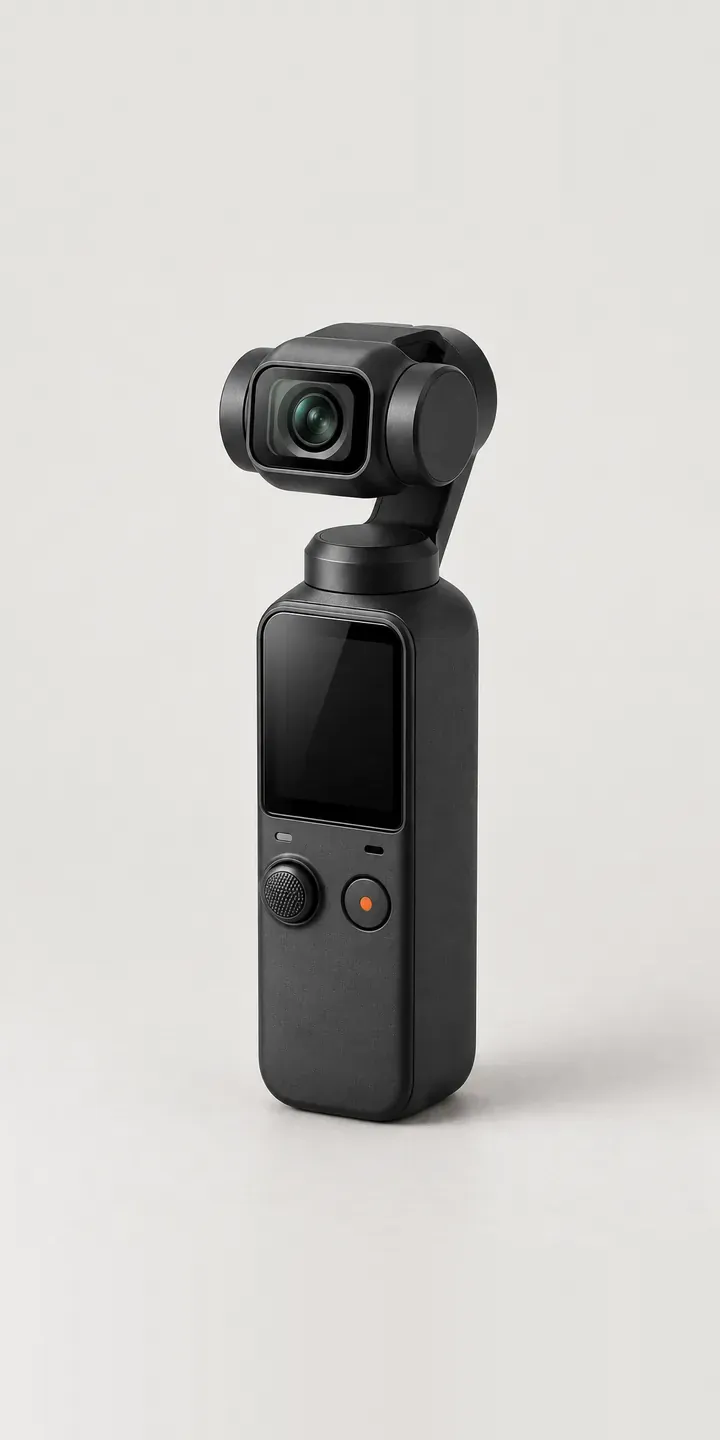
Gimbal Camera
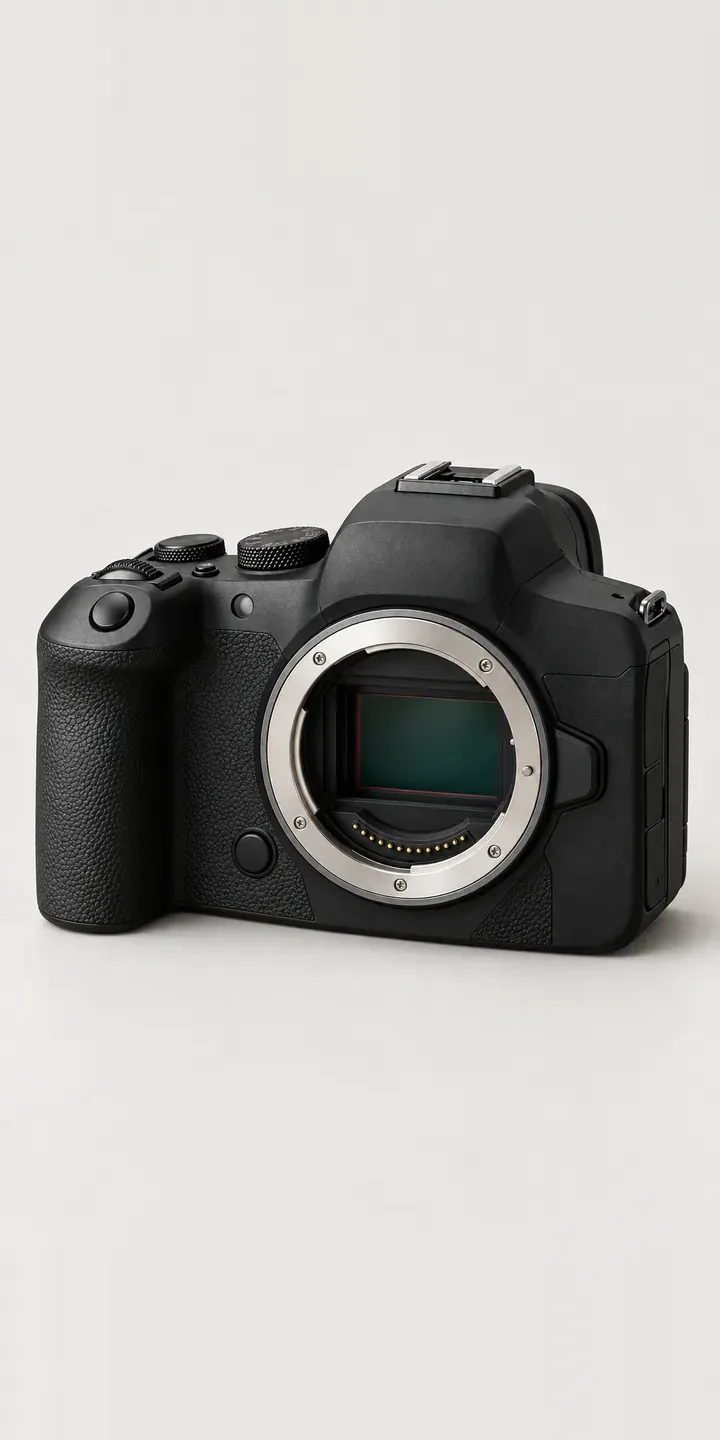
Hybrid Camera
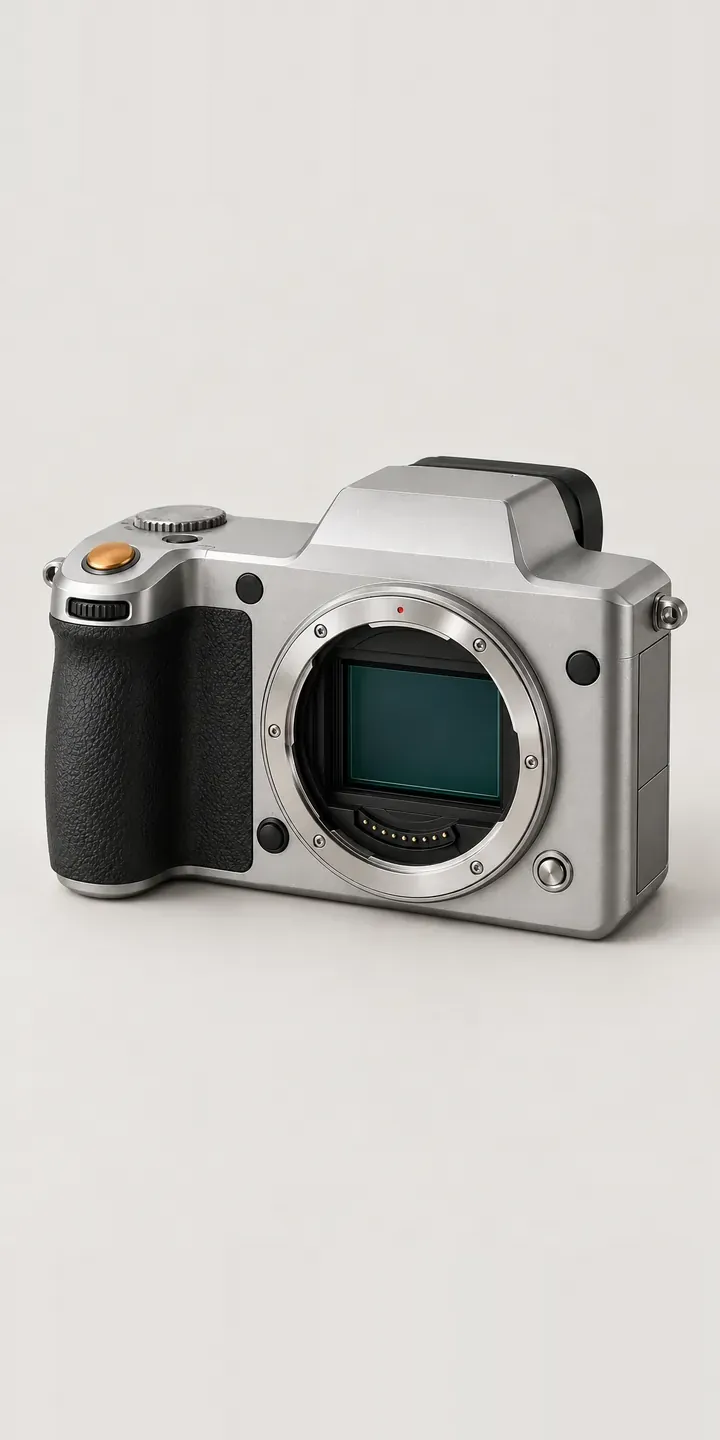
Medium Format Camera
A configurator for your cine cameras
This demo uses an illustrative product. If you sell cine cameras, I can build the same experience around your own range, photography and ordering process, connected to Shopify, WooCommerce or a quote workflow. I reply to enquiries within two UK working days.