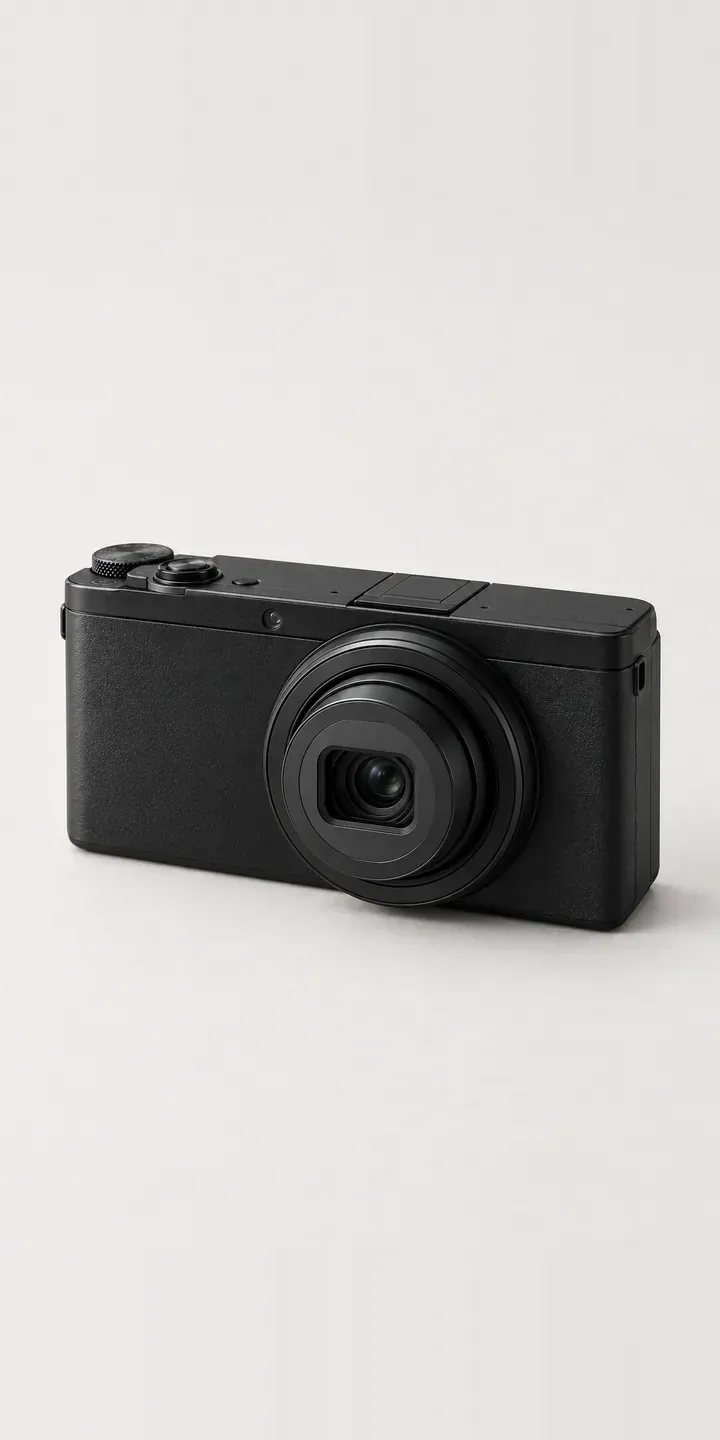
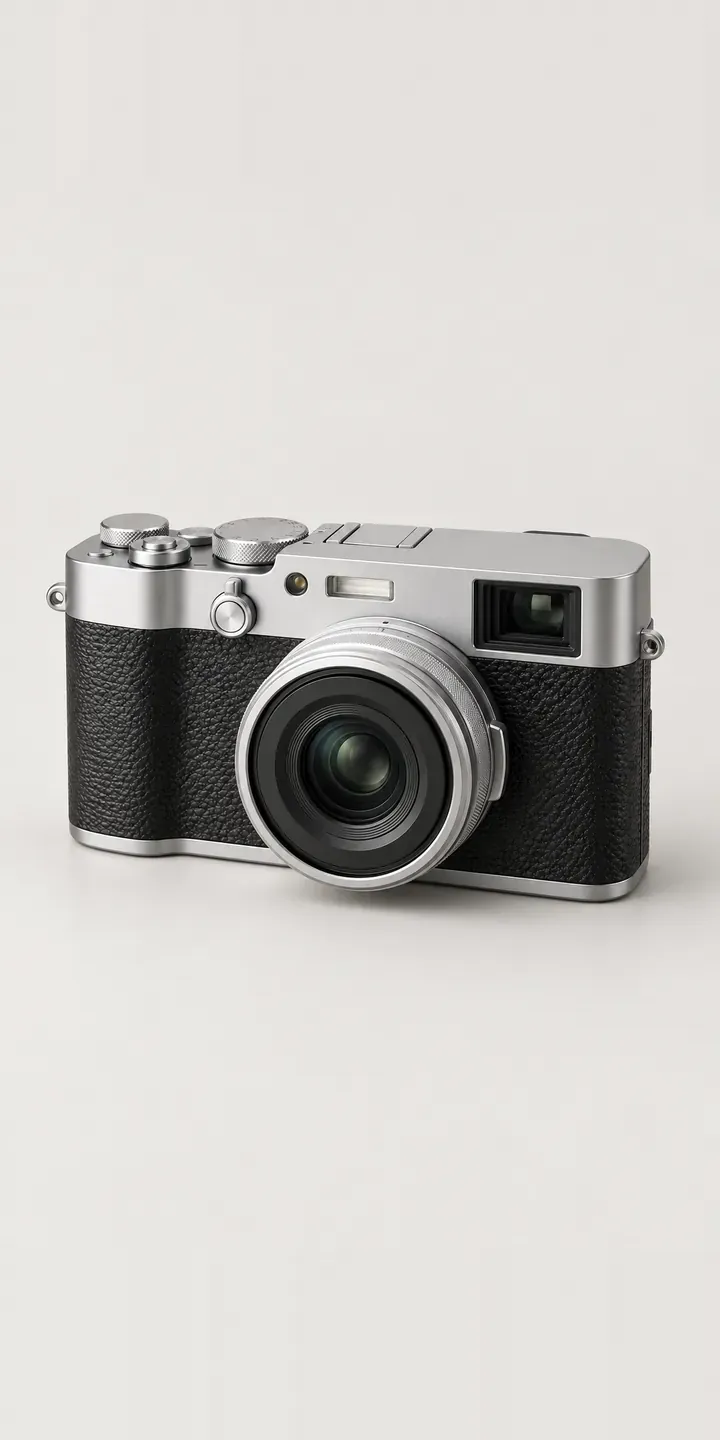
A small fixed-lens camera, shown in four finishes with a wrist or neck strap. The configurator is built around the two things that change how this camera feels in daily use: how visible it is and how it hangs.
Pocket compacts compete with the phone already in the buyer's pocket, so the case for one is about intention. Street photographers want something small, quick and quiet that people ignore. That makes size and finish the critical questions. Matte black and dark olive keep a low profile, silver reads as classic, and burgundy is for someone who wants the camera noticed. Buyers also struggle to judge scale from product shots, which is a quiet cause of returns.
Cameras Configurator demo
Pocket Compact
- Product
- Pocket Compact
- Colour
- Matte Black
- Strap
- Wrist
Illustrative product. The design and images are generated examples, not a real model for sale.
What you can configure
Matte black, silver, dark olive and burgundy are the four bodies here, with the slim lens ring and mode dial in the same place each time. The strap selector offers wrist or neck. For a camera this small, a wrist strap keeps it ready for shooting from the hip, while a neck strap trades speed for security on long days. The summary records the strap; the image does not change with it in this demo.
- Colour: Matte Black, Silver, Dark Olive, Burgundy
- Strap: Wrist, Neck
Why a configurator suits cameras
Small cameras are hard to sell online because photographs flatten scale. A body that slips into a jacket pocket can look like a full mirrorless camera on a white background. A configurator can add a scale view with the chosen finish in a hand or beside a phone, so buyers see the size before they order rather than after it arrives.
Colour is the next friction point. Burgundy and dark olive are the finishes that make a pocket compact feel personal, yet they usually have the fewest photographs. Twelve finish and strap builds is a manageable number. A layered approach makes it practical to show every one instead of a single black hero image with colour dots underneath.
Pocket cameras are a common step up from a phone and a frequent second camera for someone who already owns a larger system. Retailers can use the configurator to suggest a matching spare battery, a slim case or a strap colour that pairs with the body. Those small items are easy to forget at checkout and easy to add when they appear next to the build.
How a production version would be built
A layered image build is the practical choice. I would capture each body finish once, treat the two straps as separate layers and generate a scale view from the same assets with a neutral hand or phone silhouette. That keeps the image count low while answering the size question properly. Real dimensions matter here, so the retailer should supply them alongside finish and strap SKUs and any colour that is limited or seasonal. On WooCommerce, the camera can be a variable product, and accessories can be linked items added to the basket in one action.
Build sheet for this range
- Colours in the full range: 6 (4 shown in this demo)
- Strap choices: 2
- Combinations to support: 6 × 2 = 12
- Images for one photograph per combination at 3 angles: 36
- Images if straps can be shown as separate layers, at 3 angles: 24
- Data each of the 12 combinations needs: a SKU or variant ID, price, stock or lead time, and any dimensions or specification that change
Questions about camera configurators
How can a configurator show how small the camera really is?
Add a scale view. The configurator can place the chosen finish next to a hand, a phone or a coin silhouette, drawn from real dimensions supplied by the retailer. It sits as a second image the buyer can toggle to. For pocket cameras, this answers the question most likely to end in a return.
Is a wrist strap or a neck strap the better default?
For a pocket camera I would usually default to the wrist strap, since it suits pocket carry. The neck strap then appears as the alternative. The default is the retailer's decision, though. The configurator can change it per finish or per season without code changes.
Can we show street-style lifestyle images for each colour?
Yes, in a production build. The demo uses studio images on a plain background, but each finish could gain a lifestyle image showing it in street use, swapped alongside the studio shot. These are easiest to produce as composites or renders, so a new colour does not require a new location shoot.
Can the configurator handle limited-run colours that sell out?
Yes. Each finish has its own availability, so a sold-out burgundy can show as unavailable, offer a waiting list or be hidden. The retailer controls this in the product data. Waiting-list sign-ups record the chosen strap as well, so the restock order can include the right accessories.
More camera configurator demos
A configurator for your cameras
This demo uses an illustrative product. If you sell cameras, I can build the same experience around your own range, photography and ordering process, connected to Shopify, WooCommerce or a quote workflow. I reply to enquiries within two UK working days.