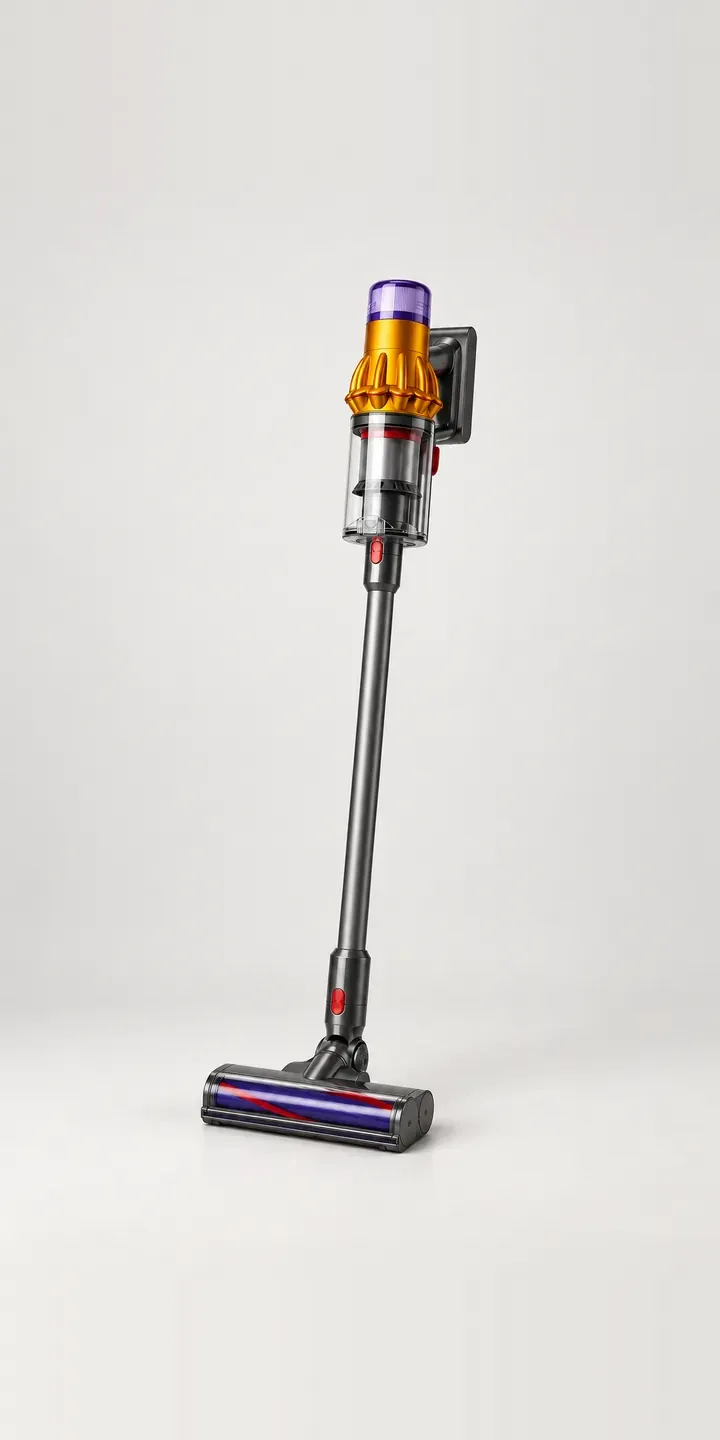
Try a configurator for an illustrative bagless stick vacuum. Pick one of four colours, choose the standard, pet or complete tool kit, and the bundle is ready for a quote.
Stick vacuums compete on suction, run time and bin size. Yet buyers comparing similar machines often decide on two other things: the attachments in the box, and the colour they like. The kit tier is where most of the price difference sits. Buyers want to know exactly what the extra money buys before they move up a level of kit.
Appliances Configurator demo
Bagless Stick Vacuum
- Product
- Bagless Stick Vacuum
- Colour
- Amber
- Kit
- Standard
Illustrative product. The design and images are generated examples, not a real model for sale.
What you can configure
Amber, nickel, plum and steel blue are in the demo, out of six colours in the range. The kit selector covers standard, pet and complete bundles. Kit contents do not change the vacuum itself, so the image stays put and the kit appears in the summary. A production build would lay out the attachments beside the machine, which is how buyers naturally compare tiers.
- Colour: Amber, Nickel, Plum, Steel Blue
- Kit: Standard, Pet, Complete
Why a configurator suits stick vacuums
Three kits across six colours is eighteen sellable bundles. Retailers often photograph the complete kit once, in one colour, and add a long bulleted list for the others. Buyers are left to work out which brush is missing from the pet bundle, and some pick the wrong one. A visual kit comparison makes the tiers legible at a glance.
The pet kit shows why. A buyer with a long-haired dog wants to see the tools designed for hair, not read their part names. When the configurator shows each tool appear as the kit changes, the step up feels like a clear choice rather than an upsell.
Colour does real work in this category too. Bold finishes like amber and plum separate one stick vacuum from a shelf of grey ones, and brands often release limited colours for particular retailers or seasons. A configurator lets a new colour go live by adding images, without rebuilding the product page or creating another listing.
How a production version would be built
I would build this with two image sets. The vacuum is shot once per colour, six images. Each kit is shot as a flat lay of its attachments, three images, shown beside or below the machine. Nine images cover eighteen bundles, and a fourth kit later means one more flat lay. If any attachments are colour-matched to the body, those kits need a set per colour instead. The brand supplies bundle codes, attachment lists per kit and their part numbers, so spare tools can be sold individually too.
Build sheet for this range
- Colours in the full range: 6 (4 shown in this demo)
- Kit choices: 3
- Combinations to support: 6 × 3 = 18
- Images for one photograph per combination at 3 angles: 54
- Images if tool kits can be shown as separate layers, at 3 angles: 27
- Data each of the 18 combinations needs: a SKU or variant ID, price, stock or lead time, and any dimensions or specification that change
Questions about stick vacuum configurators
Can the configurator show which attachments are in each kit?
Yes. Each kit can show a flat-lay image of its tools, with each attachment labelled and the extras over the standard kit highlighted. Tapping a tool can bring up a short description of what it is for. The difference between tiers then becomes clear without a comparison table.
Can we add a retailer-exclusive colour without changing the main product page?
Yes. A colour can be set to appear only on a given retailer's embedded version, or only between set dates. The images and product code are added once, and the availability rule controls where it shows. The main range stays unchanged everywhere else.
Can spare attachments and batteries be sold through the same configurator?
That is a natural extension. Once the buyer has chosen a kit, the configurator knows which tools they will own, so it can offer the missing ones as add-ons. Spare batteries and wall docks work the same way. Showing only compatible parts cuts wrong orders from buyers guessing at part numbers.
Does a configurator suit a range that sells mainly through other retailers?
It can. A brand can host one configurator and offer it to stockists as an embed, or export the configured images and data to their product feeds. I built and ran Praxis Digital 3D, a browser-based configuration platform used by more than 20 UK businesses, so multi-site setups are familiar ground.
More home appliance configurator demos
Built-In Dishwasher
Fitted Dishwasher
Garment Care Cabinet
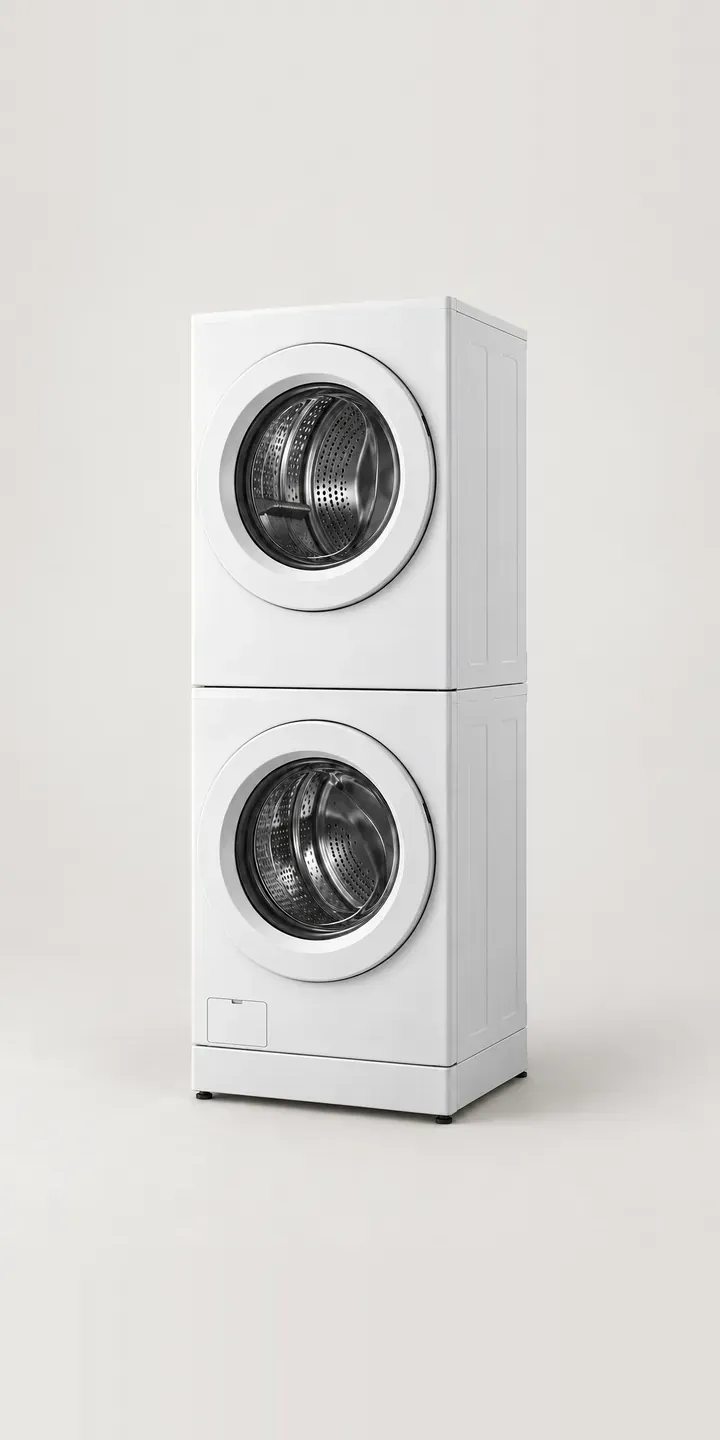
Laundry Tower
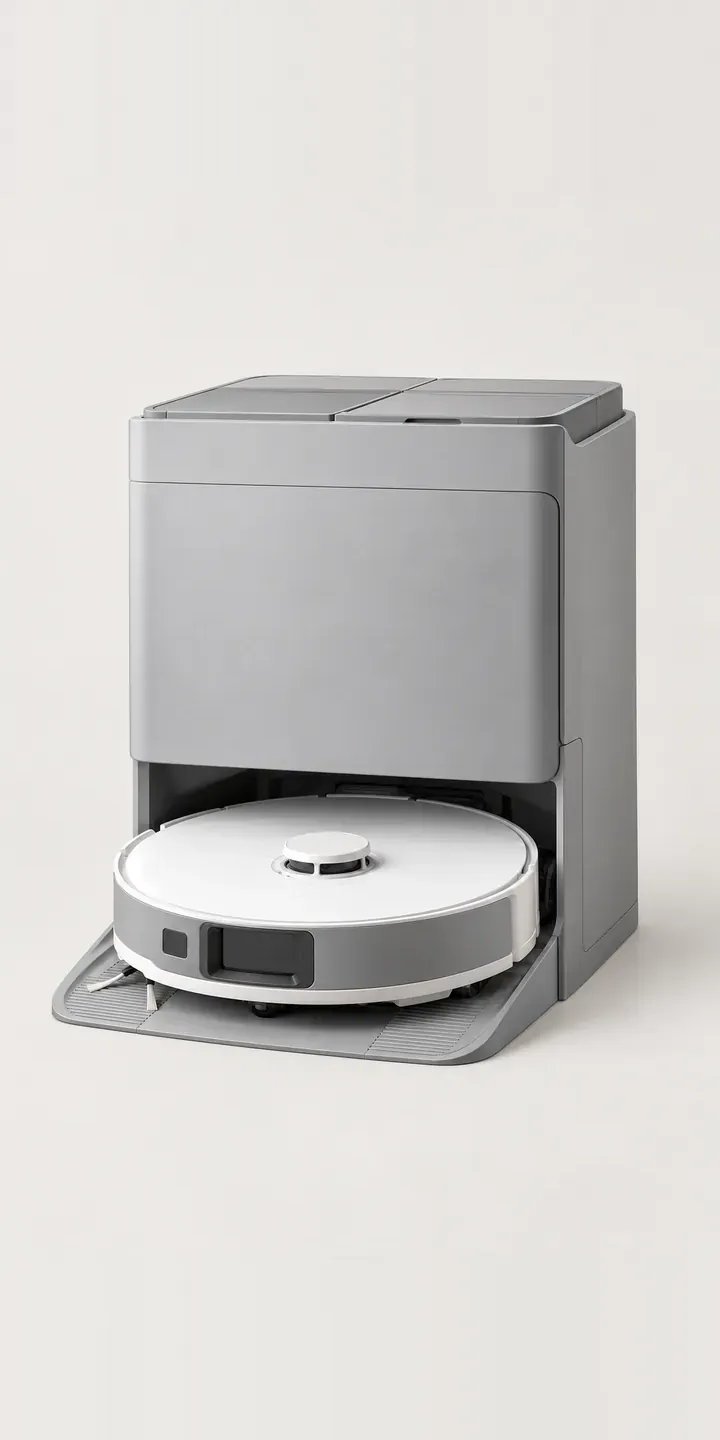
Mopping Robot Vacuum
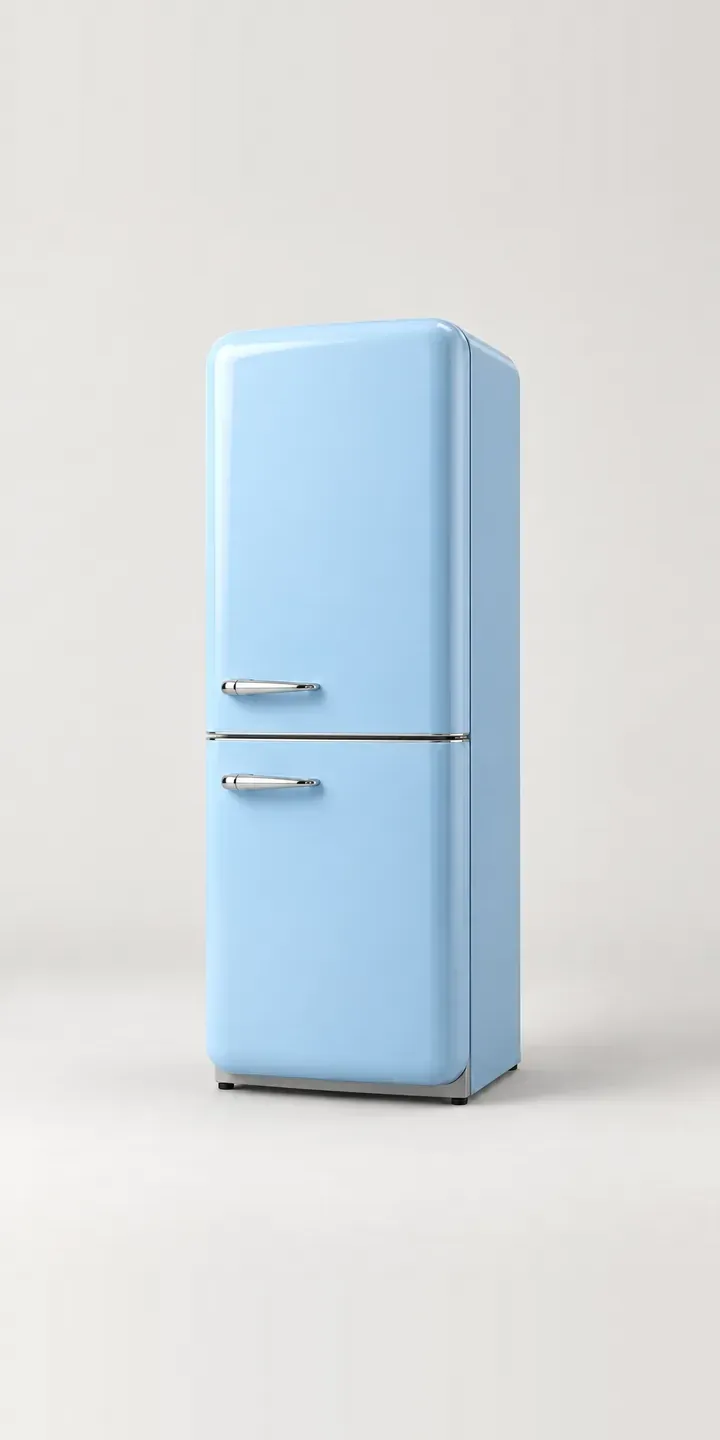
Retro Fridge-Freezer
All home appliance configurator demos
A configurator for your stick vacuums
This demo uses an illustrative product. If you sell stick vacuums, I can build the same experience around your own range, photography and ordering process, connected to Shopify, WooCommerce or a quote workflow. I reply to enquiries within two UK working days.