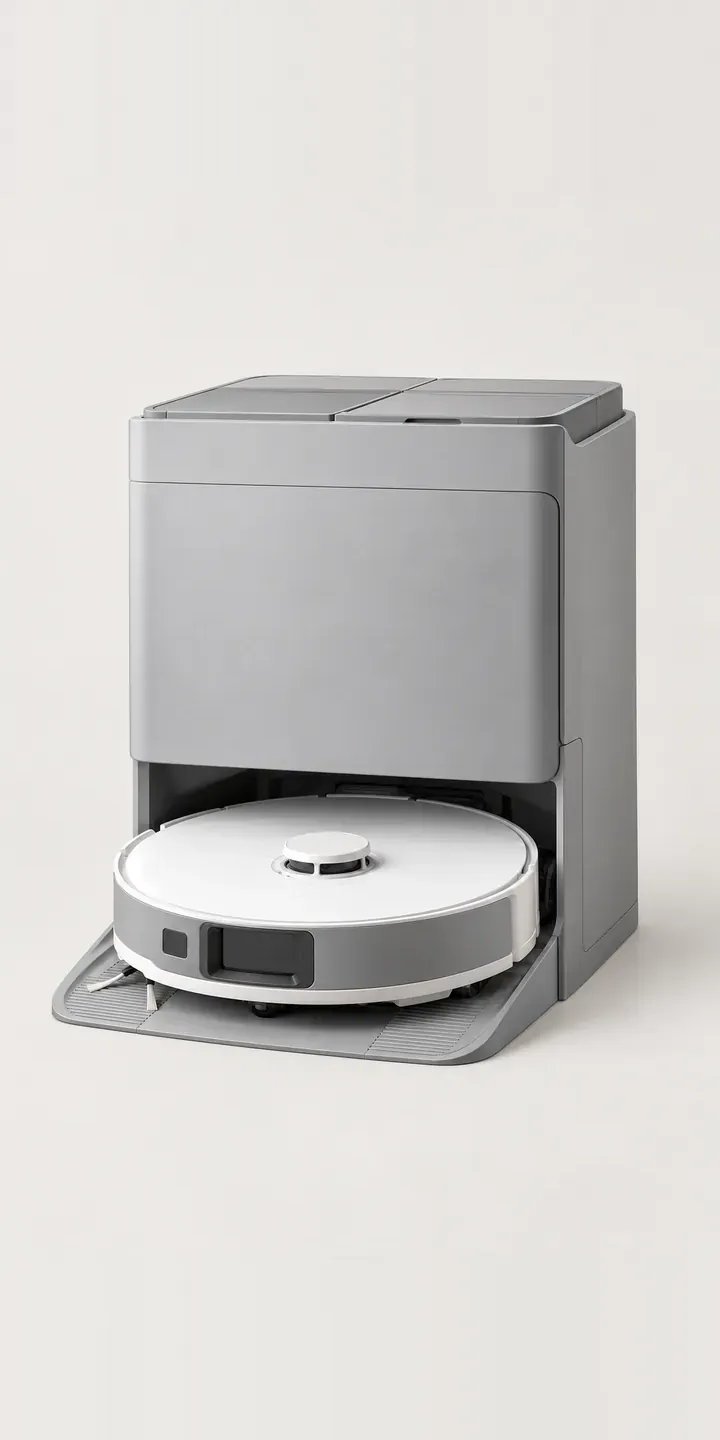
The demo below pairs an illustrative mopping robot vacuum with a choice of docking station. Pick a body colour, pick a compact or full station, and the summary records the exact set.
Most buyers have decided they want a robot before they arrive. The hesitation is about the dock. A full station takes over more of the cleaning, but it becomes a permanent object in the room. A compact station is easier to tuck beside a sideboard. That trade-off between convenience and floor space is the real purchase decision, and colour plays into it because the dock stays on show.
Appliances Configurator demo
Mopping Robot Vacuum
- Product
- Mopping Robot Vacuum
- Colour
- White
- Station
- Compact
Illustrative product. The design and images are generated examples, not a real model for sale.
What you can configure
The demo shows the robot in white, black, graphite and sand, four of six colours. The station option offers compact and full versions. Colour matters more on this product than it seems: the dock sits in a living space permanently, so it needs to suit the floor and skirting. The station choice appears in the summary. In a production build it would change the picture too, since the two docks differ in size.
- Colour: White, Black, Graphite, Sand
- Station: Compact, Full
Why a configurator suits robot vacuums
Robot vacuums are sold as bundles, and bundles multiply. Six colours with two station types is twelve retail SKUs before any accessory kits. Retailers often list each bundle as a separate product, which spreads reviews thin and makes comparison awkward. One configured product page keeps everything in a single place.
The station is where many returns start. Buyers order the full station, find it larger than expected in the hallway, and send the set back. Others order compact, then realise they wanted hands-off emptying. Showing both docks at true relative scale beside the robot, with dimensions, gives buyers what they need to pick correctly the first time.
There is a longer-term benefit for the brand. The configured order records which station each customer owns, so consumable reminders can be accurate: the right dust bags, mop pads and filters for that dock. For brands selling direct, that recurring revenue from accessories can matter as much as the original sale of the robot.
How a production version would be built
This product suits layered compositing. The robot is photographed once per colour. Each station is shot per colour from the same angle, and the final image places the robot on the dock's ramp. Layers save few images on day one. Their value is in extending the range: a third station type adds one layer per colour, not a fresh set of composite shots. Bundle codes, station dimensions and the consumables for each dock come from the brand. Orders go to a WooCommerce or Shopify basket as standard variants.
Build sheet for this range
- Colours in the full range: 6 (4 shown in this demo)
- Station choices: 2
- Combinations to support: 6 × 2 = 12
- Images for one photograph per combination at 3 angles: 36
- Images if stations can be shown as separate layers, at 3 angles: 24
- Data each of the 12 combinations needs: a SKU or variant ID, price, stock or lead time, and any dimensions or specification that change
Questions about robot vacuum configurators
Can the configurator show how much floor space each docking station needs?
Yes. Each station can carry its footprint and height, shown as a simple plan with a skirting board or sofa leg for reference. Some buyers find a scale outline more useful than a photograph. It answers the space question without them leaving the page to find a tape measure.
Should the robot and dock always be the same colour?
That is a product decision, and the configurator supports either. If the dock is only made in white and black, the colour step can apply to the robot alone, with the dock following a rule. If matching is fixed, one colour choice drives both. The logic sits in the product data.
Can consumables be sold through the configurator after purchase?
That is one of the better reasons to build one. Once a configuration is ordered, its station type is stored against the customer account. A reorder page can then show only the bags, pads and filters that fit their dock. That reduces wrong-part orders and makes subscription offers simpler to set up on Shopify or WooCommerce.
Can we show the robot on hard floors and on a rug?
Yes, as a secondary view. The main configurator should use clean product images so colours compare fairly. A second tab can show the chosen colour in two or three room scenes, such as oak boards and a wool rug. Buyers can then judge how a light or dark body looks against their floor.
More home appliance configurator demos
Retro Fridge-Freezer
Bagless Stick Vacuum
Built-In Dishwasher
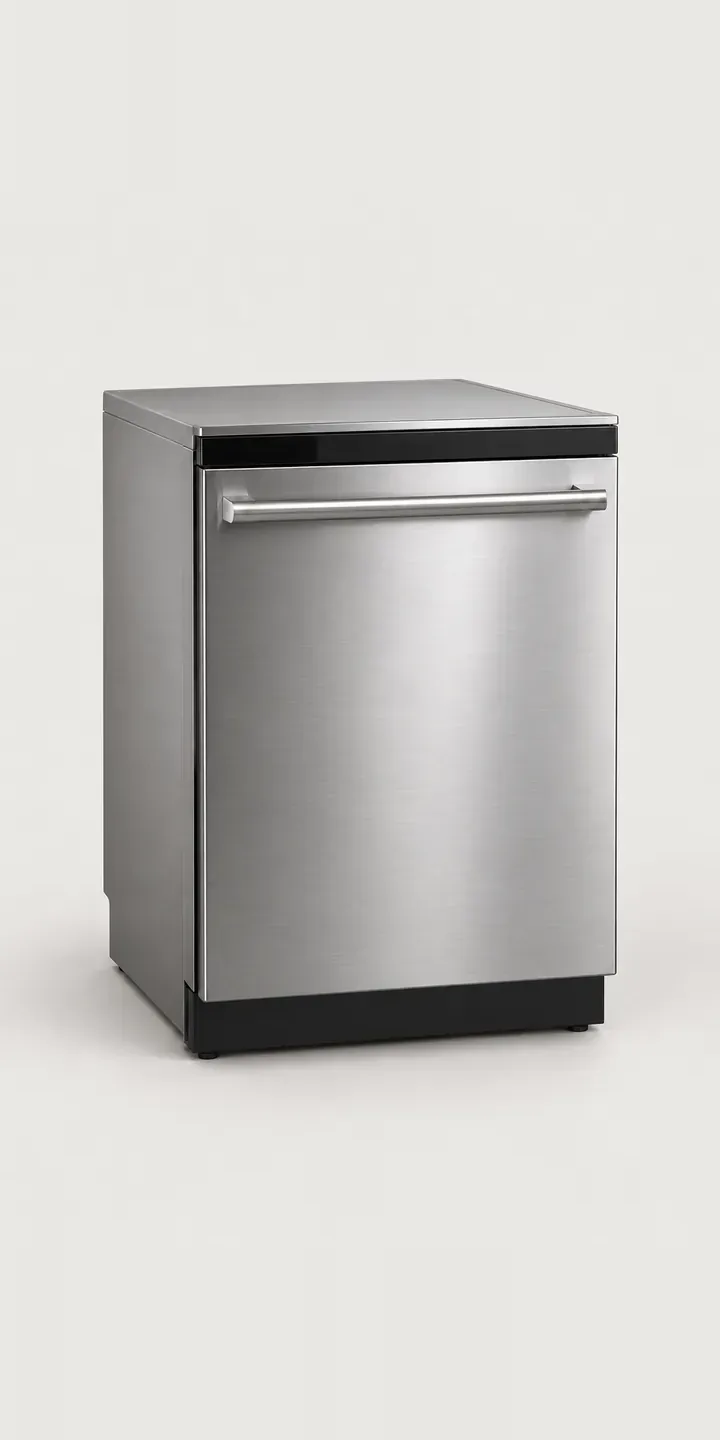
Fitted Dishwasher
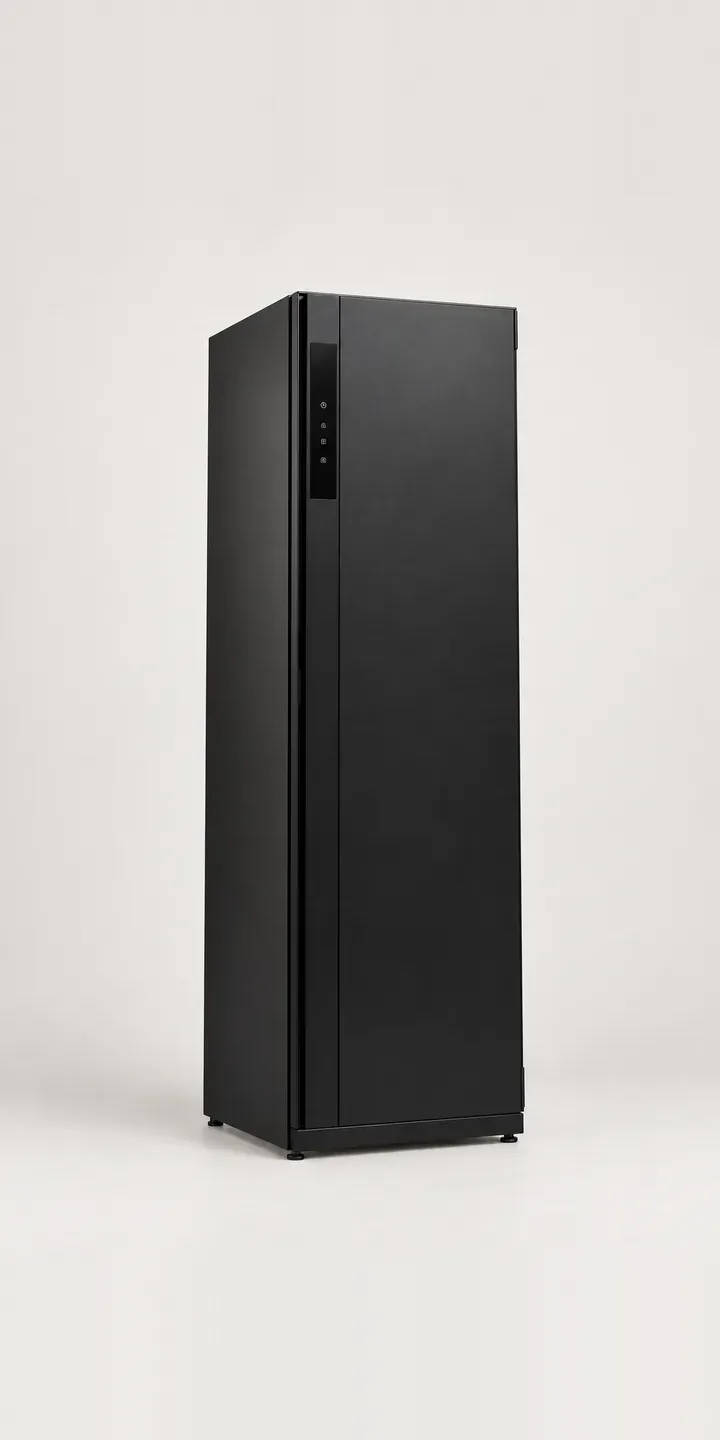
Garment Care Cabinet
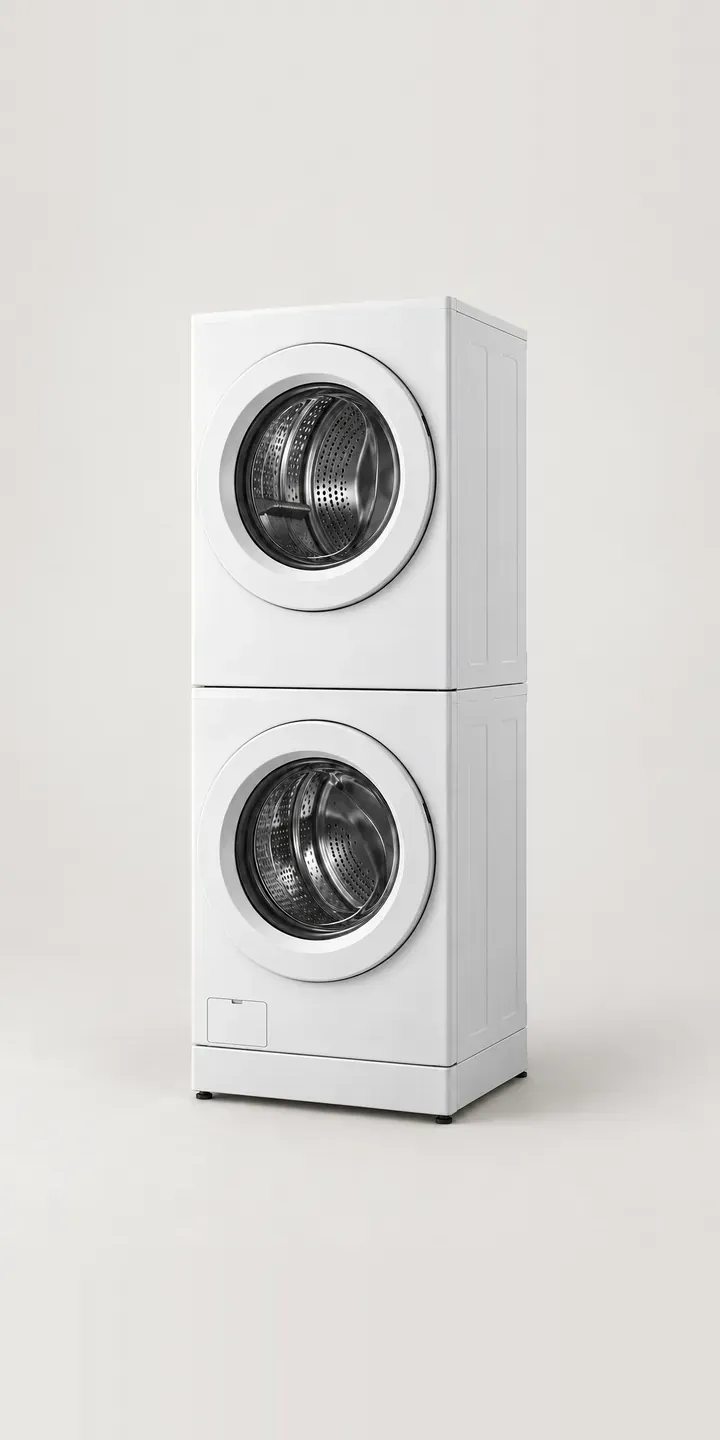
Laundry Tower
All home appliance configurator demos
A configurator for your robot vacuums
This demo uses an illustrative product. If you sell robot vacuums, I can build the same experience around your own range, photography and ordering process, connected to Shopify, WooCommerce or a quote workflow. I reply to enquiries within two UK working days.