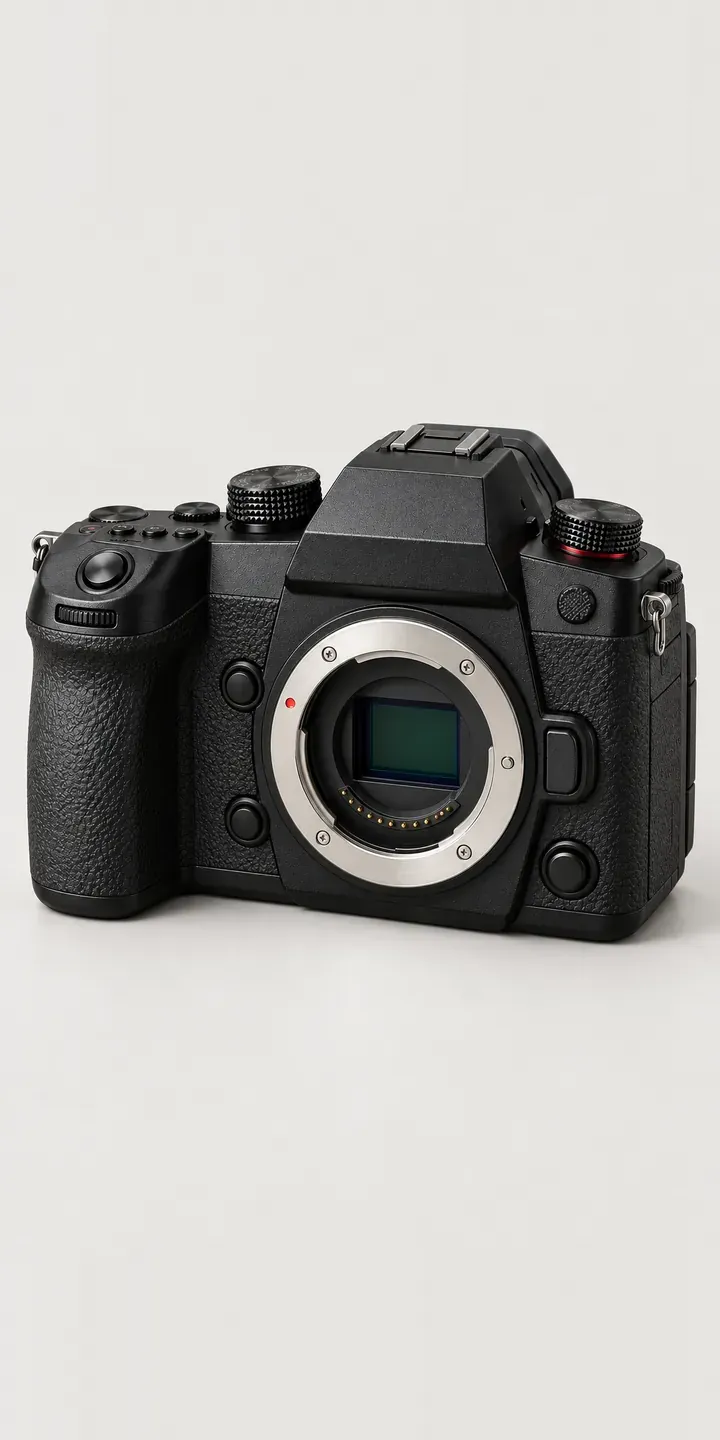
Choose a body finish and a lens kit for an illustrative professional mirrorless camera, and the summary records the exact build. The four finishes on screen are matte black, gunmetal, silver and navy. The kit runs from body only to a 24-70 mm or a 70-200 mm zoom.
Professional buyers rarely start with the body colour. They start with what they shoot. A sports or wildlife photographer is weighing autofocus tracking, burst depth, weather sealing and how a long zoom balances on the grip. Colour becomes the tiebreaker, and on a pro body that tiebreaker is usually black. Offering navy or gunmetal is a bet on buyers who want their kit to look different from everyone else's at the trackside.
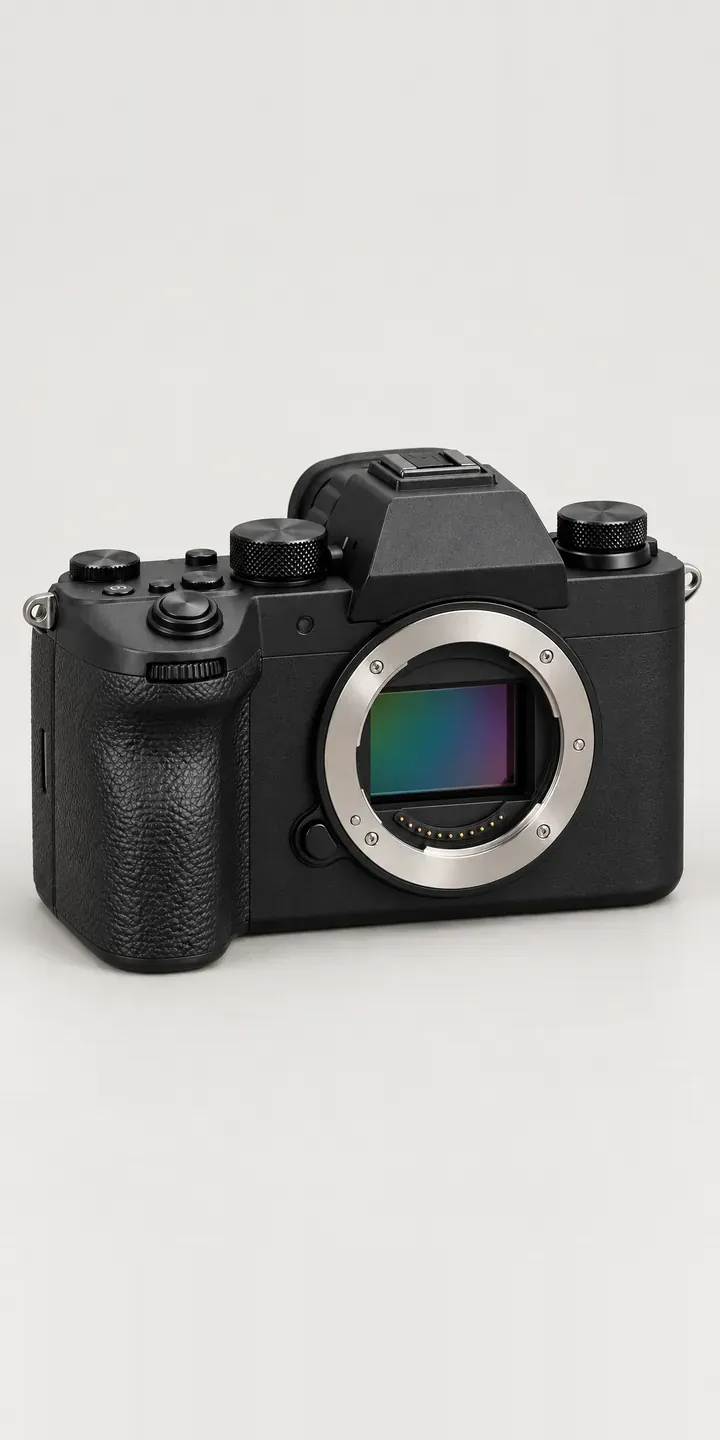
Cameras Configurator demo
Pro Mirrorless
- Product
- Pro Mirrorless
- Colour
- Matte Black
- Kit
- Body Only
Illustrative product. The design and images are generated examples, not a real model for sale.
What you can configure
The swatches change the body finish while the viewfinder housing, tilting screen and grip stay identical, so only the colour moves. The kit choice is where the real money sits. Body only suits someone already invested in the mount. The 24-70 mm covers events and reportage, and the 70-200 mm is the sports and wildlife lens. In this demo the kit is recorded in the summary rather than shown in the picture.
- Colour: Matte Black, Gunmetal, Silver, Navy
- Kit: Body Only, 24-70 mm, 70-200 mm
Why a configurator suits cameras
Six body finishes across three kit options make eighteen sellable configurations. Each one needs its own product shots if the retailer wants to show what arrives in the box. Most camera shops photograph the black body with the standard zoom and leave every other pairing to guesswork. Customers then ring to ask what the navy body looks like with the long zoom fitted.
Bundles are also where pro camera promotions live. Cashback offers, trade-in deals and kit discounts usually attach to specific body and lens pairings. When the configurator holds those pairings as structured options, the offer applies to the correct build without relying on a voucher code the customer forgets to enter.
A long zoom changes how the camera is used and carried. Someone adding the 70-200 mm will want a stronger strap, a larger bag and probably a second battery. Showing those as follow-on choices after the kit is picked keeps accessory suggestions relevant rather than generic, and the quote request arrives with the whole outfit listed.
How a production version would be built
For a camera body with interchangeable lenses, I would layer the images rather than shoot every pairing. The body is photographed or rendered once per finish from a fixed angle. Each zoom is a separate layer that sits on the mount in the same position. A body cap layer covers the body-only kit. Eighteen combinations then need nine images. The retailer supplies SKUs for each body and kit, any finish not offered with a given lens, and bundle prices. On Shopify each pairing maps to a variant, so stock and promotions behave normally at checkout.
Build sheet for this range
- Colours in the full range: 6 (4 shown in this demo)
- Kit choices: 3
- Combinations to support: 6 × 3 = 18
- Images for one photograph per combination at 3 angles: 54
- Images if kits can be shown as separate layers, at 3 angles: 27
- Data each of the 18 combinations needs: a SKU or variant ID, price, stock or lead time, and any dimensions or specification that change
Questions about camera configurators
Can a long telephoto zoom be layered onto the body without looking pasted on?
Yes, if body and lens are captured with the same camera position, focal length and lighting. A 70-200 mm zoom extends well beyond the body, so the frame has to be planned around the longest lens first. Shadows are the usual giveaway, so I create a contact shadow for each lens rather than reusing the body's.
How do we handle cashback and trade-in offers that only apply to certain kits?
Attach them to the configuration data rather than the page. Each body and kit pairing has its own reference. An offer can then be switched on for the navy body with the 24-70 mm only, for a set period. The summary shows the offer, and it travels with the quote or basket line.
Should a pro camera configurator show specifications as well as finishes?
Only the ones that change with the choice. Weight with each kit, length with the lens mounted and the filter thread of each zoom are worth showing, because they differ per build. Sensor and autofocus figures are the same across every finish, so they belong in a fixed panel below the configurator.
Can made-to-order finishes sit alongside stock colours?
Yes. Each finish carries its own availability, so matte black can show as in stock while navy shows a lead time or a pre-order date. Coloured professional bodies tend to be built in smaller batches, so this matters. The buyer sees the wait before choosing the finish, not after paying for it.
More camera configurator demos
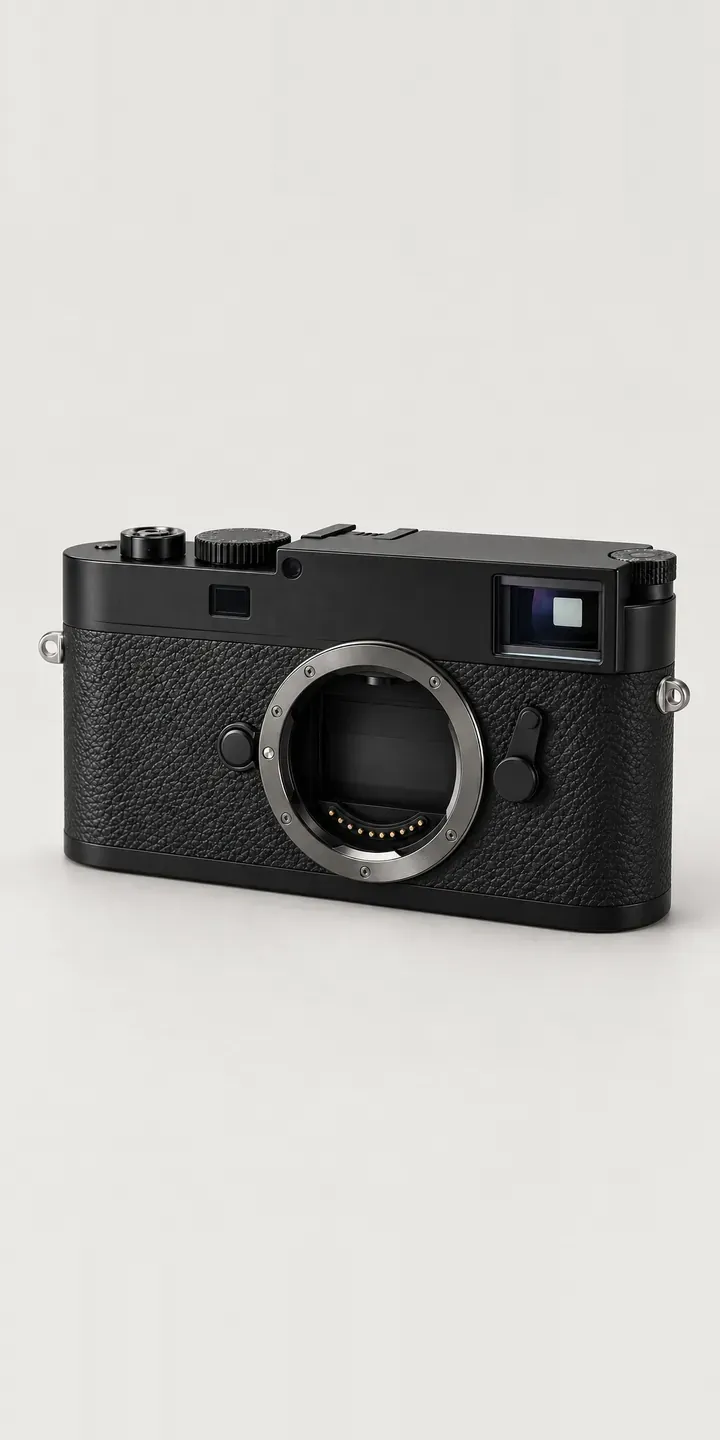
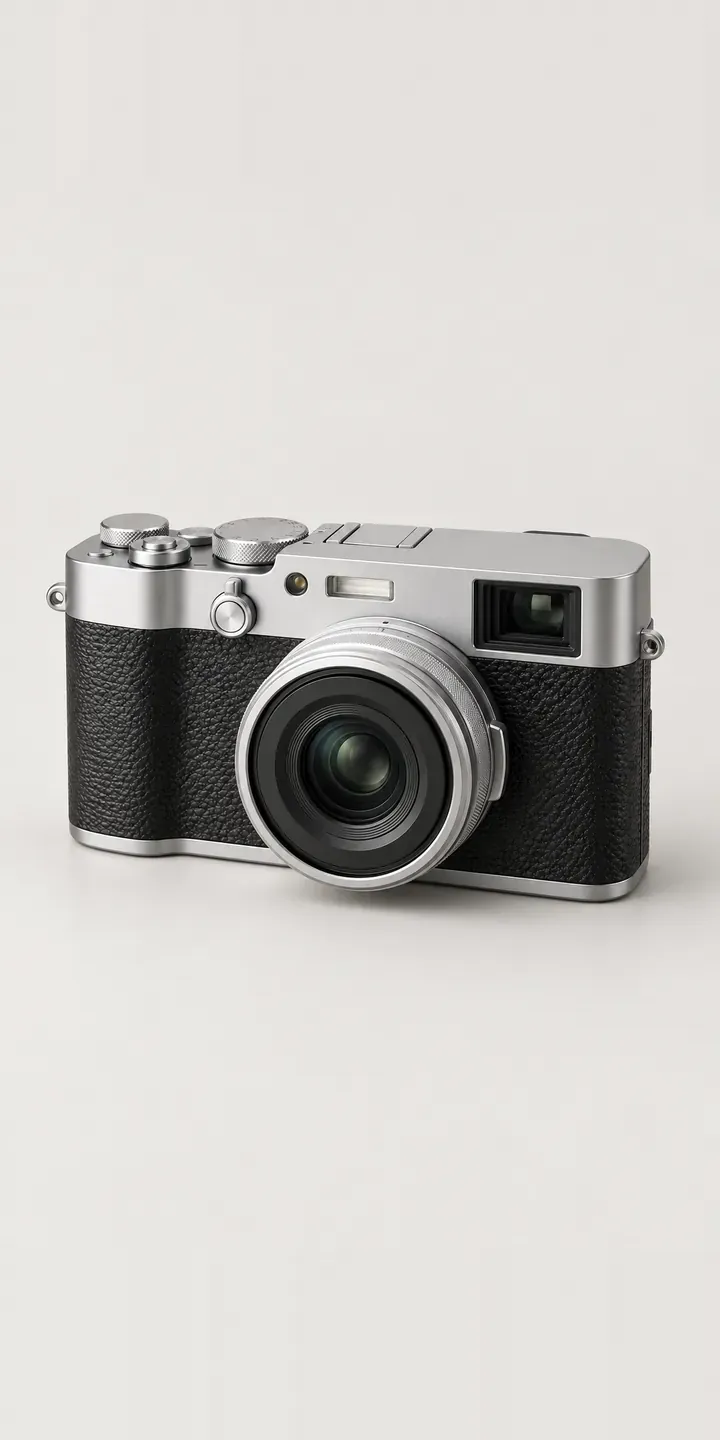
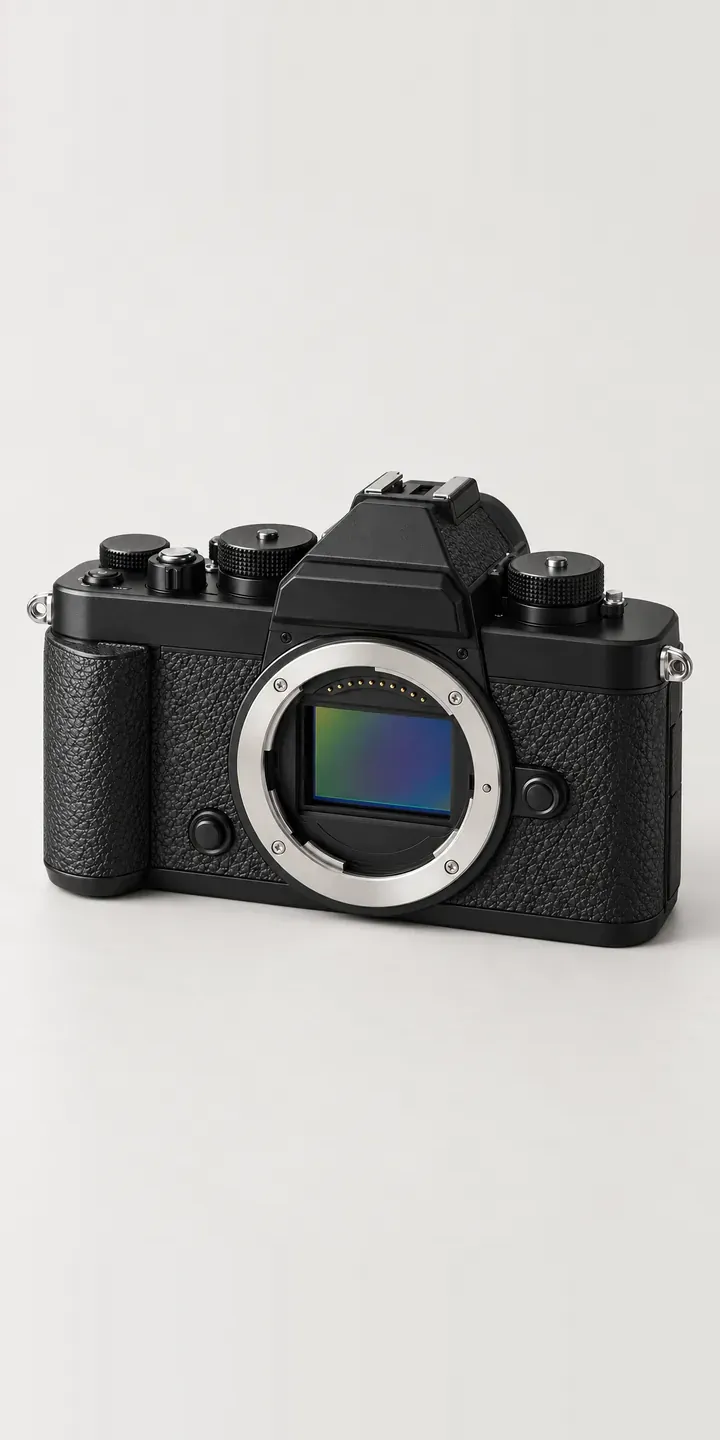
A configurator for your cameras
This demo uses an illustrative product. If you sell cameras, I can build the same experience around your own range, photography and ordering process, connected to Shopify, WooCommerce or a quote workflow. I reply to enquiries within two UK working days.