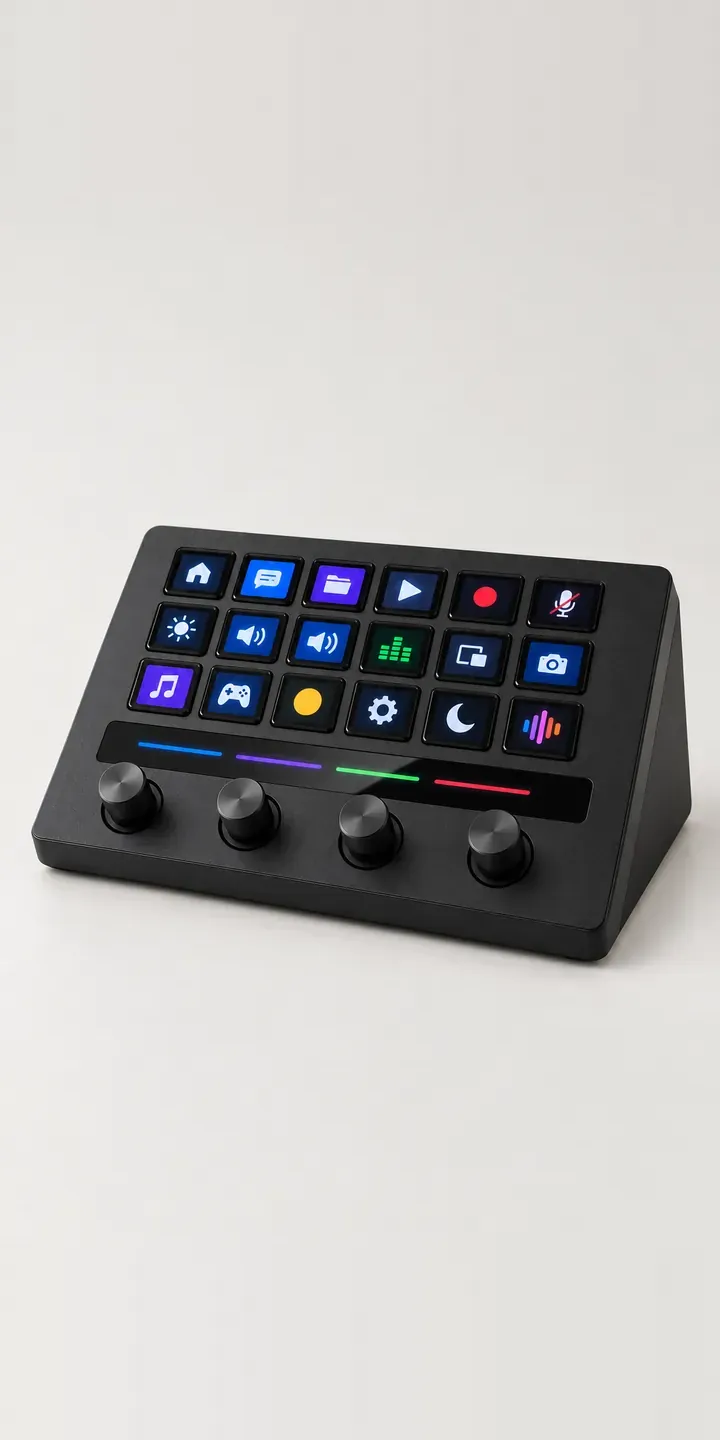
Four rotary dials sit below a row of LCD keys on this illustrative macro console, with a glossy touch strip running between them. Its finish and stand angle, flat or angled, are configurable before a quote request is sent.
Dials change who buys a macro device. Keys suit triggers, such as switching a scene or firing a sound. Dials suit levels: microphone gain, a music bed, a guest's volume. Podcasters and producers want both within reach, close to the microphone or the mixing position. Placement is the real decision, and that is what the stand option controls.
PC and gaming hardware Configurator demo
Dial Macro Console
- Product
- Dial Macro Console
- Colour
- Matte Black
- Stand
- Flat
Illustrative product. The design and images are generated examples, not a real model for sale.
What you can configure
Matte black, white, cool grey and navy are shown here; sage and walnut complete the six. Stand is flat or angled. It is stored in the summary and does not yet change the image. Flat suits a console placed in front of a keyboard or under a monitor, while angled brings the LCD keys towards eye line for someone sitting back from the desk.
- Colour: Matte Black, White, Cool Grey, Navy
- Stand: Flat, Angled
Why a configurator suits macro consoles
Audio and music retailers are a natural channel for this kind of device. Their customers already buy microphones, interfaces and headphones, and a control surface fits the same basket. A configurator lets the retailer present the console alongside those products, in a matching finish, and suggest a bundle at the point of choice.
Walnut deserves a mention. A wood finish moves the product from gaming accessory towards studio furniture, and it photographs very differently from paint. Buyers choosing walnut want to see the grain, the edge and how it sits beside their other kit. Of the twelve finish and stand combinations, the wood ones need the closest and most careful images.
Tactile controls are also hard to sell online. A buyer wants to know how far a dial turns, whether it has detents, and how the touch strip responds. The configurator can carry short descriptions and a brief clip for each control, written by the brand. That fills the gap between seeing the console and having it under your hand.
How a production version would be built
A production build would render each finish from a three-quarter view that shows the dials and touch strip, with the flat and angled stands as layers beneath. Walnut needs its own texture work so the grain holds up at close range. A close-up of the dial row, identical in every finish apart from colour, explains the controls. Along with SKUs and stand types, the brand writes a short description of each control. Retail orders map to Shopify or WooCommerce variants, and bundles with microphones or interfaces can be added as linked products.
Build sheet for this range
- Colours in the full range: 6 (4 shown in this demo)
- Stand choices: 2
- Combinations to support: 6 × 2 = 12
- Images for one photograph per combination at 3 angles: 36
- Images if stands can be shown as separate layers, at 3 angles: 24
- Data each of the 12 combinations needs: a SKU or variant ID, price, stock or lead time, and any dimensions or specification that change
Questions about macro console configurators
How do you make a walnut finish look convincing in a configurator?
With high-resolution texture and careful lighting. Real walnut grain varies, so I would use a scan or photograph of an actual panel rather than a generic wood texture. A close-up at the edge shows thickness and finish. It is also worth stating that grain varies between units, so buyers are not surprised.
Can the console be sold as a bundle with microphones or headphones?
A bundle works well here. The configurator can offer related products once the console is configured, either as optional add-ons or as a fixed bundle at a combined price. Each item maps to its own SKU, so stock is tracked correctly. The summary lists the whole set, giving the customer a clear order.
How do you explain dials and a touch strip without a hands-on demo?
With short captions and motion. A sentence per control on what it is for, plus a looping clip of a dial turning or a finger sliding along the strip, covers most questions. The still images establish what the console looks like; the clips show how it behaves in use.
Do I need a separate platform to run the configurator?
No. It usually runs inside your existing Shopify or WooCommerce store, with any quote or CRM connection you need. I previously built Praxis Digital 3D, a browser-based configuration platform used by more than 20 UK businesses, so I know where a standalone platform helps and where it adds cost.
More PC and gaming hardware configurator demos
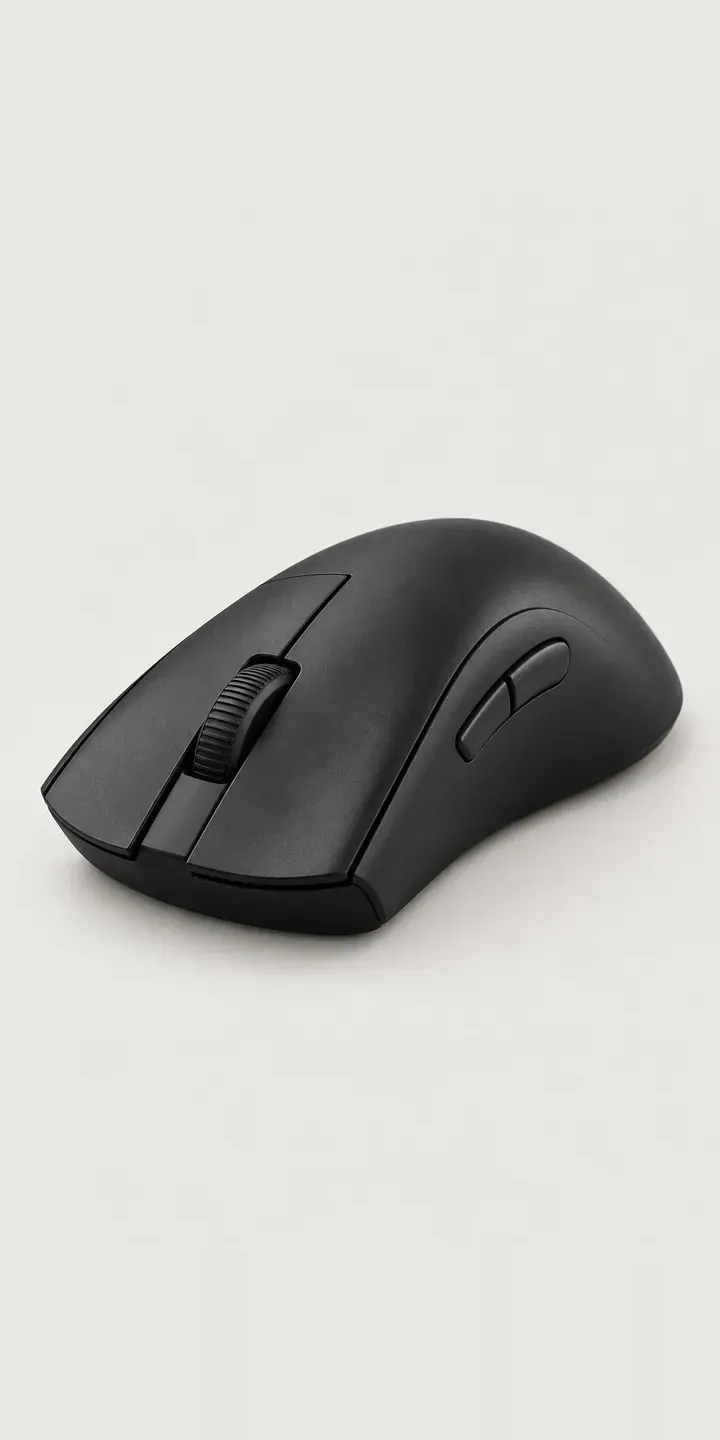
Ergonomic Mouse
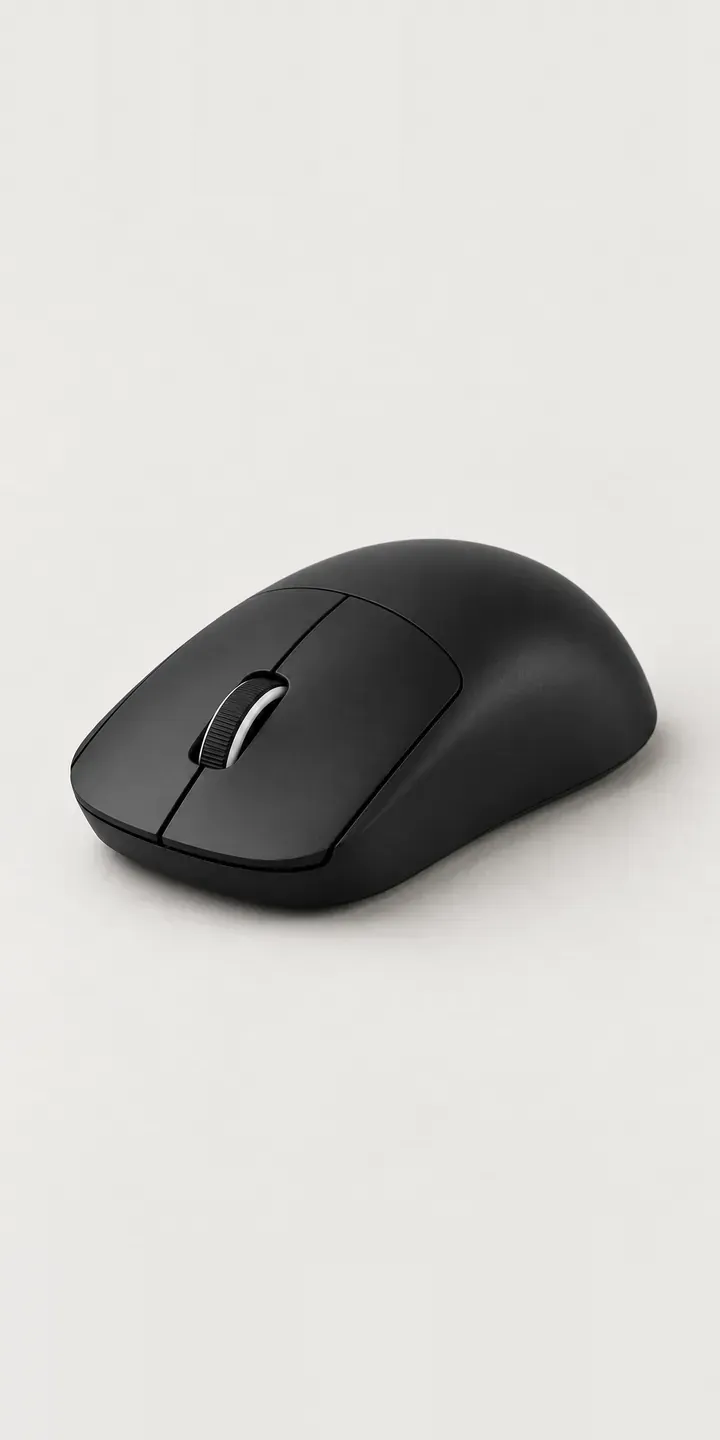
Featherweight Mouse
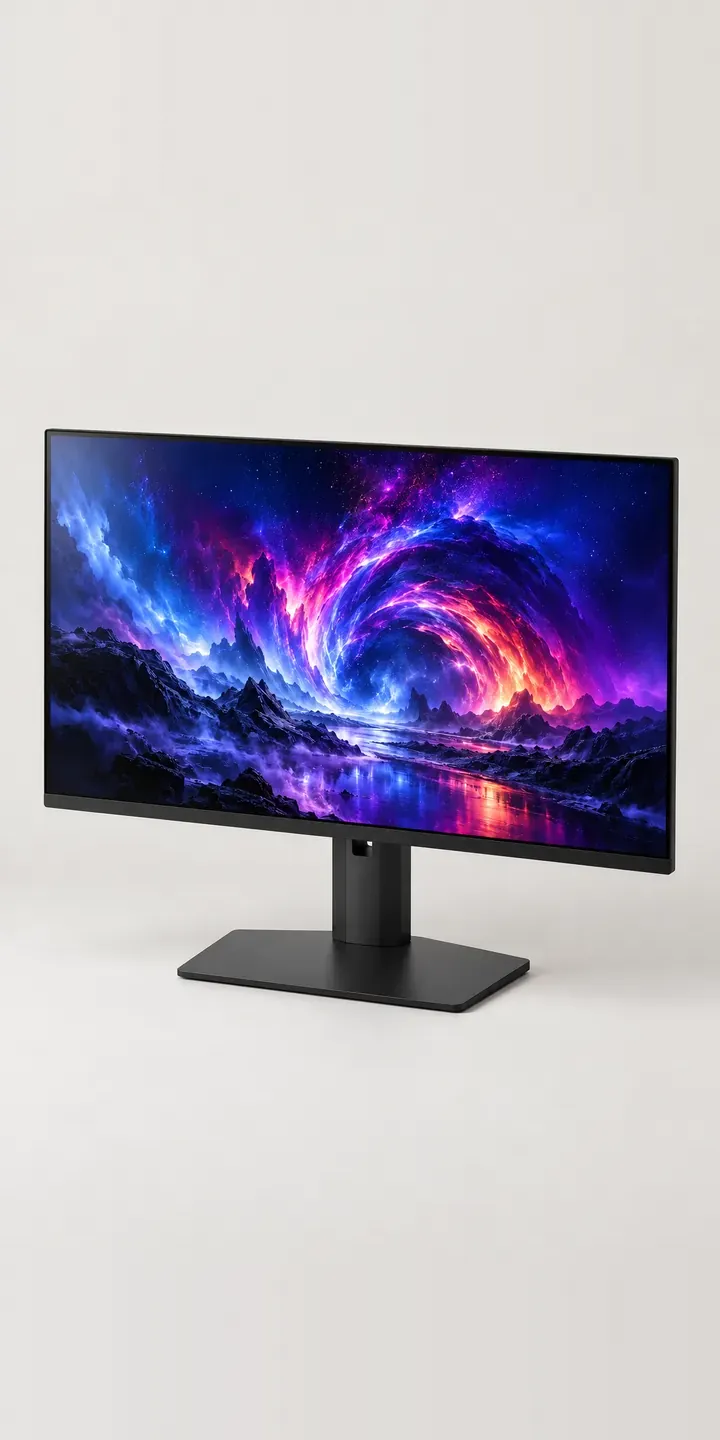
Flat Panel Display
Glass Display Case
Glass Showcase Tower
High-Airflow Chassis
All PC and gaming hardware configurator demos
A configurator for your macro consoles
This demo uses an illustrative product. If you sell macro consoles, I can build the same experience around your own range, photography and ordering process, connected to Shopify, WooCommerce or a quote workflow. I reply to enquiries within two UK working days.