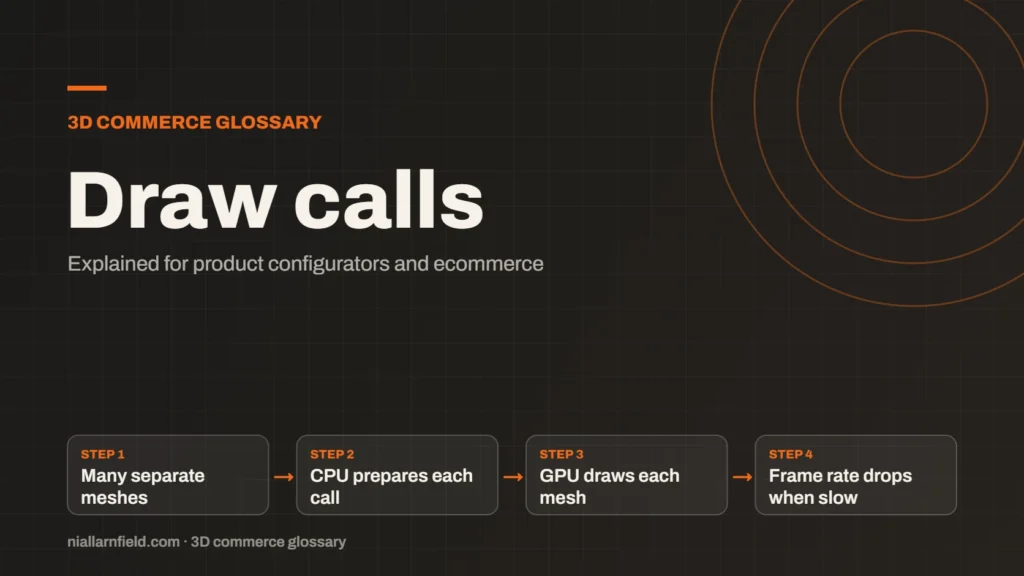
A draw call is a request from the CPU to the GPU to draw one mesh with one material. Each request takes CPU time, so a scene with thousands of separate calls can run slowly, even when the models themselves are light.
Discuss your product rangeTry the demos
What a draw call is
Before the GPU can paint a mesh, the CPU must prepare and send the instructions for it. Those instructions name the geometry, the material, the textures and the rendering state the GPU should use. Each separate mesh usually costs one draw call, which means one trip across that boundary between the CPU and the GPU.
The cost is not the triangles, at least not at first. A model with a few hundred thousand triangles can draw in a single call if it uses one material. The same geometry split into a thousand separate meshes can cost a thousand calls. The shape of the scene therefore matters as much as its raw size.
- Many separate meshes
- CPU prepares each call
- GPU draws each mesh
- Frame rate drops when slow
How draw calls slow a scene down
Each call carries a fixed overhead on the CPU. In a browser, JavaScript and the graphics API both add work for every call that the scene makes. If the CPU runs out of time, the frame rate drops, even when the GPU still has spare capacity. Shadow passes can repeat the same meshes, so a shadow-casting light adds calls of its own. Each extra light that casts shadows can therefore raise the count noticeably, even when the scene looks unchanged to the shopper.
There is no official budget for draw calls, and the right number depends on the device and the scene. Measure on the phones your shoppers use. The MDN page on instanced drawing describes a method that reduces the number of calls for repeated shapes.
Why it matters for product configurators
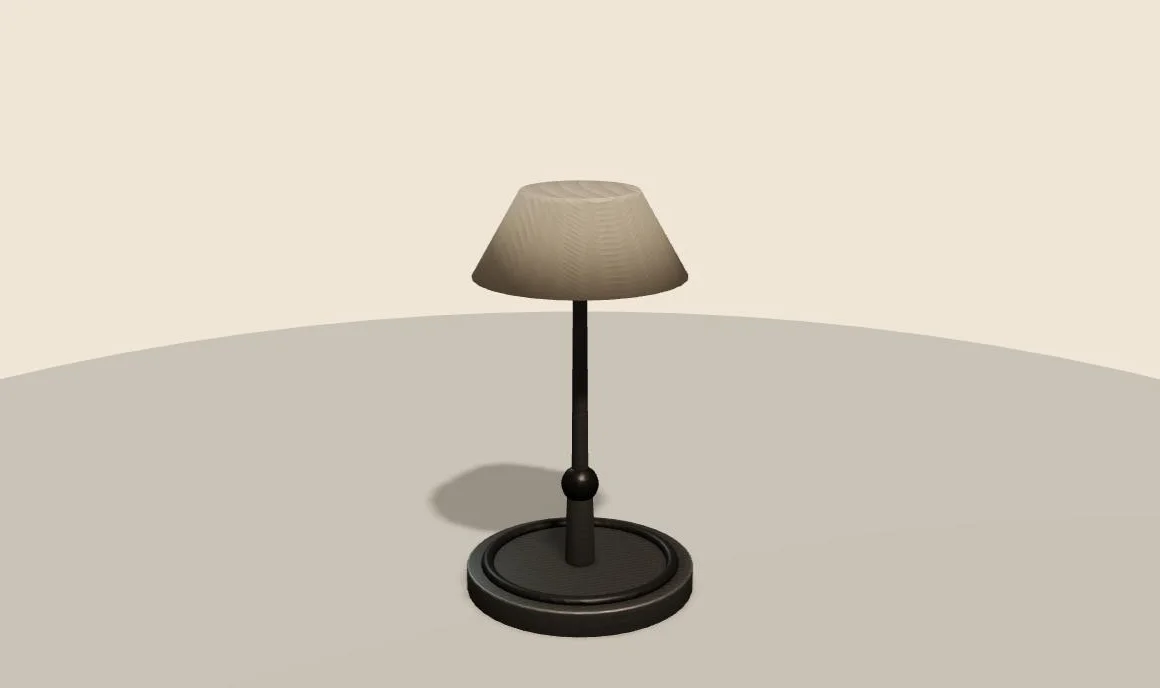
Configurators are built from many parts, and every part tends to carry its own material. A desk lamp may split into a base, arm, joints, shade, switch and bulb. A sofa can run to dozens of cushions, legs, seams and buttons. Each separate part adds to the count, and the count is what the CPU has to manage.
- Imported CAD files can split one object into hundreds of separate meshes.
- Each option change can add or remove calls, which slows the switch.
- Transparent parts often need extra passes and careful sorting by the renderer.
For example, a sofa with forty cushion and button meshes could merge the parts that share one material. That change can bring the count down a great deal. The shopper then gets a smoother orbit, and the page stays responsive on a phone rather than stuttering.
How I cut the draw call count
I start by counting, because guessing wastes time. I use the renderer’s info output in three.js, along with the browser’s profiling tools, to see how many calls each frame makes. The number tells me where the time goes, and it often points at a surprise, such as a forgotten helper object left in the scene.
I then merge static parts that share a material. Merged geometry cannot be moved or recoloured on its own, so I only merge what never changes during a configuration. For repeated parts such as bolts or slats, I use instancing, which draws many copies in one call. Parts that the shopper can change stay separate, so the options still work.
I also check the export. Many CAD tools output more parts than the viewer needs, and some split a single object for no visual reason. I group those parts at source, so the viewer receives fewer meshes. My 3D product configurator guide follows the same approach, from the model stage onwards. My product configurator service applies the same check to every project.
Common mistakes and limits
- Merging parts that must change colour or move independently of each other.
- Counting only the triangles and ignoring the number of separate meshes.
- Assuming a fast desktop means a fast phone, which it rarely does.
- Splitting one object into many meshes for no visual reason at all.
Draw calls are one cost among several. Textures, shadows, post-processing and the size of the download all matter too. Profile the real scene on a real device, then fix the biggest cost first rather than the most convenient one. Write down the figures before and after each change, so the gain is clear to the whole team.
For the page-level measures that shoppers feel, see my Core Web Vitals notes. The viewer is only one part of a fast product page, and the rest of the page deserves equal care.
Related terms
- Texture atlas: A texture atlas is one image that holds several smaller textures.
- Level of detail (LOD): Level of detail, or LOD, means keeping several versions of the same model at different polygon counts.
- Instancing: GPU instancing draws many copies of one mesh in a single draw call.
- glTF: glTF is an open standard for 3D models, maintained by the Khronos Group.
- KTX2 textures: KTX2 is a container format for textures, the images that give 3D surfaces their colour and detail.
- Draco compression: Draco is an open-source compression library from Google for 3D mesh data.
- Meshopt compression: Meshopt compression shrinks glTF geometry, morph targets and animation data.
- HDRI lighting: HDRI lighting uses a high dynamic range image of an environment to light a 3D scene.
- Scene Viewer: Scene Viewer is Google's viewer for 3D and augmented reality (AR) models on Android.
- WebXR: WebXR is a web standard for augmented reality (AR) and virtual reality (VR) in the browser, published by the W3C.
Browse all the definitions in the 3D commerce glossary.
Common questions
What is a draw call in simple terms?
It is one instruction that tells the GPU to draw a mesh with a given material. The CPU must prepare each one first. When a scene has too many, the CPU becomes the bottleneck and the frame rate falls, even if the individual models are small.
How many draw calls is too many?
There is no official limit that suits every project, and the right number depends on the device and the scene. I measure the frame rate on the target phone and adjust from there, rather than chasing a figure.
Does merging meshes always reduce draw calls?
Usually, but only when the merged parts share one material and never change on their own. Merging parts that must recolour or move separately removes that flexibility. For repeated shapes, instancing is often the better choice.