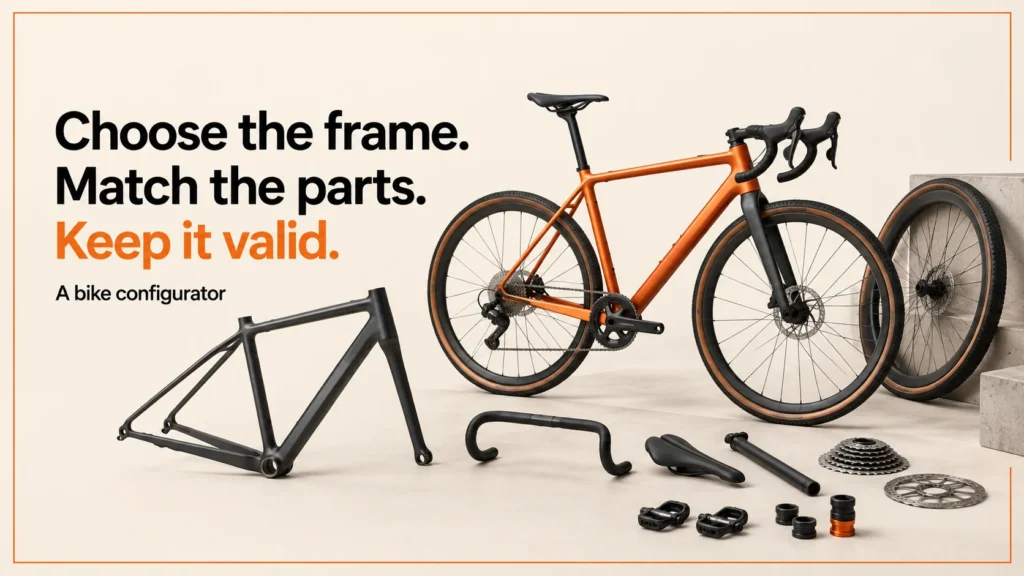
A bike configurator lets a buyer build a bike on screen, one choice at a time. This guide explains how a bicycle configurator, its 3D view and any custom bike builder online should share one set of rules.
Discuss your product rangeTry the demos
A bike configurator needs to connect a visual build to a valid parts specification. A paint colour can be a simple appearance choice; a frame, wheel or brake choice may affect which other options are allowed. The useful starting point is a documented compatibility policy, with a clear owner and version.
This page includes an original miniature rules demonstration. Its catalogue is fictional and deliberately small. It demonstrates application behaviour, not real bicycle compatibility, fitting or engineering advice.
Who uses a bike configurator
Three kinds of business may use a bike configurator. Manufacturers might use one to show a range clearly. Retailers might use one so customers can choose a build before they buy. Custom builders might use one to turn a rough idea into a specification they can quote and make.
Each group has different needs. A manufacturer may care most about the full range and its rules. A retailer may care about stock and the order that follows. A custom builder may care about the questions that come before a quote. The same tool can serve all three. It only works well when the rules are written down first.
A 3D bike configurator makes the build easy to see. It also makes it easy to forget the check. The picture is not the rulebook.
Before any build starts, agree who owns each rule. Write down who can change a rule and how that change reaches the team. This matters whether you sell one model or a full range.
- Options
- Parts rule
- Policy, kept separate from the preview
- Asset changes
- Order
What options a bike configurator usually covers
Most bike configurators cover similar option groups. This table is a generic, illustrative list. It does not say which real parts fit together.
| Option group | What the buyer chooses | What the rules should check |
|---|---|---|
| Frame and size | A frame style and a size | Whether that frame is offered in that size |
| Colour and finish | A paint colour or surface finish | Whether that finish is offered on that frame |
| Wheels | A wheel size or type | Whether it works with the other choices on the build |
| Groupset and brakes | Gears and braking | Whether a brake type limits other choices |
| Accessories | Extras such as lights or bags | Whether the accessory suits the build and its stock |
Appearance options often need fewer checks than structural ones. A paint choice may change only the look. A wheel or brake choice may limit what else is allowed. Write each rule down with its owner and version.
When you list options, start with the choices that change the most. If your frame or wheel choices limit other options, map them first. Accessories can usually come later. Keep the first list short. Add more options once the first set passes its checks.
Try a fictional parts rule
Switch to the gravel concept while leaving the rim brake selected. The demonstration explains the conflict without changing your other choices. Select disc to resolve it. A production design could instead disable an unavailable option or offer an explicit replacement; either approach needs understandable feedback.
Keep the policy separate from the preview
| Demo family | Allowed wheel choices | Allowed brake choice |
|---|---|---|
| City concept | 700c | Rim |
| Gravel concept | 700c or 650b | Disc |
This table is the complete fictional policy used above. A real range needs approved component identities and relationships supplied by the manufacturer or catalogue owner. Use stable identifiers rather than comparing translated display names. Keep inventory and availability separate from mechanical compatibility so an out-of-stock part can be explained accurately.
Define the asset changes
For each option, record what changes in the model. A finish may update one material; a wheel choice may replace geometry; a different frame may require a new scene and camera framing. Do not let the visual asset decide whether a combination can be sold.
Ask for consistent part naming, real dimensions, an agreed export convention and permission to use all assets. Inspect the export in the local GLB viewer, then check the assembled state in the actual configurator. A valid GLB header does not prove that a bicycle specification is valid.
Test the path into an order
Build a test register around the policy. Include one valid build for each family, one blocked combination, a family change that invalidates a previous choice, unavailable stock, a restored saved configuration and a modified browser submission. The server-side order or quote process should validate the selections against the current policy.
The order summary needs the selected part identities, quantities, finish, policy version and any validated commercial result. Make customer-facing labels readable while retaining the stable identifiers for fulfilment. If a quote requires review, say so before the visitor expects a checkout price.
Start with the configurator brief, explore the working demonstration journeys, or discuss a real catalogue through configurator development. The rules and miniature tool on this page are original examples for this site.
Fit and sizing
A bike configurator is not a fitting tool. It does not measure a rider. It does not suggest a frame size from height or leg length. Sizing advice needs the manufacturer’s own data or a professional fit.
If a buyer asks which size to choose, point them to the manufacturer’s size guide or to a fitter. The configurator can show the size they picked. It cannot say whether that size suits them. Keep this point clear on the page, so no one mistakes the preview for advice.
If your range includes a sizing chart, publish it with its source and the date it was last checked. A buyer should never have to guess whether a chart is current. Link the chart from the size choice itself, not only from a footer.
Common mistakes
Watch for four common errors.
- Letting the 3D model decide what is sellable. A model can show a build that the catalogue does not allow. Only the rules and the order check decide what can be sold.
- Comparing display names. Names change with language and wording. Compare stable identifiers instead.
- Mixing stock with compatibility. A part that is out of stock is not the same as a part that does not fit. Keep the two checks apart so each message is accurate.
- Silent replacements. If the system swaps a part without telling the buyer, the order may not match what they saw. Show the change, and let the buyer accept or reject it.
Most of these mistakes share one cause. The team treats the preview as the truth. Keep the rules as the source, and treat the preview as one view of them.
For examples of how the data is set up, see configurator examples. For checks before launch, see acceptance testing. For the 3D files themselves, see 3D models for product configurators.
Bike configurator FAQ
Does a bike configurator check real bike compatibility?
Not by itself. The rules in the demonstration on this page are fictional. A real range needs approved part identities and relationships from the manufacturer or catalogue owner. The tool only applies the rules it is given.
Can a bike configurator choose my frame size?
No. It is not a fitting tool. Sizing advice needs the manufacturer’s own data or a professional fit. The configurator can show the size you picked, but it cannot say whether that size suits you.
Is a 3D model enough to take an order?
No. A valid 3D file does not prove a valid specification. The order or quote process should validate selections on the server, against the current policy. If a quote needs review, say so before the visitor expects a checkout price.
Related reading: door and window configurators and table and desk configurators.
Next step
I led development of the Praxis Digital 3D configurator platform, used by 20+ UK businesses from 2021 to 2025. I build browser-based configurators around the buying journey and the systems behind it. If you have a range to test, contact me and we can agree the smallest useful test.