This is a working configurator for an illustrative pilot chronograph. Pick a dial colour, choose bracelet or leather, and the summary updates with the build you would send to a retailer.
Watch buyers rarely hesitate over the movement. They hesitate over the face they will look at every day. Black reads as a tool watch, cream softens it towards vintage, and copper is a statement some people love and others regret. Seeing each dial in the same light, at the same angle, is what lets someone commit without visiting a shop.
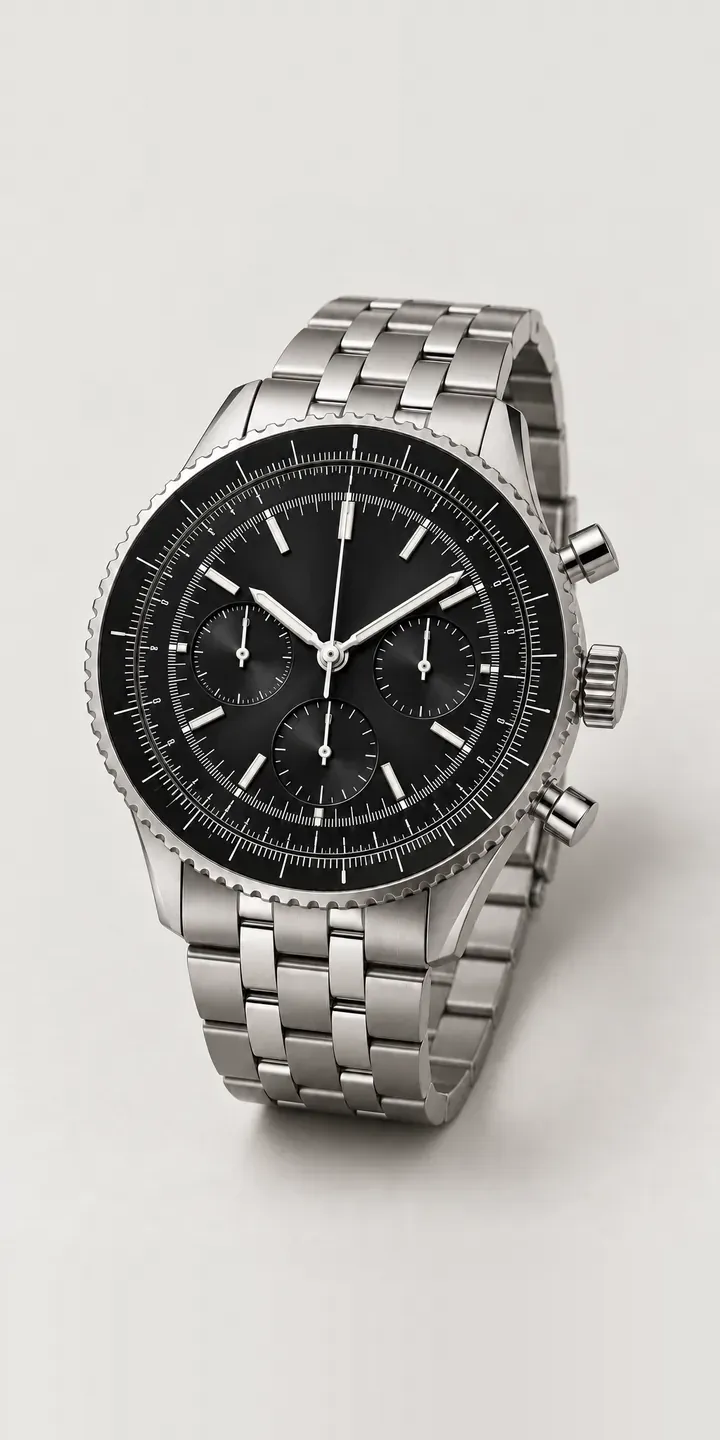
Watches Configurator demo
Aviator Chronograph
- Product
- Aviator Chronograph
- Colour
- Black
- Strap
- Bracelet
Illustrative product. The design and images are generated examples, not a real model for sale.
What you can configure
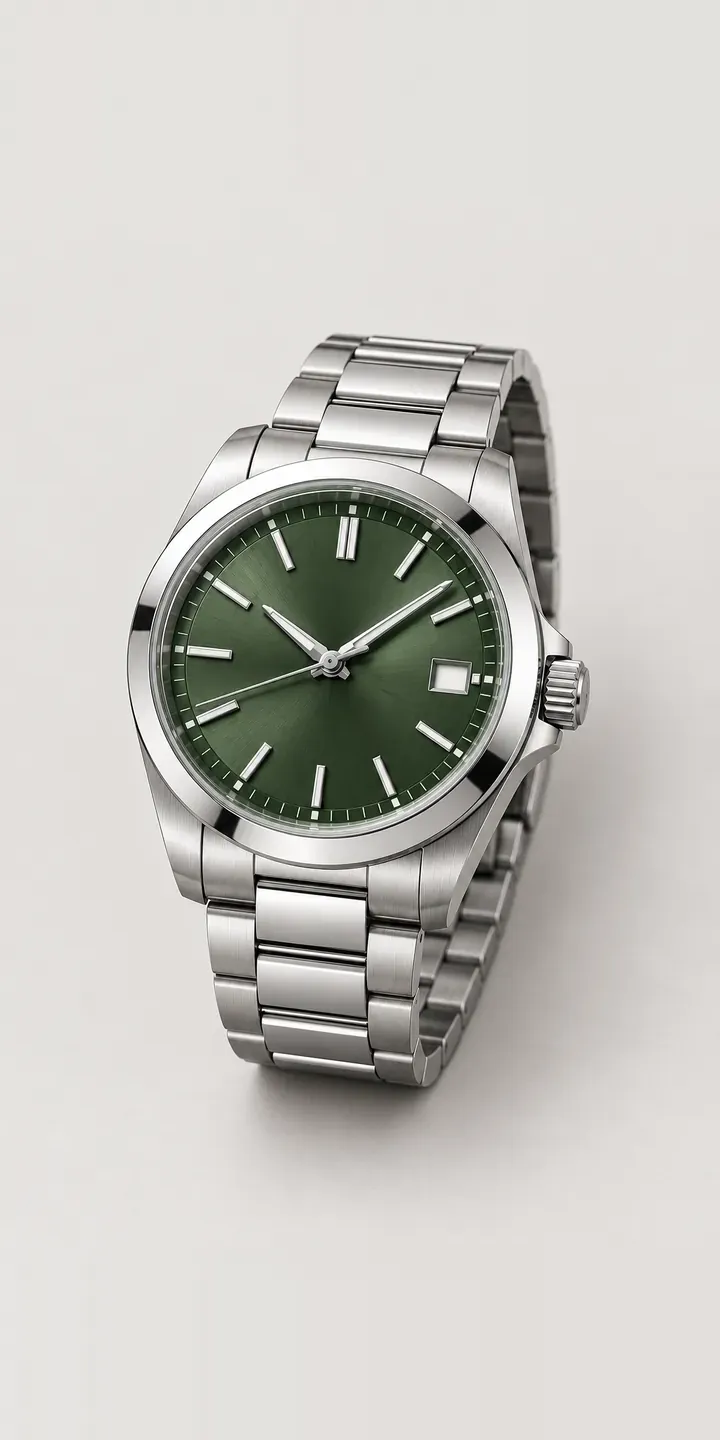
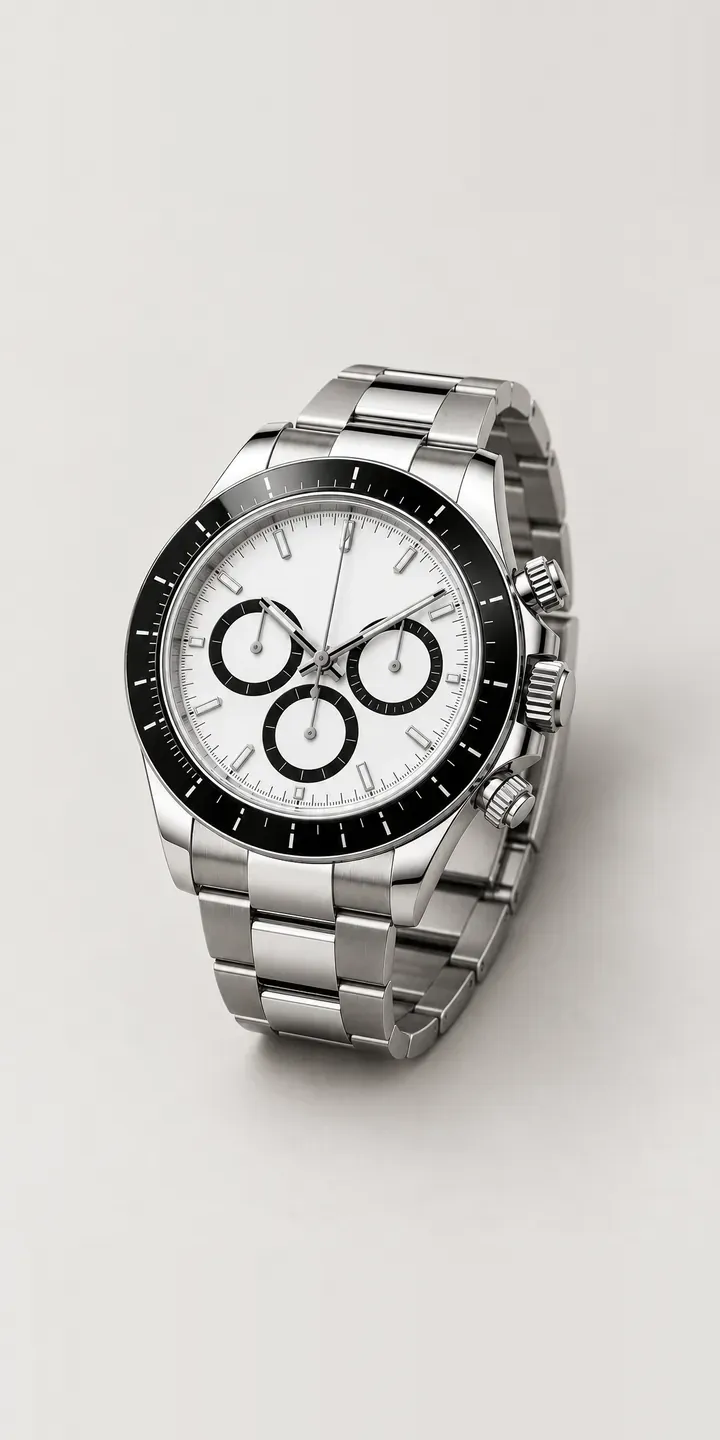
The demo shows four of the six dial finishes: black, silver, blue and green, each with the same case, bezel, hands and pushers so only the dial changes. The strap choice sits alongside it. On a chronograph the dial carries the subdials, so the colour affects legibility as much as looks.
- Colour: Black, Silver, Blue, Green
- Strap: Bracelet, Leather
Why a configurator suits chronographs
A single chronograph in six dial colours on two strap types is twelve combinations. Photographing all twelve on a model, then again for every new season, is where most watch retailers stop and show three hero shots instead. Customers then email to ask what the green looks like on leather.
A configurator answers that question on the product page. It also gives the retailer a cleaner order: dial, strap and case size arrive as structured options rather than a note in the comments box, which matters when a brand allocates stock by reference. Fewer orders arrive with the wrong strap, and fewer customers return a watch because the dial looked different in person.
For microbrands taking pre-orders, the configurator becomes the order book. Buyers reserve the exact combination they want, and the brand can see which dial is pulling demand before committing to a production run. That turns colour choice from a guess made a year ahead into a decision backed by real orders.
How a production version would be built
For a watch, an image-based build is usually the right first step. Each dial is shot or rendered once, and the strap is composited as a separate layer, so twelve combinations need eight images rather than twelve. The retailer supplies the reference codes, dial and strap names, and any combinations that are not offered. On Shopify or WooCommerce the choice maps to a variant, so stock, price and the basket all work as normal.
Build sheet for this range
- Colours in the full range: 6 (4 shown in this demo)
- Strap choices: 2
- Combinations to support: 6 × 2 = 12
- Images for one photograph per combination at 3 angles: 36
- Images if straps can be shown as separate layers, at 3 angles: 24
- Data each of the 12 combinations needs: a SKU or variant ID, price, stock or lead time, and any dimensions or specification that change
Questions about chronograph configurators
Can a configurator show leather and bracelet versions without photographing every combination?
Yes. Shoot or render the watch head once per dial colour, then shoot each strap separately against the same lighting. The configurator layers the strap under the head, so adding a new strap means one new image rather than one per dial. It works best when every shot uses the same camera position.
Will the dial colours look accurate on screen?
They can be close, but no screen is a perfect match. Sunray and metallic dials are the hardest, because their colour changes with the light angle. I calibrate images against physical samples and usually show a second, angled view so buyers can see how the finish moves.
Can it handle limited editions and sold-out references?
Yes. Each combination maps to a reference code, so a sold-out or limited dial can be greyed out, marked as pre-order, or hidden. The rules live in the product data rather than the page, so the shop team can change availability without a developer.
How much does a watch configurator cost?
There is no fixed price. Cost depends on how many models and dial variations you carry, whether you already have consistent photography, and where the configured order goes. My configurator cost guide explains what drives the budget, and I reply to enquiries within two UK working days.
More watch configurator demos
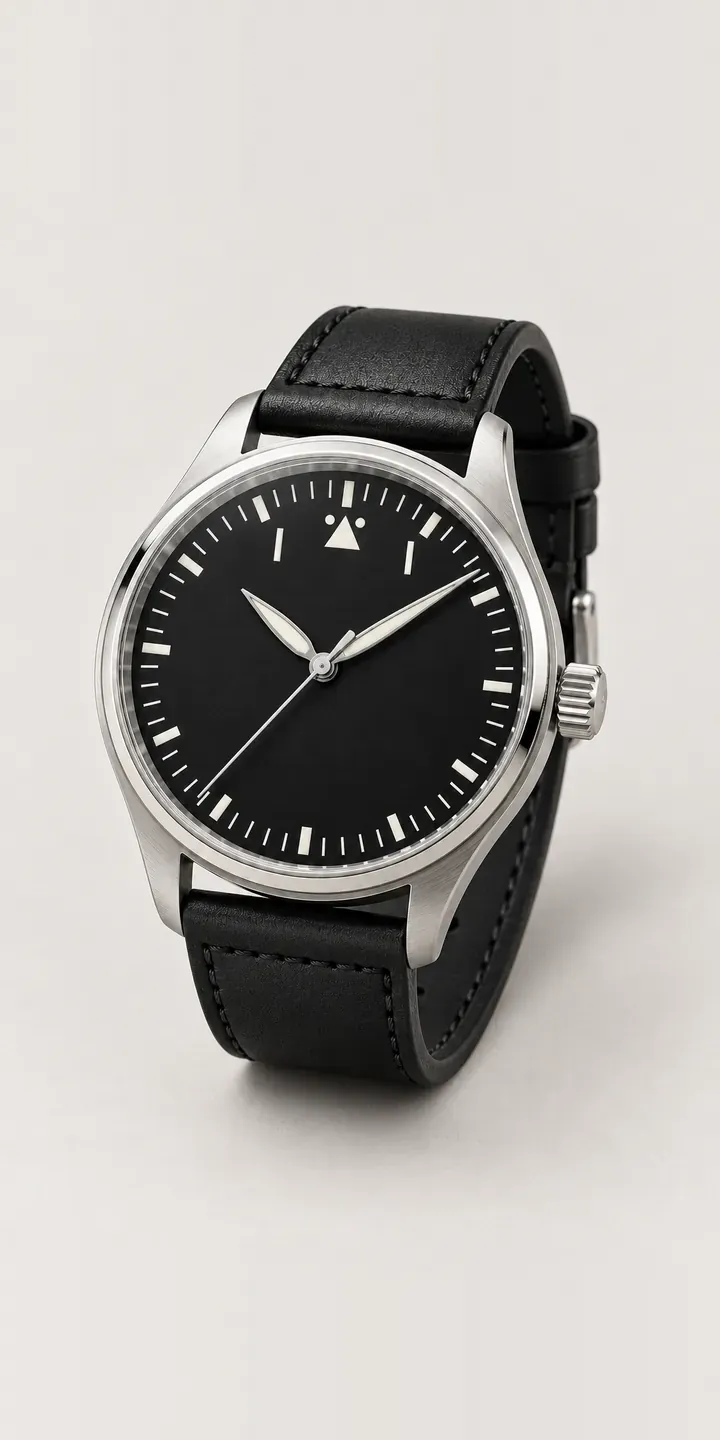
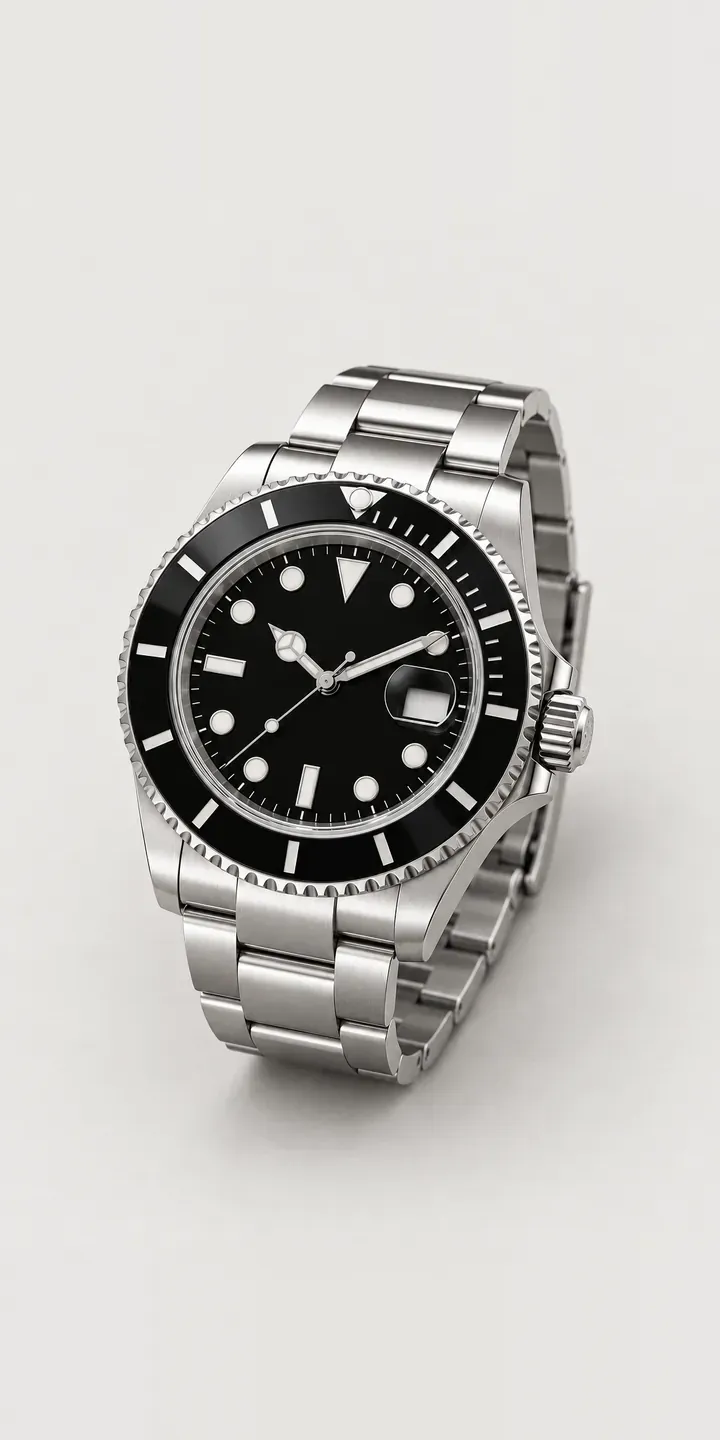
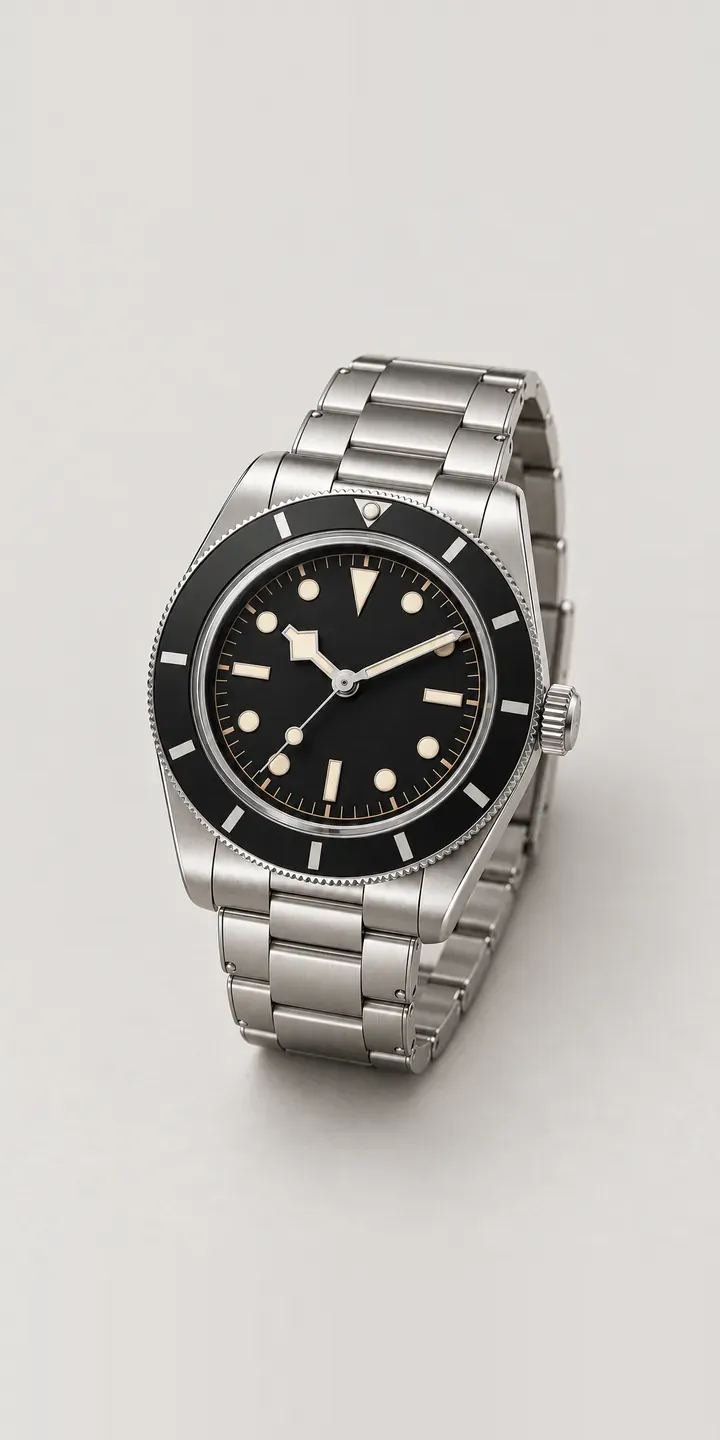
A configurator for your chronographs
This demo uses an illustrative product. If you sell chronographs, I can build the same experience around your own range, photography and ordering process, connected to Shopify, WooCommerce or a quote workflow. I reply to enquiries within two UK working days.