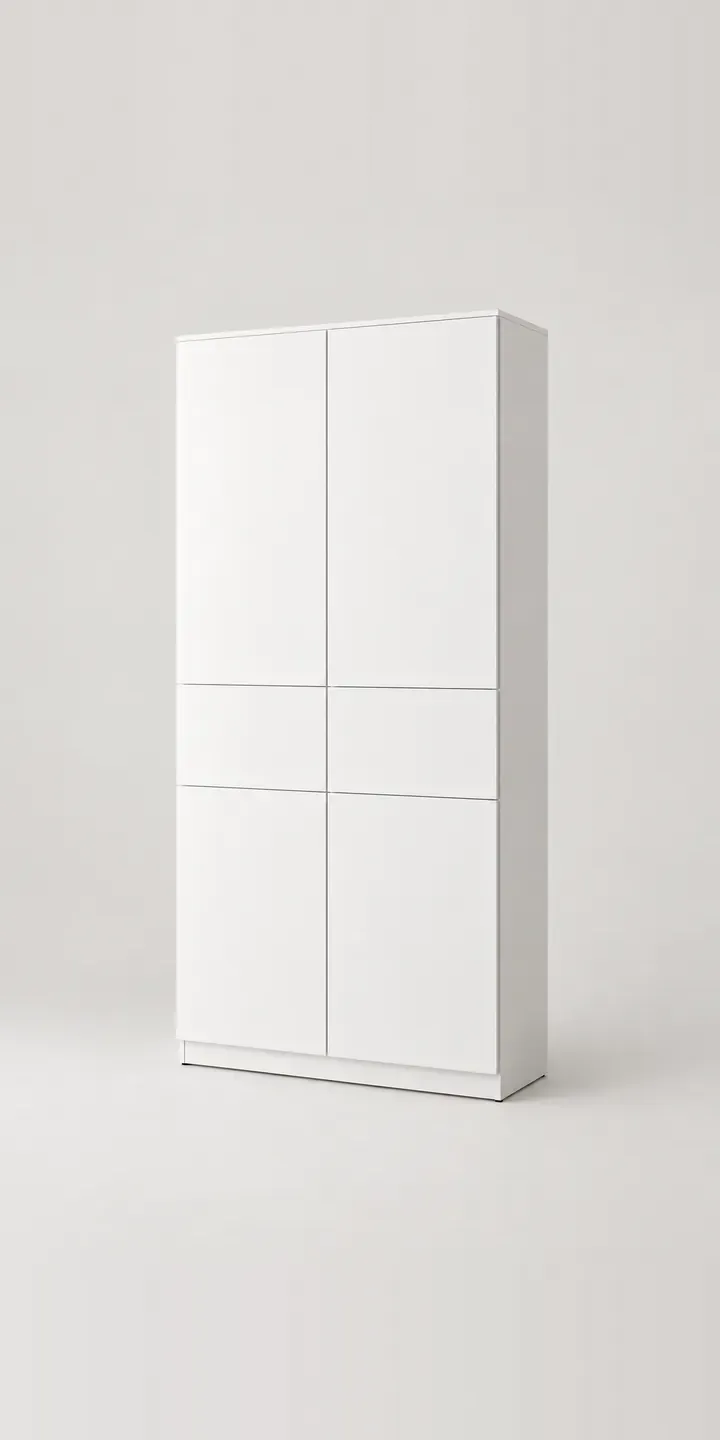
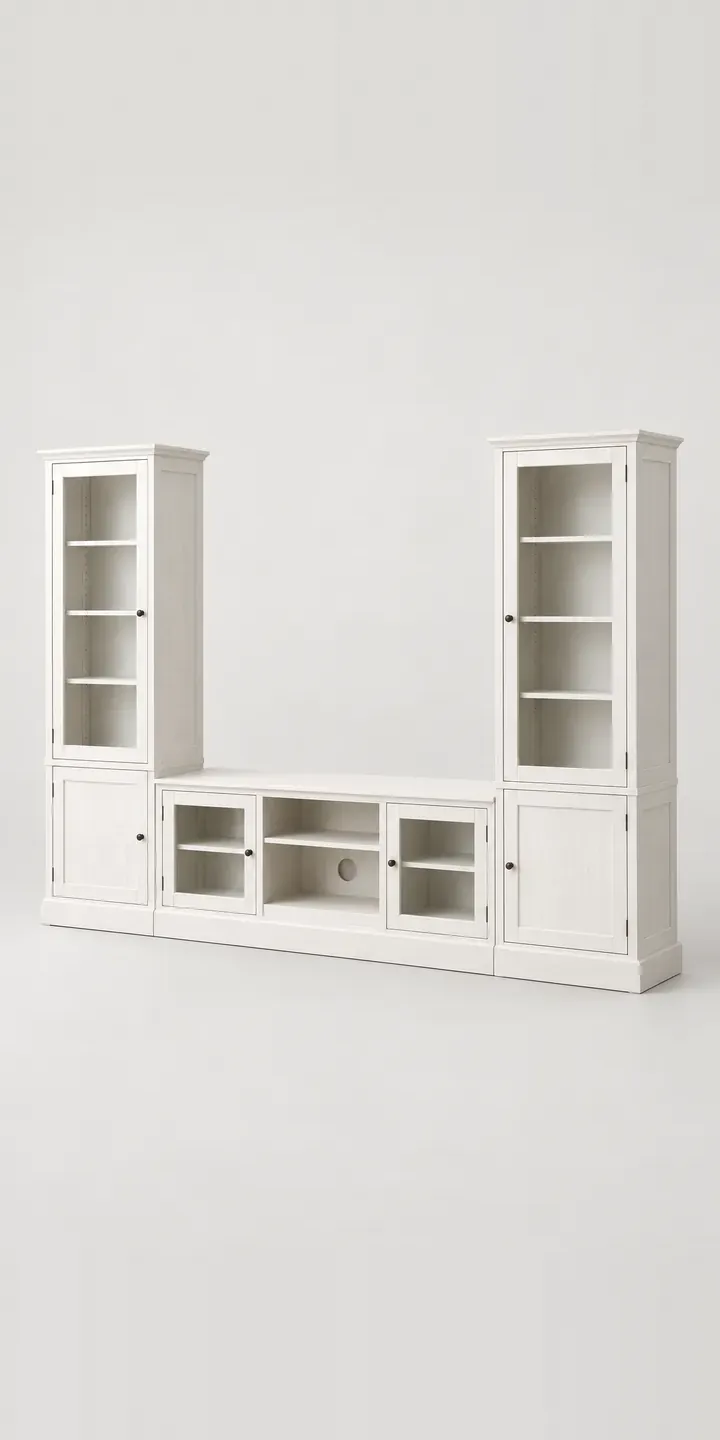
Here is an illustrative run of wall-hung storage cabinets, the low modular kind that sits beneath a television or along a living-room wall. Pick a finish and an overall width, and the configurator records the run.
People buying these are planning a whole wall, often around a TV. They want it wider than the screen and able to hide consoles and cables. It should also look like one continuous piece rather than three boxes fixed side by side. Finish is tied to the floor and sofa. A black-brown run on a dark oak floor feels very different from light grey in a bright family room.
Furniture Configurator demo
Storage Cabinets
- Product
- Storage Cabinets
- Colour
- White
- Width
- 120 cm
Illustrative product. The design and images are generated examples, not a real model for sale.
What you can configure
Run length is the choice that matters most on a wall-hung unit. The demo saves 120, 180 or 240 cm to the summary without redrawing the image. A production build would add modules visibly as the run grows. Finishes on offer are white, oak effect, black brown and light grey, from six. Look at the slim gap where two modules meet: that join is where a weak finish gives itself away.
- Colour: White, Oak Effect, Black Brown, Light Grey
- Width: 120 cm, 180 cm, 240 cm
Why a configurator suits cabinets
Wall-hung cabinets are modular by nature, and modularity creates choice. A 240 cm run might be two 120 cm modules, or three 80 cm modules with a mix of doors and drawers. Each layout needs different fronts, hanging rails and fixings. Customers who build that by hand from separate product pages often order the wrong combination of carcass and front.
A configurator assembles the run as one product. The customer sees the whole wall, chooses fronts per module and places one order with every part included. The retailer avoids part shipments and the follow-up calls they generate. It also becomes simpler to sell add-ons such as cable management, internal lighting or a matching wall shelf.
Finish consistency is the other worry. Oak-effect fronts must match across modules, and buyers notice. Showing the full run in one finish, with close-ups of the joins, answers that before checkout. For retailers with showrooms, the same design can be shared with a store for a final look before ordering.
How a production version would be built
This product suits a layered 2D build. Each module type, front type and finish is rendered separately, and the configurator places modules side by side from the chosen width. The data covers module sizes, front options, finishes, fixing kits and rules such as a maximum run length per wall rail. Out comes a structured parts list. On WooCommerce or Shopify it can enter the basket as a bundle, or it can go to a quote. A 3D option suits brands that want customers to view the run from an angle.
Build sheet for this range
- Colours in the full range: 6 (4 shown in this demo)
- Width choices: 3
- Combinations to support: 6 × 3 = 18
- Images for one photograph per combination at 3 angles: 54
- Images if widths can be shown as separate layers, at 3 angles: 27
- Data each of the 18 combinations needs: a SKU or variant ID, price, stock or lead time, and any dimensions or specification that change
Questions about cabinet configurators
Can customers mix door and drawer fronts within one run?
Yes. The run is built module by module, and each module can take a door, a drawer or a drop-down front from your range. The configurator checks that each front suits its carcass and that the whole run uses compatible hanging rails. The order lists every carcass and front separately.
How do you keep oak effect consistent across modules?
Render every module from the same material reference, so grain scale and tone match. The configurator then assembles the run from those consistent pieces. Foil and laminate fronts are usually well matched between batches. If you also sell natural veneer fronts, it is worth noting that those can vary.
Can the configurator suggest a width based on the TV size?
With simple rules, it can. The customer enters the screen size or wall width. The configurator then suggests a run that sits wider than the TV, with a sensible margin at each end. The customer can still choose a different width. It is guidance, not a restriction.
What does a modular cabinet configurator cost?
There is no fixed price. Cost depends on how many module sizes, fronts and finishes you sell, whether renders already exist, and where orders need to go. A layered 2D build for one range is a sensible starting point. My configurator cost guide explains the main drivers in more detail.
More furniture configurator demos
All furniture configurator demos
A configurator for your cabinets
This demo uses an illustrative product. If you sell cabinets, I can build the same experience around your own range, photography and ordering process, connected to Shopify, WooCommerce or a quote workflow. I reply to enquiries within two UK working days.