
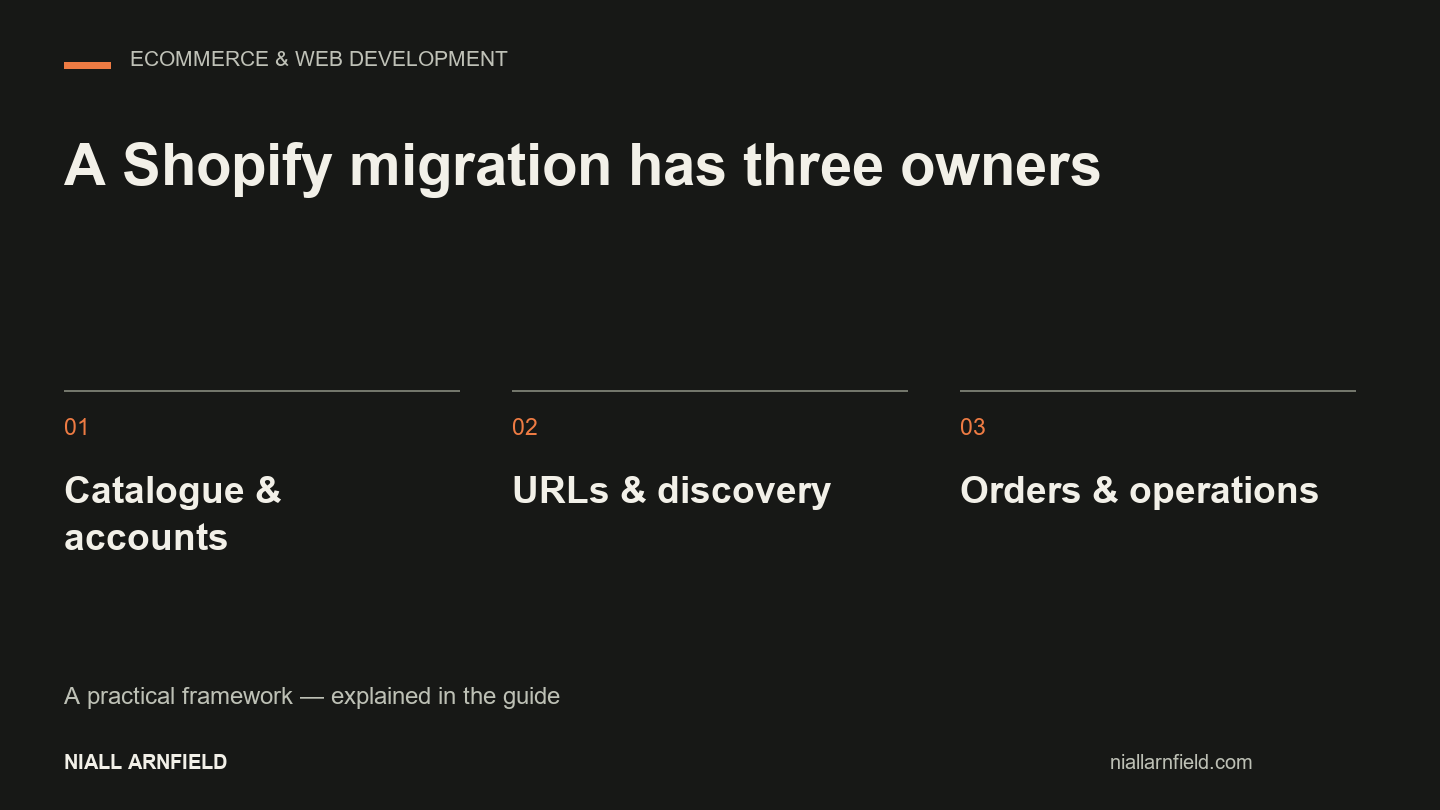
A Shopify migration works when customers can still find products, buy them and receive them correctly. Moving the design is only part of the job. The catalogue, account model, integrations and search traffic each need a plan.
Discuss your projectSee selected work
I help businesses plan and build ecommerce websites. That includes the technical decisions around moving platforms. Before I recommend a migration, I check whether the platform is the real problem. A slow theme or messy catalogue may be fixable without changing the whole operation.
What changes from your current platform?
| Starting point | Investigate before import | Acceptance check |
|---|---|---|
| WooCommerce to Shopify | Plugin-defined product options, subscription records, account behaviour and order metadata | A representative complex product can be bought with the correct options and fulfilment data |
| WordPress to Shopify | Which content belongs in the shop and which editorial or membership functions must survive | Important articles, forms and existing URLs have explicit destinations |
| Magento to Shopify | Attribute sets, customer groups, price rules, store views and external systems | Realistic customer groups receive the intended catalogue, pricing and delivery options |
| Custom or older hosted store | Export completeness, image ownership, password portability and access to historical records | Data counts reconcile and exceptions have a named owner |
Do not assume that customer passwords, recurring payment agreements or old order fields will move in the same import. Confirm the supported route first. Confirm any customer action before you promise continuity. Shopify maintains an official migration guide. The work still depends on your source system and the apps involved.
Planning a Shopify Plus migration
A Shopify Plus migration may add organisational requirements. It may involve several stores or markets. It may include B2B journeys, established integrations and more people approving the release. Check what the proposed plan can do today. Make each dependency clear. The platform label does not remove the need to reconcile data, rehearse launch and keep useful search routes.
Run a representative import first
Choose a small sample with the awkward cases. Include a product with many options, an unavailable variant, a discounted item, a trade customer and an international order. Import that sample into the new store. Then walk through buying and fulfilment. A clean spreadsheet import does not prove that the store works.
Record the source identifier, destination identifier, image count, variant count and any change for each sample. If a migration tool changes HTML, handles or option names, inspect the rendered result. This rehearsal becomes the basis of the full import. It also gives the team a practical estimate of exception handling.
Protect search routes and useful content
Build the URL list from the old site, Search Console, analytics and known campaign links. Map each useful old page to the closest equivalent. Point links inside the new site straight at the final URLs. Do not rely on redirects for everyday navigation.
A blanket redirect to the homepage does not keep the meaning of a discontinued category or product. If no equivalent exists, decide how to handle it. You can keep a useful explanation, offer a genuine replacement or return the right removed-page response. The migration SEO checklist covers this in more detail.
Give every old URL a deliberate outcome
An ecommerce migration needs two release plans. One plan covers customers completing purchases. The other covers search engines finding the right pages. Before you change anything, export the current sitemap and crawlable pages. Then add Search Console clicks and impressions, analytics landing-page activity and known links to key resources. Record the date range and source for each measure. Page views, users and organic clicks are different things. A page with little recent traffic may still matter to customers. It may also sell seasonally. Decide its future from its purpose as well as its numbers.
- A product that remains available: keep its URL where practical, or redirect it permanently to its replacement. Check that the destination describes the same product and can be indexed.
- Two overlapping categories: consolidate only where the new category meets both browsing needs. Confirm that relevant products, useful copy and incoming navigation remain.
- A useful buying guide: keep it, or map it to a truly equivalent resource.
- Removed content with no replacement: return the right not-found or gone response. Remove internal links and sitemap entries that point to it.
A blanket redirect to the homepage does not keep the intent of a removed page. Google’s site-move guidance recommends mapping old URLs to relevant new destinations. It also recommends updating internal links and monitoring the move. Keep a record of exceptions. That lets you review the redirect list before launch, not guess at it. Validate the catalogue separately from the redirect map. Matching row counts can hide changed products, prices and availability. The migration case study shows the method with a runnable redirect test.
Make launch a controlled handover
Agree when catalogue editing pauses. Agree how late orders get reconciled. Agree who can approve the switch. Keep a recoverable copy of the old site and its exports. Define the conditions for rollback. Include how orders taken after launch will be handled. Restoring yesterday’s database without reconciling new orders creates a second problem.
After launch, verify payment, tax, delivery, notifications, tracking consent and account access. Then monitor key landing pages and search coverage. Use similar periods for comparison. A launch-day traffic change alone cannot show whether the migration helped or hurt organic performance.
Use a launch gate and monitor afterwards
Before you switch traffic, test product, category, search, basket and checkout paths. Use an agreed safe process. Check options, prices, stock, tax and delivery against approved examples. Verify titles, one clear heading, canonicals, structured data, mobile navigation and keyboard use. Remove any staging protection from the public release. Do not expose private staging content just to run a search test.
- URL mapping: source, destination, response code and redirect-chain results. Owner: developer and SEO lead.
- Catalogue accuracy: approved sample products and category checks. Owner: merchandising or product owner.
- Purchase and enquiry journeys: authorised test results and receipt checks. Owner: developer and operations.
- Production search access: robots, noindex, canonicals, sitemap and public fetch checks. Owner: developer and SEO lead.
- Measurement: consent behaviour and checked event definitions. Owner: analytics owner.
Say who can call a stop. Say which failure justifies rollback. A visual defect and a checkout failure should not share one threshold. After launch, check availability and completed customer tasks first. Then check redirect errors, missing pages, sitemap processing and the performance of key landing pages. Compare like periods and note the launch date. Rankings can fluctuate while the move is processed. An indexing request does not promise quick recovery.
If you want the redirect map, launch checks and post-launch monitoring handled for you, see my SEO migration service.
Start with the operating requirements
Bring your current platform, rough catalogue size, integrations, markets and planned launch window. The ecommerce website brief helps you turn those details into a scope you can review. For theme work after the platform decision, see Shopify theme development.
Discuss a Shopify migration and identify the dependencies before you commit to a launch date.
Related guides
- If you want the current URLs, redirects and indexing recorded, start with a technical SEO audit. Do this before the move.
- If you also want the migration built, read my Shopify developer page. It explains how I run the project.
- If you sell to trade customers, check how accounts, price lists and approvals will move too. The B2B checkout and approvals guide lists the states to test.