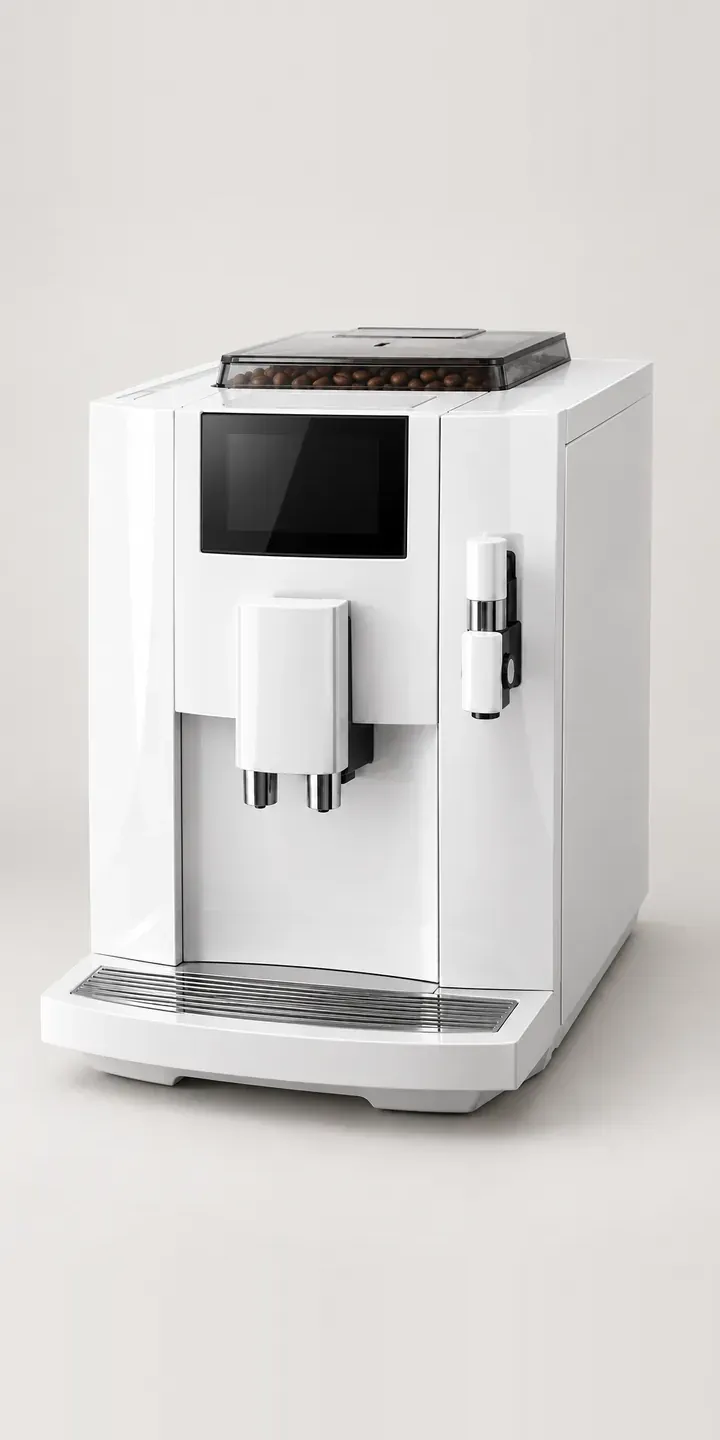
A slim, high-gloss bean-to-cup machine, shown here as an illustrative example. The configurator offers four of its six finishes and a choice of two hopper sizes.
This machine is aimed at buyers who care how it looks as much as how it brews: design-led homes and small studio kitchens. Its mirror-like front panel is both the selling point and the challenge. Gloss finishes look different in every room because they reflect the room. Someone choosing gloss white for a calm, pale dining room and someone choosing burgundy for an agency kitchenette are both trying to predict how that surface will sit in their space.
Coffee Configurator demo
Compact Bean-to-Cup
- Product
- Compact Bean-to-Cup
- Colour
- Gloss White
- Hopper
- 200 g
Illustrative product. The design and images are generated examples, not a real model for sale.
What you can configure
Swatches swap the front between gloss white, gloss black, platinum and burgundy, keeping the touchscreen and spout in place. The hopper choice is 200 g or 280 g, which is mostly about who uses the machine: one or two people at home, or a whole studio. Midnight blue and champagne complete the six finishes. The hopper size is listed in the summary rather than shown in the picture.
- Colour: Gloss White, Gloss Black, Platinum, Burgundy
- Hopper: 200 g, 280 g
Why a configurator suits coffee machines
Gloss finishes are hard to photograph well. Every shot picks up the studio, the photographer and the lights, and retouching each one takes time. Across a dozen finish and hopper builds, inconsistent reflections make the finishes look like different products. Rendering solves much of this, because every finish can reflect exactly the same scene.
Colour confidence matters a great deal on a compact machine, because it is often placed somewhere prominent, such as a sideboard or a shared counter. Burgundy and champagne are bold choices for an appliance. Showing them in a believable room, with reflections that make sense, helps the buyer commit rather than default to white.
The machine also suits small businesses: studios, agencies and shared offices with a kitchenette. They often buy one or two machines and want a finish that suits their brand. A quote route alongside the basket captures those buyers. They may need an invoice in the company name and delivery to a workplace rather than a home address.
How a production version would be built
For a high-gloss product I would usually recommend renders over photography. A CAD model, lit in a controlled scene, gives identical reflections across all six finishes and makes new colours cheap to add. Each finish becomes one image, with the hopper as a small layer if it shows. In production I would also add a lifestyle render per finish, such as a pale dining room or a studio kitchen, for context. A CAD file, or good reference photos, is the main input, with finish SKUs and hopper options. My 3D product visualisation work covers how those renders are produced, and the build feeds a Shopify or WooCommerce basket.
Build sheet for this range
- Colours in the full range: 6 (4 shown in this demo)
- Hopper choices: 2
- Combinations to support: 6 × 2 = 12
- Images for one photograph per combination at 3 angles: 36
- Images if hopper sizes can be shown as separate layers, at 3 angles: 24
- Data each of the 12 combinations needs: a SKU or variant ID, price, stock or lead time, and any dimensions or specification that change
Questions about coffee machine configurators
Is it better to render or photograph a high-gloss coffee machine?
Rendering is usually better for gloss. Photography captures every reflection in the studio, and keeping those consistent across six finishes is hard. A render controls the environment exactly, so every finish reflects the same scene. Photography still works for lifestyle shots, but product views benefit most from rendering.
Can the configurator show how a gloss finish will reflect a buyer's room?
Only approximately. A configurator can offer two or three lifestyle scenes, such as a bright room and a darker one, so the buyer sees how the finish changes with its surroundings. That is more honest than a single perfect studio shot, and it sets expectations properly.
Can we add new gloss colours without a photo shoot?
Yes, if the images are rendered. A new colour is a material change in the 3D scene, followed by a render and a new entry in the product data. The configurator then shows the new swatch. That is far quicker than shooting, retouching and matching a new physical sample.
Can small businesses order through the configurator with a company invoice?
Yes. A business option on the summary can collect the company name, VAT number and delivery address, then send the build as a quote or a business order. The retailer receives everything needed to raise an invoice, and the buyer avoids a separate email exchange.
More coffee equipment configurator demos
Conical Burr Grinder
Espresso Grinder Combo
Filter Coffee Maker
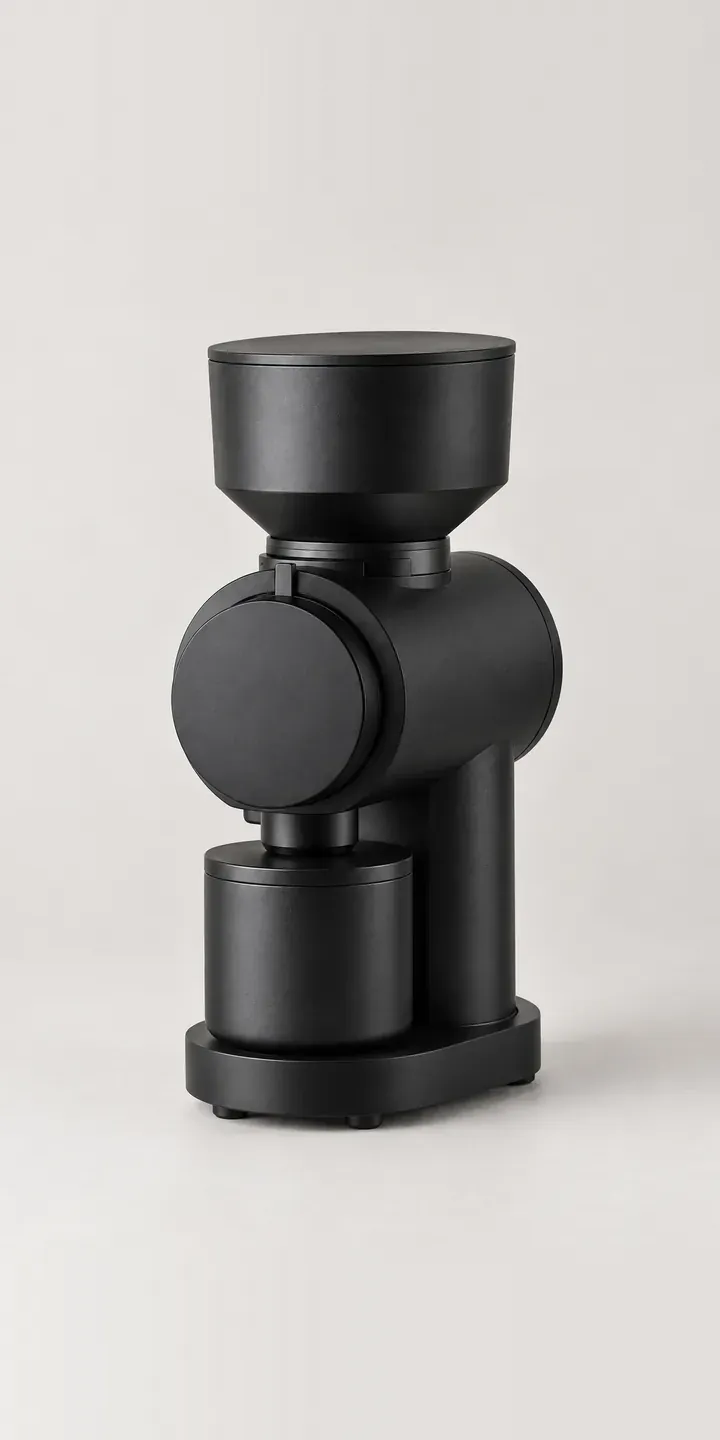
Flat Burr Grinder
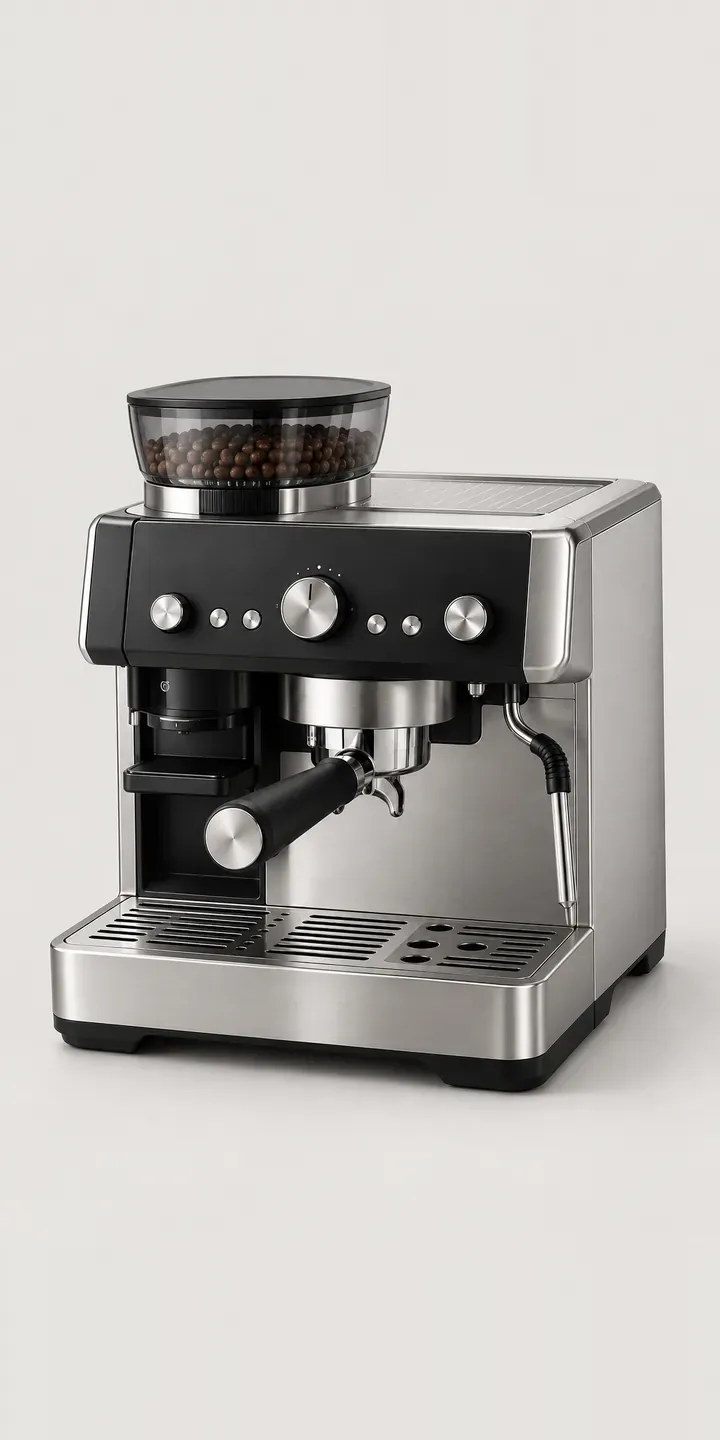
Home Espresso Station
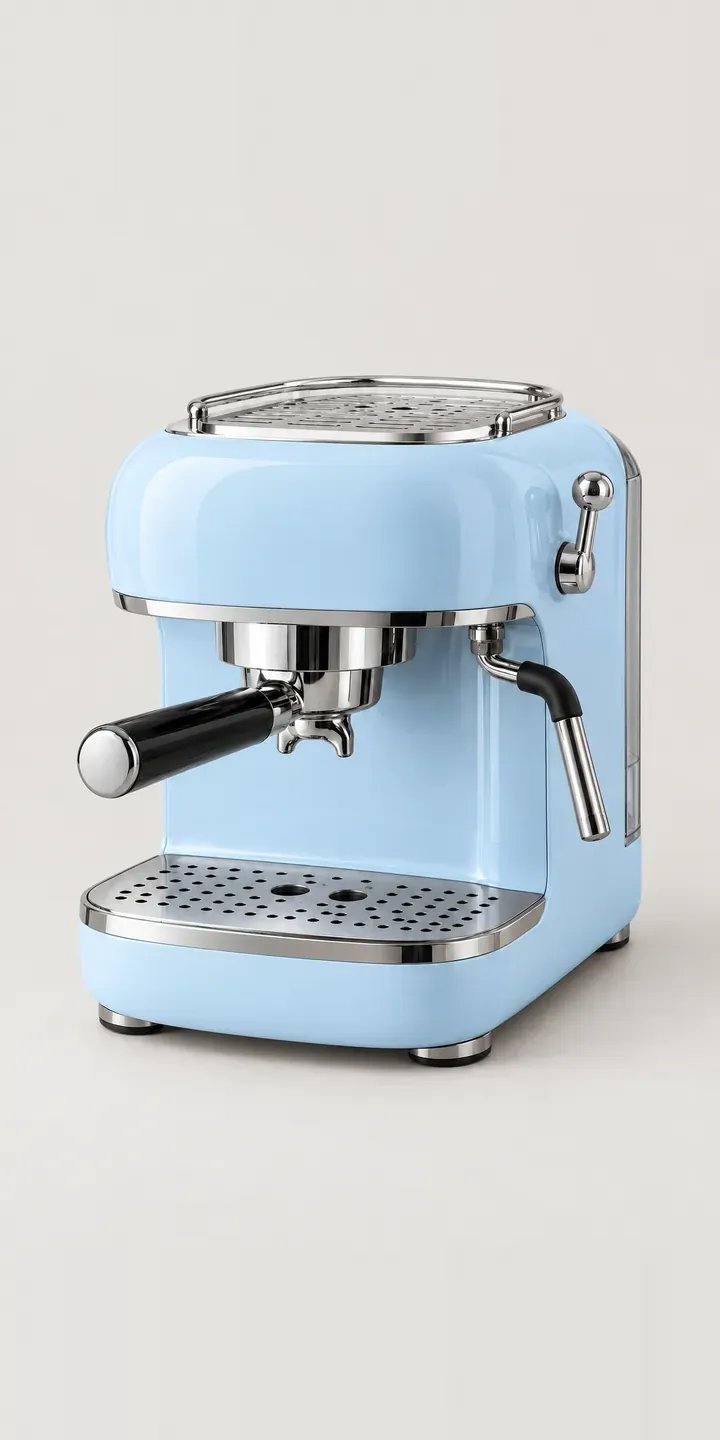
Retro Espresso Machine
All coffee machine configurator demos
A configurator for your coffee machines
This demo uses an illustrative product. If you sell coffee machines, I can build the same experience around your own range, photography and ordering process, connected to Shopify, WooCommerce or a quote workflow. I reply to enquiries within two UK working days.