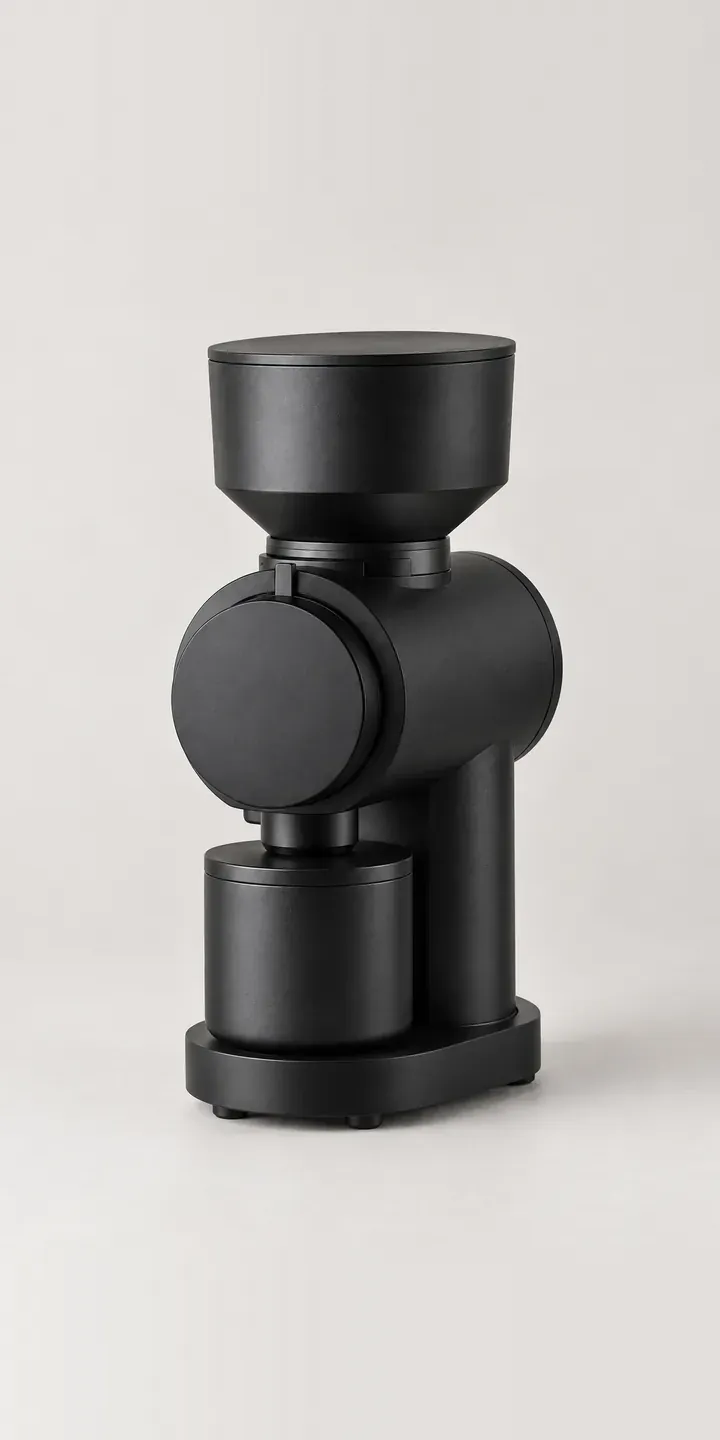
Below is an illustrative flat burr grinder with a numbered dial ring and four matte finishes. Choose a colour and a burr set, and the summary records the build.
Grinder buyers are often the most particular customers a coffee retailer has. They read about burr geometry, retention, grind consistency and how finely the adjustment steps. Many already own an espresso machine or a pour-over setup and are buying the grinder to improve the cup. The burr set matters most, because it shapes the grind for espresso or filter. Colour is secondary, though rust and sky blue suit a home coffee bar built to be seen.
Coffee Configurator demo
Flat Burr Grinder
- Product
- Flat Burr Grinder
- Colour
- Matte Black
- Burrs
- Standard
Illustrative product. The design and images are generated examples, not a real model for sale.
What you can configure
The demo swaps the grinder between matte black, matte white, stone grey and rust, with the numbered dial ring in the same position each time. Olive and sky blue complete the range. The burr option is standard or fine. In general, a set aimed at finer grinding favours espresso, while a general set covers filter and pour-over. Burrs are internal, so the choice lives in the summary rather than the picture.
- Colour: Matte Black, Matte White, Stone Grey, Rust
- Burrs: Standard, Fine
Why a configurator suits coffee grinders
Many roasteries sell grinders alongside their beans, and they know their customers' brewing methods. A configurator that asks how the buyer brews before suggesting a burr set lets a roastery give the advice it would give across the counter. That builds trust and heads off the return from someone who chose fine burrs for a cafetière.
Burr sets are also an aftermarket product. Owners upgrade or replace them, and the right set depends on the grinder model. Recording which burrs each customer bought lets the retailer offer replacements or upgrades for that exact grinder, instead of a generic list that leaves the buyer checking compatibility on forums.
Because burrs are internal, the visual work on this product is simpler than the data work. Each build needs correct burr specifications, recommended uses and compatibility notes. Get that right, and the configurator becomes a reference customers return to whenever they want to change how they brew, which keeps them coming back to the same shop.
How a production version would be built
For a grinder, a whole-image swap per finish is enough on the main view: six images cover twelve builds. I would add a cutaway or close-up of each burr set, since this buyer wants to see the burrs even though they sit inside. Burr specifications, recommended brew methods and compatible spare parts carry most of the weight, with finish SKUs alongside. A short brew-method question can pre-select burrs. Orders go to the Shopify or WooCommerce basket, and roasteries can add a matching bean bundle. Accurate product data for configurators matters more here than imagery.
Build sheet for this range
- Colours in the full range: 6 (4 shown in this demo)
- Burrs choices: 2
- Combinations to support: 6 × 2 = 12
- Images for one photograph per combination at 3 angles: 36
- Images if burr sets can be shown as separate layers, at 3 angles: 24
- Data each of the 12 combinations needs: a SKU or variant ID, price, stock or lead time, and any dimensions or specification that change
Questions about coffee grinder configurators
Can the configurator recommend burrs based on brewing method?
Yes. An optional first question asks how the buyer brews, such as espresso, pour-over or cafetière, and pre-selects the matching burr set with a sentence explaining why. The buyer can override it. The recommendations live in a table your team controls, so they can change as your advice does.
Can we show the burrs even though they are inside the grinder?
Yes, as a secondary image. A close-up or cutaway of each burr set appears when it is selected, beside the main view of the grinder. Renders work well for this because they show the burr faces clearly. It helps a buyer who has read about burr geometry see the difference for themselves.
Can customers buy replacement or upgrade burrs for the grinder they own?
Yes. The original build records the grinder and burr set, so the configurator can offer compatible replacements or an alternative set. A burr finder page can also let any owner select their grinder model and see what fits, using compatibility data from your catalogue.
Can a roastery offer beans alongside the grinder?
Yes. Once the burr set is chosen, the configurator can suggest beans roasted for that brew method and add them to the basket with the grinder. On Shopify or WooCommerce this uses your existing bean products. A first-bag offer or a subscription can be added if your store supports it.
More coffee equipment configurator demos
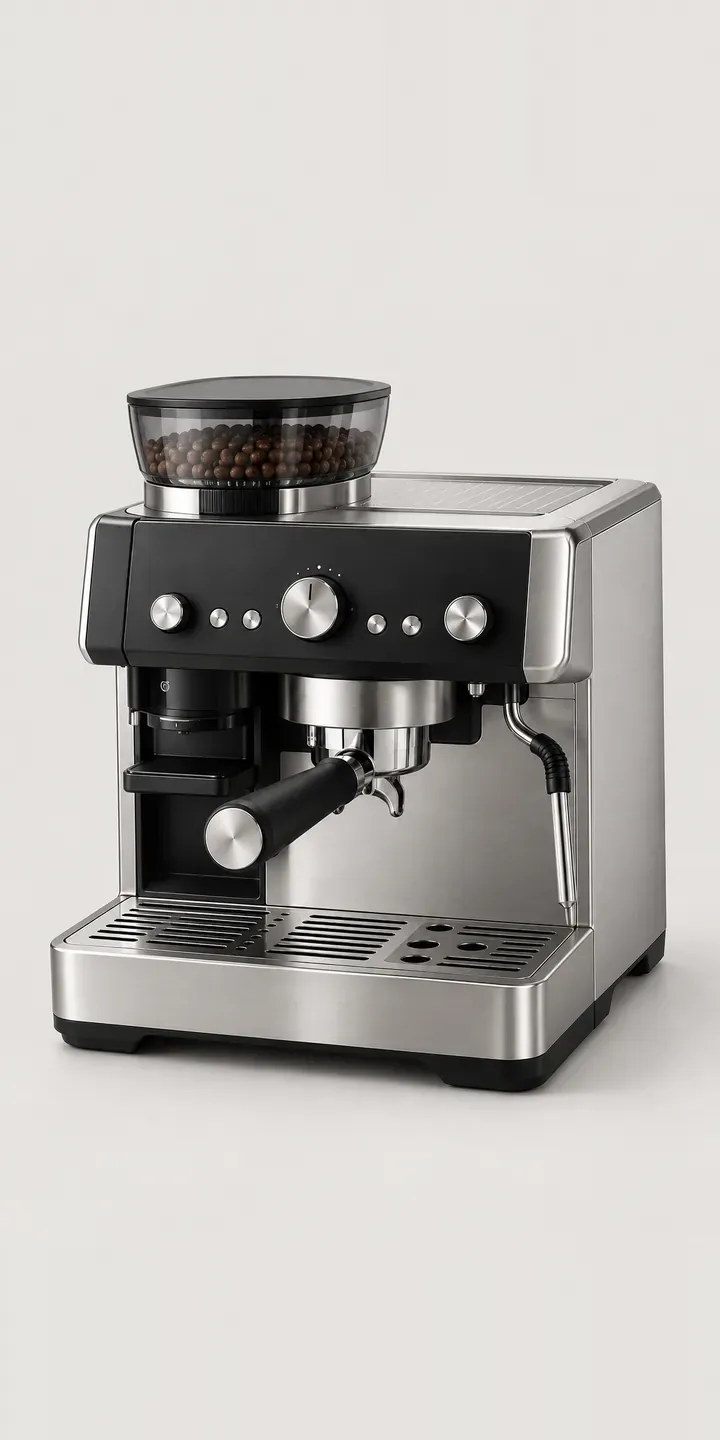
Home Espresso Station
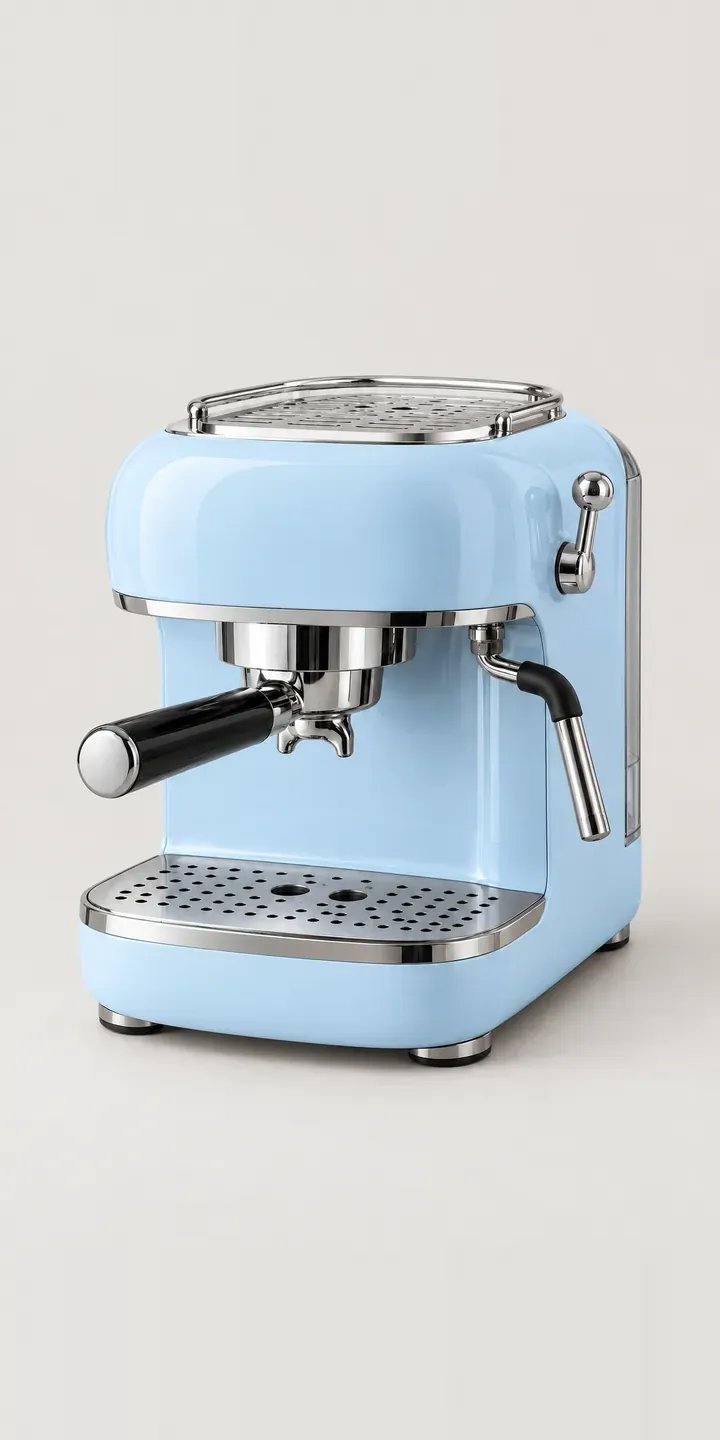
Retro Espresso Machine
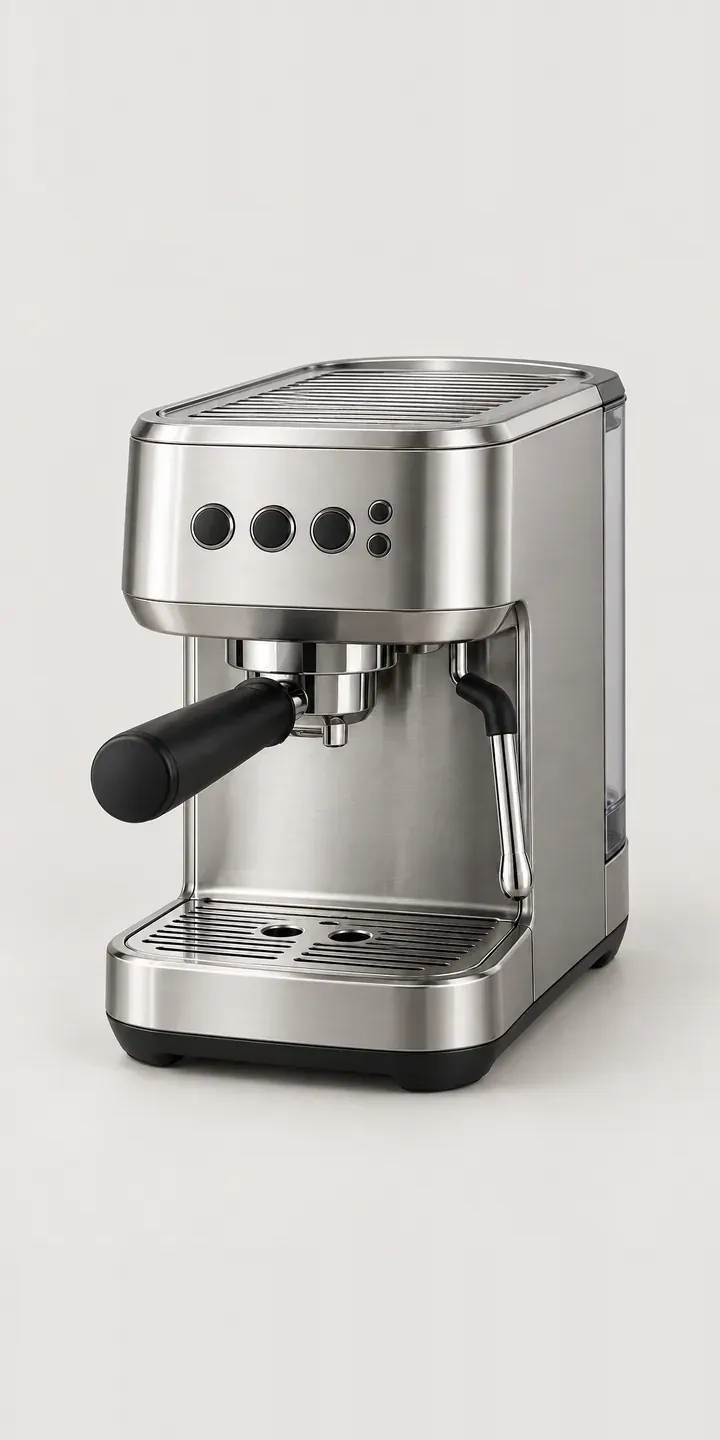
Slim Espresso Machine
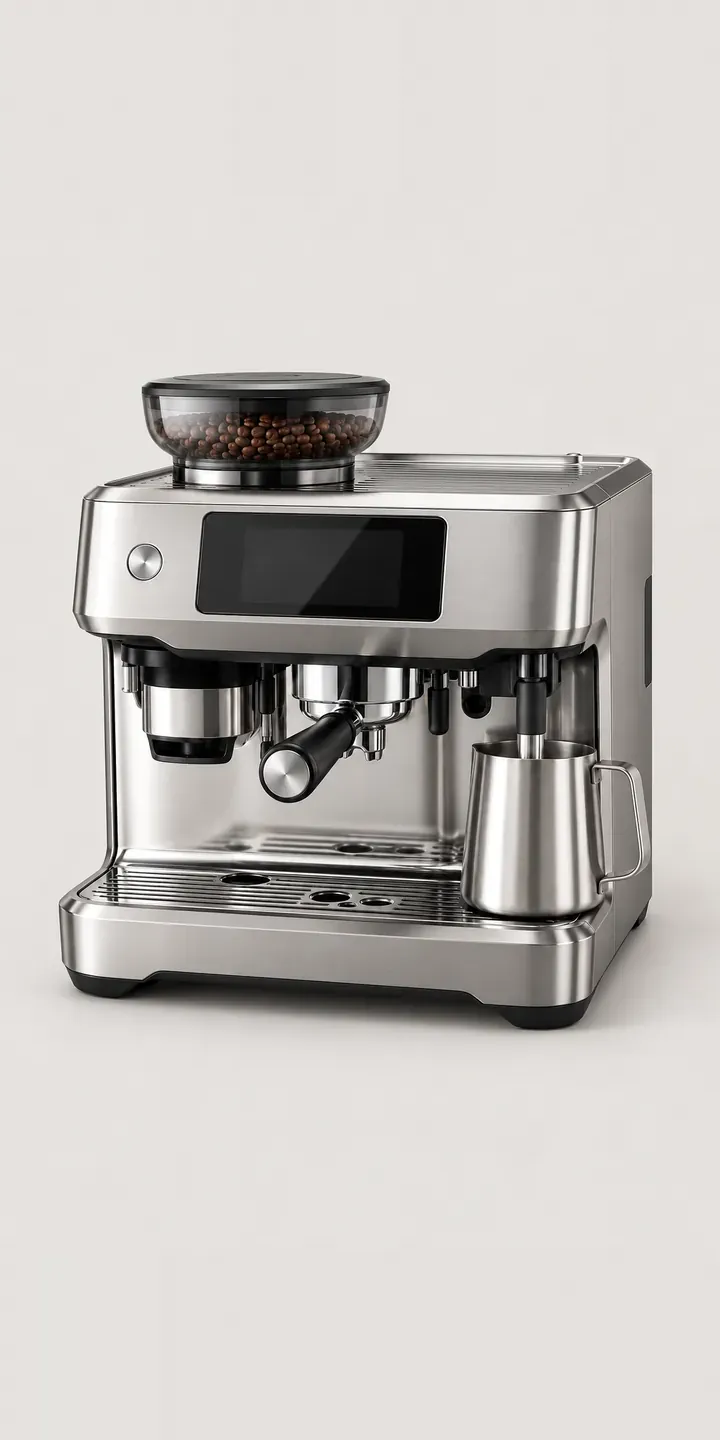
Touchscreen Espresso
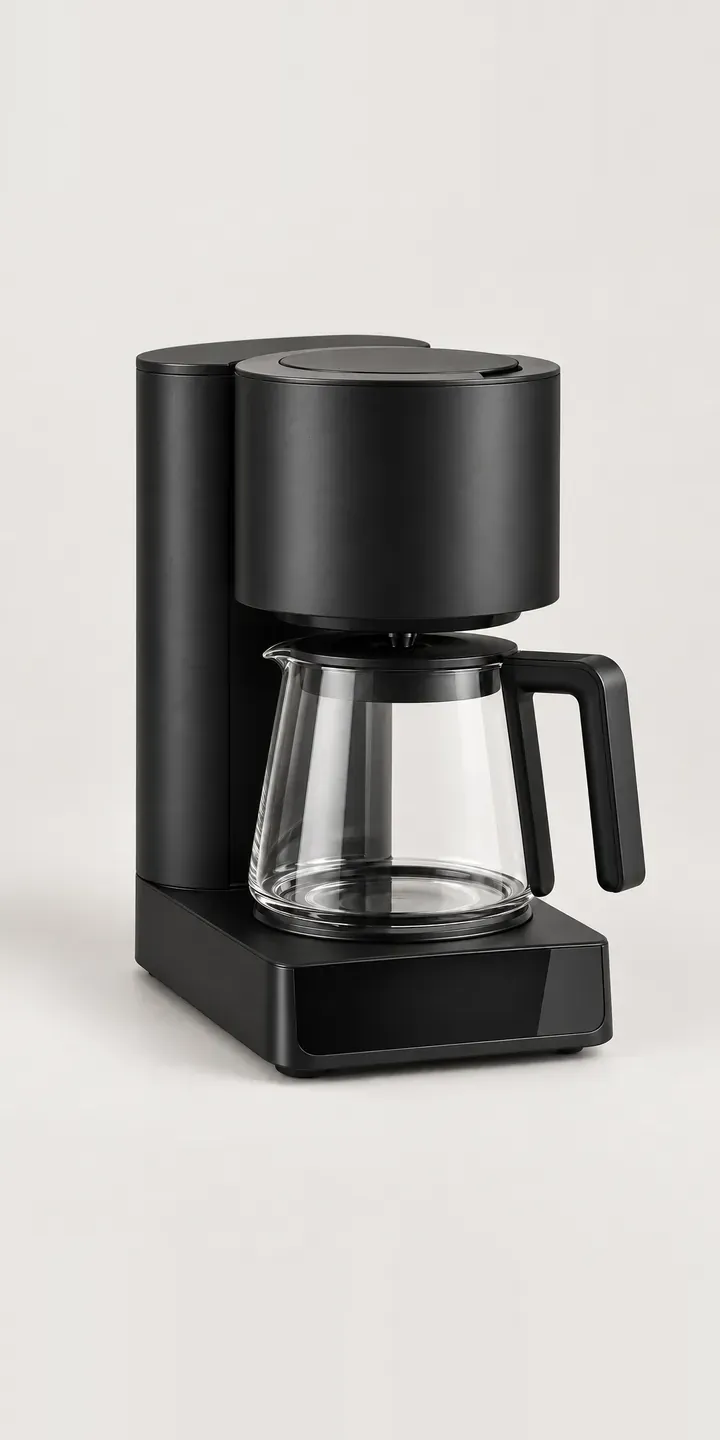
Batch Coffee Brewer
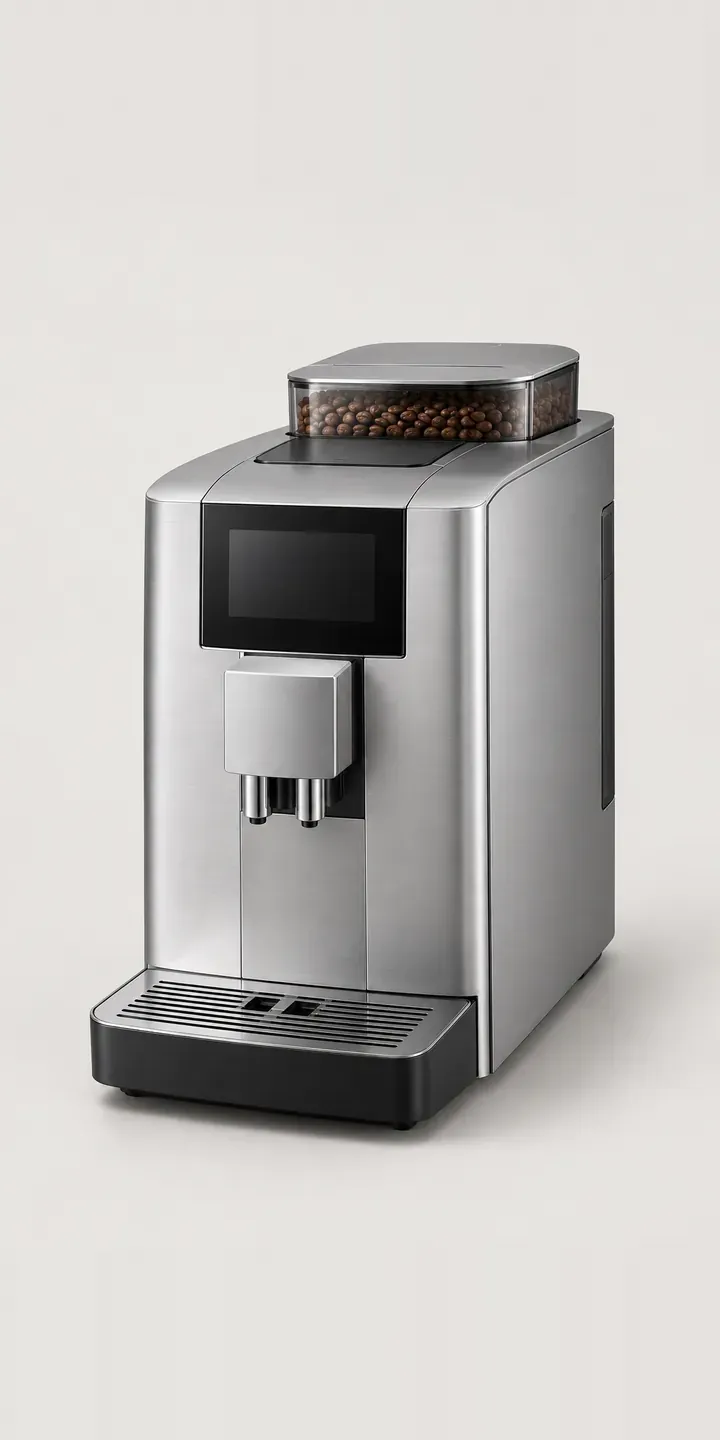
Bean-to-Cup Machine
All coffee machine configurator demos
A configurator for your coffee grinders
This demo uses an illustrative product. If you sell coffee grinders, I can build the same experience around your own range, photography and ordering process, connected to Shopify, WooCommerce or a quote workflow. I reply to enquiries within two UK working days.