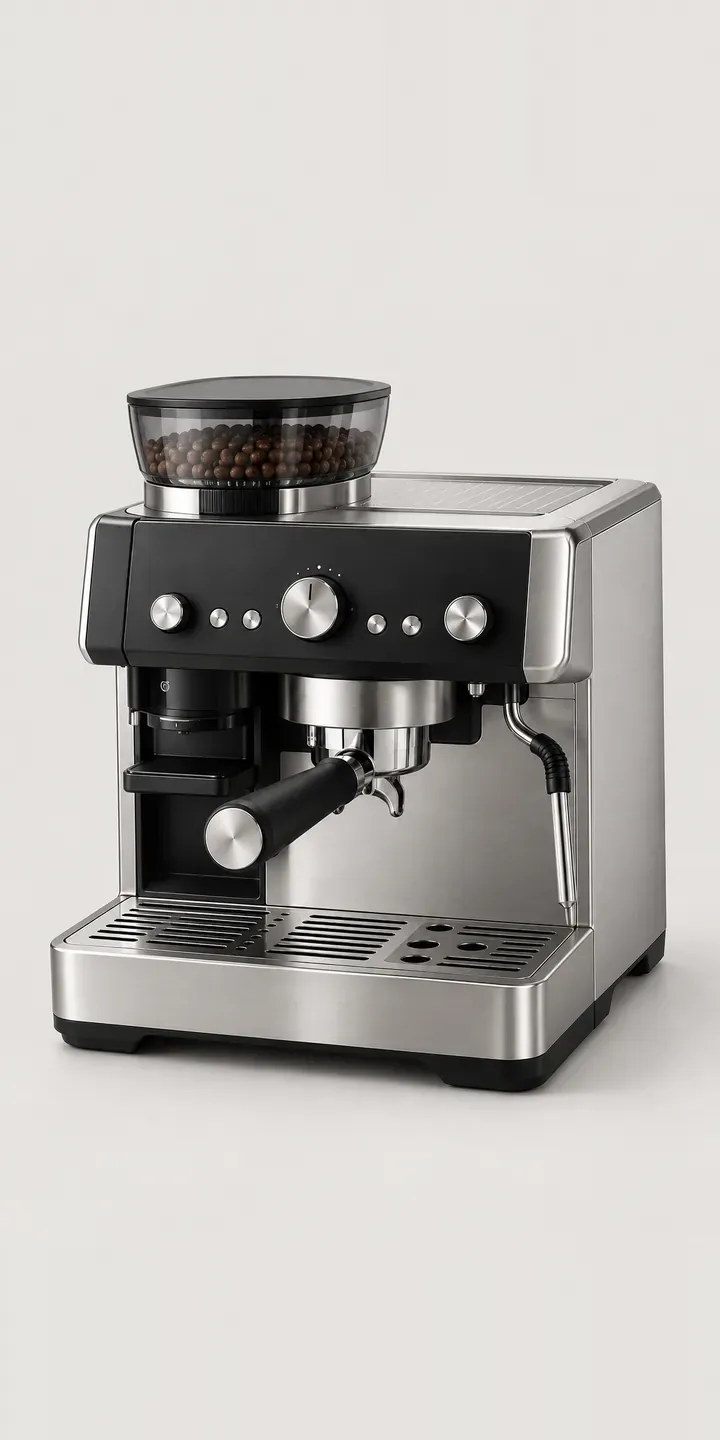
This example espresso station combines a grinder and espresso machine in one body, with a smoked hopper on top and a tamping lever at the front. The demo offers four finishes and two hopper sizes.
An all-in-one station suits a buyer who wants café-style coffee at home without assembling a grinder, scales and tamper separately. They are usually choosing for an open-plan kitchen where the machine is visible from the island, the sofa and the dining table. Finish is therefore an interior decision. Black steel and copper tie in with taps and pendant lights, ivory and olive with painted cabinetry. Hopper size feels technical, but it really reflects how fast the household gets through beans.
Coffee Configurator demo
Home Espresso Station
- Product
- Home Espresso Station
- Colour
- Brushed Steel
- Hopper
- 250 g
Illustrative product. The design and images are generated examples, not a real model for sale.
What you can configure
Brushed steel, black steel, ivory and olive are on show, with the smoked hopper lid and tamping lever identical in each. The hopper option is 250 g or 350 g. A larger hopper suits a busy household. A smaller one keeps beans fresher for someone making a cup or two a day, since beans left in an open hopper stale faster than sealed ones. Hopper size appears in the summary only.
- Colour: Brushed Steel, Black Steel, Ivory, Olive
- Hopper: 250 g, 350 g
Why a configurator suits espresso makers
Integrated espresso stations are a considered purchase, often researched for weeks. The buyer compares them with separate machine and grinder setups, reads about tamping and grind settings, and worries about picking a finish they will tire of. A configurator that holds all of that in one place, with plain notes on each choice, shortens the research and keeps it on the retailer's site.
Of the twelve finish and hopper combinations, the copper and olive ones are exactly those that rarely get proper photography. Showing them in a kitchen setting, beside other materials, helps the buyer judge the colour against their own taps and worktops. Retailers can offer a finish sample or a showroom visit as the next step from a configured build.
These machines are often sold with an extended warranty, a starter pack of beans or a descaling kit. Suggesting those once the build is settled presents them as part of owning the machine rather than an upsell. The same quote request is useful to kitchen designers who specify appliances for clients.
How a production version would be built
For this machine, an image swap per finish with a separate hopper layer is enough, since the hopper sits visibly on top. That is six body images and two hopper layers for twelve builds. Because the machine is often seen from an island, a side or rear view is worth adding. I would ask for finish names, SKUs, hopper capacities and any finishes sold only through kitchen showrooms. Orders go to a WooCommerce basket or to a quote request for kitchen designers, who can attach the build to a client specification.
Build sheet for this range
- Colours in the full range: 6 (4 shown in this demo)
- Hopper choices: 2
- Combinations to support: 6 × 2 = 12
- Images for one photograph per combination at 3 angles: 36
- Images if hopper sizes can be shown as separate layers, at 3 angles: 24
- Data each of the 12 combinations needs: a SKU or variant ID, price, stock or lead time, and any dimensions or specification that change
Questions about espresso maker configurators
Can buyers see the machine from the side, as it would appear on a kitchen island?
Yes. Each finish can have a front and side view, with the hopper layer applied to both. For island installations a rear view helps too, since the back of the machine faces the room. These views are easiest to produce from renders, which keep the finish consistent across every angle.
Can kitchen designers use the configurator for client specifications?
Yes. Designers can configure a machine, save it with a reference and attach it to a quote or project. The summary lists finish, hopper size and SKU, so the order matches the drawing. A trade login can show trade prices and hide retail ones from the designer's view.
Should we explain hopper size or just list the capacity?
Explain it briefly. A one-line note on freshness and refill frequency helps the buyer choose for their household. Many buyers do not realise that beans stale faster in an open hopper, and a retailer who tells them earns some trust. Keep it to a sentence, not a guide.
Can copper be offered as a made-to-order finish with a longer lead time?
Yes. Each finish carries its own availability and lead time, so copper can show a longer delivery estimate or require a deposit. The buyer sees this at the point of choice rather than after ordering. Lead times live in the product data and can be updated as each batch arrives.
More coffee equipment configurator demos
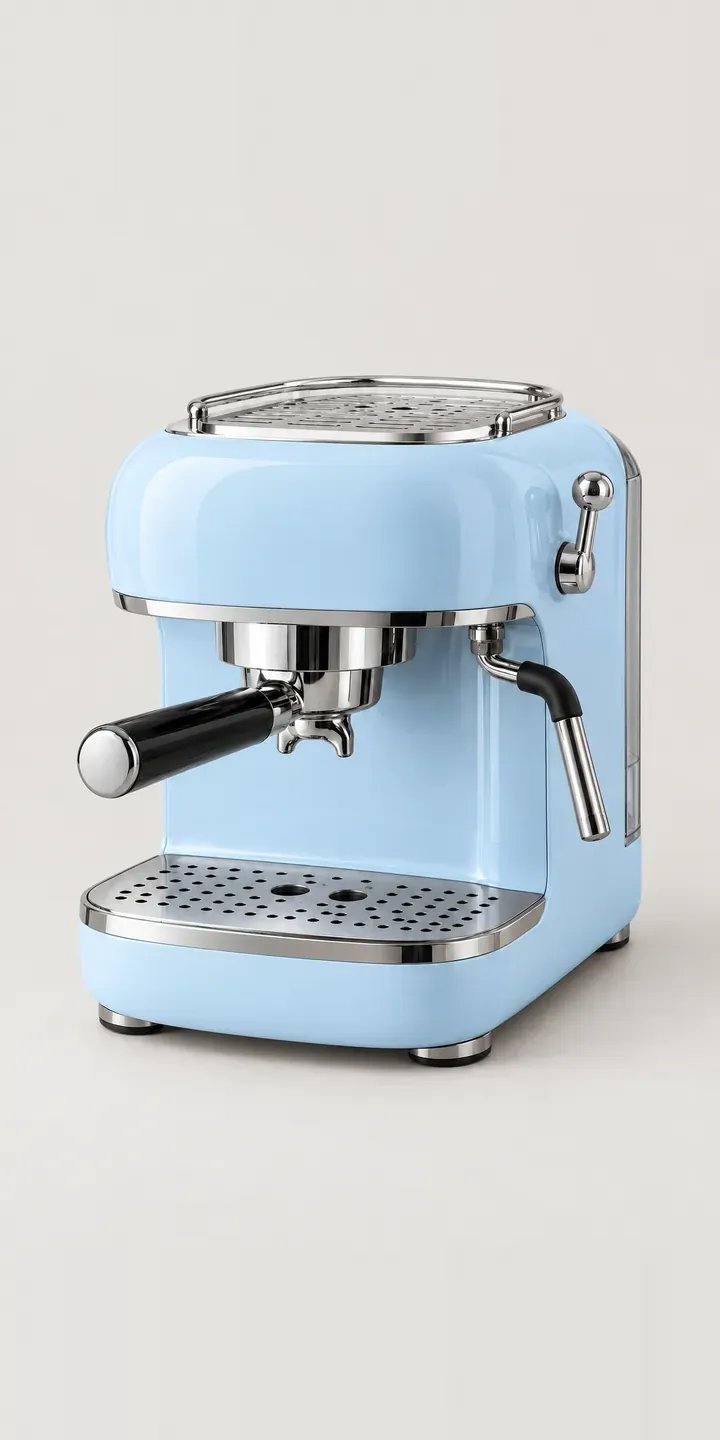
Retro Espresso Machine
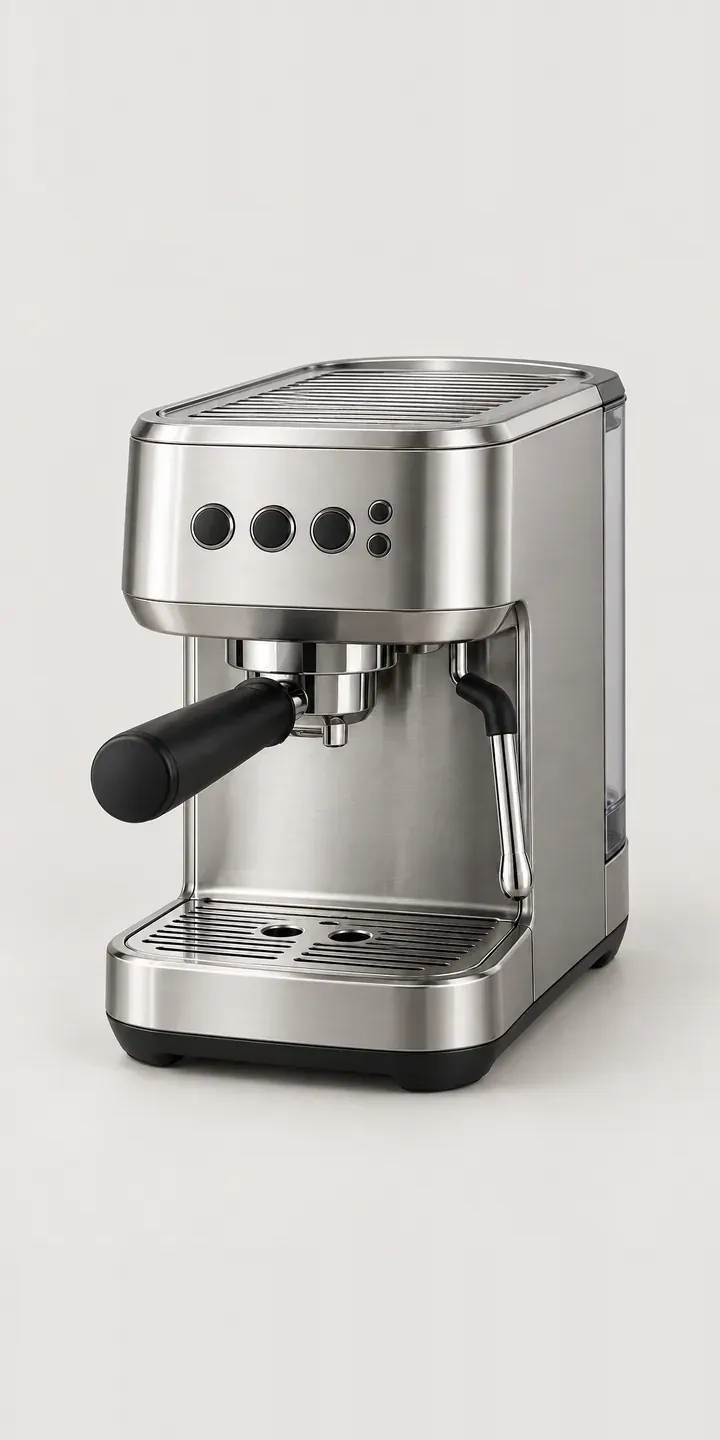
Slim Espresso Machine
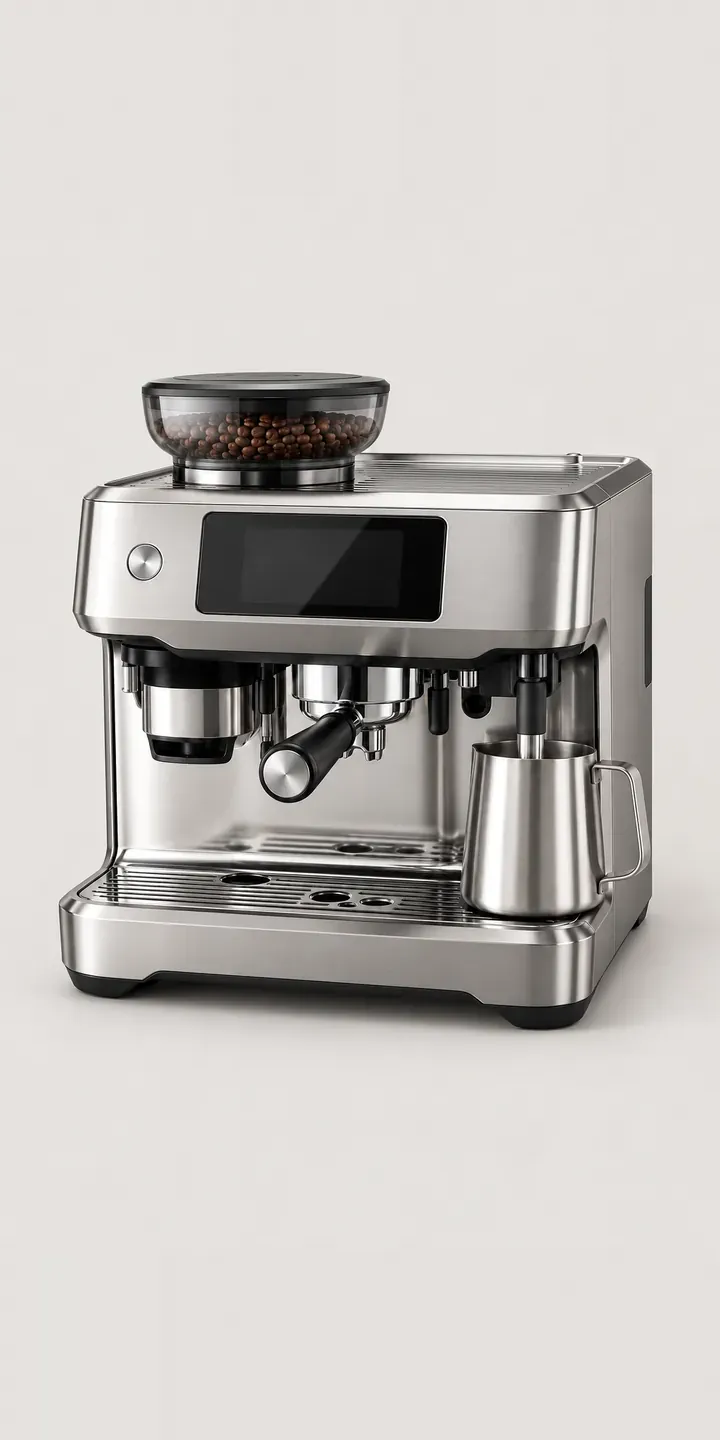
Touchscreen Espresso
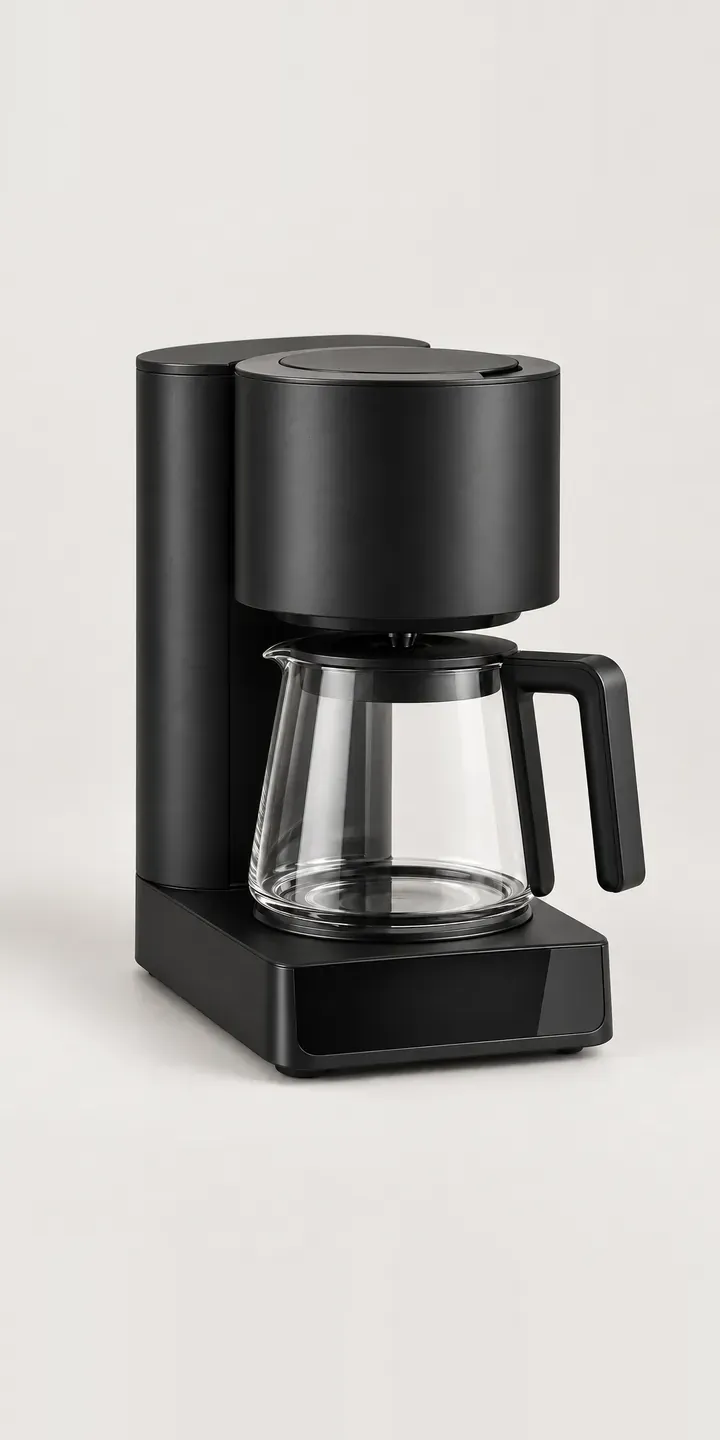
Batch Coffee Brewer
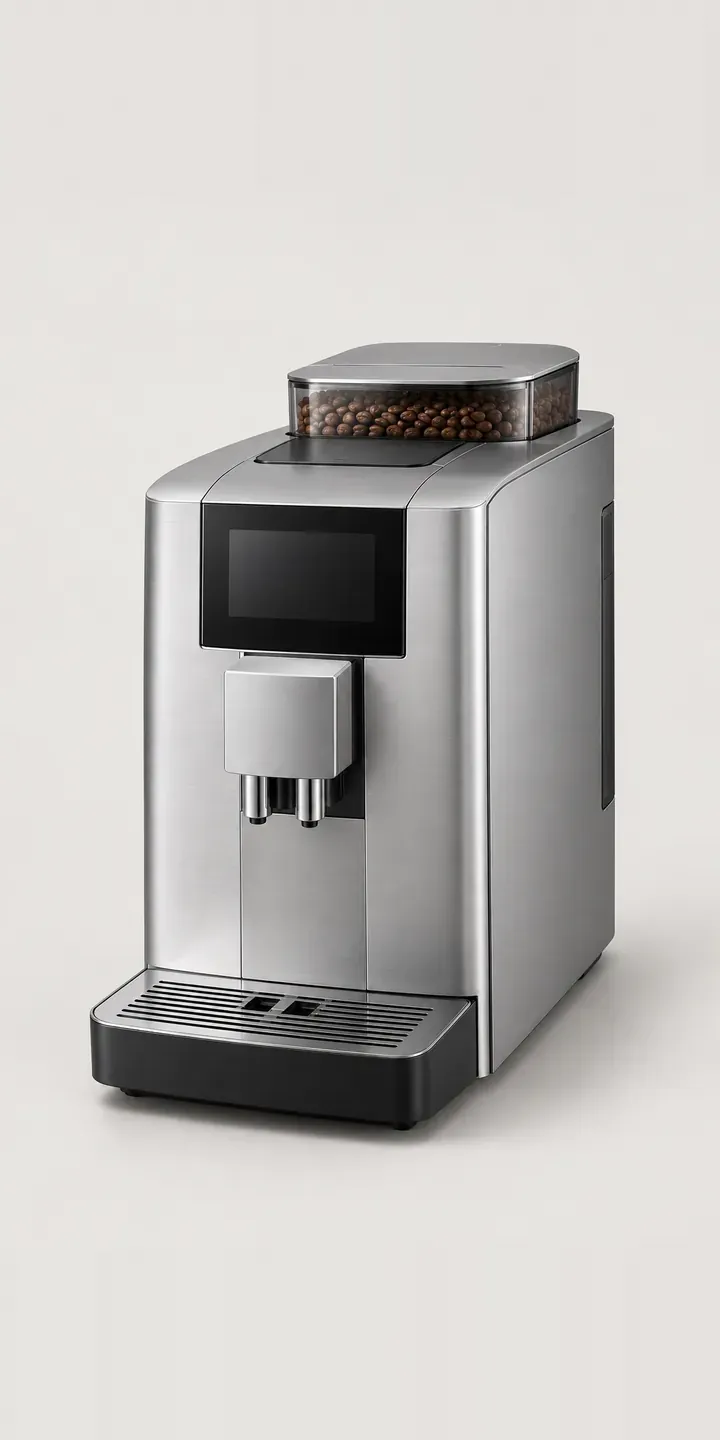
Bean-to-Cup Machine
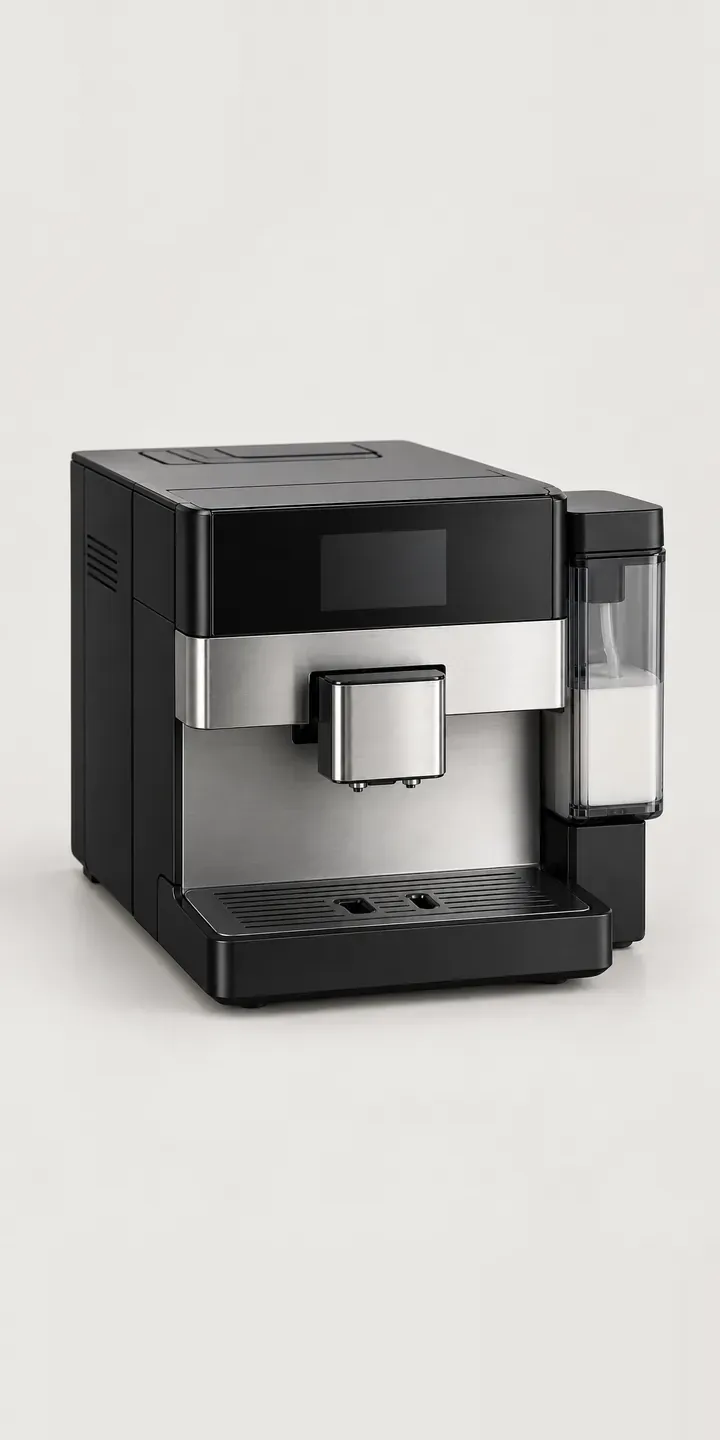
Bench Coffee Centre
All coffee machine configurator demos
A configurator for your espresso makers
This demo uses an illustrative product. If you sell espresso makers, I can build the same experience around your own range, photography and ordering process, connected to Shopify, WooCommerce or a quote workflow. I reply to enquiries within two UK working days.